SWOT PowerPoint Template for Strategic Analysis
Use a complete 12-slide SWOT deck to separate internal and external factors, prioritize what matters, and turn the analysis into concrete strategic actions.
Preview the 12-slide SWOT PowerPoint Template
Review the full HorizonWorks example, including the classic matrix, individual factor slides, prioritization view, competitive SWOT, and action plan.
What you're getting
A SWOT deck that turns analysis into action
Most SWOT slides stop at four filled-in quadrants. This 12-slide template carries the work further: it separates internal and external factors, shows each quadrant on its own, prioritizes the issues by impact and urgency, and turns the final analysis into practical strategic moves.
The worked HorizonWorks example makes the level of detail clear without pretending its conclusions belong to your business. Replace the sample evidence, keep the decision logic, and use the final slides to focus the conversation on what the team should do next.
- Included
- 12 worked slides
- Best for
- Planning and analysis
- Export
- Editable PowerPoint
Built for
Strategy leads running planning sessions
Teams that need participants to distinguish evidence from opinion and leave the workshop with priorities.
Product and marketing teams assessing a market
Groups comparing internal capabilities with customer shifts, competitive pressure, and launch opportunities.
Founders and executives preparing an offsite
Leaders who want a concise diagnosis that ends with choices, owners, and a short list of actions.
Getting started
Build a defensible SWOT in five passes
Use the example as a facilitation guide. The quality of the evidence matters more than filling every box.
- 1
Name the decision
Define the product, market, business unit, and planning horizon so every factor is evaluated against the same question.
- 2
Replace the worked example
Swap HorizonWorks for your organization and add sourced customer, product, financial, and competitor evidence.
- 3
Separate internal from external
Keep capabilities and constraints under strengths or weaknesses; place market conditions under opportunities or threats.
- 4
Prioritize the factors
Score the most important items by impact and urgency instead of treating every bullet as equally important.
- 5
Turn the matrix into choices
Use the strategy-development and findings slides to name the moves, owners, timing, and measures that follow.
Explore more
Related templates worth comparing
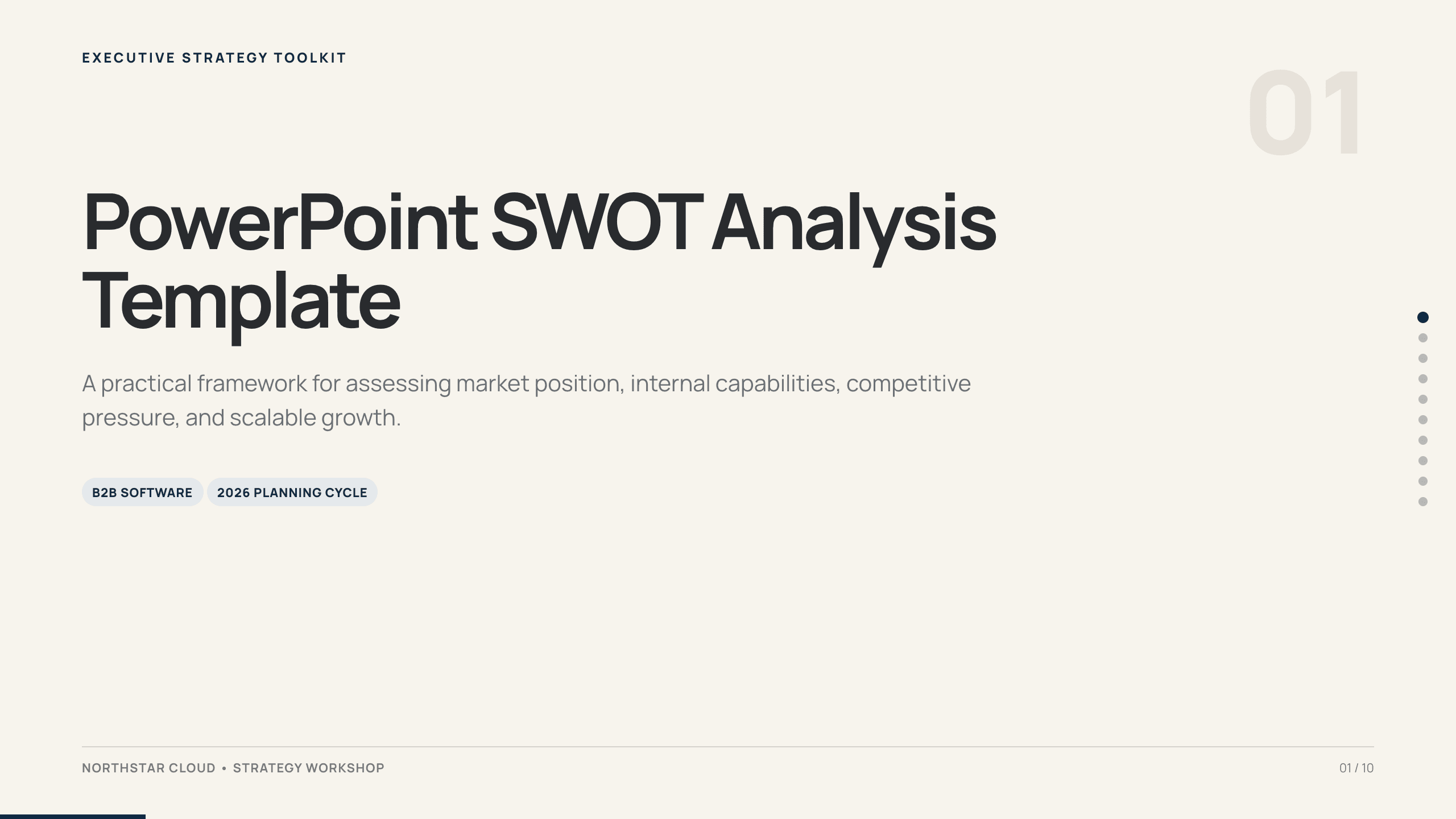
PowerPoint SWOT Analysis Template
Use a 10-slide SWOT analysis to assess market position, capabilities, competitive pressure, growth constraints, priorities, and a 90-day response.
View template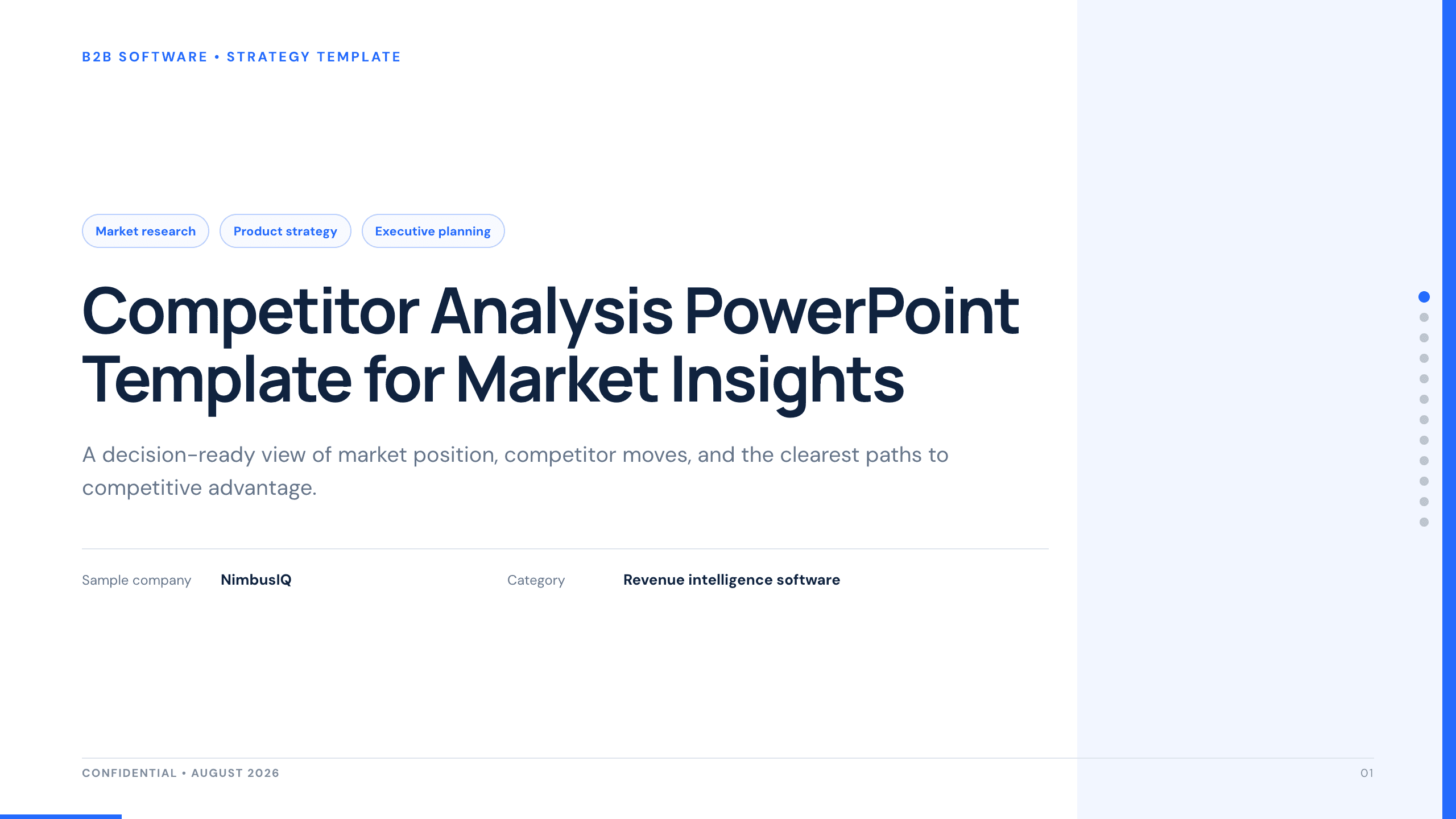
Competitor Analysis PowerPoint Template
Compare competitors with 12 slides covering market position, buyer needs, feature gaps, pricing, messaging, and strategic moves.
View template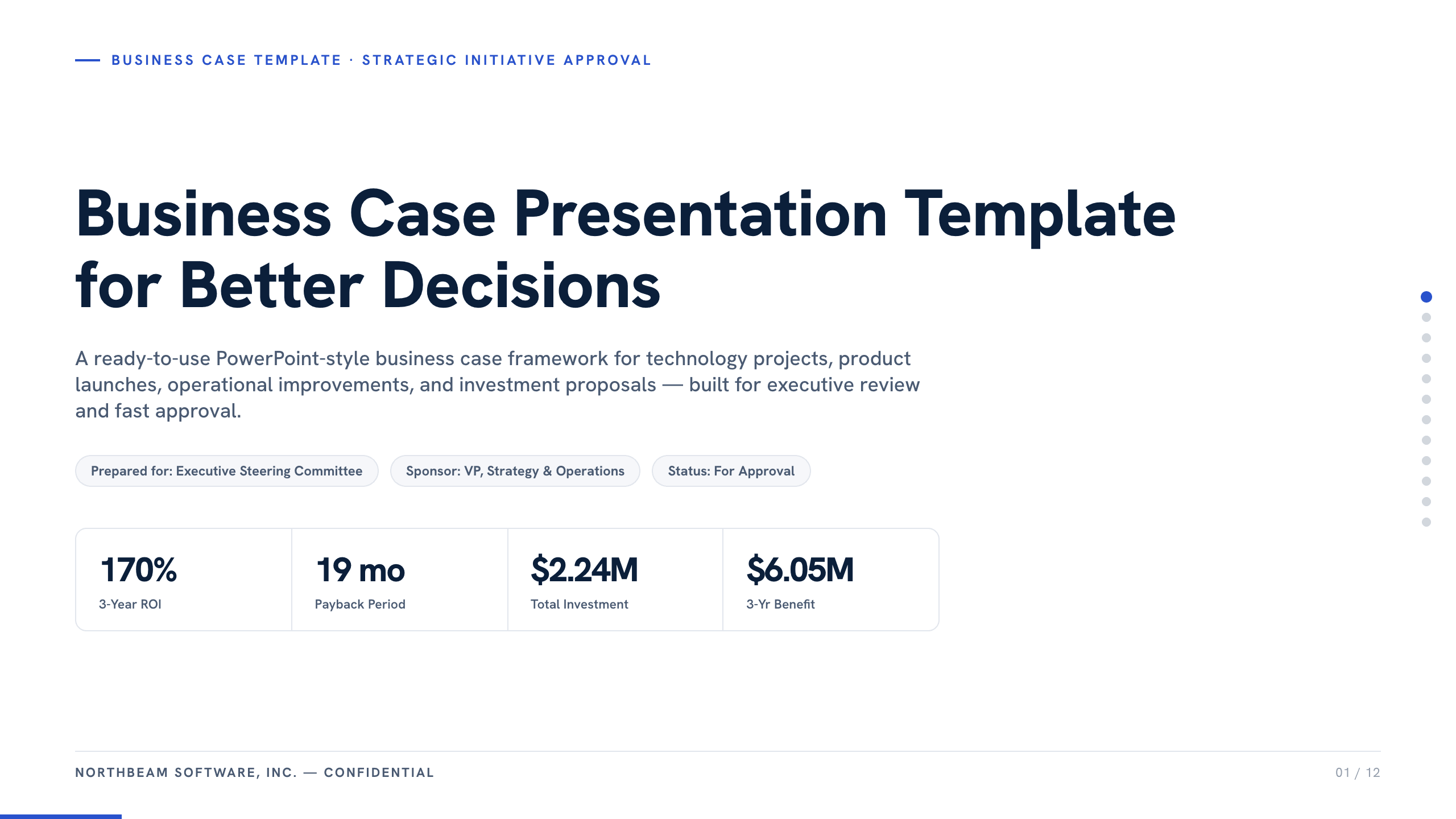
Business Case Presentation Template
Build the case for an investment with a worked 12-slide sequence covering the current-state problem, options, economics, delivery risk, resources, KPIs, and approval ask.
View template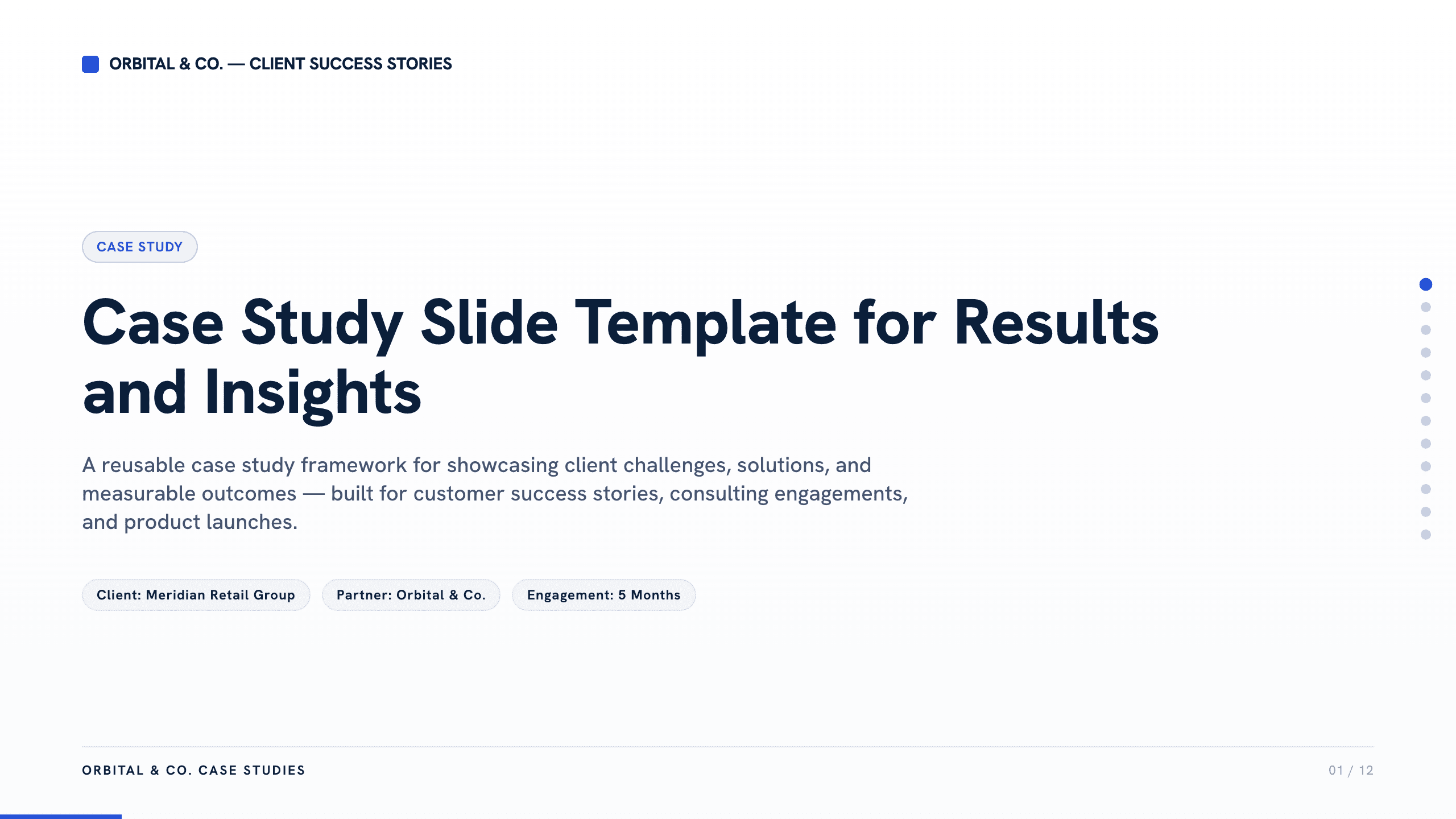
Case Study Slide Template
Tell a credible client or project story with 11 slides connecting the starting challenge, discovery, solution, rollout, measurable results, and lessons learned.
View template
UX Case Study Presentation Template
Build a 12-slide UX case study covering product context, user problem, research, journey, insight, iterations, testing, outcome, and reflection.
View template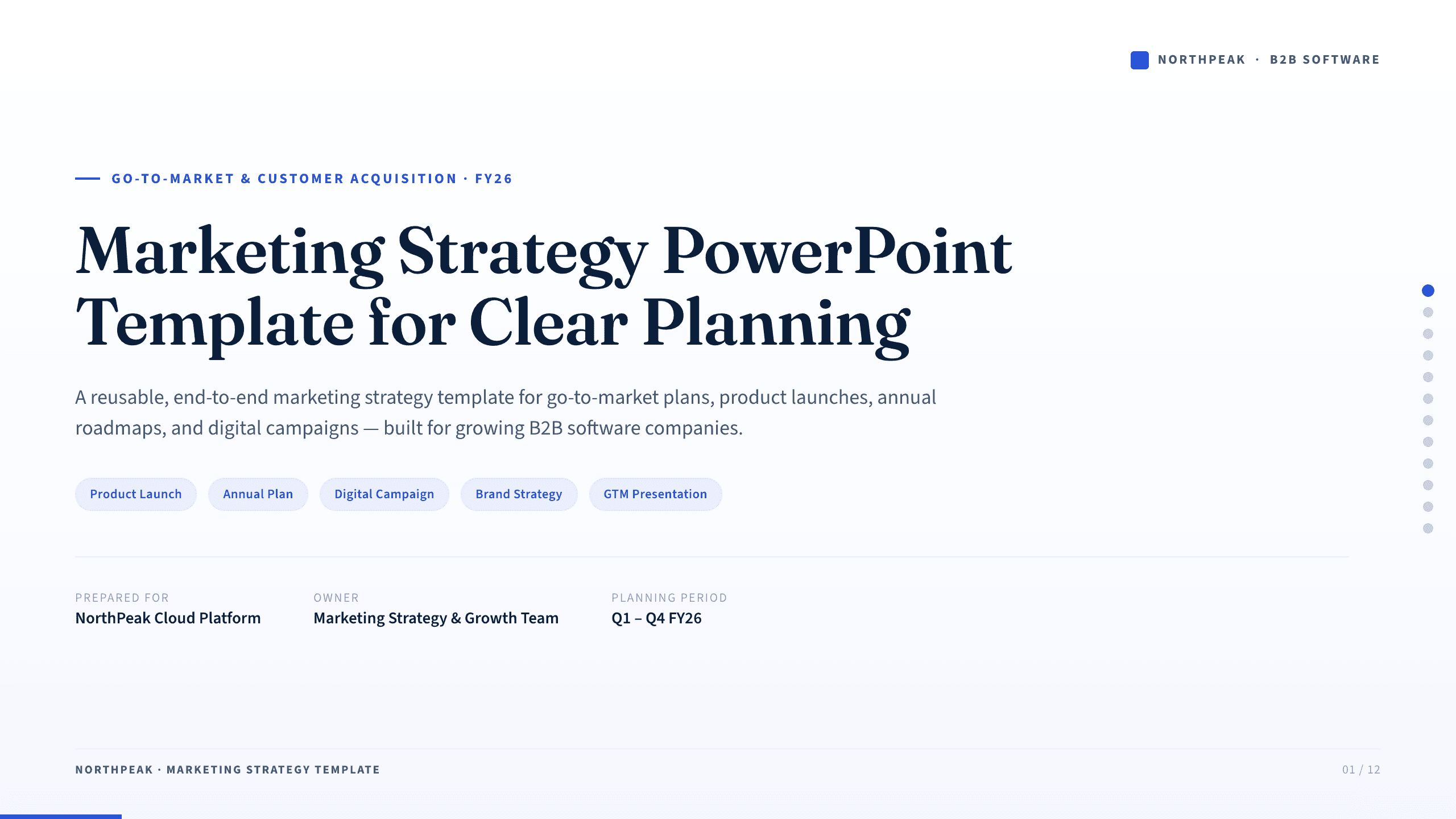
Marketing Strategy PowerPoint Template
Connect revenue goals to the market, audience, positioning, customer journey, channel mix, campaigns, budget, and measurement in one 12-slide strategy.
View templateExplore other template hubs
Customize the SWOT PowerPoint Template with Julius AI
1
Preview the complete example
Inspect all 12 slides to understand the narrative, layouts, and level of detail before replacing the example content.
2
Add your content and direction
Give Julius AI your source material, evidence, audience, constraints, and desired outcome.
3
Review and export
Check the narrative, facts, and design, then export an editable version to PowerPoint for final delivery.