Fun Google Slides Templates for Engaging Lessons
Fun slides still need a job. Compare six playful formats for teaching, telling a story, arranging photos, planning a video, celebrating, or inviting participation.
Browse the collection
Explore Fun Google Slides Templates
Explore complete classroom, story, collage, storyboard, and celebration decks that use playful design without losing the audience’s next step.
Choose by activity
Make the presentation enjoyable because it is easy to join
A fun presentation is not just a bright palette and decorative type. It creates momentum: the audience knows what is happening, where to look, when to respond, and what comes next.
The featured collection supports a broad interactive presentation. The adjacent options are more specific, with structures for classroom routines, book discussions, photo stories, video planning, and celebrations.
- Options
- 6 playful presentation formats
- Best for
- Lessons, projects, stories, and events
- Format
- Editable Google Slides
Compare the options
Choose the kind of participation you want
The visual tone can stay playful across all six options. The important difference is whether the audience will learn, discuss, view, plan, or celebrate.
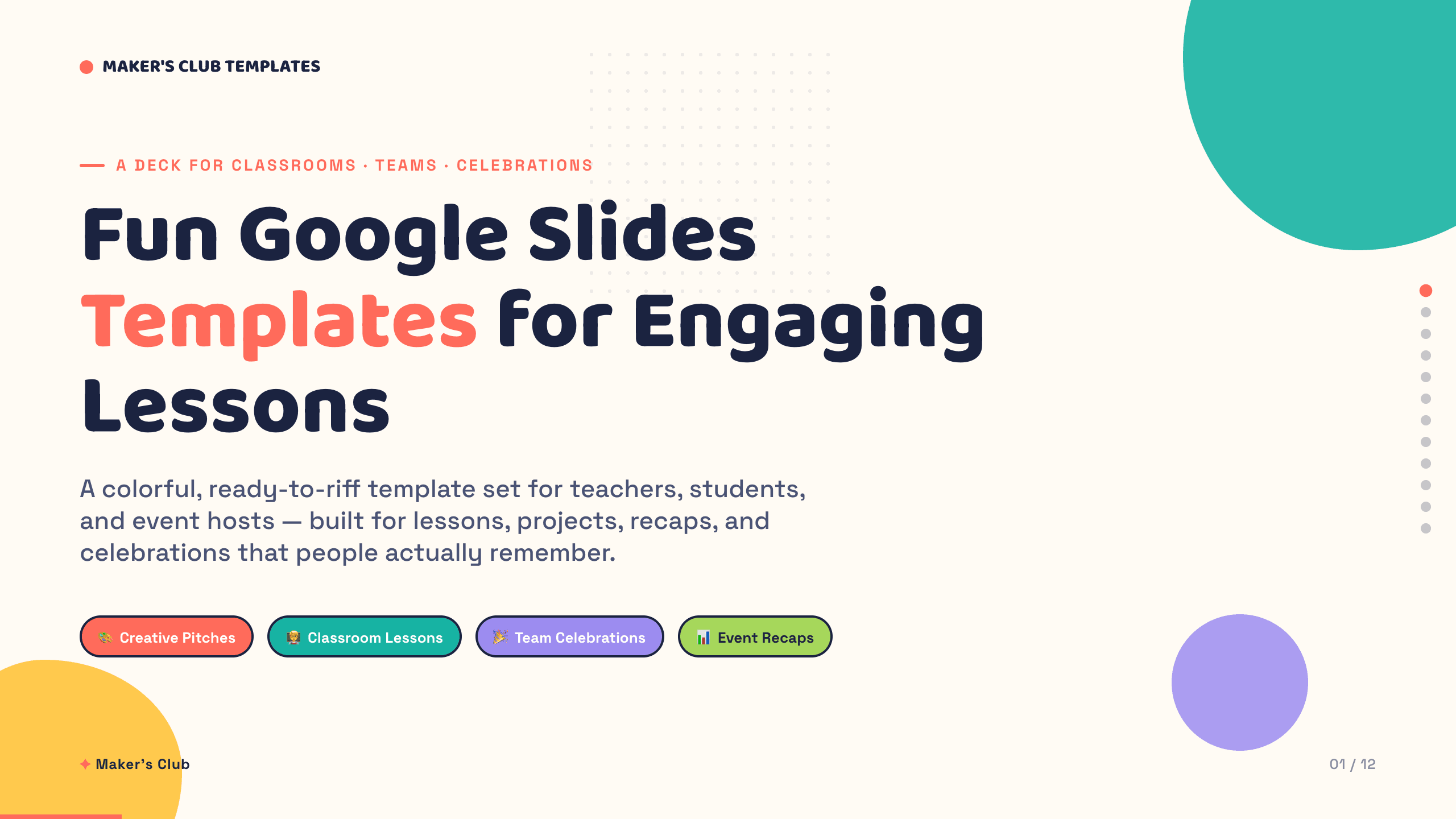
Best for
Mixed activities and lively group presentations
Interactive Google Slides collection
Move through an agenda, team introduction, project story, milestones, process, snapshots, quiz, ranking, statistics, action, and wrap-up.
Preview this collection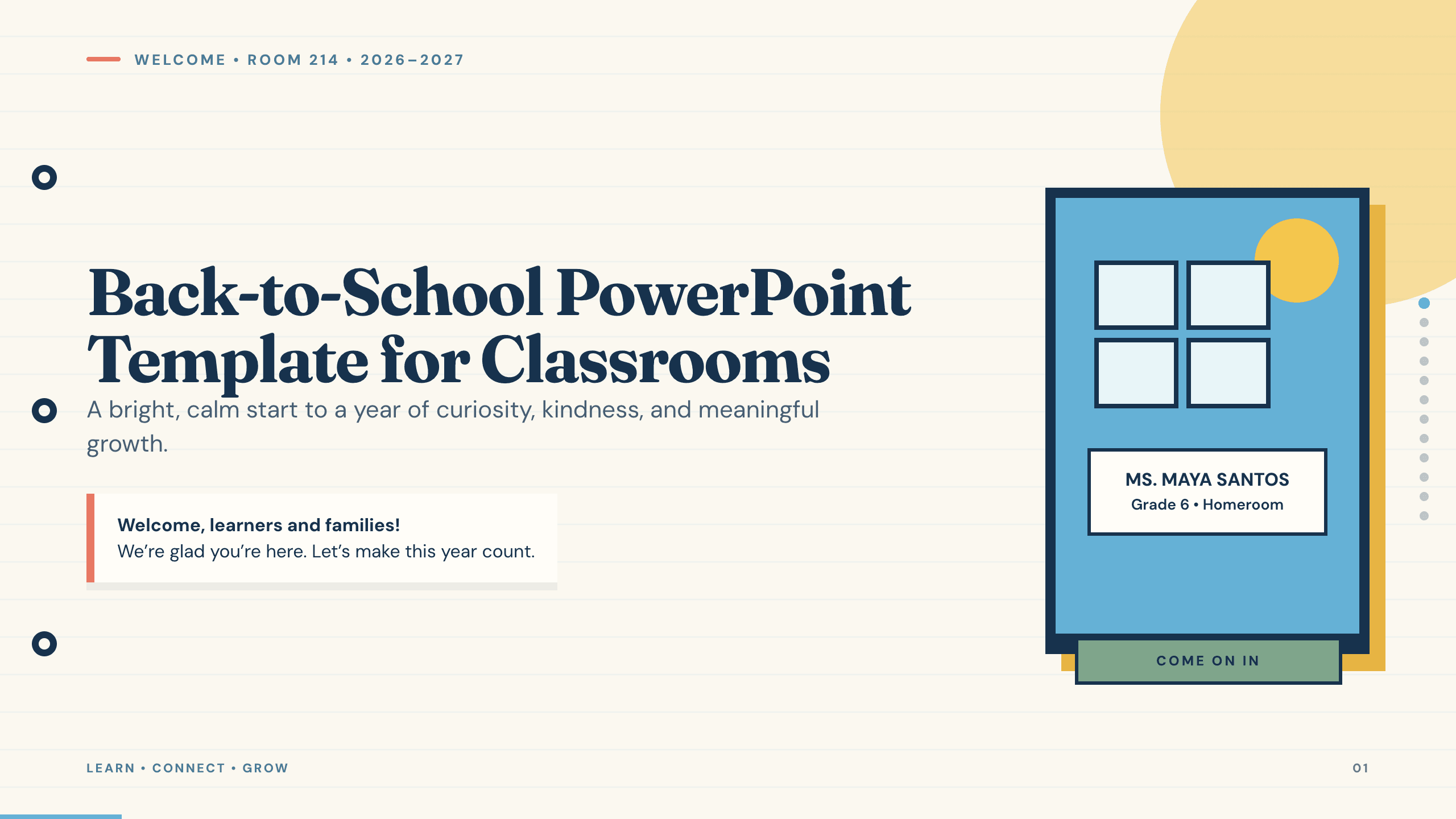
Best for
Classroom introductions and orientation
Back to School PowerPoint Template
Welcome a class, establish routines, introduce the teacher and room, explain expectations, preview subjects, and start the first activity.
View template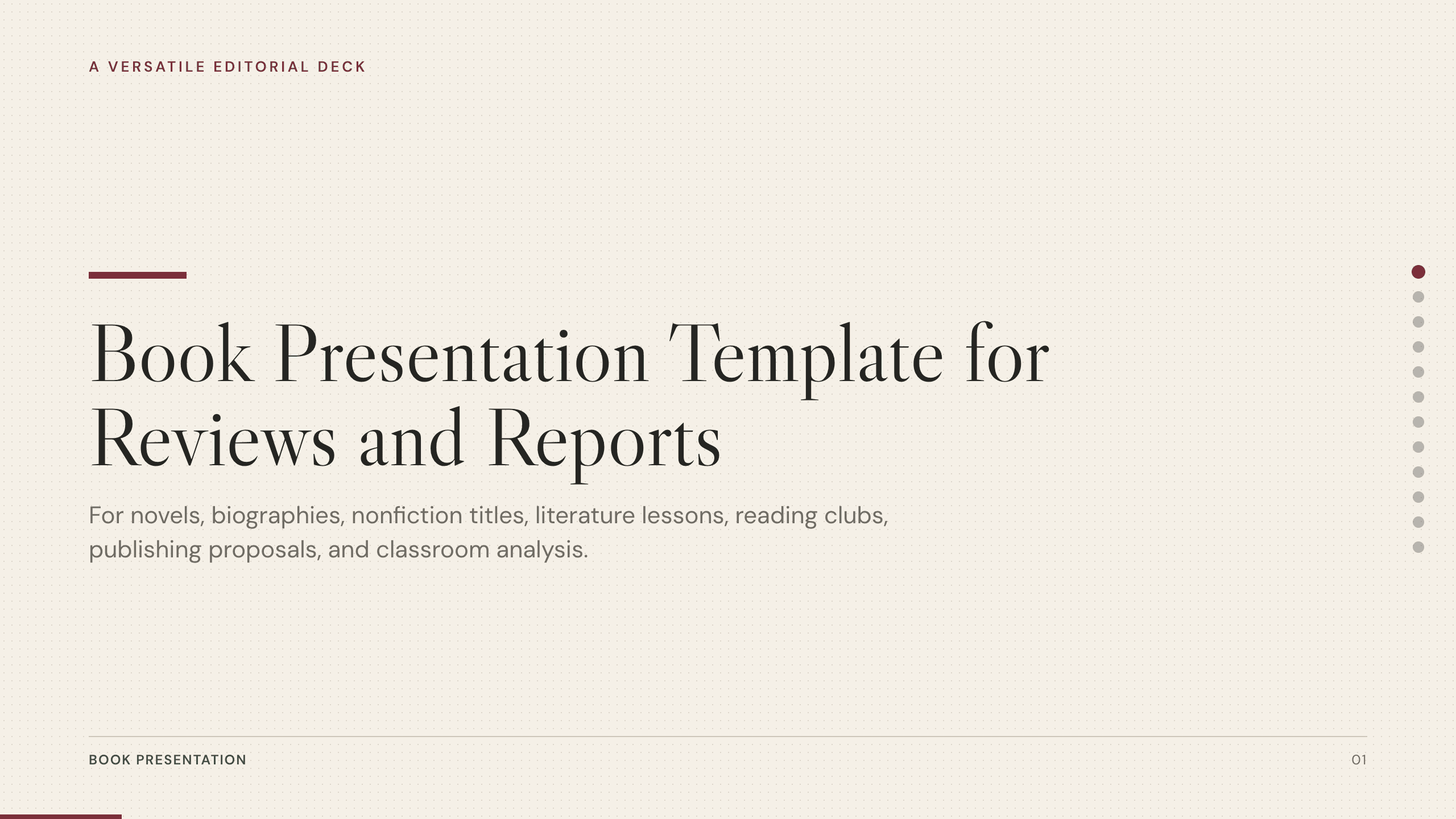
Best for
Book reports and reading discussions
Book Presentation Template
Guide a group through context, setting, characters, plot, themes, evidence, interpretation, evaluation, and discussion questions.
View template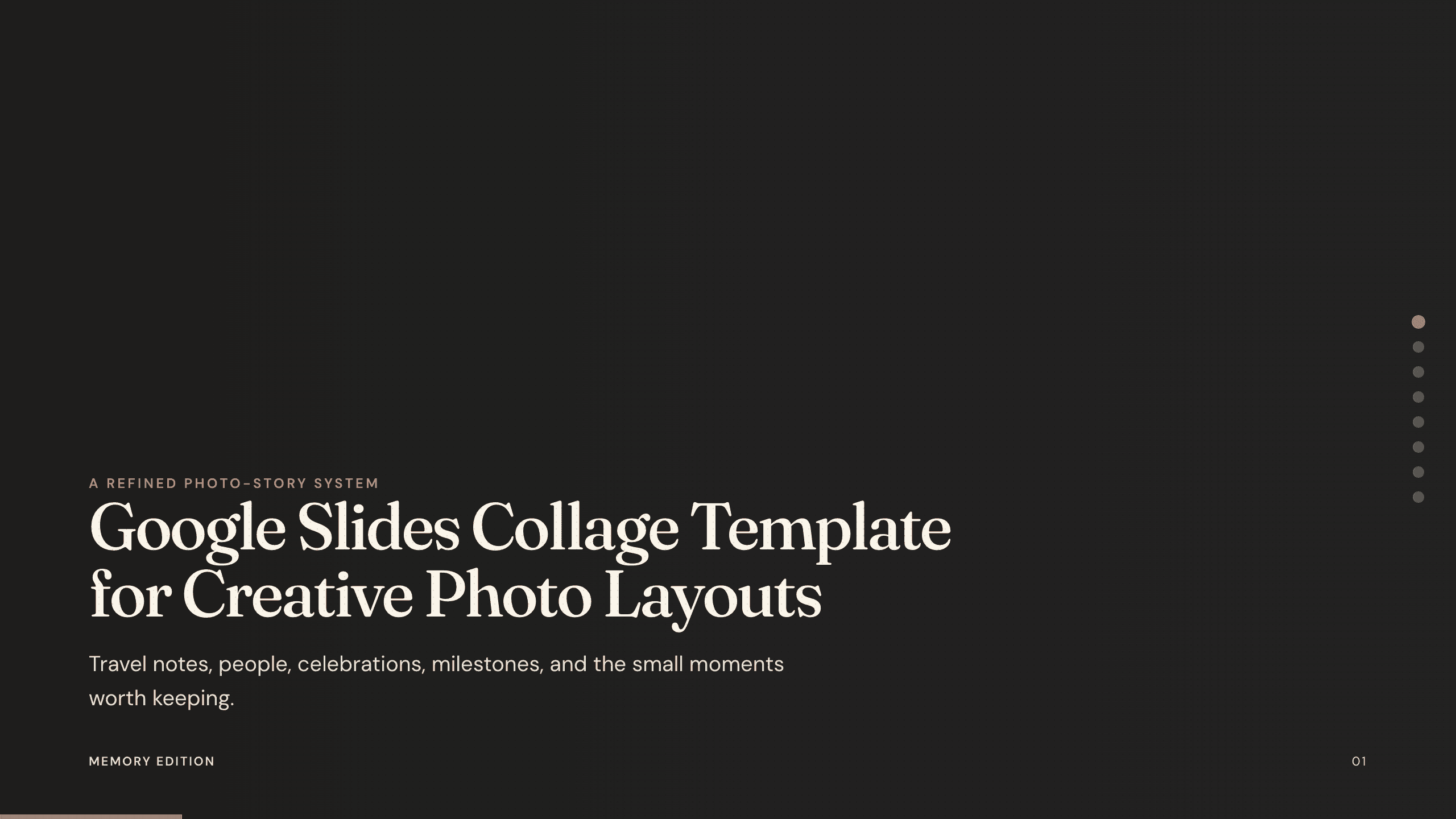
Best for
Class projects, trips, and milestone recaps
Google Slides Collage Template
Arrange several photographs on each page with room for dates, captions, labels, and short reflections.
View template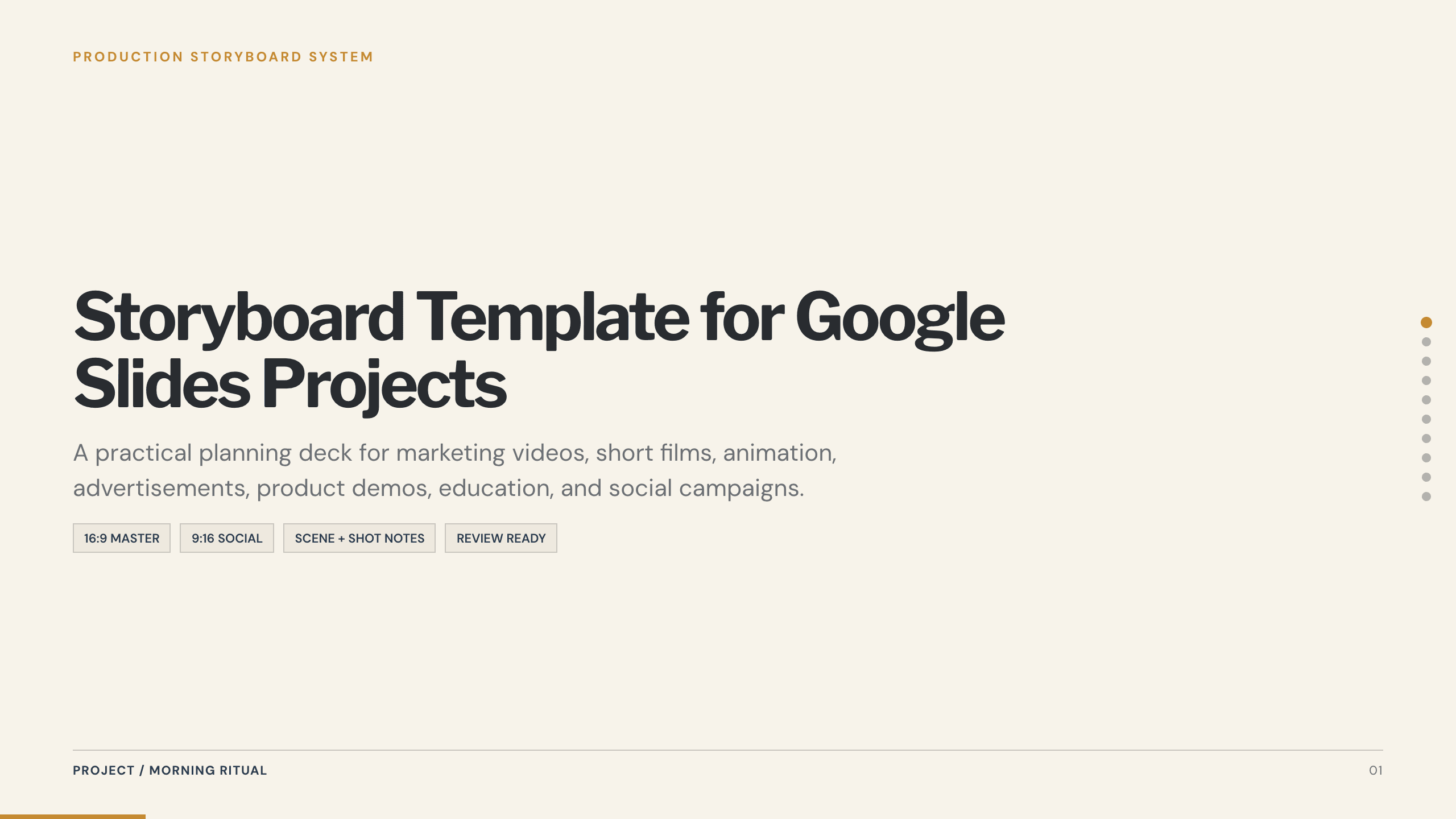
Best for
Videos, explainers, and visual stories
Google Slides Storyboard Template
Plan a video or story frame by frame with action, dialogue or narration, camera notes, transitions, timing, and approval.
View template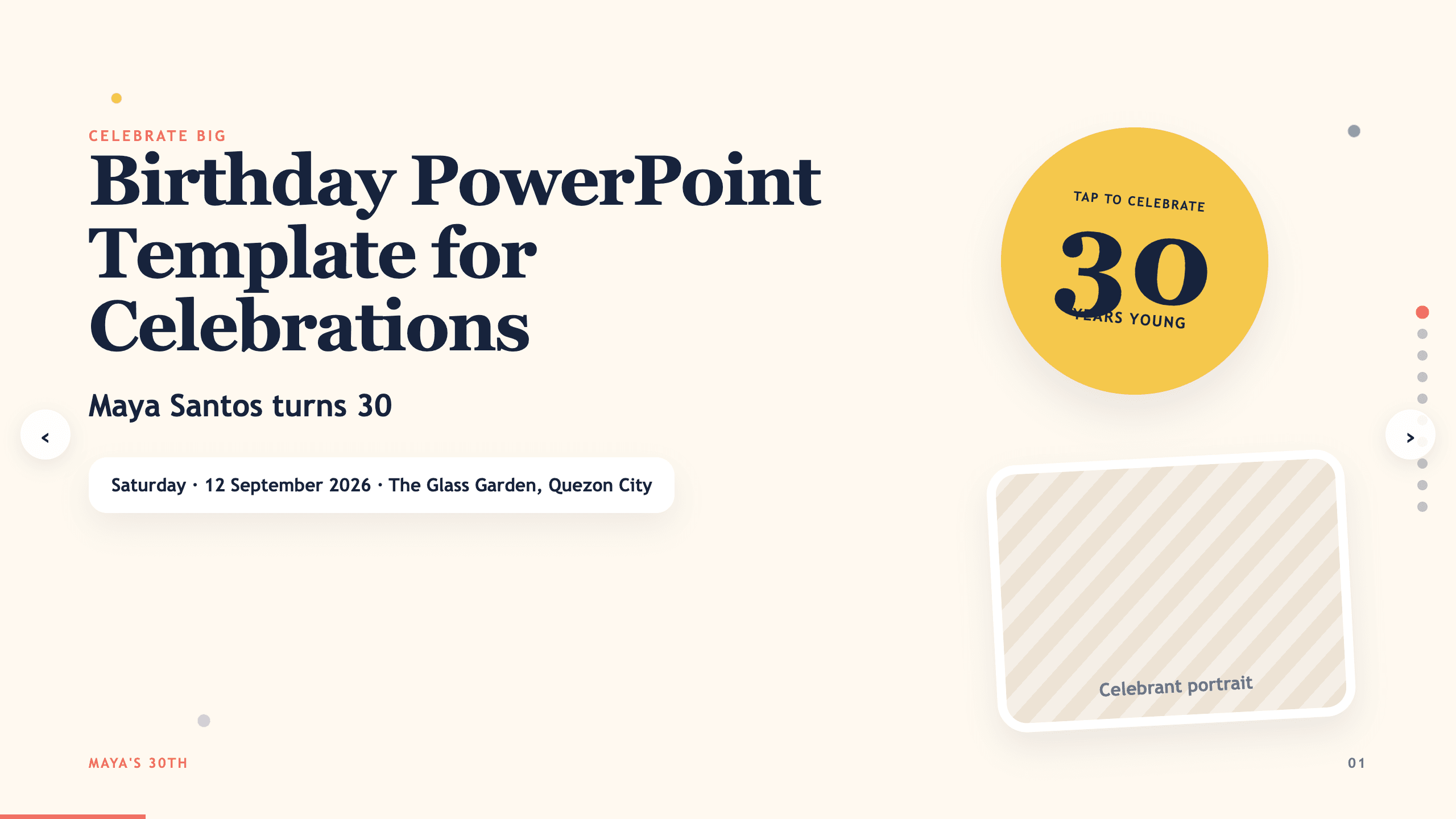
Best for
Birthday parties and classroom celebrations
Birthday PowerPoint Template
Build a warm celebration from an opening message through photos, stories, milestones, activities, wishes, and thanks.
View templateMake the choice
Plan the activity before decorating the slides
Write down what the audience will do on each slide. A playful visual system works best when the interaction remains simple and the instructions remain visible.
- 1
For teaching, give every slide one job
Use the back-to-school or book format so instructions, examples, questions, and discussion prompts do not compete on the same screen.
- 2
For making, expose the sequence
Use the storyboard when a group needs to plan scenes, assign work, review timing, and agree on what happens next.
- 3
For celebrating, make people and moments central
Use the collage or birthday format when photographs, names, memories, and participation are more important than a formal argument.
Customize a design from Fun Google Slides Templates with Julius AI
1
Compare the complete previews
Open the live 16:9 decks and choose the structure that best fits your audience and presentation goal.
2
Add your content and direction
Give Julius AI your source material, evidence, audience, constraints, and desired outcome.
3
Review and export
Check the narrative, facts, and design, then export an editable version to Google Slides for final delivery.