Storyboard Template for Google Slides Projects
Plan a video with 10 Google Slides covering concept, audience, objective, script beats, frame sequences, audio, production notes, and approval.
Preview the 10-slide Storyboard Template
Review the worked product-video storyboard from concept and audience through opening hook, benefit sequence, product promise, production notes, and handoff.
What you're getting
A storyboard that aligns the story before production begins
This 10-slide Google Slides template connects the creative brief to scene-level planning. It covers audience, objective, message, sequence, frame composition, action, dialogue or voiceover, audio, timing, production notes, and approval.
The product-video example demonstrates enough detail for collaborators to react before cameras, animation, or editing begin. Replace the frames and script, then keep open questions and production dependencies visible.
- Included
- 10 storyboard slides
- Best for
- Video and visual planning
- Export
- Editable Google Slides
Built for
Marketing teams planning a campaign video
Teams aligning the hook, product benefit, proof, call to action, brand, and channel format.
Filmmakers and animators preparing production
Creators translating a script into shots, movement, timing, sound, assets, and practical notes.
Teachers and students planning a project
Learners organizing a documentary, explainer, advertisement, demonstration, or short narrative.
Getting started
Resolve the story while changes are still inexpensive
Use rough frames confidently; the purpose is to test sequence, comprehension, and feasibility before visual polish.
- 1
Lock the creative brief
State the audience, objective, single message, format, duration, channel, and required action.
- 2
Write the beat sequence
Outline the hook, context, development, proof, turning point, and close before drawing frames.
- 3
Describe every frame
Add shot, subject, action, camera, graphic, dialogue or voiceover, audio, and approximate duration.
- 4
Check continuity and feasibility
Review transitions, assets, locations, talent, accessibility, rights, budget, and production dependencies.
- 5
Collect approval in context
Record comments against specific scenes and confirm the script, frames, owners, and next handoff.
Explore more
Related templates worth comparing
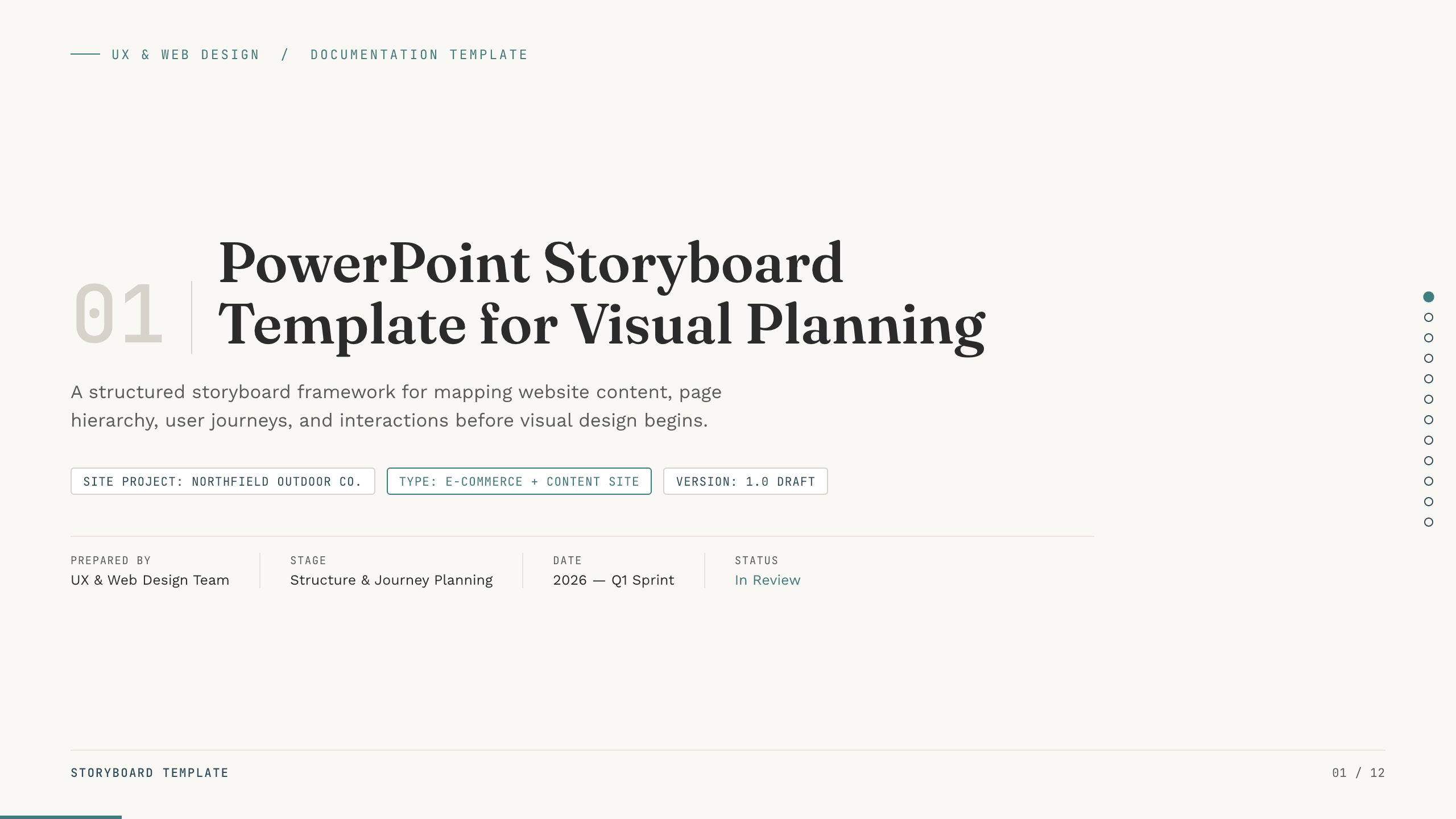
PowerPoint Storyboard Template
Plan a website with 12 PowerPoint storyboard slides for objectives, sitemap, page scenes, content, interactions, responsive behavior, and handoff.
View template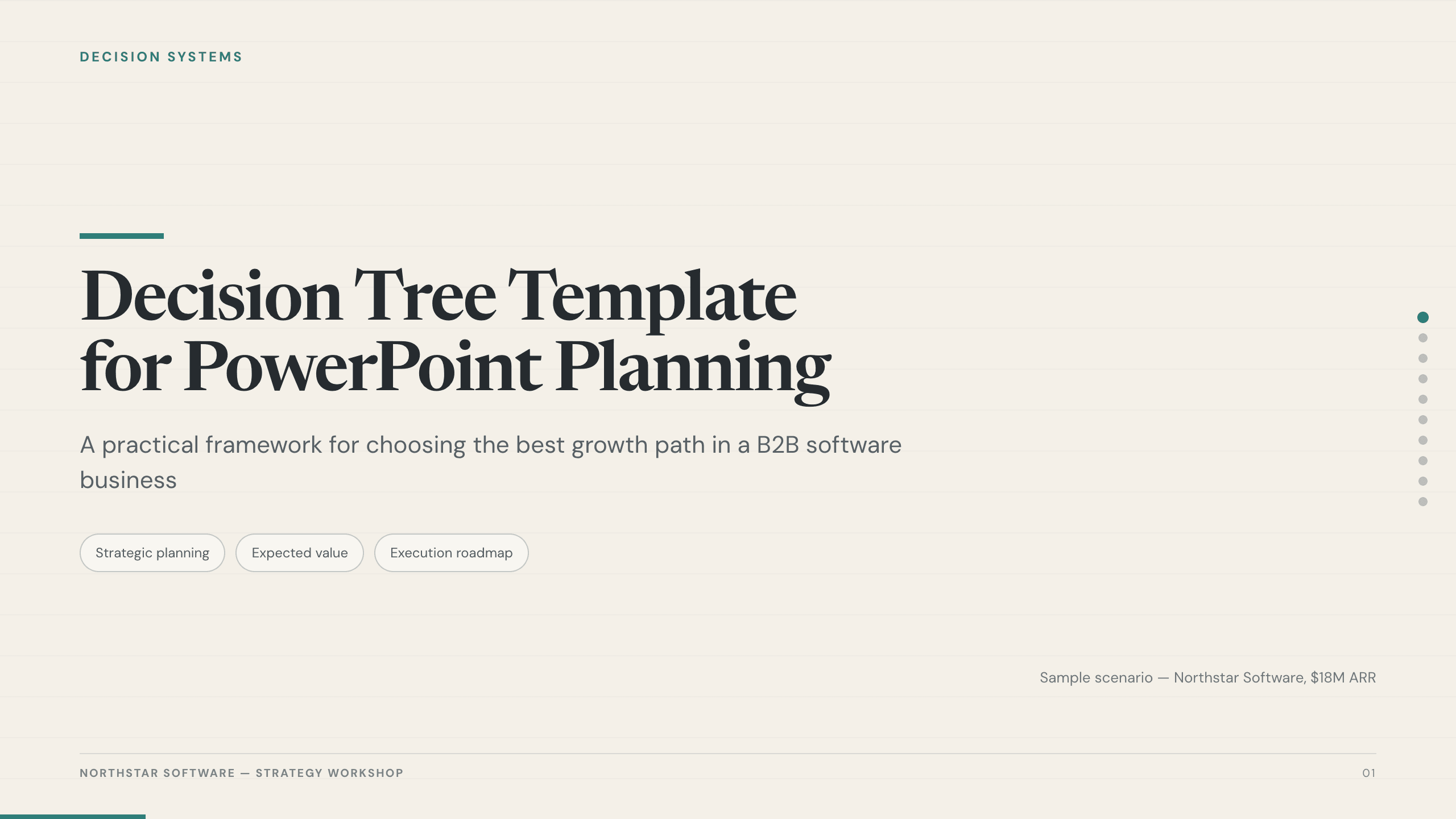
Decision Tree Template
Choose among options with 10 decision-tree slides covering the objective, criteria, branches, probabilities, economics, risks, sensitivity, and next test.
View template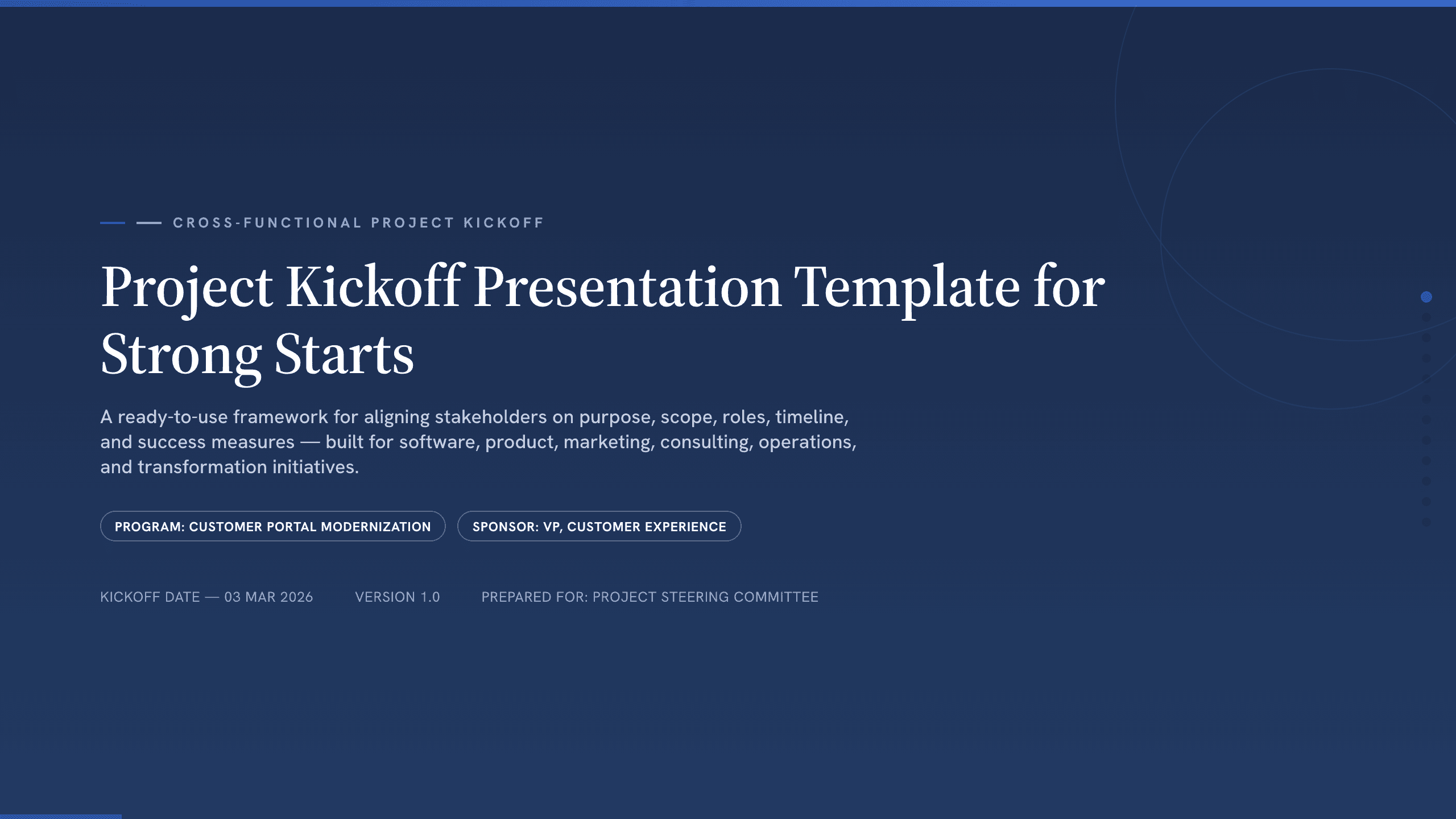
Project Kickoff Presentation Template
Align a project team with 12 kickoff slides covering purpose, outcomes, scope, roles, workstreams, timeline, governance, risks, and next steps.
View template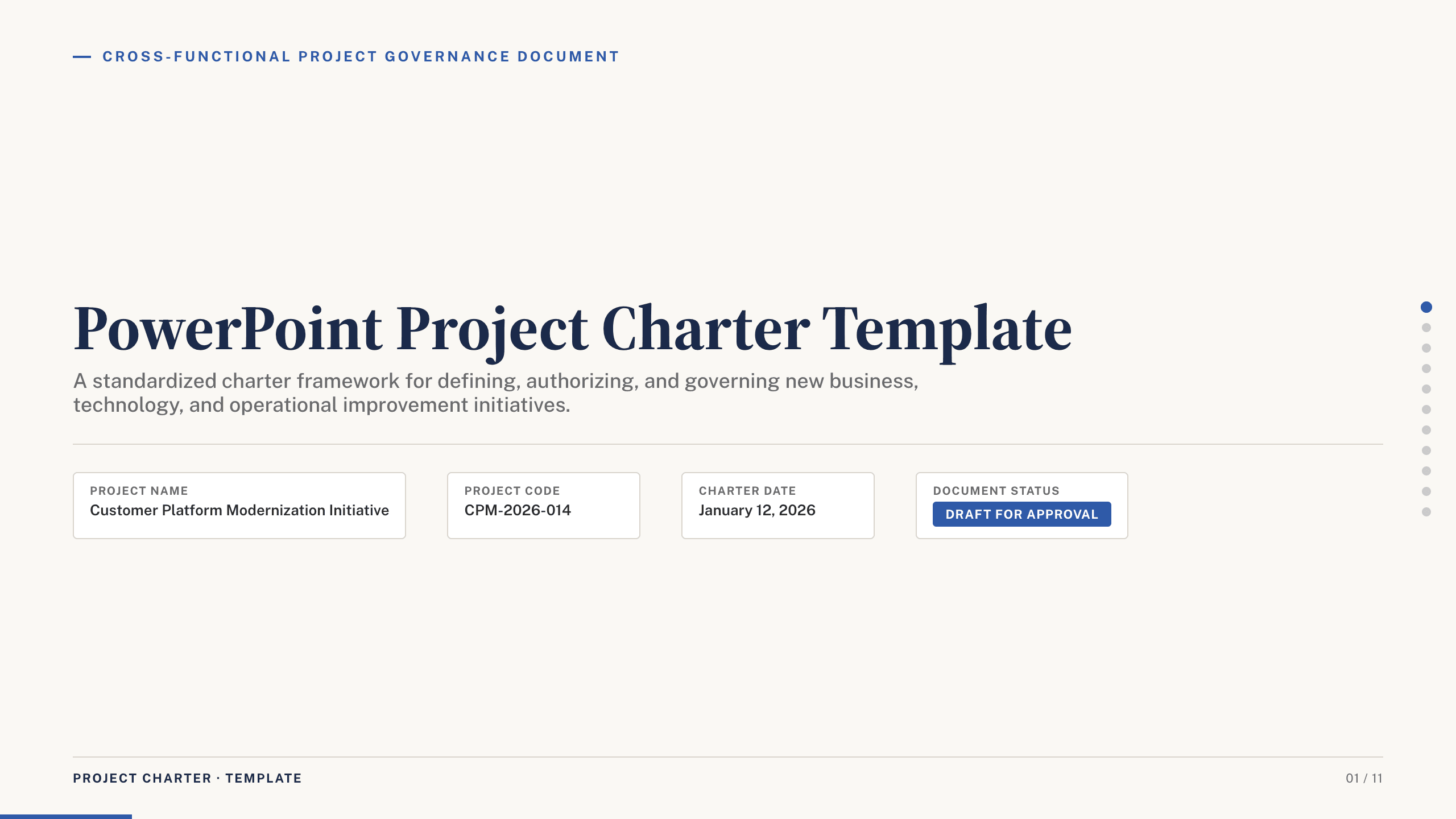
PowerPoint Project Charter Template
Authorize a project with 11 charter slides covering need, objectives, scope, stakeholders, governance, milestones, budget, risks, and approval.
View template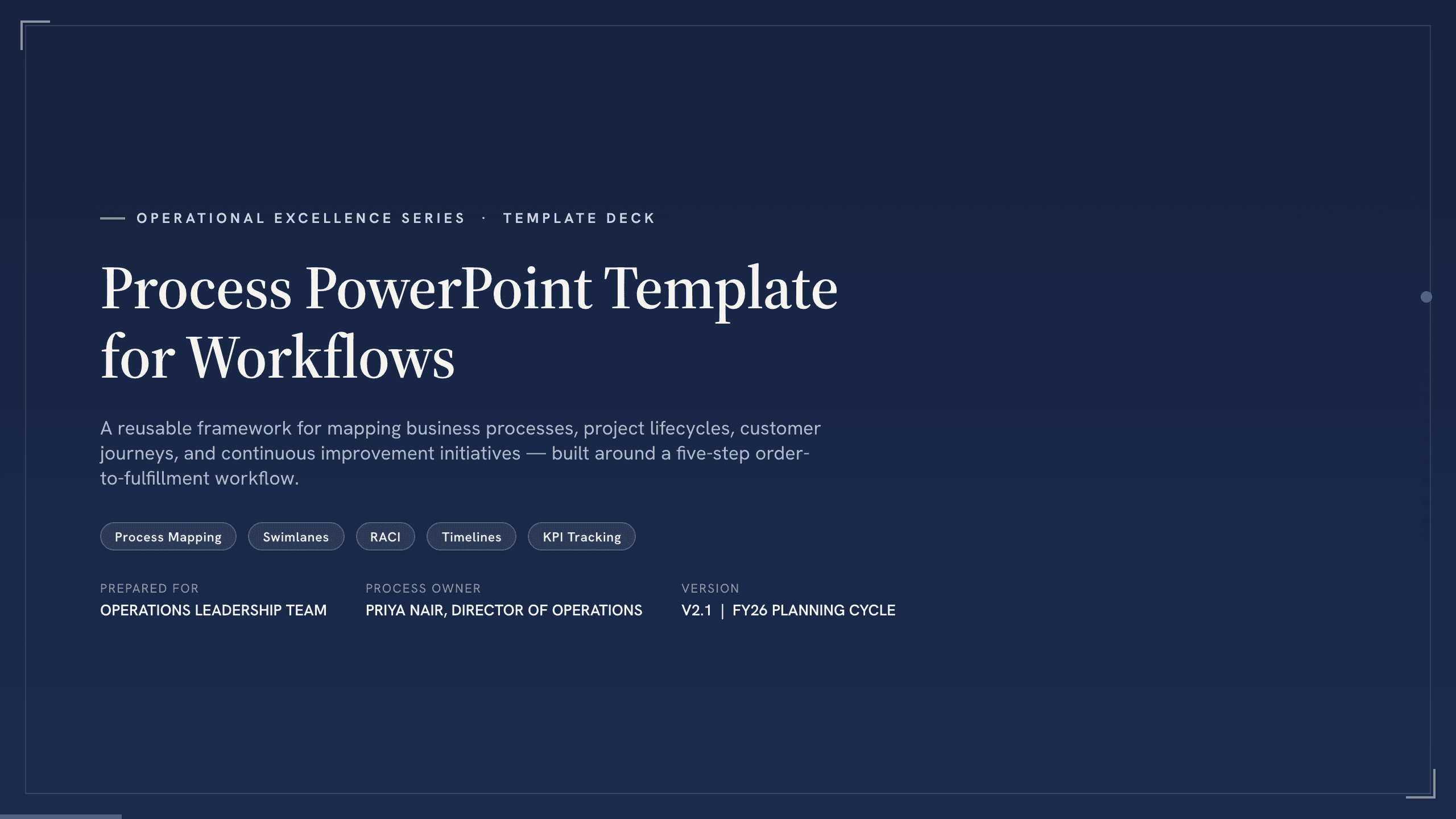
Process PowerPoint Template
Map and improve a workflow with 12 PowerPoint slides covering five-step flow, branches, handoffs, measures, bottlenecks, future state, and action.
View template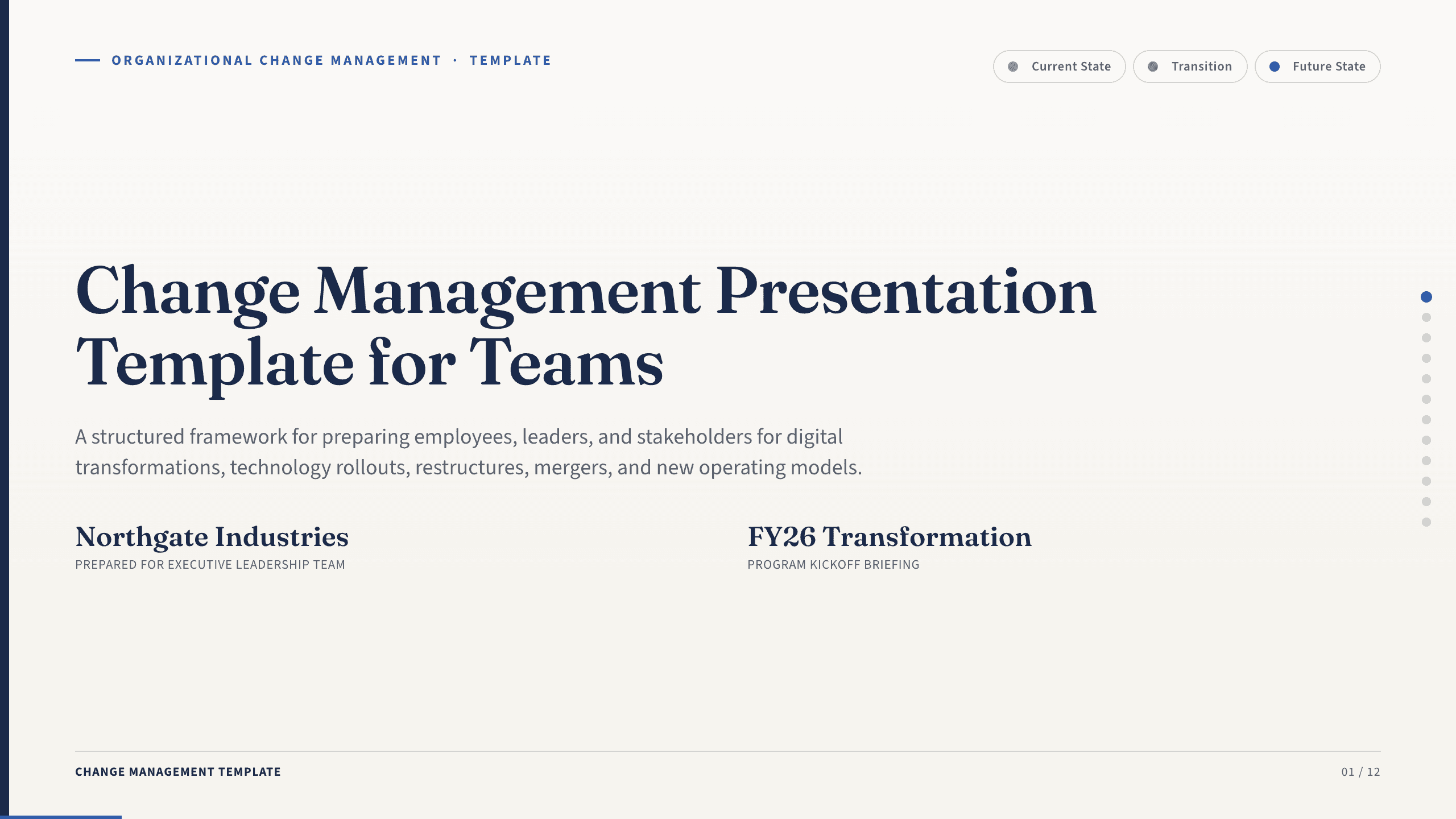
Change Management Presentation Template
Guide an organizational change with 12 slides covering the case, stakeholder impact, readiness, resistance, communication, rollout, and adoption.
View templateExplore other template hubs
Customize the Storyboard Template with Julius AI
1
Preview the complete example
Inspect all 10 slides to understand the narrative, layouts, and level of detail before replacing the example content.
2
Add your content and direction
Give Julius AI your source material, evidence, audience, constraints, and desired outcome.
3
Review and export
Check the narrative, facts, and design, then export an editable version to Google Slides for final delivery.