PowerPoint Project Charter Template
Authorize a project with 11 charter slides covering need, objectives, scope, stakeholders, governance, milestones, budget, risks, and approval.
Preview the 11-slide PowerPoint Project Charter Template
Review the worked platform-modernization charter from case for change and target outcomes through scope, governance, phased delivery, risk, and authorization.
What you're getting
A project charter that defines authority before work expands
This 11-slide PowerPoint template creates a reviewable agreement for why a project should exist, what it will deliver, who owns it, and how it will be governed. Objectives, scope, stakeholders, milestones, resources, risks, assumptions, and approval are connected.
The platform-modernization example shows the level of definition expected at authorization, not a finished project plan. Replace it with sponsor-approved facts and preserve open issues rather than implying certainty the team has not earned.
- Included
- 11 charter slides
- Best for
- Project authorization
- Export
- Editable PowerPoint
Built for
Sponsors authorizing a new initiative
Executives setting purpose, outcomes, boundaries, authority, funding, and success conditions.
Project managers drafting the charter
Leads translating early discovery into scope, governance, milestones, assumptions, and risks.
Steering groups reviewing readiness
Decision-makers testing alignment, capacity, dependency, ownership, and whether the work should proceed.
Getting started
Define the project clearly enough to authorize it
Keep the charter at decision level; detailed requirements and schedules should follow once authority and boundaries are agreed.
- 1
State the business need
Describe the current problem, evidence, urgency, strategic link, and consequence of not acting.
- 2
Define measurable objectives
Set outcomes, baselines, targets, timeframe, and the sponsor accountable for benefits.
- 3
Draw scope and authority
List included and excluded work, decision rights, constraints, assumptions, and key dependencies.
- 4
Outline delivery and governance
Name phases, milestones, budget range, team, forums, risk owners, and escalation path.
- 5
Record approval
Capture decisions, conditions, approvers, date, next gate, and where the controlled charter will live.
Explore more
Related templates worth comparing
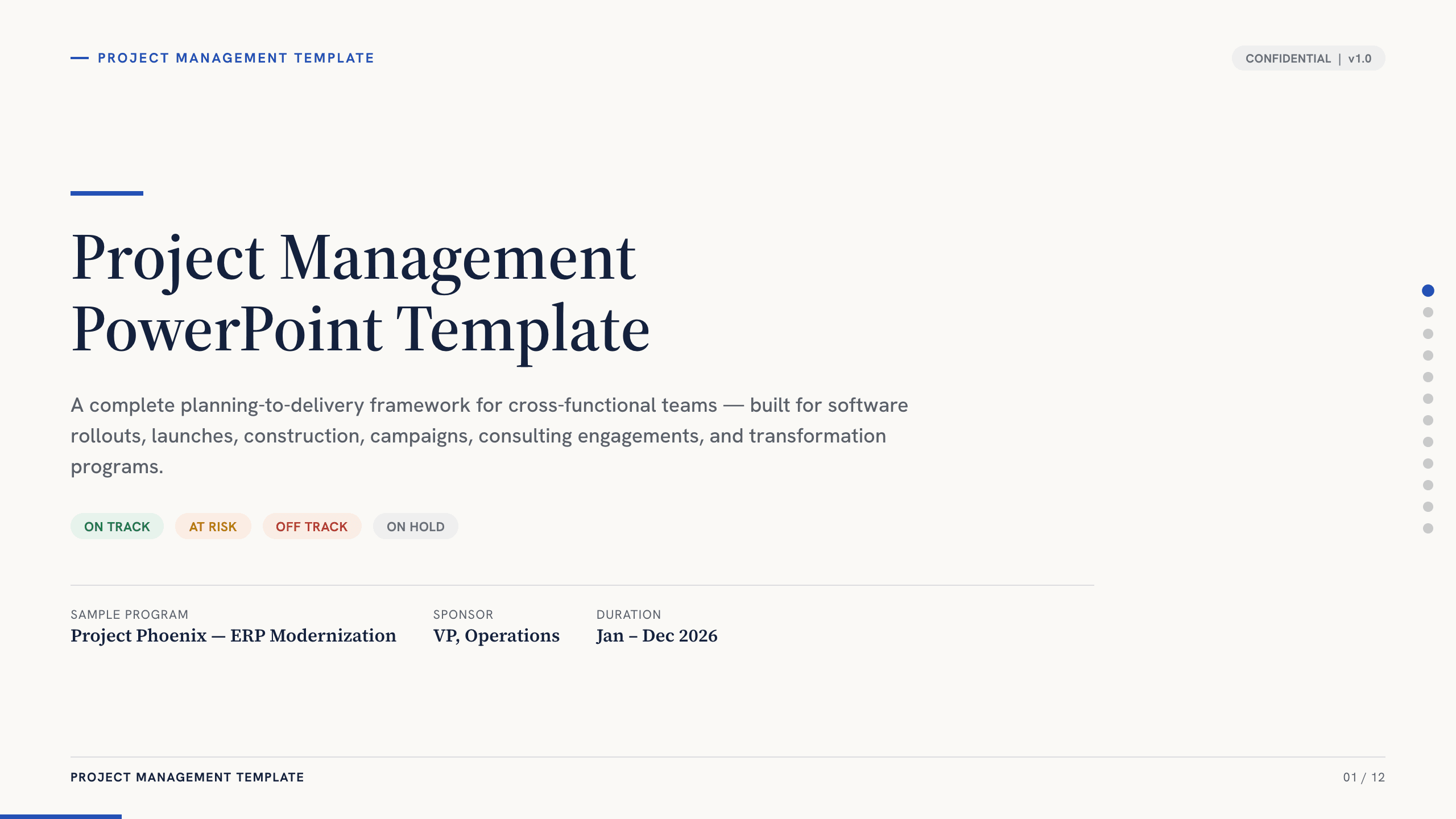
Project Management PowerPoint Template
Manage an initiative with 12 PowerPoint slides for objectives, scope, workstreams, schedule, resources, budget, risks, status, and decisions.
View template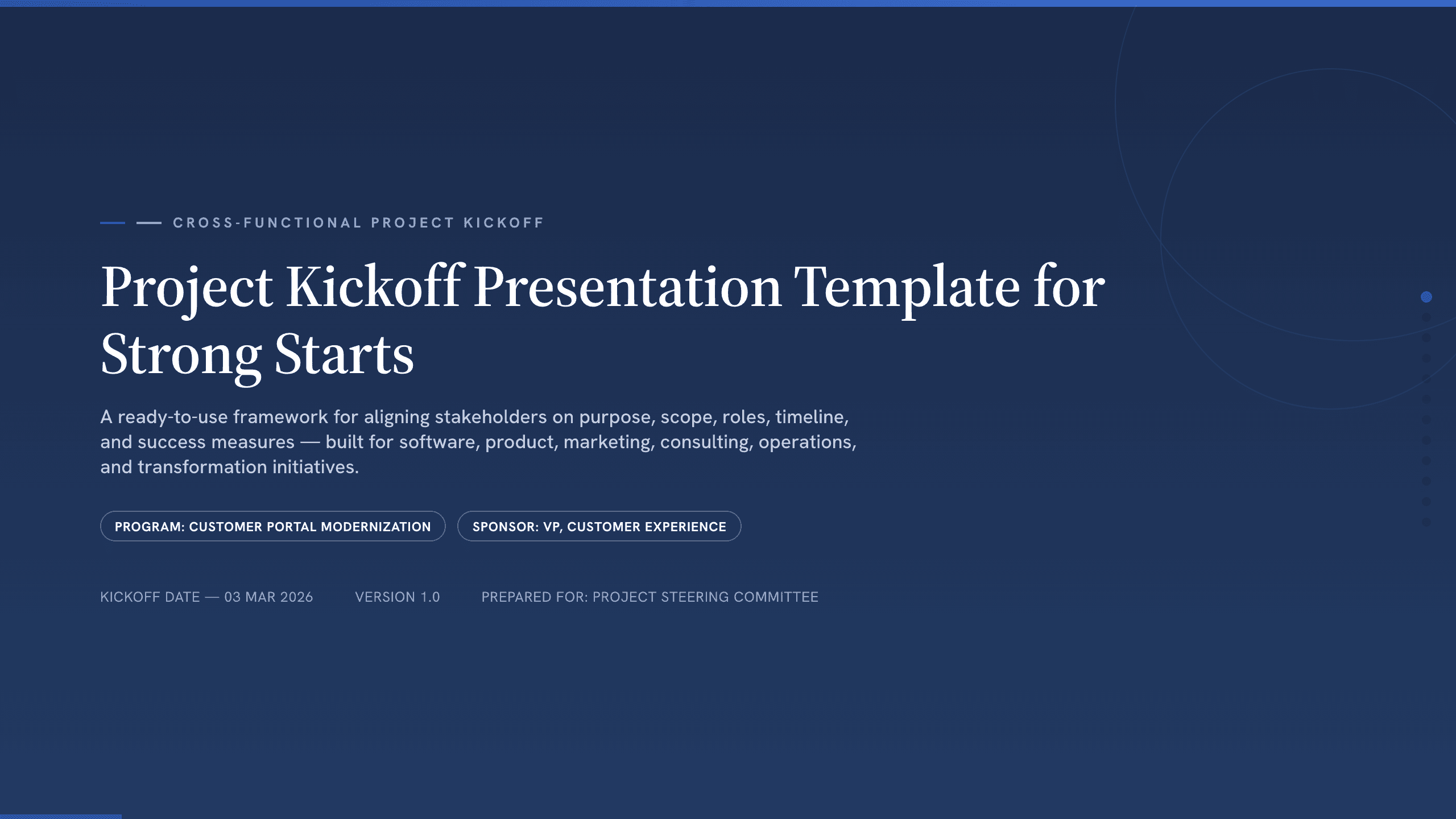
Project Kickoff Presentation Template
Align a project team with 12 kickoff slides covering purpose, outcomes, scope, roles, workstreams, timeline, governance, risks, and next steps.
View template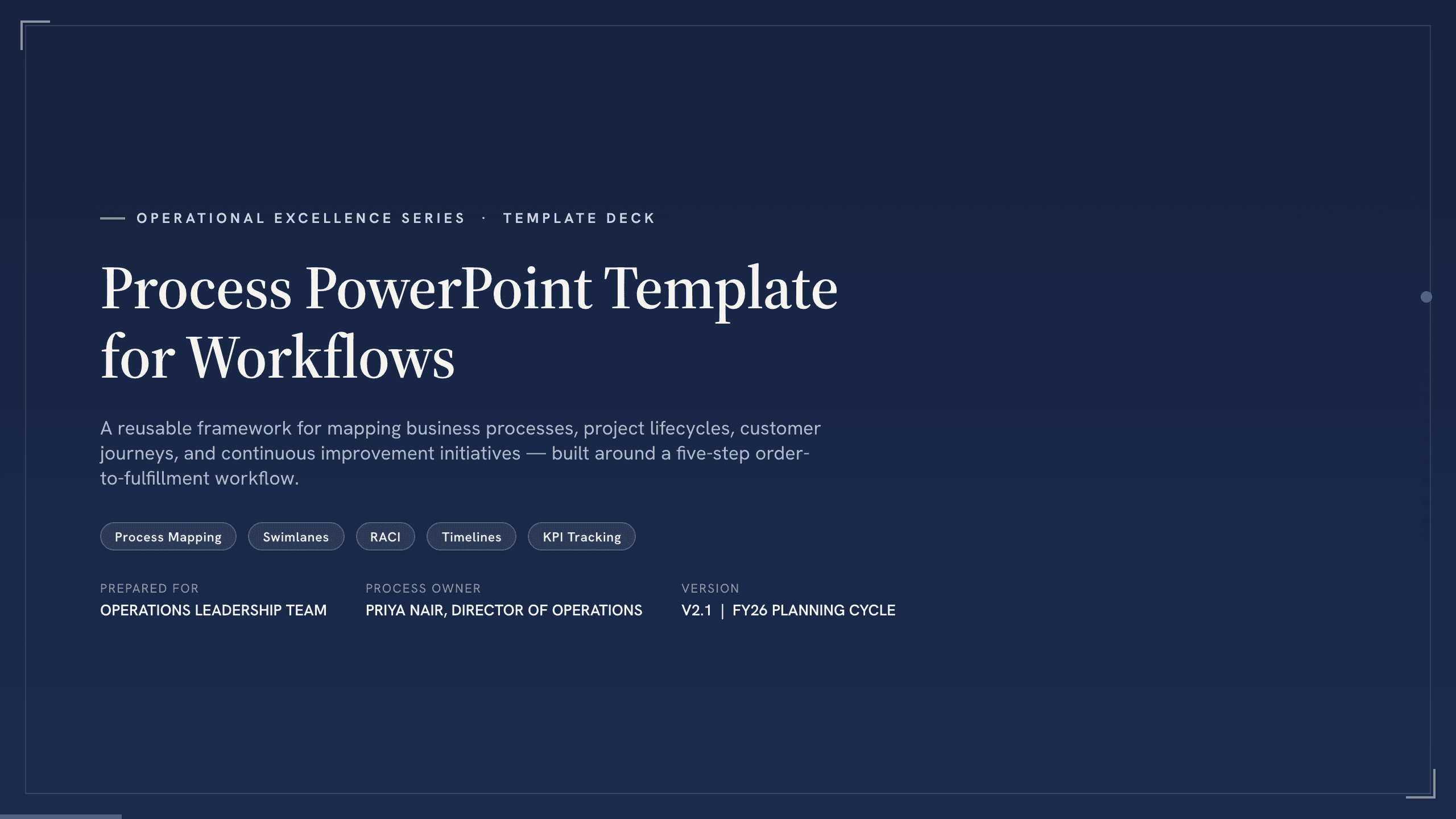
Process PowerPoint Template
Map and improve a workflow with 12 PowerPoint slides covering five-step flow, branches, handoffs, measures, bottlenecks, future state, and action.
View template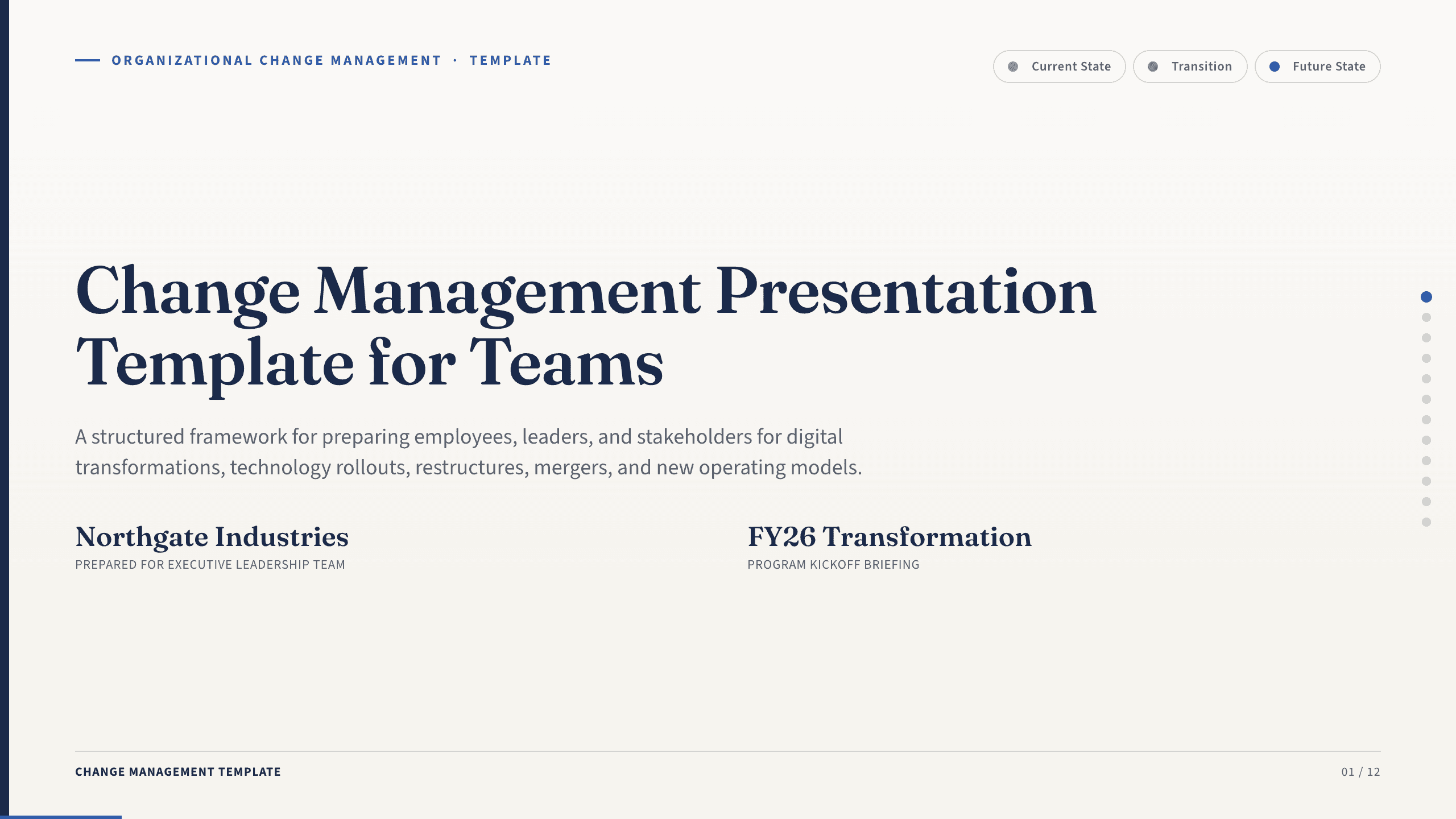
Change Management Presentation Template
Guide an organizational change with 12 slides covering the case, stakeholder impact, readiness, resistance, communication, rollout, and adoption.
View template
Engineering Presentation Template
Present an engineering project with 12 slides connecting requirements, design rationale, simulation, risk, verification, economics, and implementation.
View template
Google Slides Org Chart Template
Clarify reporting lines and ownership with 11 org-chart slides covering leadership, functions, customer teams, interfaces, and operating-model changes.
View templateExplore other template hubs
Customize the PowerPoint Project Charter Template with Julius AI
1
Preview the complete example
Inspect all 11 slides to understand the narrative, layouts, and level of detail before replacing the example content.
2
Add your content and direction
Give Julius AI your source material, evidence, audience, constraints, and desired outcome.
3
Review and export
Check the narrative, facts, and design, then export an editable version to PowerPoint for final delivery.