Engineering Presentation Template for Technical Projects
Present an engineering project with 12 slides connecting requirements, design rationale, simulation, risk, verification, economics, and implementation.
Preview the 12-slide Engineering Presentation Template
Review the worked heat-recovery system from requirements and concept selection through simulation margins, validation, risk, economics, and delivery plan.
What you're getting
An engineering deck that makes the design reviewable
This 12-slide template connects the engineering argument from operating need to selected concept. Requirements, alternatives, design basis, simulation, interfaces, hazards, verification, economics, and schedule appear as one traceable decision story.
The heat-recovery example demonstrates how to communicate technical depth without making leaders decode a report. Replace the assumptions and results with controlled project data, and keep detailed calculations in an appendix or source package.
- Included
- 12 technical slides
- Best for
- Design and gate reviews
- Export
- PowerPoint or Google Slides
Built for
Engineers preparing a design review
Technical owners explaining requirements, trade-offs, margins, interfaces, tests, and unresolved risks.
Program managers coordinating delivery
Leads connecting engineering maturity to schedule, cost, procurement, construction, and approval gates.
Executives funding capital work
Decision-makers who need the business impact, safety case, readiness, and remaining uncertainty in plain language.
Getting started
Build traceability from requirement to recommendation
A reviewer should be able to see why the concept was chosen and what evidence is still needed before implementation.
- 1
Define the operating need
State the performance problem, constraints, interfaces, standards, and measurable requirements.
- 2
Compare viable concepts
Use the same technical, safety, cost, schedule, and maintainability criteria for every alternative.
- 3
Show the design basis
Document key assumptions, loads, margins, models, and dependencies behind the selected concept.
- 4
Plan verification and risk control
Connect hazards and uncertainties to tests, owners, acceptance criteria, and decision gates.
- 5
Request the next decision
Close with the scope, funding, approvals, and evidence needed to reach the next maturity level.
Explore more
Related templates worth comparing
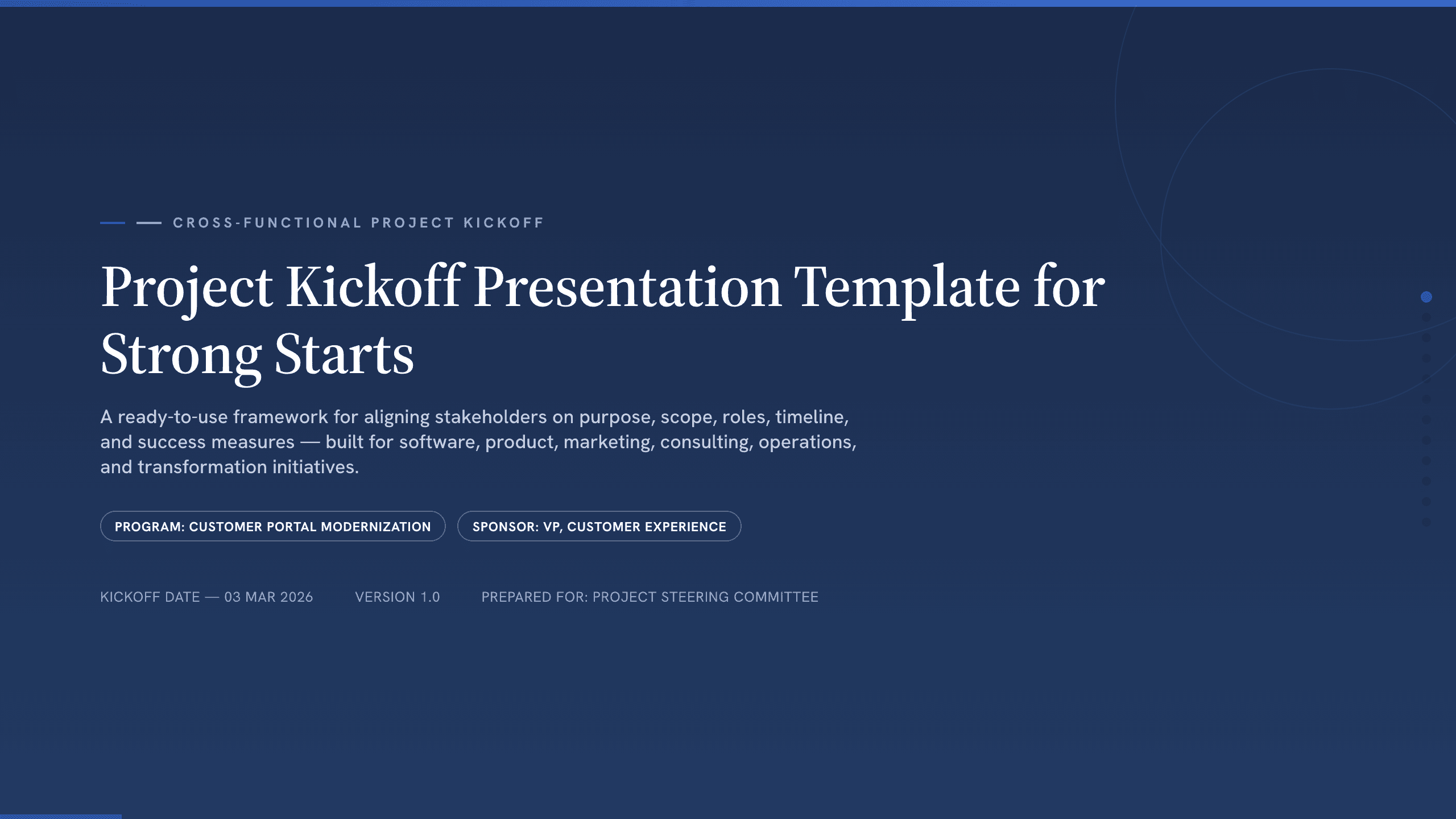
Project Kickoff Presentation Template
Align a project team with 12 kickoff slides covering purpose, outcomes, scope, roles, workstreams, timeline, governance, risks, and next steps.
View template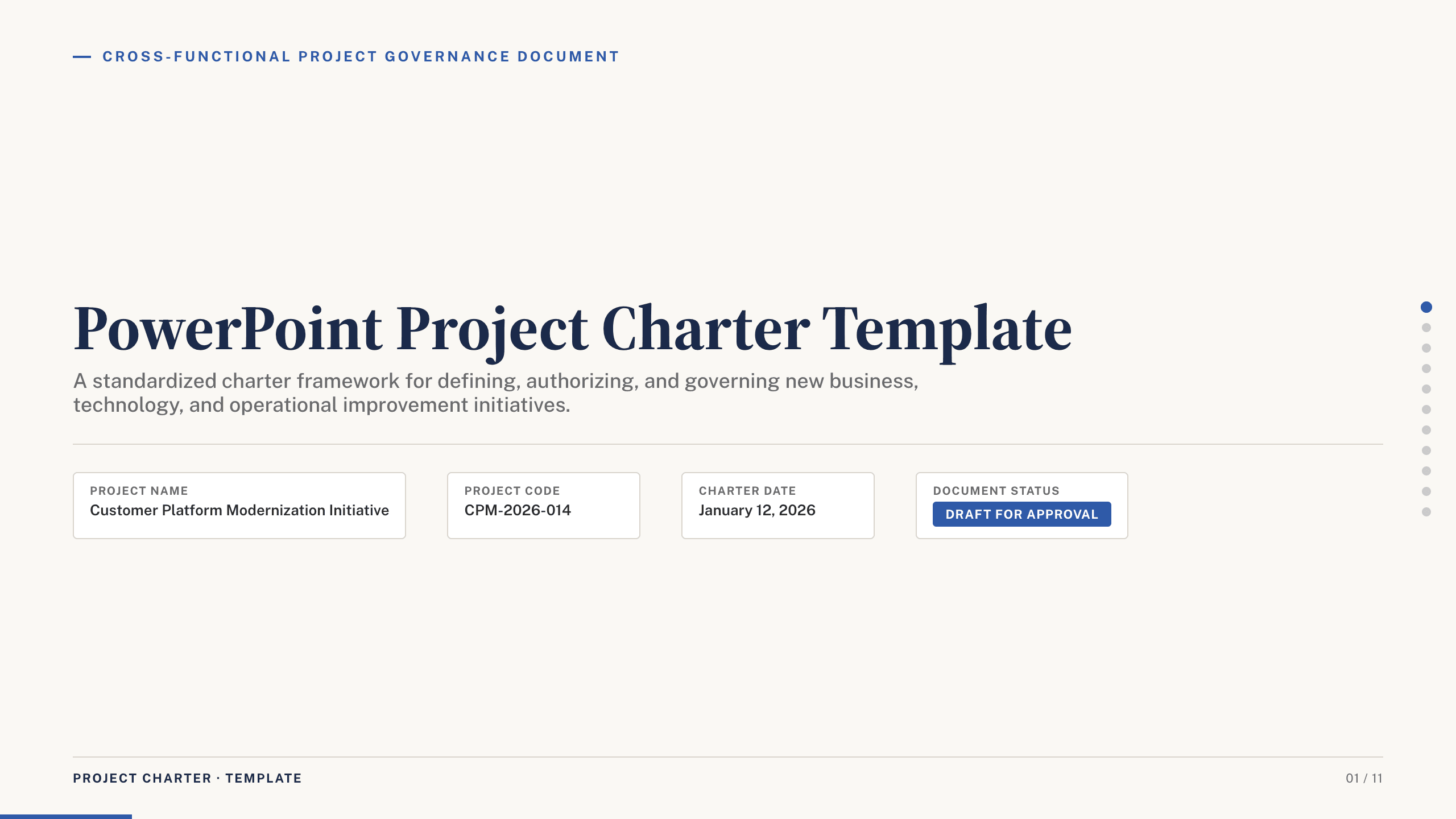
PowerPoint Project Charter Template
Authorize a project with 11 charter slides covering need, objectives, scope, stakeholders, governance, milestones, budget, risks, and approval.
View template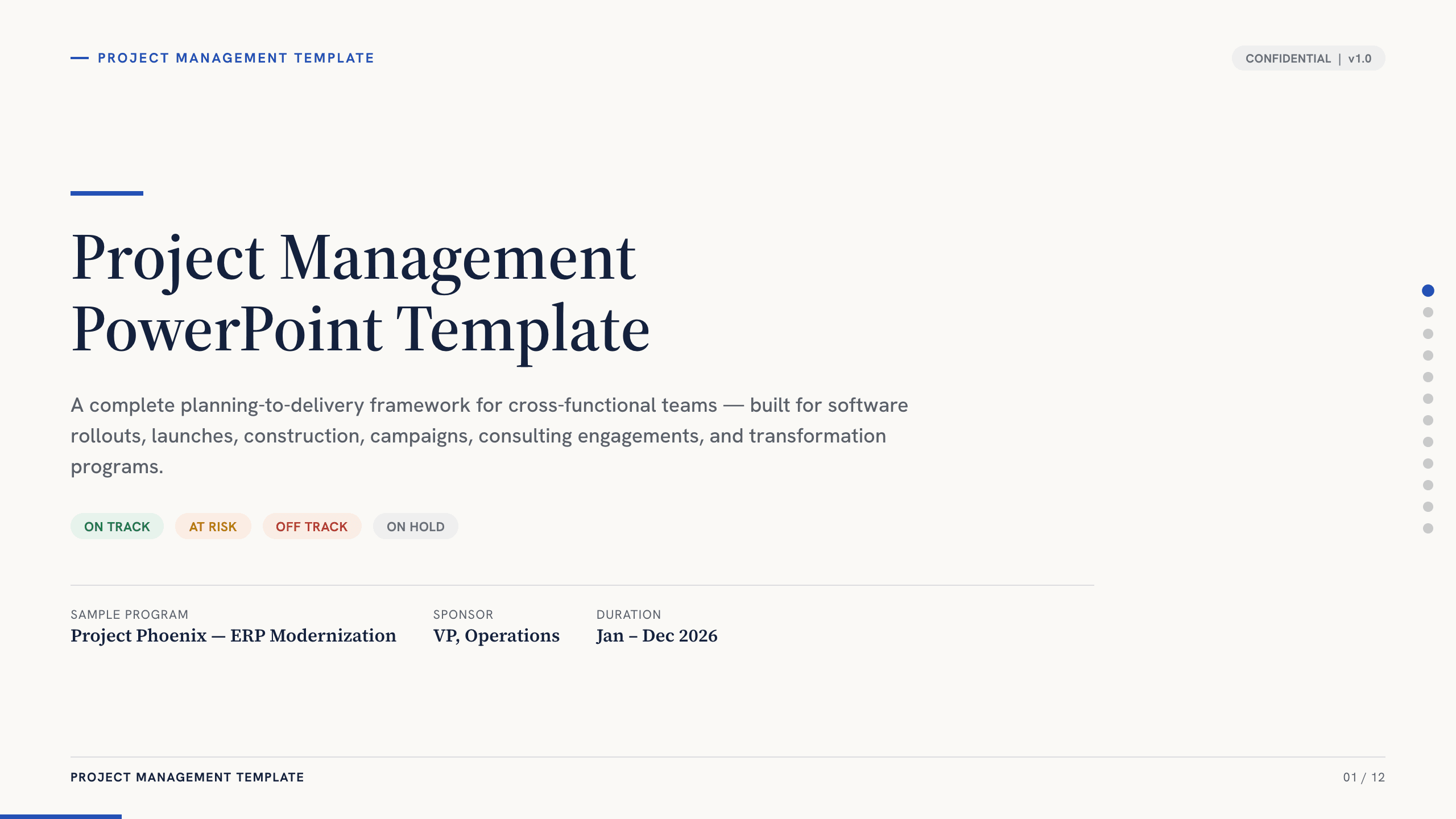
Project Management PowerPoint Template
Manage an initiative with 12 PowerPoint slides for objectives, scope, workstreams, schedule, resources, budget, risks, status, and decisions.
View template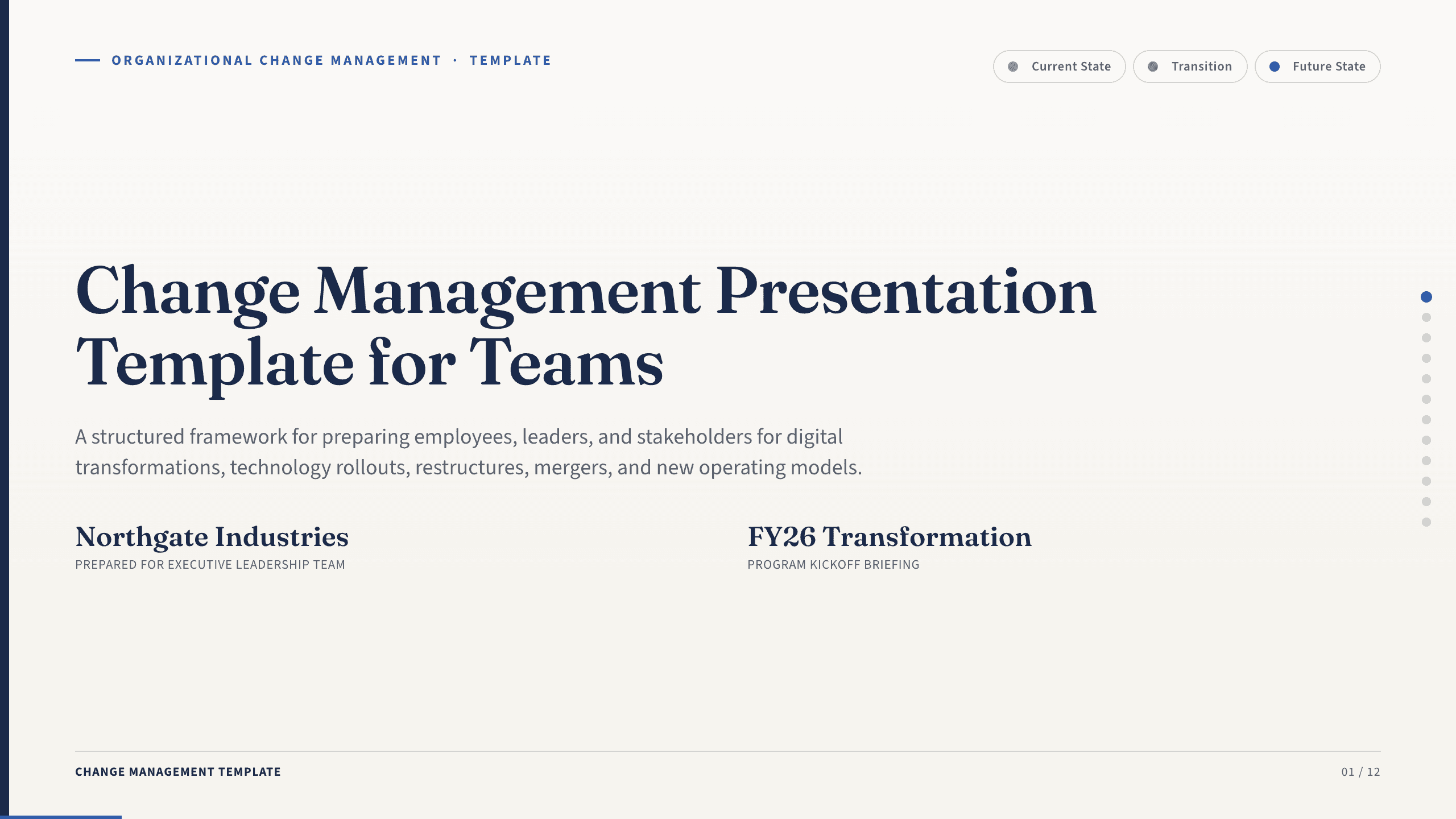
Change Management Presentation Template
Guide an organizational change with 12 slides covering the case, stakeholder impact, readiness, resistance, communication, rollout, and adoption.
View template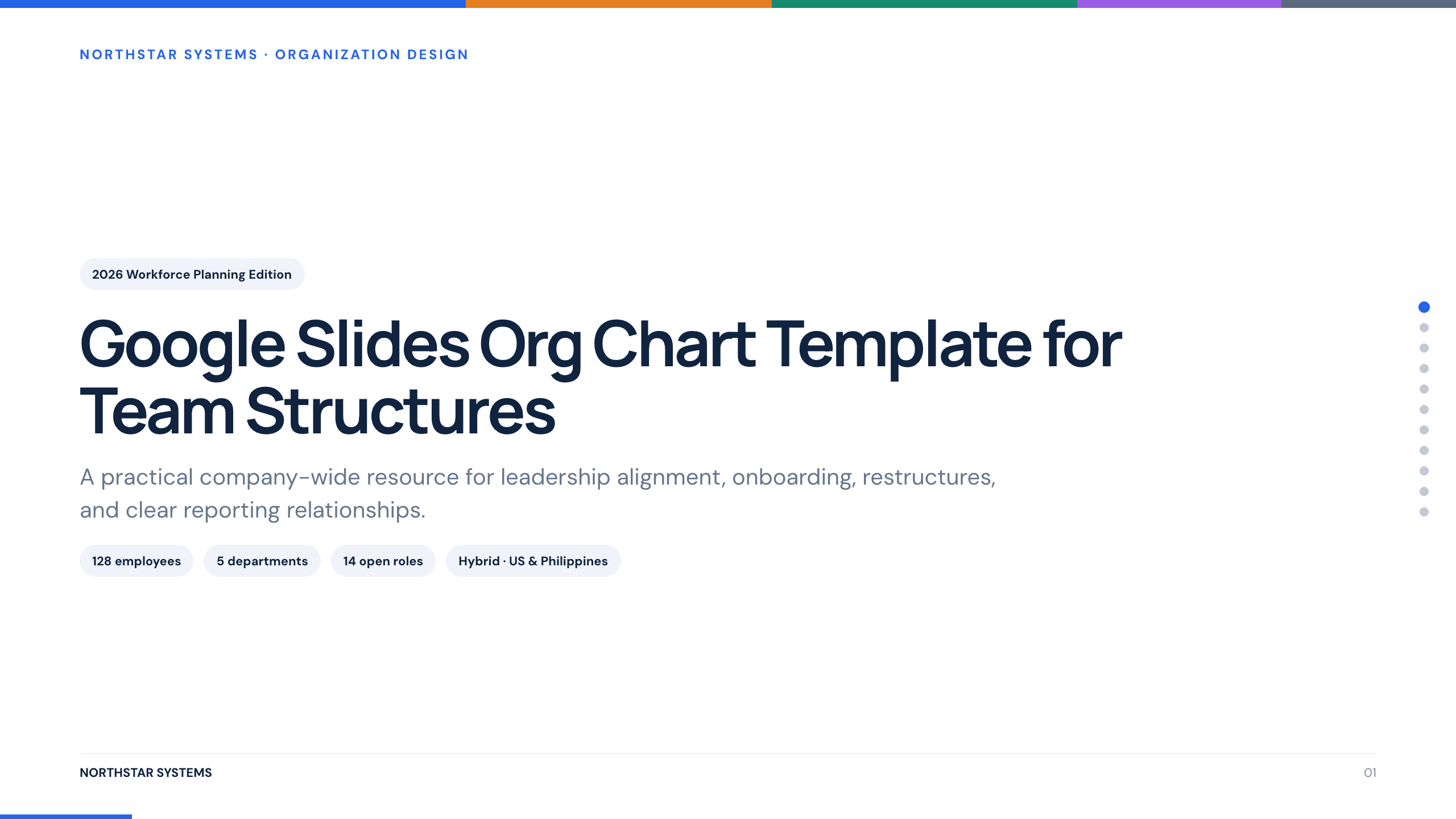
Google Slides Org Chart Template
Clarify reporting lines and ownership with 11 org-chart slides covering leadership, functions, customer teams, interfaces, and operating-model changes.
View template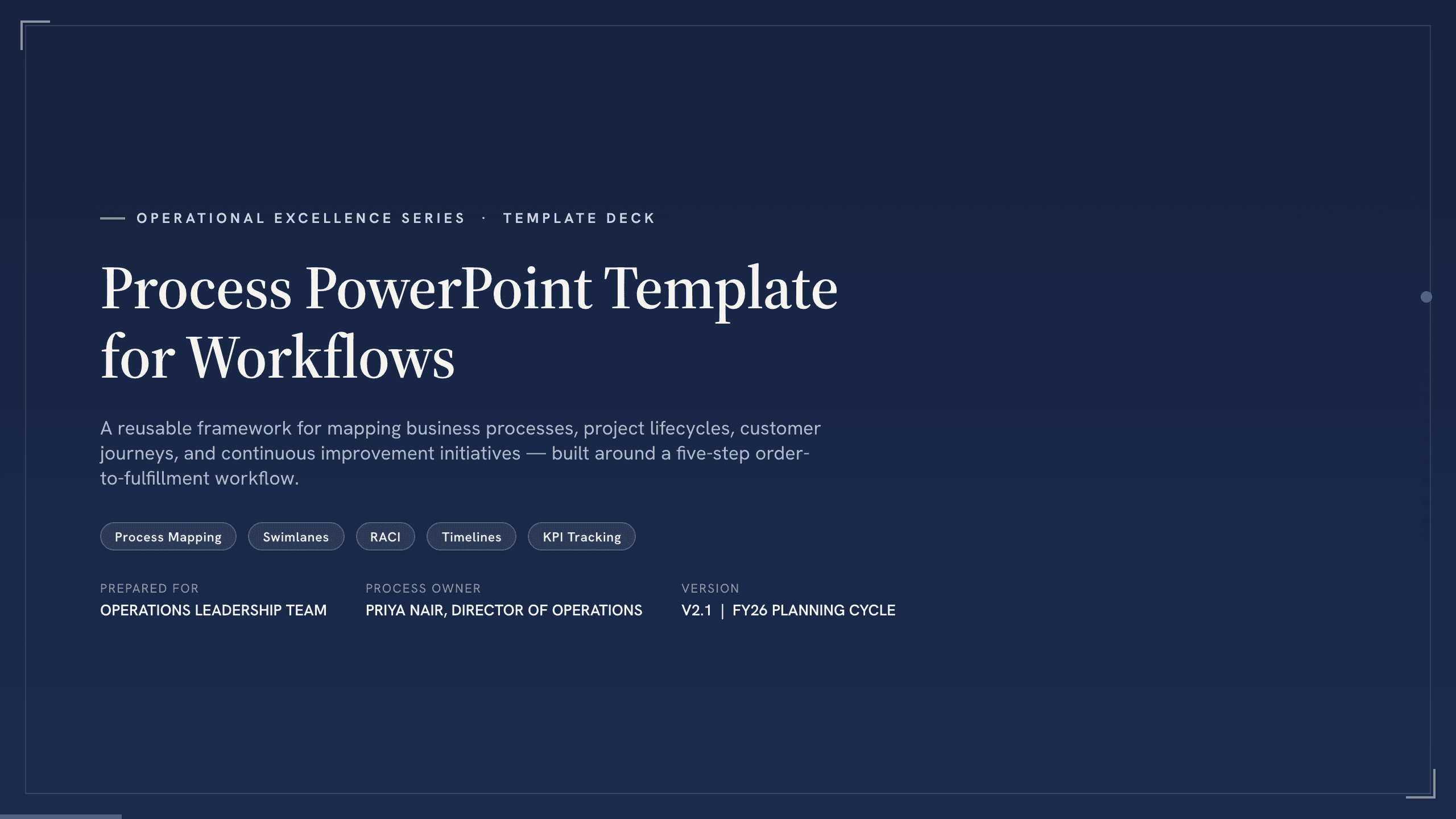
Process PowerPoint Template
Map and improve a workflow with 12 PowerPoint slides covering five-step flow, branches, handoffs, measures, bottlenecks, future state, and action.
View templateExplore other template hubs
Customize the Engineering Presentation Template with Julius AI
1
Preview the complete example
Inspect all 12 slides to understand the narrative, layouts, and level of detail before replacing the example content.
2
Add your content and direction
Give Julius AI your source material, evidence, audience, constraints, and desired outcome.
3
Review and export
Check the narrative, facts, and design, then export an editable version to PowerPoint or Google Slides for final delivery.