Project Management PowerPoint Template
Manage an initiative with 12 PowerPoint slides for objectives, scope, workstreams, schedule, resources, budget, risks, status, and decisions.
Preview the 12-slide Project Management PowerPoint Template
Inspect the complete modernization program from executive summary and scope through workstreams, roadmap, resources, budget, risks, governance, status, and next decisions.
What you're getting
A project management deck that connects plan, status, and control
This 12-slide PowerPoint template covers the management system around a cross-functional project: objectives, scope, workstreams, schedule, milestones, roles, resources, budget, risks, issues, dependencies, governance, status, and next decisions.
The modernization example demonstrates how to summarize a living plan without duplicating the task tracker. Replace it with controlled project data, use consistent status rules, and record the source date for every schedule and financial view.
- Included
- 12 management slides
- Best for
- Complex project delivery
- Export
- Editable PowerPoint
Built for
Project managers running governance
Leads presenting progress, forecast, risks, dependencies, decisions, and corrective action.
Program leaders coordinating workstreams
Owners aligning milestones, resources, integration points, benefit delivery, and escalation across teams.
Sponsors reviewing delivery confidence
Executives who need current outcomes, variance, exposure, options, and the decisions only they can make.
Getting started
Use the deck as the decision layer above the living plan
Pull from controlled systems and report by exception; detailed task administration belongs in the project workspace.
- 1
Confirm the baseline
Lock approved scope, outcomes, schedule, budget, resources, governance, and change-control rules.
- 2
Update from source systems
Reconcile workstream status, milestones, spend, forecast, risks, issues, dependencies, and benefits.
- 3
Explain material variance
Show cause, impact, response, owner, timing, and whether the baseline or forecast must change.
- 4
Prepare governance decisions
Present options, recommendation, consequences, required authority, and decision deadline.
- 5
Record commitments
Capture decisions, actions, owners, dates, and updates back into the controlled project records.
Explore more
Related templates worth comparing
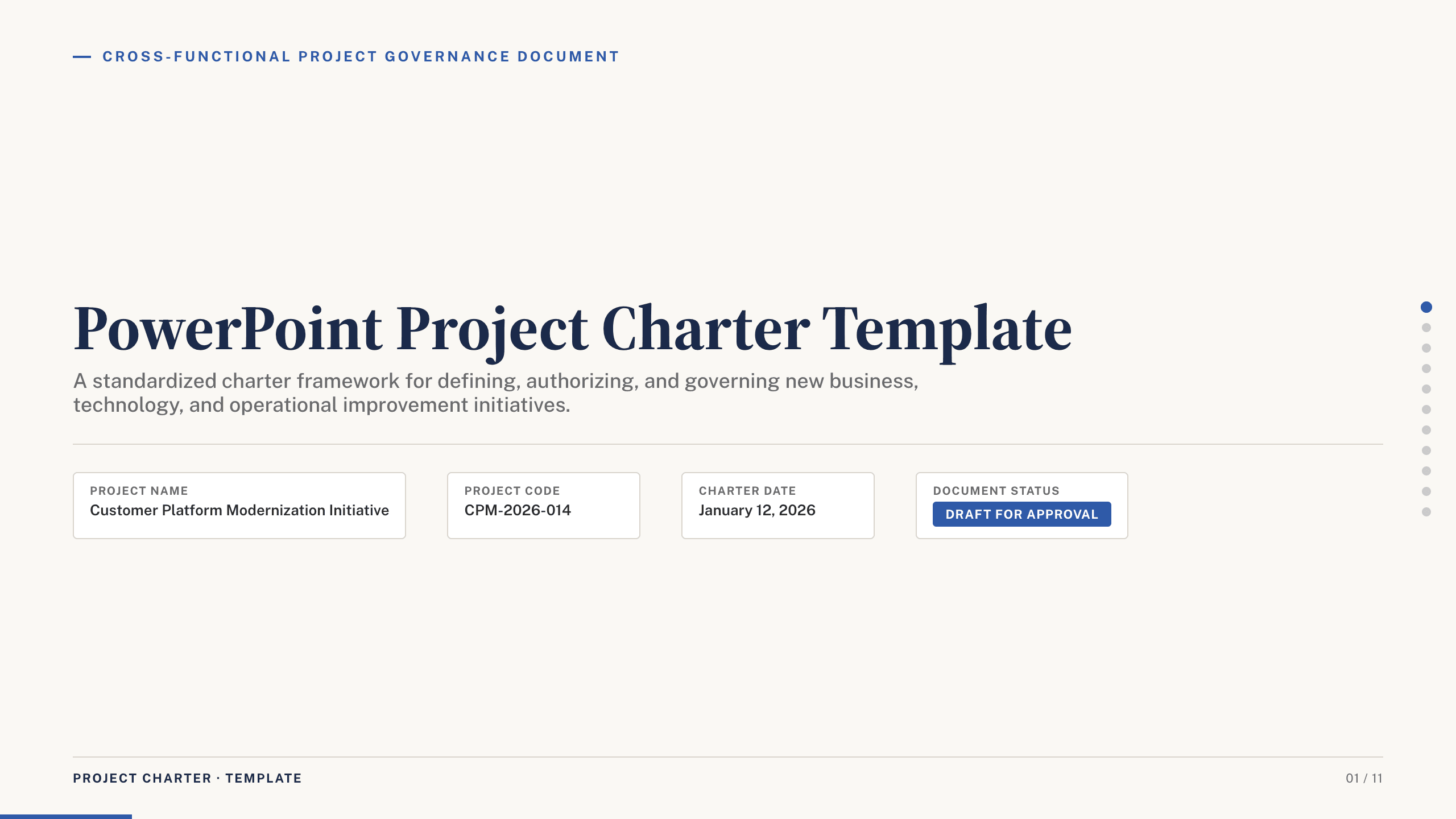
PowerPoint Project Charter Template
Authorize a project with 11 charter slides covering need, objectives, scope, stakeholders, governance, milestones, budget, risks, and approval.
View template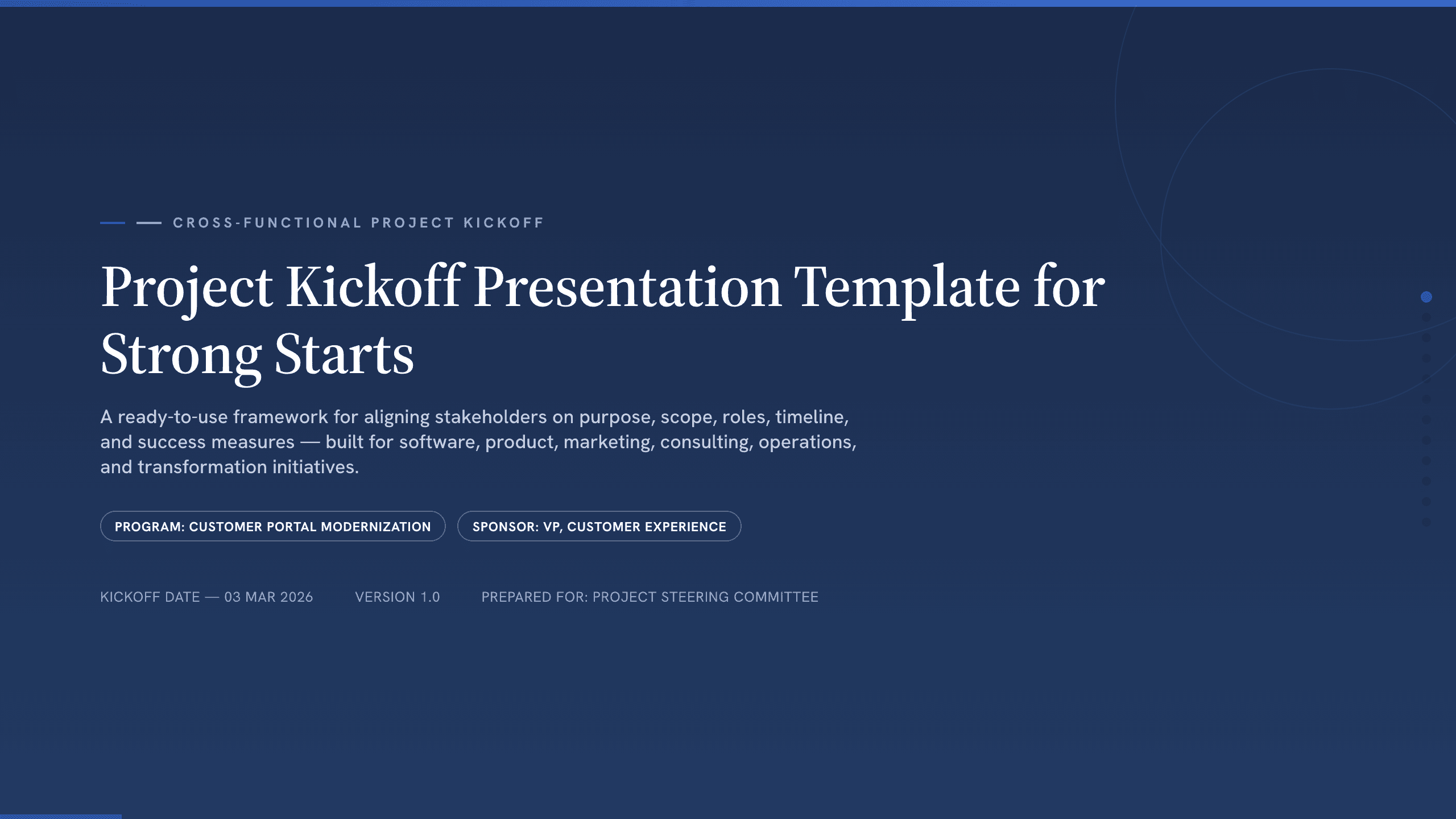
Project Kickoff Presentation Template
Align a project team with 12 kickoff slides covering purpose, outcomes, scope, roles, workstreams, timeline, governance, risks, and next steps.
View template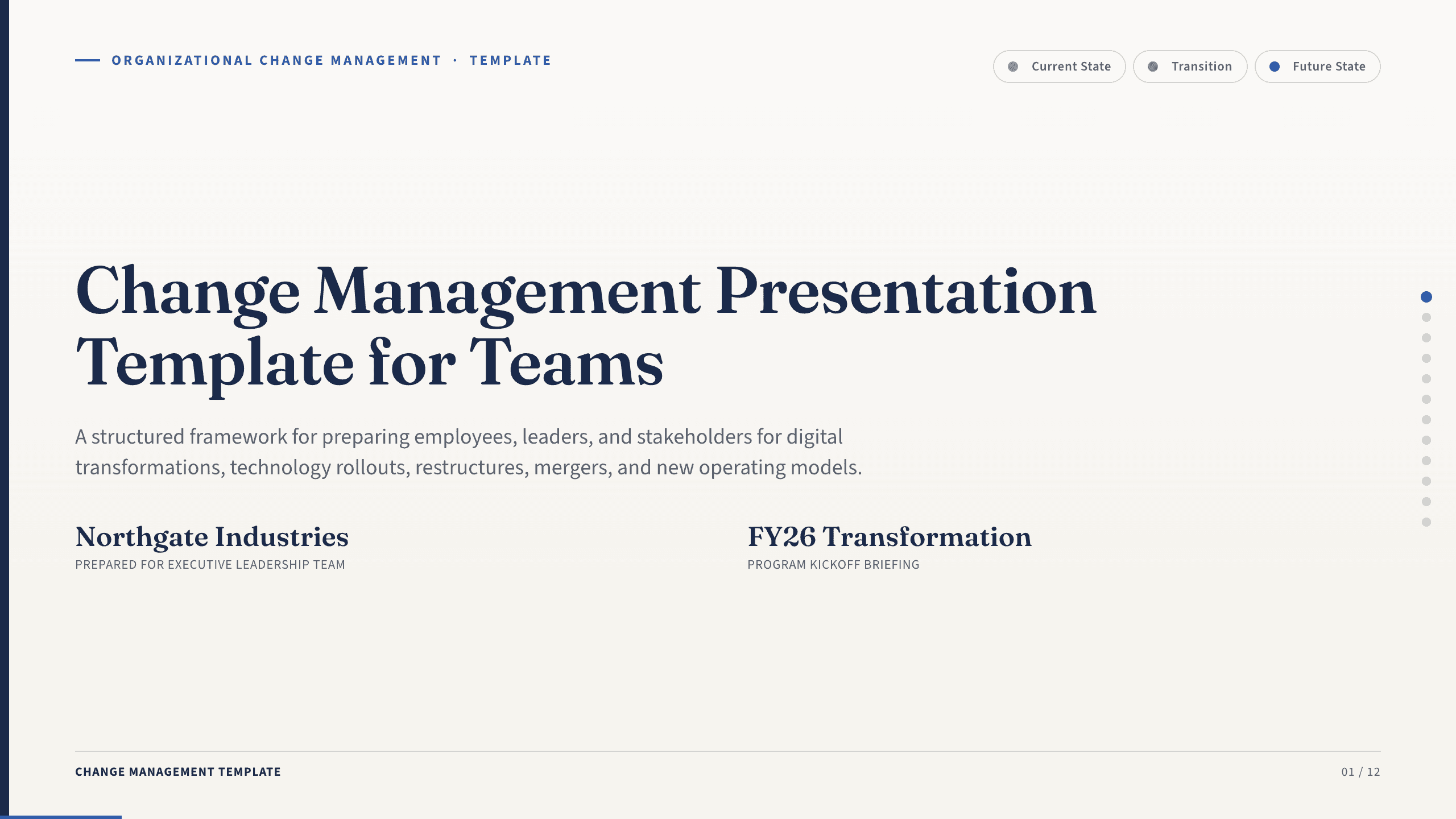
Change Management Presentation Template
Guide an organizational change with 12 slides covering the case, stakeholder impact, readiness, resistance, communication, rollout, and adoption.
View template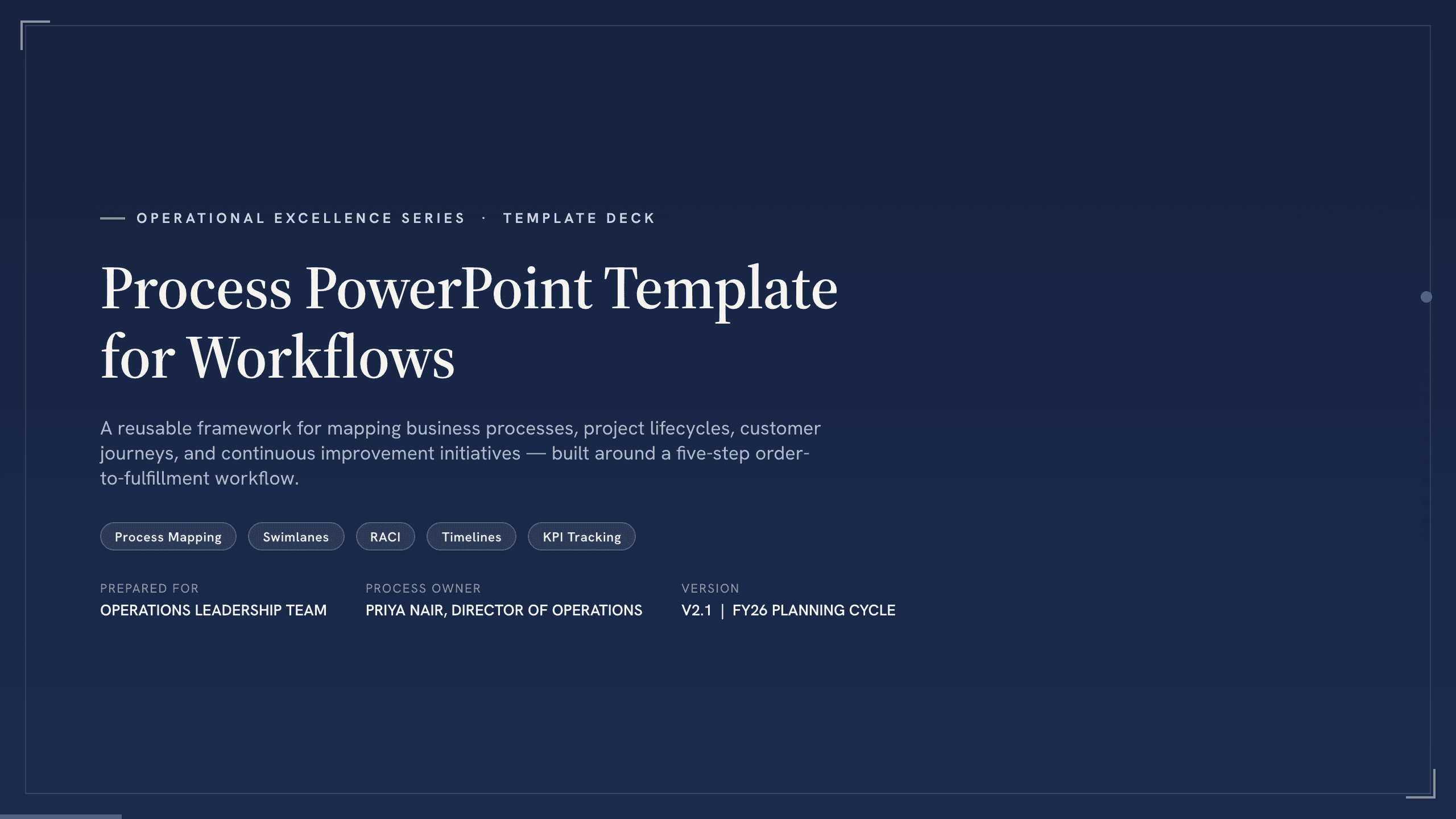
Process PowerPoint Template
Map and improve a workflow with 12 PowerPoint slides covering five-step flow, branches, handoffs, measures, bottlenecks, future state, and action.
View template
Engineering Presentation Template
Present an engineering project with 12 slides connecting requirements, design rationale, simulation, risk, verification, economics, and implementation.
View template
Google Slides Org Chart Template
Clarify reporting lines and ownership with 11 org-chart slides covering leadership, functions, customer teams, interfaces, and operating-model changes.
View templateExplore other template hubs
Customize the Project Management PowerPoint Template with Julius AI
1
Preview the complete example
Inspect all 12 slides to understand the narrative, layouts, and level of detail before replacing the example content.
2
Add your content and direction
Give Julius AI your source material, evidence, audience, constraints, and desired outcome.
3
Review and export
Check the narrative, facts, and design, then export an editable version to PowerPoint for final delivery.