Change Management Presentation Template for Teams
Guide an organizational change with 12 slides covering the case, stakeholder impact, readiness, resistance, communication, rollout, and adoption.
Preview the 12-slide Change Management Presentation Template
Review the complete transformation plan from urgency and future state through stakeholder impacts, readiness, resistance, communication, learning, measurement, and next steps.
What you're getting
A change plan built around what people must do differently
This 12-slide template turns a transformation narrative into a practical adoption plan. It covers case for change, future state, stakeholder impact, readiness, resistance, sponsorship, communication, training, support, rollout, metrics, and feedback.
The worked example treats employee response as evidence to understand, not a problem to suppress. Replace the assumptions with interviews and readiness data, and be explicit about impacts, trade-offs, decisions, and support.
- Included
- 12 adoption slides
- Best for
- Organizational transformation
- Export
- PowerPoint or Google Slides
Built for
Change leaders planning adoption
Teams aligning impact assessment, sponsorship, communication, learning, support, and measurement.
Program leaders launching a transformation
Owners connecting technical delivery gates to business readiness and behavior change.
People managers supporting a team
Leaders who need clear messages, listening routes, role expectations, and escalation support.
Getting started
Plan for behavior change, not announcement volume
Describe who must do what differently, what makes that difficult, and how the organization will support the transition.
- 1
Clarify the change and outcome
State why change is necessary, what will be different, what remains stable, and how success is measured.
- 2
Assess stakeholder impact
Identify affected groups, role and process changes, losses, benefits, readiness, influence, and specific concerns.
- 3
Mobilize leaders and managers
Assign sponsor actions, local ownership, decision rights, listening responsibilities, and escalation paths.
- 4
Build communication and learning
Sequence messages, dialogue, training, practice, job aids, support, and reinforcement around rollout needs.
- 5
Measure adoption and adapt
Track readiness, usage, proficiency, sentiment, outcomes, and feedback with thresholds for intervention.
Explore more
Related templates worth comparing
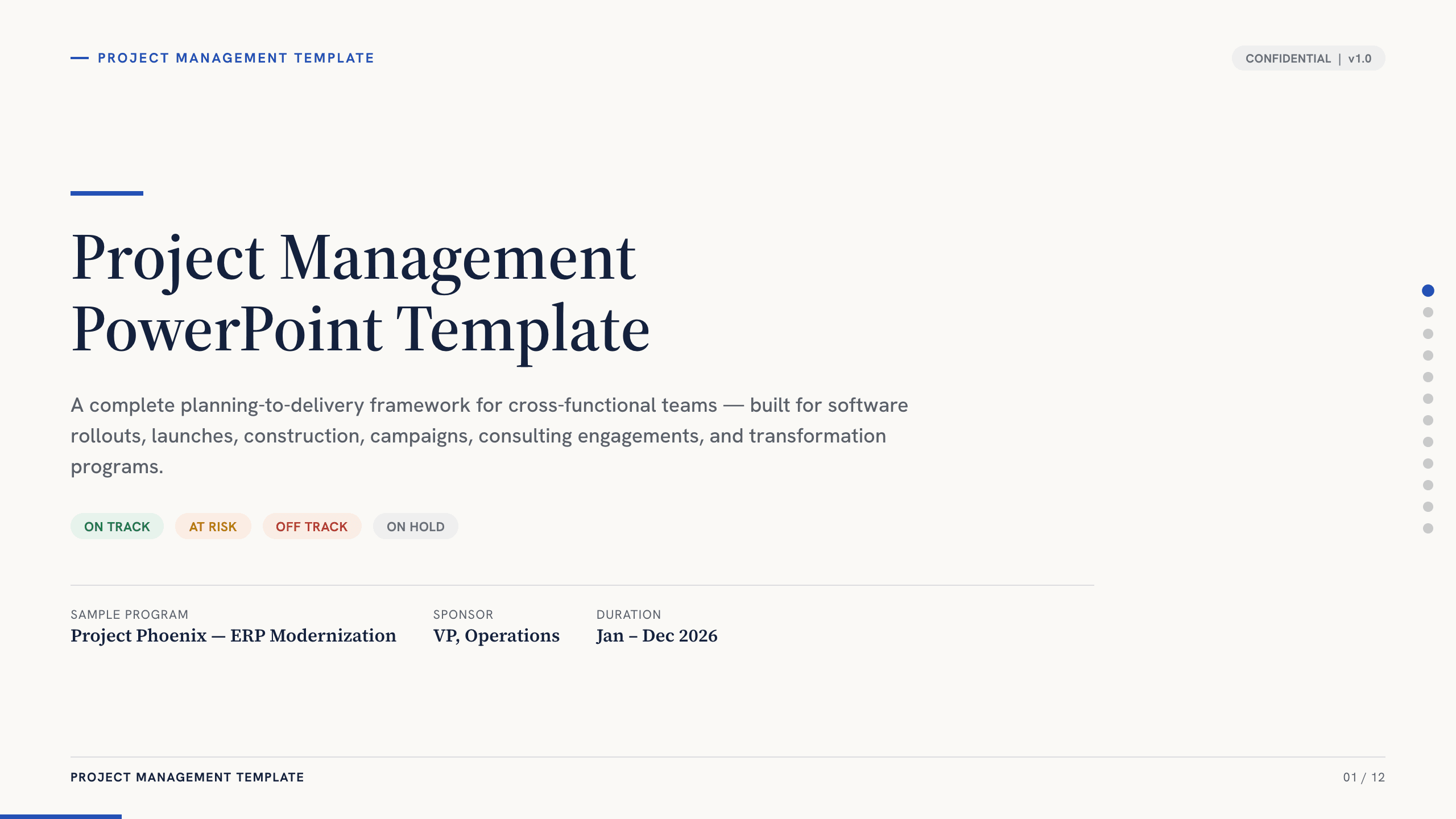
Project Management PowerPoint Template
Manage an initiative with 12 PowerPoint slides for objectives, scope, workstreams, schedule, resources, budget, risks, status, and decisions.
View template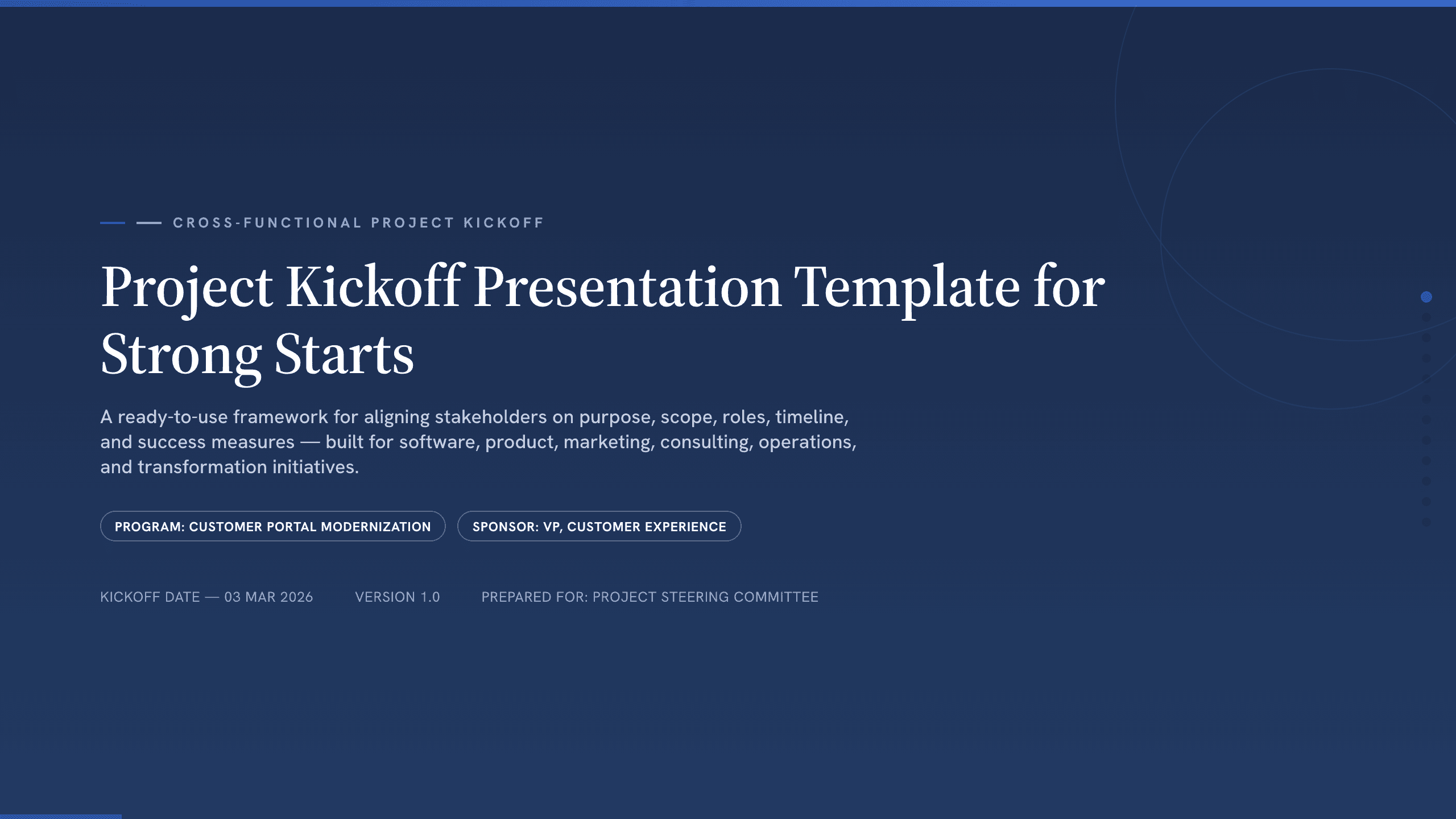
Project Kickoff Presentation Template
Align a project team with 12 kickoff slides covering purpose, outcomes, scope, roles, workstreams, timeline, governance, risks, and next steps.
View template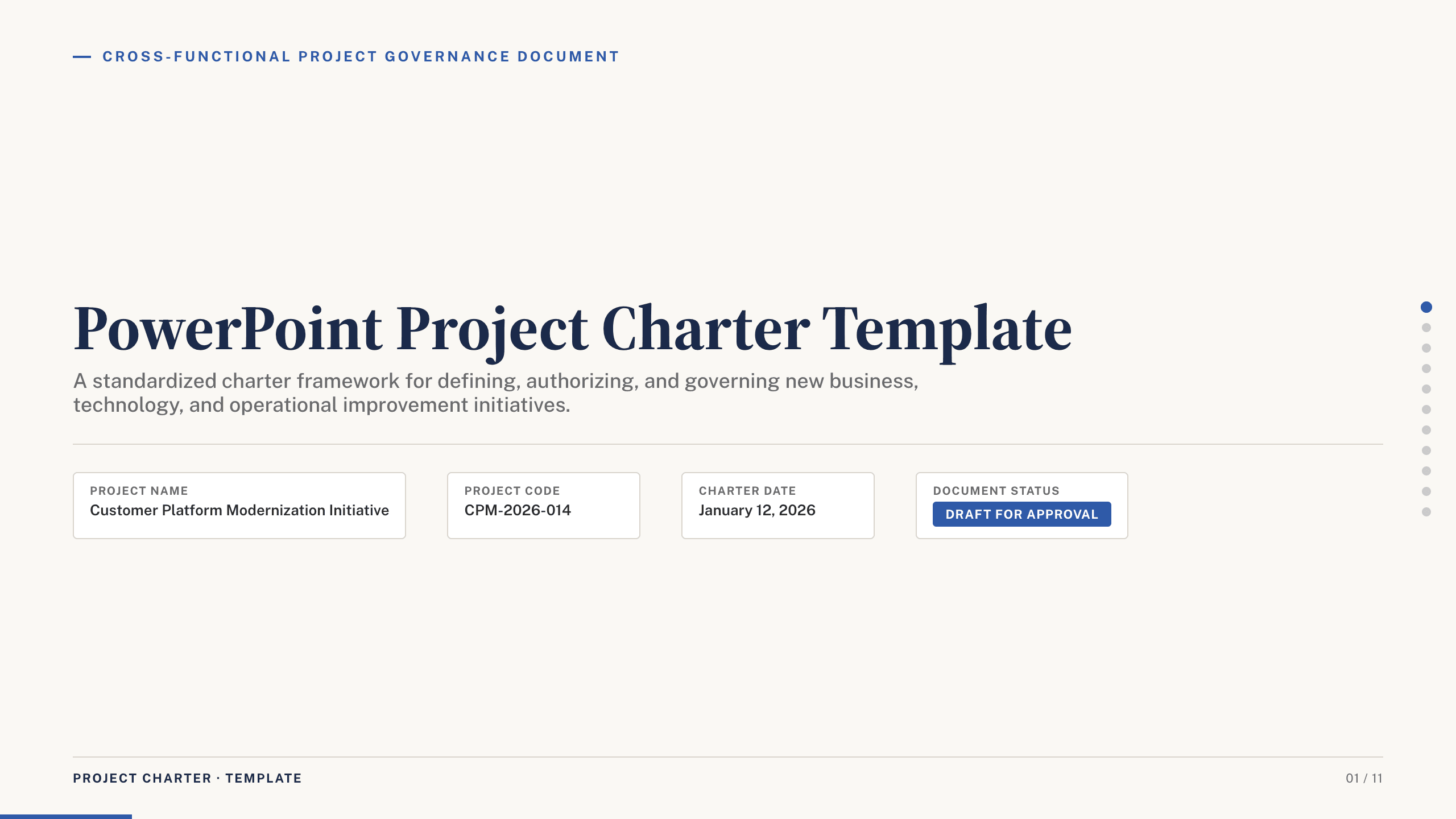
PowerPoint Project Charter Template
Authorize a project with 11 charter slides covering need, objectives, scope, stakeholders, governance, milestones, budget, risks, and approval.
View template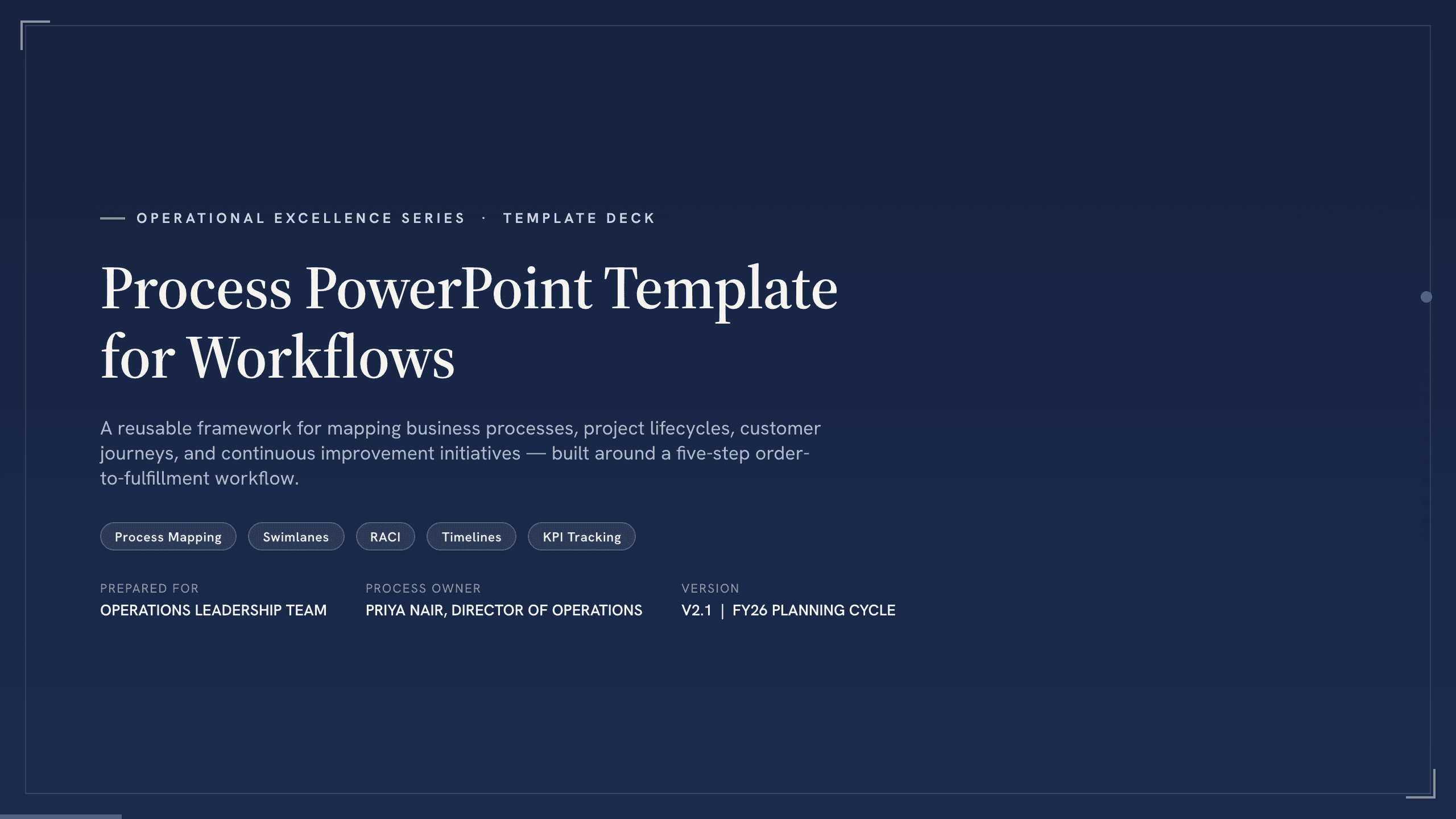
Process PowerPoint Template
Map and improve a workflow with 12 PowerPoint slides covering five-step flow, branches, handoffs, measures, bottlenecks, future state, and action.
View template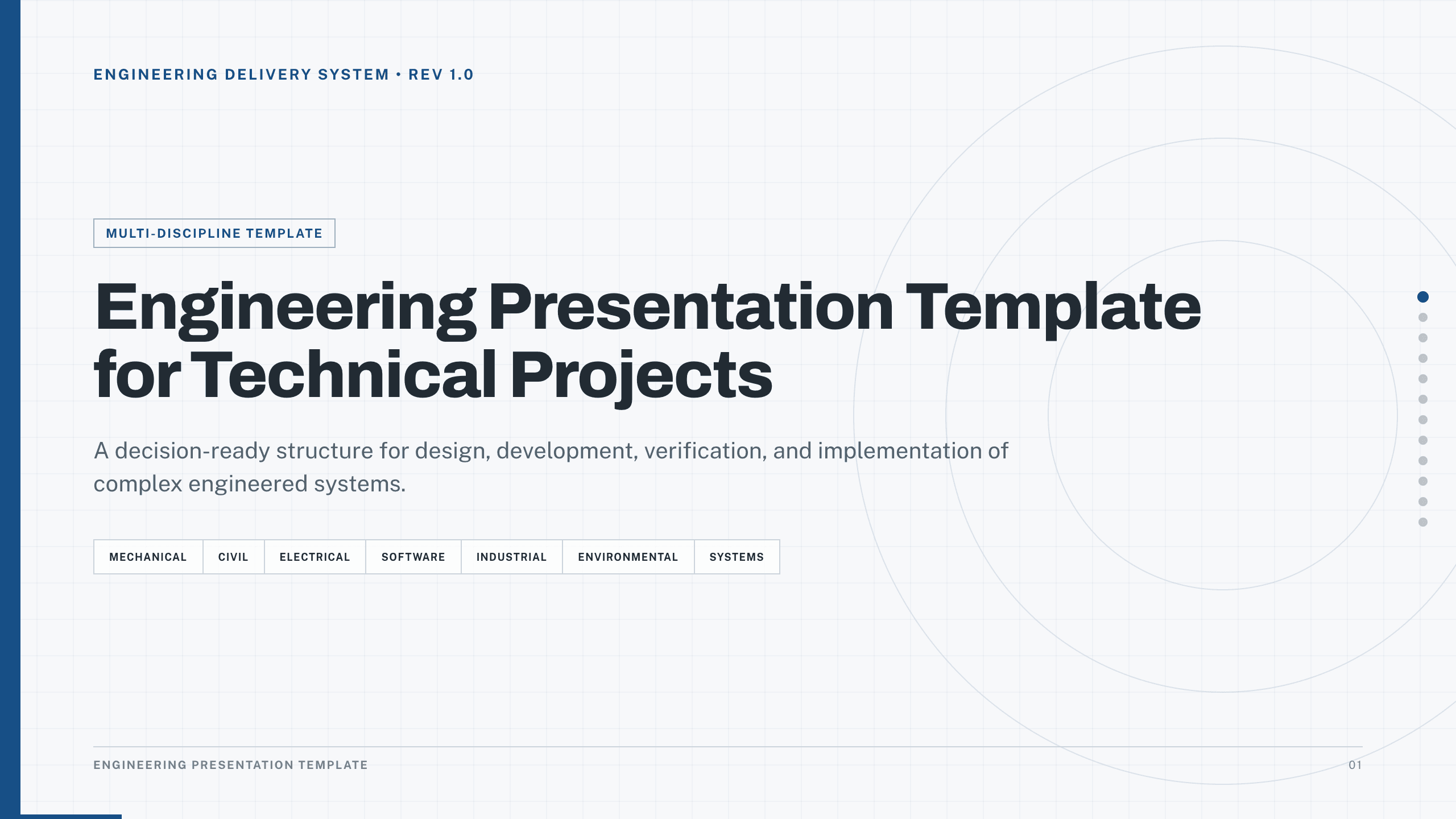
Engineering Presentation Template
Present an engineering project with 12 slides connecting requirements, design rationale, simulation, risk, verification, economics, and implementation.
View template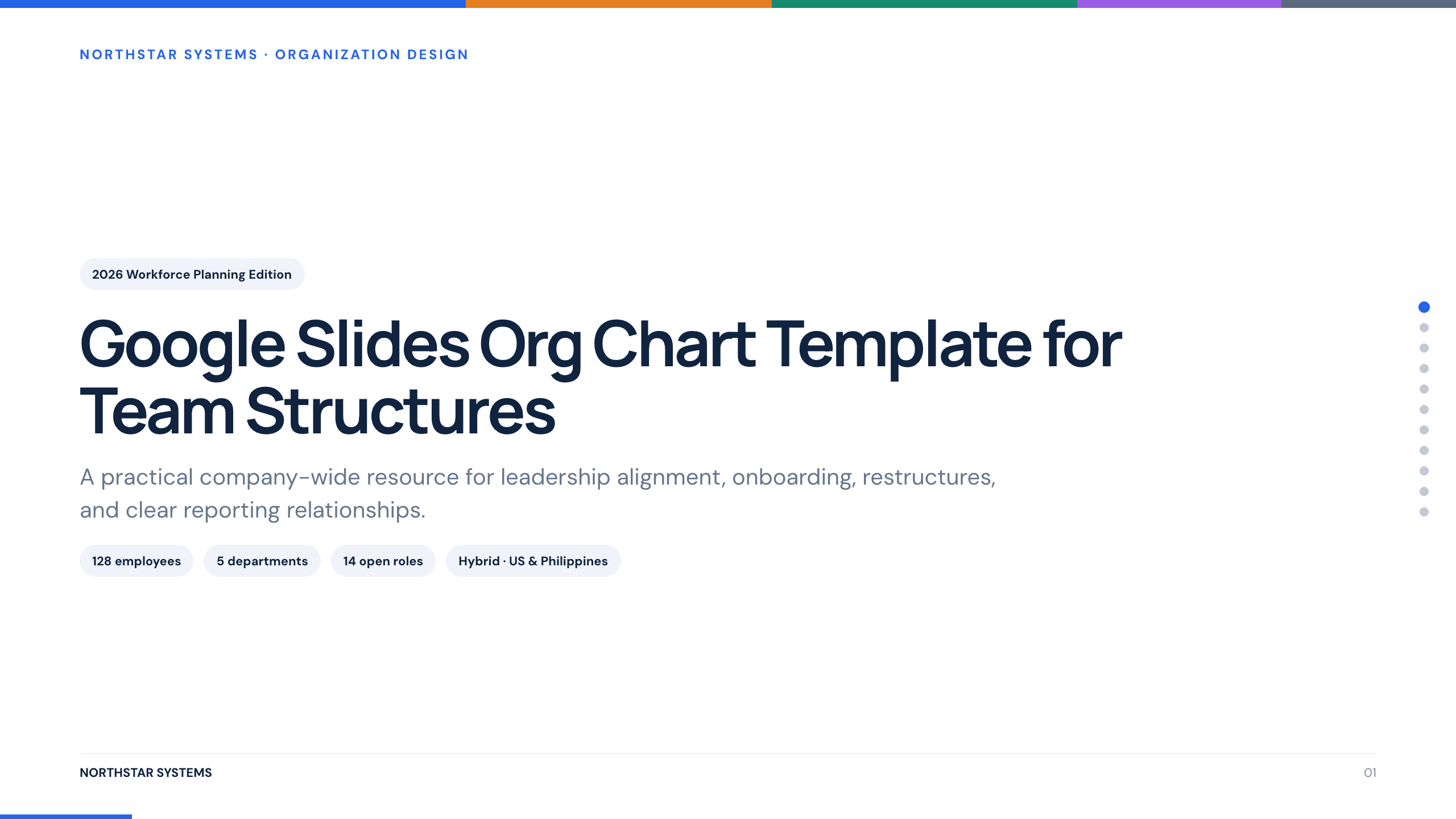
Google Slides Org Chart Template
Clarify reporting lines and ownership with 11 org-chart slides covering leadership, functions, customer teams, interfaces, and operating-model changes.
View templateExplore other template hubs
Customize the Change Management Presentation Template with Julius AI
1
Preview the complete example
Inspect all 12 slides to understand the narrative, layouts, and level of detail before replacing the example content.
2
Add your content and direction
Give Julius AI your source material, evidence, audience, constraints, and desired outcome.
3
Review and export
Check the narrative, facts, and design, then export an editable version to PowerPoint or Google Slides for final delivery.