Process PowerPoint Template for Workflows
Map and improve a workflow with 12 PowerPoint slides covering five-step flow, branches, handoffs, measures, bottlenecks, future state, and action.
Preview the 12-slide Process PowerPoint Template
Follow the worked order-to-fulfillment process from scope and five-step map through branch points, handoffs, bottlenecks, future state, and one-quarter improvements.
What you're getting
A process deck that reveals where work actually breaks down
This 12-slide PowerPoint template moves from a high-level five-step process into roles, inputs, outputs, decision branches, handoffs, service levels, bottlenecks, root causes, future state, and prioritized improvements.
The order-to-fulfillment example shows how a process map becomes a management tool. Replace it using observation and system evidence, capture exceptions instead of only the happy path, and separate current reality from proposed design.
- Included
- 12 workflow slides
- Best for
- Process mapping and improvement
- Export
- Editable PowerPoint
Built for
Operations teams documenting a workflow
Owners aligning on steps, roles, rules, inputs, outputs, systems, and service expectations.
Improvement teams finding bottlenecks
Practitioners connecting wait, rework, error, queue, and handoff evidence to targeted changes.
Transformation leaders designing a future state
Teams comparing current and desired process, capability, control, automation, and ownership.
Getting started
Map the observed process before designing the ideal one
Include real exceptions and workarounds; a clean diagram of an imaginary process will not explain performance.
- 1
Define start, end, and customer
Set the trigger, outcome, boundary, volume, variants, and person who receives value.
- 2
Observe and map the current state
Capture steps, roles, systems, decisions, queues, handoffs, rework, and unofficial workarounds.
- 3
Attach performance evidence
Add cycle time, wait, quality, demand, cost, failure, and service measures with consistent definitions.
- 4
Design the future state
Remove causes of delay and error while documenting new controls, capabilities, risks, and dependencies.
- 5
Sequence improvements
Assign actions, owners, benefits, milestones, indicators, and a review cadence for the next quarter.
Explore more
Related templates worth comparing
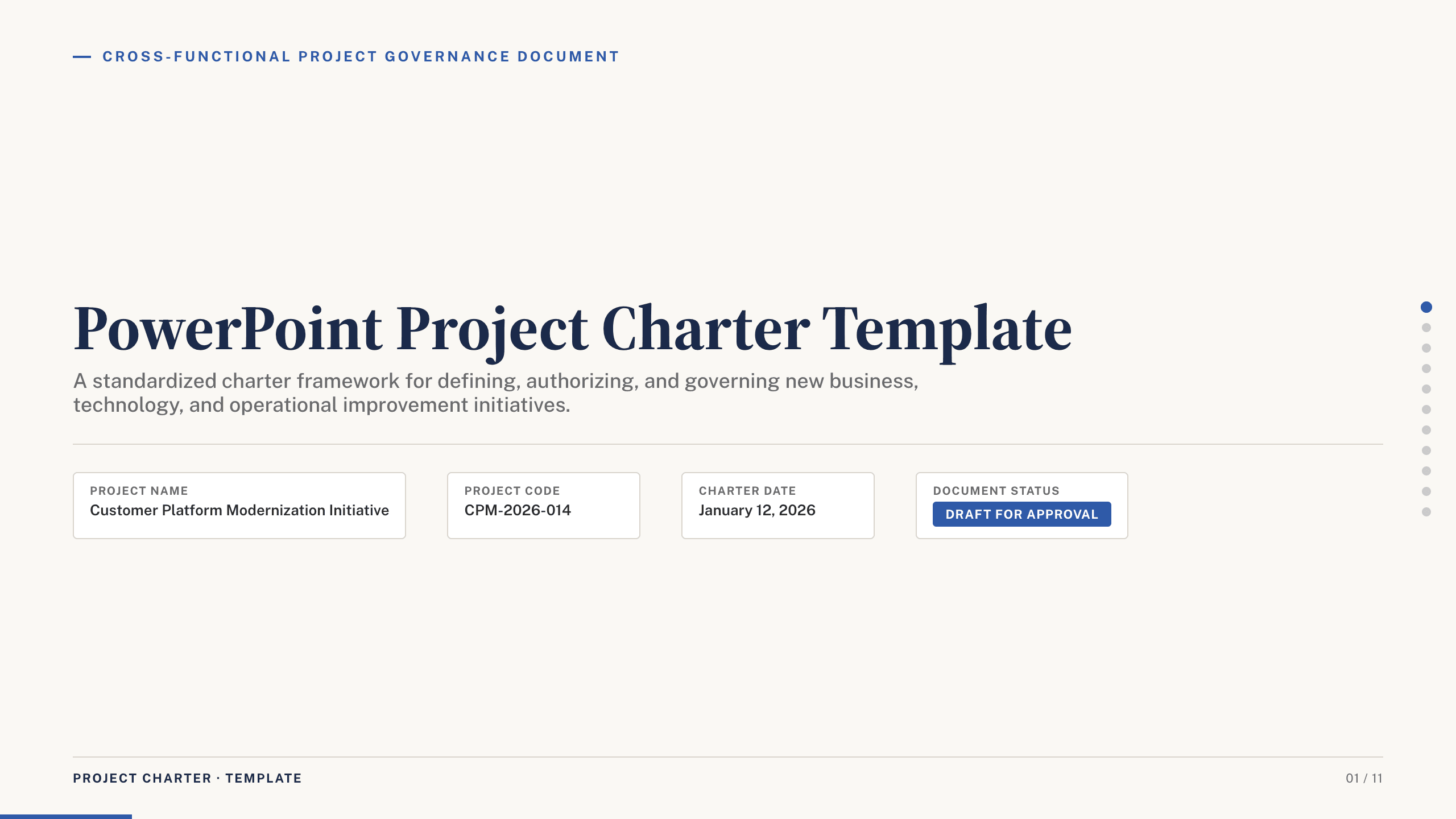
PowerPoint Project Charter Template
Authorize a project with 11 charter slides covering need, objectives, scope, stakeholders, governance, milestones, budget, risks, and approval.
View template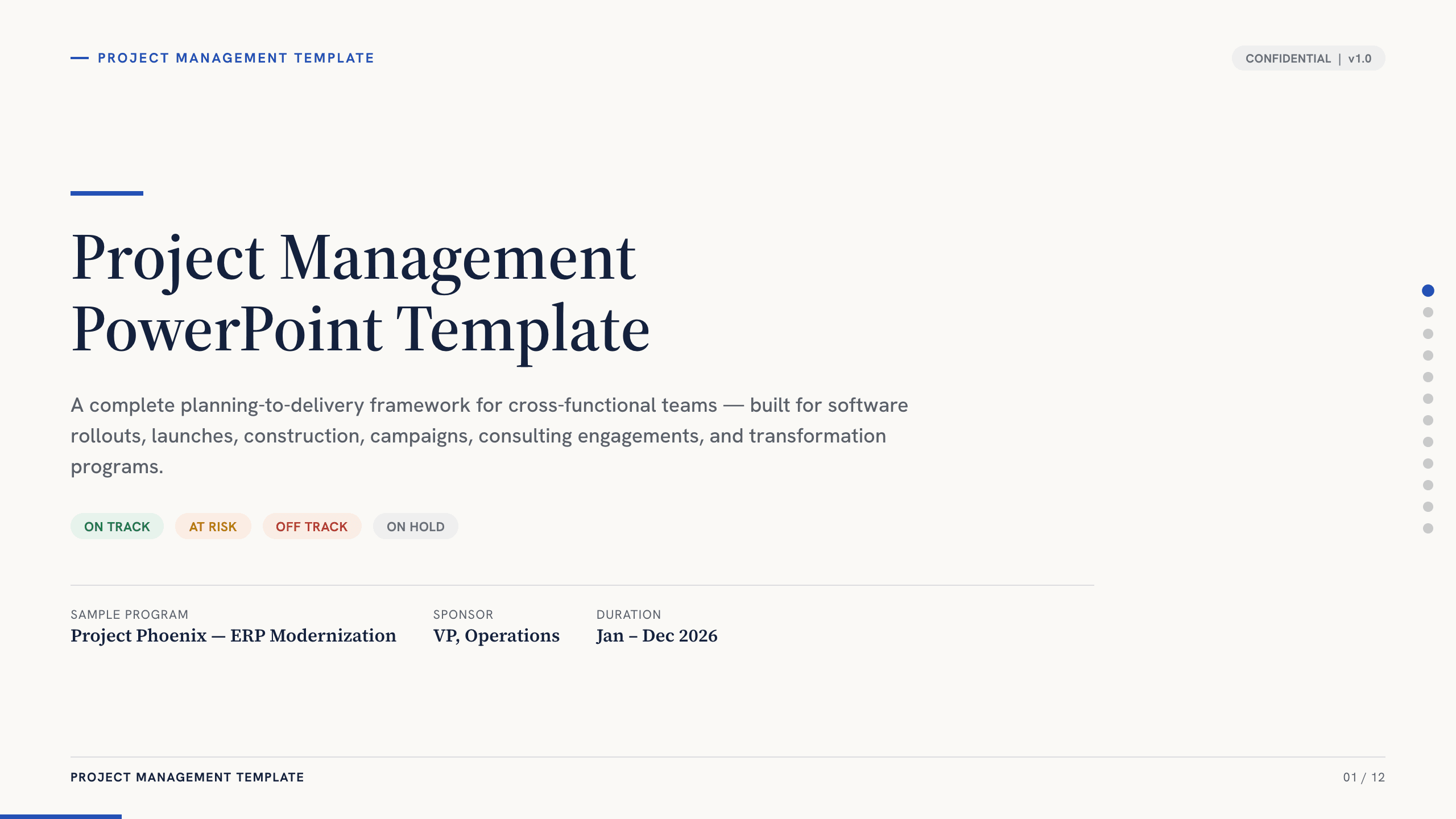
Project Management PowerPoint Template
Manage an initiative with 12 PowerPoint slides for objectives, scope, workstreams, schedule, resources, budget, risks, status, and decisions.
View template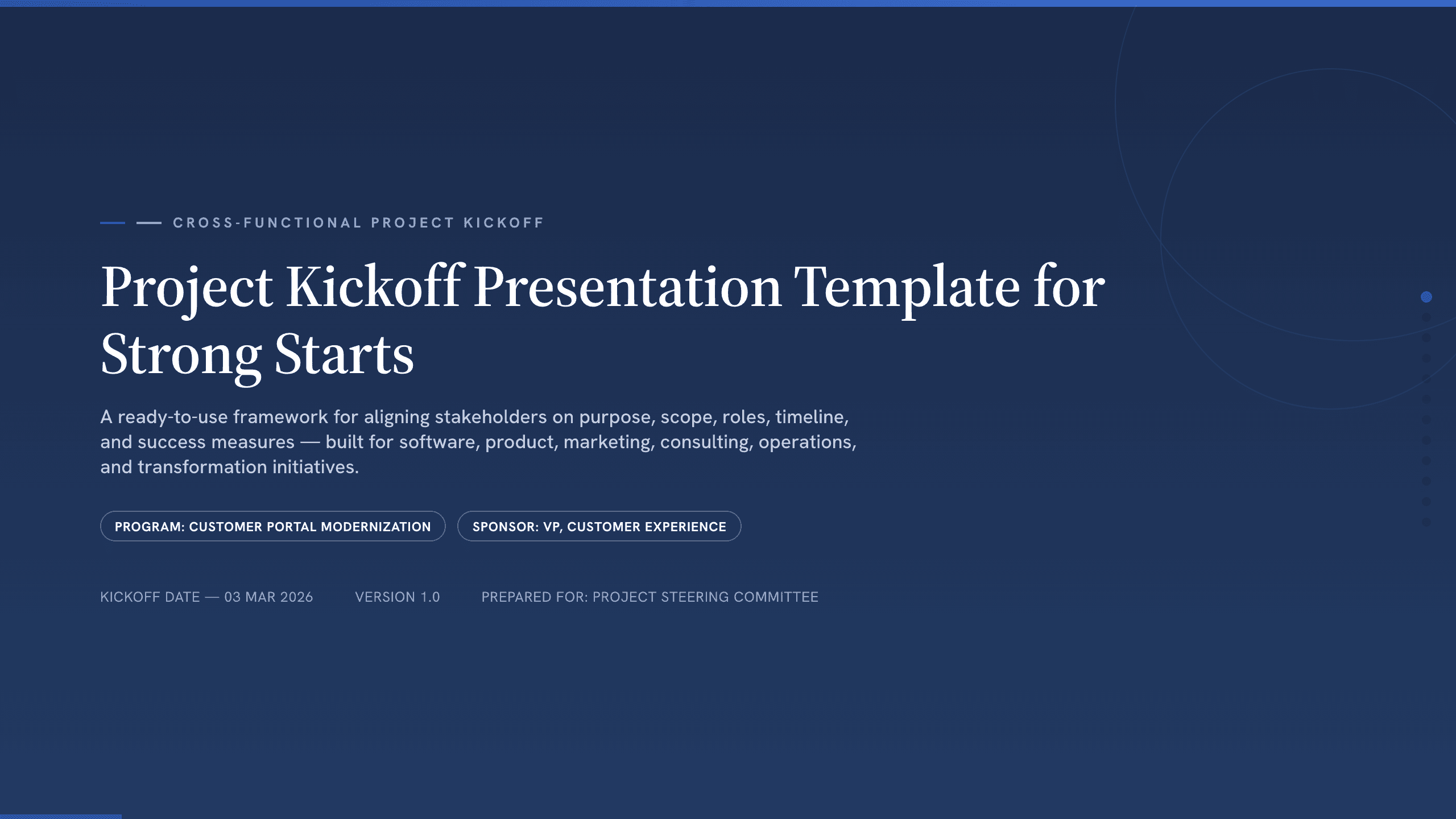
Project Kickoff Presentation Template
Align a project team with 12 kickoff slides covering purpose, outcomes, scope, roles, workstreams, timeline, governance, risks, and next steps.
View template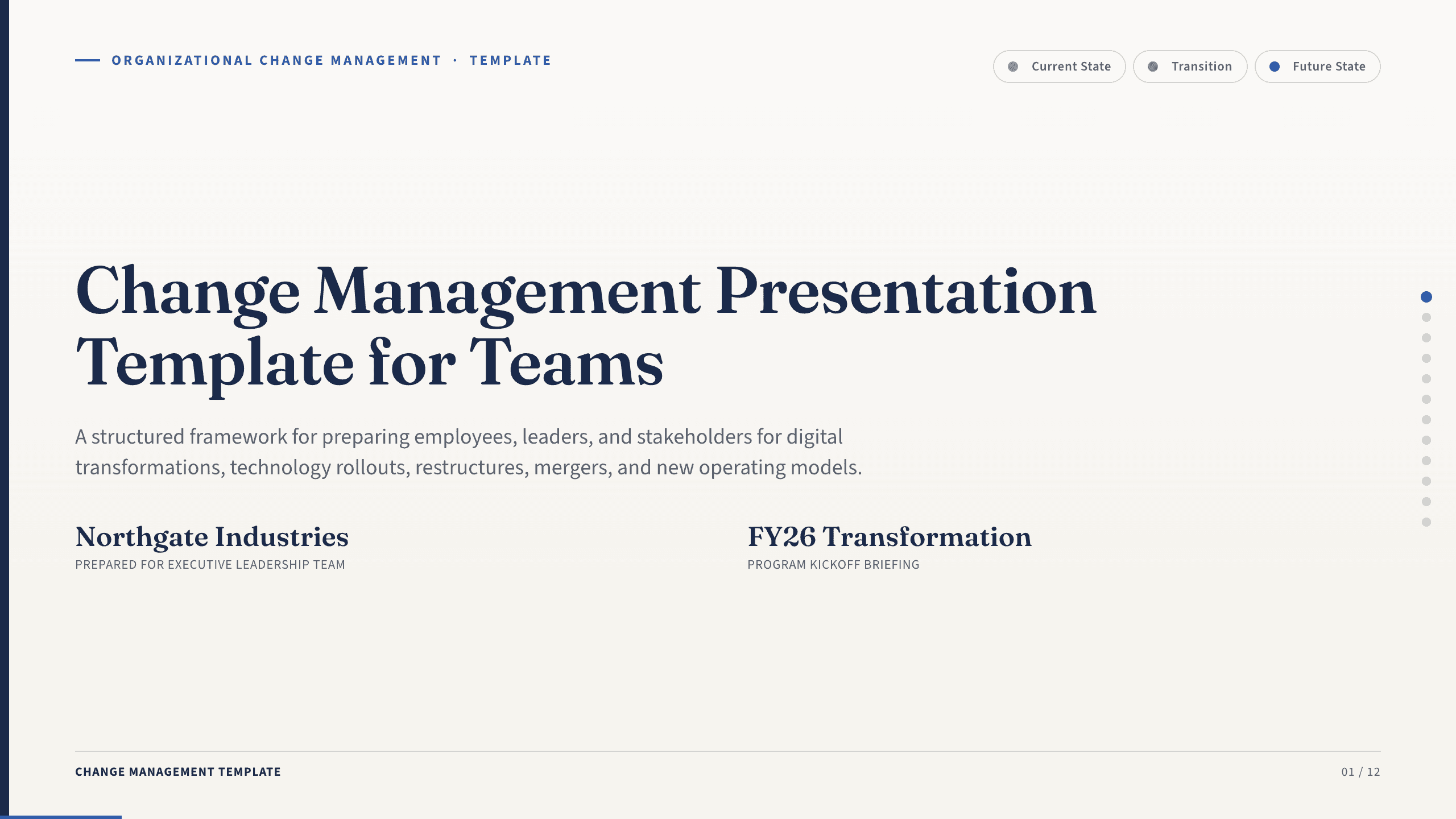
Change Management Presentation Template
Guide an organizational change with 12 slides covering the case, stakeholder impact, readiness, resistance, communication, rollout, and adoption.
View template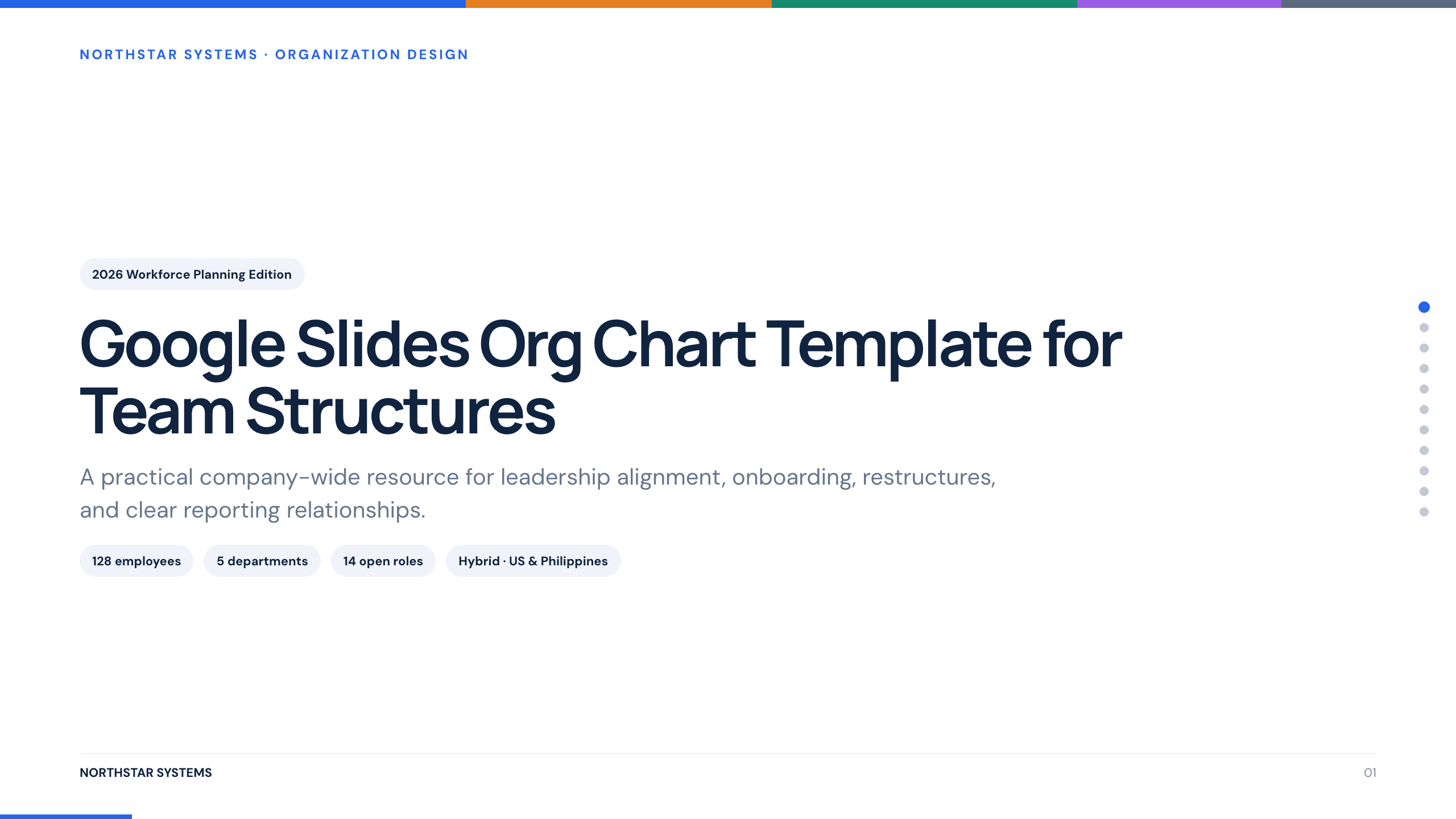
Google Slides Org Chart Template
Clarify reporting lines and ownership with 11 org-chart slides covering leadership, functions, customer teams, interfaces, and operating-model changes.
View template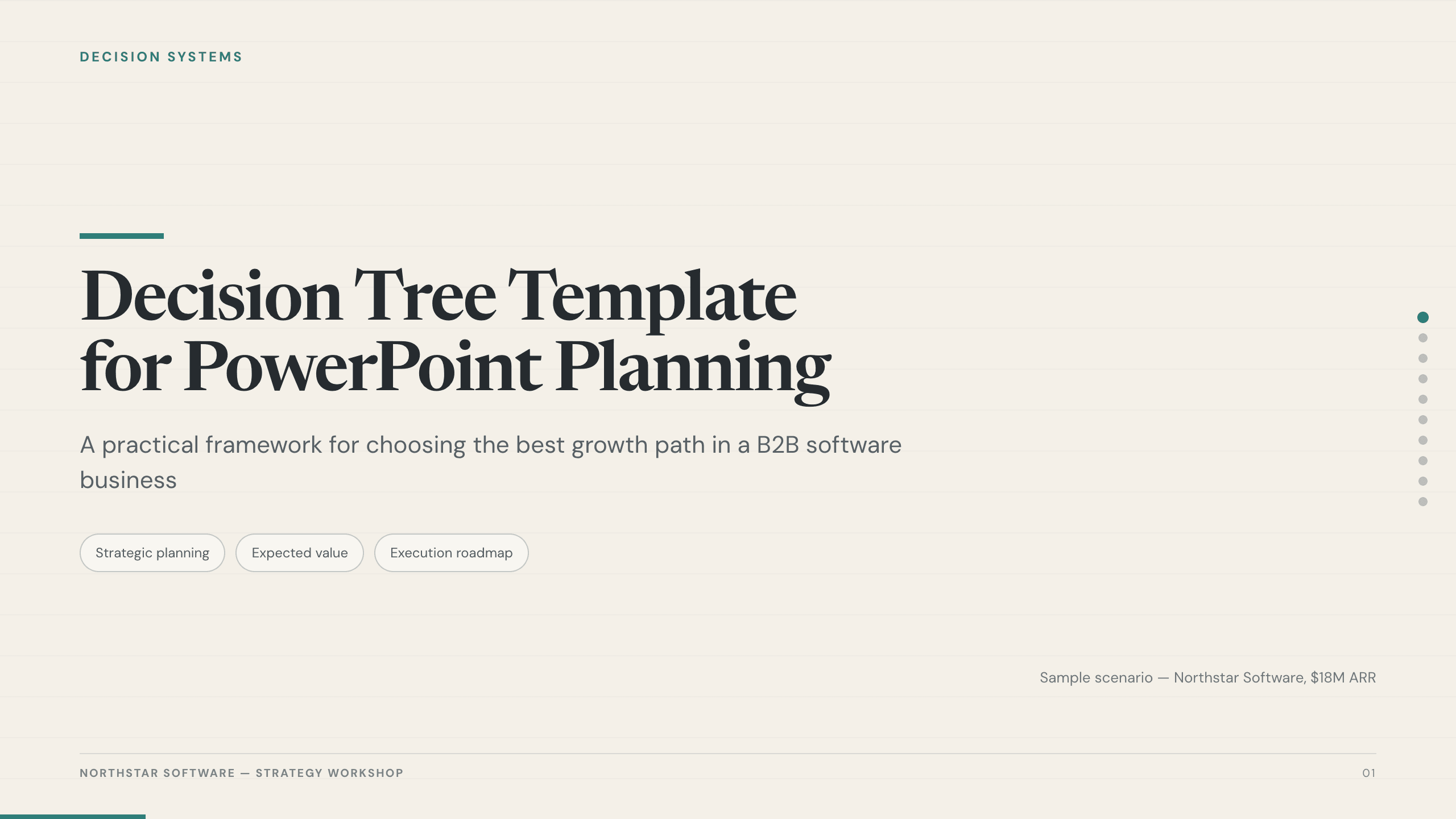
Decision Tree Template
Choose among options with 10 decision-tree slides covering the objective, criteria, branches, probabilities, economics, risks, sensitivity, and next test.
View templateExplore other template hubs
Customize the Process PowerPoint Template with Julius AI
1
Preview the complete example
Inspect all 12 slides to understand the narrative, layouts, and level of detail before replacing the example content.
2
Add your content and direction
Give Julius AI your source material, evidence, audience, constraints, and desired outcome.
3
Review and export
Check the narrative, facts, and design, then export an editable version to PowerPoint for final delivery.