Decision Tree Template for PowerPoint Planning
Choose among options with 10 decision-tree slides covering the objective, criteria, branches, probabilities, economics, risks, sensitivity, and next test.
Preview the 10-slide Decision Tree Template
Follow the worked software growth choice from strategic objective and branch logic through expected value, sensitivity, recommendation, and a 90-day evidence plan.
What you're getting
A decision tree that makes the choice and uncertainty visible
This 10-slide PowerPoint template turns a complex choice into explicit branches, conditions, outcomes, probabilities, and consequences. Supporting slides explain criteria, assumptions, expected value, sensitivity, risk, and the recommendation.
The growth-path example is useful because it exposes judgment rather than hiding it behind a score. Replace the sample probabilities and economics, document their sources, and use ranges when precision would be misleading.
- Included
- 10 decision slides
- Best for
- Strategic option analysis
- Export
- Editable PowerPoint
Built for
Strategy leaders comparing growth paths
Teams evaluating options whose value depends on market, execution, or timing conditions.
Product teams sequencing bets
Leaders mapping customer evidence, technical dependencies, investment, and possible outcomes.
Executives reviewing uncertainty
Decision-makers testing how assumptions, reversibility, and downside affect a recommendation.
Getting started
Model the decision before choosing the answer
Keep mutually exclusive choices, uncertain events, and resulting outcomes visually distinct.
- 1
Define the decision boundary
Name the owner, objective, available choices, deadline, and conditions outside scope.
- 2
Draw the branch logic
Separate choices from chance events and make every path lead to a defined outcome.
- 3
Estimate consequences
Add cost, benefit, time, probability, strategic value, and risk using documented assumptions or ranges.
- 4
Test sensitivity
Identify which uncertain inputs can change the preferred path and what evidence would reduce uncertainty.
- 5
Choose the next commitment
Recommend the path, safeguards, review gate, and near-term test rather than implying the future is certain.
Explore more
Related templates worth comparing
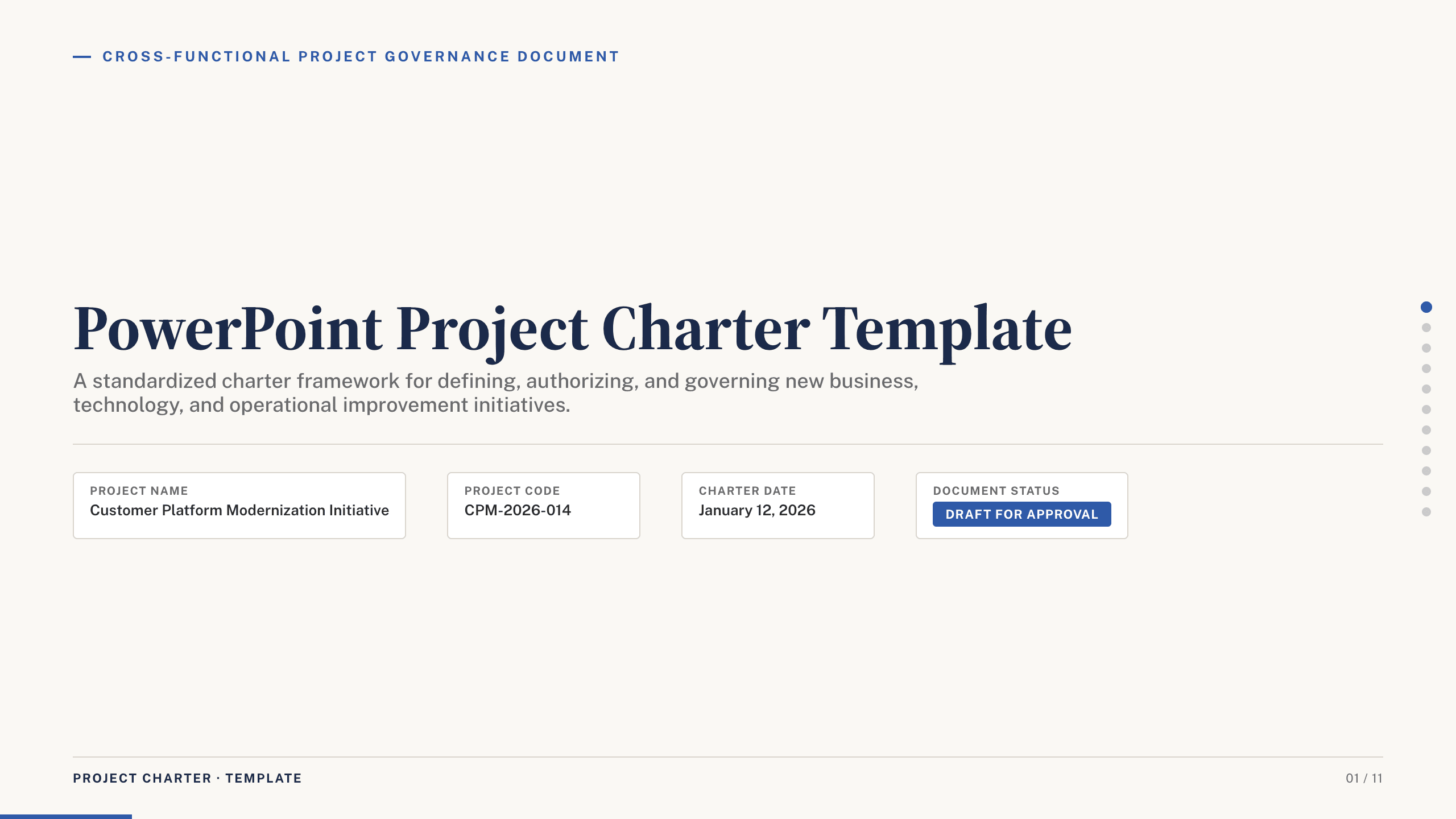
PowerPoint Project Charter Template
Authorize a project with 11 charter slides covering need, objectives, scope, stakeholders, governance, milestones, budget, risks, and approval.
View template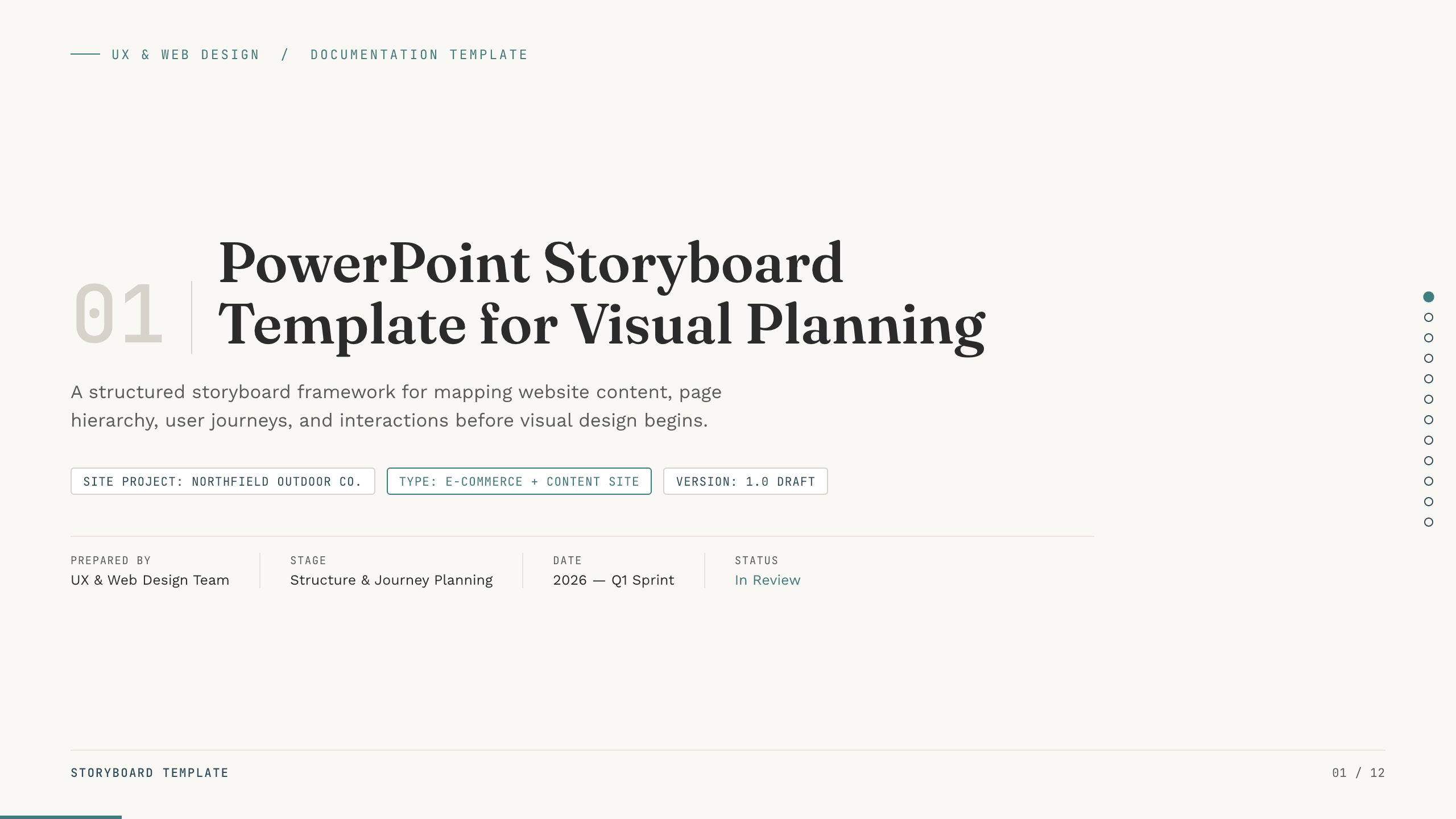
PowerPoint Storyboard Template
Plan a website with 12 PowerPoint storyboard slides for objectives, sitemap, page scenes, content, interactions, responsive behavior, and handoff.
View template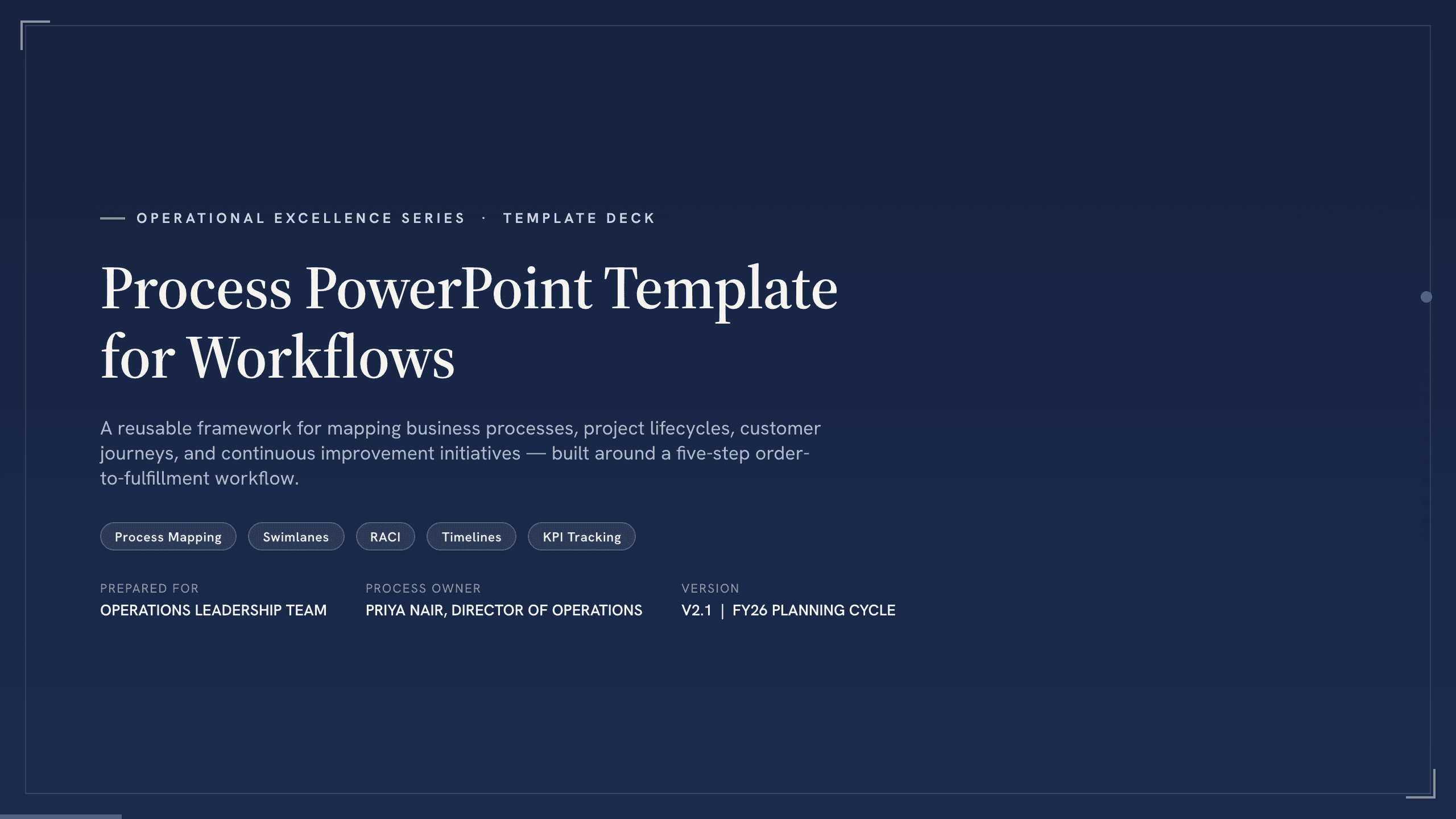
Process PowerPoint Template
Map and improve a workflow with 12 PowerPoint slides covering five-step flow, branches, handoffs, measures, bottlenecks, future state, and action.
View template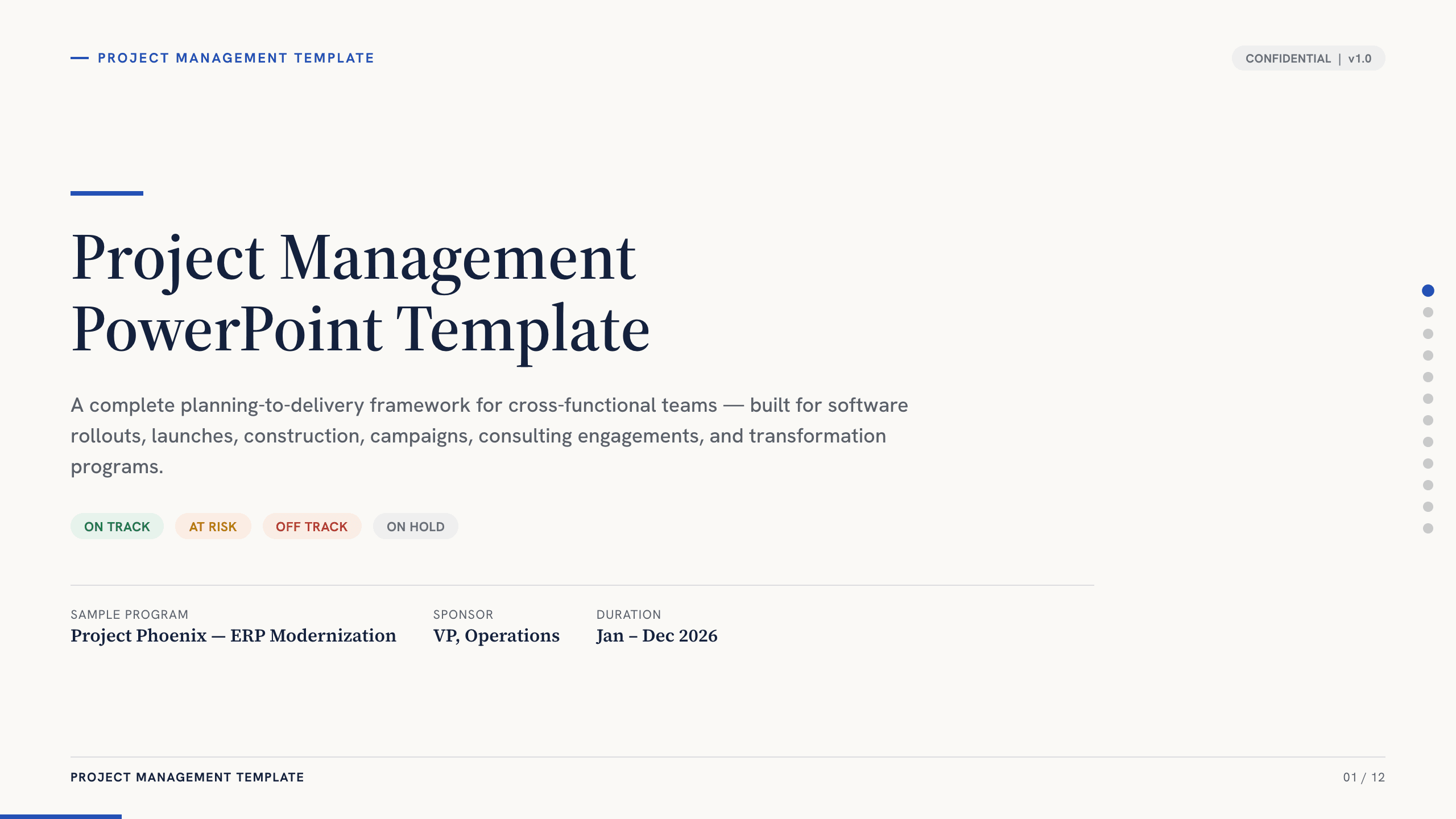
Project Management PowerPoint Template
Manage an initiative with 12 PowerPoint slides for objectives, scope, workstreams, schedule, resources, budget, risks, status, and decisions.
View template
Storyboard Template
Plan a video with 10 Google Slides covering concept, audience, objective, script beats, frame sequences, audio, production notes, and approval.
View template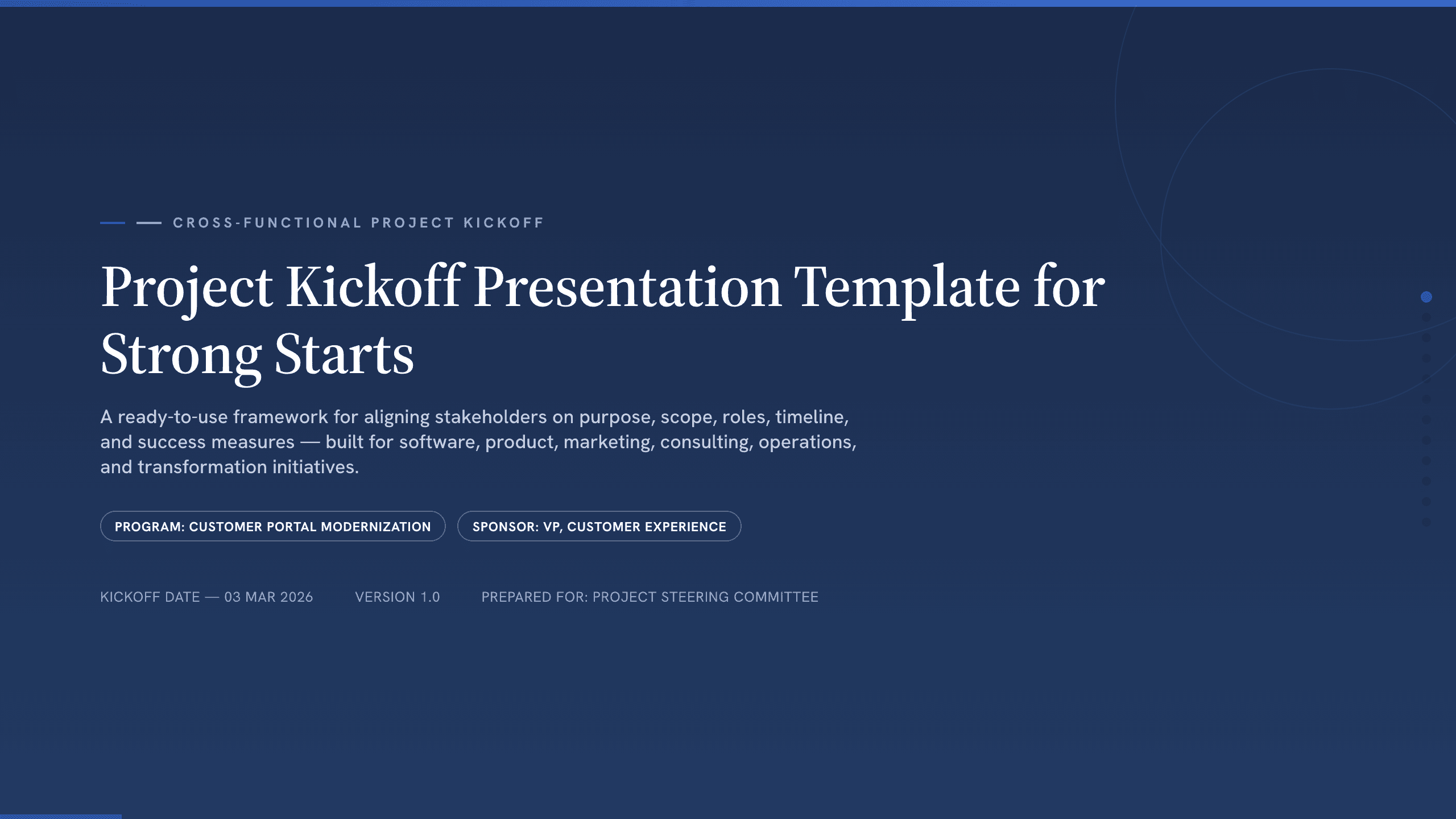
Project Kickoff Presentation Template
Align a project team with 12 kickoff slides covering purpose, outcomes, scope, roles, workstreams, timeline, governance, risks, and next steps.
View templateExplore other template hubs
Customize the Decision Tree Template with Julius AI
1
Preview the complete example
Inspect all 10 slides to understand the narrative, layouts, and level of detail before replacing the example content.
2
Add your content and direction
Give Julius AI your source material, evidence, audience, constraints, and desired outcome.
3
Review and export
Check the narrative, facts, and design, then export an editable version to PowerPoint for final delivery.