PowerPoint Storyboard Template for Visual Planning
Plan a website with 12 PowerPoint storyboard slides for objectives, sitemap, page scenes, content, interactions, responsive behavior, and handoff.
Preview the 12-slide PowerPoint Storyboard Template
Review the complete website storyboard from project brief and user journey through page-by-page scenes, interactions, responsive notes, review, and handoff.
What you're getting
A website storyboard that resolves structure before polish
This 12-slide PowerPoint template maps website content, hierarchy, user journey, page scenes, interactions, responsive behavior, and handoff before detailed visual design begins. It gives product, content, design, and stakeholders a shared object to review.
The sample site shows the right level of fidelity for structural decisions. Replace its pages and user needs, keep copy representative enough to test hierarchy, and record open requirements instead of hiding them behind polished mockups.
- Included
- 12 planning slides
- Best for
- Website structure and UX
- Export
- Editable PowerPoint
Built for
Product teams defining a website
Teams aligning business goals, user tasks, pages, content, interactions, and success measures.
Designers preparing wireframes
Practitioners testing hierarchy and flow before investing in detailed visual and responsive design.
Content teams planning a migration
Writers mapping current material to new pages, messages, calls to action, and ownership.
Getting started
Align the journey and content before refining the interface
Use enough real copy to test hierarchy and comprehension, but keep the drawings simple enough to change quickly.
- 1
Confirm objectives and users
Define the business outcome, priority audiences, top tasks, constraints, and measures.
- 2
Map the information architecture
Organize pages, navigation, labels, entry points, and content ownership around user intent.
- 3
Storyboard each key scene
Show hierarchy, content blocks, controls, decisions, errors, and the next action for priority pages.
- 4
Annotate behavior
Add responsive, accessibility, state, data, tracking, performance, and technical notes.
- 5
Review and hand off
Resolve open questions, record decisions, assign content and requirements, and link the next design artifacts.
Explore more
Related templates worth comparing

Storyboard Template
Plan a video with 10 Google Slides covering concept, audience, objective, script beats, frame sequences, audio, production notes, and approval.
View template
Decision Tree Template
Choose among options with 10 decision-tree slides covering the objective, criteria, branches, probabilities, economics, risks, sensitivity, and next test.
View template
PowerPoint Project Charter Template
Authorize a project with 11 charter slides covering need, objectives, scope, stakeholders, governance, milestones, budget, risks, and approval.
View template
Process PowerPoint Template
Map and improve a workflow with 12 PowerPoint slides covering five-step flow, branches, handoffs, measures, bottlenecks, future state, and action.
View template
Project Management PowerPoint Template
Manage an initiative with 12 PowerPoint slides for objectives, scope, workstreams, schedule, resources, budget, risks, status, and decisions.
View template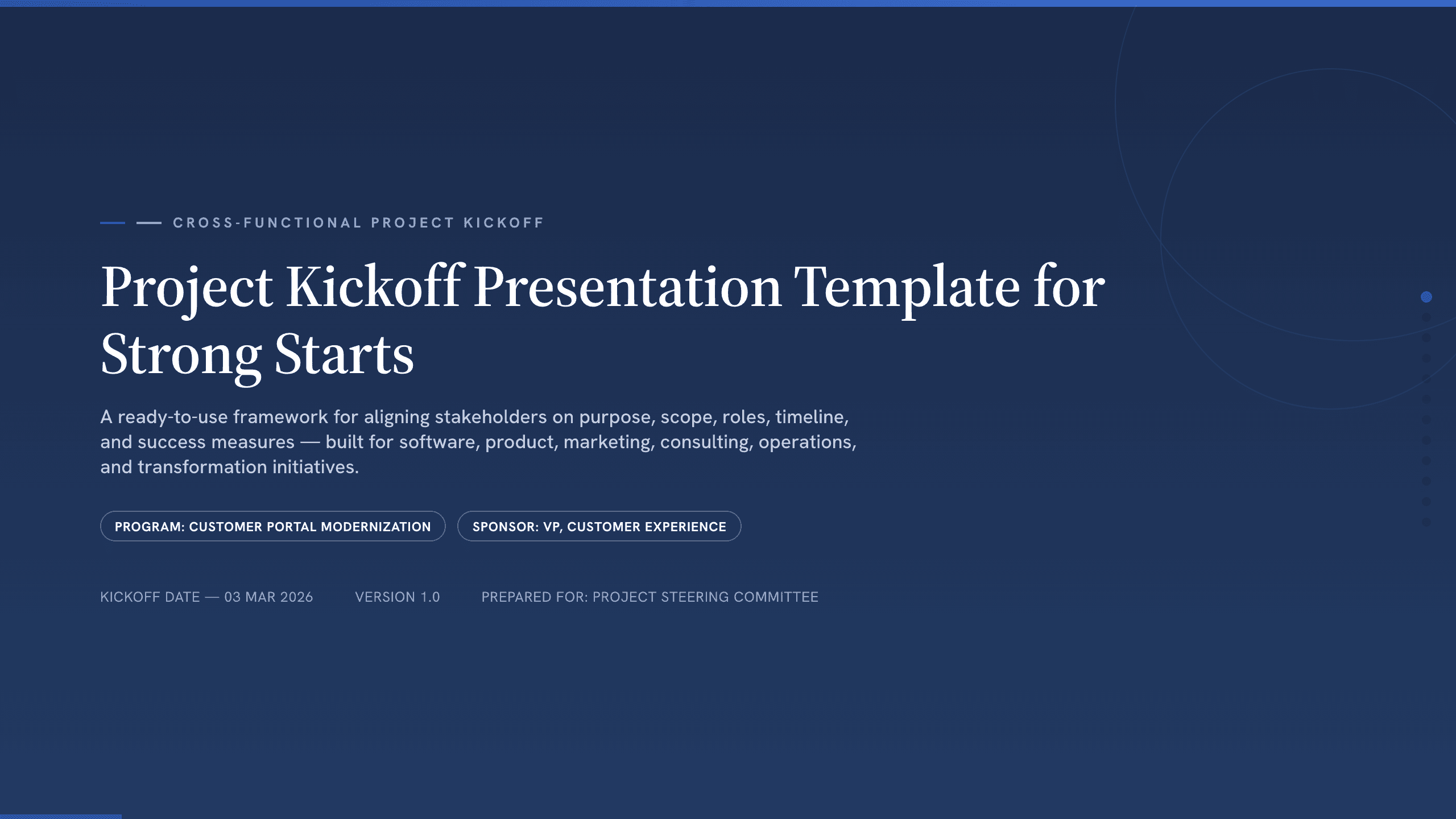
Project Kickoff Presentation Template
Align a project team with 12 kickoff slides covering purpose, outcomes, scope, roles, workstreams, timeline, governance, risks, and next steps.
View templateExplore other template hubs
Customize the PowerPoint Storyboard Template with Julius AI
1
Preview the complete example
Inspect all 12 slides to understand the narrative, layouts, and level of detail before replacing the example content.
2
Add your content and direction
Give Julius AI your source material, evidence, audience, constraints, and desired outcome.
3
Review and export
Check the narrative, facts, and design, then export an editable version to PowerPoint for final delivery.