Back-to-School PowerPoint Template for Classrooms
Welcome students with 12 PowerPoint slides for classroom culture, routines, learning goals, subjects, projects, support, and first-week plans.
Preview the 12-slide Back-to-School PowerPoint Template
See the complete classroom welcome from teacher introduction and community expectations through subjects, projects, routines, support, and the year ahead.
What you're getting
A back-to-school deck that makes the first week feel clear
This 12-slide PowerPoint template helps a teacher introduce the people, values, routines, subjects, projects, resources, and support that shape the year. The tone is optimistic while leaving room for concrete expectations.
The sample classroom is a worked example rather than a universal policy. Replace schedules and rules with accurate school information, use accessible language, and adapt the amount of text for the age and reading level of your students.
- Included
- 12 classroom slides
- Best for
- First-week orientation
- Export
- Editable PowerPoint
Built for
Teachers welcoming a new class
Educators introducing themselves, the learning environment, routines, subjects, projects, and support.
Advisers leading student orientation
Staff helping students understand schedules, resources, expectations, belonging, and where to ask for help.
School leaders briefing families
Teams explaining the year’s priorities, communication channels, key dates, and ways families can participate.
Getting started
Design the welcome around what students need first
Prioritize safety, belonging, clarity, and the next few days; detailed policies can live in a separate handbook.
- 1
Set the age and setting
Adapt vocabulary, examples, pace, and visual density for the grade, subject, and classroom context.
- 2
Personalize the introduction
Replace the teacher profile, contact information, photographs, and welcome message.
- 3
Explain essential routines
Cover arrival, materials, participation, transitions, assignments, technology, and how to request help.
- 4
Create early participation
Add a low-pressure prompt, class agreement, interest check, or first-week activity.
- 5
Verify school information
Confirm calendars, accessibility, emergency, communication, and support details before presenting.
Explore more
Related templates worth comparing
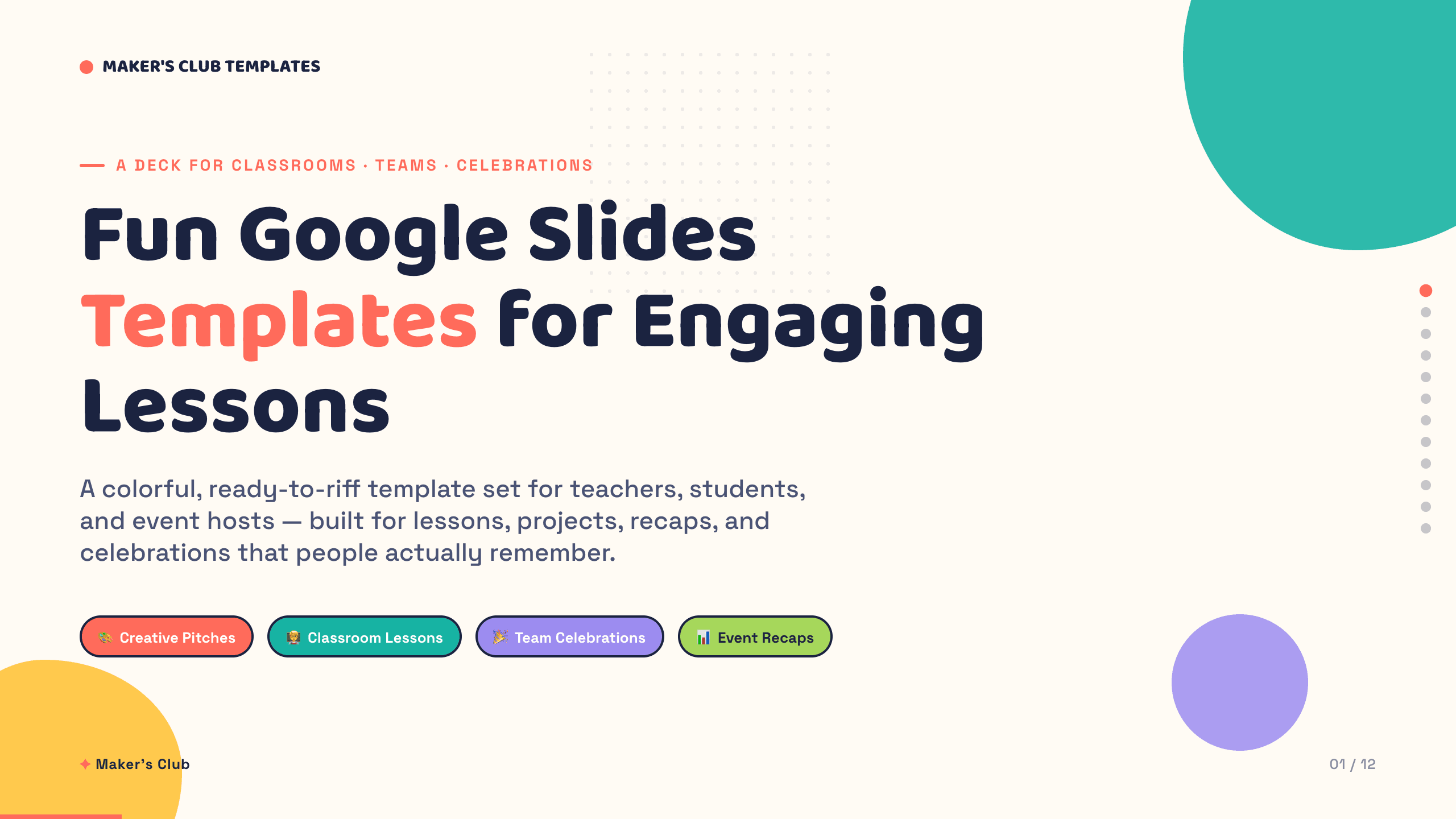
Fun Google Slides Templates
Inspect a 12-slide featured example and find a starting point for engaging lessons.
Browse collection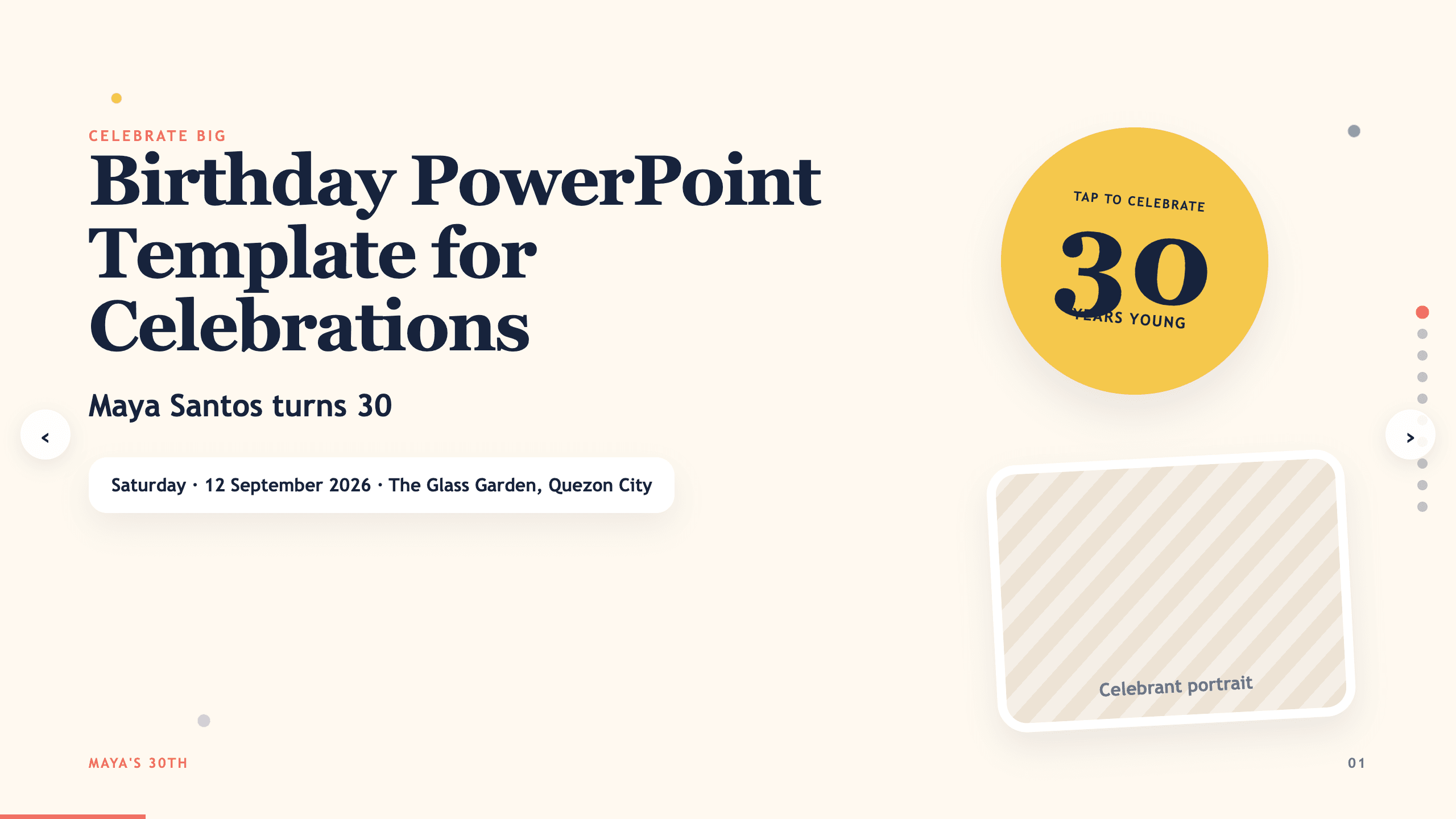
Birthday PowerPoint Template
Celebrate a birthday with 10 adaptable PowerPoint slides for welcome, life timeline, favorite things, people, messages, photos, highlights, and wishes ahead.
View template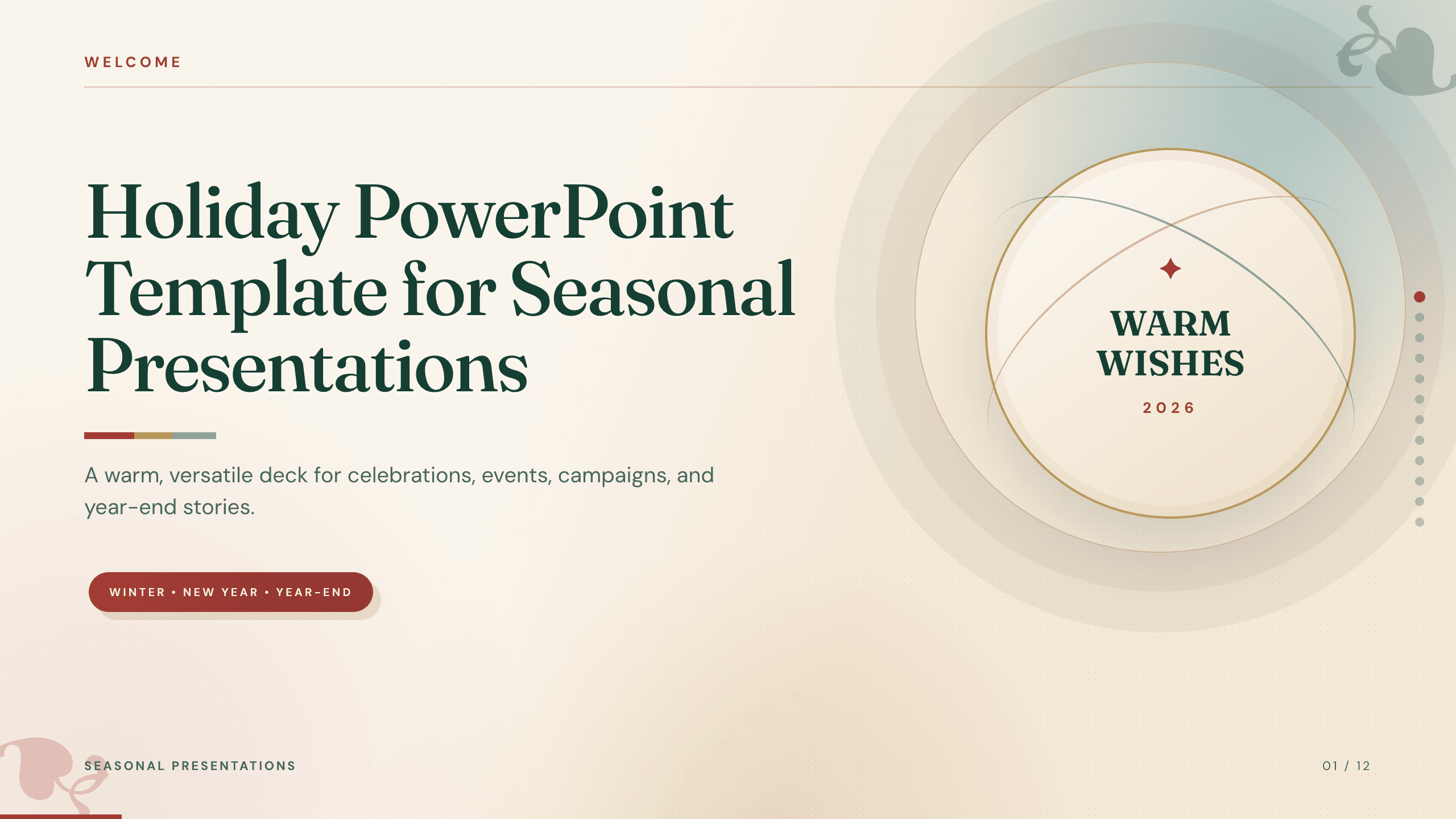
Holiday PowerPoint Template
Build a 12-slide holiday presentation for events, campaigns, year-end updates, gift guides, traditions, schedules, highlights, and closing messages.
View template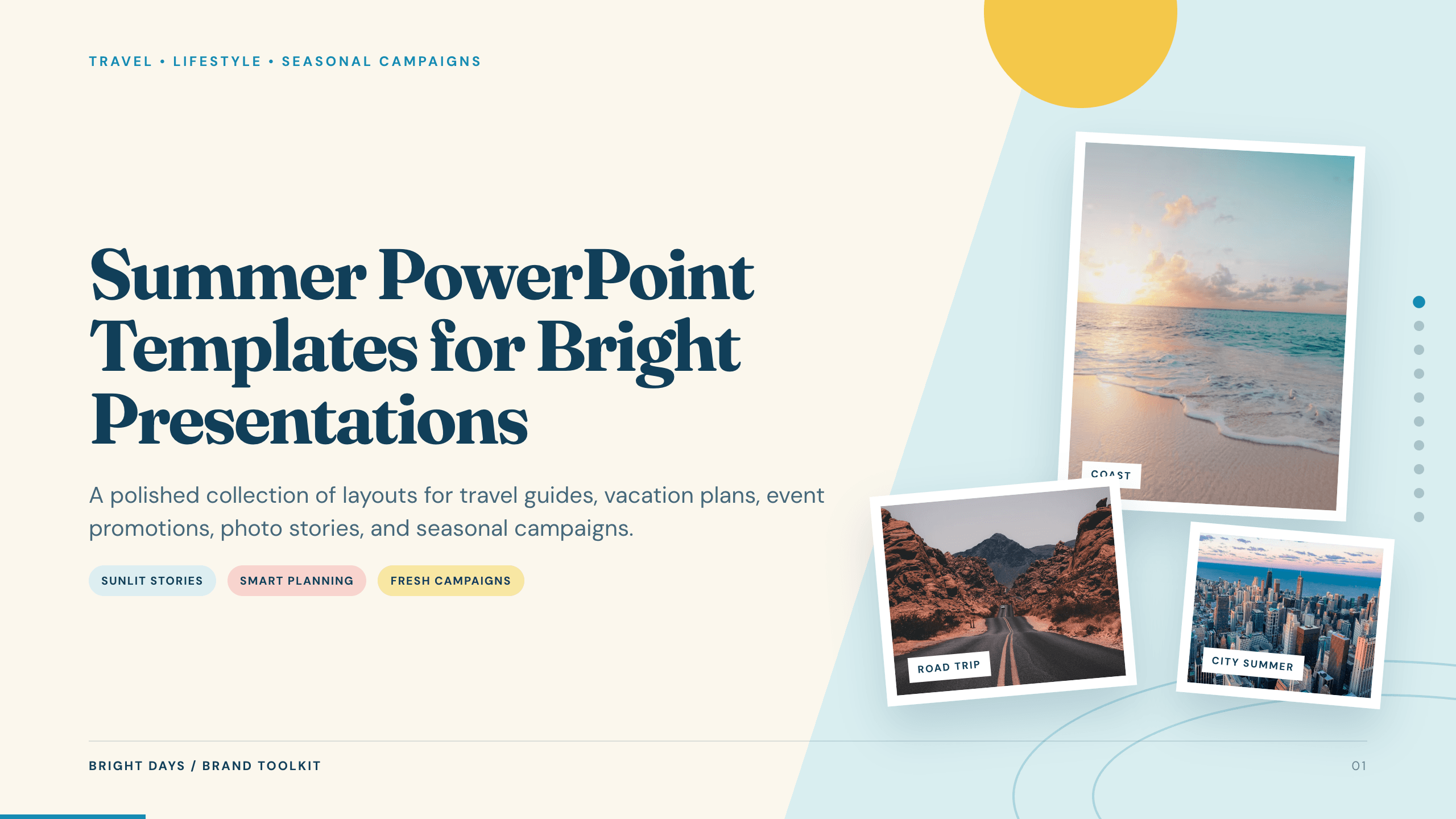
Summer PowerPoint Templates
Inspect a 10-slide featured example and find a starting point for bright presentations.
Browse collection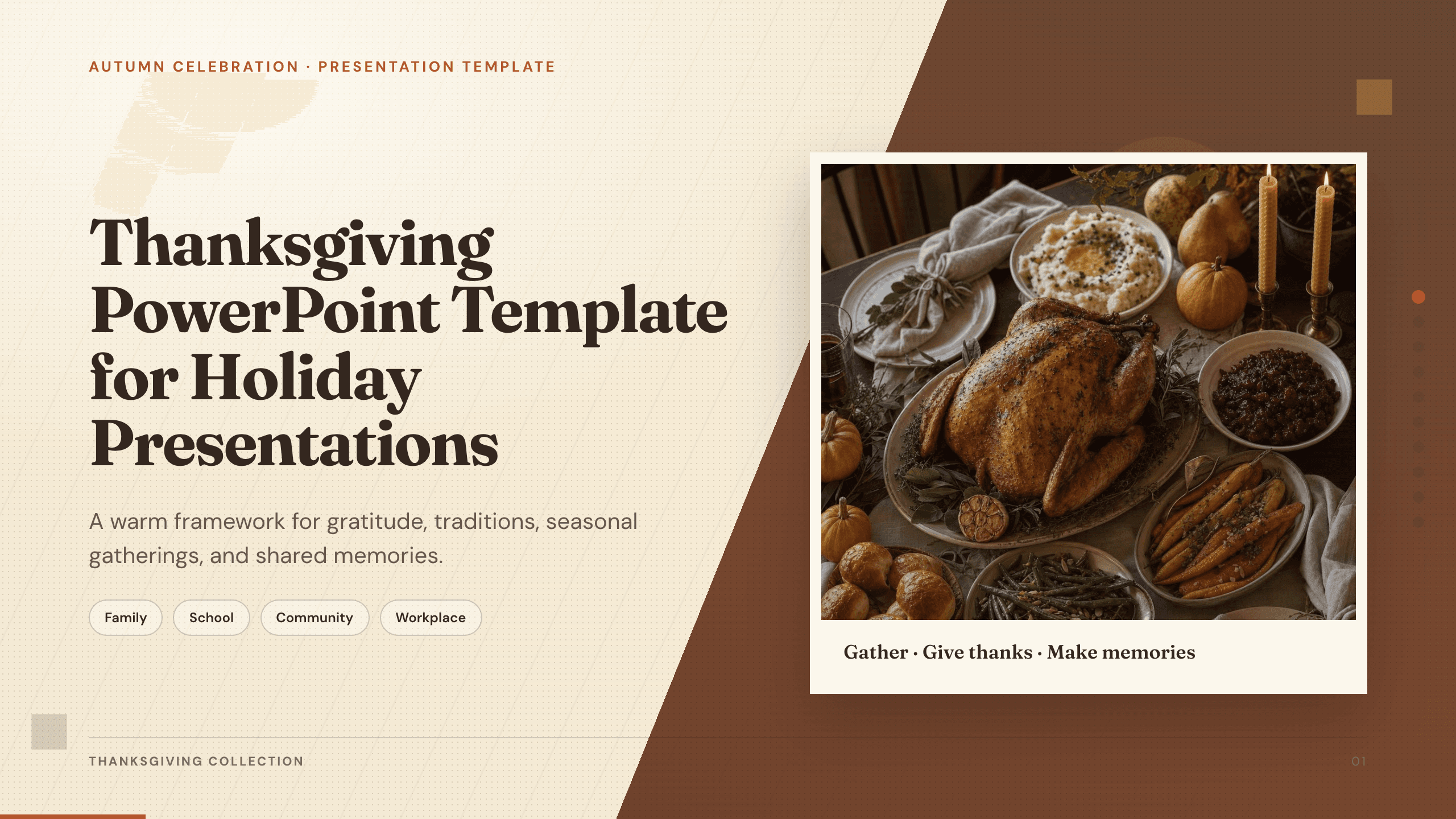
Thanksgiving PowerPoint Template
Create a warm 10-slide Thanksgiving presentation for gatherings, classroom activities, community events, menus, gratitude reflections, and shared memories.
View template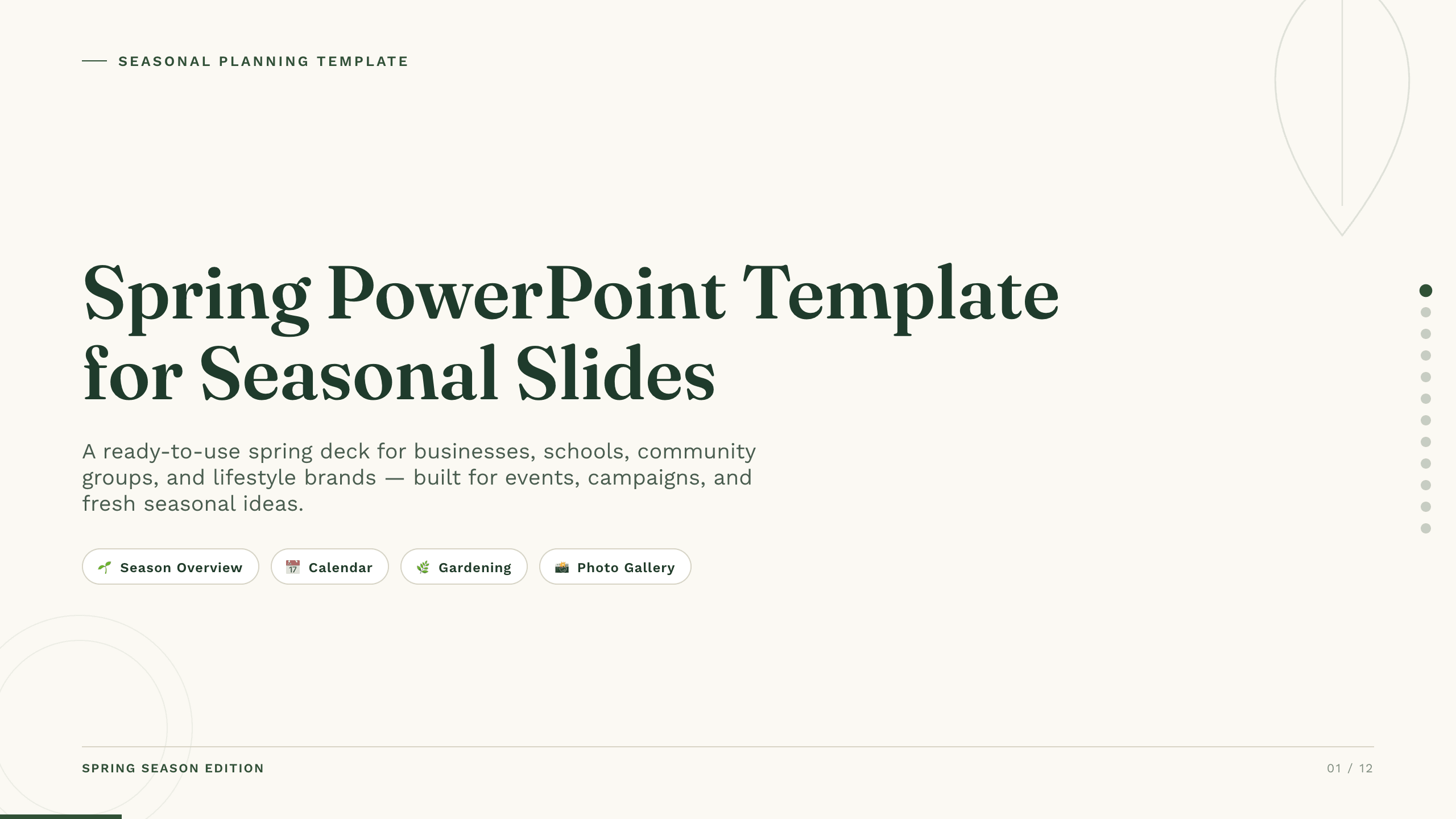
Spring PowerPoint Template
Plan a spring event, campaign, lesson, or community initiative with 11 PowerPoint slides for seasonal context, audience, ideas, schedule, promotion, and action.
View templateExplore other template hubs
Customize the Back-to-School PowerPoint Template with Julius AI
1
Preview the complete example
Inspect all 12 slides to understand the narrative, layouts, and level of detail before replacing the example content.
2
Add your content and direction
Give Julius AI your source material, evidence, audience, constraints, and desired outcome.
3
Review and export
Check the narrative, facts, and design, then export an editable version to PowerPoint for final delivery.