Google Slides Newspaper Template for Creative Stories
Build a school paper, community bulletin, or company newsletter with 10 distinct editorial layouts for lead news, briefs, features, opinion, events, and photography.
Preview the 10-slide Google Slides Newspaper Template
Inspect the full Riverside issue to see how headlines, columns, bylines, captions, imagery, and section hierarchy remain consistent.
What you're getting
An editorial system with a real news hierarchy
This 10-slide Google Slides newspaper template includes a lead story, editorial statement, news briefs, business and culture features, sports coverage, an opinion page, a weekly calendar, and a photo essay. Each layout has a distinct editorial job instead of repeating the same columns under different headlines.
The Riverside stories are illustrative, but the hierarchy is ready to use. Keep the masthead, bylines, dates, captions, and section logic consistent while replacing every article, quote, image, and source with material you have verified.
- Included
- 10 editorial layouts
- Best for
- News and newsletters
- Export
- Editable Google Slides
Built for
Students producing a school newspaper
Editorial teams dividing reporting into lead news, briefs, features, sports, opinion, and campus events.
Community communications teams
Local groups publishing a recurring bulletin with public updates, profiles, commentary, and a calendar.
Company editors building a newsletter
Internal communications teams that want a more editorial treatment for announcements, stories, and employee features.
Getting started
Build the issue from the lead story down
Decide what deserves the most attention before you begin fitting copy into layouts.
- 1
Set the issue identity
Update the masthead, issue date, section names, audience, and editorial purpose before assigning stories.
- 2
Choose the lead story
Give the most consequential, timely story the strongest headline, image, evidence, and page position.
- 3
Assign the supporting sections
Use briefs for genuinely short updates and reserve feature layouts for stories that need context or narrative.
- 4
Complete the source details
Add bylines, captions, links or citations, dates, quote attribution, and image credits as you work.
- 5
Edit the issue as one publication
Fact-check every article, remove repetition, balance the visual pacing, and verify permissions before sharing.
Explore more
Related templates worth comparing
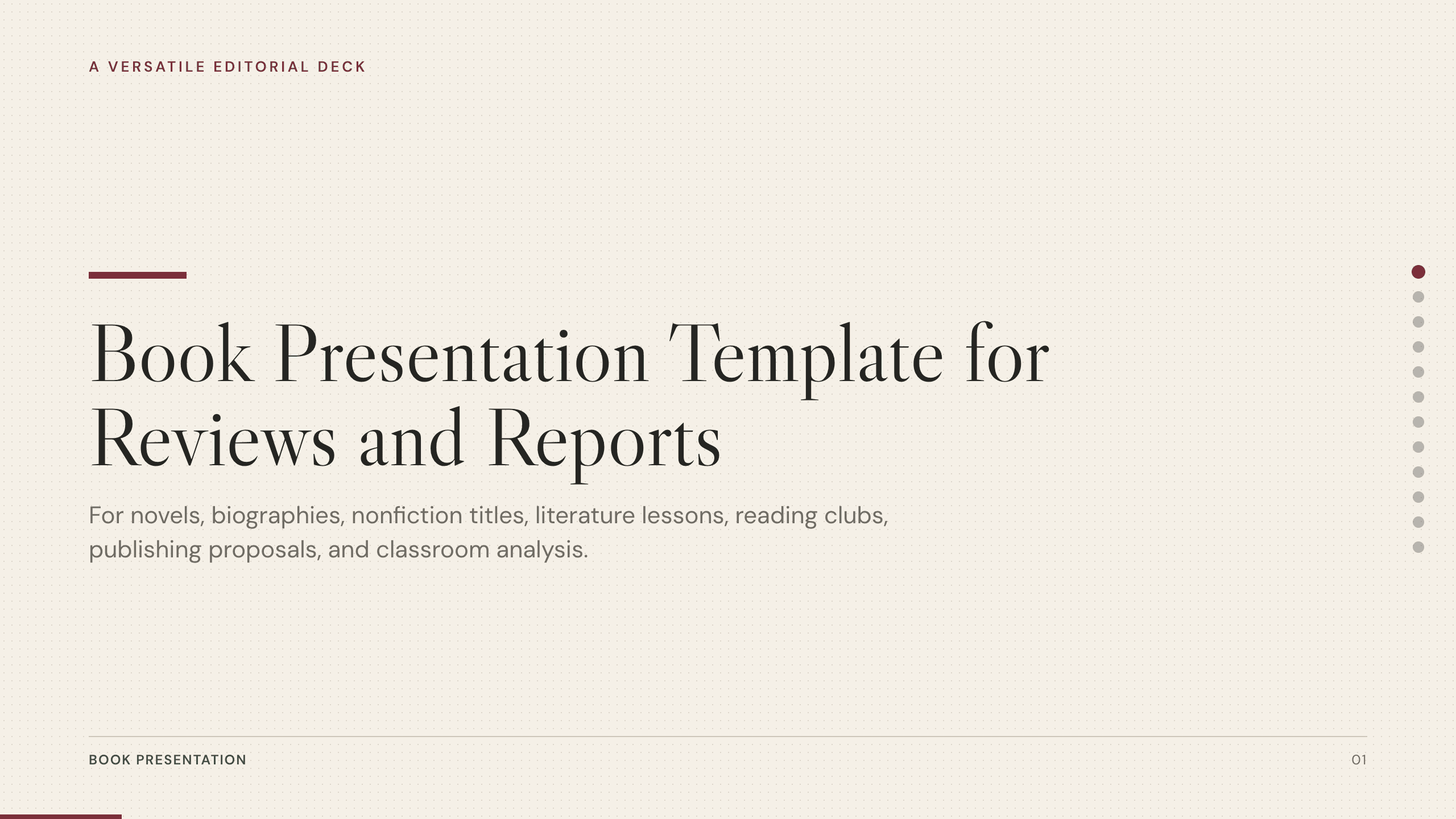
Book Presentation Template
Present a book review or report with 10 slides covering context, plot or argument, characters, themes, craft, evidence, interpretation, and recommendation.
View template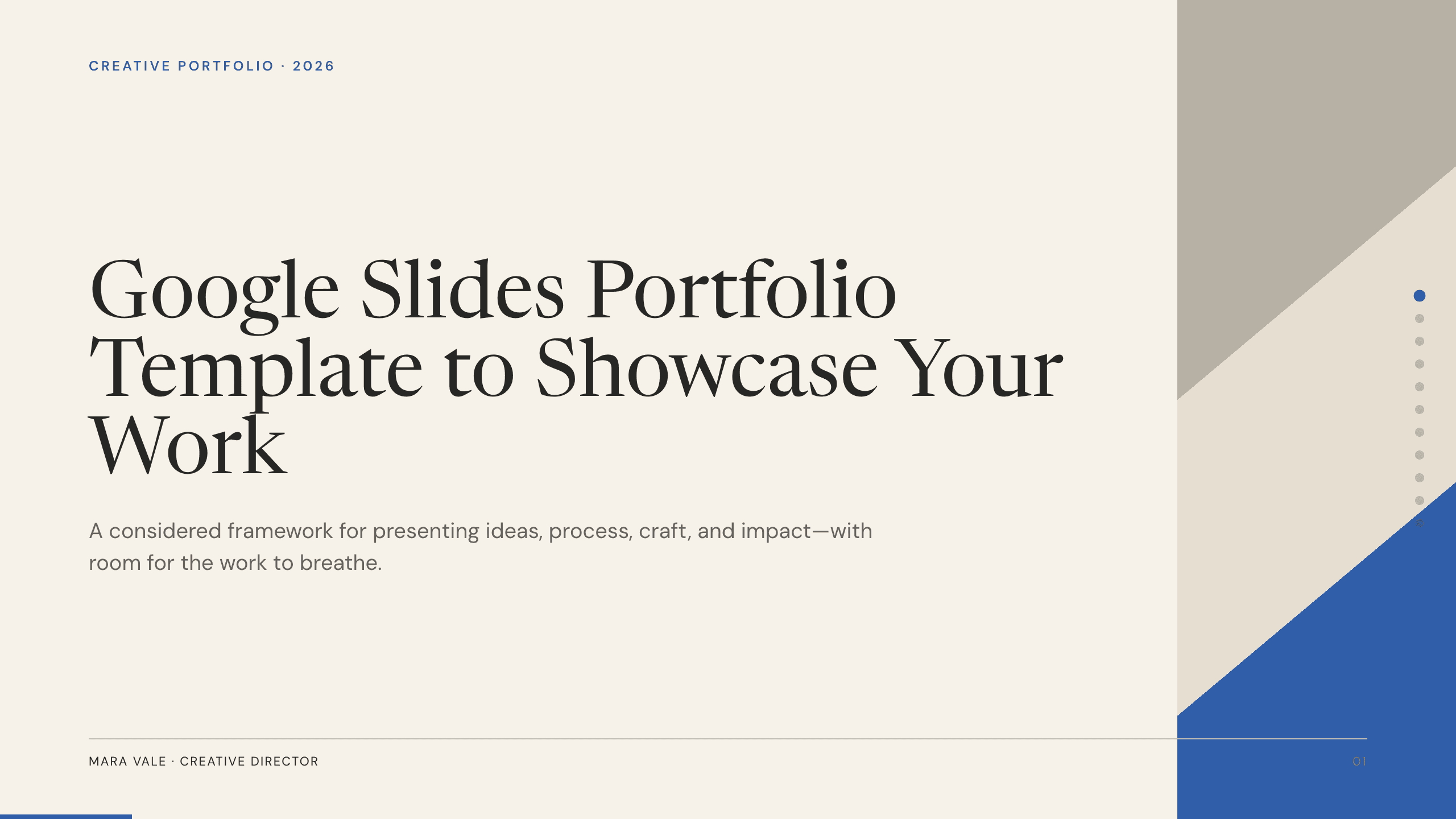
Google Slides Portfolio Template
Showcase selected work in nine editorial Google Slides layouts covering your point of view, capabilities, project context, process, outcomes, and contact.
View template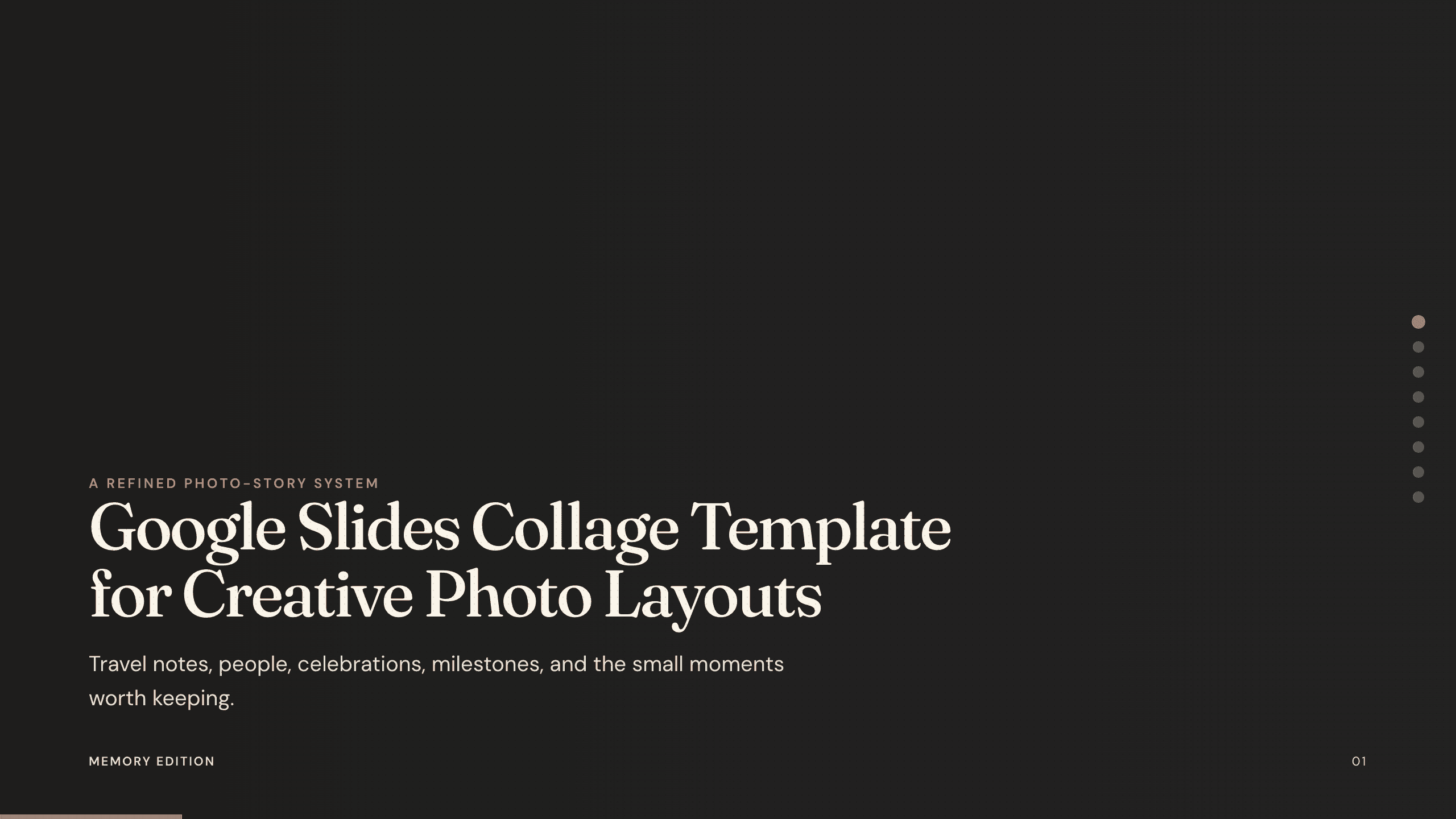
Google Slides Collage Template
Arrange travel, celebration, milestone, and everyday photos in eight flexible Google Slides collage layouts with room for dates, captions, and reflection.
View template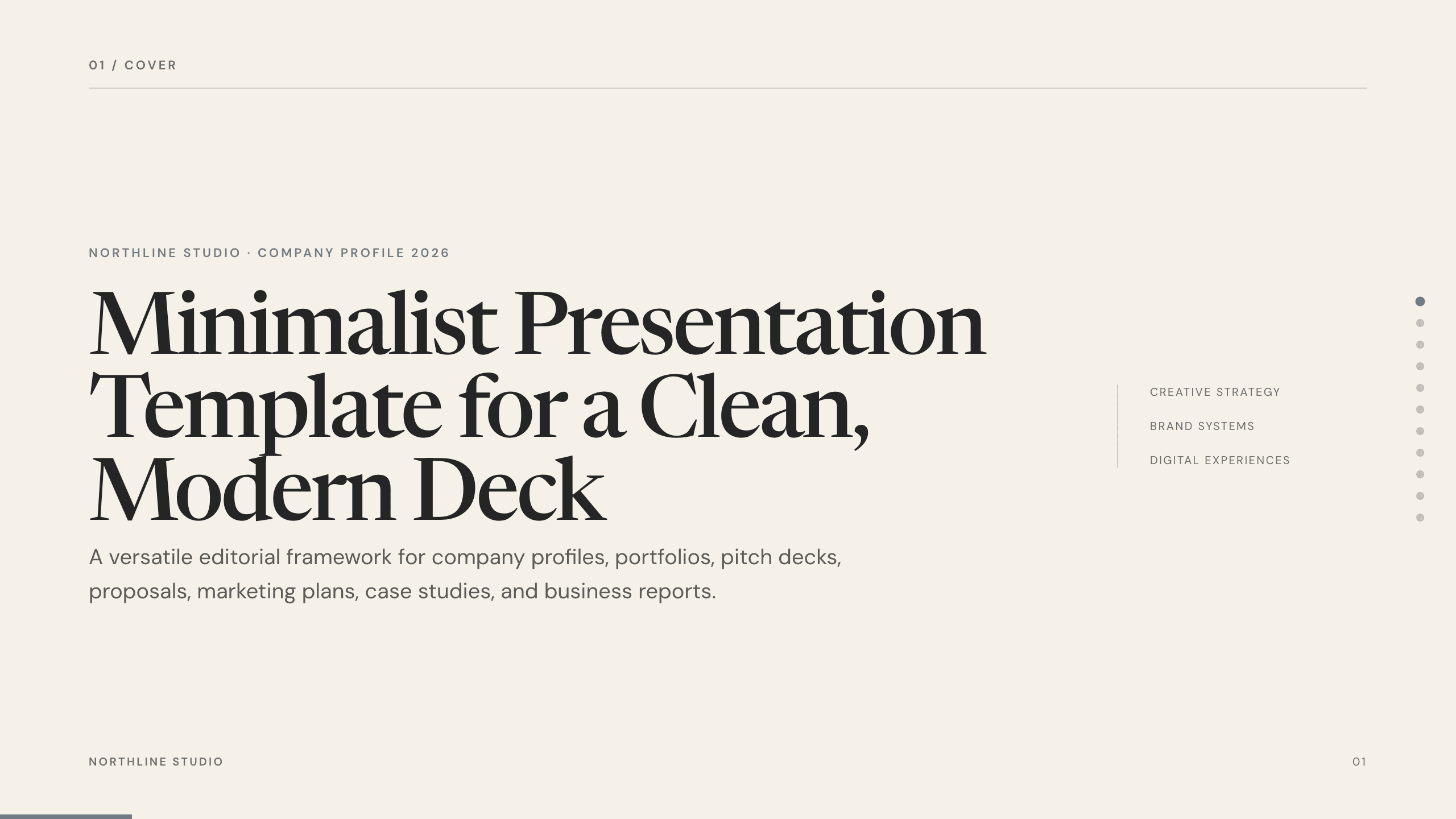
Minimalist Presentation Template
Build a clean 11-slide presentation with an editorial system for company stories, portfolios, proposals, case studies, reports, and focused recommendations.
View template
Real Estate Presentation Template
Present a property or portfolio with 12 slides for market context, neighborhood, specifications, floor plan, amenities, comparables, marketing, and next steps.
View template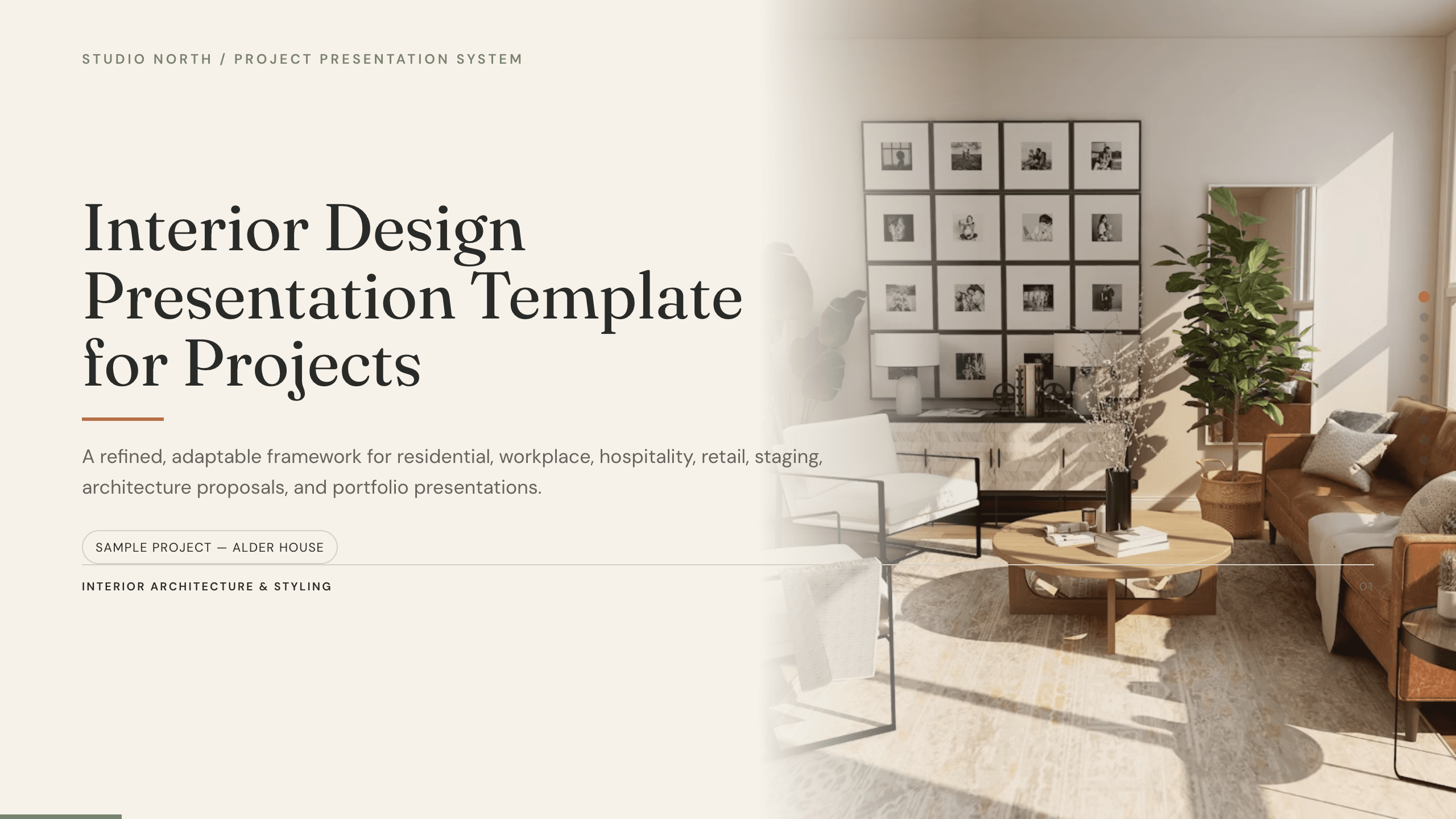
Interior Design Presentation Template
Present an interior design project with 12 slides for brief, concept, plan, palette, materials, furniture, lighting, rooms, budget, schedule, and approval.
View templateExplore other template hubs
Customize the Google Slides Newspaper Template with Julius AI
1
Preview the complete example
Inspect all 10 slides to understand the narrative, layouts, and level of detail before replacing the example content.
2
Add your content and direction
Give Julius AI your source material, evidence, audience, constraints, and desired outcome.
3
Review and export
Check the narrative, facts, and design, then export an editable version to Google Slides for final delivery.