Minimalist Presentation Template for a Clean, Modern Deck
Build a clean 11-slide presentation with an editorial system for company stories, portfolios, proposals, case studies, reports, and focused recommendations.
Preview the 11-slide Minimalist Presentation Template
Review the five-chapter worked example to see how restrained typography, whitespace, imagery, evidence, and a precise closing question work together.
What you're getting
A minimalist deck with enough structure to stay clear
This 11-slide template uses an editorial grid, controlled typography, intentional whitespace, and a limited number of content patterns. The restraint keeps attention on the argument while still supporting profiles, work samples, evidence, and recommendations.
Minimal does not mean vague. Replace the example with specific claims and purposeful images, then remove anything that does not help the audience understand, compare, or decide.
- Included
- 11 editorial slides
- Best for
- Focused visual stories
- Export
- PowerPoint or Google Slides
Built for
Creative teams presenting selected work
Studios and individuals who want projects and outcomes to carry more weight than decoration.
Founders building a concise company story
Leaders explaining a problem, point of view, proof, and next step without an overloaded pitch deck.
Consultants simplifying a recommendation
Advisers who need a calm visual hierarchy for conclusions, evidence, and a direct client question.
Getting started
Make every element earn the space it occupies
Draft the storyline in plain text first, then use the layouts to create hierarchy rather than fill empty areas.
- 1
Choose one governing idea
Write the sentence the audience should remember and use it to decide what belongs in the deck.
- 2
Reduce the storyline
Organize the presentation into a small number of chapters with one job per slide.
- 3
Use specific evidence
Replace broad adjectives with examples, numbers, work samples, or observations that support each claim.
- 4
Edit the visual system
Keep type scale, alignment, spacing, image treatment, and color usage consistent across every layout.
- 5
End with a precise next step
Close on the decision, question, action, or contact point rather than a generic thank-you.
Explore more
Related templates worth comparing
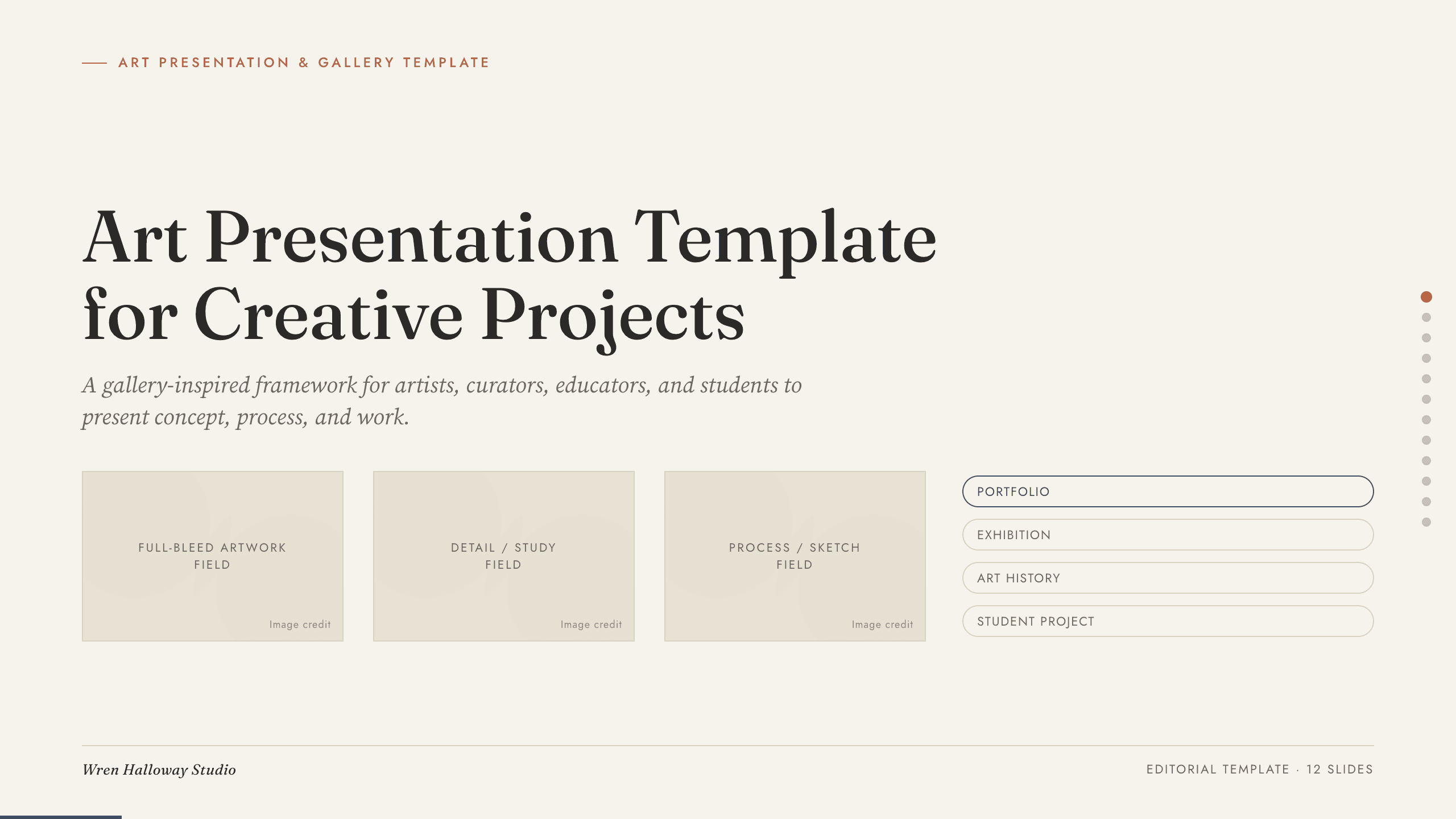
Art Presentation Template
Present an art practice in five gallery-style slides covering artist perspective, concept, process, selected work, material detail, and central question.
View template
Real Estate Presentation Template
Present a property or portfolio with 12 slides for market context, neighborhood, specifications, floor plan, amenities, comparables, marketing, and next steps.
View template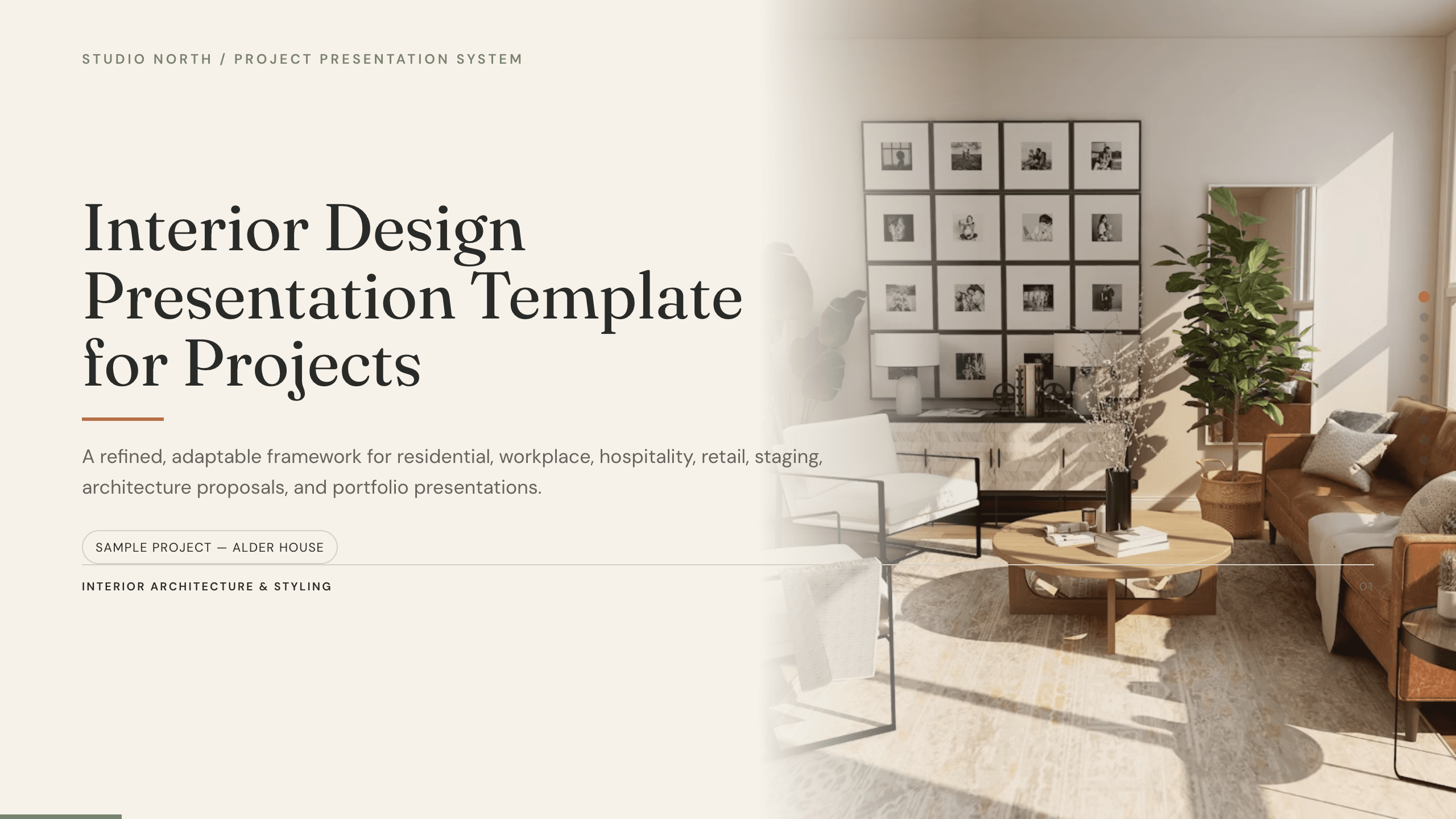
Interior Design Presentation Template
Present an interior design project with 12 slides for brief, concept, plan, palette, materials, furniture, lighting, rooms, budget, schedule, and approval.
View template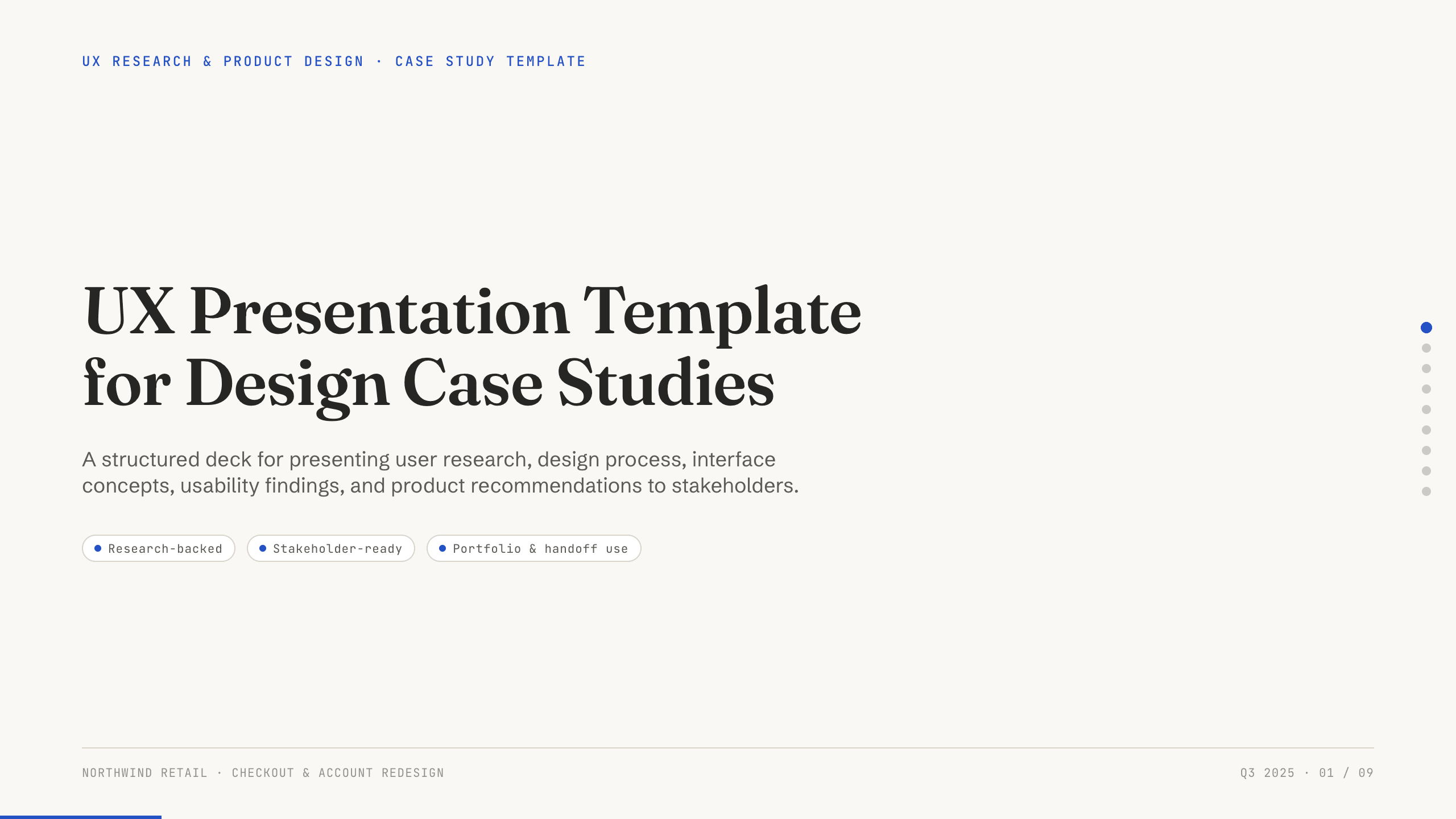
UX Presentation Template
Present a UX project in nine slides covering the product problem, research, journey, insight, design decisions, usability evidence, outcome, and recommendation.
View template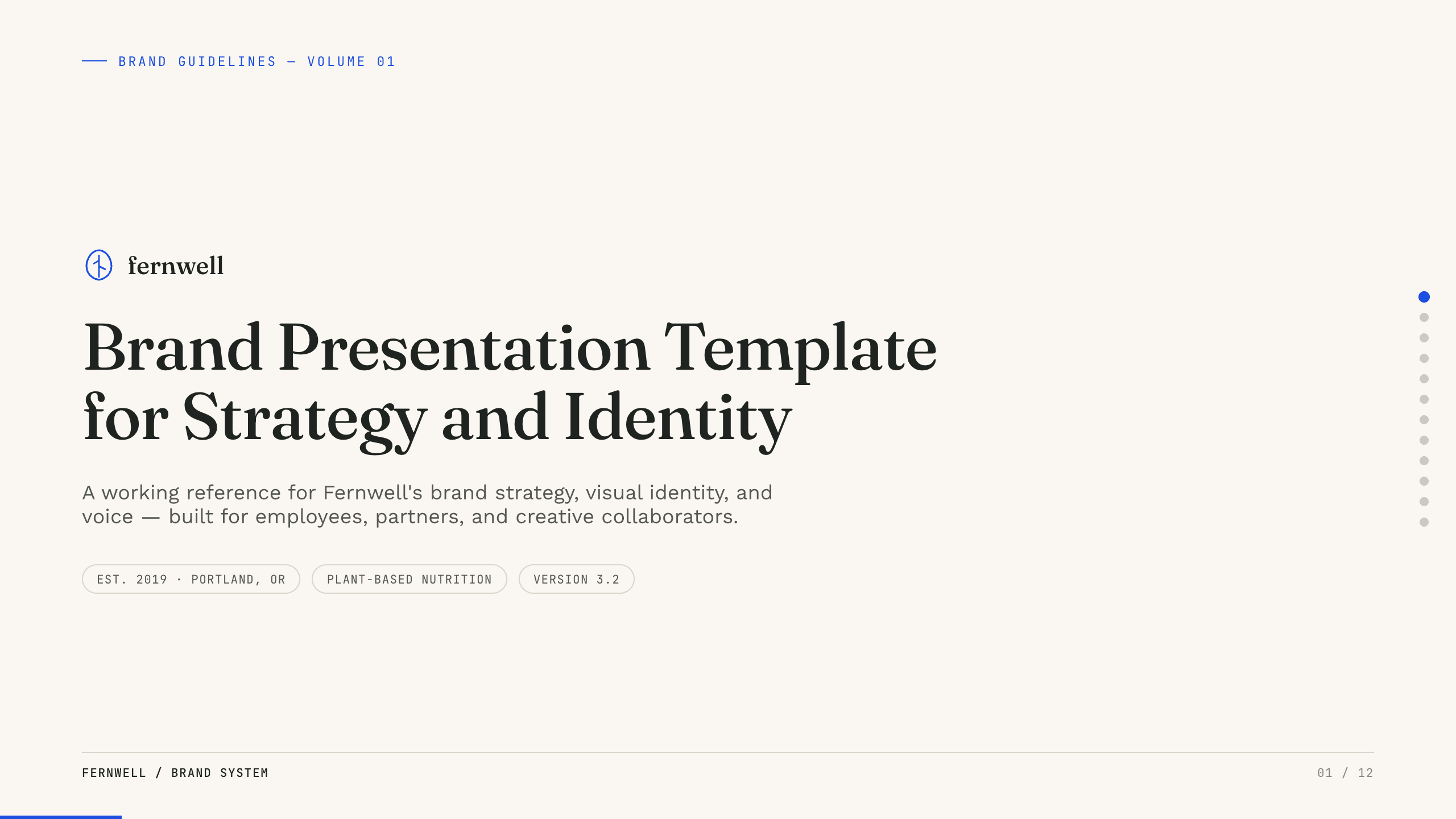
Brand Presentation Template
Create an 11-slide brand guide covering purpose, audience, positioning, personality, voice, identity, messaging, applications, and governance.
View template
UX Case Study Presentation Template
Build a 12-slide UX case study covering product context, user problem, research, journey, insight, iterations, testing, outcome, and reflection.
View templateExplore other template hubs
Customize the Minimalist Presentation Template with Julius AI
1
Preview the complete example
Inspect all 11 slides to understand the narrative, layouts, and level of detail before replacing the example content.
2
Add your content and direction
Give Julius AI your source material, evidence, audience, constraints, and desired outcome.
3
Review and export
Check the narrative, facts, and design, then export an editable version to PowerPoint or Google Slides for final delivery.