Baby Slideshow Template for Milestone Memories
Preserve a baby’s first year with 12 gentle slides for arrival, family, monthly changes, favorite things, smiles, words, steps, celebrations, and wishes ahead.
Preview the 12-slide Baby Slideshow Template
Review the complete Wren keepsake from birth announcement and early days through monthly milestones, favorite details, family moments, first birthday, and wishes.
What you're getting
A gentle baby slideshow for the moments families want to keep
This 12-slide template creates a calm editorial keepsake for birth announcements, showers, newborn sessions, monthly updates, first milestones, family moments, and a first-birthday recap. The layouts let photographs remain the emotional center.
The sample story shows a respectful level of detail. Replace it with information the family wants shared, avoid publishing sensitive birth or location data broadly, and choose photographs with consent from the people pictured.
- Included
- 12 keepsake slides
- Best for
- First-year memories
- Export
- PowerPoint or Google Slides
Built for
Parents documenting the first year
Families organizing arrival, monthly changes, favorite things, milestones, photographs, and hopes.
Relatives preparing a celebration
Loved ones creating a shower, welcome, naming, or first-birthday slideshow with family contributions.
Photographers delivering a story
Creators sequencing a newborn or family session into a polished presentation and keepsake.
Getting started
Build a private, selective record before deciding what to share
The family should control names, dates, medical details, locations, photographs, and the audience for the finished deck.
- 1
Set the sharing boundary
Decide whether the slideshow is private, event-only, family-shared, or public and remove details accordingly.
- 2
Gather original material
Collect high-resolution photographs, dates, short observations, messages, and milestone details from trusted contributors.
- 3
Choose representative moments
Select a few changes, relationships, expressions, routines, and celebrations rather than documenting everything.
- 4
Keep the design gentle
Use short captions, consistent crops, generous spacing, and a calm sequence that lets images breathe.
- 5
Create safe versions
Export a private keepsake and, if needed, a separate shareable version with identifying details removed.
Explore more
Related templates worth comparing
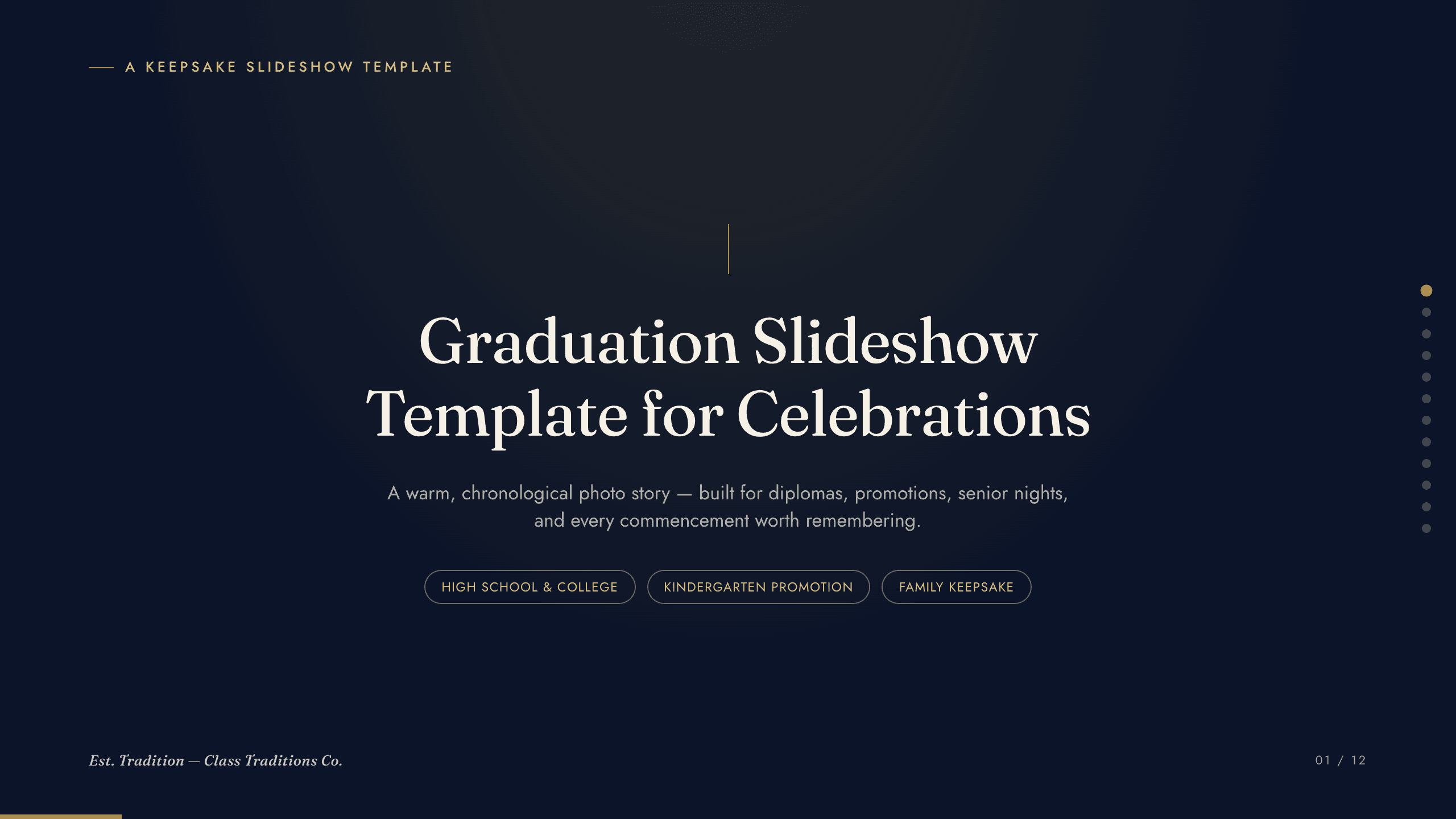
Graduation Slideshow Template
Celebrate graduation with 12 slides for early years, school milestones, favorite classes, activities, friendships, achievements, and future plans.
View template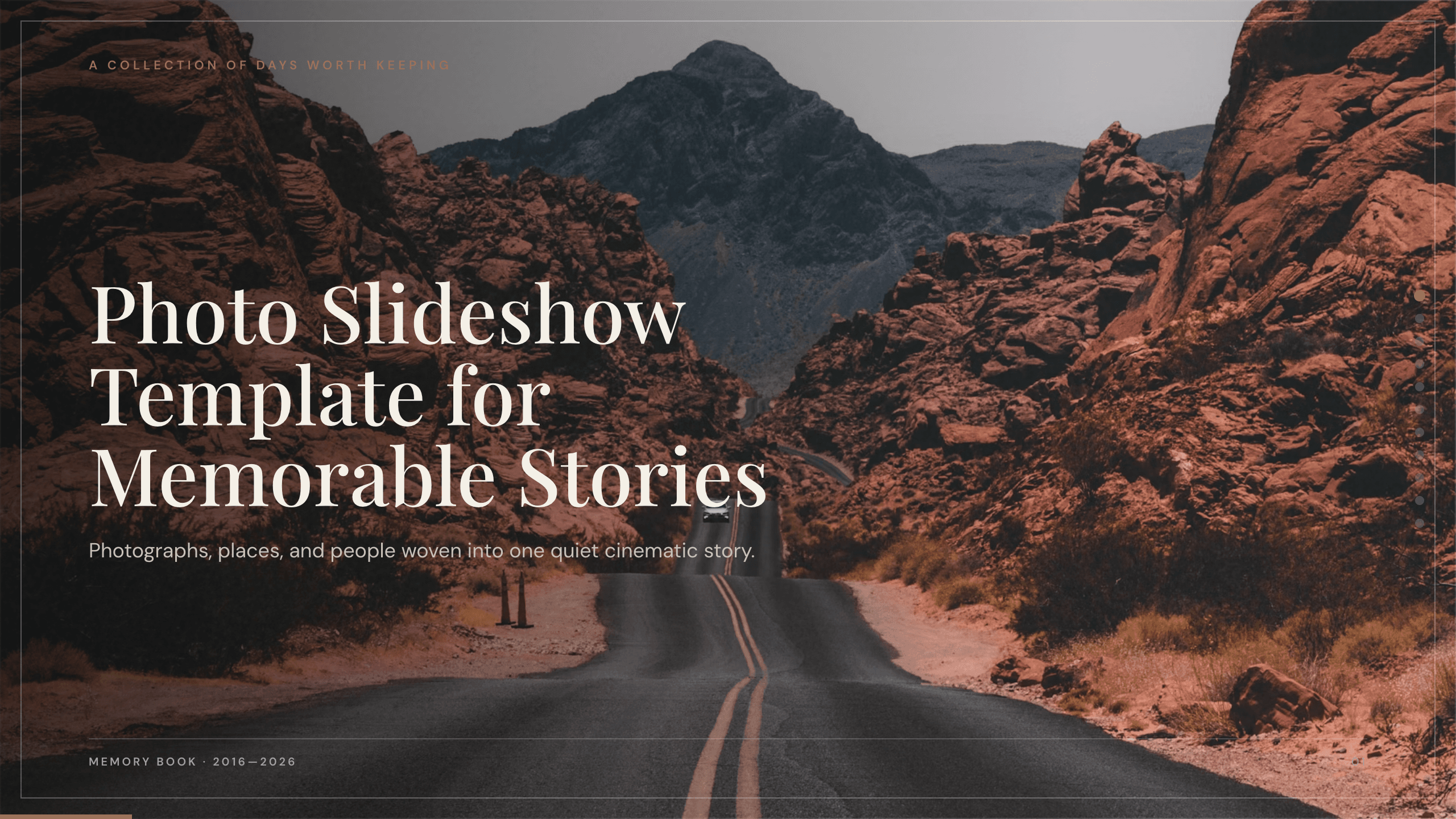
Photo Slideshow Template
Turn photographs into a coherent 10-slide story with layouts for places, people, details, milestones, reflection, and a memorable closing image.
View template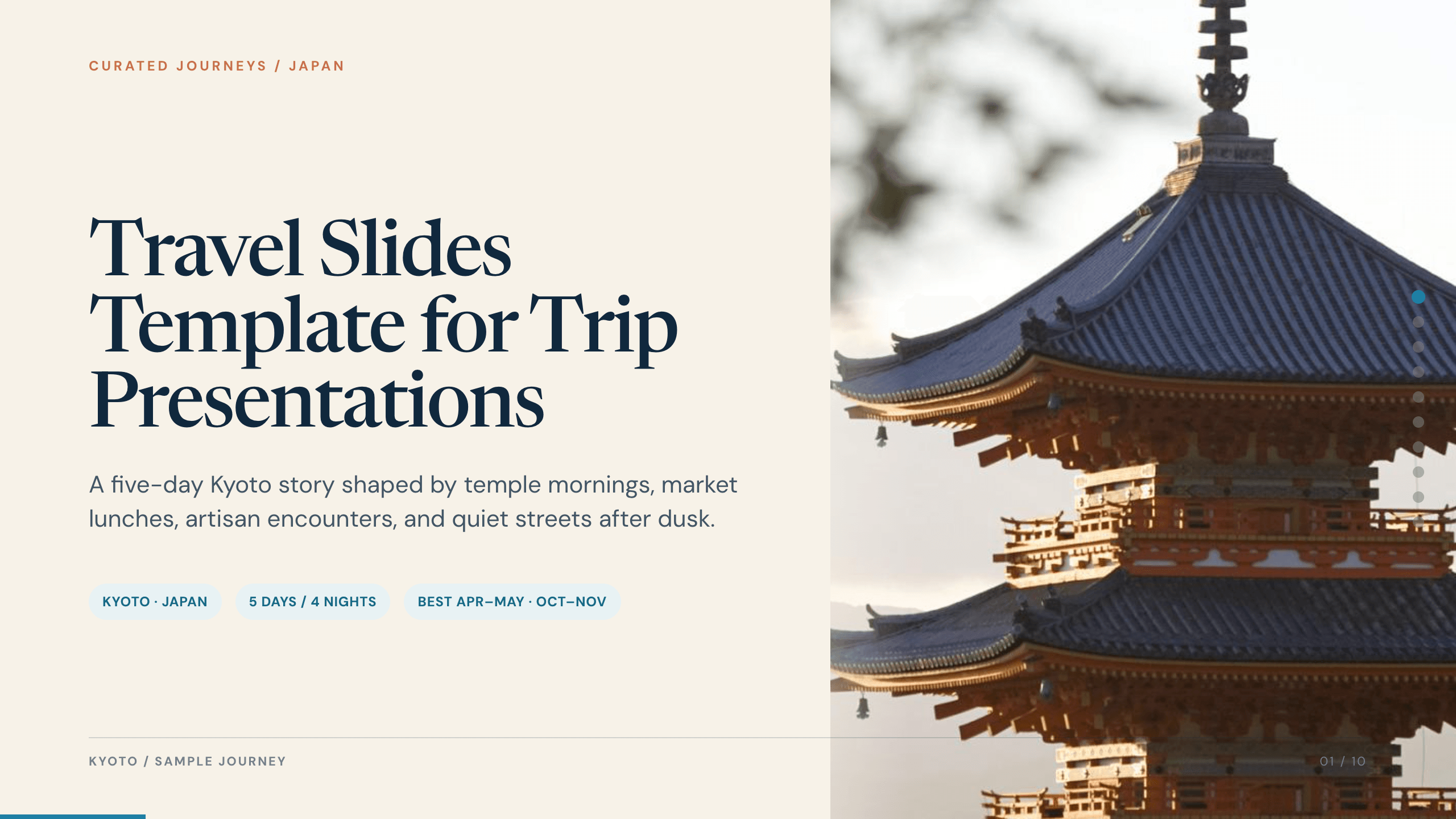
Travel Slides Template
Tell a memorable trip story with 10 travel slides for place, itinerary, neighborhoods, food, culture, logistics, recommendations, photographs, and reflection.
View template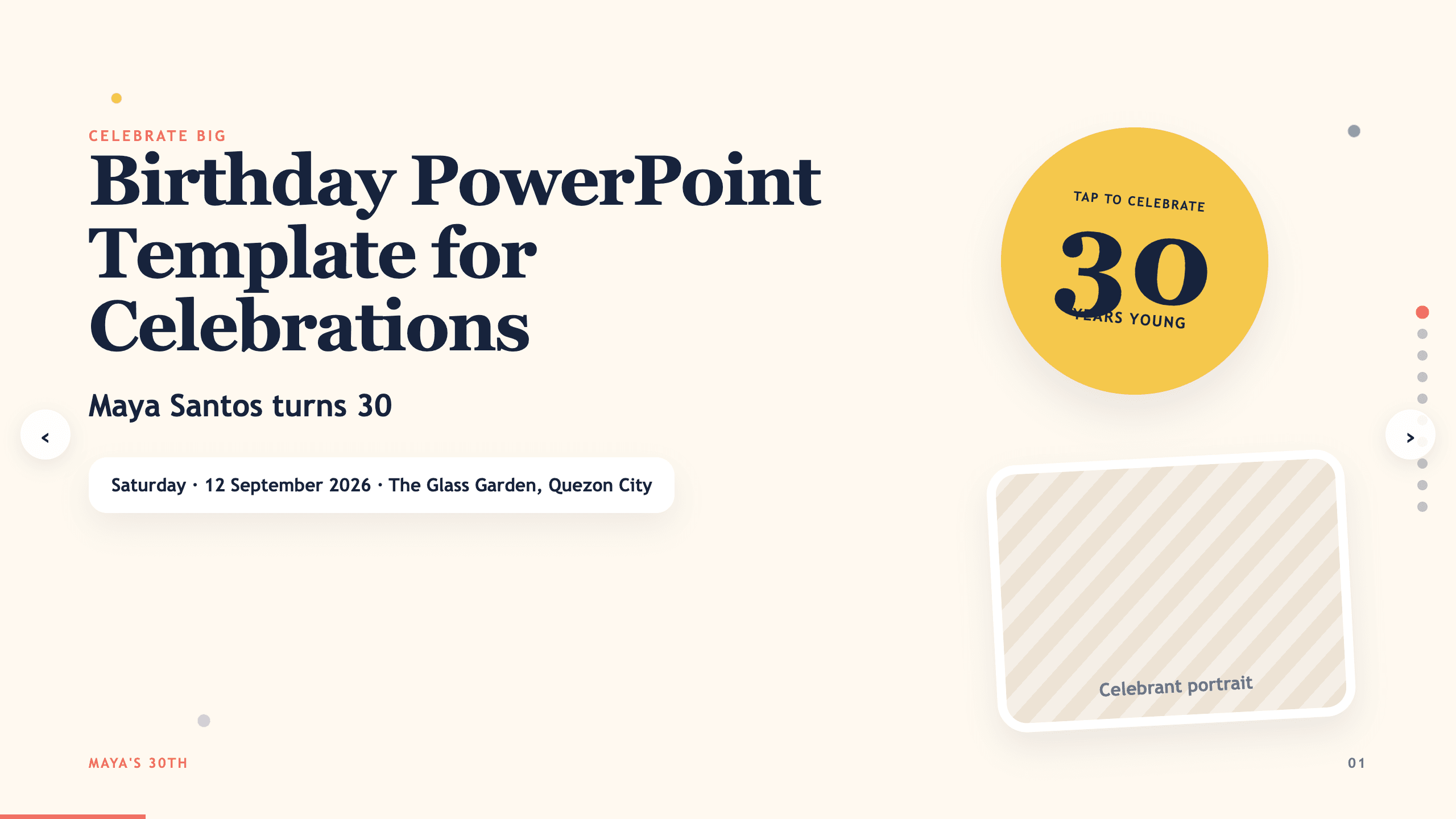
Birthday PowerPoint Template
Celebrate a birthday with 10 adaptable PowerPoint slides for welcome, life timeline, favorite things, people, messages, photos, highlights, and wishes ahead.
View template
Real Estate Presentation Template
Present a property or portfolio with 12 slides for market context, neighborhood, specifications, floor plan, amenities, comparables, marketing, and next steps.
View template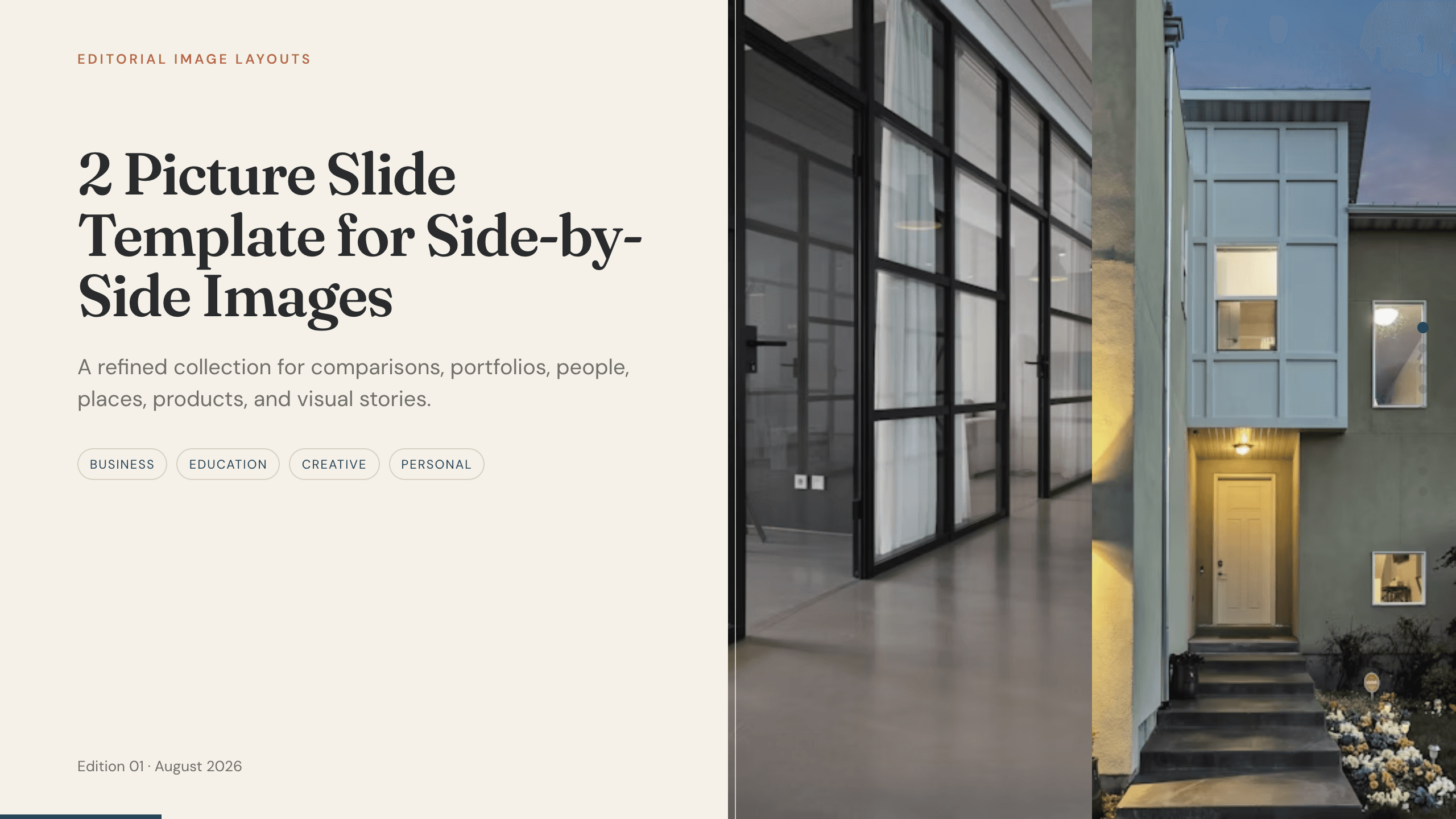
2 Picture Slide Template
Use nine two-picture slide layouts for clear before-and-after, option, person, place, product, portfolio, and process comparisons with minimal supporting copy.
View templateExplore other template hubs
Customize the Baby Slideshow Template with Julius AI
1
Preview the complete example
Inspect all 12 slides to understand the narrative, layouts, and level of detail before replacing the example content.
2
Add your content and direction
Give Julius AI your source material, evidence, audience, constraints, and desired outcome.
3
Review and export
Check the narrative, facts, and design, then export an editable version to PowerPoint or Google Slides for final delivery.