Vision Board PowerPoint Template for Goals and Inspiration
Turn long-term aspirations into a visual plan with dedicated slides for purpose, time horizons, life priorities, monthly actions, habits, and progress.
Preview the 10-slide Vision Board PowerPoint Template
Review all 10 layouts to see how imagery, goals, monthly planning, habit tracking, and a personal commitment work together.
What you're getting
A vision board that connects inspiration to a real plan
This 10-slide template gives a vision board a useful rhythm: personal purpose, a one-year picture, longer-term goals, focused life areas, monthly actions, a habit tracker, and a closing commitment. The imagery keeps the deck motivating while the planning slides keep it from becoming a collage you never revisit.
Use the sample categories as prompts, not requirements. Remove any area that does not matter to you, choose images with a specific personal meaning, and translate each major aspiration into a milestone you can review.
- Included
- 10 planning slides
- Best for
- Goals and reflection
- Export
- Editable PowerPoint
Built for
Individuals planning a new chapter
People clarifying priorities across work, health, relationships, learning, travel, or lifestyle.
Coaches guiding a goal-setting session
Facilitators who want reflection prompts and a practical bridge from aspiration to weekly action.
Teachers and workshop leaders
Groups using visual goal setting for career exploration, annual planning, or personal development.
Getting started
Turn the board into something you will use
Start with meaning, then add imagery. The plan should still make sense if every decorative image is removed.
- 1
Write the purpose first
Use the opening slide to name the values, direction, or feeling you want the next chapter to embody.
- 2
Choose useful time horizons
Define what belongs in the next year and what is better treated as a three- or five-year direction.
- 3
Curate specific imagery
Replace generic stock photos with places, people, experiences, and symbols that have a clear personal meaning.
- 4
Translate goals into routines
Use the monthly plan and habit tracker to assign milestones, dates, and small repeatable actions.
- 5
Set a review ritual
Finish with a commitment and decide when you will revisit the board, record progress, and revise priorities.
Explore more
Related templates worth comparing
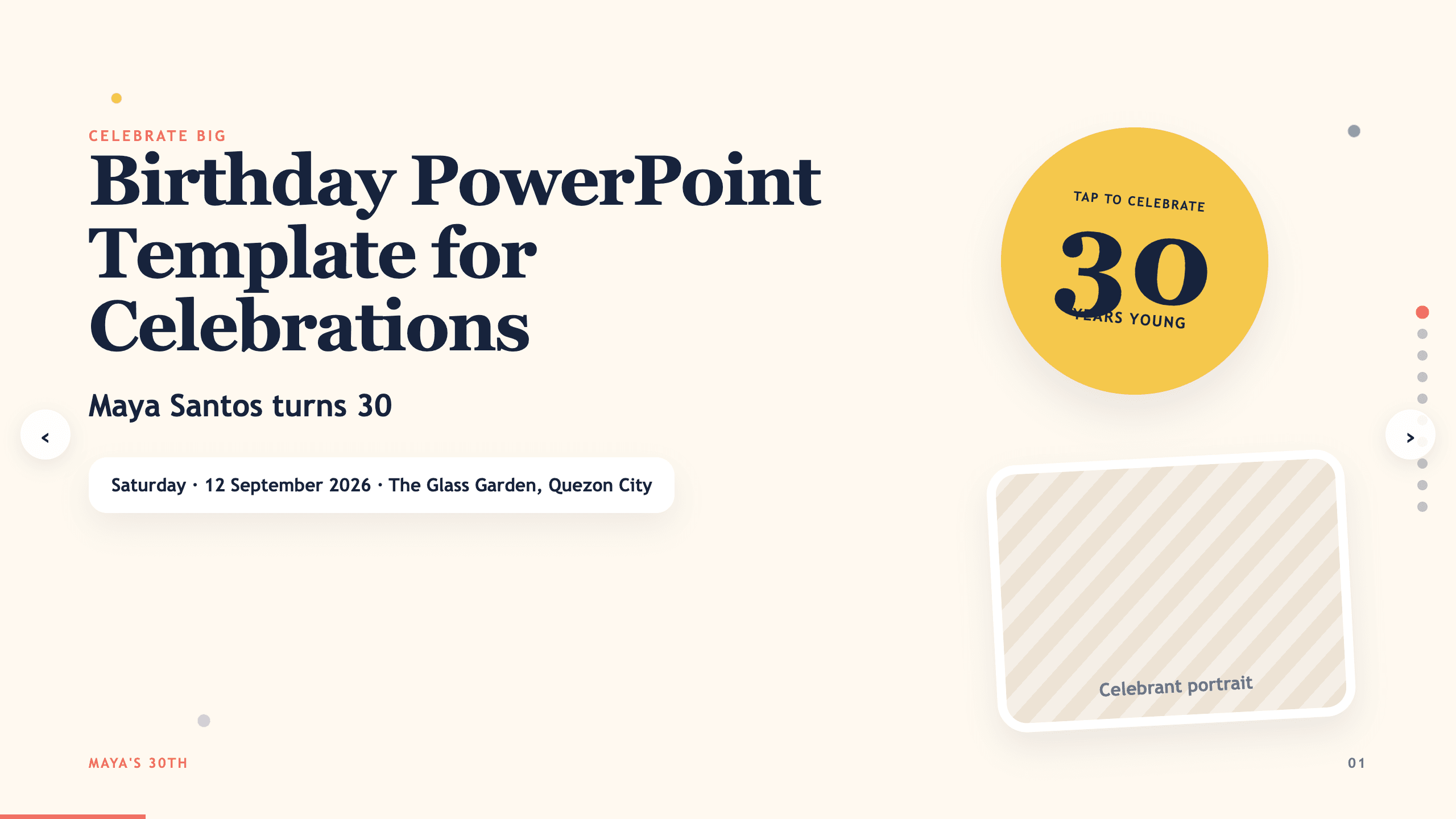
Birthday PowerPoint Template
Celebrate a birthday with 10 adaptable PowerPoint slides for welcome, life timeline, favorite things, people, messages, photos, highlights, and wishes ahead.
View template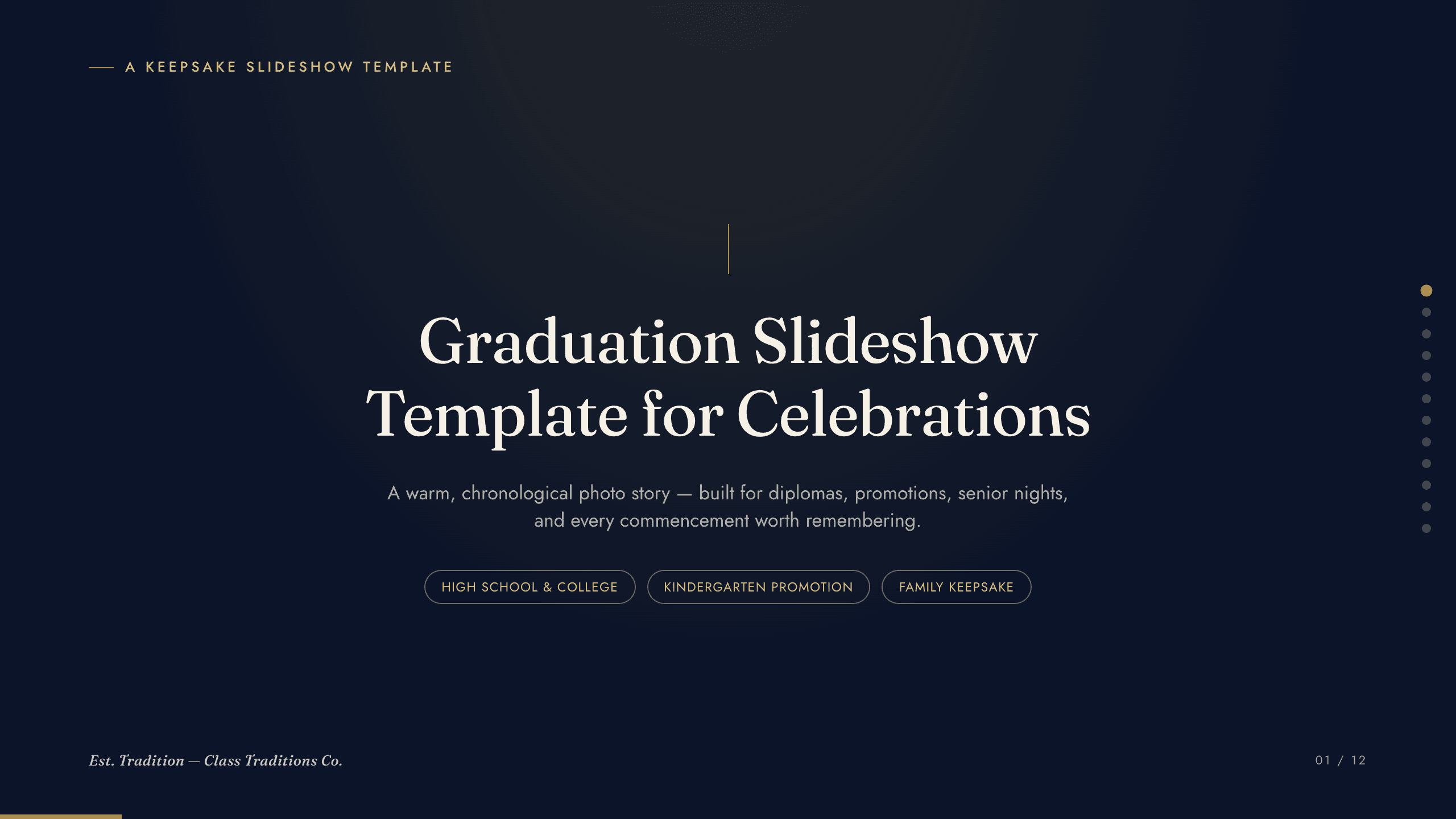
Graduation Slideshow Template
Celebrate graduation with 12 slides for early years, school milestones, favorite classes, activities, friendships, achievements, and future plans.
View template
Photo Slideshow Template
Turn photographs into a coherent 10-slide story with layouts for places, people, details, milestones, reflection, and a memorable closing image.
View template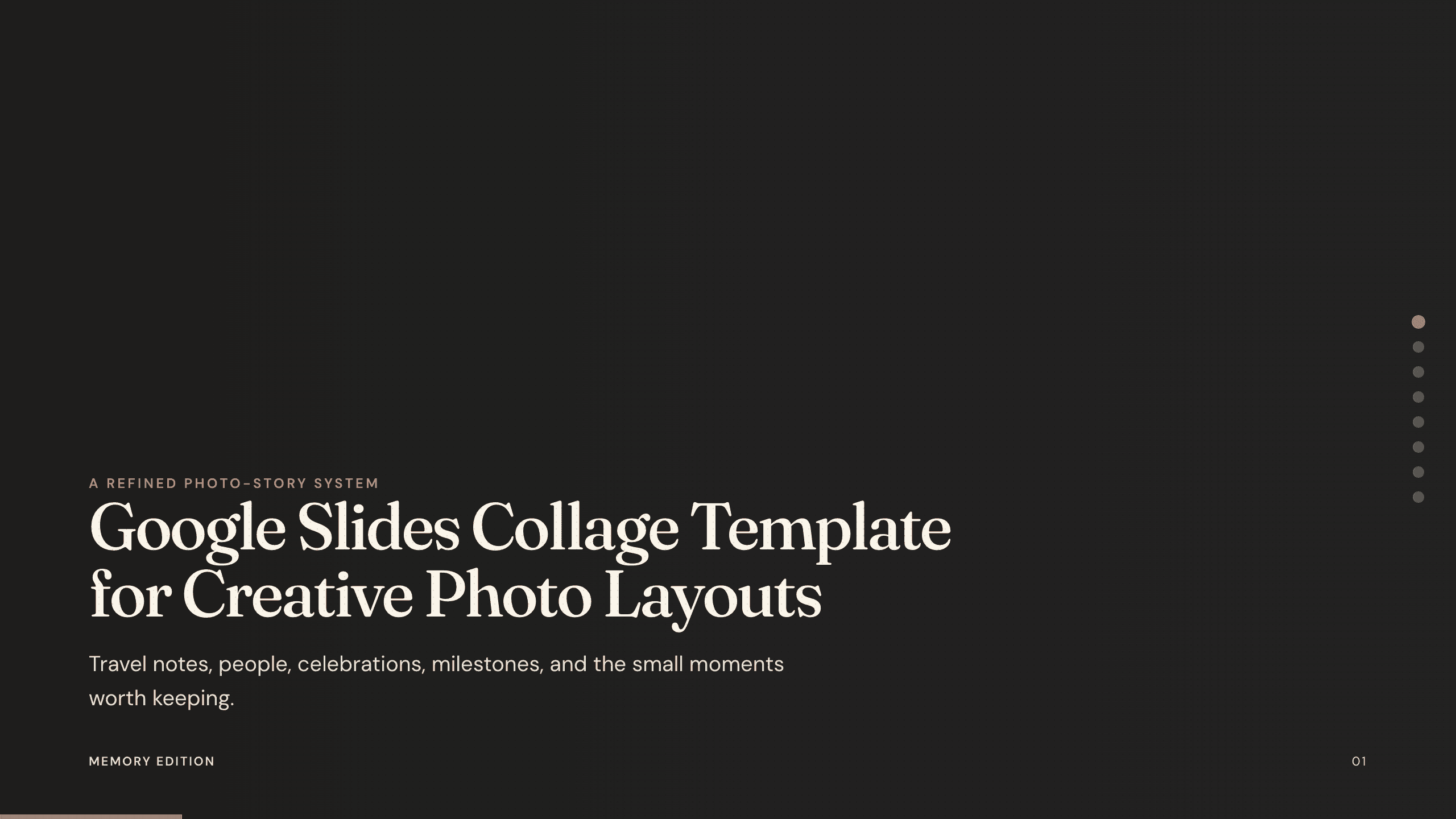
Google Slides Collage Template
Arrange travel, celebration, milestone, and everyday photos in eight flexible Google Slides collage layouts with room for dates, captions, and reflection.
View template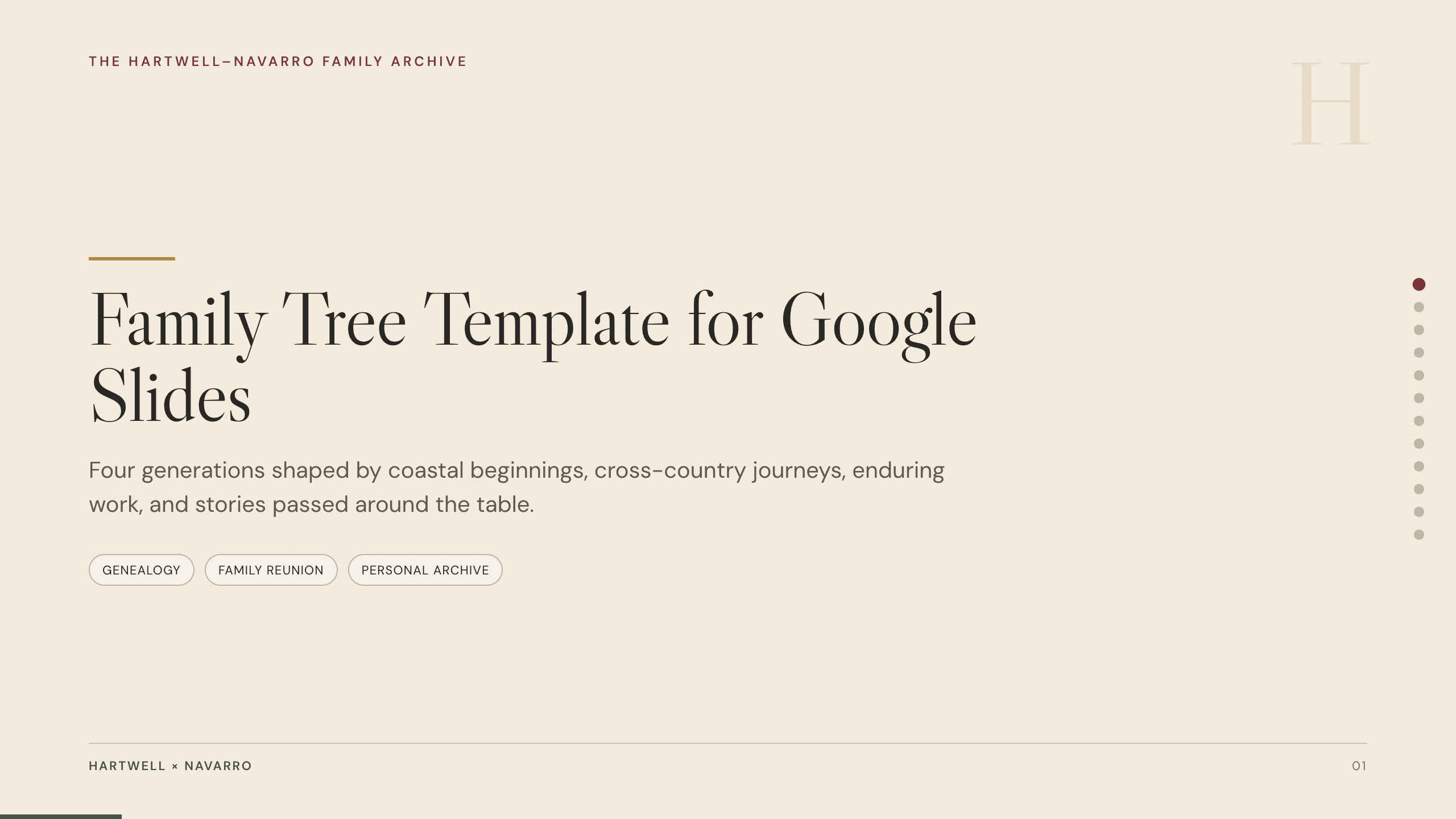
Family Tree Template
Document a family story in 12 Google Slides layouts for generations, branches, profiles, migrations, occupations, traditions, sources, and memories.
View template
Travel Slides Template
Tell a memorable trip story with 10 travel slides for place, itinerary, neighborhoods, food, culture, logistics, recommendations, photographs, and reflection.
View templateExplore other template hubs
Customize the Vision Board PowerPoint Template with Julius AI
1
Preview the complete example
Inspect all 10 slides to understand the narrative, layouts, and level of detail before replacing the example content.
2
Add your content and direction
Give Julius AI your source material, evidence, audience, constraints, and desired outcome.
3
Review and export
Check the narrative, facts, and design, then export an editable version to PowerPoint for final delivery.