Hello Kitty Google Slides Template for Cute Decks
Create a sweet 10-slide fan-made Google Slides deck for birthdays, classroom activities, friendship celebrations, baby showers, photo albums, and recaps.
Preview the 10-slide Hello Kitty Google Slides Template
Explore the complete cheerful celebration from welcome and guest details through activities, treats, photographs, favorite moments, and thank-you close.
What you're getting
A cheerful character-inspired deck for small celebrations
This 10-slide Google Slides template provides playful layouts for welcome, schedule, guest of honor, activities, food, photographs, messages, and thanks. The visual system stays simple enough for names and event information to remain readable.
This is an independent fan-made template and not an official Hello Kitty or Sanrio product. Use original or properly licensed artwork and replace protected characters or logos when the presentation is public, sponsored, or commercial.
- Included
- 10 celebration slides
- Best for
- Parties and classroom activities
- Export
- Editable Google Slides
Built for
Families planning a themed birthday
Hosts combining invitation details, schedule, activities, treats, photographs, and thank-you messages.
Teachers creating a cheerful lesson
Educators adapting the visual style for routines, friendship, reading, prompts, rewards, or recaps.
Friends making a photo album
Groups sharing favorite moments, captions, messages, and a playful closing page.
Getting started
Keep the celebration details clearer than the theme
Choose the event or lesson structure first, then add character-inspired styling only where it supports the mood.
- 1
Set the purpose and audience
Define the event, lesson, age group, privacy boundary, and action the deck should support.
- 2
Choose the useful layouts
Keep only the welcome, schedule, activity, food, photo, message, or thank-you slides needed.
- 3
Personalize the content
Replace names, dates, locations, instructions, photographs, and captions with accurate details.
- 4
Check readability and access
Maintain contrast, large text, clear instructions, and alternatives for participants with different needs.
- 5
Review character and image rights
Use original or permitted assets, add required credits, and avoid implying official endorsement.
Explore more
Related templates worth comparing
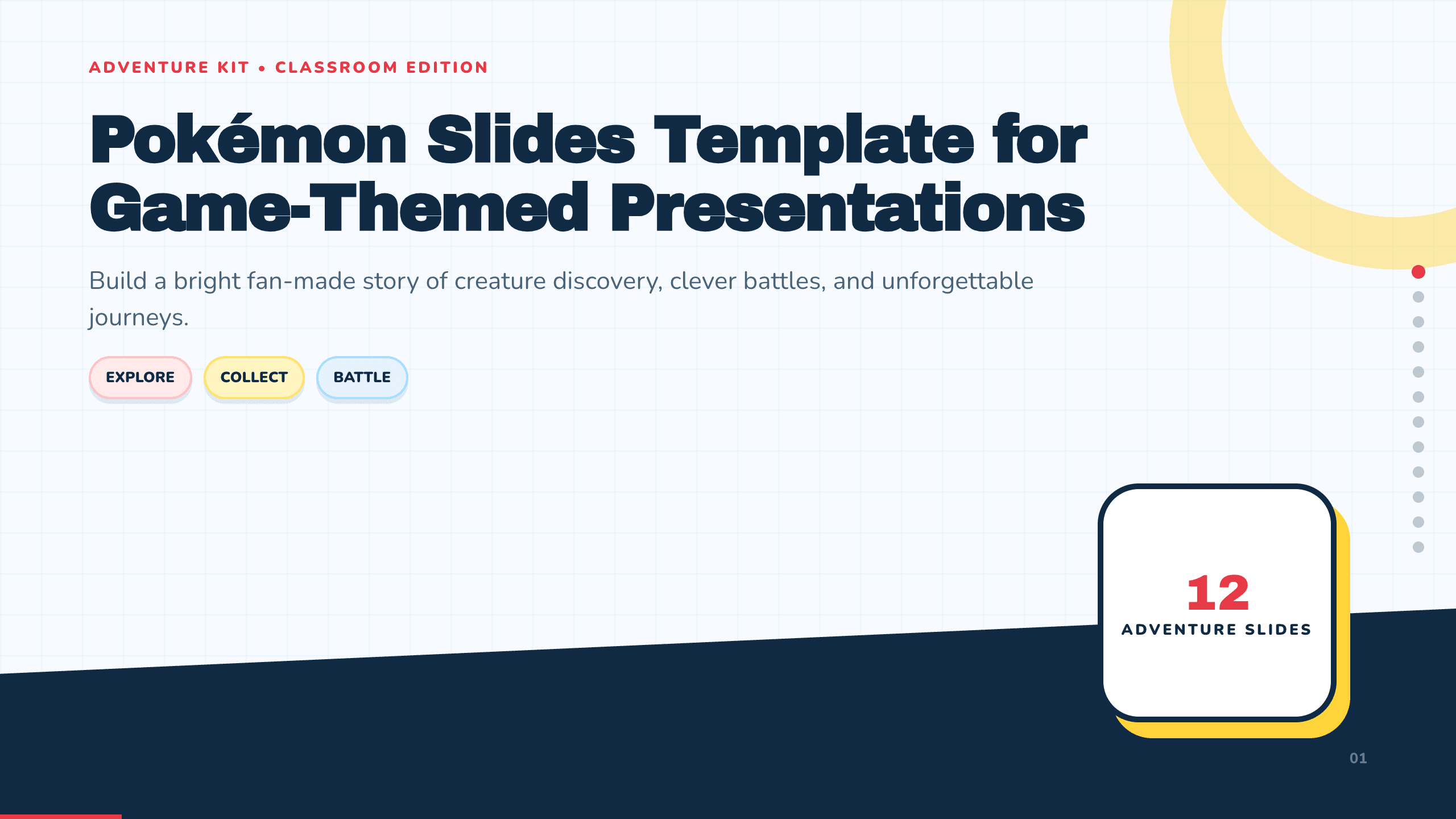
Pokémon Slides Template
Build a bright 12-slide fan-made creature-adventure presentation with layouts for journey, world, characters, types, abilities, battles, teams, and trivia.
View template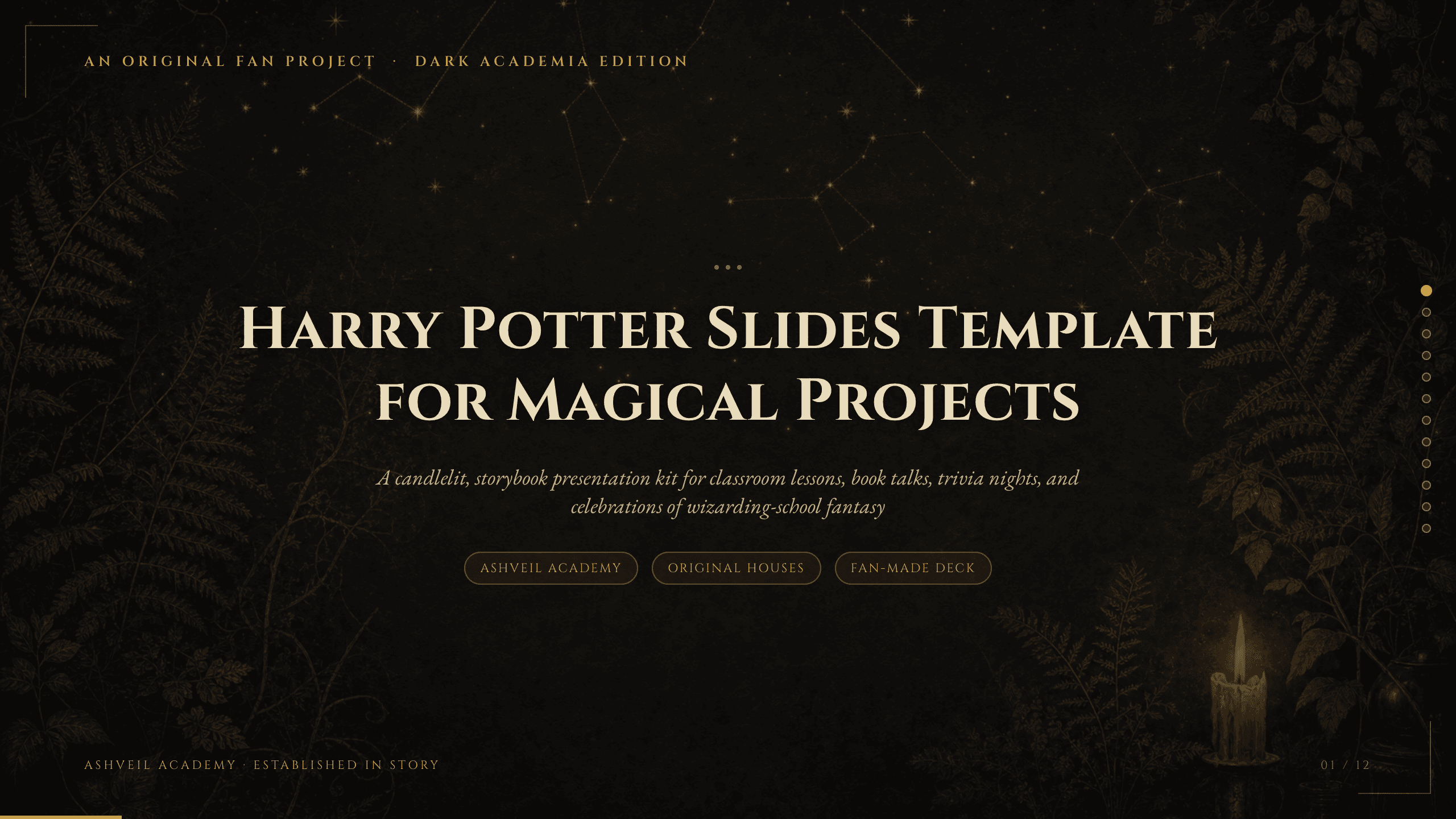
Harry Potter Slides Template
Create an 11-slide fan-made wizard-school deck for book talks, classroom activities, fantasy lessons, trivia, celebrations, characters, spells, and lore.
View template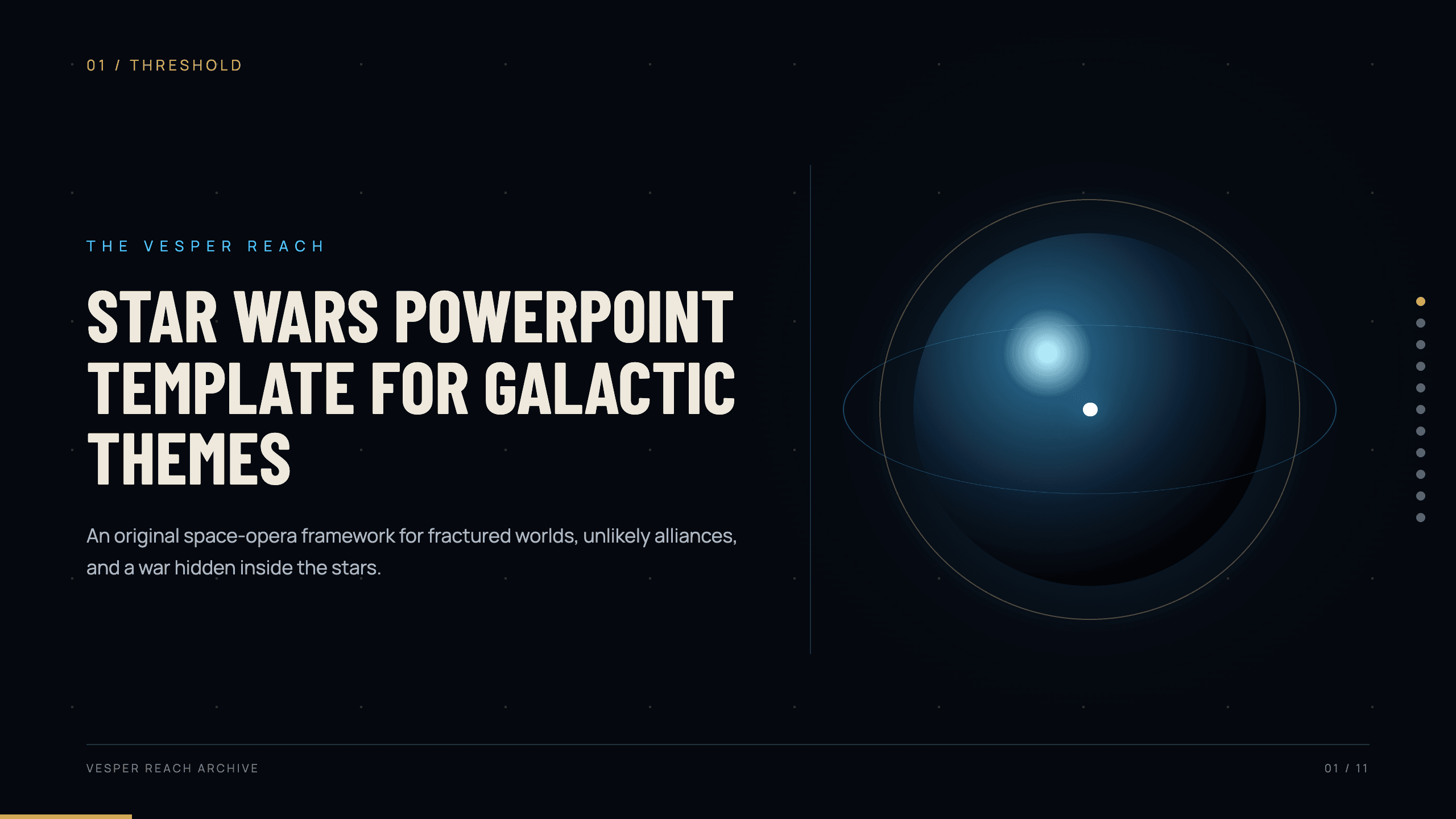
Star Wars PowerPoint Template
Create an original 11-slide space-opera story with layouts for worlds, factions, characters, conflict, starships, technology, alliances, and confrontation.
View template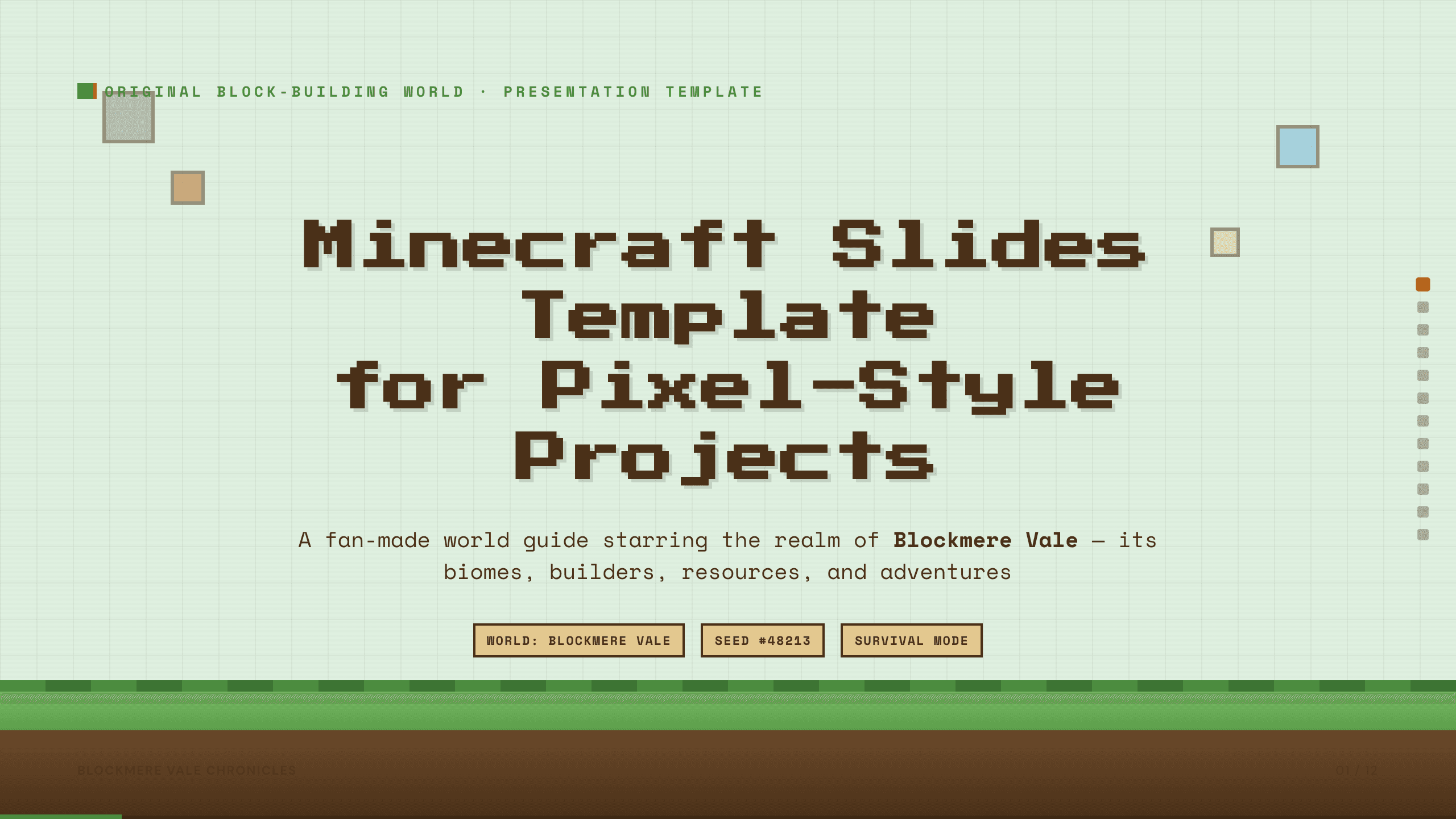
Minecraft Slides Template
Build a 12-slide fan-made pixel-world presentation for biomes, settlements, characters, resources, builds, farming, exploration, survival, and shared goals.
View template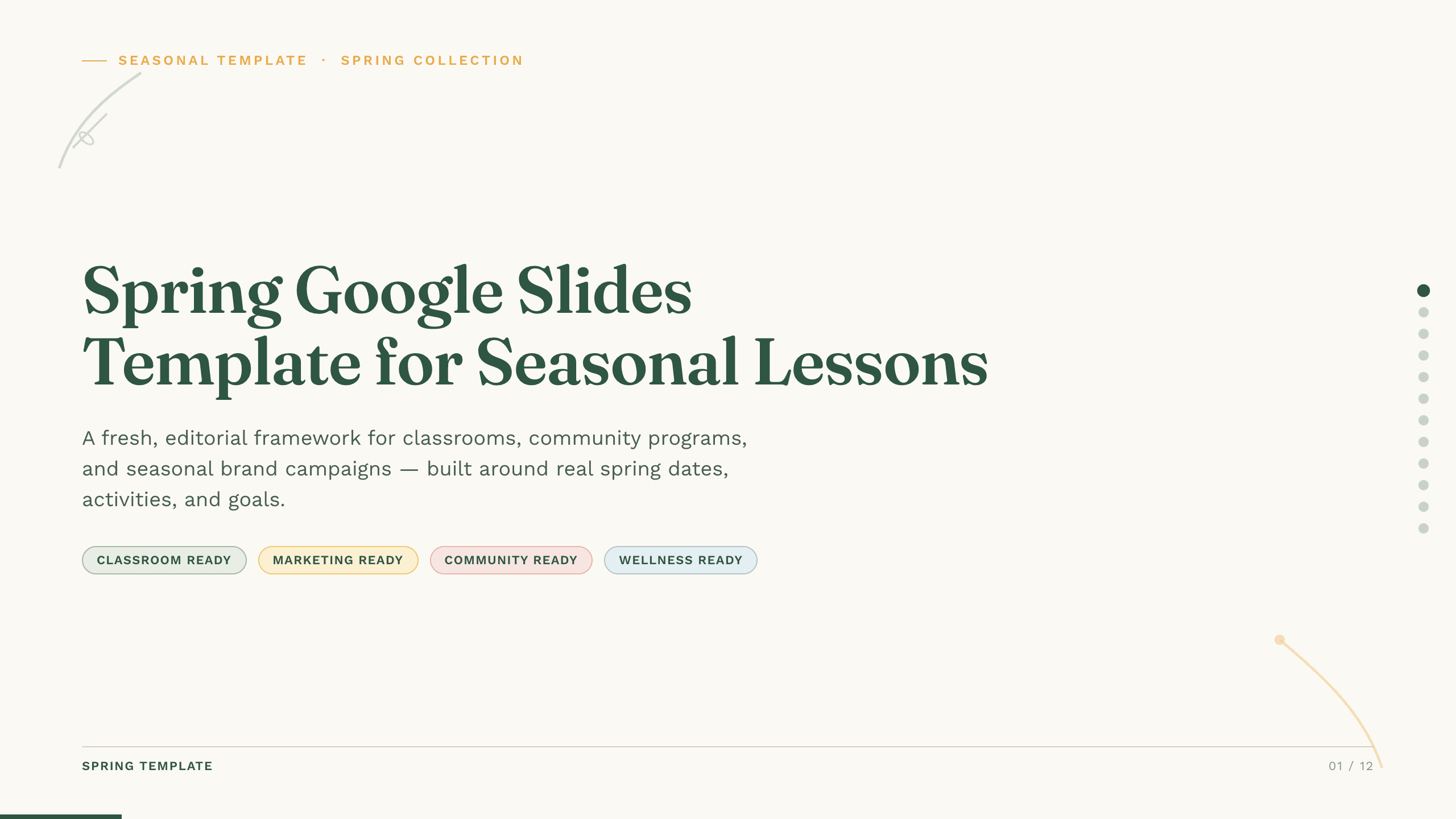
Spring Google Slides Template
Create an 11-slide spring Google Slides lesson or community plan covering season changes, key dates, nature, activities, sustainability, goals, and next steps.
View template
Google Slides Collage Template
Arrange travel, celebration, milestone, and everyday photos in eight flexible Google Slides collage layouts with room for dates, captions, and reflection.
View templateExplore other template hubs
Customize the Hello Kitty Google Slides Template with Julius AI
1
Preview the complete example
Inspect all 10 slides to understand the narrative, layouts, and level of detail before replacing the example content.
2
Add your content and direction
Give Julius AI your source material, evidence, audience, constraints, and desired outcome.
3
Review and export
Check the narrative, facts, and design, then export an editable version to Google Slides for final delivery.