Star Wars PowerPoint Template for Galactic Themes
Create an original 11-slide space-opera story with layouts for worlds, factions, characters, conflict, starships, technology, alliances, and confrontation.
Preview the 11-slide Star Wars PowerPoint Template
Explore the complete original space-opera sequence from the Quiet Sun crisis through fractured worlds, unlikely allies, field technology, and the last gate.
What you're getting
A cinematic space-opera deck built around an original story
This 11-slide PowerPoint template provides dramatic layouts for a galactic setting, conflict, factions, characters, technology, journeys, alliances, and a final turning point. The worked story is original so the structure can be adapted without copying a film plot.
This is an independent fan-oriented template and not an official Star Wars product. Use original names and artwork or assets you are licensed to use, and avoid protected logos, characters, quotations, or implied endorsement in public and commercial work.
- Included
- 11 story slides
- Best for
- Original sci-fi projects
- Export
- Editable PowerPoint
Built for
Students presenting a science-fiction story
Writers organizing setting, conflict, characters, technology, themes, and the final choice.
Teachers creating a genre lesson
Educators comparing world-building, archetypes, visual language, ethics, and narrative structure.
Fans planning an original game or event
Groups introducing a custom universe, factions, mission, rules, teams, and shared experience.
Getting started
Use the genre language to support an original idea
Begin with your own world, conflict, and characters so the presentation feels inspired rather than imitative.
- 1
Define the central conflict
Write the threat, stakes, opposing forces, and choice that drives the presentation.
- 2
Build a readable universe
Introduce only the worlds, factions, history, and technology the audience needs.
- 3
Give characters clear roles
Explain motivation, capability, relationship, and how each person changes the outcome.
- 4
Sequence the turning points
Use the layouts to move from disruption through alliance, challenge, revelation, and final decision.
- 5
Review intellectual-property use
Replace protected material with original or properly licensed assets and include required attribution.
Explore more
Related templates worth comparing
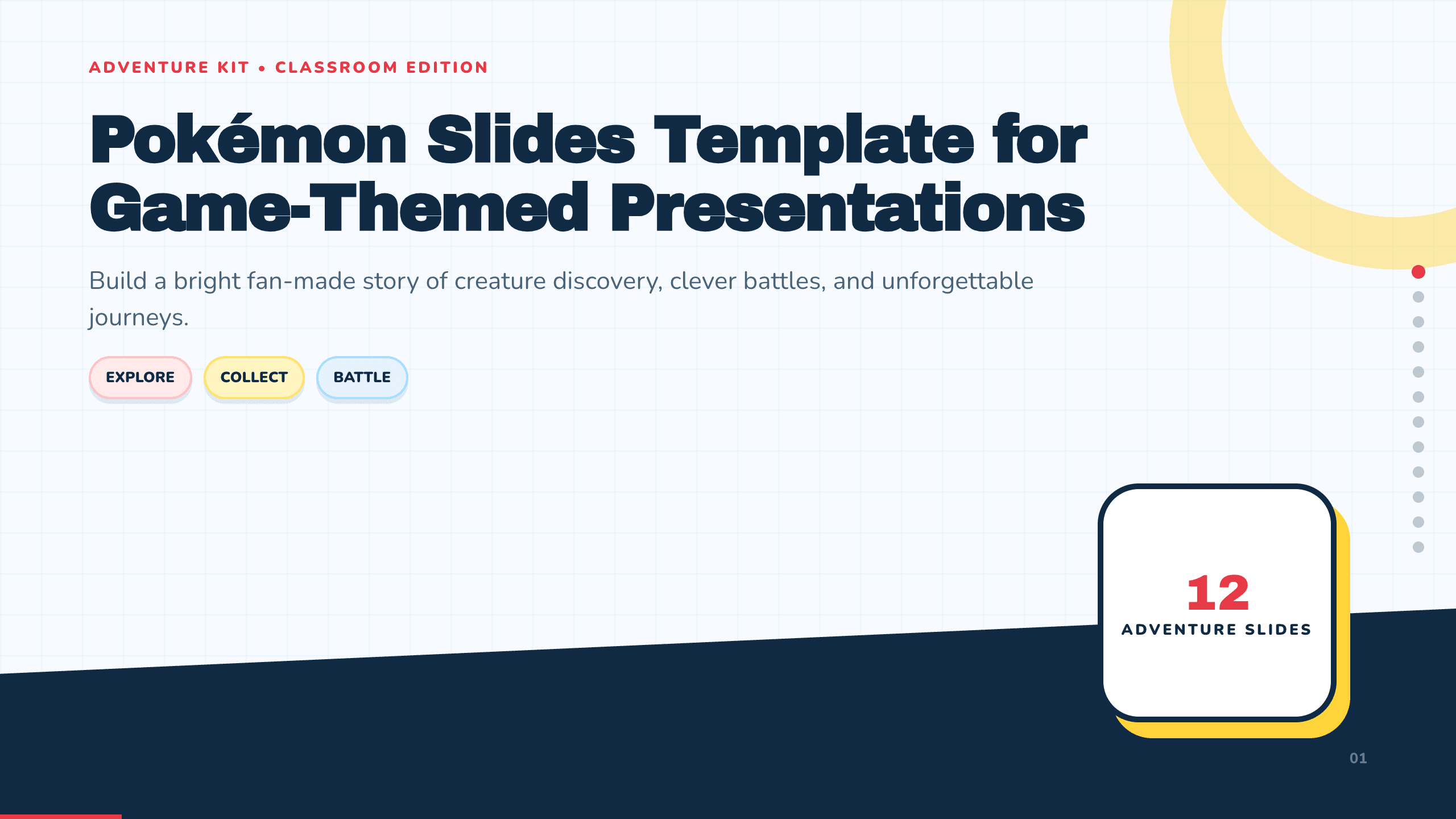
Pokémon Slides Template
Build a bright 12-slide fan-made creature-adventure presentation with layouts for journey, world, characters, types, abilities, battles, teams, and trivia.
View template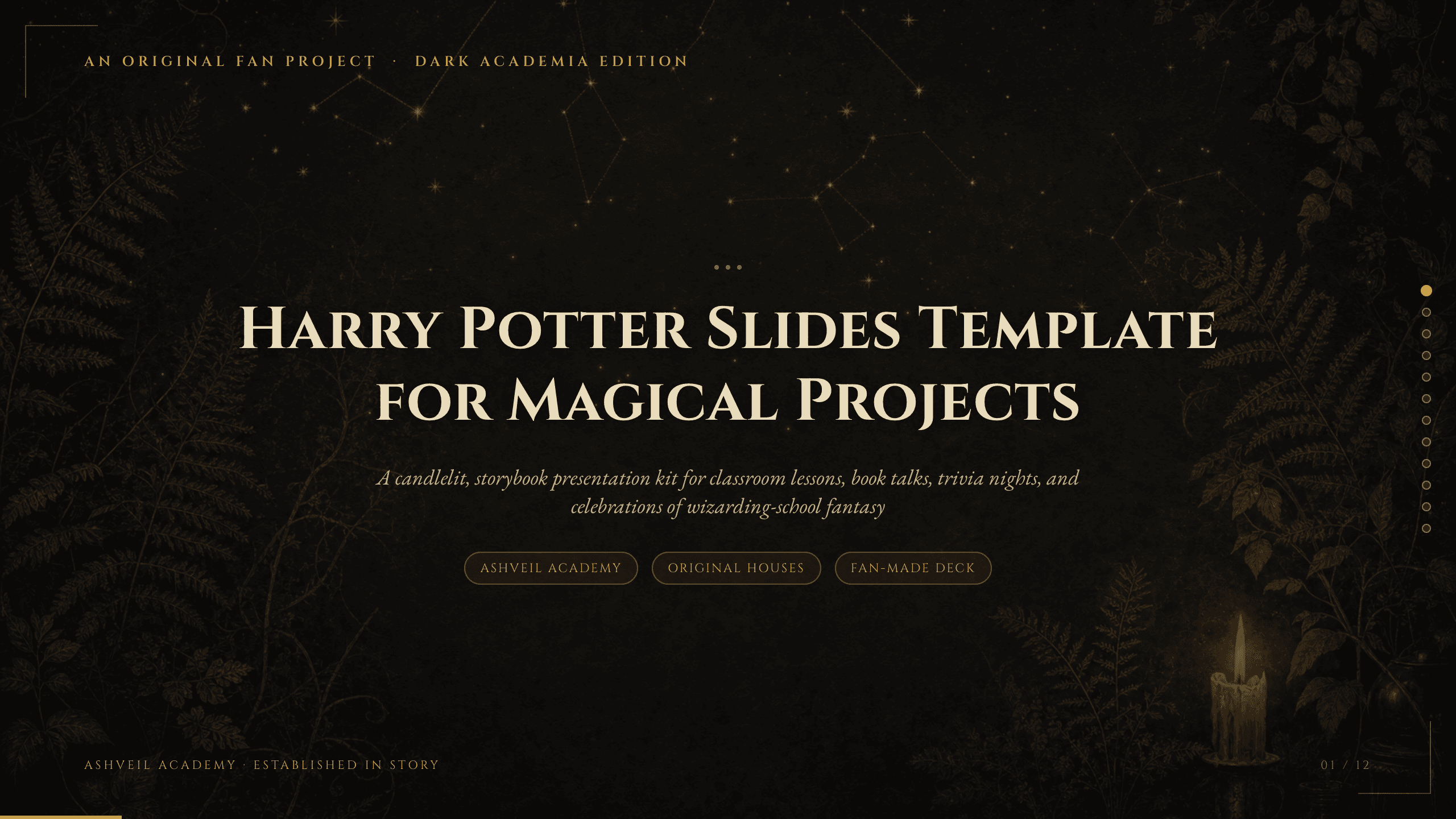
Harry Potter Slides Template
Create an 11-slide fan-made wizard-school deck for book talks, classroom activities, fantasy lessons, trivia, celebrations, characters, spells, and lore.
View template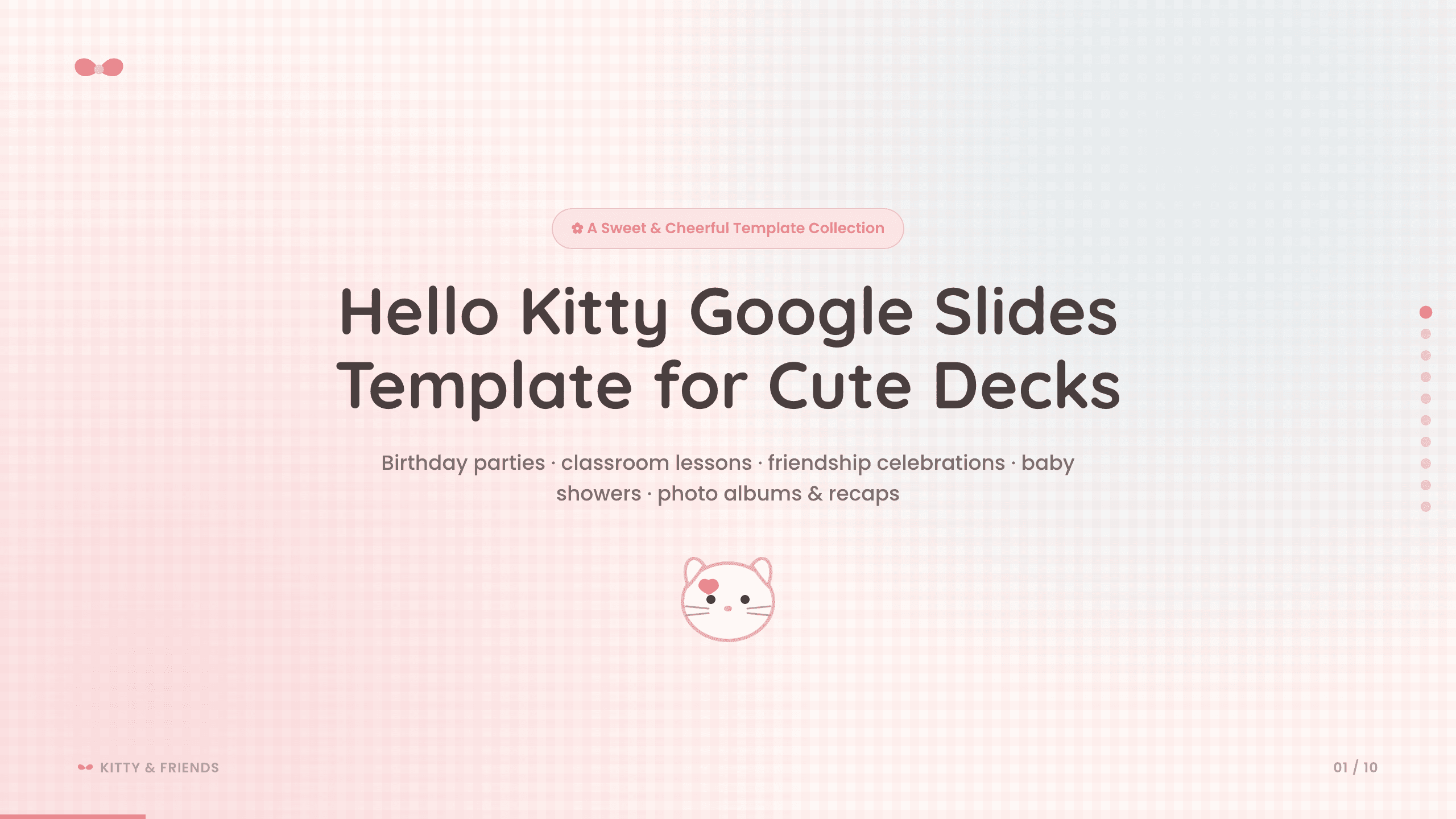
Hello Kitty Google Slides Template
Create a sweet 10-slide fan-made Google Slides deck for birthdays, classroom activities, friendship celebrations, baby showers, photo albums, and recaps.
View template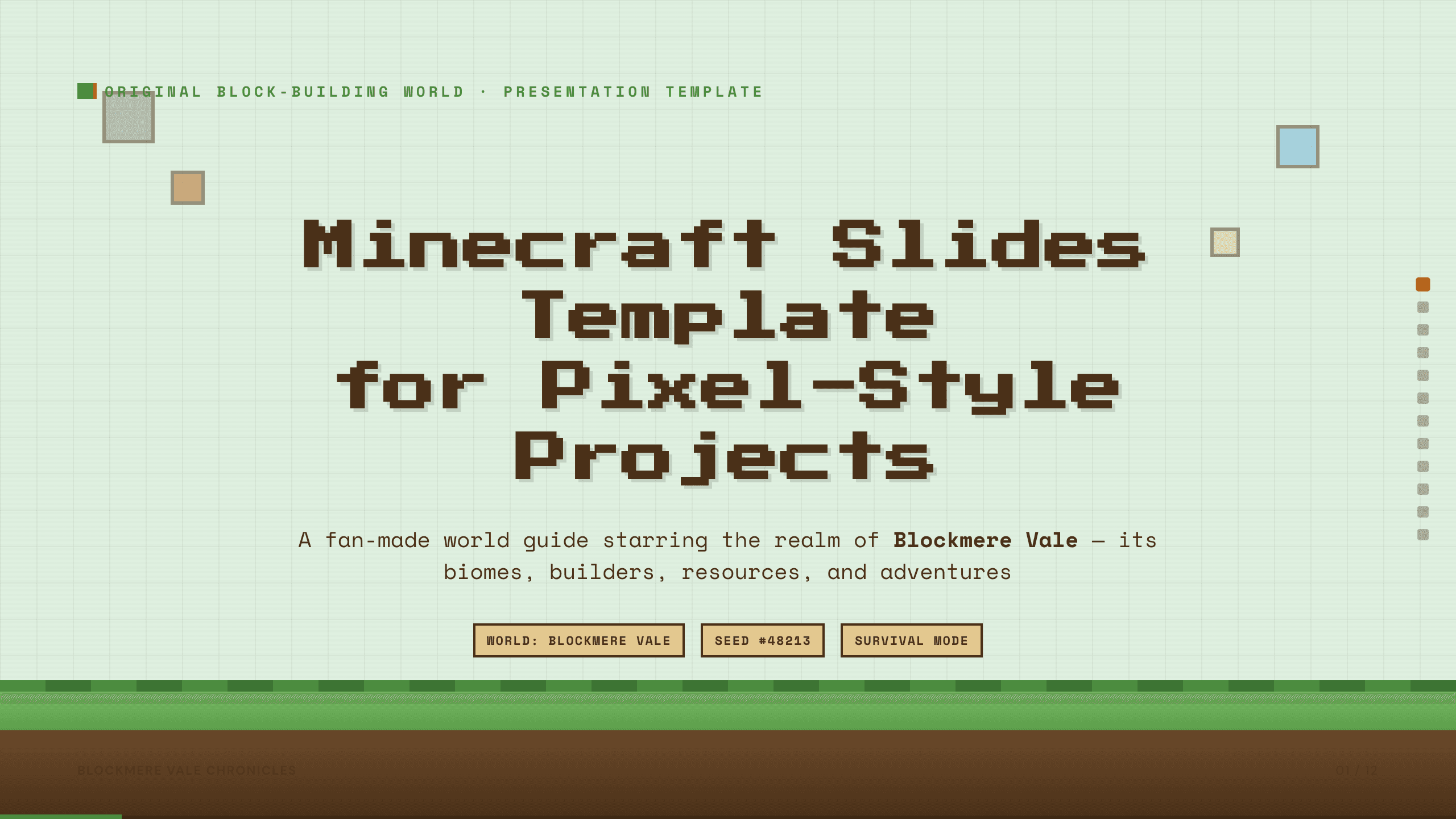
Minecraft Slides Template
Build a 12-slide fan-made pixel-world presentation for biomes, settlements, characters, resources, builds, farming, exploration, survival, and shared goals.
View template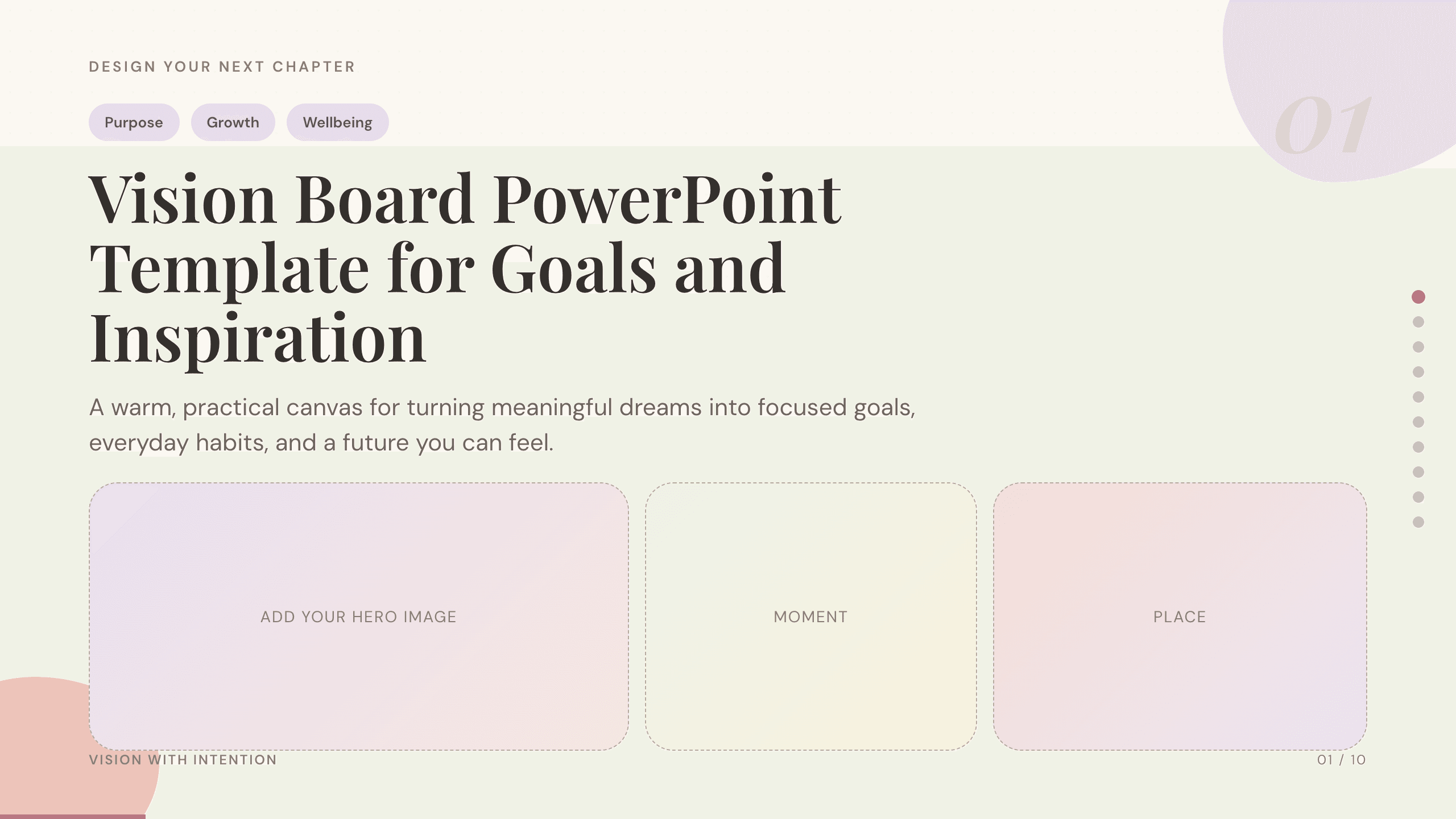
Vision Board PowerPoint Template
Turn long-term aspirations into a visual plan with dedicated slides for purpose, time horizons, life priorities, monthly actions, habits, and progress.
View template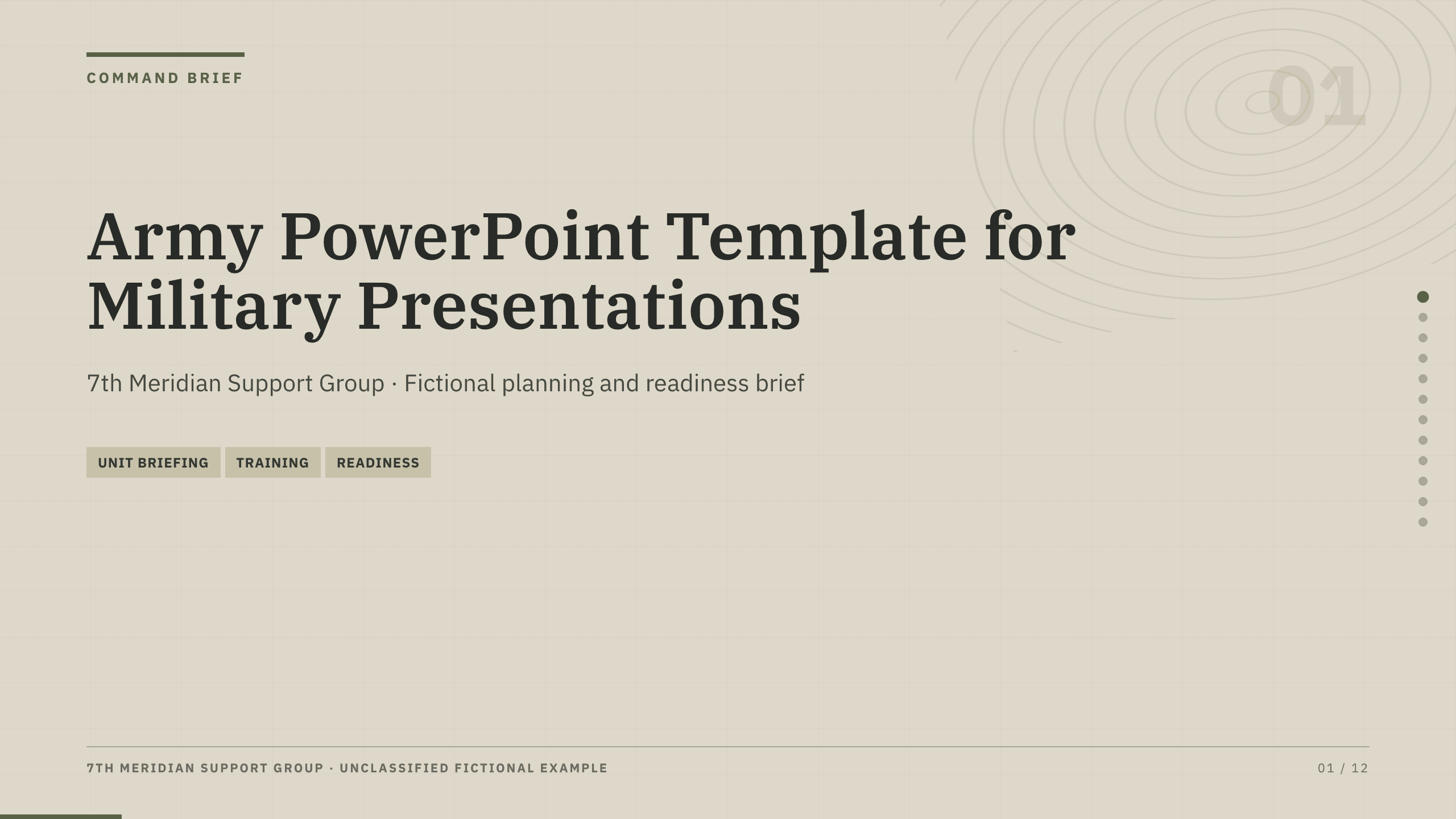
Army PowerPoint Template
Prepare a 12-slide military-style briefing covering mission, operating context, force structure, readiness, logistics, risks, priorities, and decisions.
View templateExplore other template hubs
Customize the Star Wars PowerPoint Template with Julius AI
1
Preview the complete example
Inspect all 11 slides to understand the narrative, layouts, and level of detail before replacing the example content.
2
Add your content and direction
Give Julius AI your source material, evidence, audience, constraints, and desired outcome.
3
Review and export
Check the narrative, facts, and design, then export an editable version to PowerPoint for final delivery.