Army PowerPoint Template for Military Presentations
Prepare a 12-slide military-style briefing covering mission, operating context, force structure, readiness, logistics, risks, priorities, and decisions.
Preview the 12-slide Army PowerPoint Template
Inspect the fictional support-group brief from mission and organization through personnel, equipment, readiness trends, risks, and next priorities.
What you're getting
A military briefing built for readiness and decisions
This 12-slide PowerPoint template uses a restrained command-brief structure for mission, organization, operating environment, personnel, equipment, training, logistics, readiness, risk, and priority actions.
The 7th Meridian Support Group is fictional and exists to demonstrate information hierarchy. Replace it only with material you are authorized to present, observe classification and operational-security rules, and remove any sample facts that could be mistaken for real reporting.
- Included
- 12 briefing slides
- Best for
- Readiness and planning
- Export
- Editable PowerPoint
Built for
Unit leaders preparing a readiness brief
Authorized personnel summarizing mission capability, gaps, trends, and commander decisions.
Program and logistics teams
Teams connecting equipment, supply, maintenance, staffing, and training conditions to operational outcomes.
Educators teaching briefing structure
Instructors using a fictional example to explain concise, evidence-led military communication.
Getting started
Build the brief around the commander’s decision
Use only authorized information and make the classification, source date, and reporting scope explicit.
- 1
Set scope and handling
Confirm audience, classification, distribution, reporting period, unit boundary, and approved data sources.
- 2
State mission and required capability
Define the task, conditions, standard, and operational outcome the brief evaluates.
- 3
Show readiness evidence
Replace sample personnel, equipment, training, logistics, and trend measures with controlled data.
- 4
Explain risk and mitigation
Connect each gap to mission impact, probability, time horizon, owner, and current response.
- 5
Close with decisions
Name the support, prioritization, acceptance, or direction required and the date it is needed.
Explore more
Related templates worth comparing
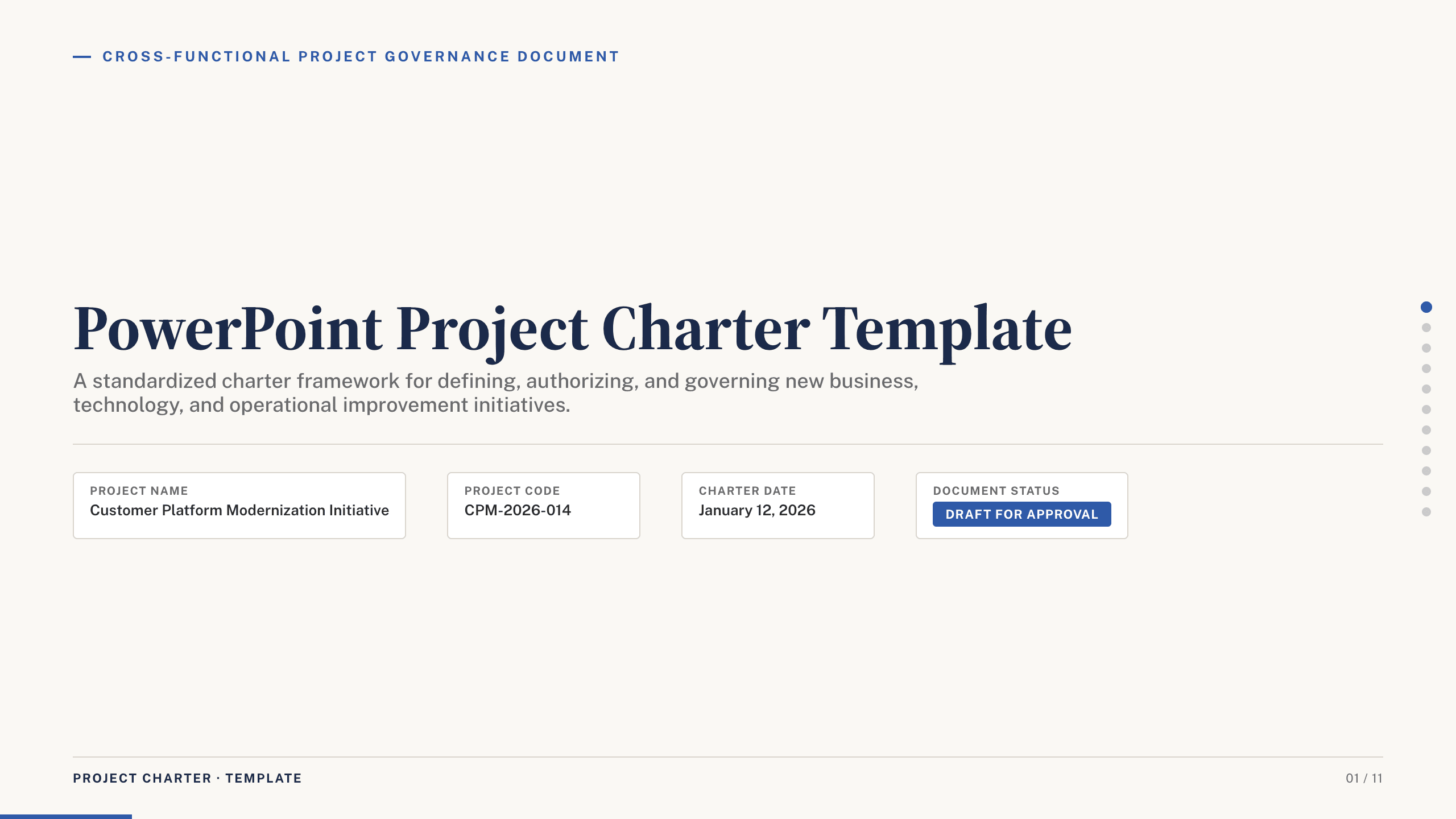
PowerPoint Project Charter Template
Authorize a project with 11 charter slides covering need, objectives, scope, stakeholders, governance, milestones, budget, risks, and approval.
View template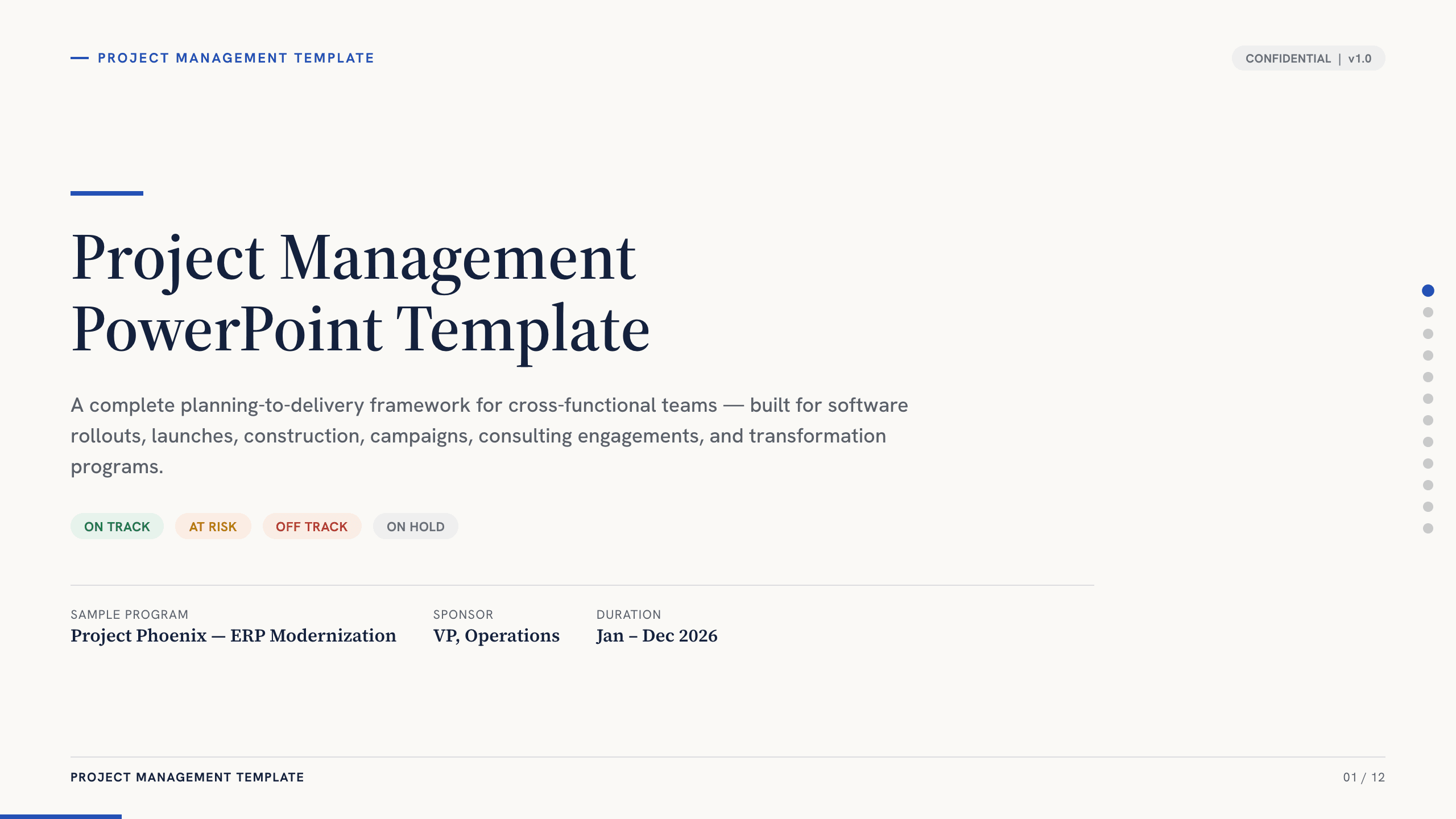
Project Management PowerPoint Template
Manage an initiative with 12 PowerPoint slides for objectives, scope, workstreams, schedule, resources, budget, risks, status, and decisions.
View template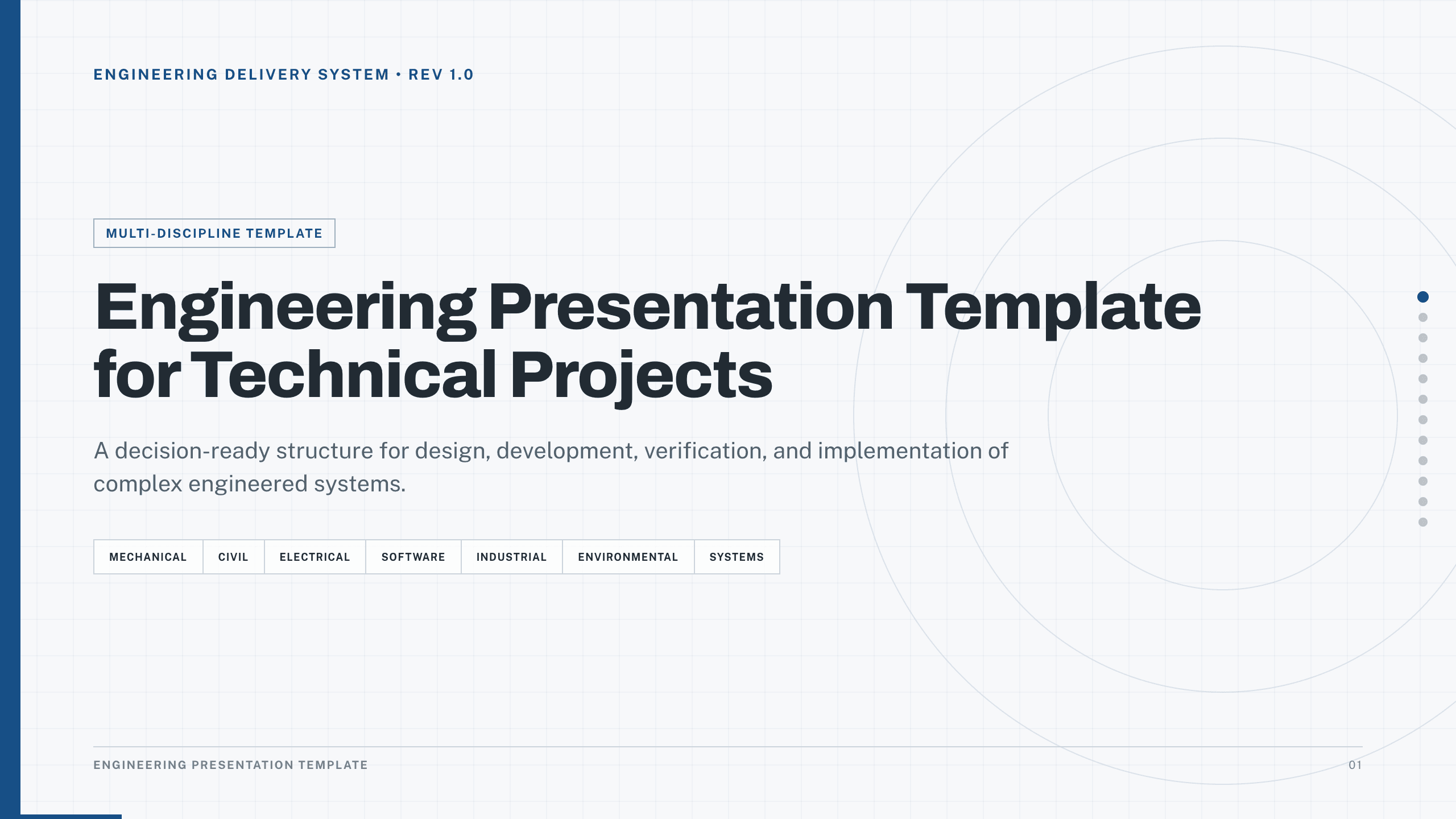
Engineering Presentation Template
Present an engineering project with 12 slides connecting requirements, design rationale, simulation, risk, verification, economics, and implementation.
View template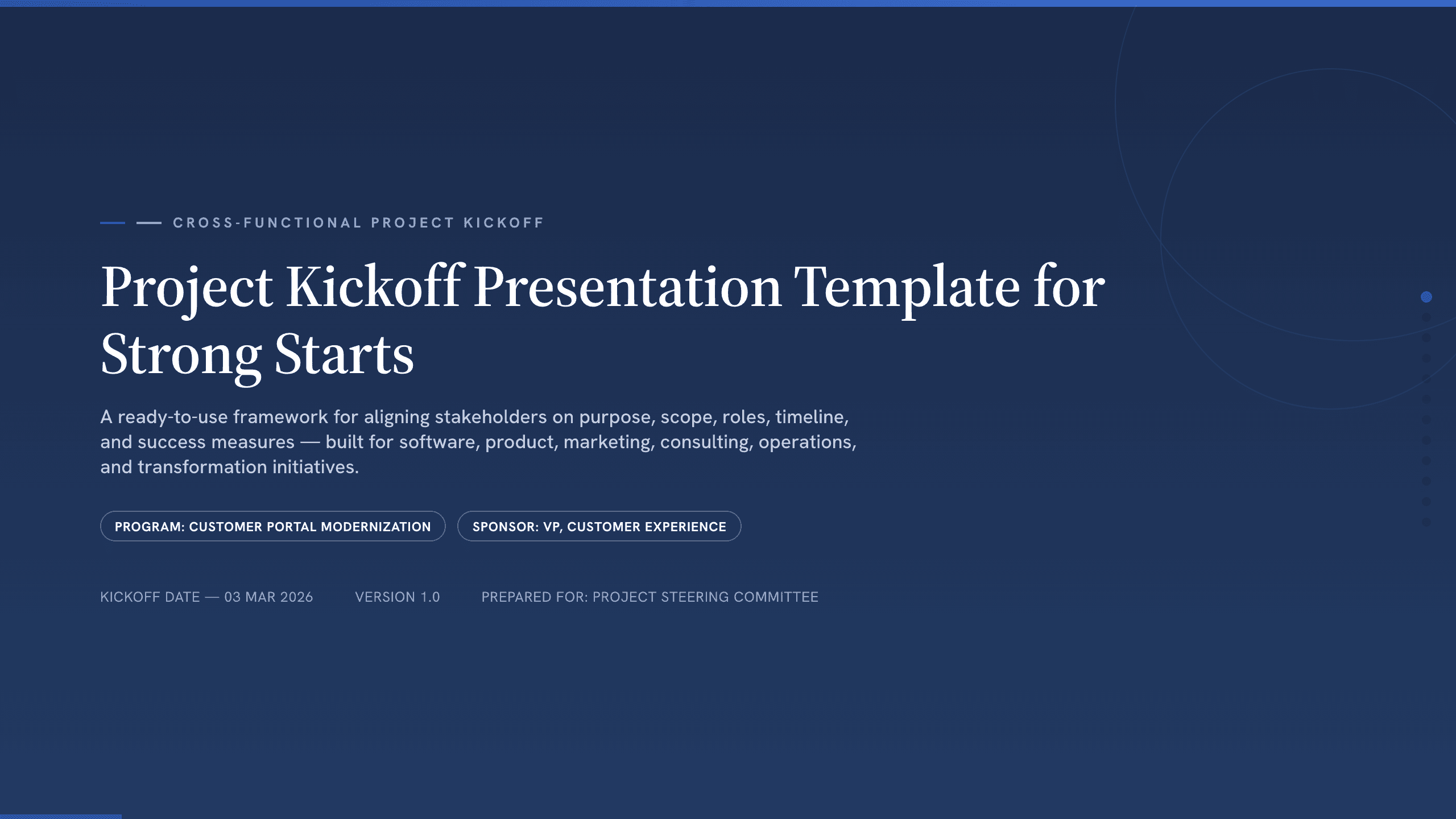
Project Kickoff Presentation Template
Align a project team with 12 kickoff slides covering purpose, outcomes, scope, roles, workstreams, timeline, governance, risks, and next steps.
View template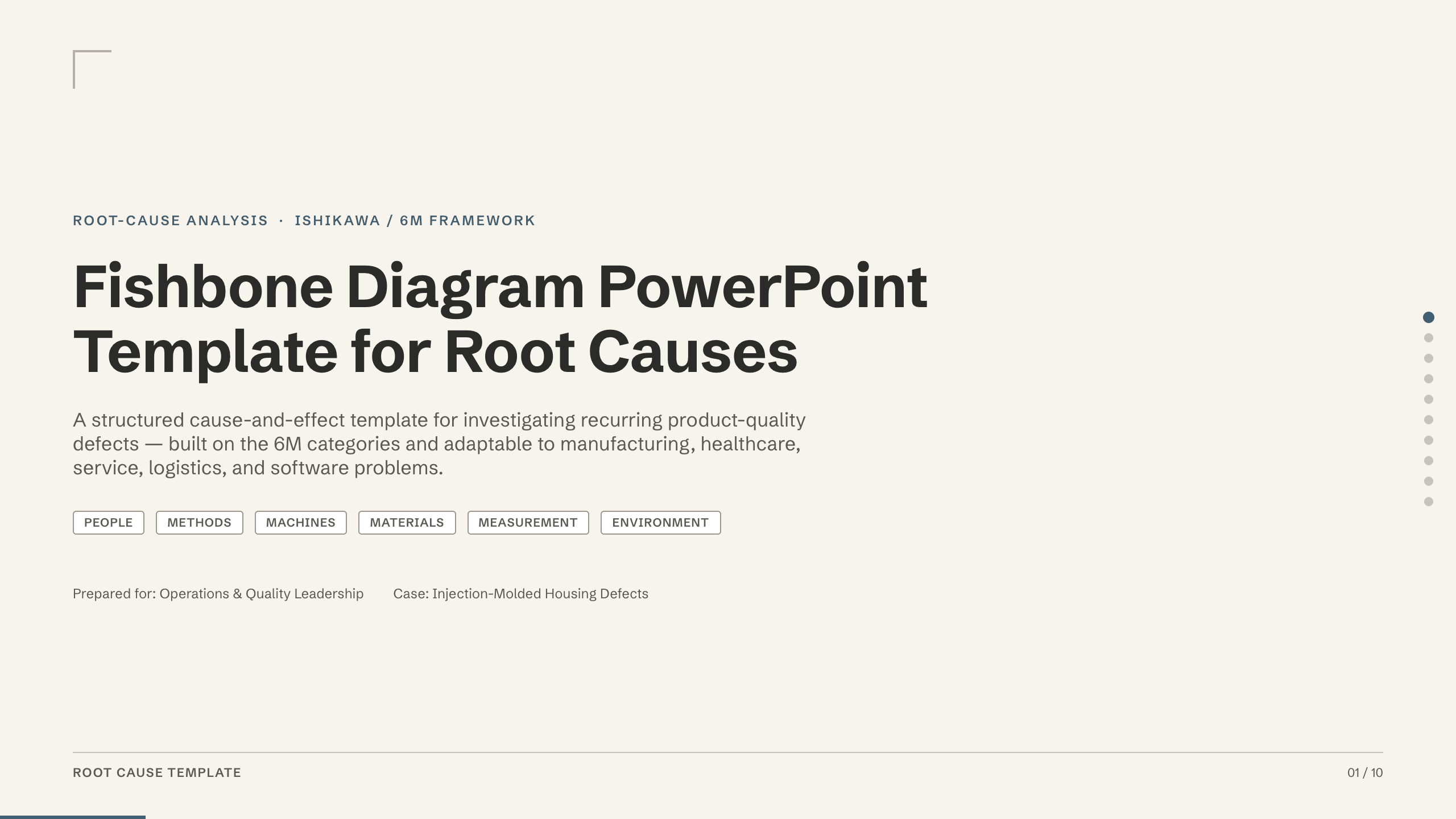
Fishbone Diagram PowerPoint Template
Investigate defects with a 10-slide fishbone deck covering the problem, 6M cause categories, evidence, validation, countermeasures, and control.
View template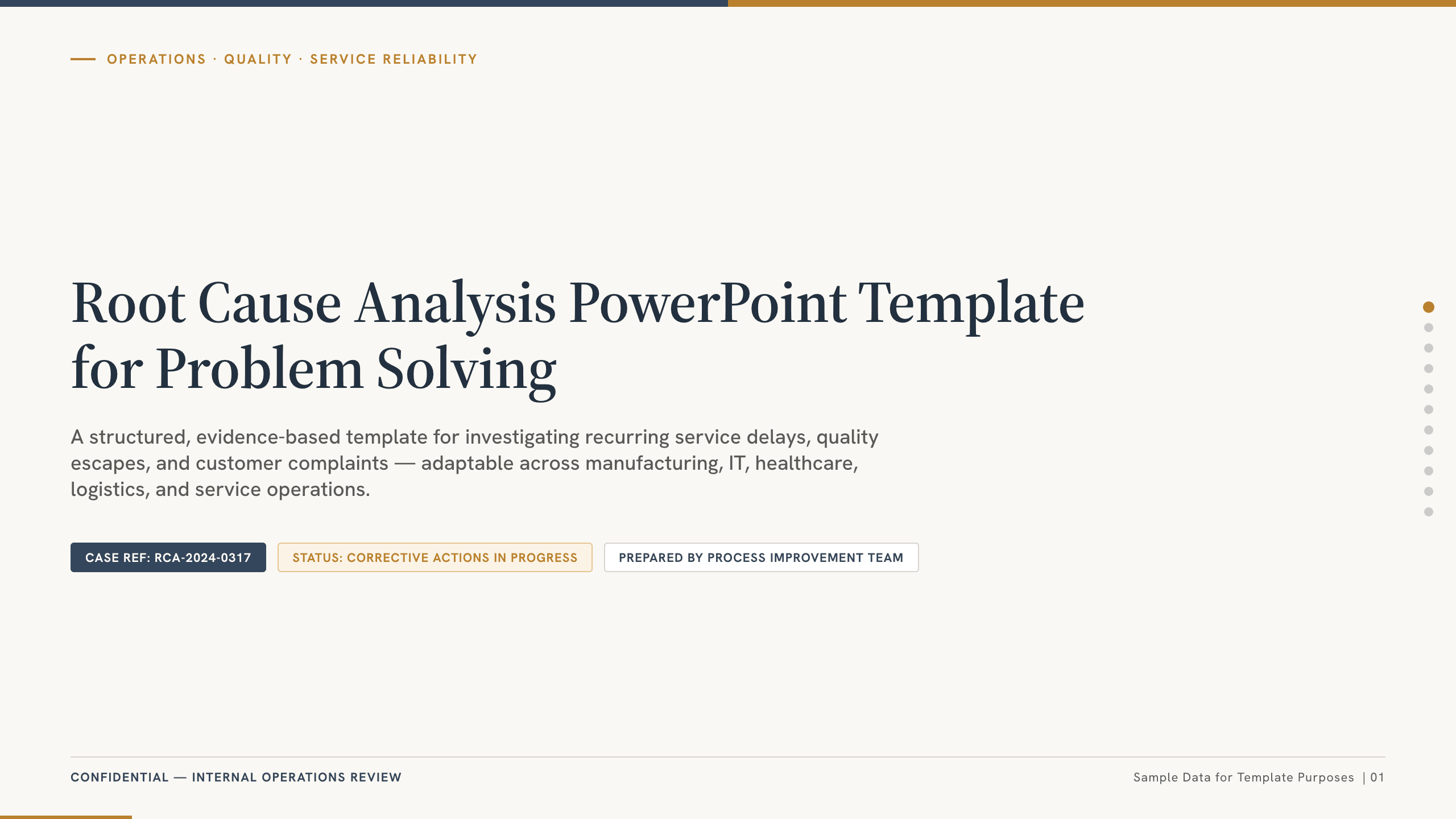
Root Cause Analysis PowerPoint Template
Run a root cause analysis with 11 slides covering the incident, timeline, symptoms, hypotheses, validation, corrective actions, owners, and controls.
View templateExplore other template hubs
Customize the Army PowerPoint Template with Julius AI
1
Preview the complete example
Inspect all 12 slides to understand the narrative, layouts, and level of detail before replacing the example content.
2
Add your content and direction
Give Julius AI your source material, evidence, audience, constraints, and desired outcome.
3
Review and export
Check the narrative, facts, and design, then export an editable version to PowerPoint for final delivery.