Harry Potter Slides Template for Magical Projects
Create an 11-slide fan-made wizard-school deck for book talks, classroom activities, fantasy lessons, trivia, celebrations, characters, spells, and lore.
Preview the 11-slide Harry Potter Slides Template
Explore the complete candlelit fantasy sequence from world and houses through characters, magical subjects, enchanted objects, story themes, and classroom trivia.
What you're getting
A storybook wizard-school deck for fan projects and lessons
This 11-slide template uses a candlelit storybook style for fantasy settings, groups, characters, magical subjects, objects, themes, timelines, and trivia. The sequence can support a book talk, classroom activity, celebration, or original wizard-school story.
This is an independent fan-made template and not an official Harry Potter product. Use original or licensed imagery, follow applicable fan-content rules, and replace protected logos, quotations, characters, or house marks in commercial work.
- Included
- 11 fantasy slides
- Best for
- Fan projects and classroom fun
- Export
- PowerPoint or Google Slides
Built for
Students creating a fantasy book project
Learners organizing setting, characters, themes, symbols, plot, and interpretation in an engaging style.
Teachers planning a themed activity
Educators adapting houses, lessons, objects, and trivia into age-appropriate participation.
Fans hosting a celebration or quiz
Organizers introducing teams, schedule, rounds, prompts, lore, and event details.
Getting started
Choose the lesson, story, or game before applying the theme
The fantasy styling should make the content more memorable while titles and instructions remain easy to read.
- 1
Define the audience experience
Set whether the deck teaches, analyzes, tells an original story, runs trivia, or guides an event.
- 2
Select the necessary lore
Include only the setting, characters, objects, themes, or rules the audience needs.
- 3
Adapt the sequence
Use the layouts for context, comparison, timeline, explanation, prompt, reveal, and closing.
- 4
Check legibility and inclusion
Keep contrast strong, explain unfamiliar terms, and avoid forcing participants into themed identities.
- 5
Review rights and attribution
Use original or permitted assets and avoid suggesting affiliation, sponsorship, or official status.
Explore more
Related templates worth comparing
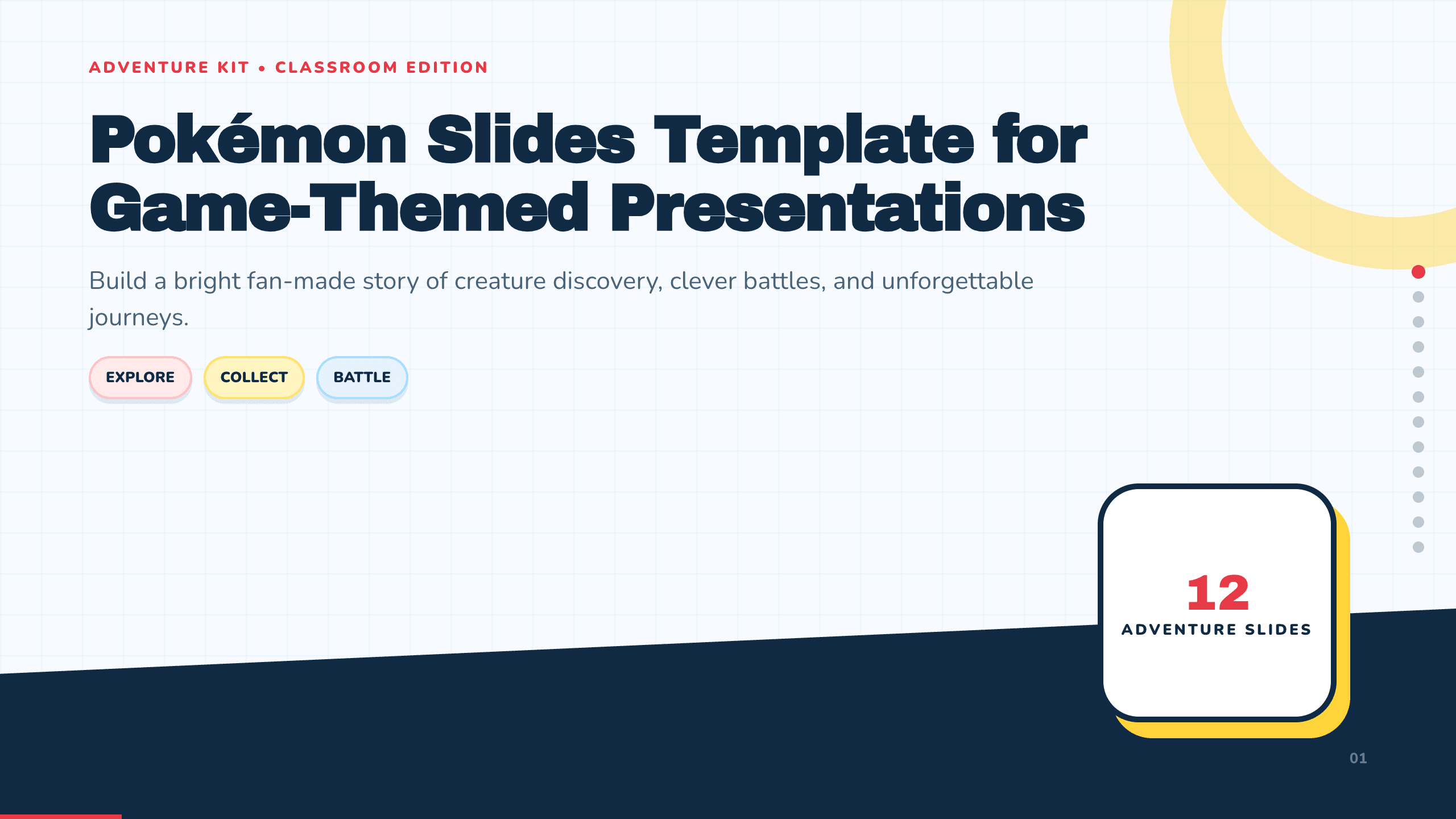
Pokémon Slides Template
Build a bright 12-slide fan-made creature-adventure presentation with layouts for journey, world, characters, types, abilities, battles, teams, and trivia.
View template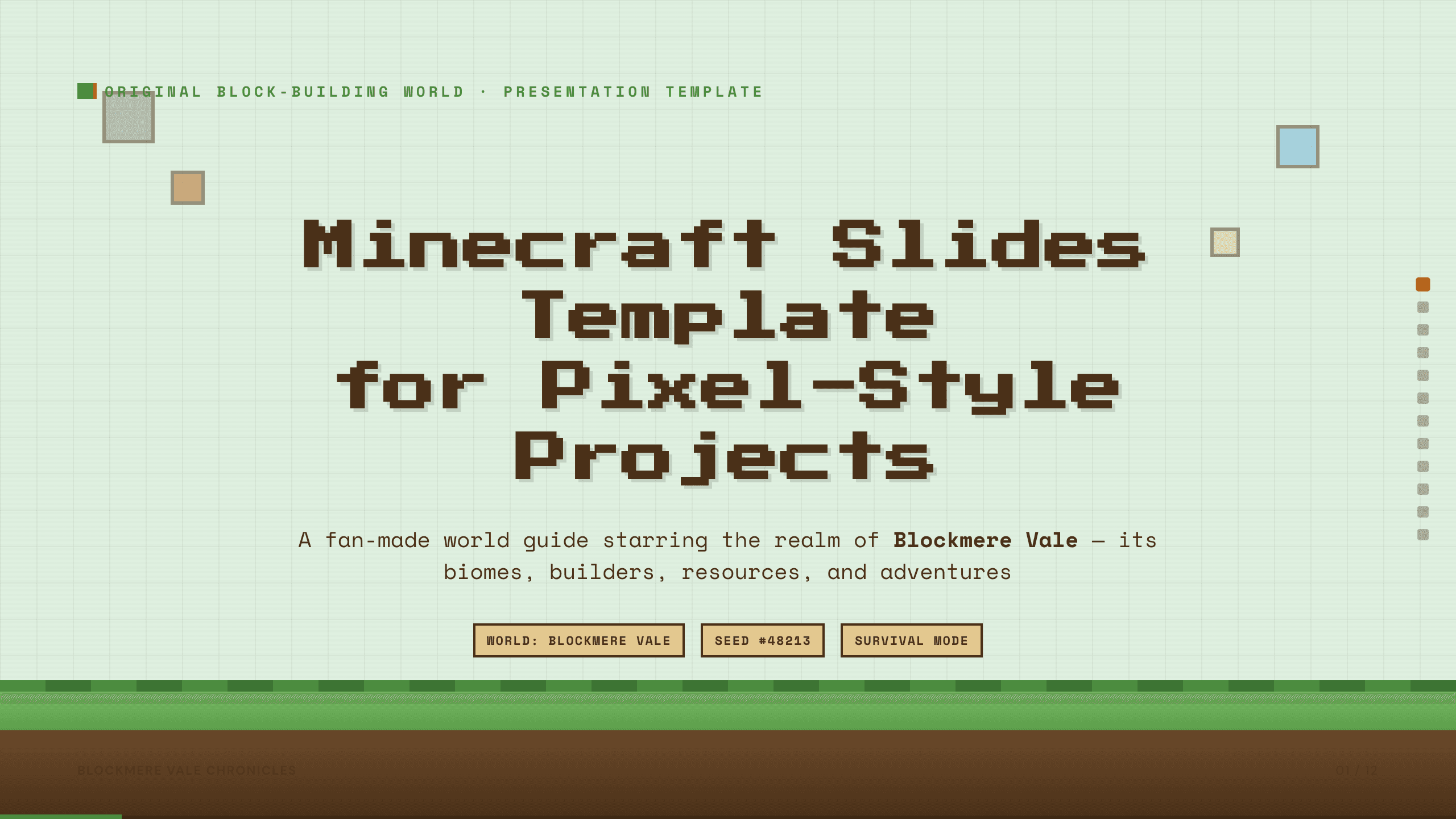
Minecraft Slides Template
Build a 12-slide fan-made pixel-world presentation for biomes, settlements, characters, resources, builds, farming, exploration, survival, and shared goals.
View template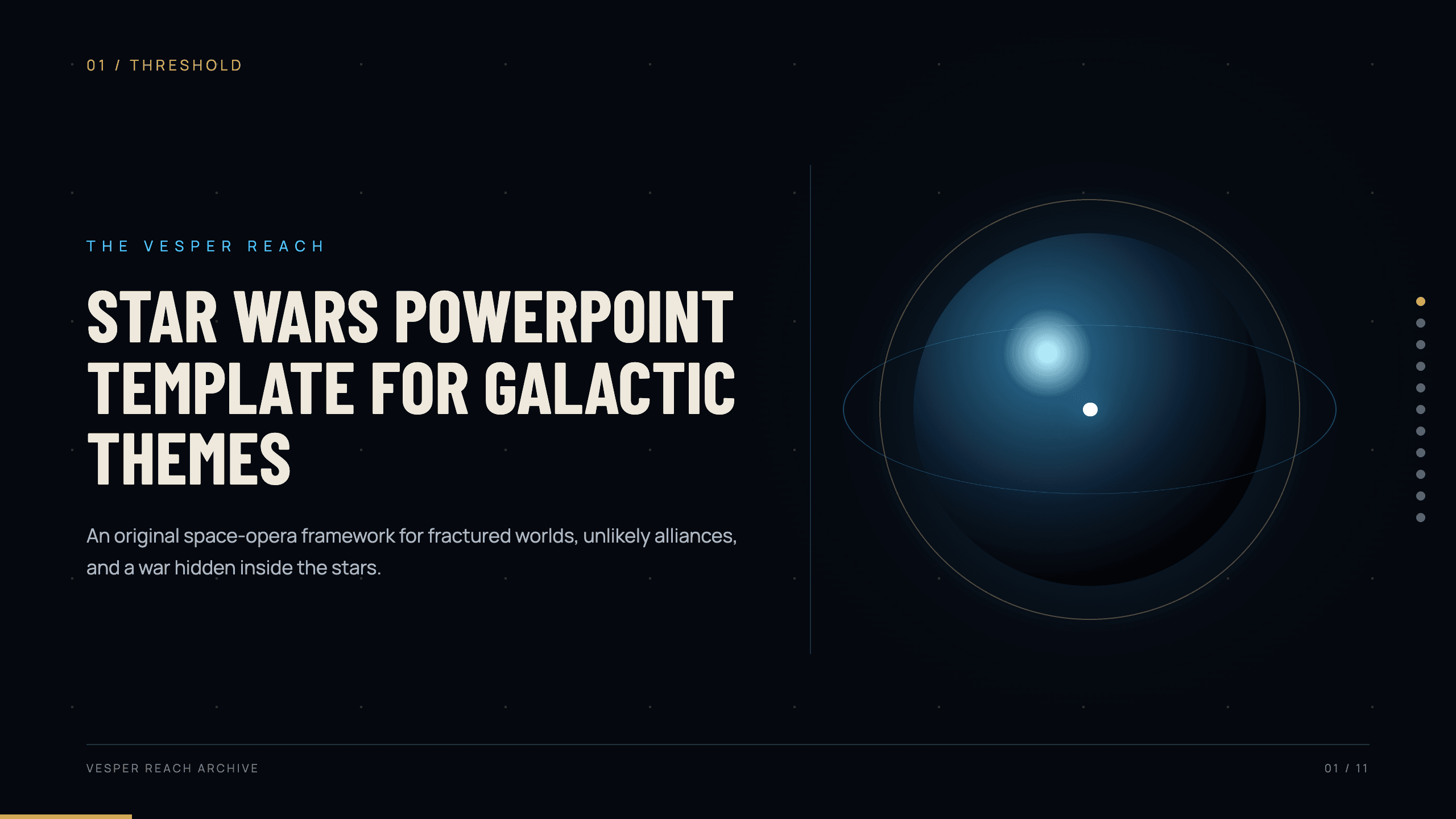
Star Wars PowerPoint Template
Create an original 11-slide space-opera story with layouts for worlds, factions, characters, conflict, starships, technology, alliances, and confrontation.
View template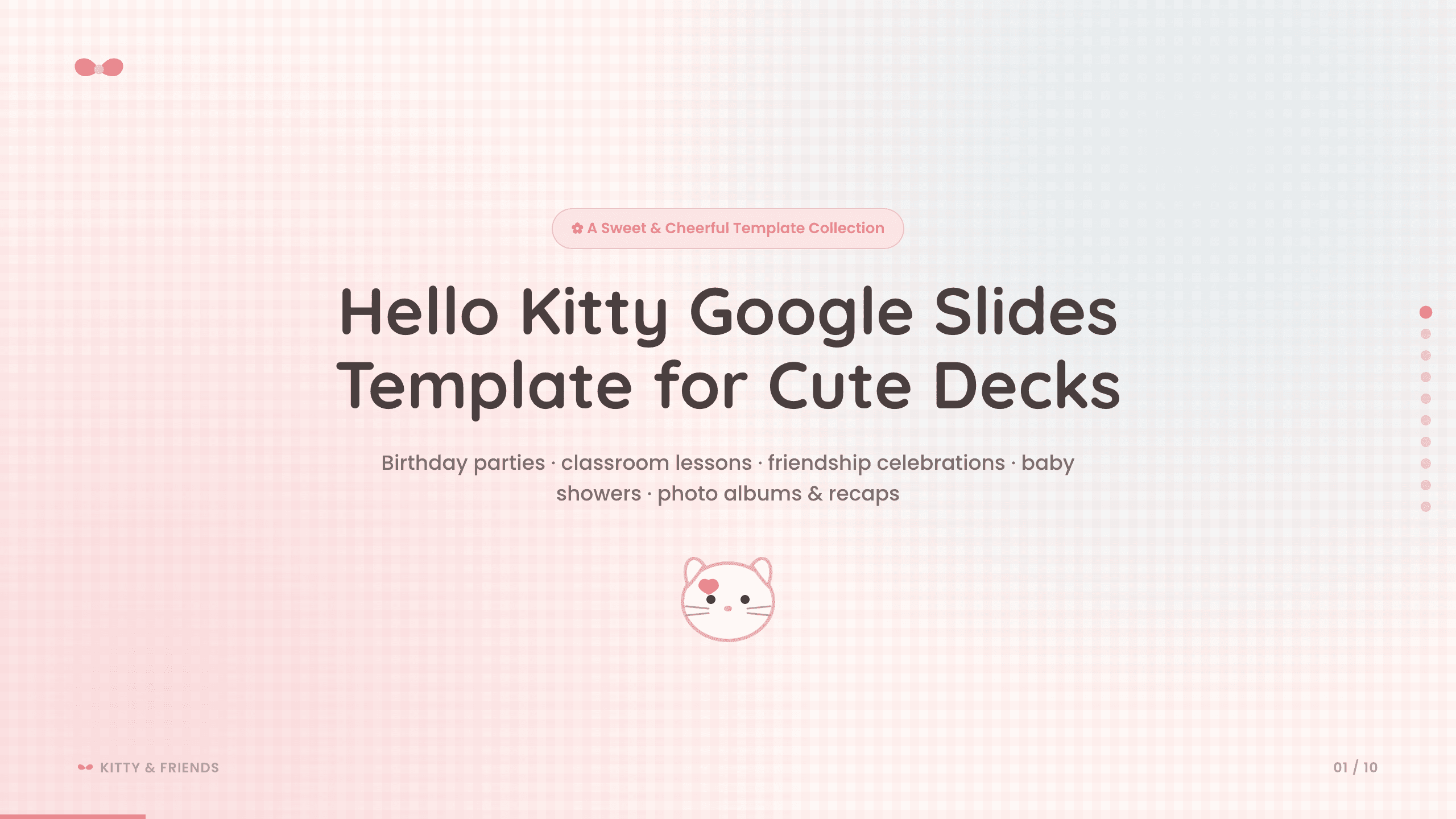
Hello Kitty Google Slides Template
Create a sweet 10-slide fan-made Google Slides deck for birthdays, classroom activities, friendship celebrations, baby showers, photo albums, and recaps.
View template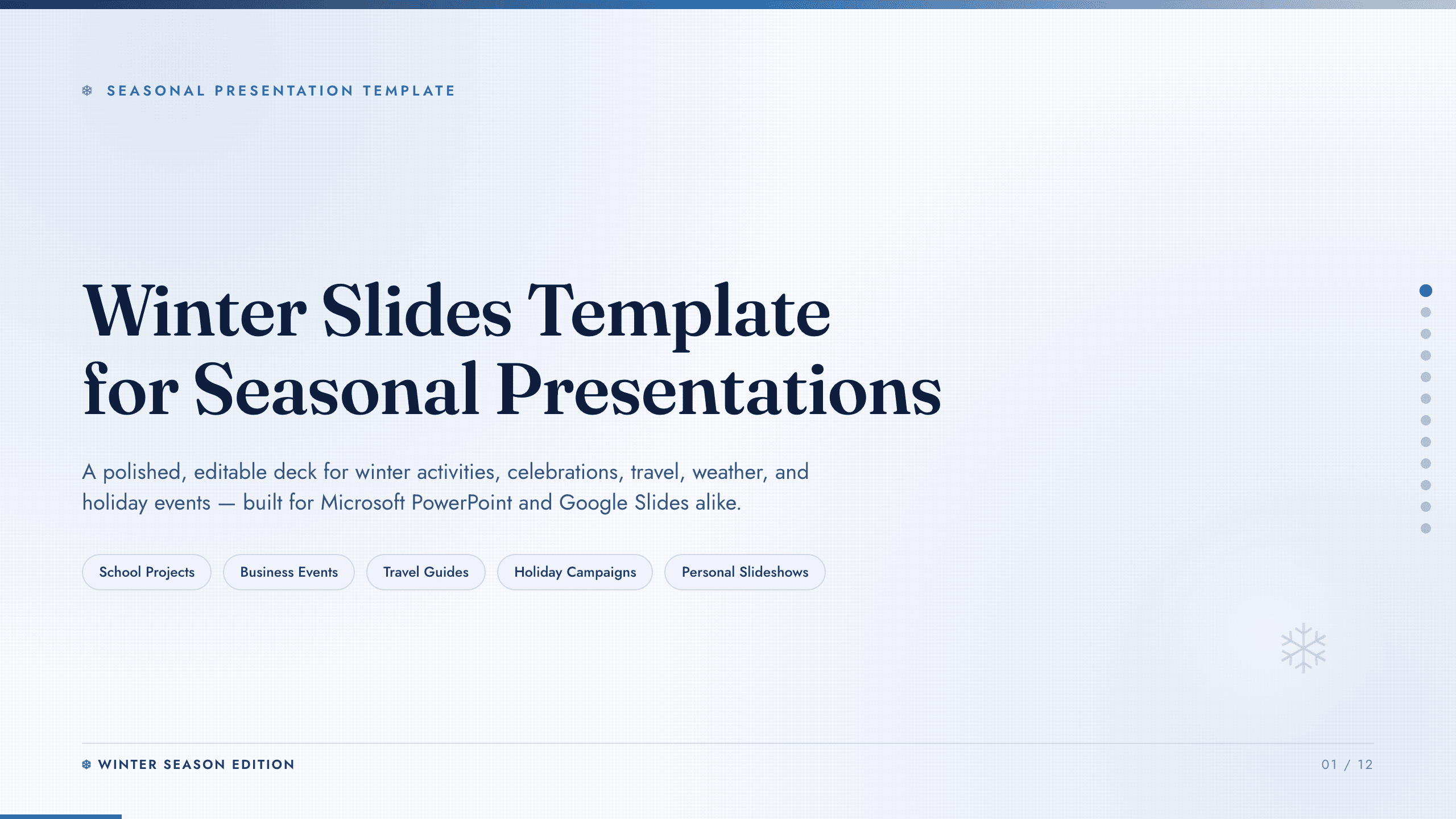
Winter Slides Template
Create a focused winter lesson, event, travel guide, or seasonal campaign from 12 coordinated layouts for activities, safety, food, photography, and planning.
View template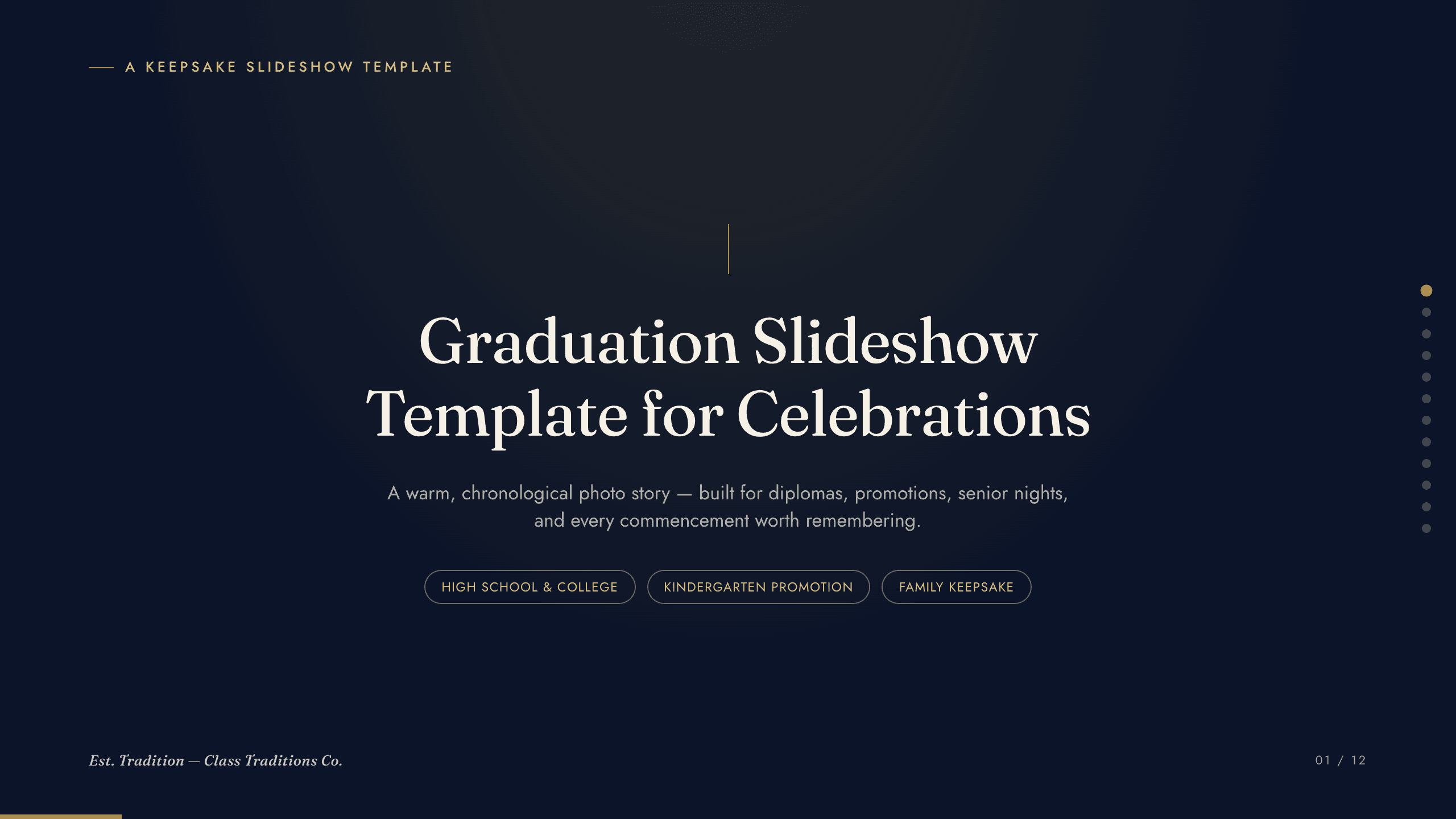
Graduation Slideshow Template
Celebrate graduation with 12 slides for early years, school milestones, favorite classes, activities, friendships, achievements, and future plans.
View templateExplore other template hubs
Customize the Harry Potter Slides Template with Julius AI
1
Preview the complete example
Inspect all 11 slides to understand the narrative, layouts, and level of detail before replacing the example content.
2
Add your content and direction
Give Julius AI your source material, evidence, audience, constraints, and desired outcome.
3
Review and export
Check the narrative, facts, and design, then export an editable version to PowerPoint or Google Slides for final delivery.