Fall Google Slides Template for Seasonal Presentations
Create an autumn presentation with a warm, polished visual direction. Use this fall Google Slides template for an event, classroom lesson, seasonal campaign, or community update, then customize the content in Julius and export the finished deck to Google Slides.
Preview the fall Google Slides template
Use the harvest festival example as written, or replace it with your own seasonal topic and audience.
An autumn Google Slides template for more than one occasion
The warm palette and editorial layouts can support fall festivals, classroom projects, seasonal marketing, community events, menus, fundraisers, and team updates. Replace the harvest festival content while keeping the visual system consistent across the slides.
Use seasonal details with restraint so the presentation remains readable and useful after the opening slide.
Customize the fall presentation before you export
Tell Julius what the audience needs to know, which sections to include, and how formal the deck should feel. Add your dates, schedule, photos, data, or source material, then export the presentation to Google Slides.
How to customize a fall Google Slides template
1
Add your autumn topic
Describe the event, lesson, campaign, or update the presentation should cover.
2
Customize the seasonal deck
Julius adapts the structure and warm visual style to your content and audience.
3
Export to Google Slides
Review the deck, replace any placeholders, and export it for final editing.
Explore more
Related templates worth comparing
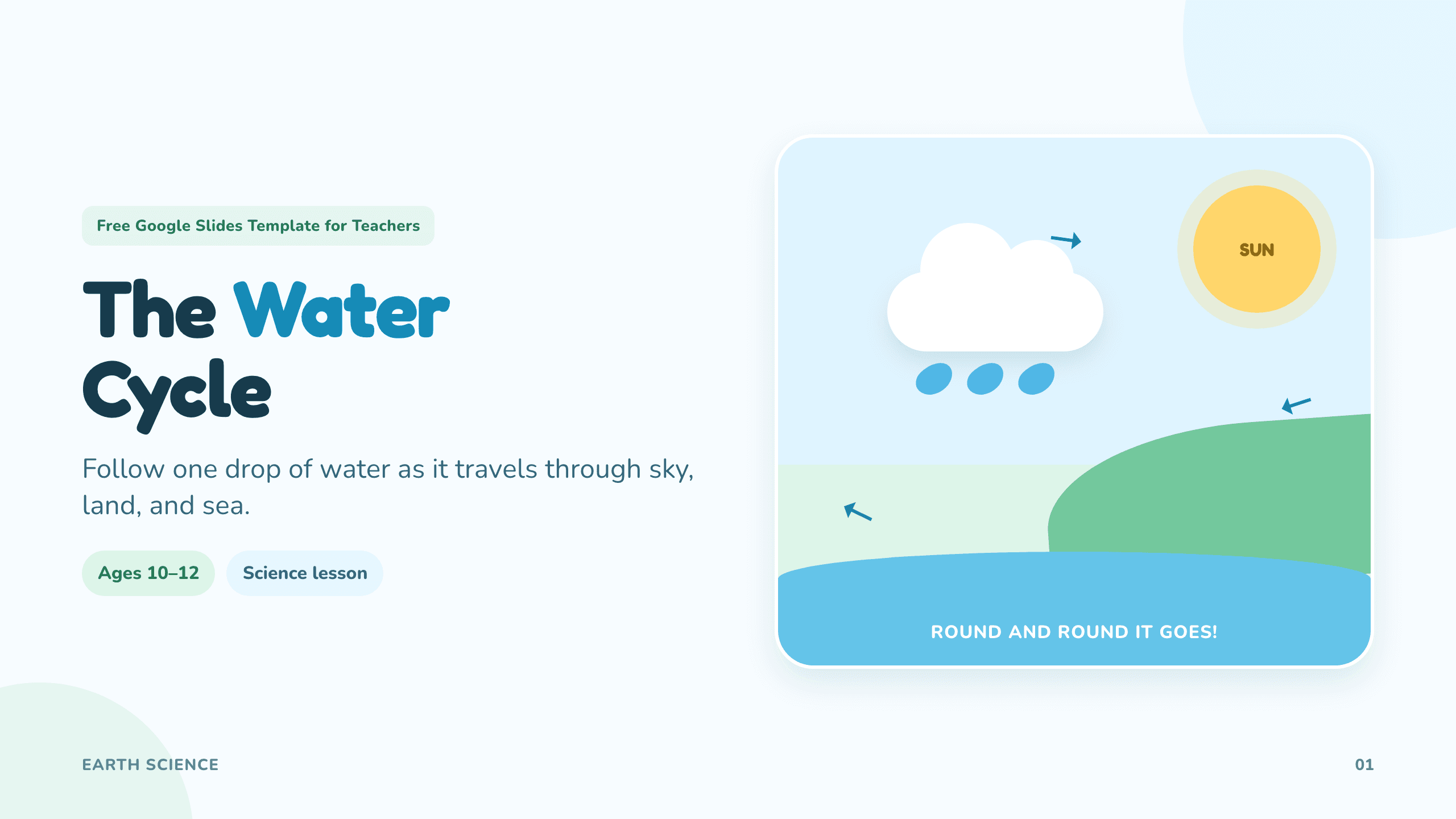
Google Slides template for teachers
Create classroom-ready lessons, diagrams, activities, and quizzes.
View template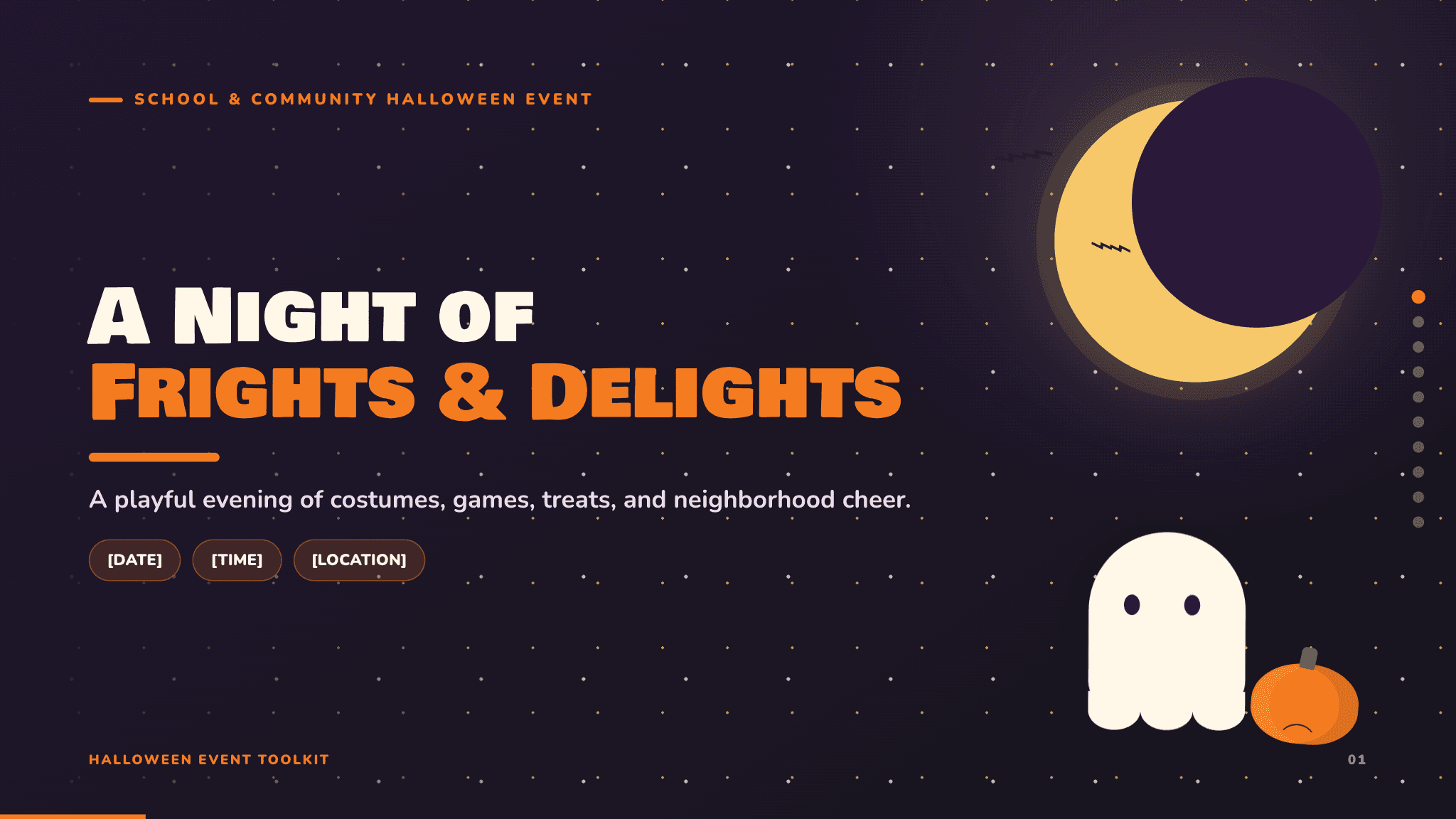
Halloween Google Slides template
Create playful seasonal slides for events, lessons, games, and activities.
View template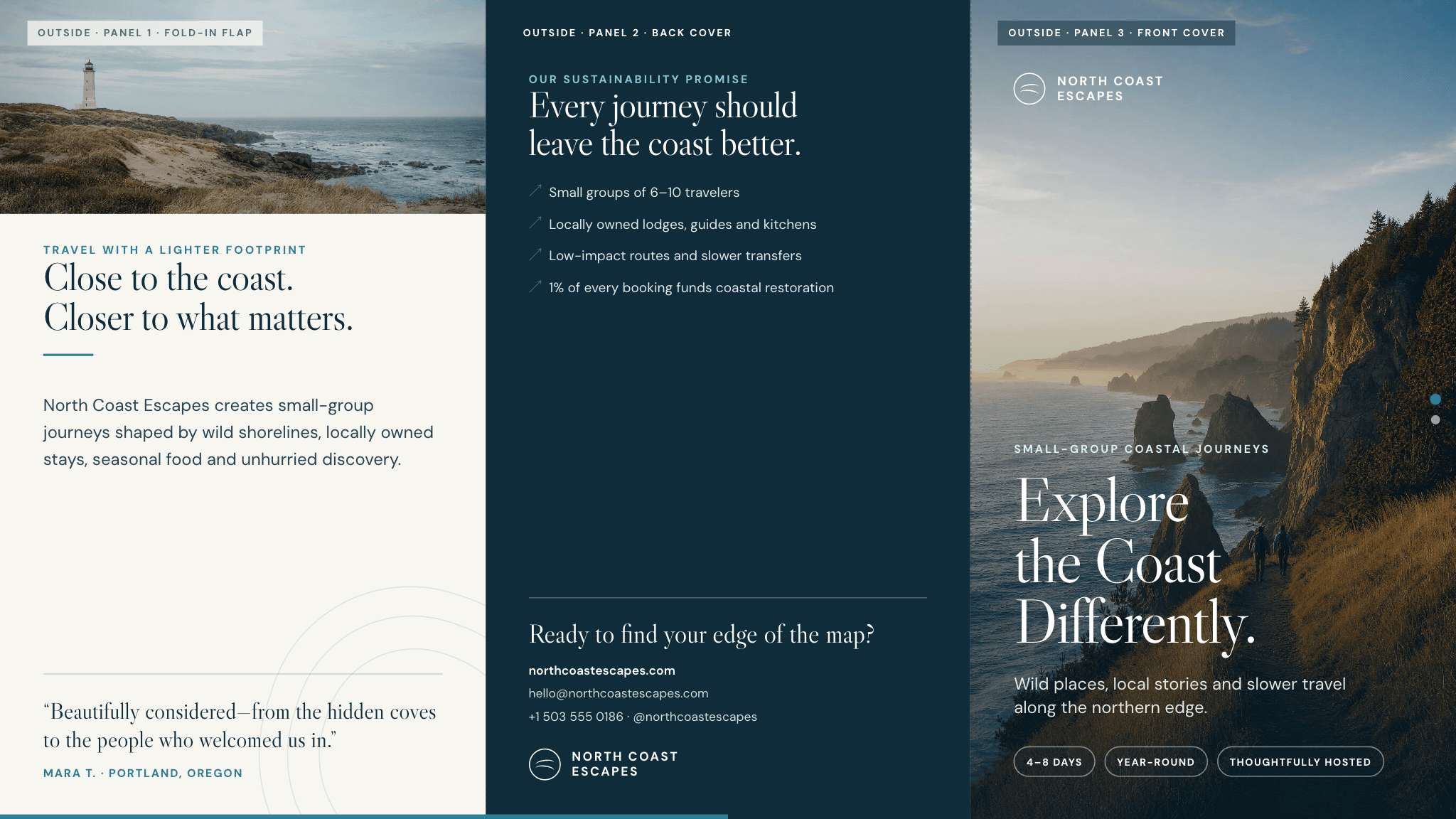
Google Slides brochure template
Create a polished tri-fold brochure for a business, event, destination, or program.
View template