Halloween Google Slides Template for Spooky Presentations
Make a Halloween presentation that feels festive without sacrificing clarity. Customize this Halloween Google Slides template for a school event, community celebration, classroom activity, or team gathering, then export the finished slides to Google Slides.
Preview the Halloween Google Slides template
Use the community event example as a starting point, or replace it with your own celebration, lesson, or activity.
A playful Halloween slide template that stays easy to read
The template combines midnight purple, pumpkin orange, friendly illustrations, and bold type with a clear information hierarchy. It works well for event schedules, costume contests, classroom games, safety reminders, party plans, and seasonal announcements.
Keep important logistics in high-contrast layouts and use decorative elements to support the message rather than obscure it.
Adapt the Halloween presentation for your audience
Tell Julius whether the slides are for students, families, coworkers, or a broader community. Adjust the tone, activities, language, and level of playfulness before exporting the deck.
How to customize a halloween Google Slides template
1
Describe the Halloween activity
Add the audience, schedule, activities, guidelines, and details to include.
2
Build the seasonal slides
Julius adapts the playful layouts and illustrations to your event or lesson.
3
Review and export
Check the dates and details, then export the presentation to Google Slides.
Explore more
Related templates worth comparing
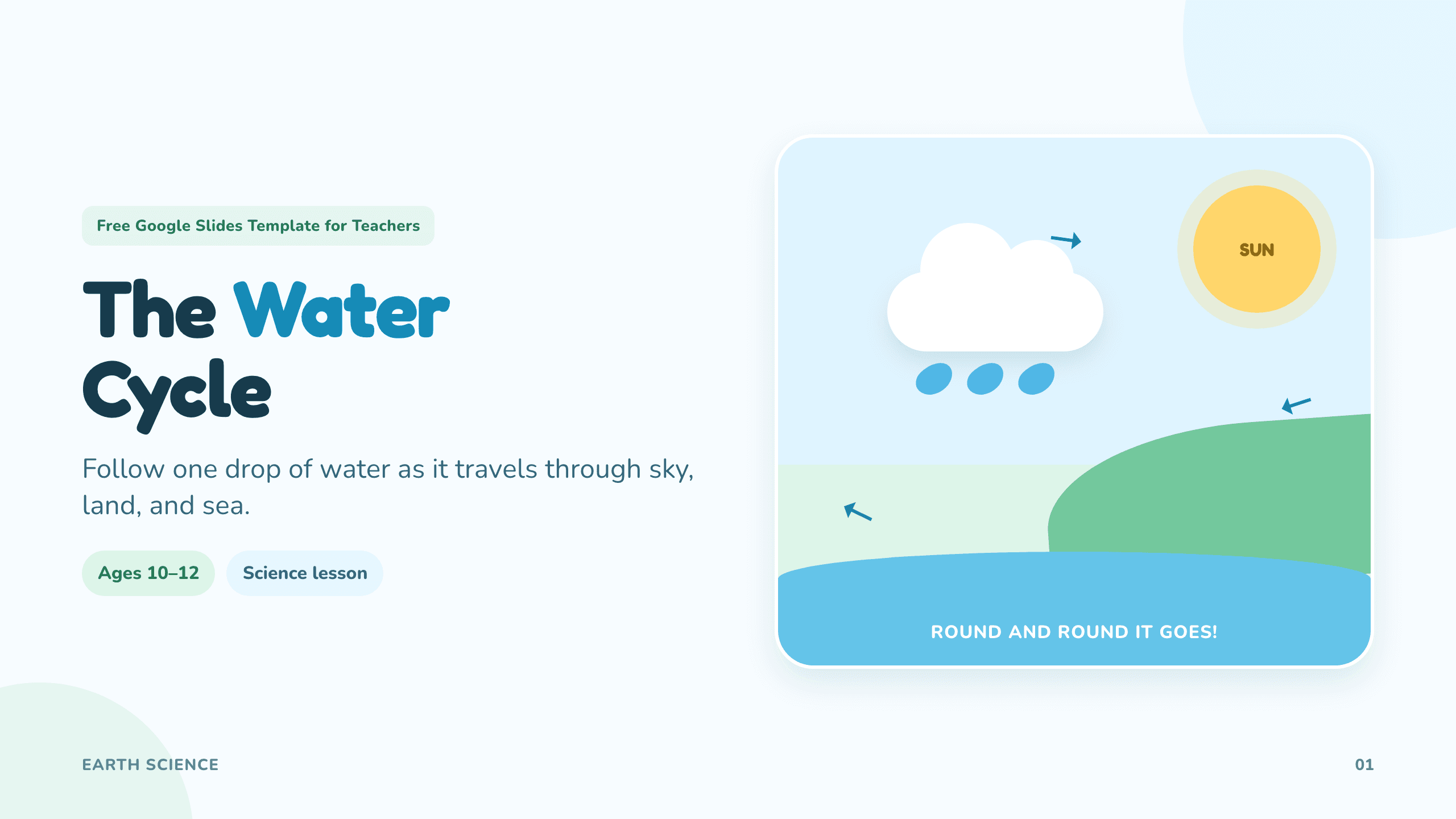
Google Slides template for teachers
Create classroom-ready lessons, diagrams, activities, and quizzes.
View template
Fall Google Slides template
Create a warm autumn presentation for events, lessons, or updates.
View template
Google Slides brochure template
Create a polished tri-fold brochure for a business, event, destination, or program.
View template