Turn Text into a PowerPoint with AI
Paste your text or describe your topic. Julius structures the story, designs the slides, and creates an editable presentation you can export.
How to turn AI-generated text into a PowerPoint
Go from rough copy to a presentation in three simple steps.
1. Add your text
Paste notes, an outline, a report, or AI-generated copy into the prompt and tell Julius who the presentation is for.
2. Generate the slides
Julius organizes the key ideas into a clear narrative and builds the text, visuals, and layout for each slide.
3. Refine and export
Review the deck, ask for changes, apply your branding, and export to PowerPoint, PDF, PNG, or Google Slides.
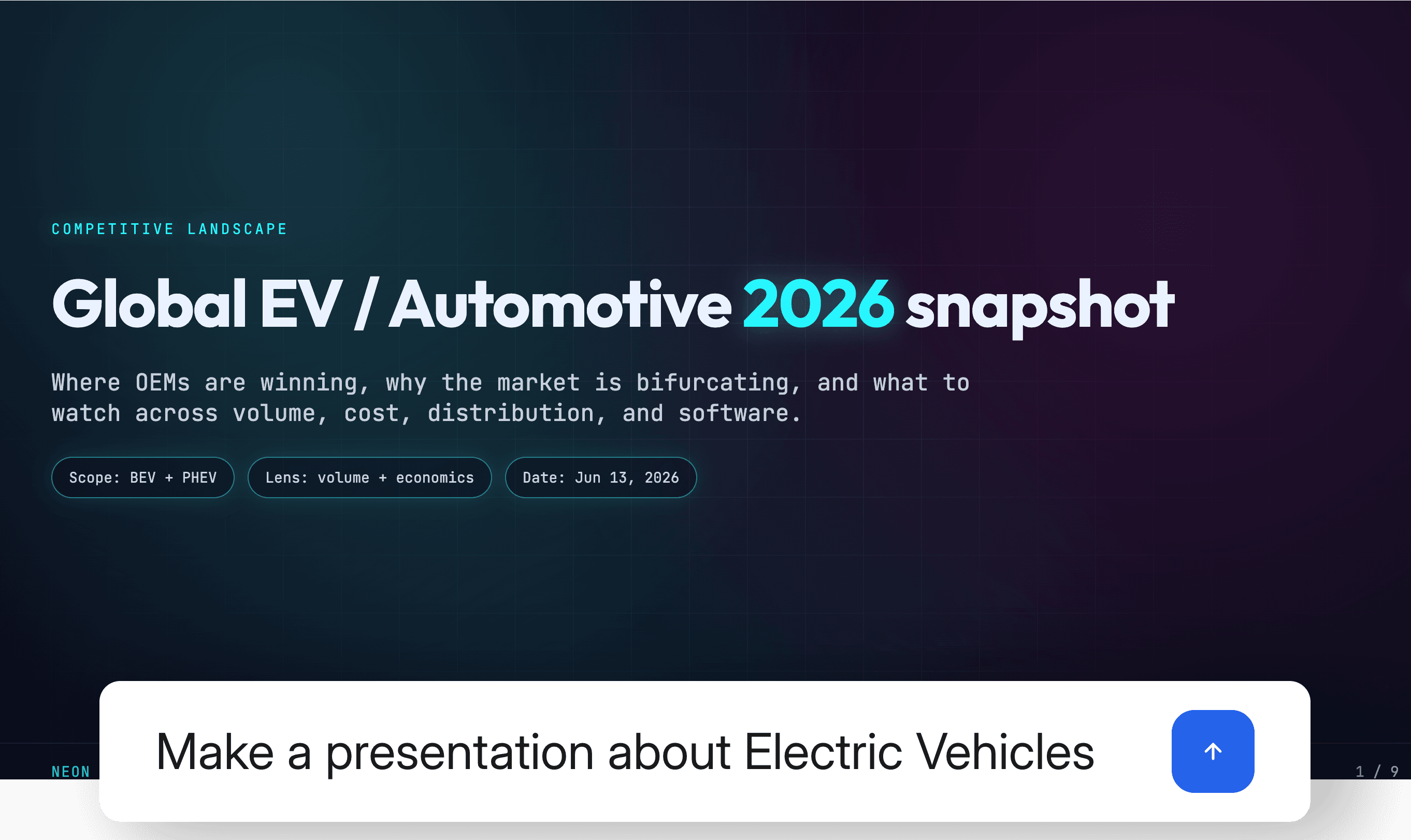
From raw text to a clear slide story
A text to PPT workflow should do more than split paragraphs across slides. Julius identifies the main argument, groups related ideas, and gives the deck a beginning, middle, and conclusion for your audience.
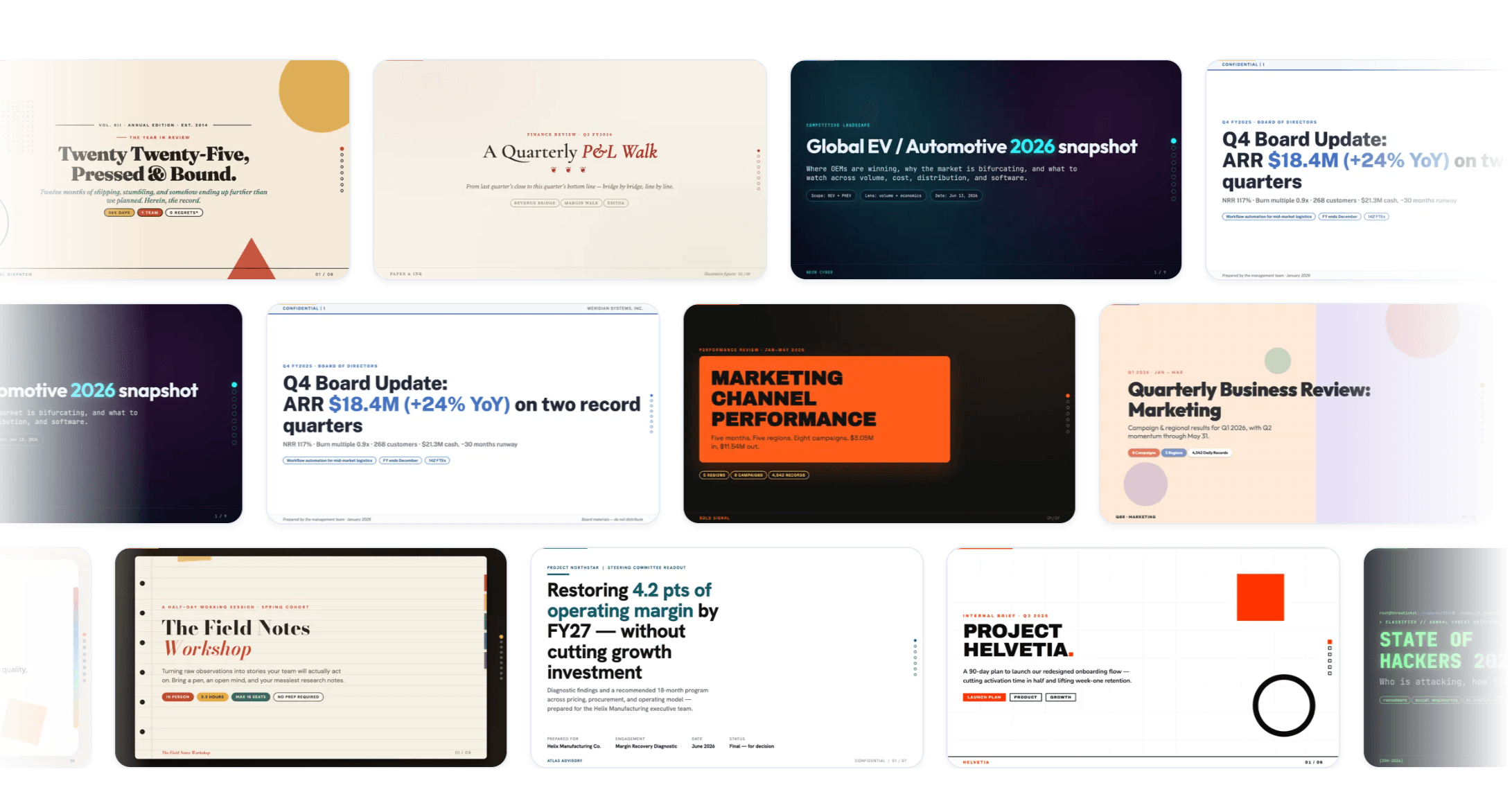
Choose a design that fits the message
Start with a professional template for a pitch, lesson, proposal, or business review. Julius fills the design with your content while keeping typography, colors, and layouts consistent.
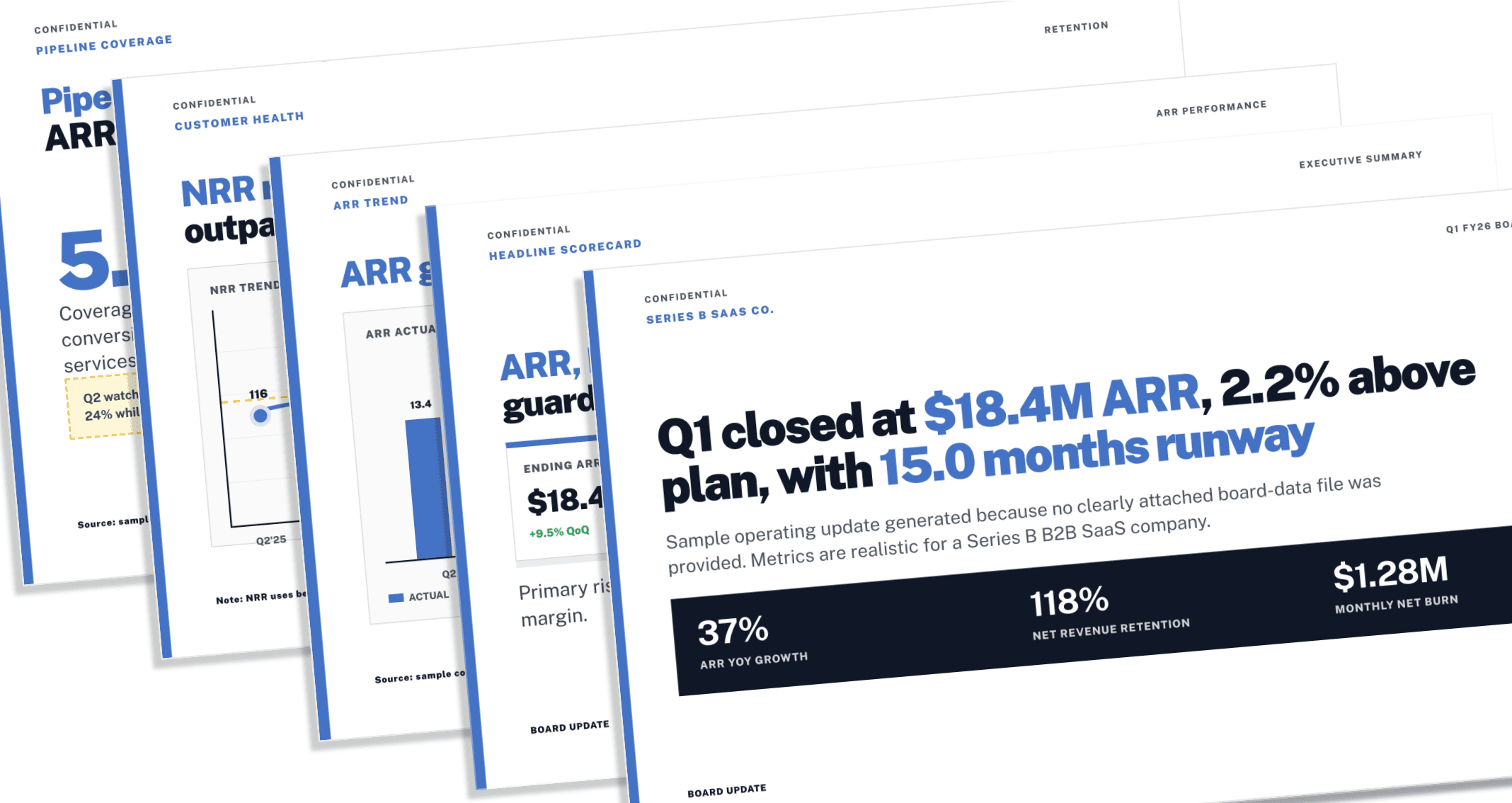
Keep editing after the AI draft
The generated presentation stays editable. Ask Julius to rewrite a slide, shorten the deck, change the tone, or update the visuals, then continue working in PowerPoint or Google Slides.
What you can turn into a presentation
Use an AI PowerPoint generator from text you already have or start with a prompt.
Notes and outlines
Turn bullet points and rough ideas into a structured deck.
Reports and briefs
Condense a written document into clear, audience-ready slides.
Meeting summaries
Create a decision-focused presentation from discussion notes.
AI-generated copy
Convert drafted text into a designed, editable PowerPoint.
Frequently asked questions
Is the text to PowerPoint AI free to try?
Can I turn AI-generated text into a PowerPoint?
What kind of text can I use?
Can I edit the presentation after it is generated?
Can Julius apply my branding?
Which presentation formats can I export?
AI Presentation Maker
Create the complete presentation in Julius
Continue in the AI Presentation Maker to choose a template, refine every slide, and export your finished deck.
Explore the AI Presentation Maker