Your business data is in 7 tools.
Your questions deserve one.

Join millions of people who use Julius to generate insights in seconds with AI-powered notebooks.

4.8 Rating on Google Play

2.0M+ Users

10M+ Visualizations
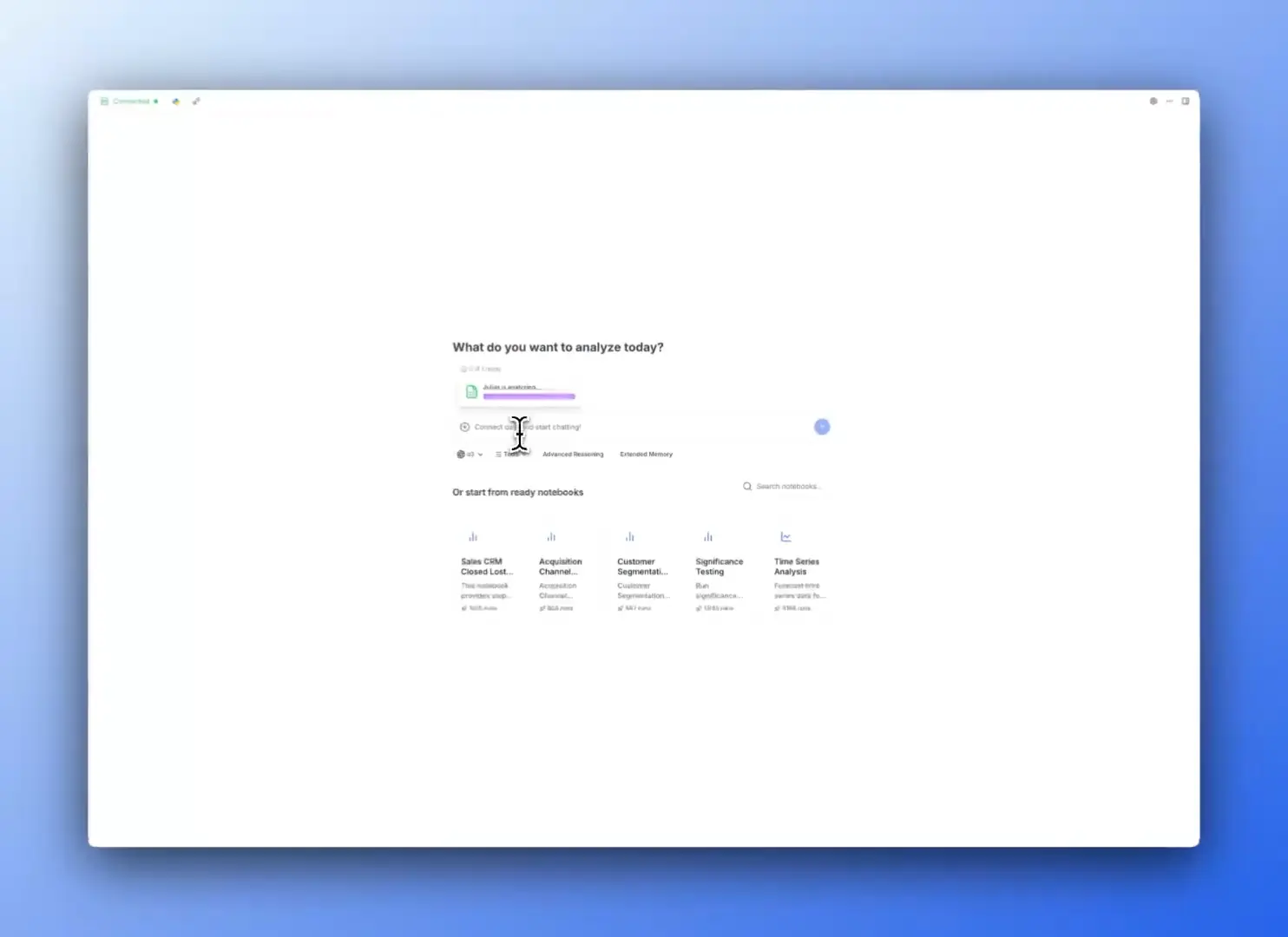
Preview thumbnail

Trusted by teams at

Princeton logo
Zapier logo
BCG logo
Spellbook logo
George Mason University logo

Why current tools are failing you

Shared workspace

Explore new ideas, iterate on existing ones, and share your work across the team

Team management

Assign roles, manage billing, and track usage in a single place

Secure, reliable platform

Keep your data protected with top-grade security measures and compliance standards

Start in seconds, not hours

No coding or complex setup required

Start in seconds, not hours

Upload everything at once

No batching, no limits, no waiting. Julius supports larger files compared to others

Upload everything at once

Create stunning charts instantly

Turn your data into clear visuals that explain your findings
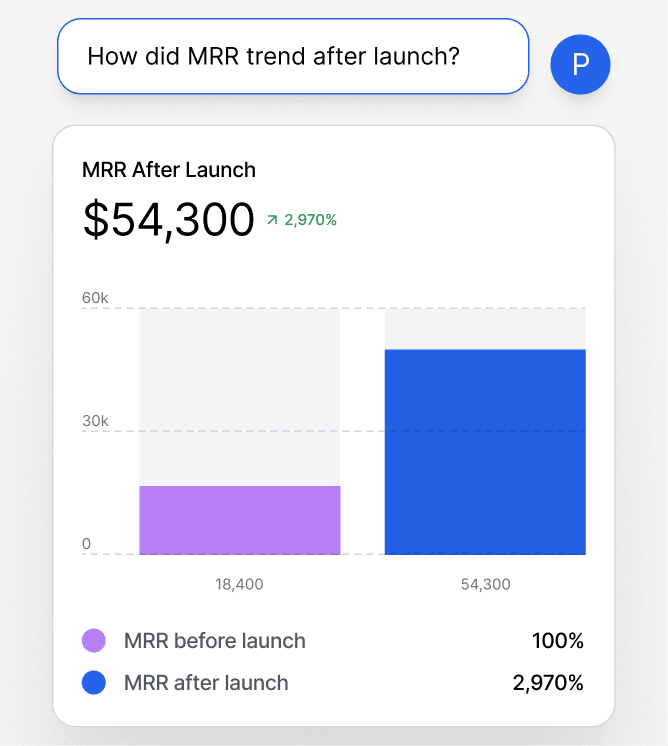
Create stunning charts instantly

Code when you want to

Switch to R, Python, or SQL anytime for advanced work

Code when you want to

Tackle problems generic AI can't

Built with advanced capabilities to solve complex data analysis problems

Tackle problems generic AI can't

Skip repetitive explanations

Julius remembers your context and preferences to work faster over time

Skip repetitive explanations

AI for data analysis

Easily iterate and revise with Notebooks

Define the rules, run, revise, and save for later.

Enterprise-grade security

Your data stays private and is never used to train AI. Compliant with industry-leading standards including SOC 2 Type II, TX-RAMP, and GDPR.

TX-Ramp logo

TX-Ramp

SOC 2 Type 2 logo

SOC 2 Type 2

GDPR logo

GDPR

Don't just take our word for it...

"There's so much data in Athena—which websites AI models pull from, for which verticals, which geographies—you can drill down as deep as you want. But with so much data, it's like sitting in a boat on a lake. Julius is the fishing rod that helps us actually catch what we need."

Andrew Yan
AthenaHQ
Andrew YanFounder and CEO, AthenaHQ
"Julius completely changed how I approach growth. I can analyze multiple datasets at once and turn them into insights for customer acquisition, retention, and marketing campaigns, all without waiting on engineering or hiring data analysts. I've used it at two companies now, and it's saved us hours while helping us make smarter decisions every day."

Ami Gosalia
Home From College
Ami GosaliaHead of Growth, Home From College
"20 minutes using Julius AI daily gives me business insights typically reserved for large companies with dedicated data science teams. It's pretty unreal how this informs our decision-making."

Brandon Chaney
Moments
Brandon ChaneyFounder, Moments
"I'm big on data analysis (spreadsheets DAU!), but often find myself frustrated by errors and slowness in trying to even analyze a basic spreadsheet in ChatGPT. Julius is good at this, and has only gotten better over time. It's both very reliable and can generate helpful ideas for extra analysis as well as visualizations."

Olivia Moore
Andreessen Horowitz
Olivia MooreAI Partner, Andreessen Horowitz
"Julius helped us get a clear view of the long-term trends in our NRR cohorts. The insights gave us a much better understanding of where we're headed—it's been super valuable for our finance planning."

Aman Samra
Spellbook
Aman SamraVP of Finance, Spellbook
"Since discovering Julius, I've been incredibly impressed with its reliability and ease of use. It feels like having a personal data analyst on demand. I use it multiple times a week and genuinely enjoy the experience."

Jonathan Eidson
Extend
Jonathan EidsonAccount Director, Extend

Frequently asked questions

How do I link a data source?
You can link a data source on the Files page or directly in our Chat interface. For more detailed instructions on linking a data source, check out our Julius Start Guide.
What do I do after linking a data source?
After linking a data source, you can analyze it with natural language prompting on the Chat page — try asking for insights or directing Julius to create a visualization. For some additional examples on how to use Julius, check out our Guides section.
What data sources are supported?
We currently support any data file format, including but not limited to spreadsheets (.xls, .xlsx, .csv), Google Sheets, images (.jpeg, .png), PDFs, and text-based files (.docx, .txt). If you have a different file format, odds are we support it — go ahead and try to upload it within our Chat.
Can I analyze spreadsheets with multiple tabs?
Yes! Upload your multi-tab spreadsheet as you would any other file. Once uploaded, you can refer to the individual names of the tabs in your prompts, and Julius will perform analysis on those tabs accordingly.
Can I generate data visualizations?
Yes, it's very easy to generate clean-looking data visualizations using Julius. Once you have uploaded your data, simply prompt the AI to create a chart or graph.
What is Julius' data privacy policy?
We utilize strict access-control, as each user only has access to their own data in the secure notebook file storage — even our python code execution environments are sandboxed by user. In addition, your data is completely erased from the servers whenever you delete it within the app. You can read further into our data policies here.
Is this free?
Yes! By default all users can send up to 5 messages a month with our most advanced AI model. Once you hit the monthly limit, you can upgrade your plan in your Account page.

Still have questions?

Reach out to our team any time, or check out our FAQs.

— Your AI for Analyzing Data & Files

Turn hours of wrestling with data into minutes on Julius.

Geometric background for CTA section