

Canva, PowerPoint, and Gamma top the list of Prezi competitors worth considering in 2026, out of the more than 20 tools I researched. Here's how each one compares on price and ease of use, so you can find the right fit for your next deck.
9 best Prezi competitors: at a glance
| 💻 Tool | 🎯 Best for | 🔥 Starting price (billed annually) |
|---|---|---|
| Canva | Free all-round design | $144/year |
| Microsoft PowerPoint | Zoom effects in a standard format | $99.99/year |
| Google Slides | Free real-time collaboration | Free |
| Julius | Decks built from analysis | $16/month |
| Apple Keynote | Cinematic motion on Apple | Free on Apple devices (also available on web) |
| Gamma | Prompt-to-deck generation | $9/seat/month |
| Beautiful.ai | On-brand team decks | $12/month |
| Visme | Data-heavy decks, infographics | $12.25/person/month |
| Pitch | Startup and sales teams | $13/month |
*Pricing correct as of July 2026. Verify with vendor.
Why look for Prezi alternatives?
To be fair, nothing else on this list works quite like Prezi's zooming open canvas, and for narrative, non-linear talks it can be memorable in a way slides sometimes aren't. But that same canvas can create drawbacks once you look past the format itself.
Here are some issues that came up often in my research:
Free plan is display-only in practice: Presentations on the free Basic tier are publicly viewable, and private sharing sits behind a paid plan. Prezi AI is capped too, and free accounts start with a set allowance of credits.
The canvas carries authoring overhead: Every zoom step is a path you set by hand. In my research, path-setting and frame adjustments ate much of the build time, and it's easy to overdo the movement to the point where the zooming itself becomes the show.
Exports don't travel well: Exporting a Prezi to PowerPoint turns each frame into its own slide, but the zoom-and-pan motion that makes Prezi's canvas distinctive doesn't carry over. That means the dynamic version that wowed a room becomes a standard, static slide deck in someone's inbox.
Brand consistency is hard to police: A freeform canvas gives every editor freedom, and at team scale every deck can drift from the brand kit in its own direction.
There's also a pull factor. A newer class of AI presentation makers now generates a full deck from a prompt, and manual path-setting feels slow next to that.
TL;DR: Which Prezi competitor should you choose?
The right Prezi competitor depends on whether you want to keep the zoom effect, switch to standard slides, or skip manual design altogether.
Choose:
Canva if you want the most generous free plan, with private sharing, thousands of templates, and enough animation to keep decks lively. Brand kits and some exports are gated to Pro.
PowerPoint if you want the zoom effect inside the file format your company already expects. Budget for a Microsoft 365 subscription for the full desktop features.
Google Slides if real-time collaboration is your top priority and you need free private sharing. Skip it if motion polish is the point, since the transitions stay basic.
Keynote if you present from a Mac or iPad and care about cinematic motion. Skip it if your team mixes Windows and Apple hardware.
Gamma if you want to type a prompt instead of designing slides, and you can live with a credit meter.
Beautiful.ai if your team keeps breaking the brand kit and you want templates that fix layouts automatically. The Gamma vs Beautiful AI comparison comes down to open-ended generation versus brand rails.
Visme if your decks are mostly charts, reports, and infographics.
Julius if the deck is the last step of a data analysis, since it builds the charts from your data and writes the slides around them. It's an analysis tool first, so don't expect Prezi-style motion.
Pitch if you run a startup or sales team and want engagement analytics on shared decks.
Stick with Prezi if spatial, non-linear storytelling is the point of your talks and you're on a paid plan that unlocks private sharing. No competitor on this list replicates the infinite canvas.
1. Canva: Best for free all-round design
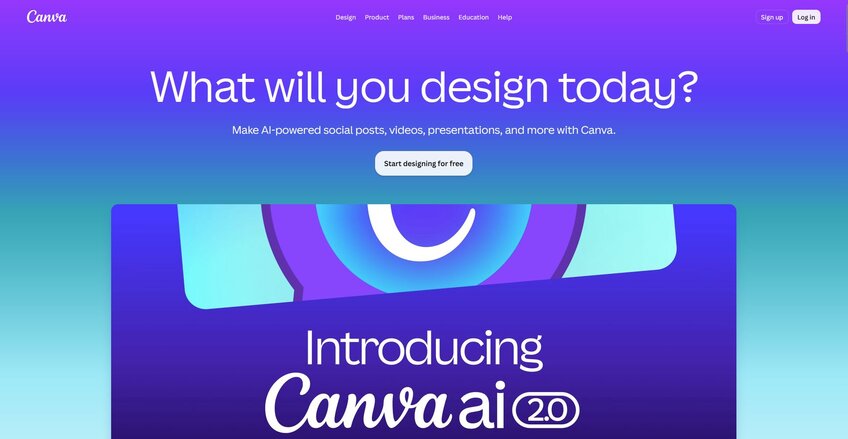
Canva is a design platform that covers presentations along with social graphics, documents, and video in one place. The free plan supports private sharing, thousands of templates, and animation presets that add motion to a page or element without any path-setting. Full brand kits and some export options stay locked behind the paid Pro plan.
Key features
Magic Design: Generate draft decks from a text prompt.
Page and element animations: Apply motion presets to whole pages or single elements.
Template and asset library: Provide thousands of presentation templates with built-in photos, icons, and charts.
Pros
✅ Free plan includes private sharing
✅ Animation presets add motion with no path-setting required
✅ Large template library shortens the blank-page phase
What users say
❌ Full brand kits and several export options require Pro
❌ No zoom canvas or non-linear navigation
Best for
Teams that want presentations alongside other content types like social graphics and video
Users who need private sharing without paying for a plan
Anyone who wants motion in a deck without manually building paths
Pricing
Canva starts at $144 per year.
2. Microsoft PowerPoint: Best for the zoom effect in a standard format
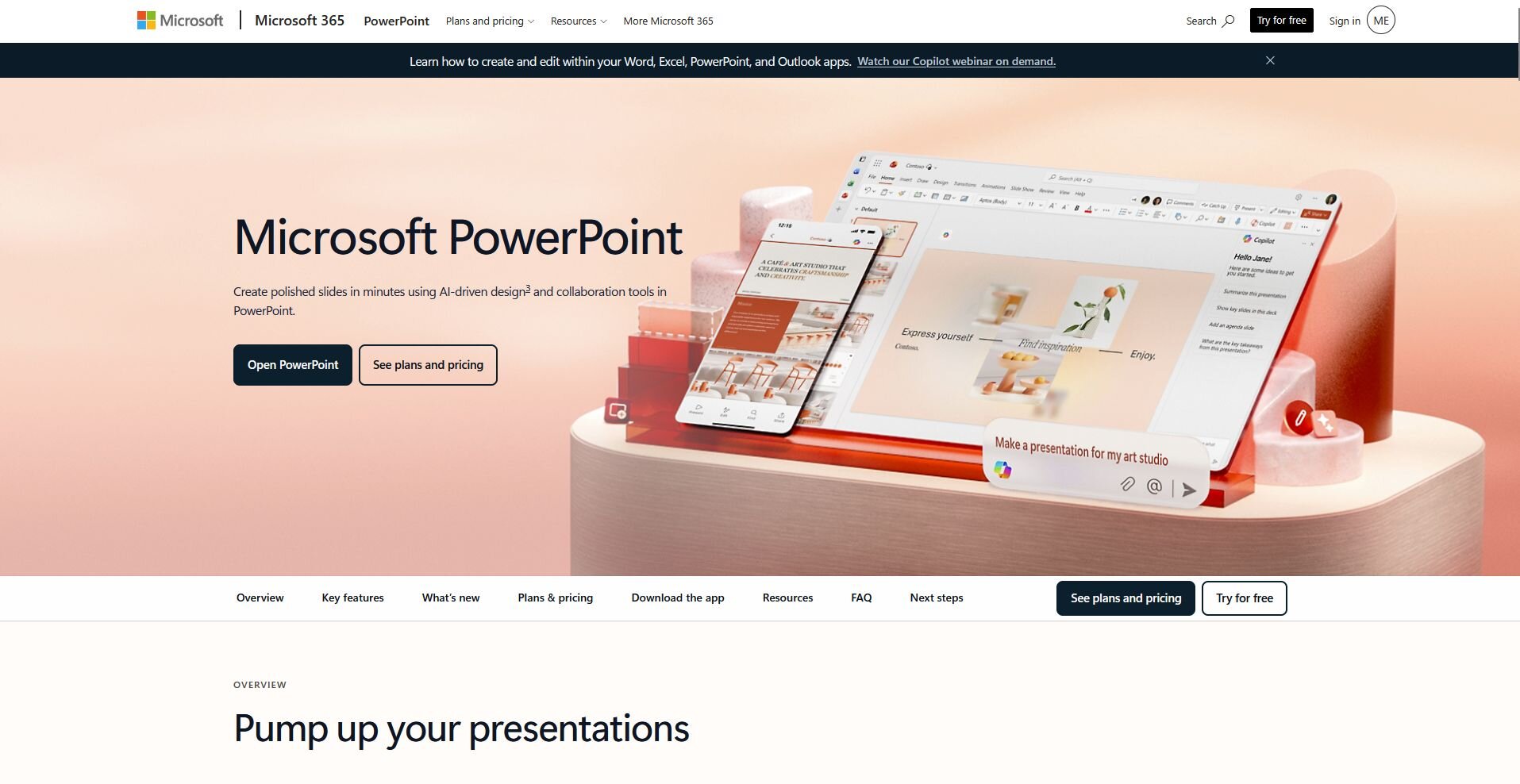
Microsoft PowerPoint is a slide-based presentation tool built into the Microsoft 365 suite. Its Zoom feature lets you jump between sections in any order, and Morph animates the movement of objects between slides for a camera-style effect. Full desktop features and Copilot (Microsoft’s AI) require a Microsoft 365 subscription.
Key features
Zoom: Jump to any section or slide in the deck during a presentation, in any order.
Morph: Animate the movement, resizing, or recoloring of objects between two slides.
Copilot: Draft slides from a prompt or an existing file.
Pros
✅ Zoom and Morph recreate much of the Prezi effect
✅ PPTX is a format every company accepts
✅ Copilot speeds up first drafts
What users say
❌ Full desktop features require a Microsoft 365 subscription
❌ Zoom and Morph setup is manual
Best for
Teams that want the zoom effect inside a standard file format
Companies already using Microsoft 365
Presenters who want to draft slides quickly with Copilot
Pricing
Microsoft PowerPoint starts at $99.99 per year.
3. Google Slides: Best for free real-time collaboration
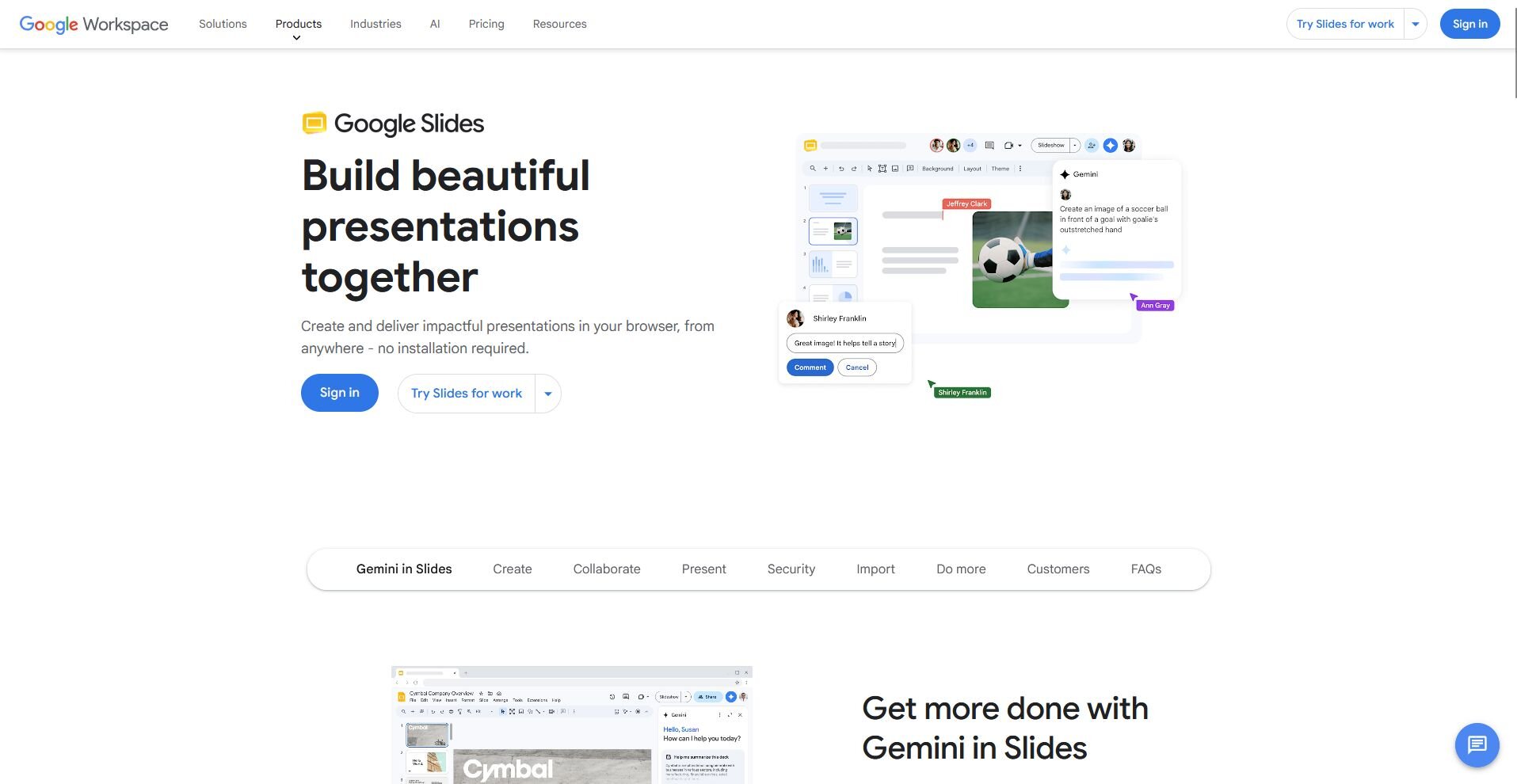
Google Slides is a browser-based presentation tool built into Google Workspace. It supports real-time co-editing with comments and version history, and it stays free for personal use with private sharing at no cost. Templates and animation options trail behind Canva and PowerPoint, and there's no zoom or morph equivalent.
Key features
Real-time co-editing: Let multiple people edit one deck at the same time, with comments and version history.
Gemini in Slides: Generate slides and images from prompts, included on Workspace Business Standard plans and up.
Sheets-linked charts: Insert a chart from Google Sheets and update it with one click whenever the source data changes.
Pros
✅ Free private sharing on a personal account
✅ Best-in-class live collaboration and commenting
✅ Works in any browser with autosave to Drive
What users say
❌ Template and design range trails Canva and PowerPoint
❌ Motion effects stay basic, with no zoom equivalent
Best for
Teams that need to co-edit a deck in real time
Anyone who wants free private sharing without a paid plan
Users who want charts linked directly to Google Sheets
Pricing
Google Slides is free for personal use.
4. Julius: Best for decks built from analysis
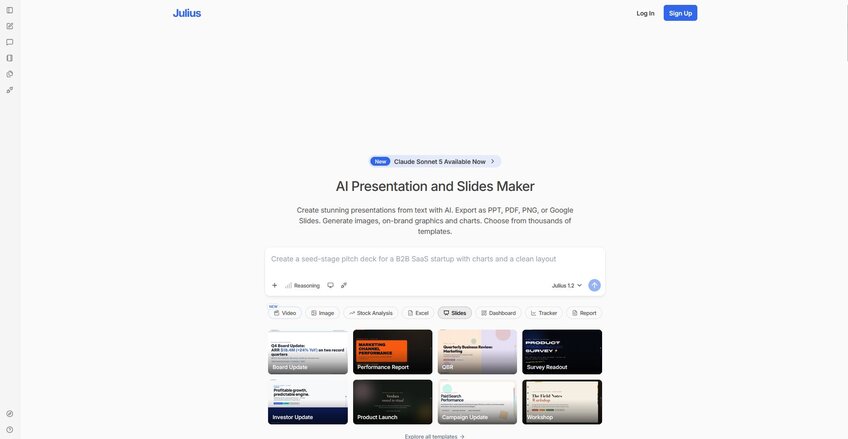
Julius is a data analysis tool that also builds presentations. You can search for public datasets, pull company financials, or connect your own data, then ask questions in plain English to get charts back. It can turn that analysis into slides with the AI presentation maker, so the deck comes from the data instead of being rebuilt from scratch in a separate tool.
Key features
Text to PPT: Turn a plain prompt into a finished deck you can download as PowerPoint or push to Google Slides.
Charts and on-brand graphics: Generate the images, graphics, and charts on your slides, built from your own data.
Templates and branding: Choose from templates for pitch decks, business reviews, and proposals, then upload your brand guidelines once to keep colors and fonts consistent across the deck.
Pros
✅ Analysis and slide creation happen in the same place
✅ You can start from a question instead of an upload
✅ Charts carry directly into the deck without a rebuild
What users say
❌ Template library is smaller than dedicated design tools
❌ Not built for Prezi-style zoom or motion
Best for
Teams that want their deck built directly from data analysis
Users who don't want to rebuild charts in a separate design tool
Anyone who wants to start a presentation from a question instead of a blank template
Pricing
Julius starts at $16 per month.
5. Apple Keynote: Best for cinematic motion on Apple
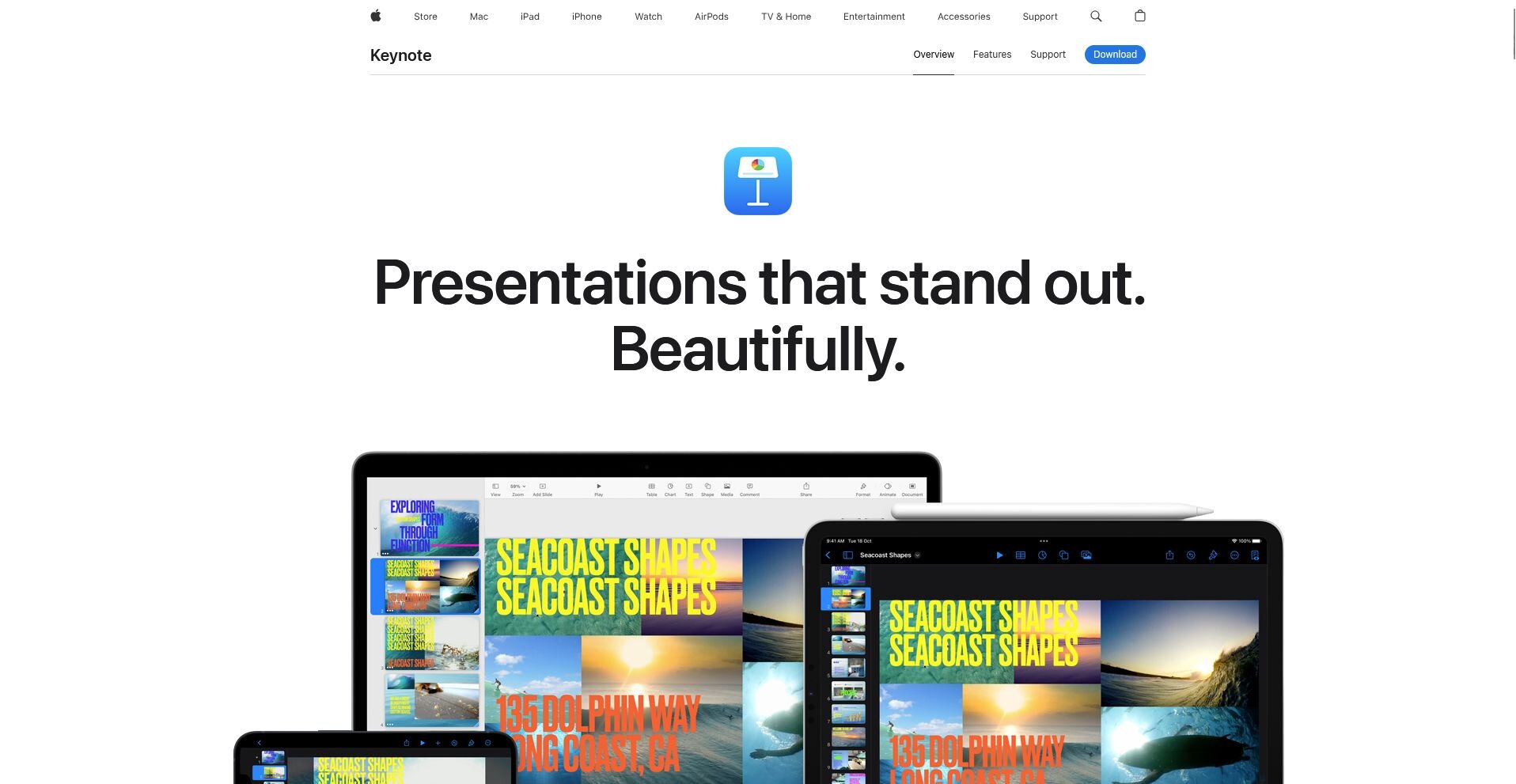
Apple Keynote is a slide-based presentation tool built for Mac, iPad, and iPhone. Its Magic Move transition animates shared objects between slides for a camera-style effect, and it comes free on every Apple device (and on the web through iCloud). Sharing with Windows colleagues requires exports, which can break effects and formatting along the way.
Key features
Magic Move: Animate the change between two slides when you duplicate a slide and rearrange its objects.
Design-forward templates: Apply themes with polished layouts and typography.
Cross-device presenting: Build a deck on a Mac and present it from an iPhone or iPad, synced through iCloud.
Pros
✅ Magic Move gets closest to Prezi's motion feel
✅ Free on every Mac, iPad, and iPhone
✅ Polished templates with strong typography
What users say
❌ Authoring stays Apple-only, which can be difficult for cross-platform teams
❌ PowerPoint exports can break effects and formatting
Best for
Presenters who work in the Apple ecosystem
Anyone who wants cinematic motion without manual path-setting
Teams that build and present entirely on Mac, iPad, or iPhone
Pricing
Apple Keynote is free on Apple devices and is also available on the web.
6. Gamma: Best for prompt-to-deck generation
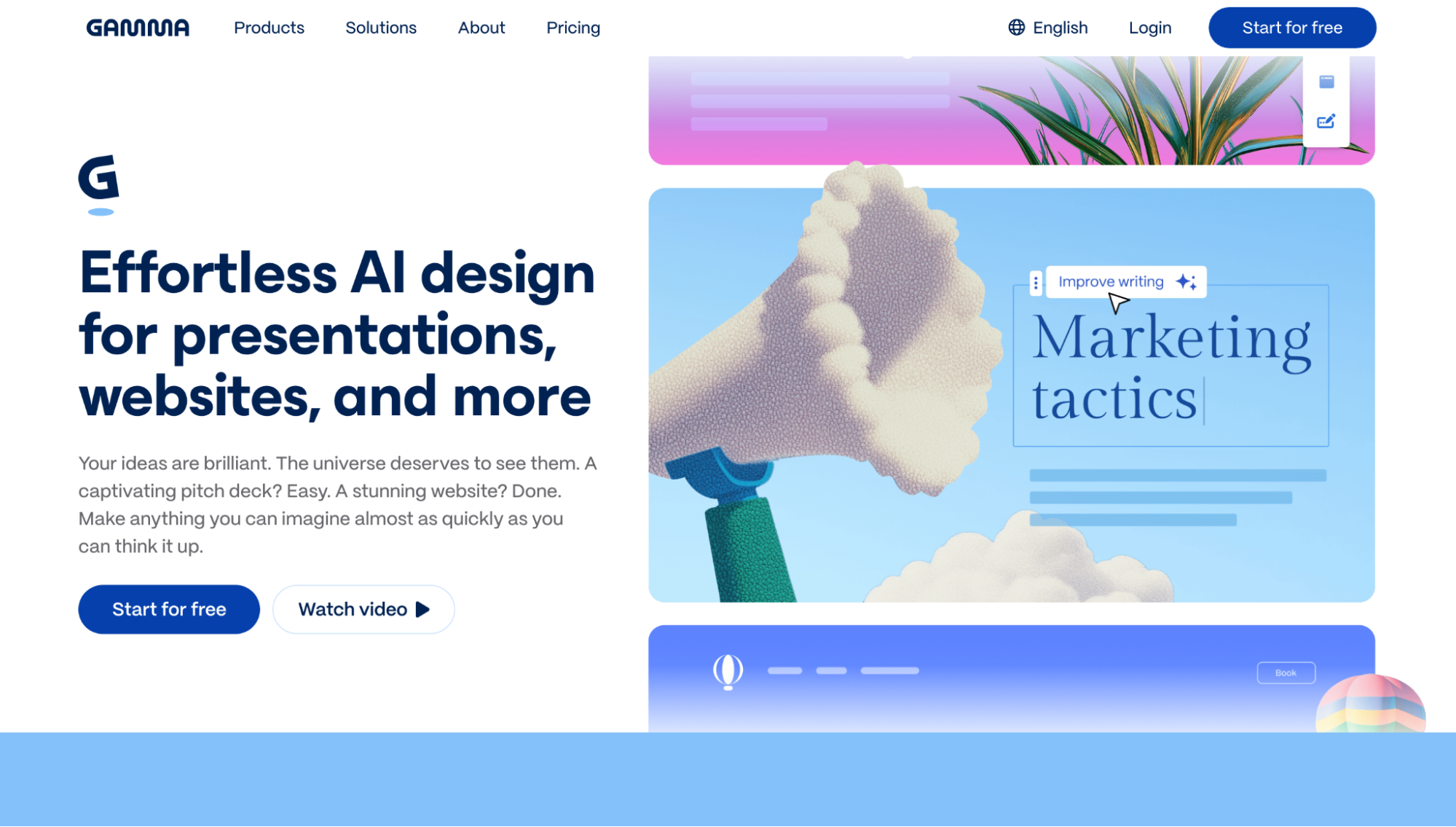
Gamma is an AI presentation tool that generates a styled deck from a written prompt or outline. Its card-based format scrolls like a document and presents like a deck, and a draft can go from prompt to output in under a minute. Heavier edits draw down a credit meter, and un-restyled output can look similar across different decks.
Key features
Prompt-to-deck generation: Turn an outline or a prompt into a structured, styled draft.
Card-based format: Hold content in flexible cards that scroll on the web and present full screen.
Multi-format export: Export decks as PDF or PPTX for people who need a traditional file.
Pros
✅ Fast turnaround from prompt to draft
✅ Cards handle embeds and web content natively
✅ Clean, modern default layouts
What users say
❌ Output can look template-generic without restyling
❌ Credit-based free tier limits how much you can generate
Best for
Anyone who wants a deck to exist without designing it by hand
Users who prefer starting from a prompt instead of a blank template
Teams that need a fast first draft before manual polish
Pricing
Gamma starts at $9 per seat per month.
7. Beautiful.ai: Best for on-brand team decks
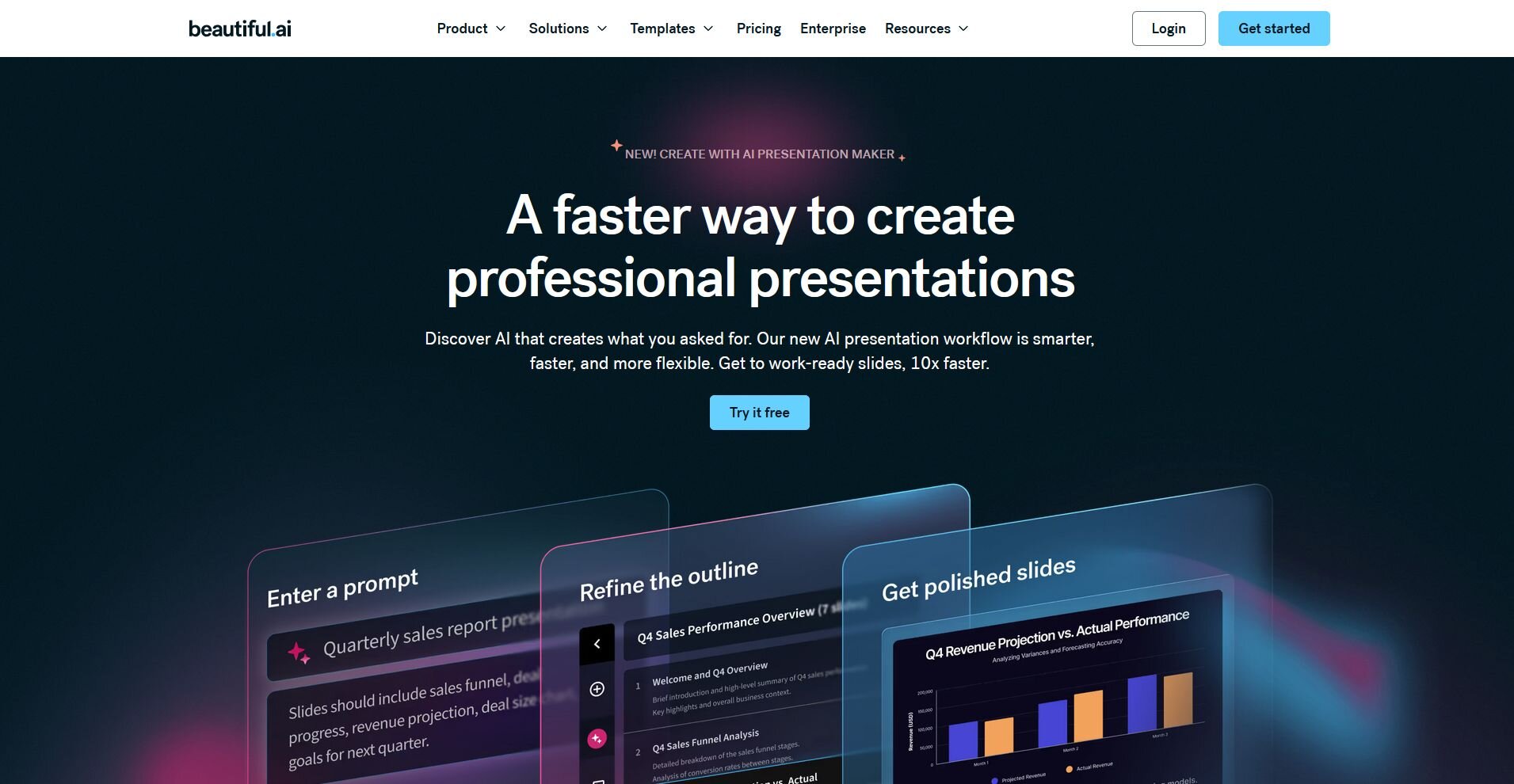
Beautiful.ai is a presentation tool with Smart Slides that reflow layout, spacing, and sizing as you add content. Shared team themes lock in brand colors, fonts, and logo placement across every deck. The template rails that keep decks consistent can also push back if you try to nudge an element off-grid.
Key features
Smart Slides: Adjust layout, spacing, and sizing automatically as content changes.
Team themes: Lock brand colors, fonts, and logo placement across every deck.
Shared slide library: Store approved slides so the team can reuse them instead of rebuilding.
Pros
✅ Auto-layout keeps every deck clean and consistent
✅ Brand controls hold up at team scale
✅ Fast builds for non-designers
What users say
❌ No free plan, only a 14-day trial
❌ Template rails can frustrate freeform design
Best for
Teams that want every deck to stay on brand automatically
Non-designers who want a clean layout without manual adjustment
Companies that want approved slides reused across the team
Pricing
Beautiful.ai starts at $12 per month.
8. Visme: Best for data-heavy decks, infographics
Visme is a design platform built around charts, graphs, and infographics inside a presentation. Its chart and graph builder supports dozens of chart types, and interactive elements like hover effects and clickable menus suit screen-first decks. The editor takes longer to learn than Canva or Slides, and performance can drag on larger projects.
Key features
Chart and graph builder: Build dozens of chart types from imported or hand-entered data.
Interactive content: Add hover effects, clickable menus, and embedded media for on-screen decks.
Infographic templates: Apply long-form visual layouts that reuse the same brand assets as your slides.
Pros
✅ Deepest chart and infographic toolkit on this list
✅ Interactive elements suit screen-first decks
✅ Free plan available for light use
What users say
❌ Interface takes longer to learn than Canva or Slides
❌ Editor performance can drag on large projects
Best for
Presenters who build decks mostly from numbers and charts
Anyone who wants interactive elements for screen-first decks
Teams that need infographics and slides sharing the same brand assets
Pricing
Visme starts at $12.25 per person per month.
9. Pitch: Best for startup and sales teams
Pitch is a presentation tool built around team workflows, with live co-editing and analytics on shared decks. Deck analytics show opens, time per slide, and drop-off on any shared link, which helps sales and investor decks improve over time. Pitch's transitions stick to standard fades and slide changes, and the template library is smaller than dedicated design tools.
Key features
Deck analytics (Pro plans): Track opens, time per slide, and drop-off on any shared link.
Live collaboration: Co-edit a deck with slide-level assignments and in-deck comments.
Video embeds and recordings: Add video to slides or record a walkthrough over the deck.
Pros
✅ Engagement analytics on shared decks
✅ Fast, modern editor with real workflow features
✅ Free plan covers unlimited presentations
What users say
❌ Transitions stay conventional, with nothing zoom-like
❌ Smaller template library and fewer integrations
Best for
Startups and sales teams that send decks to prospects
Anyone who wants to know how a shared deck performs
Teams that need live co-editing with slide-level assignments
Pricing
Pitch starts at $13 per seat per month.
Want to keep Prezi's zoom style?
If the zoom style is why you picked Prezi in the first place, you don't have to give it up to switch. None of these give you a true infinite canvas, but here are three features that get you most of the way there:
| ✨ Prezi effect you miss | 🛠️ What replicates it | ⚠️ The catch |
|---|---|---|
| Non-linear topic jumps | PowerPoint Zoom | Desktop app only |
| Smooth object motion | PowerPoint Morph, Keynote Magic Move | Duplicate slides manually |
| Motion-led feel for free | Canva animations | Element-level, no canvas |
PowerPoint Zoom rebuilds the "jump anywhere" experience. A summary Zoom gives you a visual map of the deck; clicking any section flies in like a Prezi frame.
Morph and Magic Move handle the gliding motion. Duplicate a slide, move the objects, and Morph or Magic Move animates the change.
Canva's animations are the free route. Page and element presets create a motion-led feel without a paid plan, though movement stays inside each slide.
How to evaluate Prezi competitors
Prezi competitors vary widely, from standard slide decks to prompt-based generators and data-driven tools.
The right fit depends on a few key questions:
Free plan honesty: Can you share privately on the free tier, and what sits behind the paywall? Prezi's free plan can't share privately, while Google Slides' can.
Motion and visual interest: Does the tool offer zoom or morph-style movement, or only standard transitions? If motion is why your decks land, weigh PowerPoint and Keynote first.
Format compatibility: Does it export clean PPTX and PDF files that survive the trip? Test a real deck both directions before moving your team, since export cleanup is often where switching costs hide.
Charts and data support: How does the tool handle the numbers your deck has to carry? Most presentation tools style charts better than they build them.
Collaboration and brand control: Who edits your decks, and what stops them from drifting off-brand? Multiplayer editing, comments, and shared themes count for more at 10 editors than at one.
From raw data to a finished deck in fewer steps
Picking the right Prezi competitor solves half the problem. If your deck depends on data, going back and forth between an analysis tool and a design tool can eat up the time you saved by switching in the first place.
Julius can cover both steps in one place. You can search the web for public datasets, pull company financials through the Financial Datasets integration, or connect your own sources, then ask questions in plain English to get charts back. From there, you can turn that analysis into a presentation with the AI presentation maker, instead of rebuilding it in a separate tool.
Start your free Julius trial today.
Frequently asked questions
Is Prezi still free?
Yes, Prezi still offers a free Basic plan, though it comes with limits. Presentations you create on it are publicly viewable, and AI features run on a capped credit allowance. Paid plans start at $7 per month, billed annually, and unlock private sharing.
What is the best free Prezi competitor?
Canva is the best free Prezi competitor for most people because its free plan includes private sharing, thousands of templates, and animation presets. Google Slides is the stronger free pick when you need real-time collaboration more than design range.
Can you export Prezi presentations to PowerPoint?
Yes, Prezi exports to PowerPoint, but zoom paths and animations flatten into static slides. That's a common reason people start looking for a Prezi competitor.
Is Canva better than Prezi?
Canva is better than Prezi for most everyday deck work, with a free plan that shares privately, faster build times, and a far larger template library. Prezi still wins for spatial, non-linear storytelling on an open canvas.