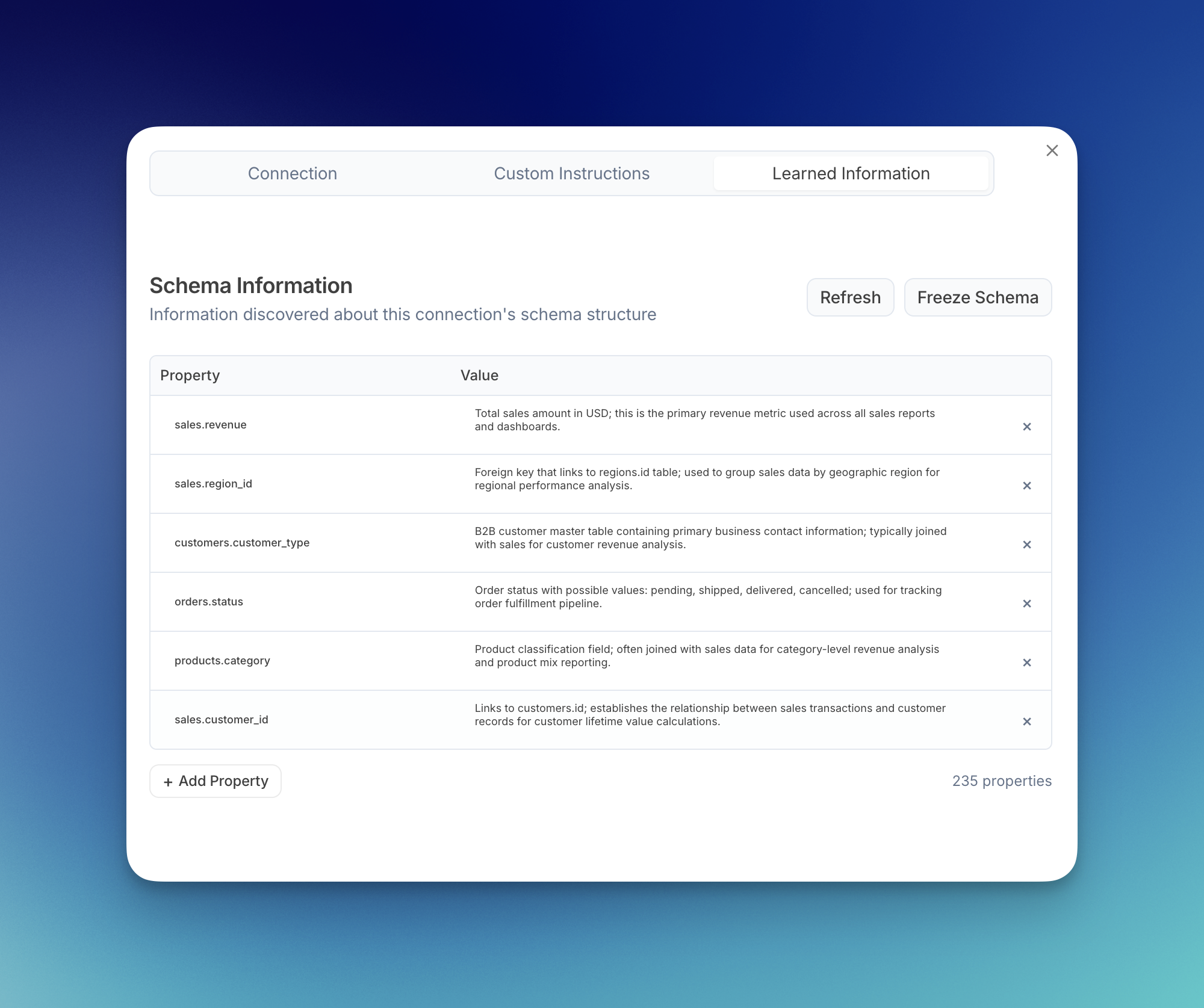
Overview
You can view and manage what the learning sub agent has discovered about your data connectors at any time. Navigate to your Data Connectors page to access your learned information.How to View Learned Information
Step 1: Navigate to Data Connectors Open the sidebar menu and click on Data Connectors, or visit julius.ai/data-connectors directly.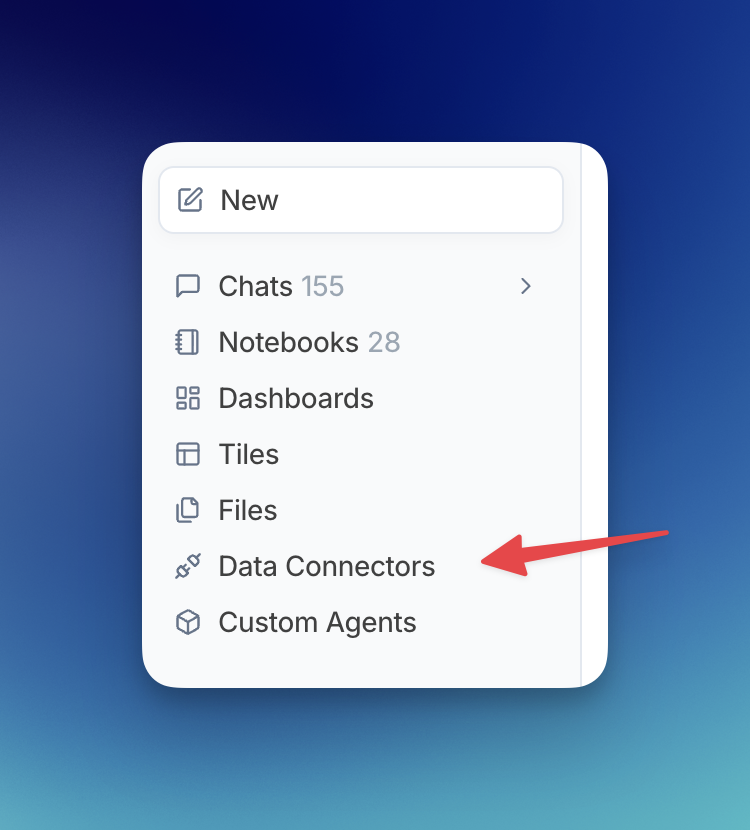
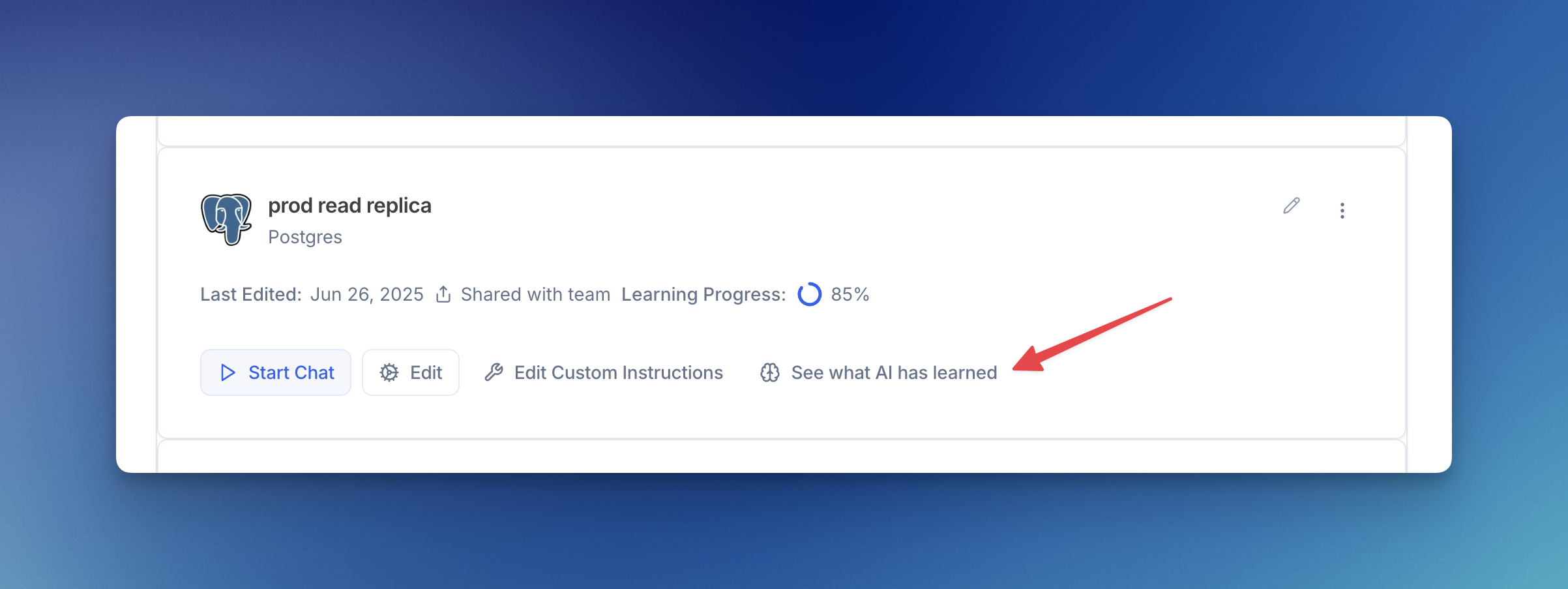
- View all learned properties: See the table and column names along with their learned descriptions
- Refresh: Manually trigger the learning sub agent to analyze recent conversations
- Freeze Schema: Prevent the sub agent from making automatic updates
- Add Property: Manually add your own schema knowledge
- Delete entries: Remove individual learned properties by clicking the X