
AI can help you clean messy datasets, write Python, build predictive models, and turn findings into charts. But choosing AI for data science depends on where you need help. A tool for exploring spreadsheets serves a different purpose from a platform that trains models at scale.
We reviewed 10 tools across six stages of the data science workflow, from Julius for plain-English analysis to enterprise machine learning platforms. Here's where each fits, what it costs, and the limitations you should know.
10 best AI tools for data science in 2026: TL;DR
- Julius: Best for analyzing datasets and creating charts using plain-English questions
- ChatGPT: Best for Python, SQL, and exploratory analysis
- Claude: Best for explaining, reviewing, and debugging code
- Google Colab: Best for running Python notebooks in the cloud
- Deepnote: Best for collaborative analysis with Python and SQL
- DataRobot: Best for enterprise AutoML and model governance
- H2O.ai: Best for automated model training and comparison
- Databricks: Best for large-scale data engineering and machine learning
- Amazon SageMaker AI: Best for building and deploying ML models on AWS
- Hugging Face: Best for finding open models and datasets
How we evaluated these AI data science tools
We reviewed each tool's features, documentation, pricing, and suitability for different data science workflows. We focused on five criteria:
- Features: Support for data analysis, coding, AutoML, and model deployment
- Ease of use: Whether it requires a learning curve and technical knowledge
- Integrations: Compatibility with databases, programming tools, and cloud services
- Pricing: Free plan limits, paid subscriptions, and usage-based costs
- Use cases: How well each tool fits students, analysts, data scientists, and enterprise teams
10 best AI data science tools: Quick comparison
| Tool | Best for | Free plan | Starting price |
| Julius | Plain-English analysis | Yes | $20/month |
| ChatGPT | Python and SQL | Yes | $8/month |
| Claude | Code review | Yes | $20/month |
| Google Colab | Cloud notebooks | Yes | $9.99/month |
| Deepnote | Team notebooks | Yes | $49/editor/month |
| DataRobot | Enterprise AutoML | 30-day trial | Custom quote |
| H2O.ai | Automated modeling | H2O-3 free | Custom quote |
| Databricks | Large-scale data and ML | Free Edition | Pay-as-you-go |
| Amazon SageMaker AI | AWS model deployment | Limited free tier | Pay-as-you-go |
| Hugging Face | Open models | Yes | $9/month |
How to use AI for data science
AI can help at nearly every stage of a data science project, from preparing raw datasets to explaining the findings. The kind of assistance changes as you move through the workflow:
- Data cleaning: AI can identify missing values, duplicate records, unusual entries, and inconsistent formats. It can also suggest fixes or generate code to clean the dataset.
- Data exploration: AI helps summarize large datasets, identify patterns, and create charts. For example, it can compare sales across regions or flag unexpected changes in customer behavior.
- Coding: AI assistants can write Python or SQL queries, explain unfamiliar code, fix errors, and automate repetitive analysis tasks.
- Predictive modeling: AI can help select algorithms, prepare training data, and evaluate predictions. AutoML platforms can even train multiple models and compare their performance.
- Reporting: AI can turn complex analyses into charts, plain-English summaries, and reports that make findings easier to understand and share.
For example, if you're forecasting retail demand, AI can help clean transaction records, identify seasonal sales patterns, and compare forecasting models. You'll still need to validate the data, test predictions, and review the results before making decisions.
Top 10 AI for data science tools in 2026
Data analysis with natural language prompts
1. Julius: Best for analyzing data using natural language
Julius is an AI data analysis platform that lets you explore datasets, create visualizations, and generate reports using plain-English questions.
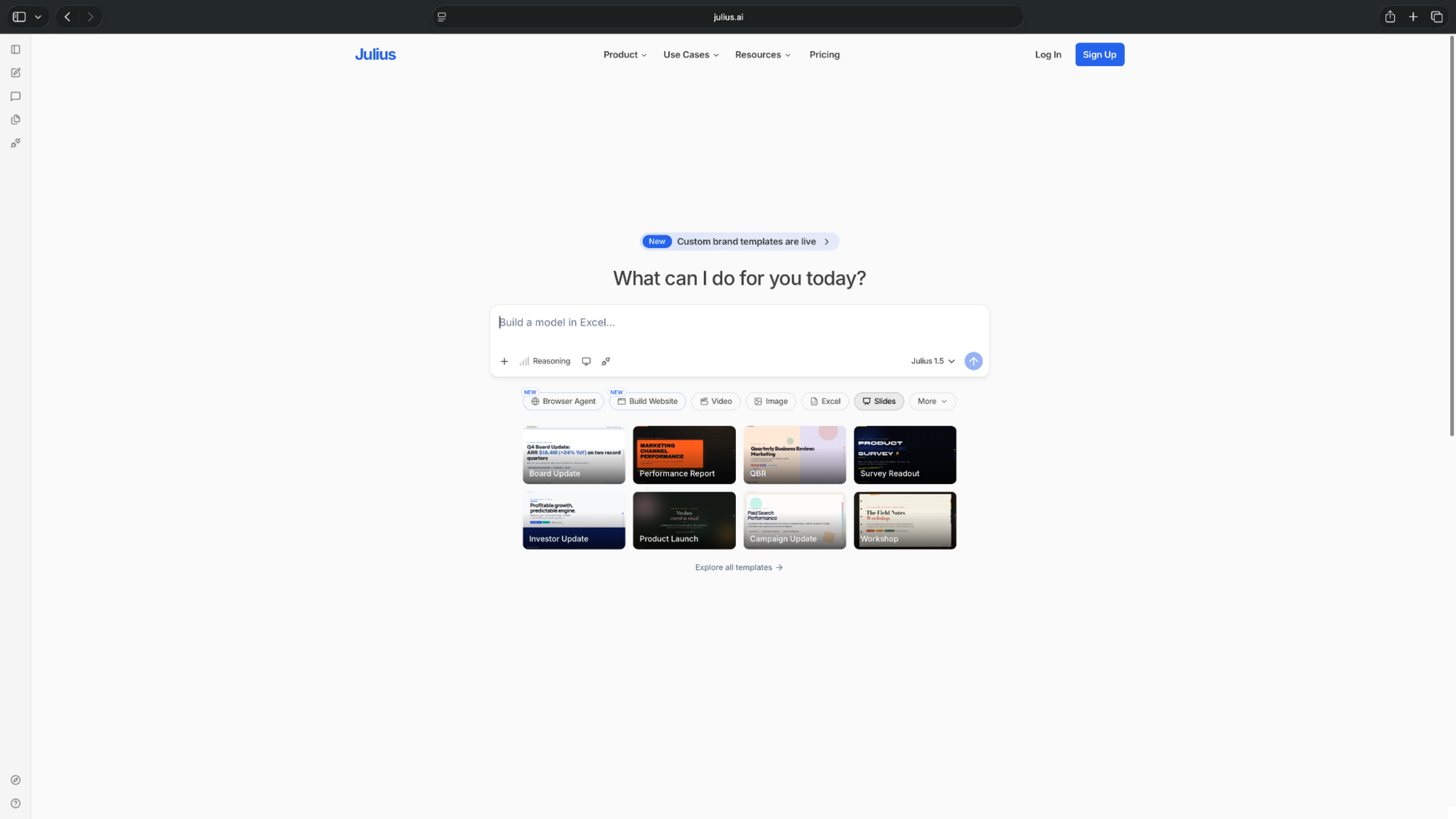
Upload a CSV or Excel file, ask your question in plain English, and Julius returns the analysis as charts and a shareable report without any code required. See how Julius handles AI data analysis.
Pros
- Natural-language queries and chart generation make analysis accessible to non-coders
- Data connections and reporting features support recurring analysis
- Converts analysis into charts and reports you can share with your team
Cons
- Credit limits apply, and advanced data connections require higher-tier plans
- Less suited for teams that need full control over custom ML model training and deployment
Pricing
- Free to use, with limited daily credits
- Paid plans start from $20/month, billed monthly
AI coding assistants
2. ChatGPT: Best for Python, SQL, and exploratory analysis
ChatGPT helps data scientists write Python scripts, generate SQL queries, debug code, and analyze uploaded datasets.
Its data analysis capabilities can run Python, perform statistical calculations, and generate charts from CSV or Excel files. You can also ask it to explain unfamiliar code or suggest improvements to an existing analysis.
Pros
- Useful for coding, debugging, and exploring datasets
- Supports data uploads, statistical analysis, and visualizations
- Explains complex code and suggests improvements to existing scripts
Cons
- Generated code and calculations still need verification
- Free-plan usage is limited, especially for file uploads and data analysis
Pricing
- Free to use with limited access to file uploads, data analysis, and advanced models
- Paid plans start from $8/month, billed monthly
3. Claude: Best for reviewing and explaining code
Claude is an AI assistant that helps data scientists understand complex code, troubleshoot errors, and work through multi-step programming tasks.
You can share Python scripts, SQL queries, or data files and ask Claude to explain the logic, suggest changes, or help identify potential issues. Its Claude Code feature also supports coding tasks in development environments.
Pros
- Useful for code reviews, debugging, and explaining unfamiliar scripts
- Supports multi-step tasks and file-based analysis
- Claude Code helps developers work directly with existing codebases
Cons
- Usage limits apply, even on paid subscriptions
- Generated code and explanations still need testing for accuracy
Pricing
- Free to use with limited usage and access to coding and analysis features
- Paid plans start from $20/month, billed monthly, with higher usage limits and Claude Code access
AI-powered notebooks
4. Google Colab: Best for cloud-based Python notebooks
Google Colab is a hosted Jupyter Notebook environment for writing and running Python code. It provides access to GPUs and TPUs, making it useful for machine learning experiments.
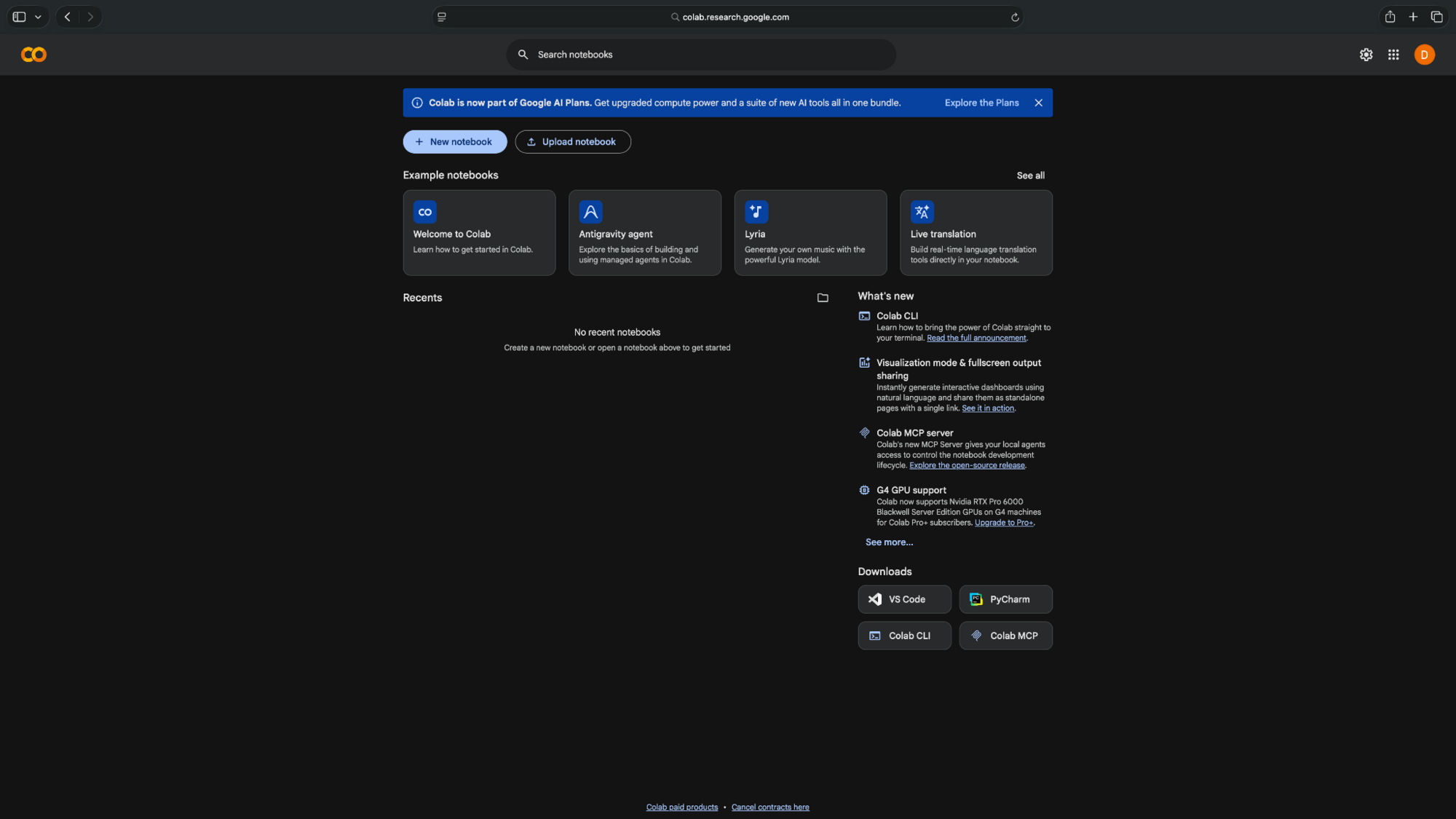
Colab also includes AI-assisted coding features that can generate code, explain errors, and help analyze datasets through conversational prompts.
Pros
- Run notebooks in a browser with minimal setup
- Free access to compute resources for learning and experimentation
- GPU and TPU access supports machine learning experiments
Cons
- GPU availability and runtime limits vary
- Free sessions can disconnect, interrupting long-running experiments
Pricing
- Free to use with limited, non-guaranteed compute resources and runtime availability
- Pay-as-you-go pricing starts from $9.99 for 100 compute units
- Monthly plans start from $9.99/month, billed monthly
5. Deepnote: Best for collaborative data science notebooks
Deepnote combines Python, SQL, visualizations, and AI assistance in a shared notebook environment.
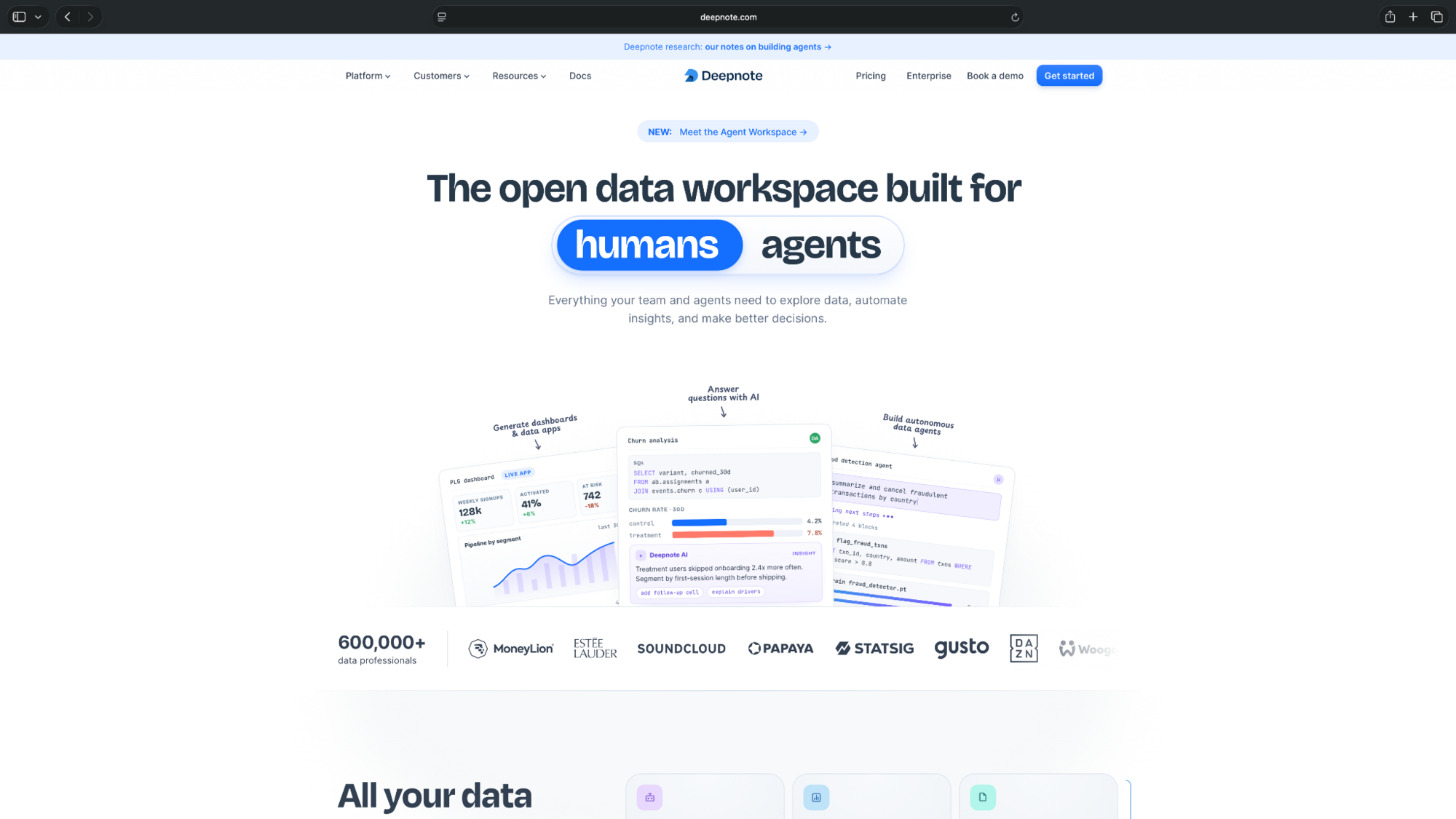
Its AI agent can generate and edit code blocks, explain results, and help with multi-step analysis tasks. Multiple team members can work on the same project, making it useful for collaborative research and reporting.
Pros
- Collaborative notebooks with Python and SQL support
- AI-assisted coding and connections to common data sources
- Shared workspaces let teammates review and edit analyses together
Cons
- Learning curve to understand notebook workflows
- Advanced AI and compute features have usage limits
Pricing
- Free to use with up to 3 editors, 5 projects, and limited AI usage
- Paid plans from $49/editor/month, billed monthly
Automated machine learning (AutoML)
6. DataRobot: Best for enterprise AutoML and model governance
DataRobot helps data science teams build, compare, deploy, and monitor machine learning models.
Its AutoML capabilities automate parts of model development and experimentation. The platform also supports predictive AI, model monitoring, and governance, making it suitable for organizations managing multiple AI projects.
Pros
- Automates model experimentation and comparison
- Includes tools for deployment, monitoring, and governance
- Supports both visual workflows and code-based development
Cons
- Enterprise-oriented platform that may not suit smaller teams
- No monthly pricing available, making budgeting less straightforward
Pricing
- No free plan, only a 30-day trial
- Custom enterprise pricing that requires contacting DataRobot for a quote
7. H2O.ai: Best for automated model training
H2O.ai offers machine learning tools for building and comparing predictive models, including the open-source H2O-3 platform and the commercial H2O Driverless AI product.
H2O-3 supports AutoML for training and ranking models. Driverless AI adds automated feature engineering, model tuning, explainability, and documentation.
Pros
- Free, open-source AutoML is available through H2O-3
- Driverless AI handles advanced feature engineering and model tuning
- Model leaderboards help compare algorithms and select promising models
Cons
- Driverless AI requires a commercial license
- The open-source platform requires technical knowledge and infrastructure setup
Pricing
- Free and open source
- Commercial licensing for Driverless AI, with pricing available on request
Enterprise data science and ML platforms
8. Databricks: Best for large-scale data engineering and machine learning
Databricks combines data engineering, analytics, and machine learning in a cloud-based platform.
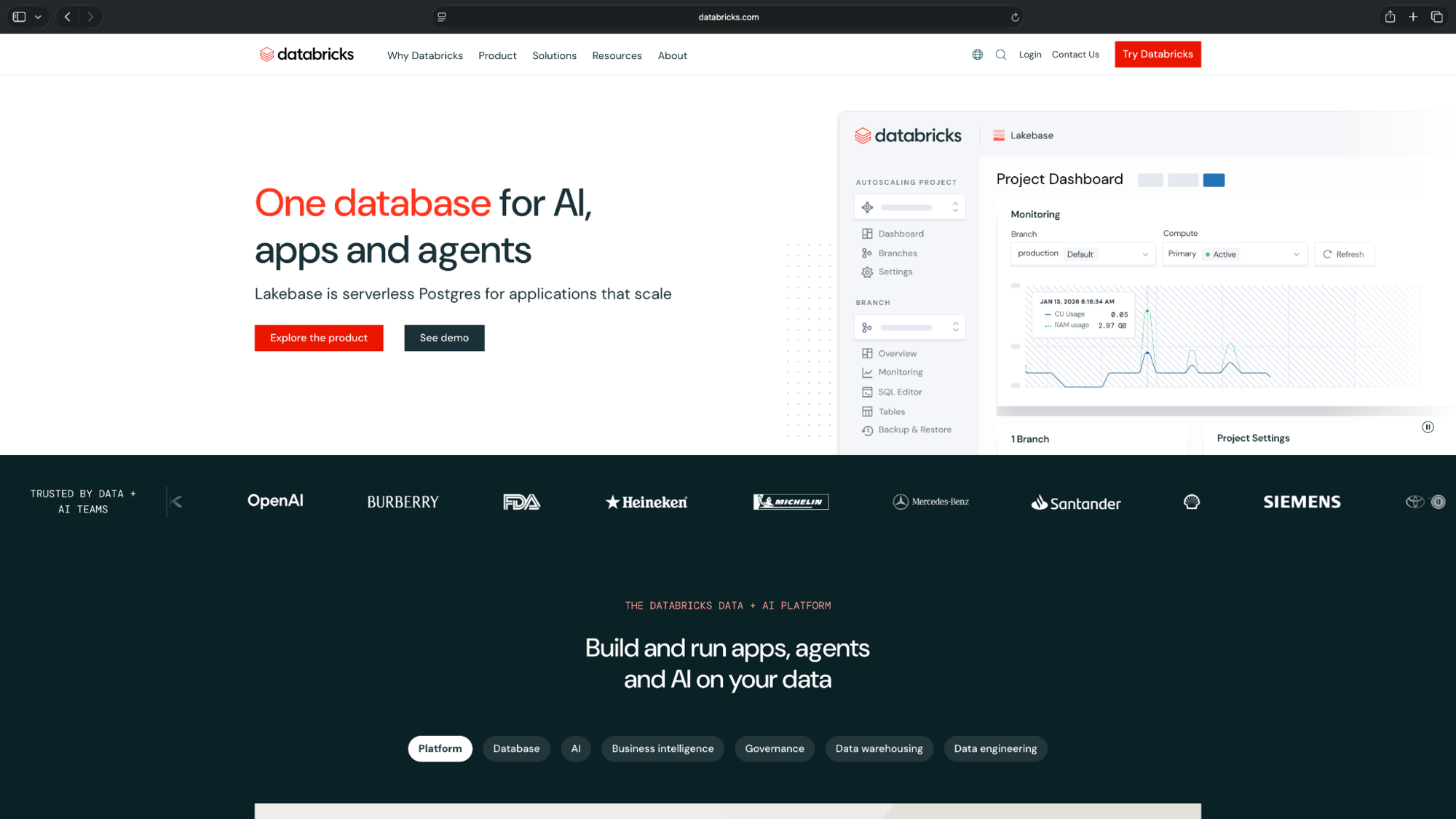
Teams can process large datasets, build data pipelines, collaborate through notebooks, and train machine learning models. Its AI-assisted coding features also help write and troubleshoot data workflows.
Pros
- Supports data processing, analytics, and ML development on one platform
- Collaborative notebooks and AI coding assistance
- Handles large datasets and complex data pipelines across cloud environments
Cons
- Setup and cost management can be demanding
- Usage-based billing makes expenses harder to predict as workloads grow
Pricing
- Free Edition offers limited serverless compute for learning and experimentation, with quotas and non-commercial use restrictions
- Commercial plans use pay-as-you-go pricing, billed by compute and workload usage
9. Amazon SageMaker AI: Best for teams working with ML models on AWS
Amazon SageMaker AI helps data scientists prepare data, train machine learning models, and deploy them to production.
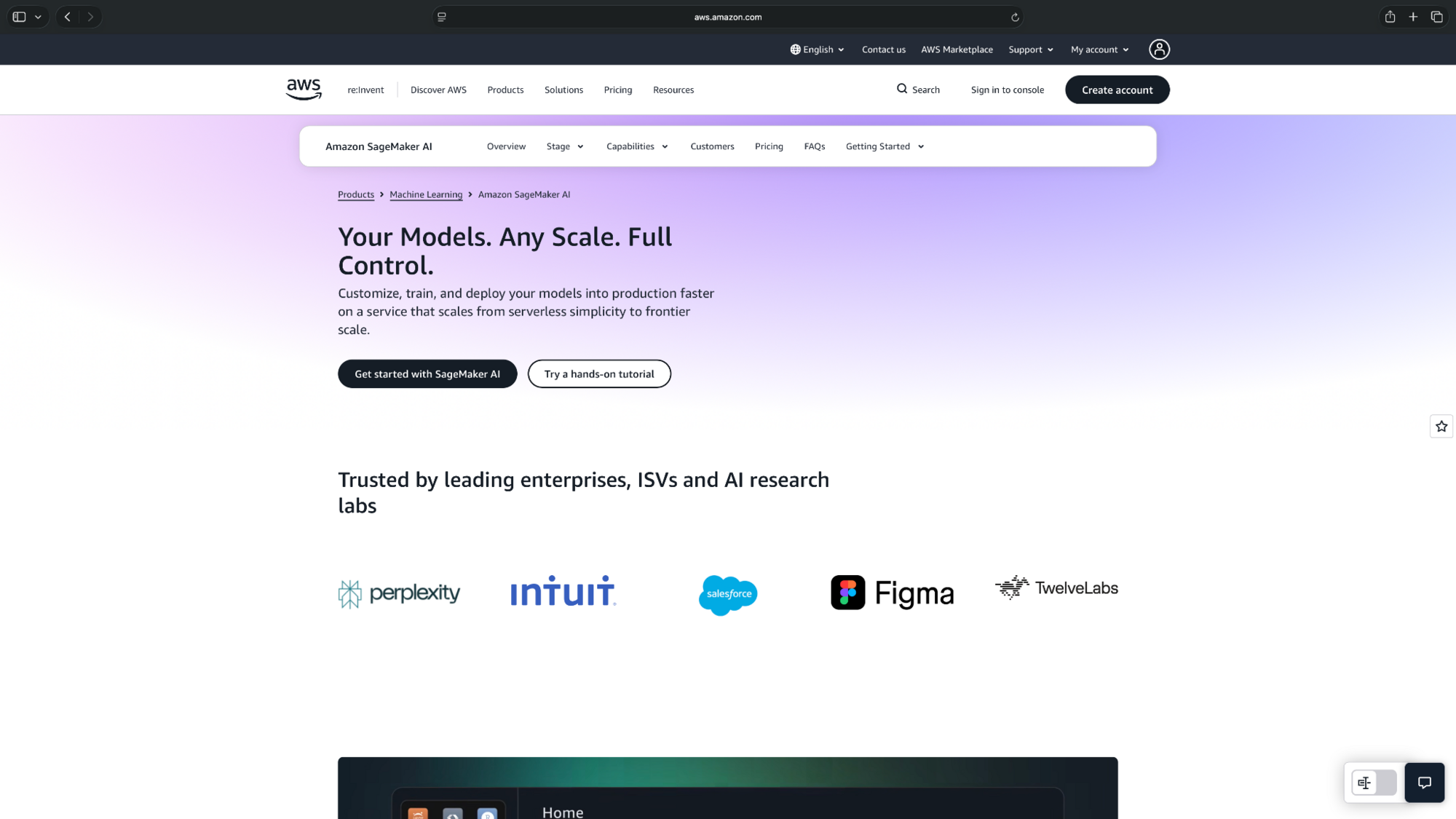
It supports Jupyter notebooks, managed training infrastructure, and model deployment. SageMaker Autopilot also helps automate model selection and training for predictive analytics projects.
Pros
- Supports the complete machine learning development workflow
- Offers managed training, deployment, and AutoML capabilities
- Integrates with AWS services for data storage, processing, and monitoring
Cons
- AWS configuration takes time to learn
- Training and deployed endpoints can generate ongoing compute charges
Pricing
- Limited free-tier usage for the first two months, including up to 250 hours per month of ml.t3.medium notebook usage for the first two months.
- Usage-based pricing, with charges for compute, storage, training, and deployment
Open models and datasets
10. Hugging Face: Best for open models and datasets
Hugging Face provides a platform for discovering, sharing, and testing machine learning models and datasets.
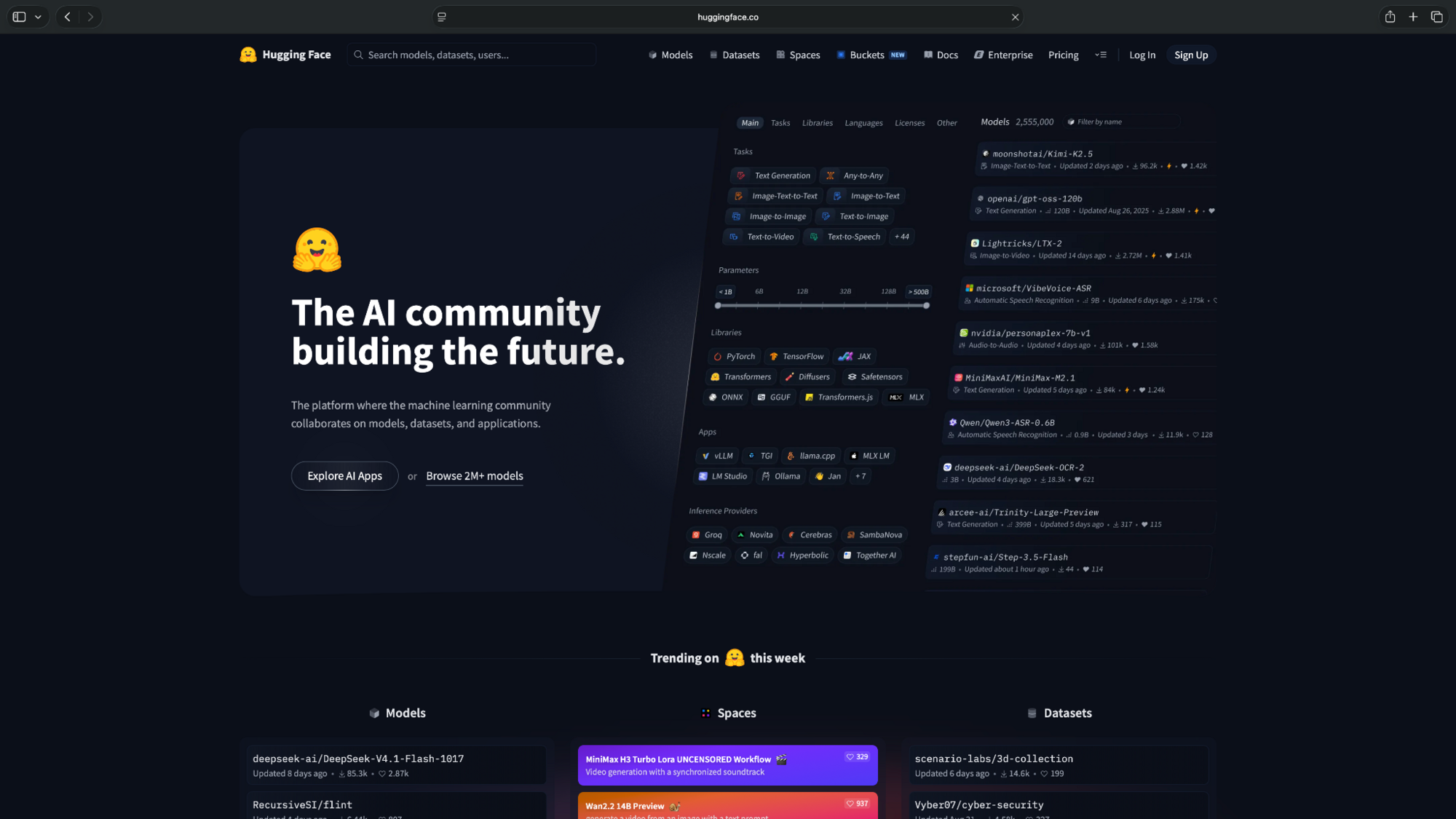
Its Model Hub hosts models for tasks such as text classification, summarization, image recognition, and language generation. Data scientists can also use Spaces to explore or share interactive AI demos.
Pros
- Large collection of open models and datasets
- Useful for experimenting with pretrained models and sharing projects
- Spaces allows users to build and share interactive AI demos
Cons
- Using models in production requires technical setup
- Extra cost for advanced inference, GPU compute, and hosting resources
Pricing
- Free to use public models, datasets, and basic Spaces hosting, with limited compute and inference resources
- Paid plans from $9/month, billed monthly
AI vs data science: What's the difference?
Data science uses statistics, programming, and analytical methods to find patterns and insights in data, while AI focuses on building systems that can learn, predict, and perform tasks.
The fields overlap through machine learning, but they serve different purposes. Here’s a clear distinction between them:
| Factor | Data science | Artificial intelligence |
| Goal | Understand data and solve problems | Build intelligent systems |
| Common tools | Python, SQL, R, notebooks | ML models, LLMs, AutoML |
| Output | Insights, charts, forecasts | Predictions, classifications, generated content |
AI helps data scientists automate parts of their work, while data science provides the data and methods used to develop many AI systems.
Which AI data science tool should you choose?
The best AI data science tool depends on your technical skills, the datasets you're working with, and what you need to accomplish. Here's what we'd recommend:
- Students: Google Colab offers free Python notebooks for learning and experimentation. Hugging Face is useful for exploring pretrained models and datasets.
- Working data scientists: ChatGPT and Claude can help with Python, SQL, and debugging. Deepnote is worth considering for team projects, while H2O.ai offers automated model training.
- Analysts and non-coders: Julius lets you explore datasets, run calculations, and create charts using natural-language questions. It's a good fit for teams that need insights without writing Python or SQL.
- Enterprise teams: Databricks suits large-scale data engineering and machine learning. Amazon SageMaker AI works well for AWS-based model deployment, while DataRobot focuses on enterprise AutoML and governance.
For large-scale model development and deployment, consider an ML platform that supports your existing infrastructure and programming tools.
Final verdict
Julius is a good starting point for AI for data science if you want to analyze datasets, create charts, and share findings using plain-English questions.
For coding-intensive projects, ChatGPT and Claude can help. H2O.ai and DataRobot are better suited for automated model training, while Databricks and SageMaker AI support larger data science and machine learning workflows.
If you're looking to simplify data analysis, try Julius with a dataset you're familiar with and see how it handles your questions.
Frequently asked questions
What is the use of AI in data science?
AI helps data scientists clean datasets, explore patterns, write code, build predictive models, and communicate findings. It can speed up repetitive tasks, but data scientists still need to verify data quality and results.
Which AI should you use for data engineering?
You can use Databricks, ChatGPT, Claude, and Amazon SageMaker AI for data engineering depending on your needs.
Databricks is a strong choice for data engineering teams managing large datasets and pipelines. ChatGPT and Claude can help write and debug Python or SQL, while Amazon SageMaker AI is better suited for building and deploying machine learning models on AWS.
Is data science a subset of AI?
No, data science isn't a subset of AI. Data science uses statistics, programming, and data analysis methods to understand data, while AI focuses on building systems that can learn and perform tasks. Both fields overlap through machine learning.
Will AI replace data science?
AI is unlikely to replace data science entirely. It can automate data cleaning, coding, and parts of model development, but data scientists still need to define problems, validate results, and interpret findings to make informed decisions.