
ChatGPT can handle writing, research, and everyday questions, but you may want an AI tool built around your main task. If you’re into data analysis, long documents, or the Google ecosystem, there’s an AI tool that’ll suit you better.
We compared the top 10 ChatGPT alternatives, including Julius, Claude, Grok, and Gemini, to see which one is the best for different use cases. Explore their features, free plans, and prices to choose the right one.
10 best ChatGPT alternatives: TL;DR
- Julius AI: Best for analyzing data and creating charts
- Google Gemini: Best for Google Workspace users
- Claude: Best for writing and long documents
- Perplexity: Best for research with cited sources
- Microsoft Copilot: Best for Microsoft 365 users
- DeepSeek: Best for free AI chat
- Mistral Vibe: Best for chat and coding workflows
- Meta AI: Best for everyday help in Meta apps
- Grok: Best for searching X discussions
- GitHub Copilot: Best for coding inside an editor
Why look for a ChatGPT alternative?
ChatGPT is a capable and versatile general AI assistant. It can help with advanced data analysis, answer questions with visible citations, or integrate with your existing apps, but you may be better off with a dedicated tool for a specific job if that’s all you need AI help for.
Cost and privacy also influence the choice. Free usage caps vary, and providers handle uploaded files differently. If ChatGPT covers your needs, there's little reason to switch.
Which ChatGPT alternative should you choose: Quick answer
Choose Julius for data analysis, Claude for writing, or Perplexity for sourced research. Pick Gemini for Google apps, Microsoft Copilot for Microsoft 365, and GitHub Copilot for coding. Stick with ChatGPT if you prefer one general assistant.
The 10 best ChatGPT alternatives in 2026
1. Julius AI: Best for data analysis
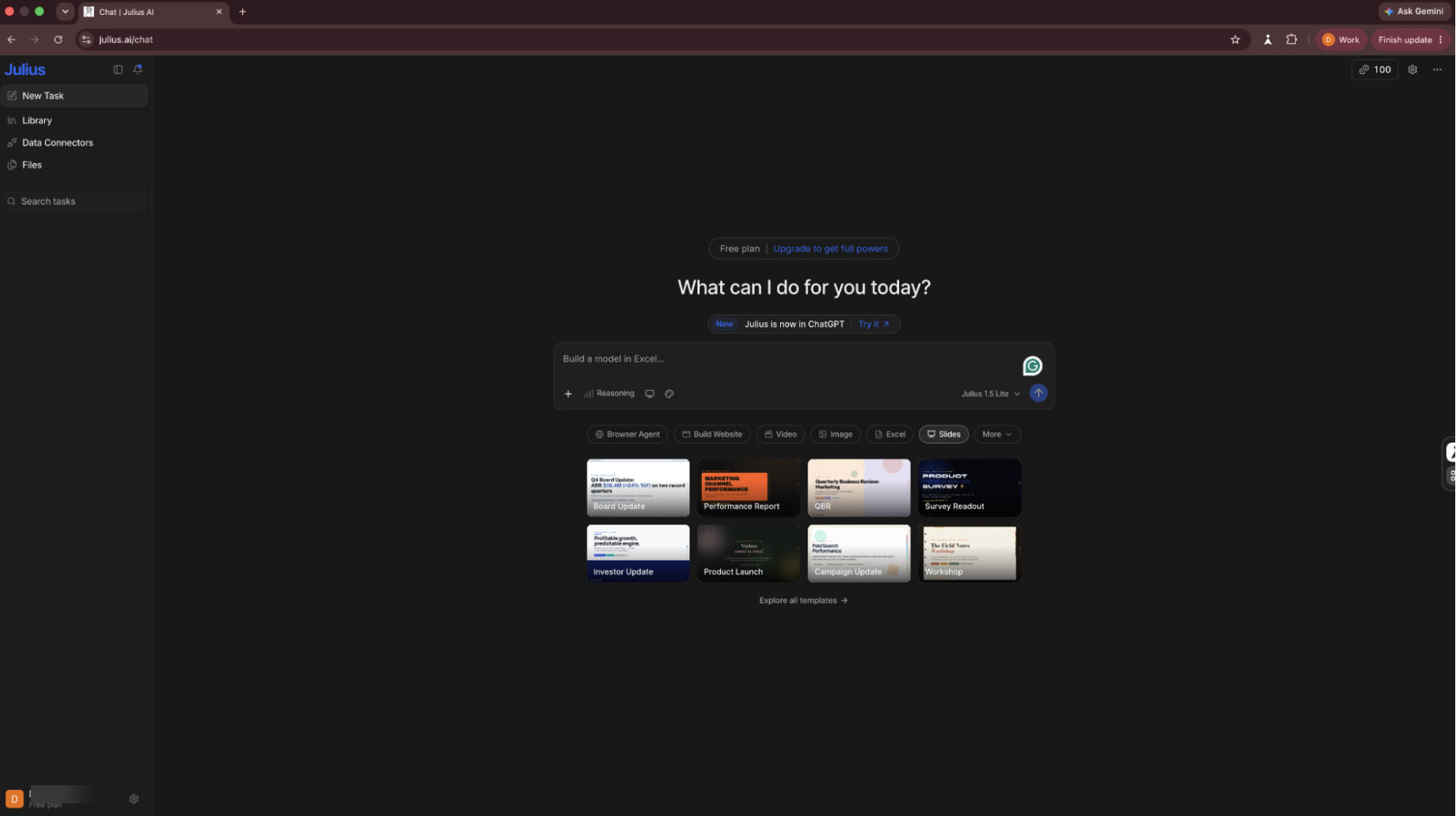
Julius helps you explore datasets using plain-English questions. Upload spreadsheets, find patterns, build charts, and turn findings into reports. It suits researchers, students, and teams working with data.
Pros
- Analyzes Excel and CSV files
- Builds charts from prompts
- Exports reports and visuals
Cons
- Limited general-purpose writing focus
- Credit-based usage limits
Pricing
- Daily 25 free credits
- Paid plans from $20/month, billed monthly
2. Google Gemini: Best for Google users
Gemini connects AI assistance with Google's products. Use it for writing, research, images, and help in Gmail or Docs, depending on your plan.

Pros
- Integrates with Google apps
- Supports images and files
- Offers web-connected research
Cons
- Higher limits cost extra
- Some integrations depend on plan
Pricing
- Free plan with daily limits
- Google AI Plus: $4.99/month
3. Claude: Best for writing and long documents
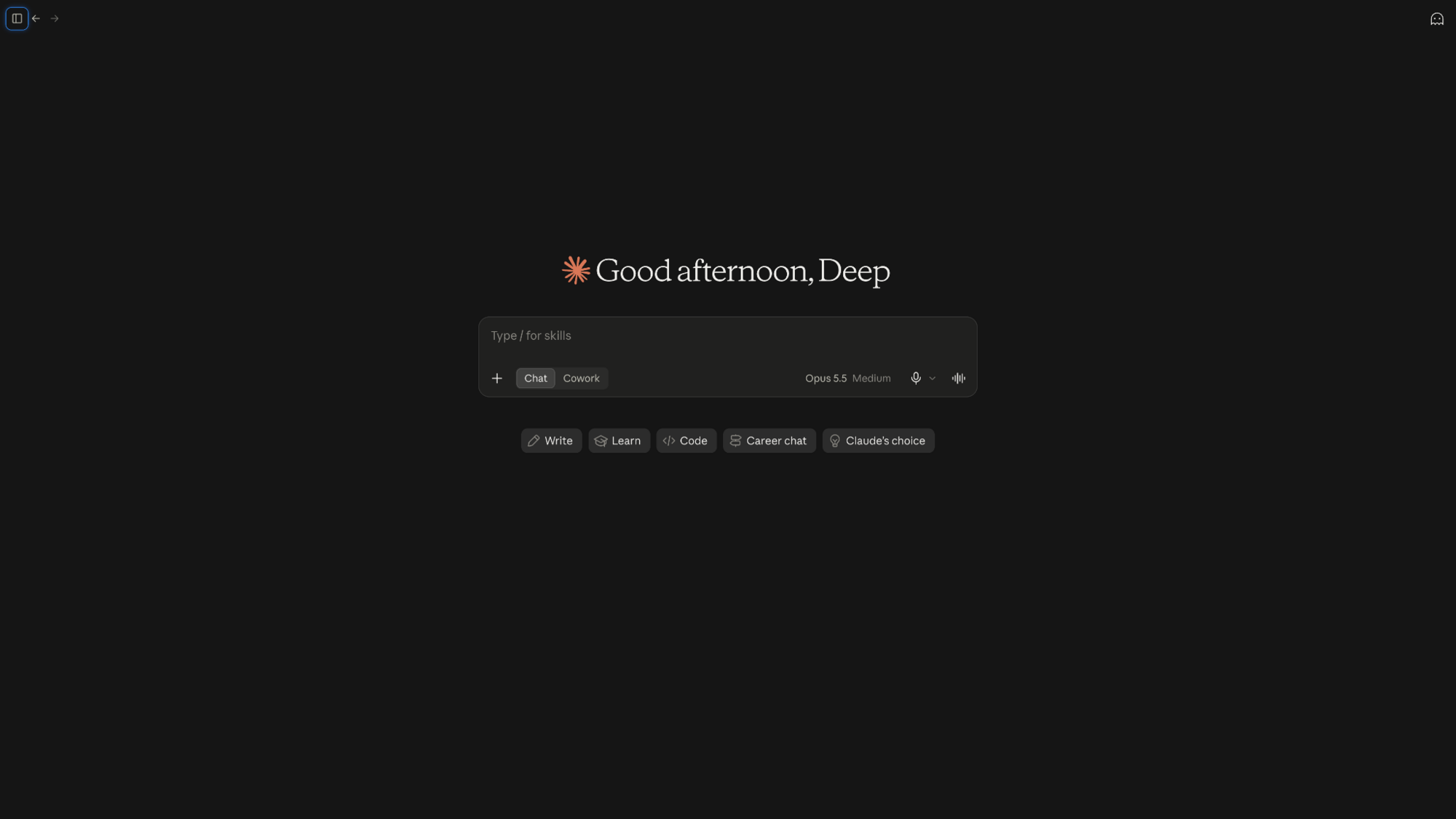
Claude helps draft, edit, and summarize lengthy documents. It can search the web and create files.
Pros
- Strong long-form writing
- Summarizes lengthy documents
- Creates and edits files
Cons
- Limited free usage
- Advanced models cost more
Pricing
- Free plan with limited daily usage
- Paid plans from $20/month, billed monthly
4. Perplexity: Best for research with sources
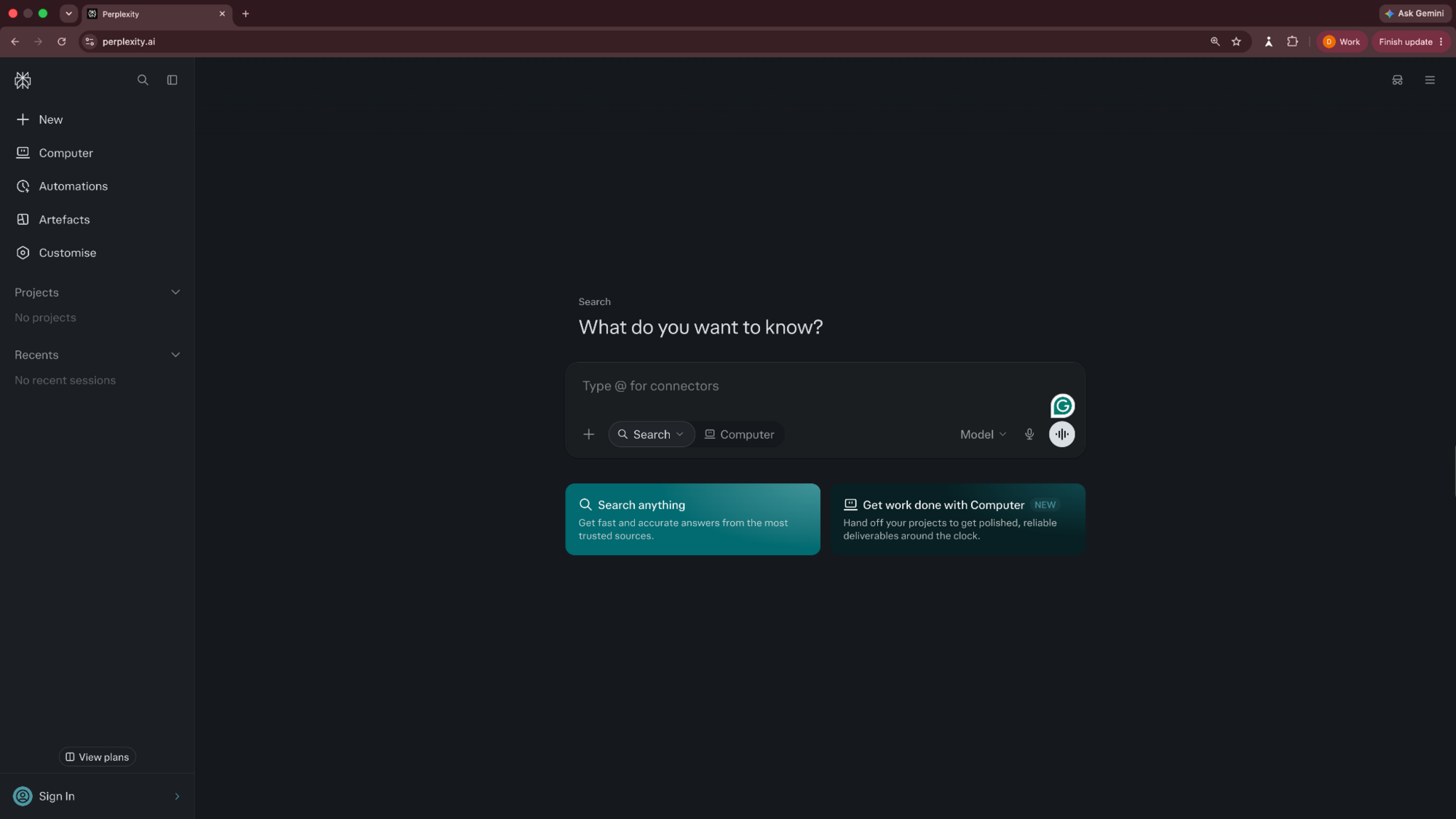
Perplexity searches the web and provides citations to back up the claims. Follow its links to check evidence before using information in a report.
Pros
- Citations accompany answers
- Searches current web sources
- Supports follow-up research
Cons
- Citations need verification
- Deeper research requires payment
Pricing
- Free with access to basic AI models
- Paid plans from $20/month, billed monthly
5. Microsoft Copilot: Best for Microsoft 365
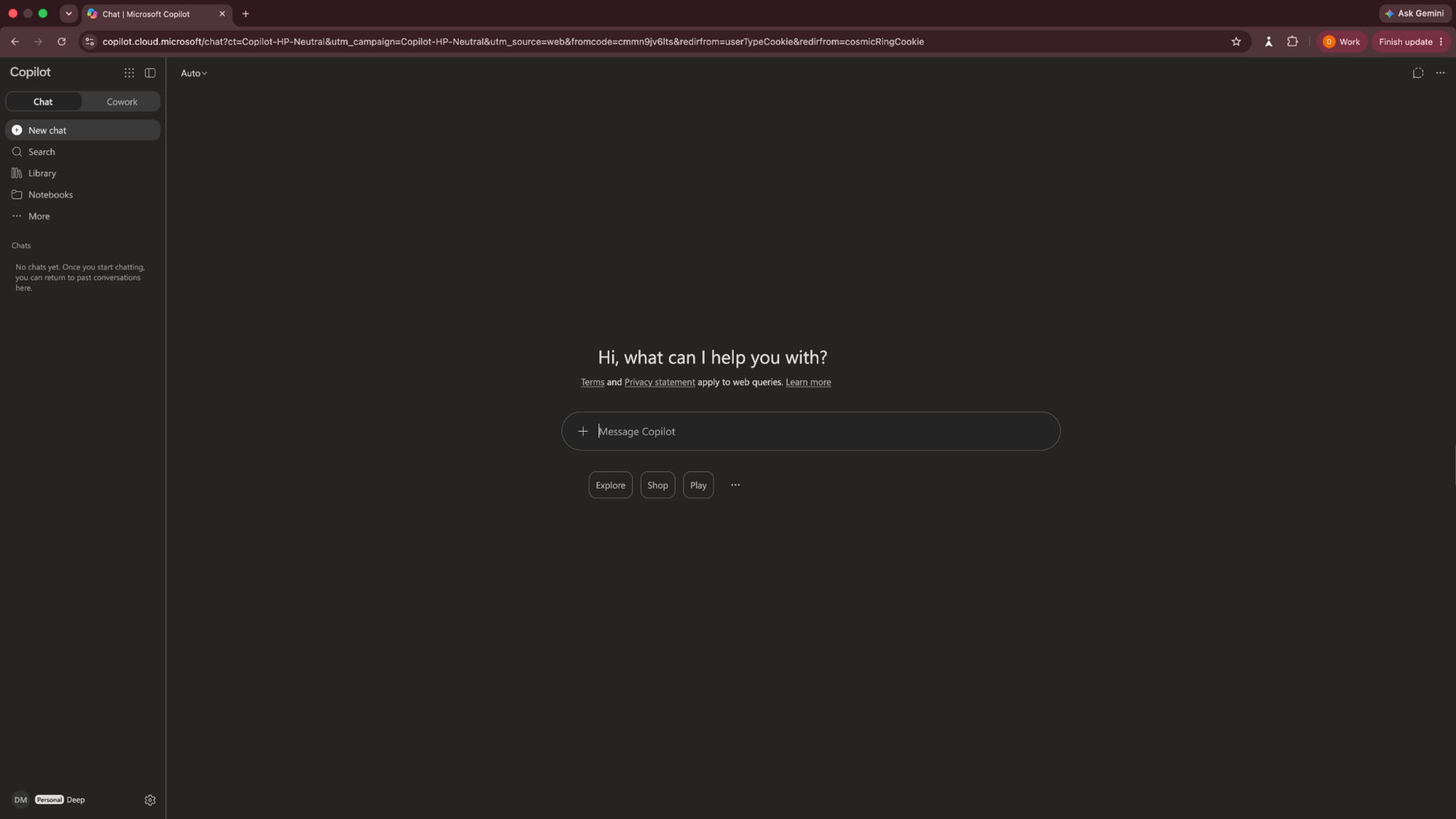
Copilot brings AI into Microsoft apps. Depending on your plan, it helps draft Word documents, work in Excel, and manage Outlook content.
Pros
- Works inside Word
- Assists with Excel tasks
- Connects to Outlook workflows
Cons
- App features depend on plan
- Less useful outside Microsoft apps
Pricing
- Free to use the Copilot chat
- Microsoft 365 plans start from $9.99/month, billed monthly
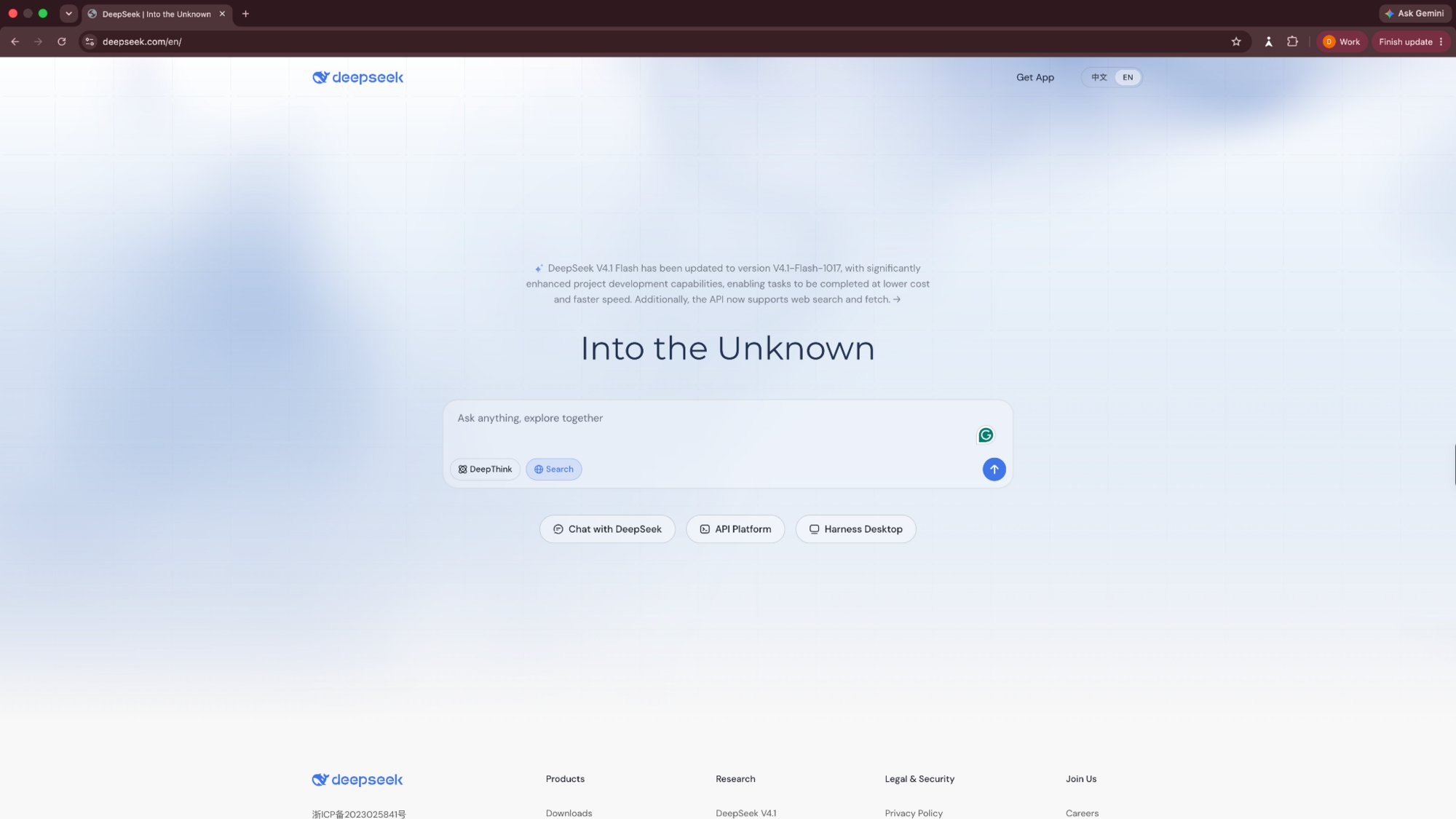
6. DeepSeek: Best for free AI chat
DeepSeek offers free AI conversations for learning, writing, and reasoning. Its app supports web search and file-based questions.
Pros
- Free consumer chat
- Supports reasoning tasks
- Offers web search
Cons
- Need to review data-handling policies
- No flat-rate paid chat plan
Pricing
- Free to use for individuals
- Pay-as-you-go pricing for APIs
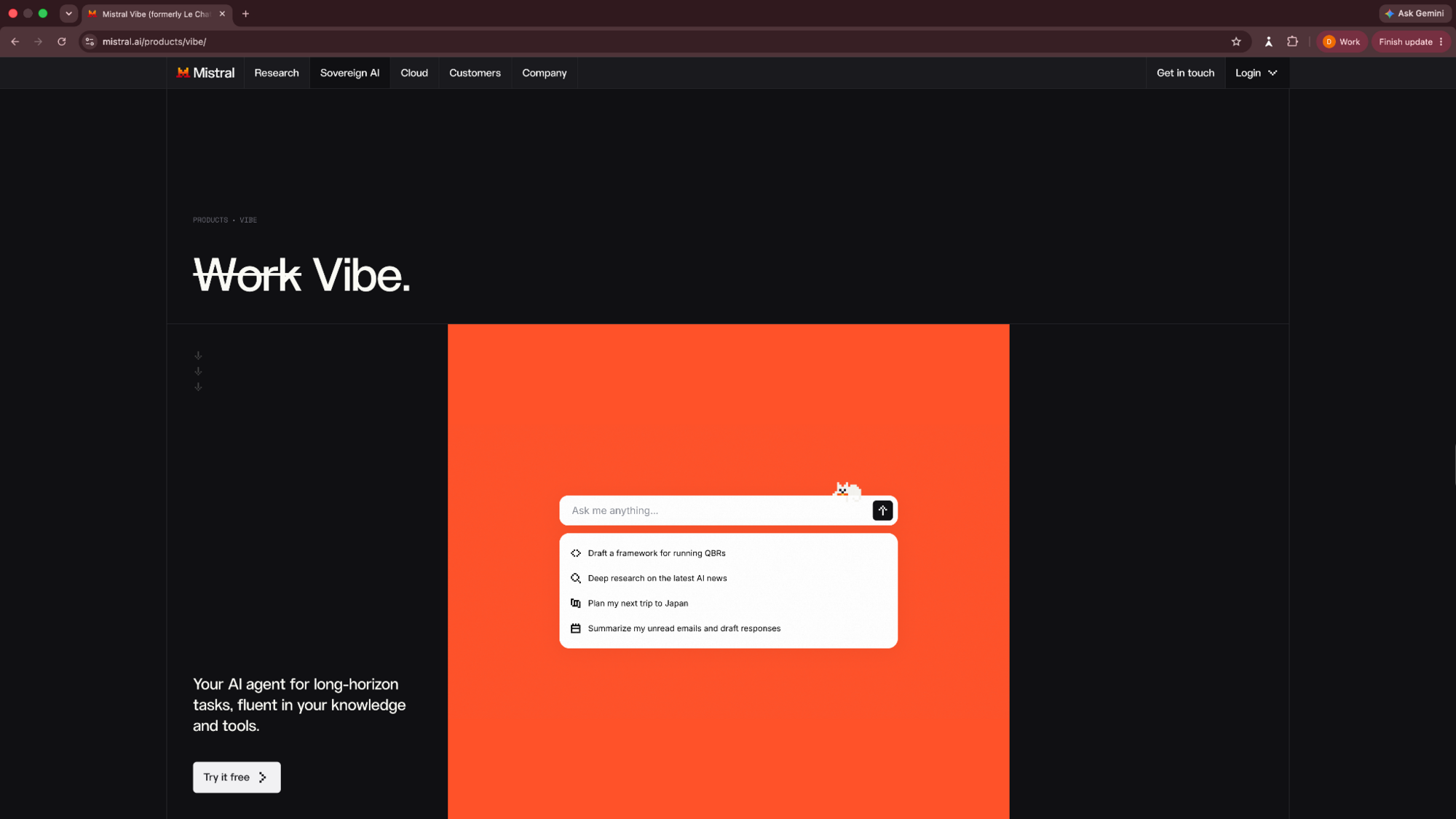
7. Mistral Vibe: Best for flexible workflows
Mistral Vibe, formerly Le Chat, combines AI chat with search and coding tools. It supports connectors and image generation.
Pros
- Web search and chat
- Coding assistance
- Connects to other apps
Cons
- Free usage is limited
- Some tools require Pro
Pricing
- Free to use with limited messages
- Paid plans start from $14.99/month, billed monthly
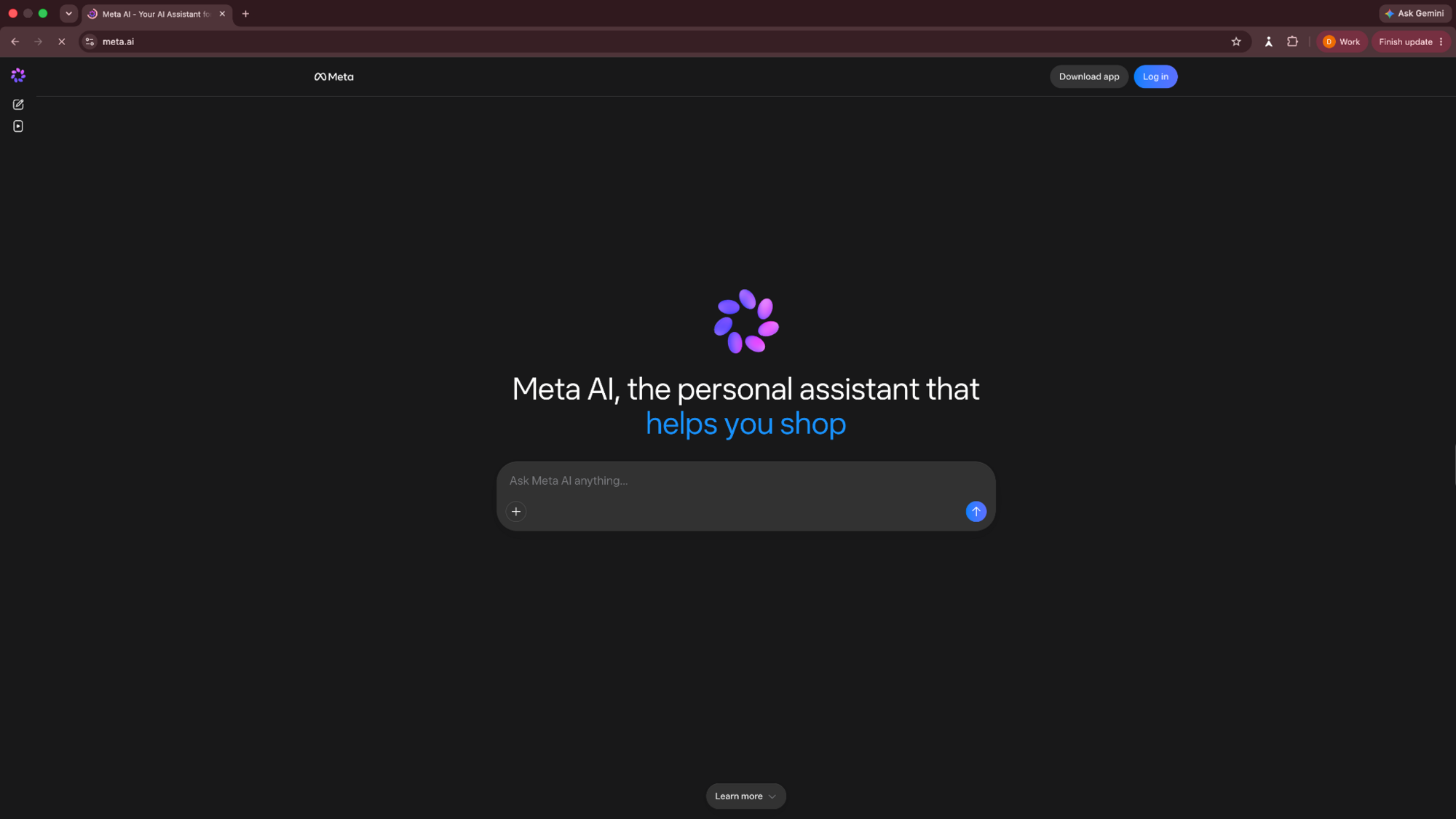
8. Meta AI: Best for Meta app users
Pros
- Available within Meta apps
- Free everyday conversations
- Image creation tools
Cons
- Fewer workplace integrations
- Higher creative limits cost extra
Pricing
- Free to use within Meta apps
- Paid plans from $7.99/month, billed monthly
9. Grok: Best for X discussions
Grok searches the web and X for current conversations. It also supports writing, images, and research.

Pros
- Searches public X discussions
- Handles web research
- Generates images
Cons
- Social posts require verification
- Higher usage requires subscription
Pricing
- Free to use with limited features
- Paid plans from $8/month, billed monthly
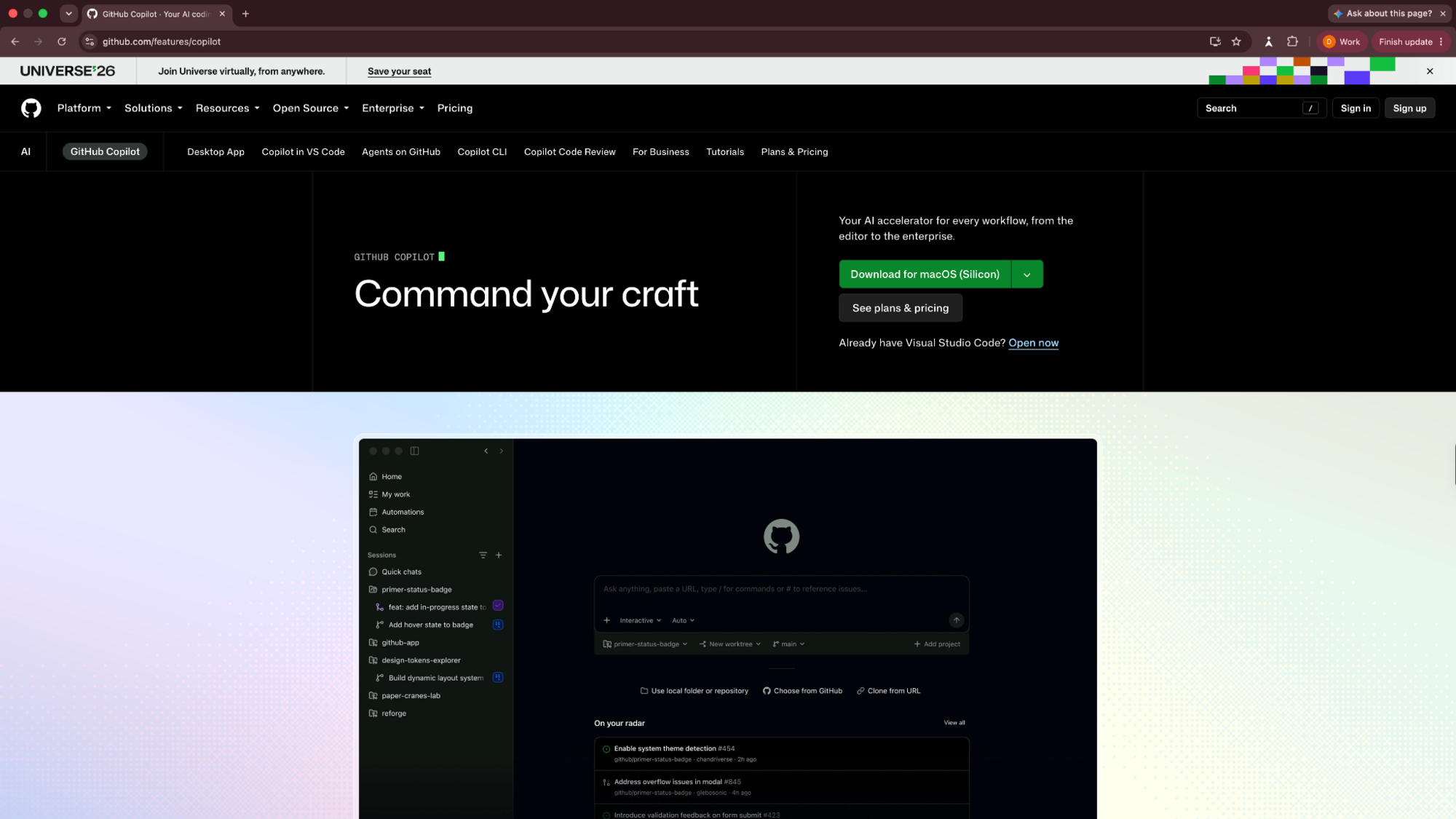
10. GitHub Copilot: Best for coding
GitHub Copilot suggests and explains code inside supported editors. It helps developers troubleshoot problems and complete functions.
Pros
- Suggests code in editors
- Helps explain unfamiliar code
- Supports coding agents
Cons
- Designed for developers
- Limited free completions
Pricing
- Free to use with limited completions
- Paid plans from $10/month, billed monthly
10 best ChatGPT alternatives: At a glance
| Tool | Best for | Free plan | Paid plans from (billed monthly) |
| Julius | Data analysis | Yes | $20/month |
| Gemini | Google apps | Yes | $4.99/month |
| Claude | Writing | Yes | $20/month |
| Perplexity | Research | Yes | $20/month |
| Copilot | Microsoft 365 | Yes | $9.99/month |
| DeepSeek | Free chat | Yes | Pay-as-you-go |
| Mistral Vibe | Workflows | Yes | $14.99/month |
| Meta AI | Meta apps | Yes | $7.99/month |
| Grok | X discussions | Yes | $8/month |
| GitHub Copilot | Coding | Yes | $10/month |
How to choose a ChatGPT alternative
The right ChatGPT alternative depends on where ChatGPT doesn’t work for you and what you’re trying to do with the alternative. Here’s a quick way to decide:
- Match the task: Choose a tool based on what you do most, whether that's writing, research, coding, or data analysis.
- Test your prompts: Give two tools the same question or spreadsheet. Compare their accuracy, explanations, and ease of use.
- Check sources: Open cited links and confirm they support the answers. This is especially useful for research-heavy tasks.
- Check integrations: Confirm the tool works with your existing apps and file types, such as Excel or Google Docs.
- Review privacy: Check how providers store uploaded files, use conversations for training, and handle deletion before sharing sensitive information. Learn more about how AI chatbots work.
Which ChatGPT alternatives are free?
All ten tools on this list have free access, but their daily limits and features differ. DeepSeek advertises free consumer chat, while Meta AI offers free everyday use.
Tools like Julius, Claude, or Grok restrict usage or features for the free plan.
Conclusion
These AI tools offer unique capabilities to cater to a wide range of needs. Whether for education, content creation, data analysis, privacy concerns, or niche applications, there's an AI chatbot out there ready to redefine how we interact with technology.
Try Claude for writing, Perplexity for research, Gemini or Copilot for office tasks, and GitHub Copilot for coding. Julius makes a strong choice for spreadsheet analysis and chart creation.
Try Julius if your work includes spreadsheets and detailed data analysis.
Frequently asked questions
Is there a better AI than ChatGPT?
Tools like Claude, Perplexity, and Julius can outperform ChatGPT depending on your use case. Claude excels at writing, Perplexity does good research with citations, and Julius works well for data analysis.
What are the top 3 AI alternatives right now?
Gemini, Claude, and Perplexity are the top 3 general-purpose ChatGPT alternatives in 2026. Gemini focuses on Google integrations, Claude does writing well, and Perplexity suits heavy research work.
Which AI is 100% free?
All the tools on this list, including Claude, Gemini, Julius, and Copilot, offer free plans with daily limits. DeepSeek claims to be completely free with no in-app purchases.
Why are people deleting ChatGPT?
Users switch away from ChatGPT for a mix of reasons, including a better fit for one task, a cheaper plan, a free tier, or company policy. Sometimes it’s about the company rather than the product: SensorTower reported a surge in ChatGPT uninstalls around OpenAI’s U.S. defense deal. Either way, it rarely means ChatGPT is a bad assistant, just that another tool fits the job better