

Grafana alternatives start to look appealing once the LGTM stack (Loki, Grafana, Tempo, and Mimir) becomes a job of its own. A quick latency check can turn into PromQL edits, a jump to another tool for logs, and a paid tier for scheduled reports.
I researched monitoring, observability, and business intelligence tools by comparing what each covers, how it's hosted, and how it's priced. For the business dashboard tools, I also compared scheduled reporting. Here are the 12 best Grafana alternatives in 2026, grouped by the job you're replacing.
12 best Grafana alternatives: TL;DR
- Julius: Best for marketers, finance teams, and ops leads who used Grafana for business and reporting dashboards and want charts from natural language questions
- Metabase: Best for teams that want open-source, self-hosted business dashboards that non-technical teammates can build
- Apache Superset: Best for SQL-comfortable data teams that want free, self-hosted BI with deep charting options
- Power BI: Best for Microsoft-centric organizations that build business dashboards alongside Excel, Teams, and Azure
- Datadog: Best for teams that want a fully managed platform covering metrics, logs, and APM in one workspace
- New Relic: Best for engineering teams that need full-stack APM with deep tracing and service maps
- SigNoz: Best for engineering teams that want open-source metrics, logs, and traces in one OpenTelemetry-native stack
- Dynatrace: Best for large enterprises that want automated service discovery and AI-assisted root-cause analysis
- Honeycomb: Best for engineers debugging high-cardinality distributed systems and AI-agent workflows
- Elastic Stack (Kibana): Best for teams already running Elasticsearch that want log analytics and dashboards in one place
- Prometheus: Best for teams that want open-source, pull-based metrics collection, especially in Kubernetes
- OpenObserve: Best for teams that want a cost-efficient, open-source backend for logs, metrics, and traces queried with SQL
Why look for Grafana alternatives?
I ran Grafana for monitoring work for a long time, and it plugged into nearly every data source I pointed it at, with panels I could reshape in minutes. That flexibility paid off until my team needed logs and traces next to our metrics, plus reports for people outside engineering, and the trade-offs started piling up fast:
- 4 systems to run for full coverage: The LGTM stack splits metrics, logs, and traces across Mimir or Prometheus, Loki, and Tempo behind Grafana. I deployed, upgraded, and connected each one separately.
- 3 query languages for one investigation: Metrics use PromQL, logs use LogQL, and traces use TraceQL. I switched syntax mid-incident each time I traced one latency spike across all three.
- Reporting that can sit behind paid plans: Scheduled reports and PDF exports may require a paid plan.
- Business users who wait on an engineer: Panels depend on data source setup and queries, so marketing and finance teammates may need someone technical for each dashboard change.
Whichever pain point hits hardest tells you which type of tool to look for. A unified monitoring platform fits the first two, a lighter metrics engine fits teams that only need metrics, and a BI-style tool fits the last two.
Self-hosted or managed is the second decision, since each type comes both ways.
Which Grafana alternative should you choose?
The right Grafana alternative depends on the job you're replacing and how much of the stack you want to run yourself.
Choose:
- Julius if you used Grafana for revenue, KPI, or ops reporting and want charts from natural language questions. It doesn't cover logs, traces, or infrastructure alerting.
- Metabase if you want open-source business dashboards that non-technical teammates can build, but self-hosting means you handle upgrades and scaling.
- Apache Superset if your team lives in SQL and wants free, self-hosted BI with deep charting. Superset has a no-code builder, but setup and upkeep need engineering skills.
- Power BI if your data and team already work in Excel, Teams, and Azure. The value drops once you step outside the Microsoft stack.
- Datadog if you want one managed platform for metrics, logs, and APM. The layout takes time to learn before the dashboards pay off.
- New Relic if you need deep tracing and service maps for complex apps, but custom infrastructure dashboards are less flexible than in Grafana.
- SigNoz if you want open-source metrics, logs, and traces on one datastore. It's a younger project, so expect less community help to draw on.
- Dynatrace if you run a large, complex environment and want automatic service discovery and root-cause analysis. A small cloud-native team may find that automation is overkill.
- Honeycomb if you debug high-cardinality systems or AI-agent workflows. The Service Map is only on the Enterprise plan.
- Elastic Stack (Kibana) if your logs already live in Elasticsearch. It's tightly coupled to that backend, so data from other sources is harder to visualize.
- Prometheus if you want open-source, pull-based metrics collection for Kubernetes. PromQL takes time to learn, and long-term storage usually means adding another tool.
- OpenObserve if you want one open-source backend for logs, metrics, and traces queried with SQL. Its integration marketplace has fewer options than Grafana's.
Stick with Grafana if you're comfortable running the LGTM stack and value dashboards that plug into dozens of data sources.
12 Grafana alternatives: at a glance
| 💻 Tool | 🧭 Deployment | 📊 Covers | 🔥 Starting price (billed annually) | 🎯 Best for |
| Julius | SaaS | Dashboards and reports | $16 per month | Revenue and KPI reporting without queries |
| Metabase | Self-hosted and cloud | Dashboards and BI | $1,080/year, includes 5 users | Self-hosted dashboards non-technical teammates can build |
| Apache Superset | Self-hosted | Dashboards and BI | Free | Open-source BI with deep charting |
| Power BI | SaaS | Dashboards and BI | $14 per user per month | Reporting inside Excel, Teams, and Azure |
| Datadog | SaaS | Metrics, logs, and traces | Modular, usage-based | Managed monitoring with built-in APM |
| New Relic | SaaS | Metrics, logs, and traces | Usage-based | Application tracing with service maps |
| SigNoz | Self-hosted and cloud | Metrics, logs, and traces | $49 per month, billed monthly | OpenTelemetry-native observability on one datastore |
| Dynatrace | SaaS and hybrid | Metrics, logs, and traces | Usage-based | Automated discovery in large environments |
| Honeycomb | SaaS and private cloud | Metrics, logs, and traces | $150 per month | Debugging high-cardinality systems and AI agents |
| Elastic Stack (Kibana) | Self-hosted and cloud | Metrics, logs, and traces | Custom pricing | Log analytics on existing Elasticsearch data |
| Prometheus | Self-hosted | Metrics | Free | Kubernetes metrics collection |
| OpenObserve | Self-hosted and cloud | Metrics, logs, and traces | $0.50 per GB ingested | SQL queries across logs, metrics, and traces |
*Pricing correct as of October 2026. Confirm with vendor.
Grafana alternatives for business and reporting dashboards
1. Julius: Best for business teams replacing Grafana reporting dashboards
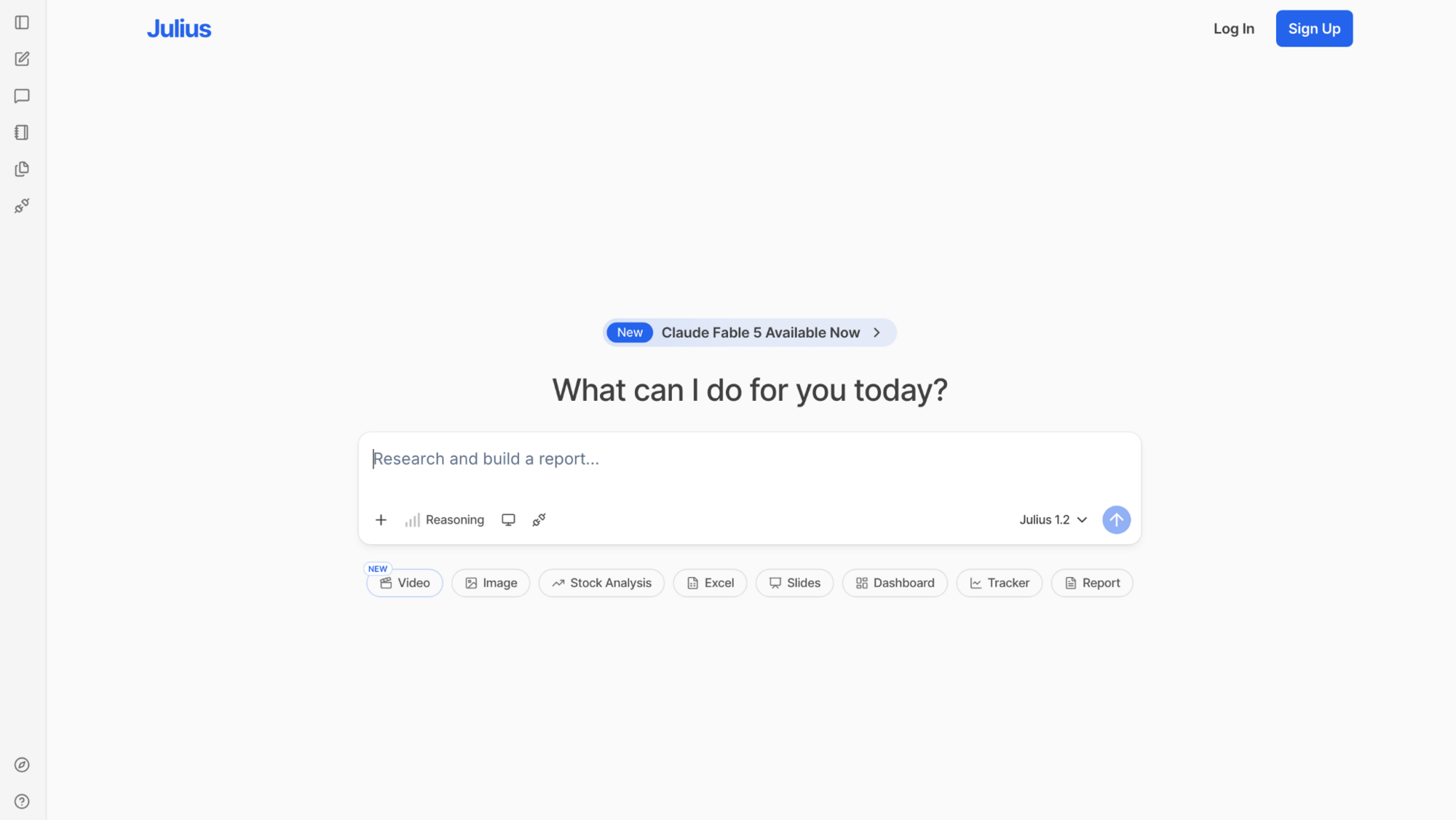
Julius is an AI data analysis workspace where marketers, finance teams, and ops leads ask questions in natural language and get charts or reports without building Grafana panels.
You can connect your own data, search the web for public datasets, or pull in financials for 17,000+ companies through our Financial Datasets partnership. Julius sits on the analysis side, so teams that monitor production systems still need a dedicated observability tool.
Key features
- Natural language analysis: Create a chart and the analysis behind it from a question typed in everyday language.
- Flexible data inputs: Connect your own data, search the web for public datasets, and pull in company financials through the Financial Datasets partnership.
- Report generation: Generate structured reports with charts and narrative from connected data using the AI Report Generator.
Pros
- ✅ You can schedule summaries to reach stakeholders by email or Slack on a set cadence.
- ✅ Repeat questions on a connected database can return faster and more precisely, since Julius gets better at finding the right tables and relationships with each query.
- ✅ You can turn a thread of analysis into a PDF report and share it without extra formatting.
Cons
- ❌ Logs, traces, and infrastructure alerting fall outside what it covers.
- ❌ Real-time monitoring of production systems needs a dedicated observability platform.
Best for
- Marketers and finance teams who built revenue or KPI dashboards in Grafana
- Ops leads and product managers who need recurring reports
- Analysts who want public or financial data in a report without preparing a file first
Pricing
Julius starts at $16 per month.
2. Metabase: Best for self-hosted dashboards non-technical teammates can build
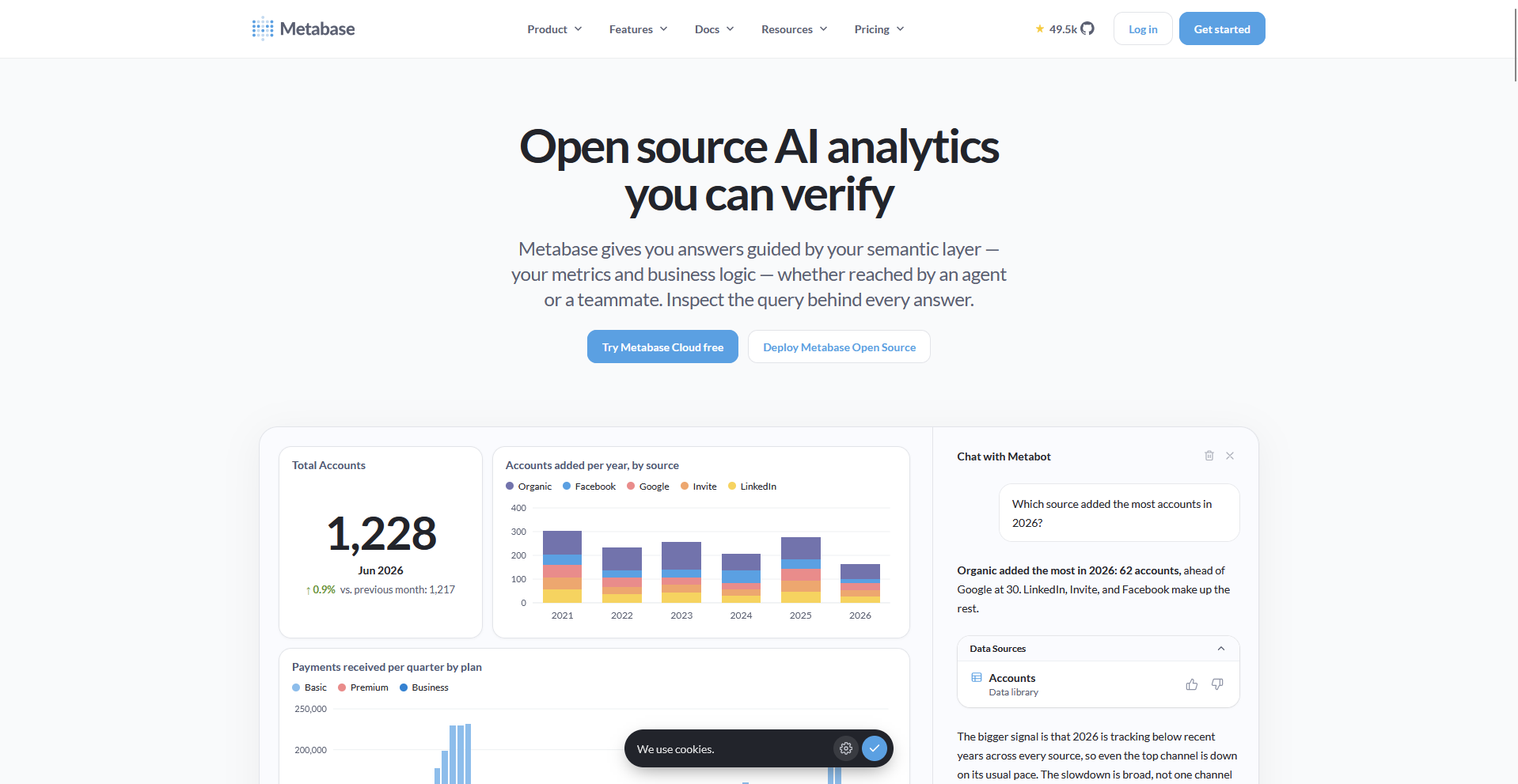
Non-technical teammates can build dashboards by clicking through fields, and analysts can drop into SQL for anything more specific.
Row and column level permissions, SSO, and usage auditing sit on the Pro plan, so teams that share dashboards across departments may outgrow the free version and Starter.
Key features
- Visual and SQL querying: Build questions by clicking through fields or by writing SQL.
- AI questions: Ask questions with AI and generate SQL.
- Data source connections: Connect to 20+ supported data sources.
Pros
- ✅ Self-hosting the open-source version is free for unlimited users.
- ✅ Questions and dashboards are unlimited, and the price stays the same no matter how many you build.
- ✅ The company holds SOC 2 Type II and SOC 1 certifications and complies with GDPR and CCPA.
Cons
- ❌ It has no logs, traces, or APM, so infrastructure monitoring needs another tool.
- ❌ Self-hosting makes you responsible for upgrades, backups, and infrastructure.
Best for
- Teams that want open-source business dashboards they can host and control
- Non-technical teammates who need dashboards without waiting on a data team
- Analysts who want to mix click-based questions with SQL
Pricing
3. Apache Superset: Best for open-source BI with deep charting
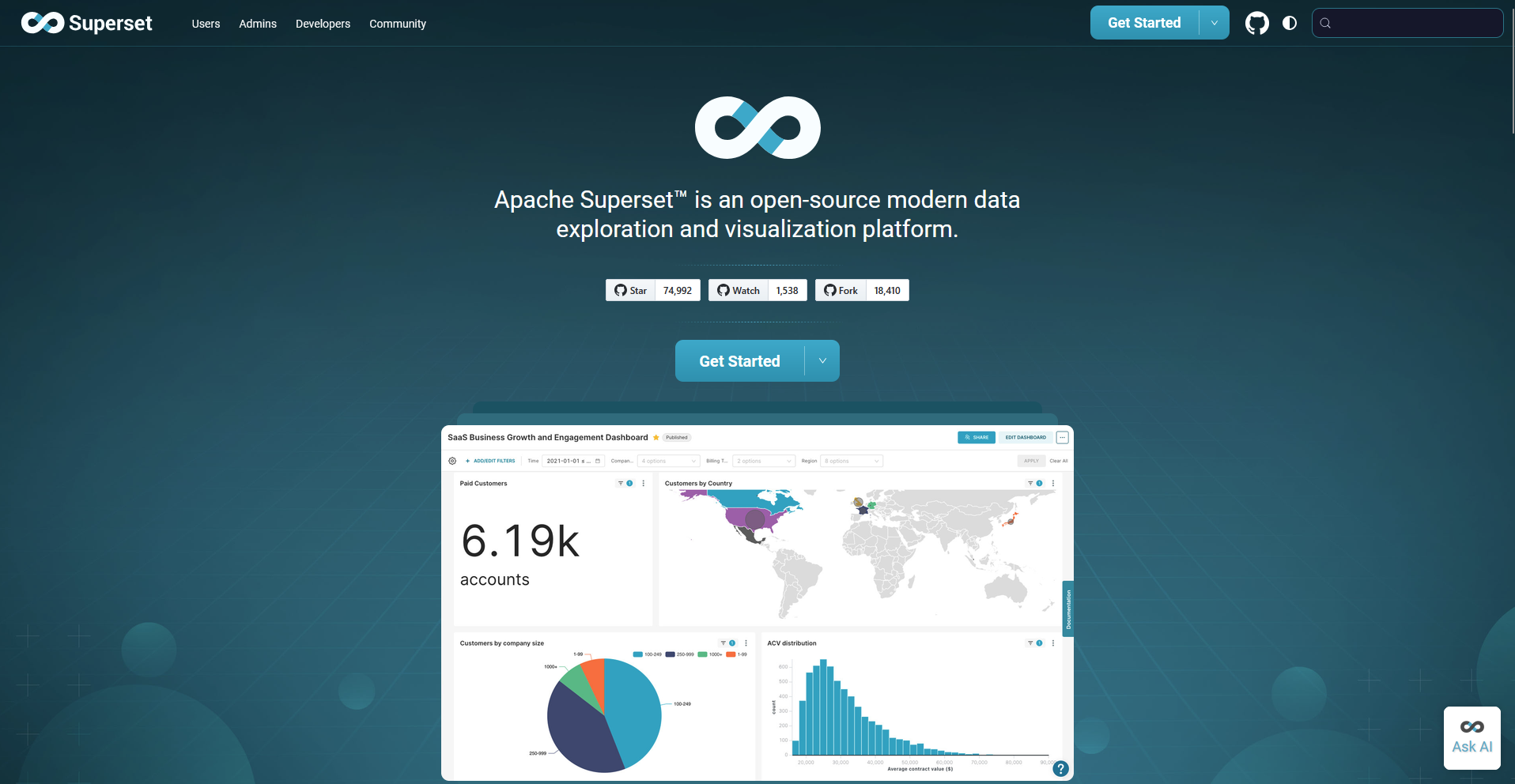
Apache Superset is an open-source business intelligence platform from the Apache Software Foundation, and data teams use it as a self-hosted Grafana replacement for dashboards built on SQL data.
You can build charts with a no-code builder or write queries in SQL Lab, and Superset ships with 40+ visualization types.
Scheduled alerts and reports are off by default. They need a worker, a scheduler, a message broker like Redis, and a headless browser, so teams that want recurring reports should plan for extra setup.
Key features
- No-code chart builder: Build charts from a dataset by choosing a chart type, axes, and filters.
- SQL Lab: Write and run SQL queries in a browser-based IDE with query history and result export.
- Alerts and reports: Send scheduled PDF or image reports and threshold-based alerts by email or Slack.
Pros
- ✅ Self-hosting is free under the Apache license.
- ✅ The 40+ pre-installed visualization types range from line charts to geospatial maps.
- ✅ Cross-filters, drill-to-detail, and drill-by let viewers dig into the numbers behind a dashboard.
Cons
- ❌ Self-hosting can require a separate metadata database and engineering time to deploy and scale.
- ❌ Superset reads from SQL-based sources, so it cannot collect infrastructure metrics, logs, or traces on its own.
Best for
- Data teams comfortable writing SQL
- Organizations that need to keep their data on their own infrastructure
- Analysts who want a no-code chart builder on top of existing SQL databases
Pricing
Apache Superset is free.
4. Power BI: Best for reporting inside Excel, Teams, and Azure
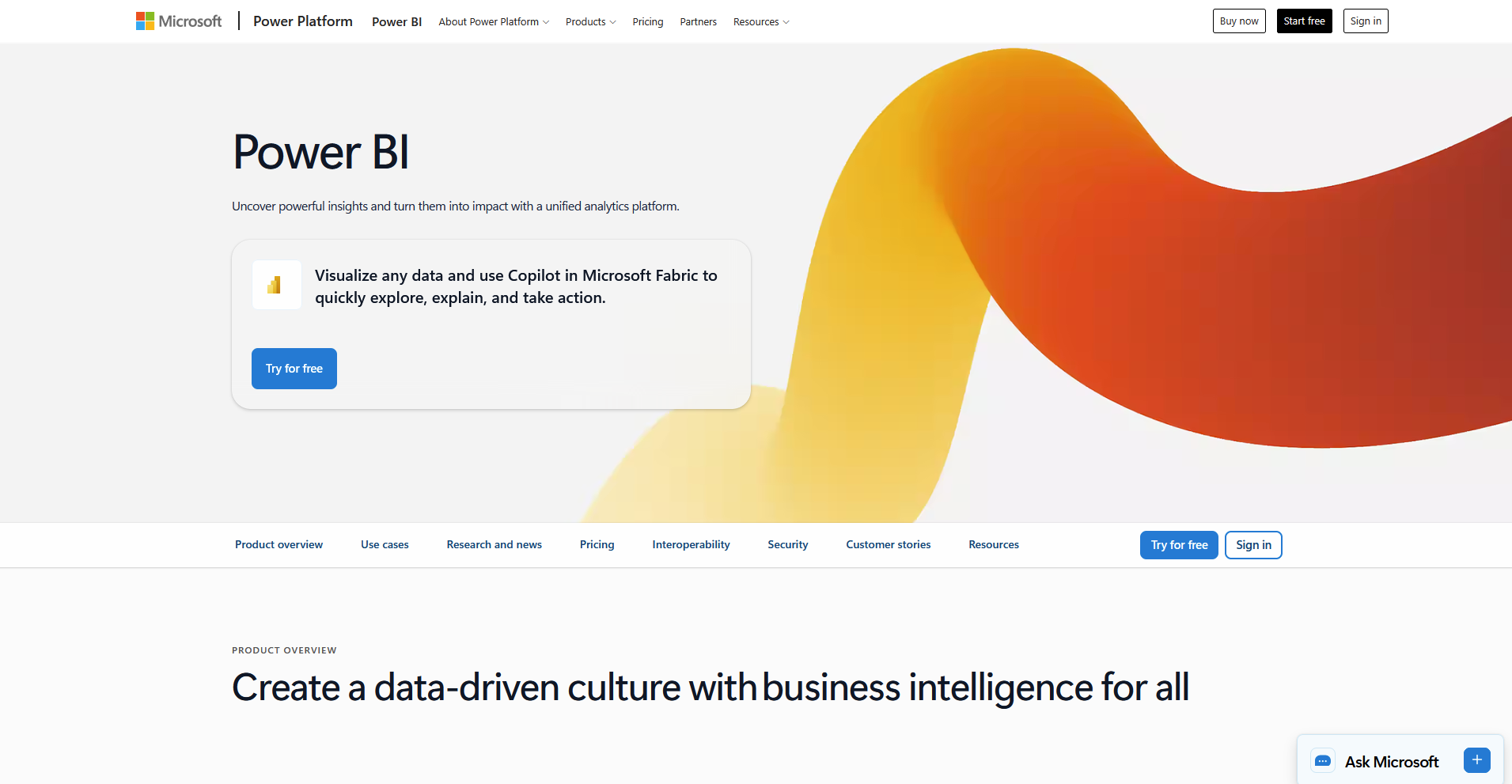
Power BI is Microsoft's business intelligence platform, and teams that used Grafana for business reporting can use it to build dashboards and reports on data from Excel files in OneDrive or SharePoint.
You can embed reports as tabs in Teams and send scheduled email subscriptions, so stakeholders see the numbers where they already work.
Anyone who publishes, shares, or views reports in the Power BI Service usually needs a Pro license, so seat counts can drive the cost as audiences grow.
Key features
- Excel and SharePoint connections: Connect to Excel files stored in OneDrive or SharePoint and refresh the data on a schedule.
- Teams embedding: Embed Power BI reports as tabs in Teams channels.
- Email subscriptions: Send scheduled emails with report snapshots and links to stakeholders.
Pros
- ✅ Reports export to PDF, PowerPoint, or Excel.
- ✅ Row-level security controls which viewers see which data.
- ✅ The free Power BI Desktop app lets you build reports before you buy sharing licenses.
Cons
- ❌ Pro allows up to 8 scheduled refreshes per day, and 48 requires Premium Per User.
- ❌ The strongest integrations are with Microsoft products, so teams outside the Microsoft stack may get less out of it.
Best for
- Microsoft 365 organizations that already share files in Teams and SharePoint
- Finance teams that build reports from Excel data
- Analysts who want to start free in Power BI Desktop and add sharing licenses later
Pricing
Power BI starts at $14 per user per month.
Grafana alternatives for a full monitoring and observability stack
5. Datadog: Best for managed monitoring with built-in APM
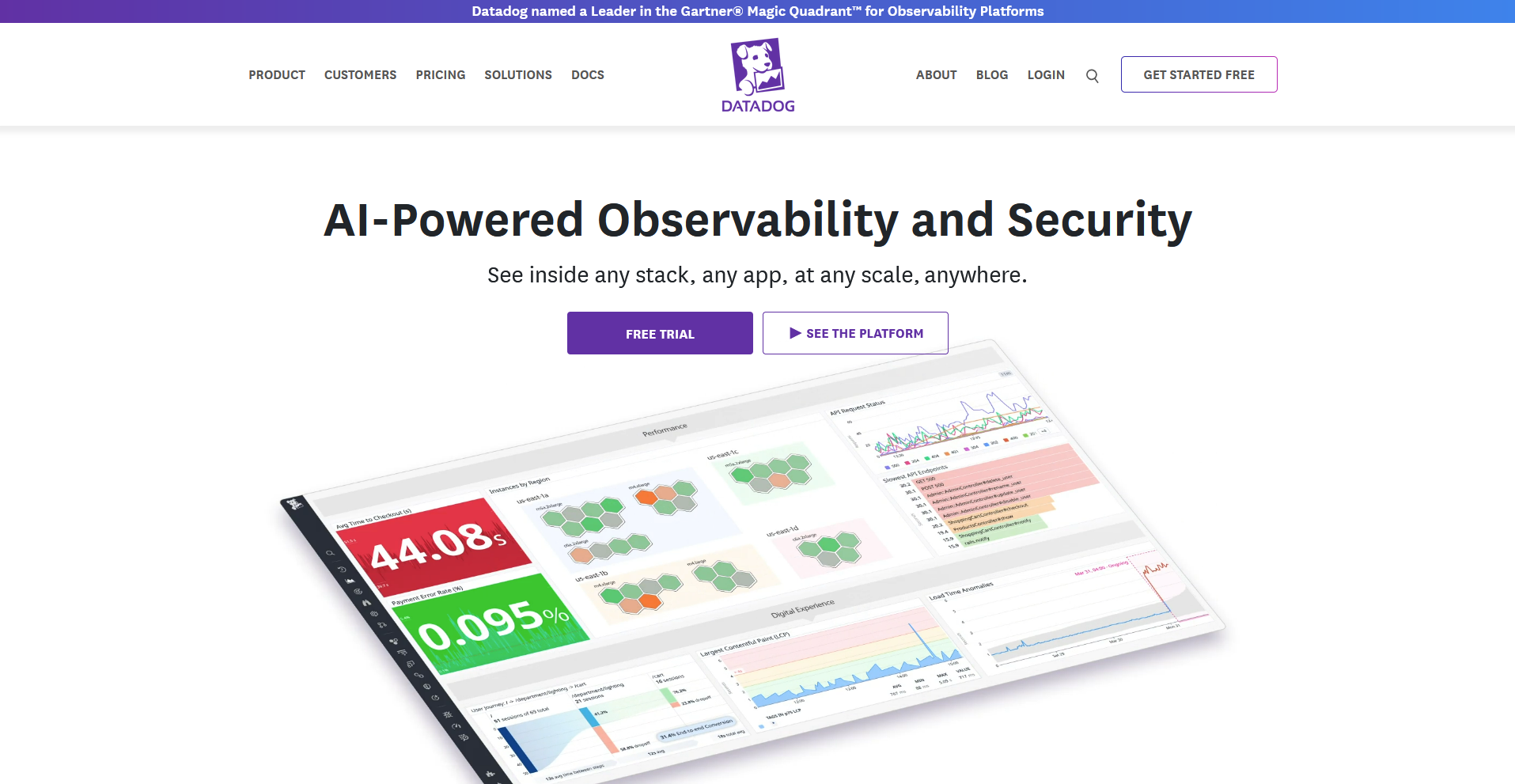
Datadog is a hosted monitoring platform that brings infrastructure metrics, logs, and application performance monitoring (APM) into one workspace, and many teams use it as a managed replacement for the LGTM stack.
It offers 1,000+ integrations, prebuilt dashboards, and APM views that help you find slow endpoints. Billing spans hosts, custom metrics, log ingestion, and traces, so costs can be hard to forecast as usage grows.
Key features
- Infrastructure monitoring: Track host and container metrics with 15 months of retention on paid plans.
- APM: Trace requests across services to find slow endpoints.
- Integrations: Connect to 1,000+ cloud services and tools.
Pros
- ✅ Metrics, logs, and traces share one platform, so you can follow an issue without switching tools.
- ✅ Prebuilt dashboards show system activity before you build any panels.
- ✅ A free infrastructure plan covers up to 5 hosts, so you can try core monitoring before paying.
Cons
- ❌ Datadog runs as a hosted service only, so teams that need to keep monitoring data on their own servers have to look elsewhere.
- ❌ Each APM host also needs an infrastructure monitoring license, so adding tracing means a second line on the bill.
Best for
- Teams that want a fully managed platform and can budget for usage-based billing
- Engineers who need metrics, logs, and traces in one workspace
- Organizations with many cloud services that rely on prebuilt integrations
Pricing
Datadog uses modular, usage-based pricing.
6. New Relic: Best for application tracing with service maps
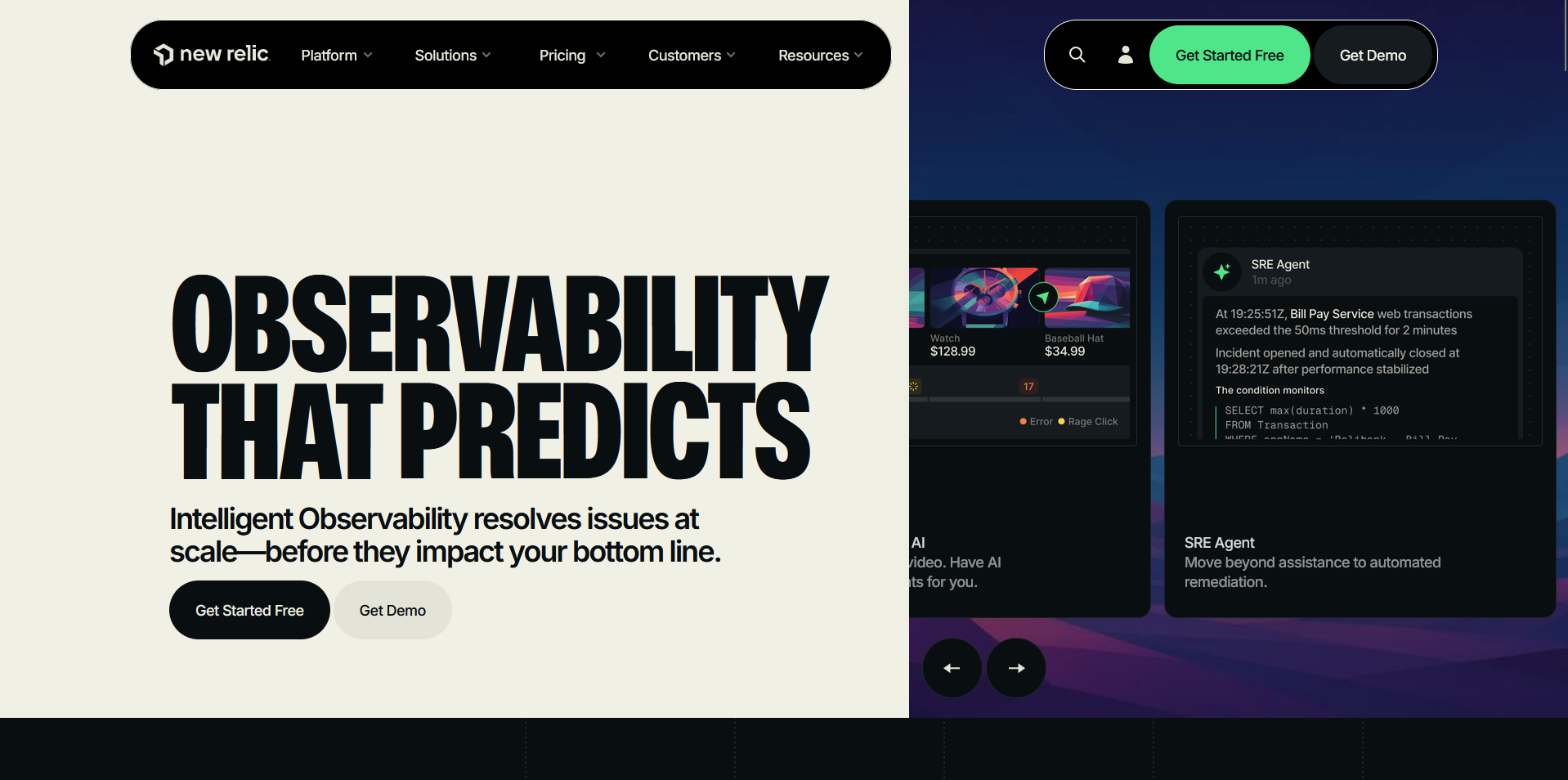
New Relic is a hosted monitoring platform that shows how requests move through your apps and maps how your services connect. You can search metrics, logs, and traces with one query language (NRQL), and an errors inbox collects problems from your services in one place.
The bill depends on how much data you send past the free 100 GB and how many people need full access, so costs can grow with both.
Key features
- Distributed tracing: Follow a request across services, databases, queues, and external APIs.
- Service maps: Generate maps of service dependencies and health from trace data.
- NRQL: Query metrics, events, logs, and traces with a single query language.
Pros
- ✅ The free edition includes 100 GB of monthly data ingest, one full platform user, and unlimited basic users.
- ✅ Related traces open in context from the errors inbox, APM errors, and log details.
- ✅ OpenTelemetry data sent over OTLP appears in APM alongside data from New Relic's own agents.
Cons
- ❌ Basic users can query data and build dashboards, but APM and infrastructure monitoring need a full platform seat.
- ❌ The Standard edition caps full platform users at 5, so larger teams need a Pro plan.
Best for
- Engineering teams that want full-stack APM with deep tracing
- Teams that prefer one query language across metrics, logs, and traces
- Small teams that want to start on a free edition and add full platform seats later
Pricing
New Relic uses usage-based pricing.
7. SigNoz: Best for OpenTelemetry-native observability on one datastore
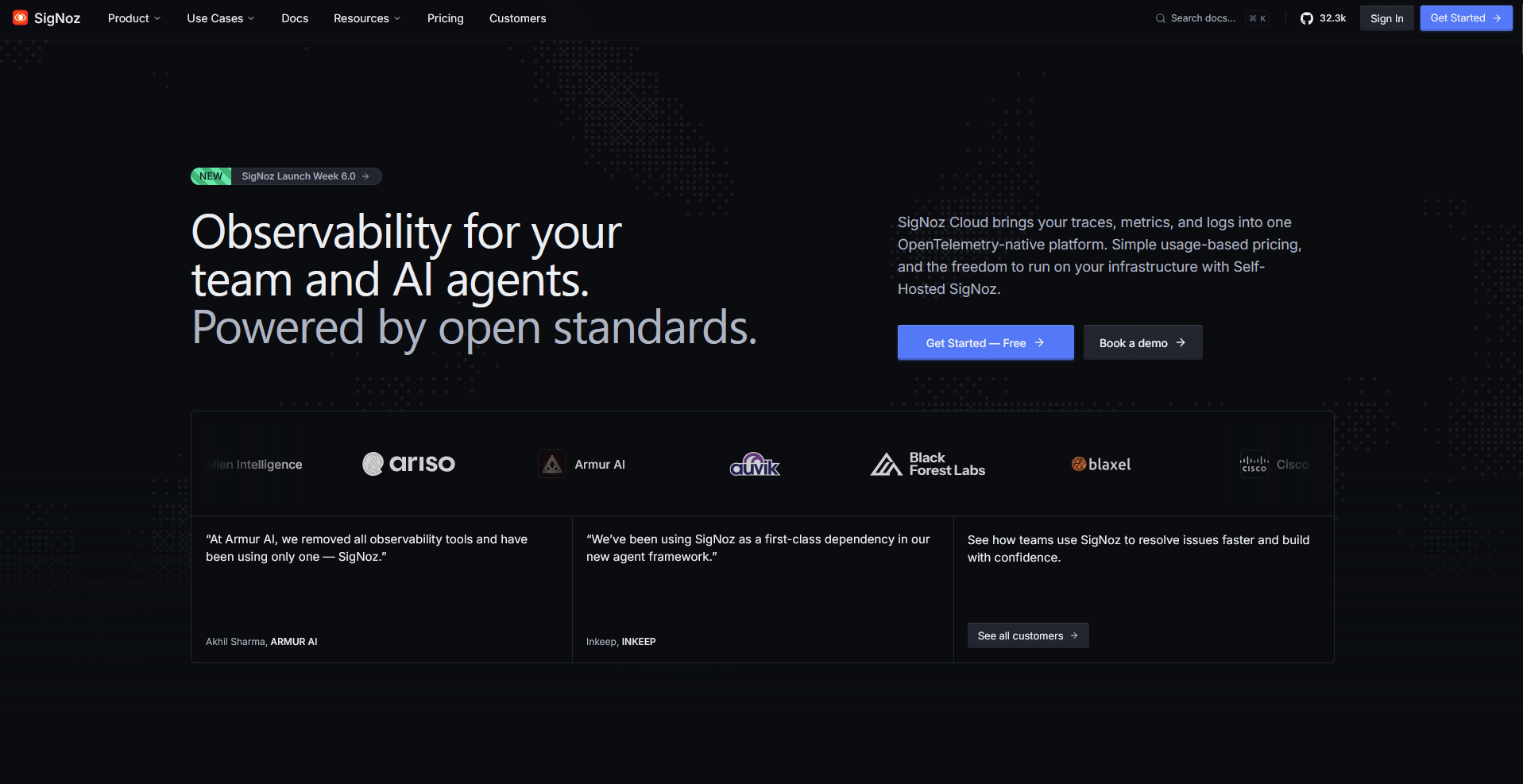
SigNoz is an open-source tool that puts your metrics, logs, and traces in one place, and you can run it on your own servers or use SigNoz Cloud.
You can follow an issue across linked views of traces, logs, and infrastructure metrics, and a query builder lets you filter data without writing PromQL. Fine-grained access controls are still in beta, so teams with strict permission needs may want to check what's available before committing.
Key features
- Unified telemetry: Store metrics, logs, and traces in a single ClickHouse datastore.
- OpenTelemetry-native ingestion: Accept data from any language or framework that can emit OTLP.
- Signal correlation: Link traces to logs, logs to traces, and logs to infrastructure metrics.
Pros
- ✅ The Community edition is open source and free to self-host.
- ✅ SigNoz Cloud has no per-user or per-host fees, so you can add teammates without raising the bill.
- ✅ Cloud data centers in the US, EU, and India support data residency needs, and SigNoz Cloud is SOC 2 Type II and HIPAA compliant.
Cons
- ❌ Self-hosting requires DevOps expertise to run, scale, and upgrade the cluster.
- ❌ SSO and SAML aren't in the Community edition. They're available on SigNoz Cloud as an add-on.
Best for
- Engineering teams that want open-source metrics, logs, and traces in one place
- Teams already instrumenting their services with OpenTelemetry
- Teams moving off Datadog that want to migrate existing dashboards
Pricing
SigNoz starts at $49 per month, billed monthly.
8. Dynatrace: Best for automated discovery in large environments
Dynatrace is a monitoring platform built for large systems, and you install one agent on your hosts to map your apps, services, and how they connect.
Its Davis AI helps you find the likely cause of a problem, and one subscription covers metrics, logs, and traces with no per-seat fees. Dynatrace is built for big environments, so smaller teams may find it has more features than they need.
Key features
- Automatic discovery: Detect hosts, processes, and services after you install the OneAgent.
- Root cause analysis: Pinpoint the likely cause of a problem across a request with Davis AI.
- OpenTelemetry support: Ingest OpenTelemetry metrics and traces over OTLP.
Pros
- ✅ Seats are unlimited, so adding teammates doesn't add a user fee.
- ✅ Dynatrace keeps metrics for 15 months at 1-minute detail.
- ✅ Compliance certifications include ISO 27001, SOC 2 Type II, FedRAMP Moderate, and HIPAA.
Cons
- ❌ There is a minimum annual spend commitment for the plans.
- ❌ Dynatrace keeps traces for 10 days by default, and keeping them longer costs extra.
Best for
- Large companies that run many apps, services, and hosts
- Teams that want AI to point to the likely cause of a problem
- Organizations that need compliance certifications like FedRAMP and HIPAA
Pricing
Dynatrace uses usage-based pricing.
9. Honeycomb: Best for debugging high-cardinality systems and AI agents
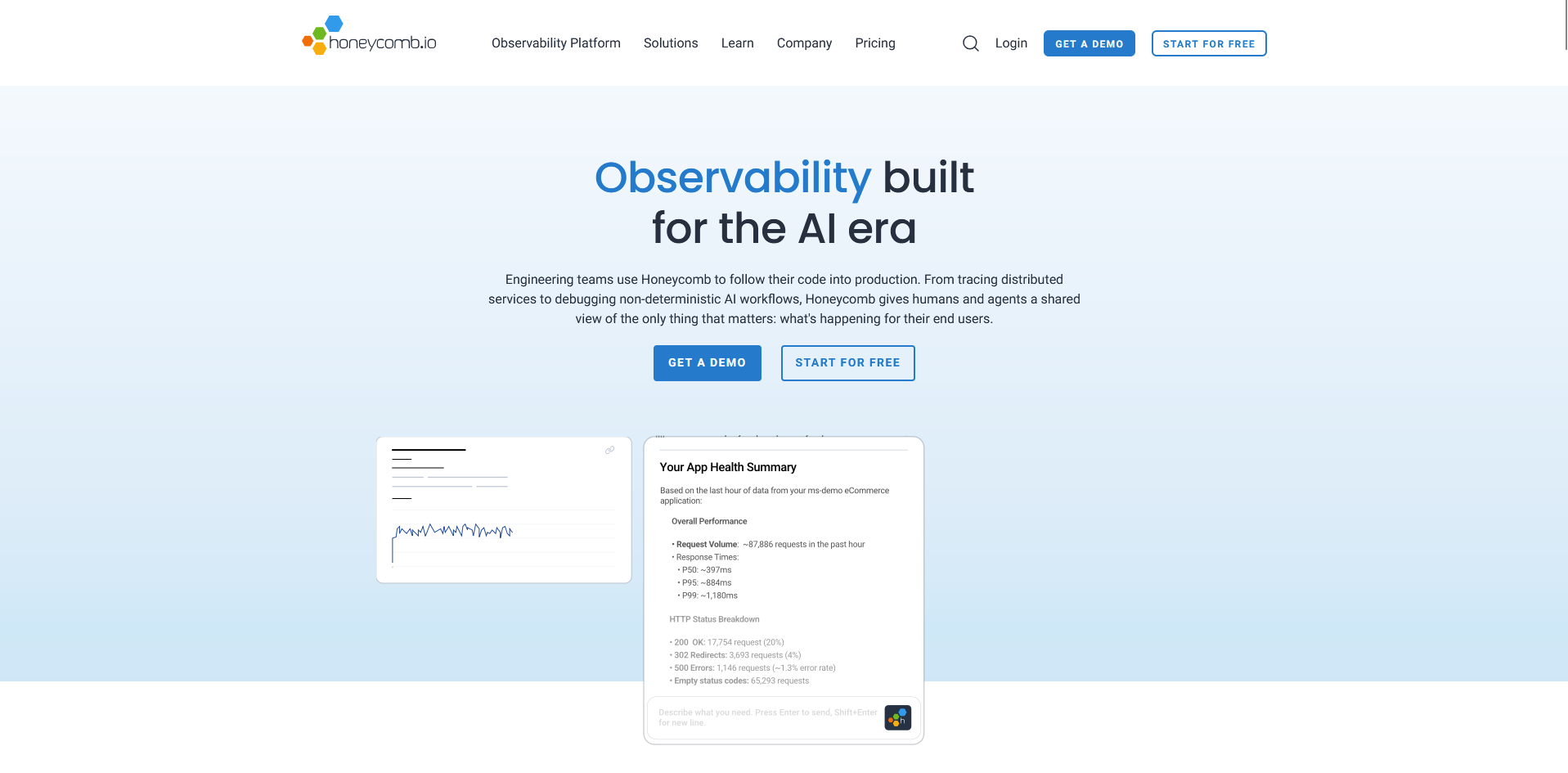
Honeycomb is a hosted tool for finding out why something broke in production, and it lets you search your data by any detail you send like a user ID or request ID.
Its BubbleUp feature highlights what's different about slow or failing requests, and it also tracks AI agent conversations and LLM costs. Pricing is based on event volume, so busy apps need to estimate how many events they send before picking a plan.
Key features
- Flexible querying: Search events by any field you send, including user ID or request ID.
- BubbleUp: Highlight what is different about unusual events compared with normal ones.
- AI agent observability: Track agent conversations, fleet performance, and LLM costs.
Pros
- ✅ Seats and queries are unlimited, so more teammates can dig into the data without user fees.
- ✅ The free plan covers up to 20M events and 100M metrics data points per month.
- ✅ OpenTelemetry support is included on the free plan.
Cons
- ❌ The Service Map is only on the Enterprise plan.
- ❌ The Pro plan includes just 2 service level objectives (SLOs), and 100 start on Enterprise.
Best for
- Engineers who need to find the cause of odd production problems
- Teams that run AI agents and want to see each conversation and its cost
- Teams that want many teammates querying the same data
Pricing
Honeycomb starts at $150 per month.
10. Elastic Stack (Kibana): Best for log analytics on existing Elasticsearch data
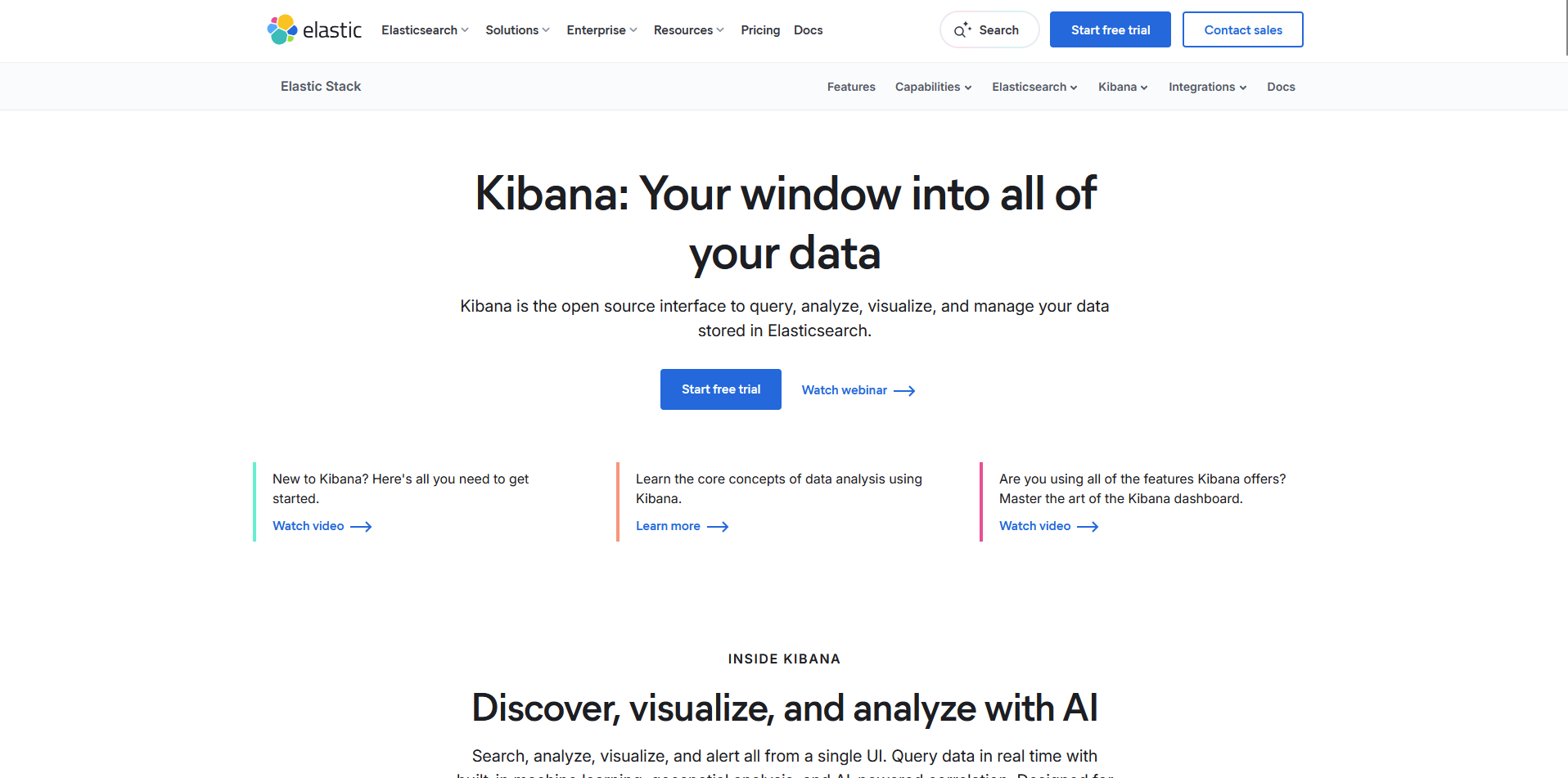
Kibana is the open-source window into data stored in Elasticsearch, the search engine behind the Elastic Stack. You can search logs in Discover, build dashboards, and set alerts that send messages to tools like Slack and PagerDuty.
Kibana reads data from Elasticsearch, so data that lives somewhere else has to be loaded into it first.
Key features
- Discover: Search and filter logs and other data stored in Elasticsearch in real time.
- Dashboards: Build dashboards with metrics, charts, maps, and tables.
- Alert rules: Trigger actions in tools like Slack, PagerDuty, and ServiceNow when your data crosses a limit.
Pros
- ✅ You can manage dashboards and alert rules through an API or a Terraform provider.
- ✅ Natural language input and an AI assistant can help write and explain queries.
- ✅ You can run it on your own servers, in Elastic Cloud Hosted, or on Elastic Cloud Serverless.
Cons
- ❌ Running it yourself means managing cluster size, node count, and versions.
- ❌ Elastic Cloud Serverless doesn't have every feature that self-managed Elastic has, so check that the ones you need are available before you commit.
Best for
- Teams that already store their logs in Elasticsearch
- Engineers who want to view logs, metrics, and traces in one screen
- Teams that want machine learning to flag unusual log patterns without writing code
Pricing
Elastic Stack (Kibana) offers custom pricing.
Grafana alternatives for metrics and lighter open-source backends
11. Prometheus: Best for Kubernetes metrics collection
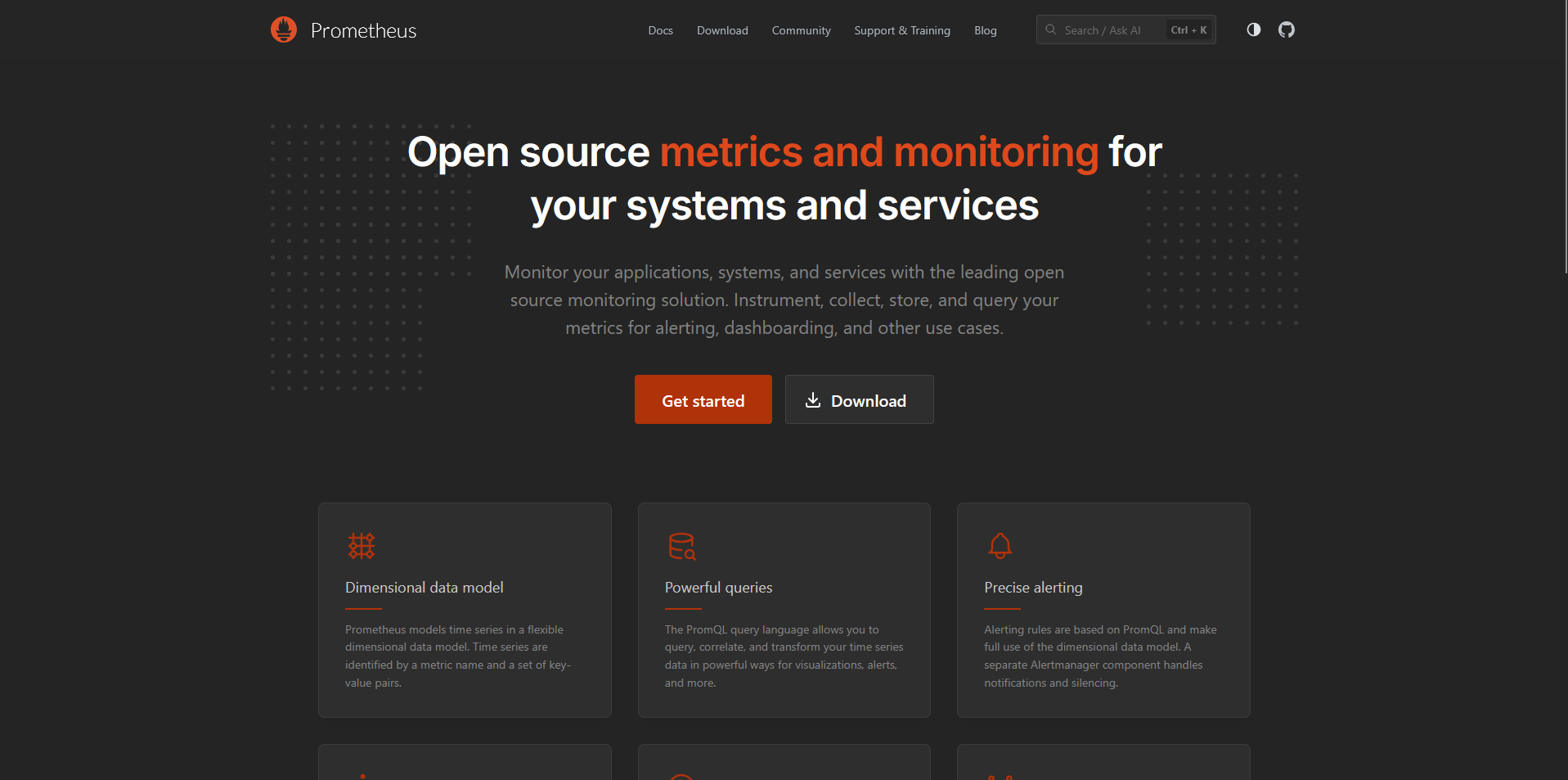
Prometheus is a free, open-source tool that collects numbers about your systems over time, such as request times or CPU use, and stores them with labels so you can sort and compare them.
You set Prometheus to collect numbers from your services on a schedule, search them with its query language (PromQL), and route alerts through Alertmanager. Prometheus stores data on the server's local disk, so keeping metrics for a long time means connecting a separate storage system.
Key features
- Pull-based collection: Scrape metrics from your services over HTTP on a set schedule.
- PromQL: Select and combine time series data with a flexible query language.
- Alertmanager: Route, group, and silence alerts before sending them to email and other destinations.
Pros
- ✅ Each server runs on its own, with no network storage or remote services needed.
- ✅ Labels let you slice metrics by any combination, which helps when you run many small services.
- ✅ It is open source and a graduated project of the Cloud Native Computing Foundation.
Cons
- ❌ Its built-in graphs are basic, so many teams add a tool such as Grafana for dashboards.
- ❌ PromQL can take time to learn, especially for people who don't write queries every day.
Best for
- Teams running microservices and containers
- Engineers who already know PromQL
- Teams that want to keep their metrics data on their own servers
Pricing
Prometheus is free.
12. OpenObserve: Best for SQL queries across logs, metrics, and traces
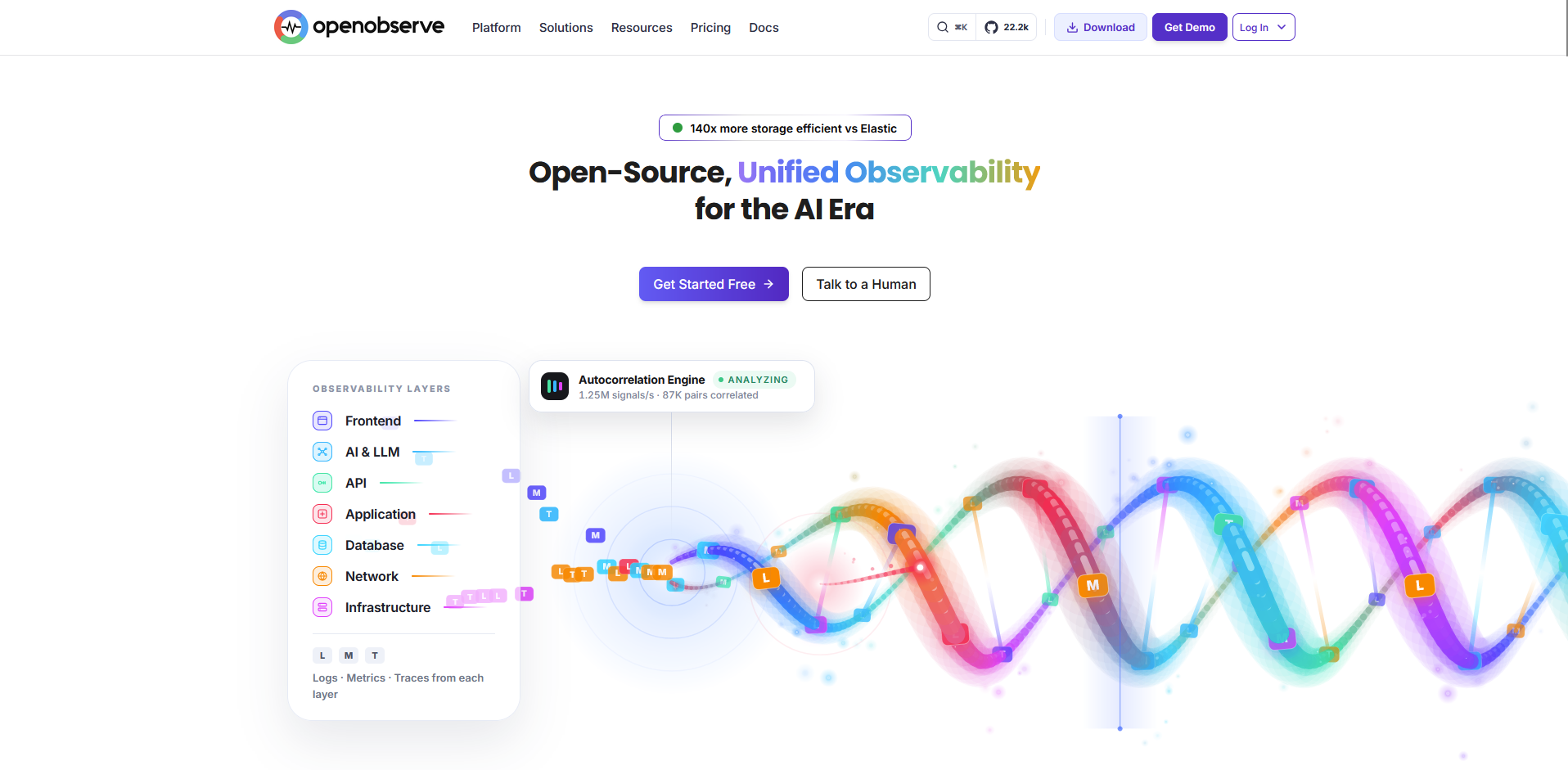
OpenObserve is an open-source tool that keeps your logs, metrics, and traces in one place, and you can run it on your own servers or use OpenObserve Cloud.
You can search all three with SQL, a query language many people already know, and Cloud plans have no per-seat fees. Cloud keeps logs and traces for 30 days by default, so storing them longer costs extra.
Key features
- Unified signals: Store logs, metrics, traces, and real user monitoring data in one platform.
- SQL queries: Query every signal type with SQL.
- OpenTelemetry ingestion: Accept OpenTelemetry data from your existing services.
Pros
- ✅ Cloud plans include unlimited users, dashboards, alerts, and data sources.
- ✅ Cloud keeps metrics for 15 months by default.
- ✅ The open-source edition is free to self-host under the AGPL-3.0 license.
Cons
- ❌ Role-based access control and audit trails are Enterprise features, and the self-hosted Enterprise edition is free only up to 50 GB per day.
- ❌ Querying logs, metrics, and traces means writing SQL, which not everyone on a team knows.
Best for
- Teams leaving the Grafana LGTM stack that want one tool for logs, metrics, and traces
- Teams that already know SQL
- Teams that want to start self-hosted and move to a managed cloud later, or the other way around
Pricing
OpenObserve starts at $0.50 per GB ingested.
How to evaluate Grafana alternatives
Tools in this category range from full monitoring platforms to simple reporting dashboards, so a feature-by-feature comparison can mislead you. Check these points against your own setup first:
- The job you need done: List the signals you need, such as metrics, logs, traces, or business reports, and rule out any tool that doesn't cover them.
- How much you want to host yourself: Self-hosting gives you control of your data, and managed plans remove the upkeep. Decide how much server work your team can take on.
- How the price is calculated: Plans may charge per host, per GB of data, or per user. Estimate your own volume and team size to see which model fits.
- The query languages your team must learn: Each tool may use its own query language or SQL. Check what your team already knows, since a new one can slow early work.
- How much of your setup you must rebuild: Dashboards, alerts, and data sources built for your current tool may need recreating. Test one real dashboard before you commit.
Start with the question, then build the dashboard
Finding the right Grafana alternative is one part of the equation. If your dashboards were for business reporting, the slow part is often getting the data into shape and answering the question behind each chart. We built Julius for that part of the workflow.
Julius lets you search the web for public datasets, pull public company financials for 17,000+ companies through the Financial Datasets integration, or connect your own data sources. From there, you can ask questions in plain English and get charts and analysis, then turn that work into structured reports with the AI Report Generator.
Frequently asked questions
What is a better alternative to Grafana?
Some of the best Grafana alternatives include Julius, Metabase, and Power BI for business reporting, Datadog for managed monitoring, and SigNoz for open-source observability. Your pick depends on the job you're replacing, since monitoring platforms and reporting tools solve different problems.
What are the best free or self-hosted Grafana alternatives?
What's the difference between Grafana and Prometheus?
Prometheus collects and stores your metrics, and Grafana turns them into dashboards. They usually run together, so a Grafana alternative may replace only the dashboards or the whole monitoring stack.
Is there a Grafana alternative for business dashboards?
Yes, Julius, Metabase, Apache Superset, and Power BI are built for business dashboards like revenue and KPIs. These tools connect to business data like databases and spreadsheets, while Grafana is built mainly around time series monitoring data.