

The MATLAB renewal notice tends to land right when you need one more toolbox. A standard license runs about $1,050 a year before any add-ons, and Simulink costs more on top of that. That's a lot to pay for scripts you mostly use to crunch numbers and draw plots (plus the occasional heat map for a slide deck).
I compared eight MATLAB alternatives against the same checklist: how much of your existing code runs as-is, whether there's a Simulink-style simulator, what it costs today, and who it suits. Every version number and price below was checked against official sites in October 2026.
The short version: Julius if you want answers from your data without writing code, GNU Octave if you want your .m files to keep working, and Python if you're ready to switch for good. Here's where each one shines, where it falls short, and how to pick.
8 best MATLAB alternatives: TL;DR
- Julius: Best for analyzing data, running stats, and solving math problems in plain English
- GNU Octave: Best for running existing MATLAB scripts with few or no changes
- Python with NumPy, SciPy, and Matplotlib: Best for a long-term, general-purpose replacement
- Scilab: Best for a free, all-in-one environment with a Simulink-style simulator
- Julia: Best for speed-hungry numerical work and simulations
- R: Best for statistics and publication-ready charts
- SageMath: Best for symbolic and pure math
- Wolfram Mathematica: Best paid all-in-one for symbolic and numeric work
Why look for MATLAB alternatives?
MATLAB earned its spot in engineering labs. The matrix-first syntax is easy to read, the toolboxes are deep, and Simulink is still the standard for block-diagram modeling. The friction shows up in a few predictable places:
- High licensing costs: MathWorks lists a standard individual license at about $1,050 a year or $2,625 perpetual (prices vary by region). For freelancers, small teams, and anyone who's left a university license behind, that's hard to justify.
- Toolbox costs add up: Signal processing, statistics, control systems, and optimization each come as separate products. Simulink alone lists at about $1,585 a year on top of MATLAB.
- Proprietary code: Anyone you share your scripts with needs their own license to run them. That's awkward for open source projects and research collaborations.
- Limited free cloud access: The free MATLAB Online basic tier gives you 20 hours a month, 10 common products, and 15 minutes of continuous compute at a time. Fine for homework, tight for real projects.
- Weaker ties to open source tools: Most new machine learning and data libraries ship for Python first, so MATLAB users often end up bridging the two anyway.
Reviewers on G2 say the same thing. One control systems lead summed it up: "Pricing wise it is little out of reach for developers and students." (KHK T., G2)
Which MATLAB alternative should you choose?
The right pick depends on what you use MATLAB for today. Choose:
- Julius if you mostly use MATLAB to analyze data, run statistical tests, or check math, and you'd like to ask in plain English and skip the code. It won't run your existing .m files.
- GNU Octave if you have a folder of .m scripts you need running this week.
- Python if you're switching for the long haul and want the biggest library collection for signal processing, machine learning, and data work.
- Scilab if you want a free desktop environment that includes a Simulink-style block editor (Xcos).
- Julia if your simulations are slow and you want speed close to compiled code.
- R if your MATLAB work is mostly statistics and charts.
- SageMath if you work in algebra, number theory, or symbolic calculus.
- Mathematica if you want one polished, paid system for symbolic and numeric math.
Stick with MATLAB if your work depends on specific MathWorks toolboxes, your team shares Simulink models every day, or you need code generation for embedded hardware and commercial support. No free tool fully replaces that combination yet.
8 best MATLAB alternatives at a glance
| 🔧 Platform | 💰 Price | 🧩 MATLAB syntax | 🔁 Simulink equivalent | 🎯 Best for |
| Julius | Free; paid from $16/mo | None (plain English) | No | No-code data analysis and math |
| GNU Octave | Free (GPL) | Very close | No | Running old .m files |
| Python + NumPy/SciPy | Free (BSD) | Different | No | Long-term replacement |
| Scilab | Free (GPLv2) | Similar, converter included | Yes (Xcos) | Free all-in-one engineering |
| Julia | Free (MIT) | Similar feel | Code-based (ModelingToolkit.jl) | Fast simulations |
| R | Free (GPL) | Different | No | Statistics and charts |
| SageMath | Free (GPL) | Different (Python-based) | No | Symbolic math |
| Wolfram Mathematica | From $78/yr (student) | Different | Yes (System Modeler, extra cost) | Paid all-in-one |
Pricing correct as of October 2026. Verify with vendor.
1. Julius: Best for analyzing data and solving math without writing MATLAB code
📸 [SCREENSHOT NEEDED #1]
Shows: a Julius chat where a CSV is uploaded, a plain-English prompt asks for a regression and a chart, and the generated chart plus the visible Python code appear
How to capture: sign in at julius.ai, upload a small sample CSV, ask "Run a linear regression of y on x and plot the fit," expand the code cell
Placement: top of this section
Suggested alt text: Julius running a regression and plotting the result from a plain-English prompt
Julius is an AI data analyst that turns plain-English questions into analysis, charts, and worked math. It's a strong fit for anyone who uses MATLAB as a very expensive calculator and plotting tool and would like to describe the result they want and skip the syntax.
Behind the chat, Julius writes Python or R, runs it in a secure cloud container, and installs whatever libraries the job needs. You can open the code it wrote, copy it, and keep it.
For math, the AI Math Solver walks through equations, calculus, and word problems step by step, and since September 2026 you can use it without an account or credits.
MATLAB compatibility: none. Julius works in Python and R, so you describe the task and it writes the code.
Simulink equivalent: no.
Key features
- Plain-English analysis: Ask for a one-way ANOVA, a regression, or a forecast, and get the result with the code that produced it.
- Charts on request: Julius builds interactive charts and static plots with matplotlib, seaborn, or plotly, so you can go from table to figure in one prompt.
- Data where it lives: Connect Postgres, Snowflake, BigQuery, Databricks, and other sources, or pull market and company fundamentals through the Financial Datasets integration.
- Learns your data: A learning sub-agent records what it figures out about your connected databases, so later questions need less explaining.
Pros
- ✅ No syntax to learn, which saves the most time for occasional MATLAB users
- ✅ Shows the Python or R code behind every answer, so results are checkable
- ✅ Free AI Math Solver for step-by-step math with no sign-in
Cons
- ❌ Doesn't run your existing MATLAB scripts or toolboxes
- ❌ No Simulink-style modeling, hardware connections, or embedded code generation
- ❌ Paid plans run on monthly credits, so heavy users need to watch usage
Best for
- Analysts and researchers who used MATLAB mainly for data cleanup, stats, and plots
- Business teams that need answers from spreadsheets or databases fast
- Anyone checking calculus or statistics work step by step
Pricing
Julius has a free plan. Plus costs $20 a month ($16 billed yearly) with 2,000 credits, Pro costs $45 a month ($37 yearly), and Business starts at $450 a month for teams.
2. GNU Octave: Best for running existing MATLAB scripts with few or no changes
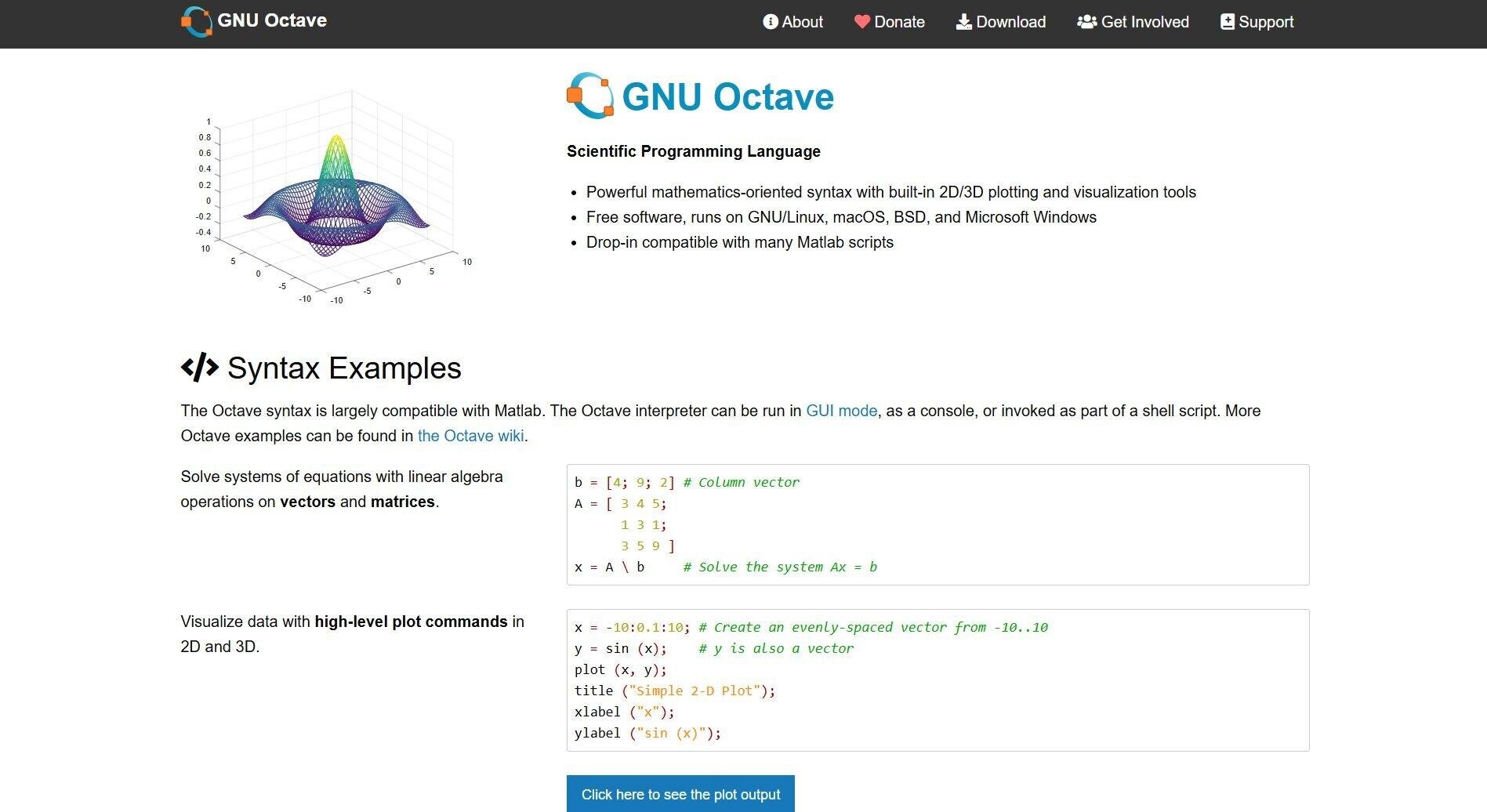
GNU Octave homepage with syntax examples
GNU Octave is the closest free match to MATLAB's language. The project describes its syntax as "largely compatible with Matlab," and in practice that means most plain matrix, plotting, and solver scripts run unchanged. If your code leans on a paid toolbox, expect some rework.
Octave 11.3.0 shipped in June 2026, and you can run it as a desktop GUI, from the command line, or in your browser through Octave Online (handy for a quick test before you install anything).
Fair warning: the free Octave Online servers get busy at peak times, so the desktop app is the better daily driver.
MATLAB compatibility: very close for core language and plotting; toolbox code varies.
Simulink equivalent: none. Pair it with Xcos or OpenModelica (see below).
Key features
- MATLAB-style syntax: Run most existing scripts with little or no modification, so a team can switch without a rewrite.
- Package manager: The built-in `pkg` command installs from an index of 144 packages, including control, signal, and statistics.
- Familiar plotting: 2D and 3D plotting commands mirror MATLAB's, so your figures come out looking about the same.
Pros
- ✅ Runs most MATLAB scripts without major rewrites
- ✅ Covers linear algebra, differential equations, and optimization out of the box
- ✅ Free on Windows, macOS, and Linux
Cons
- ❌ Toolbox coverage is much narrower than MATLAB's
- ❌ Slower than compiled options like Julia on heavy computations
Best for
- Engineers and students with a backlog of .m files
- Testing whether a full migration is worth it before you commit
- Classrooms that need MATLAB-style code at zero cost
What users say
"This is a perfect, free and open source software which can be used as an alternative to MATLAB as the syntax and the functions are similar." (Mit S., Engineer, G2)
"Octave has limited library and toolbox. For example toolbox for image visualization is not there." (Aaliya R., Design Engineer, G2)
Pricing
GNU Octave is free under the GPL. Octave Online is free, with an optional $3-a-month supporter tier.
3. Python with NumPy, SciPy, and Matplotlib: Best for a long-term, general-purpose replacement
NumPy homepage
Python with NumPy, SciPy, and Matplotlib is the most common place MATLAB users land when they leave for good.
NumPy handles arrays and linear algebra, SciPy adds optimization, integration, interpolation, signal processing, and differential equation solvers, and Matplotlib draws the plots.
The trade-off is syntax. Indexing starts at 0, `*` multiplies element by element, and you write `@` for matrix multiplication, so expect a week or two of muscle-memory errors (we've all typed `end` where it doesn't belong).
The payoff is that nearly every new machine learning and data library ships for Python first. If you want to see the analysis side in action, our guide to Python for statistical analysis walks through it.
MATLAB compatibility: different syntax; NumPy's docs include a MATLAB-to-NumPy translation guide.
Simulink equivalent: none in the core libraries.
Key features
- Fast arrays: NumPy's core is optimized C, so vectorized math runs fast.
- Scientific toolkit: SciPy covers solvers, statistics, and signal processing that MATLAB sells as separate toolboxes.
- IDE choice: Spyder gives you a MATLAB-like desktop, and JupyterLab gives you notebooks that mix code, plots, and notes (see our roundup of Jupyter notebook alternatives if you’re weighing the environment too).
Pros
- ✅ Free, with the largest library collection of any option here
- ✅ Skills transfer to data science, machine learning, and web jobs
- ✅ Huge community, so most errors already have an answer online
Cons
- ❌ Biggest syntax shift from MATLAB on this list
- ❌ Setup takes a few steps (Python, packages, an IDE) before you're productive
Best for
- Engineers switching permanently
- Signal processing and machine learning work
- Teams that want code anyone can run for free
Pricing
NumPy, SciPy, Matplotlib, Spyder, and JupyterLab are all free and open source.
4. Scilab: Best for a free, all-in-one environment with a Simulink-style simulator
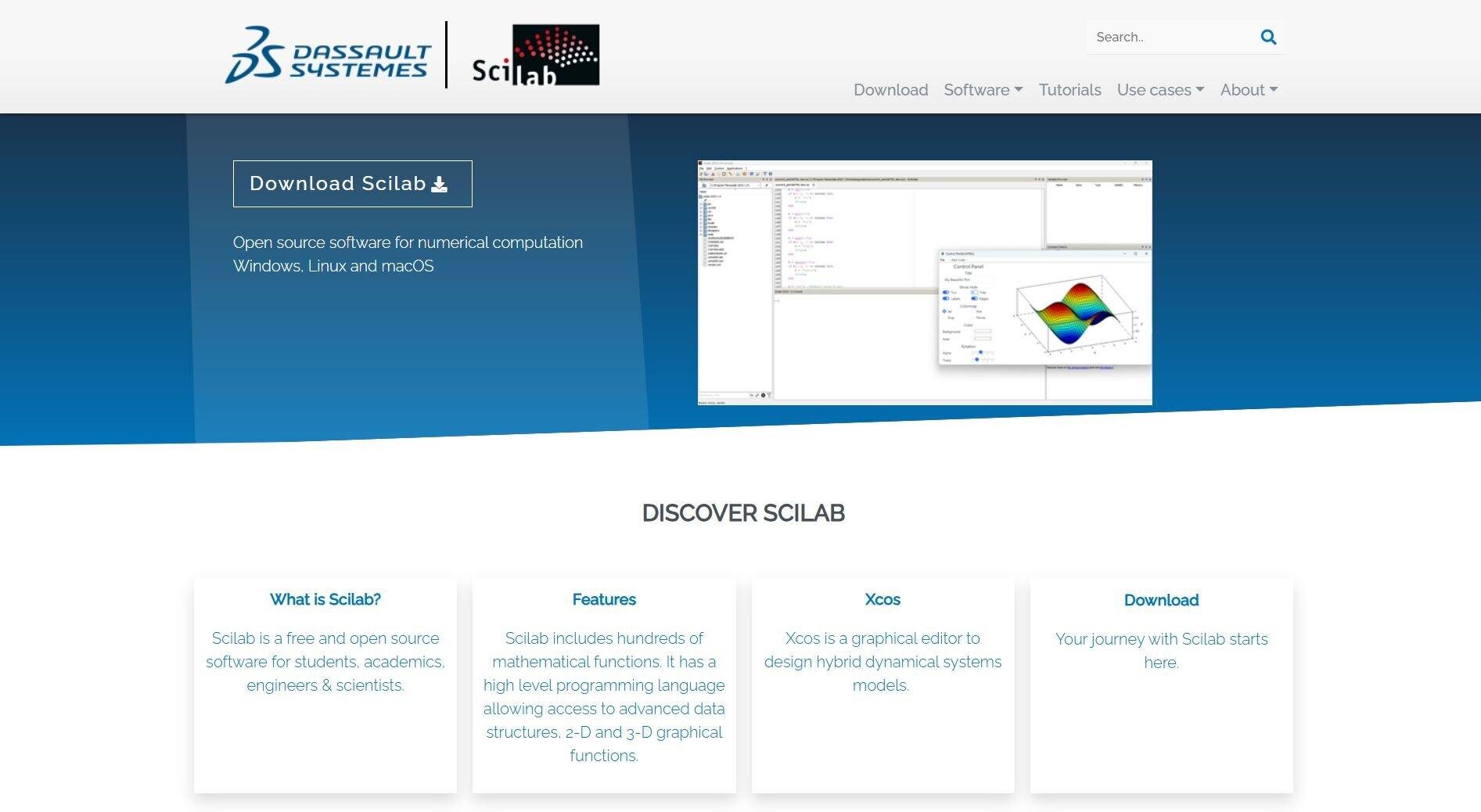
Scilab homepage
Scilab is the free pick that feels most like a full MATLAB install, Simulink included.
It ships as one desktop app with a console, editor, plotting, and Xcos, a graphical editor for modeling hybrid dynamical systems with blocks. Dassault Systèmes has developed it since 2022, and version 2026.1.0 landed in May 2026.
The syntax looks like MATLAB but isn't identical, so old scripts usually need edits. Scilab helps here: the `mfile2sci` tool converts .m files and flags any line it isn't sure about. The 2026.1 release also added MATLAB-style broadcasting across array dimensions, plus Excel and Parquet file support.
MATLAB compatibility: similar; conversion tool included.
Simulink equivalent: yes, Xcos ships with Scilab.
Key features
- Xcos simulator: Build and simulate block diagrams for control and dynamic systems at no cost.
- MATLAB converter: `mfile2sci` translates .m files and marks uncertain lines for review.
- ATOMS modules: Add toolboxes for image processing, FMI co-simulation, and code generation.
Pros
- ✅ The only free pick with a bundled Simulink-style editor
- ✅ Signal processing, optimization, and control tools built in
- ✅ Runs on Windows, macOS, and Linux
Cons
- ❌ Code migration takes more work than Octave
- ❌ Smaller community, so answers are harder to find
Best for
- Control systems students and engineers
- Small teams that need Simulink-style modeling for free
- Anyone who wants one install for computing and simulation
What users say
"Its programming is similar to MATLAB making it easy to switch to open source." (Tanishq G., Data Engineer, G2)
"The community is small and help is not available always. Sometimes it consumes too much memory and slow down the system." (Rakesh K., G2)
Pricing
Scilab is free under the GPLv2.
5. Julia: Best for speed-hungry numerical work and simulations
Julia homepage
Julia is a free language built for high-performance math that still reads like a scripting language. Code compiles to native machine code through LLVM, so slow loops can run at speeds close to C. Version 1.13.2 shipped in October 2026.
The syntax will feel familiar (1-based indexing, `end` blocks, matrix literals in square brackets), though your .m files still need converting.
The catch is community size: one Dynare maintainer estimated MATLAB and Octave users outnumber Julia users about nine to one in that project's forum. The first run of a script also takes a moment while Julia compiles it.
MATLAB compatibility: similar feel, conversion required.
Simulink equivalent: code-based, through ModelingToolkit.jl, which supports causal and acausal modeling in the Simulink and Modelica styles.
Key features
- Compiled speed: Run heavy simulations fast with no separate C or Fortran rewrite.
- Multiple dispatch: Write one function that behaves correctly for different number types, which keeps math code short.
- ModelingToolkit.jl: Model physical systems in code and simulate them at speed.
Pros
- ✅ Among the fastest options here for numerical work
- ✅ Math-friendly syntax that MATLAB users pick up quickly
- ✅ Free under the MIT license
Cons
- ❌ Smaller package collection and user base than Python
- ❌ Compile delay on the first run of a script
Best for
- Researchers running large simulations
- Differential equations and optimization
- Code that's too slow in MATLAB or Python
Pricing
Julia is free and open source under the MIT license.
6. R: Best for statistics and publication-ready charts
R Project homepage
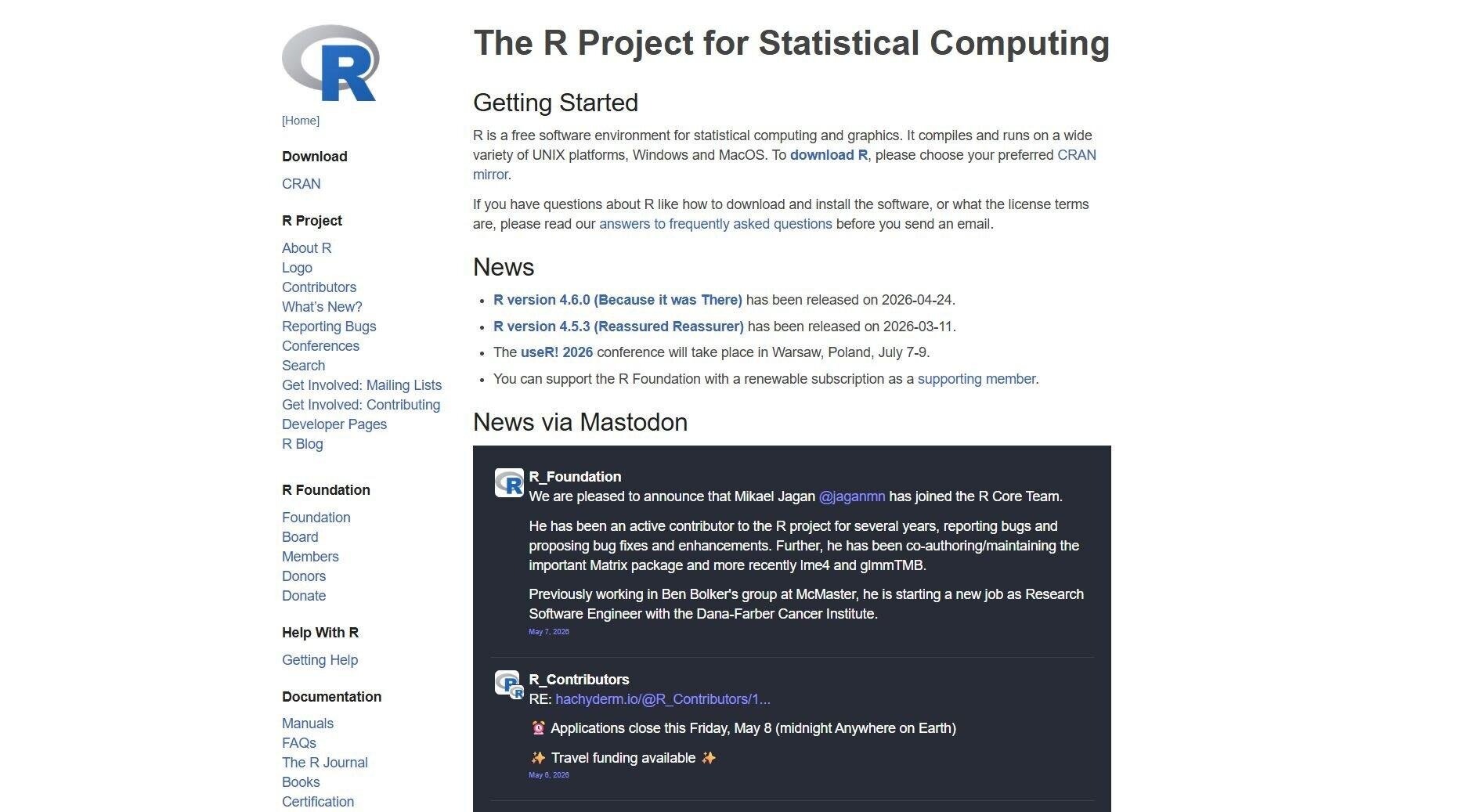
R is a free language built for statistics, and it's the top-voted free MATLAB alternative on AlternativeTo. If most of your MATLAB time goes to hypothesis tests, regressions, and charts, R does that work with less code and better defaults.
R 4.6.1 came out in June 2026, and CRAN now hosts more than 22,000 packages, from bioinformatics to econometrics. Most people use it through RStudio Desktop from Posit.
It's a weaker fit for signal processing, control, and simulation work, and its syntax quirks take getting used to. If R isn't quite right either, see our roundup of alternatives to R.
MATLAB compatibility: different syntax.
Simulink equivalent: none.
Key features
- Statistical modeling: Run linear and nonlinear models, tests, clustering, and time series analysis with built-in functions and packages.
- ggplot2 charts: Produce publication-ready graphics with fine control over every element.
- 22,000+ CRAN packages: Find a package for almost any statistical method.
Pros
- ✅ The widest range of statistical methods on this list
- ✅ Excellent charts for papers and reports
- ✅ Free, with a large academic community
Cons
- ❌ Poor fit for engineering, signal processing, or simulation
- ❌ Slower than Julia on heavy numerical loops
Best for
- Statisticians and data analysts
- Academic research and reporting
- Anyone whose MATLAB work is mostly stats
Pricing
R is free under the GPL. RStudio Desktop has a free open source edition.
7. SageMath: Best for symbolic and pure math
SageMath homepage
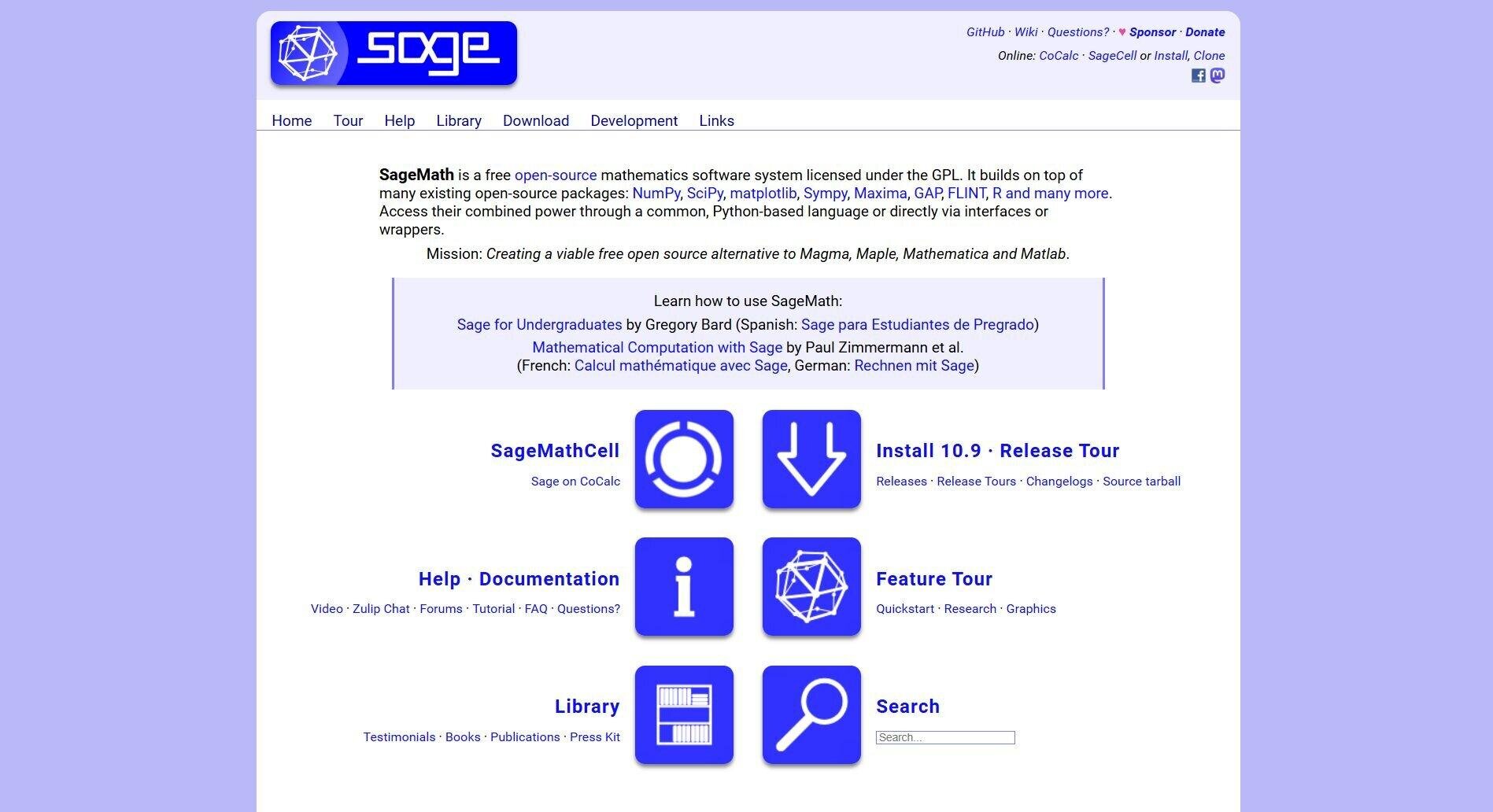
SageMath is a free math system with a stated mission to be an open source alternative to Magma, Maple, Mathematica, and MATLAB. It bundles NumPy, SciPy, Matplotlib, SymPy, Maxima, GAP, R, and more behind one Python-based language, so algebra, calculus, and number theory live in one place.
SageMath 10.10 shipped in September 2026. Installation is the sticking point: there's no native Windows build, so Windows users need the Windows Subsystem for Linux.
The easier route is CoCalc, which runs Sage in your browser. If you mainly want help with math problems, our list of the best AI tools for math covers lighter options.
MATLAB compatibility: different (Python-based).
Simulink equivalent: none.
Key features
- Symbolic math engine: Solve equations, simplify expressions, and run calculus symbolically.
- Many libraries, one language: Call NumPy, SciPy, Maxima, and R from the same notebook.
- Browser access: Use Sage through CoCalc and skip the local install.
Pros
- ✅ Covers pure and applied math in one free system
- ✅ Python-based syntax for anyone who already codes
- ✅ Strong academic community
Cons
- ❌ Not built for engineering simulation or signal processing
- ❌ Windows requires WSL for a local install
Best for
- Mathematicians and math students
- Symbolic algebra and number theory
- Researchers who want a free Mathematica-style system
Pricing
SageMath is free under the GPL. CoCalc has a free tier, and paid plans start at $6 a month billed yearly.
8. Wolfram Mathematica: Best paid all-in-one for symbolic and numeric work
📸 [SCREENSHOT NEEDED #2]
Shows: a Mathematica 15 notebook with a symbolic result and a 3D plot
How to capture: use a Mathematica trial, run `Integrate[]` and `Plot3D[]` in a notebook
Placement: top of this section
Suggested alt text: Wolfram Mathematica notebook with a symbolic integral and a 3D plot
Mathematica is the paid pick for people who want one polished system and don't mind paying for it.
It packs nearly 7,000 built-in functions for symbolic math, numerics, data, and visualization into a notebook interface, plus Wolfram's curated knowledge base of real-world data. Version 15 is current.
Its companion product, Wolfram System Modeler, covers multidomain modeling and simulation (the Simulink job), though it's sold separately. Mathematica's language is nothing like MATLAB's, so plan on learning it from scratch.
MATLAB compatibility: different syntax.
Simulink equivalent: yes, Wolfram System Modeler (extra cost).
Key features
- Symbolic and numeric in one place: Solve, simplify, and compute numerically in the same notebook.
- Built-in data: Pull curated scientific, financial, and geographic data straight into your notebook.
- AI tools: Every plan now includes Wolfram AI Access Basic and a local MCP connection.
Pros
- ✅ The deepest symbolic math engine here
- ✅ Affordable personal and student plans
- ✅ Commercial support and documentation
Cons
- ❌ Commercial plans cost more than MATLAB
- ❌ Heavy computations need a strong machine
Best for
- Researchers who mix symbolic and numeric math
- Teams that want vendor support
- Students who can use the $78 student plan
What users say
"The best feature is that it has tools for almost any need when dealing with data analytics, algorithms, calculations, and mathematical model." (Roberto C., Knowledge Transfer Manager, G2)
"Some operations in Wolfram Mathematica require significant hardware capabilities, making it challenging for students with less powerful equipment." (Alejandro G., G2)
Pricing
Mathematica costs $1,960 a year for commercial use, $201 a year for personal use, and $78 a year for students. See Mathematica pricing.
If you need Simulink
Simulink is the hardest part of MATLAB to replace. Nothing free matches it feature for feature, but four tools cover most block-diagram and system-modeling work:
- Xcos (with Scilab): The closest free experience. You drag blocks onto a canvas, wire them up, and simulate hybrid dynamical systems.
- OpenModelica: A free Modelica environment (version 1.27.1, September 2026) whose OMEdit editor lets you build models by connecting components. Modelica models are written as equations about the physics, while Simulink models describe signal flow, so expect a mindset shift.
- ModelingToolkit.jl (with Julia): Code-based causal and acausal modeling that runs very fast. Great for researchers, harder for drag-and-drop fans.
- Wolfram System Modeler: A paid, Modelica-based option that pairs with Mathematica.
If your team trades Simulink models every day or generates embedded code from them, keep MATLAB and Simulink for that work. You can still move your analysis and scripting to a free tool and cut down on seats.
Moving your MATLAB code over
Switching tools is mostly a code problem. A few habits make it smoother:
- Test in Octave first: Run your scripts in GNU Octave before you plan anything. Whatever runs there is plain MATLAB, and whatever breaks usually points to a toolbox dependency.
- Convert to Scilab with mfile2sci: The converter rewrites MATLAB calls into Scilab equivalents and flags uncertain lines with `//!` comments for you to check.
- Learn the Python gotchas up front: NumPy's official guide for MATLAB users lists the big ones: 0-based indexing, `*` for element-wise math, `@` for matrix multiplication, and slices that share memory with the original array.
- Bridge while you migrate: The Oct2Py package lets Python call Octave functions, so you can move one piece at a time.
- Skip the port for analysis work: If a script only loads data, runs a test, and draws a chart, describing that job to Julius can be faster than translating it line by line.
How to evaluate MATLAB alternatives
The best alternative depends on what you use MATLAB for today, how much code you have, and why you're leaving. Weigh these:
- Your use case: Numerical engineering, statistics, symbolic math, and everyday data analysis point to different tools. List the three things you did most in MATLAB last month and pick for those.
- How much code you'd port: A big library of .m files favors Octave or Scilab. A small one makes Python or Julia realistic.
- Simulink dependence: If you need block diagrams, your shortlist is Scilab with Xcos, OpenModelica, or a paid tool.
- Performance needs: For heavy simulations, Julia is the speed pick. For everyday scripts, any option here is fast enough.
- Support and community: The free tools rely on forums and docs. Python's community is the largest by far, and Scilab's is much smaller.
- Package coverage: MATLAB's toolboxes are its biggest strength, so check that your alternative has a package for each one you use. The same check applies to statistics suites, as our guide to SPSS alternatives shows.
Get answers from your data without the license bill
Most people searching for MATLAB alternatives are trying to keep doing the same work for less money. For engineers with Simulink models and toolbox-heavy code, that means Octave, Scilab, or Python.
A lot of MATLAB use is simpler than that: load a dataset, run a test, plot the result, and check the math. For that work, learning a new programming language is a big detour. Julius lets you describe the analysis in plain English and gives you the result and the code.
Here's how Julius helps:
- Analyze uploaded files like CSVs and spreadsheets with plain-English questions
- Run statistics such as regressions, ANOVA, and forecasts, with the Python or R code shown
- Build charts with interactive and static plots in a single prompt
- Solve math step by step with the free AI Math Solver, no account needed
- Query your databases in Postgres, Snowflake, BigQuery, and more
- Pull in financial data on public companies through the Financial Datasets integration
If your MATLAB license mostly paid for plots and stats, you probably don't need another programming language. Try Julius for free today.
Frequently asked questions
Is there a free version of MATLAB?
MATLAB has a free MATLAB Online basic tier with 20 hours of use a month, 10 common products, and 15-minute compute sessions. Beyond that, MathWorks sells annual suites: the MATLAB and Simulink Home Suite runs about $165 a year and the Student Suite about $119 a year (both annual-only since January 2026, and each bundles Simulink plus a dozen common toolboxes). GNU Octave is the closest fully free alternative.
Can I run my MATLAB code in GNU Octave?
Yes, most MATLAB code runs in GNU Octave with little or no change, because Octave's language is largely compatible with MATLAB. Code that depends on paid MathWorks toolboxes or newer MATLAB-only features may need edits. Test your scripts in Octave before committing to a switch.
Is MATLAB being phased out?
No, MATLAB is still actively developed. MathWorks shipped release R2026b in 2026 and reports more than 5 million users. Its share of general programming has shrunk as Python grew, but it remains standard in engineering fields like aerospace and controls.
Why is MATLAB so expensive?
MATLAB is expensive because it's sold per seat, with most specialized features in separately priced toolboxes. A standard license lists at about $1,050 a year, and Simulink adds about $1,585 a year. MathWorks bundles commercial support and tested engineering libraries into that price.
Is Python harder than MATLAB?
Python is usually a bit harder than MATLAB for pure matrix math and easier for everything else. MATLAB's syntax was built for linear algebra, while Python needs NumPy and uses 0-based indexing. Python's general-purpose design and free libraries make it easier to grow into over time.
Do engineers still use MATLAB?
Yes. Engineers still rely on MATLAB heavily in aerospace, automotive, and control systems, where its toolboxes and Simulink models are built into existing workflows and certification processes. Its share of general-purpose programming has shrunk as Python grew, but in those simulation-heavy fields it stays a standard.
Does NASA use MATLAB or Python?
Both. MathWorks reports NASA used MATLAB and Simulink to model Orion systems for Artemis I, while NASA scientists also build open-source Python tools like SunPy. Many teams use the two together.