

Plus AI alternatives are presentation tools that bring AI slide generation outside of Google Slides and PowerPoint. Gamma leads for prompt-based decks, Pitch for collaborative teams, and Beautiful.ai for automated formatting. I tested dozens of tools to find the 10 worth your time in 2026, covering strengths, limitations, and who each one is built for.
Plus AI alternatives: At a glance
| 💻 Tool 🎯 Best for 🔥 Starting price (billed annually) | ||
| Gamma | Teams that want full decks generated from a prompt | $9/seat/month (Individual) |
| Beautiful.ai | Business teams that need polished, auto-formatted slides | $12/month |
| Julius | Teams that need to go from data analysis to presentation-ready slides in one tool | $16/month |
| Canva Presentations | Marketers who need branded presentations alongside other visual content types | $144/year |
| Pitch | Teams that need polished, design-forward decks with collaboration and analytics | $13/month |
| Visme | Teams that want visual content beyond slides, including infographics and reports | $12.25/person/month |
| Presentations.AI | Teams that need brand-consistent decks with real-time collaboration | $9/month |
| Slidebean | Startups that need investor-ready decks fast | $7/month |
| Prezi | Presenters who need a non-linear format for storytelling-heavy presentations | $7/month |
| Prezent | Enterprise teams that need on-brand, compliance-ready decks | $399/user/year (Business professionals) |
*Pricing correct as of May 2026. Verify with vendor.
Why look for Plus AI alternatives?
Plus AI works well as a native add-on for Google Slides and PowerPoint. You can start from a prompt or preset and generate a structured first draft quickly inside Google Slides or PowerPoint. For internal drafts or quick turnarounds, that workflow holds up well. But a few consistent limitations push teams to look elsewhere.
- Cross-platform editing can still be a drawback: Plus AI now works in both Google Slides and PowerPoint, but teams that frequently move decks between the two may still run into layout or formatting cleanup.
- Generic output on complex topics: AI-generated slides work well for standard business content, but specialized or technical topics can require editing before the deck is ready to share externally.
- Limited creative flexibility: Plus AI is best suited to standard business-style decks. If you need more unusual storytelling formats or deeper layout control, it may feel restrictive, especially since stronger branding and custom template options sit on higher-tier plans.
- Auto-inserted images may need replacing: Plus AI does offer AI image generation, but some reviewers note the selected images don't always match the presentation content, which can mean an extra editing pass before a deck is ready to share.
Which Plus AI alternative should you choose?
The right Plus AI alternative depends on how much design control you need, whether you want to stay inside your existing tools, and what you're building the deck for.
Choose:
- Gamma if you want a full deck draft generated quickly from a prompt and shared on the web. It also exports to PowerPoint, though you may still want to review formatting before external use
- Beautiful.ai if you want AI to handle layout decisions for you as you build. Smart Slides auto-format content in real time, which works well for teams that want polished slides without manual design work.
- Julius if need to start with data analysis and you need charts, insights, and slides built together from the same source. The template range is narrower than dedicated design platforms.
- Canva Presentations if you need branded slides alongside other content types like social graphics or reports. The design library is broad, and it covers more than just presentations.
- Pitch if your team needs collaborative, design-forward decks with real-time editing. Presentation analytics and sharing features are strong, though it's worth checking what's included in your tier before committing.
- Visme if your presentations that are data-heavy and need charts, infographics, or interactive visuals built in. It covers more content types than most tools here, which can be an advantage or overkill depending on your workflow.
Stick with Plus AI if you want AI slide generation without leaving Google Slides or PowerPoint, and your presentations follow a standard business format.
1. Gamma: Best for teams that want full decks generated from a prompt
Key features
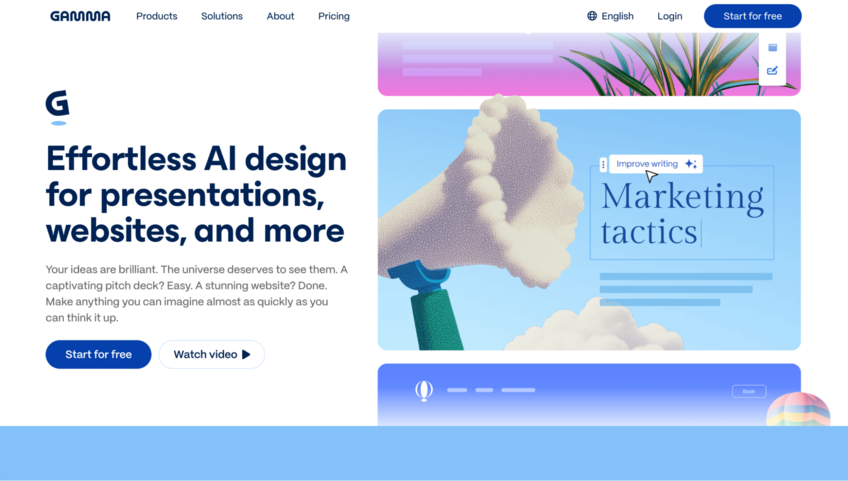
- Prompt-to-deck generation: Generate a presentation draft from a text prompt, document, or other source content.
- Import and transform: Import content from PowerPoint or PDF files and turn it into editable Gamma cards.
- Analytics: Track detailed analytics on shared presentations (available on paid plans).
Pros
✅ The card-based format supports embedded videos, live charts, and interactive elements that standard slide tools don't handle natively
✅ Quickly restyle imported decks with Gamma's theme options
✅ Collaborate through sharing, commenting, editing permissions, and workspace access controls
Cons
❌ PowerPoint exports can have formatting issues, especially on more complex slides
❌ Not the best fit for teams that depend on polished, presentation-ready PowerPoint files
Best for
- Teams that share presentations as links instead of file attachments
- Individuals and small teams that need a fast, well-structured first draft
- Content creators and marketers who need presentations alongside documents and web pages
Pricing
Gamma starts at $9 per seat per month for the Plus individual plan.
2. Beautiful.ai: Best for business teams that need polished, auto-formatted slides
Key features
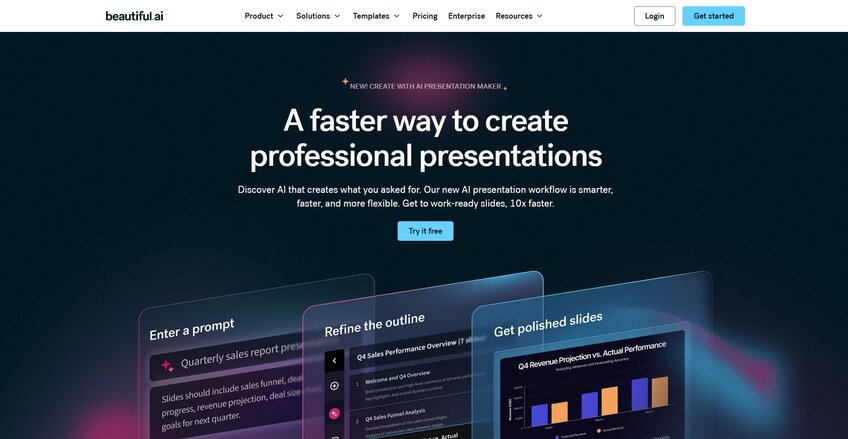
- Smart Slides: Automatically adjust spacing, alignment, and visual hierarchy across slides as you add or edit content.
- DesignerBot: Generate a full deck from a text prompt, uploaded document, or URL.
- Brand controls: Apply shared themes, locked and reusable slides, and a centralized asset library across a team workspace.
Pros
✅ Smart Slides handle layout decisions automatically, so every slide stays formatted regardless of who built it
✅ Brand controls include content locking, shared template libraries, and centralized asset management for team-scale consistency
✅ Collaboration features include real-time editing, comments, and permission controls across a shared workspace
Cons
❌ The template system limits how much you can customize individual slide layouts, which can be a constraint for complex or unconventional decks
❌ PowerPoint export options can be limiting for teams that need fully editable slides
Best for
- Business teams that need consistent, on-brand decks across multiple contributors
- Sales and marketing teams that update pitch decks frequently and want auto-formatting to handle the design
- Non-designers who need polished output without manual layout work
Pricing
Beautiful.ai starts at $12 per month.
3. Julius: Best for teams that need to go from data analysis to presentation-ready slides in one tool
Key features
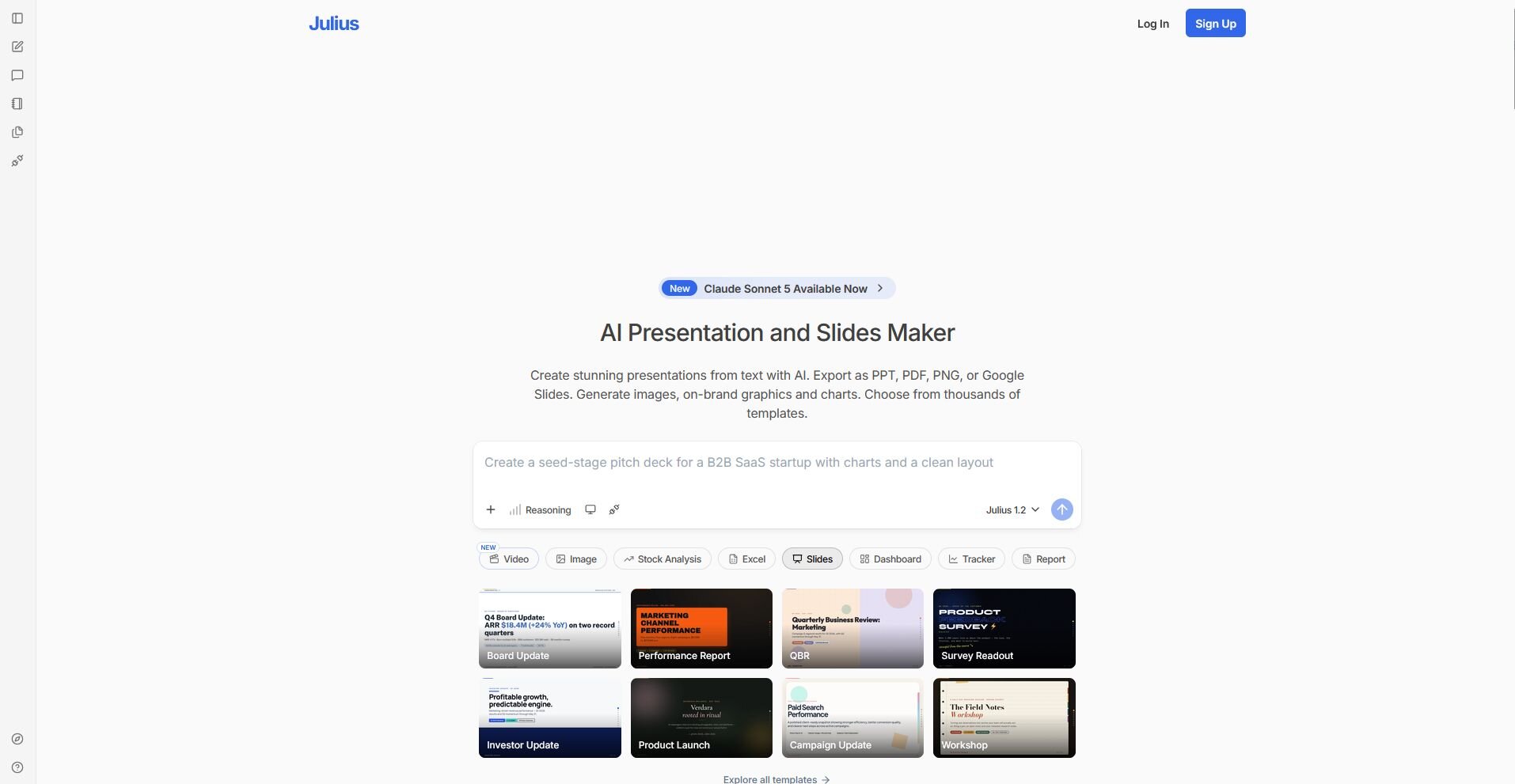
- Presentation maker: Turn uploaded files, connected data sources, or web search results into editable presentations with charts and key takeaways built in.
- Export options: Download finished presentations as PPTX, PDF, PNG, or Google Slides, and save directly to Google Drive or OneDrive.
- Branded slide generation: Apply your brand colors, fonts, and layouts across a generated deck from a prompt or uploaded document.
Pros
✅ Builds charts and data visuals directly from your analysis, so slides reflect your numbers
✅ Exports to PPTX, PDF, PNG, and Google Slides, with direct save to Google Drive and OneDrive
✅ Covers the full workflow from data analysis to finished presentation in one tool, which can reduce back-and-forth between separate platforms
Cons
❌ The presentation maker is one part of a broader data analysis platform, so teams that only need slide creation may find they're paying for features they won't use
❌ The template range is narrower than dedicated presentation platforms
Best for
- Business teams that regularly present data to stakeholders and want charts and slides built from the same source
- Marketers and finance teams that pull insights from connected data and need to turn reports into decks quickly
- Teams that want to go from raw data to a shareable presentation without switching between analysis and design tools
Pricing
Julius starts at $16 per month.
4. Canva Presentations: Best for marketers who need branded presentations alongside other visual content types
Key features
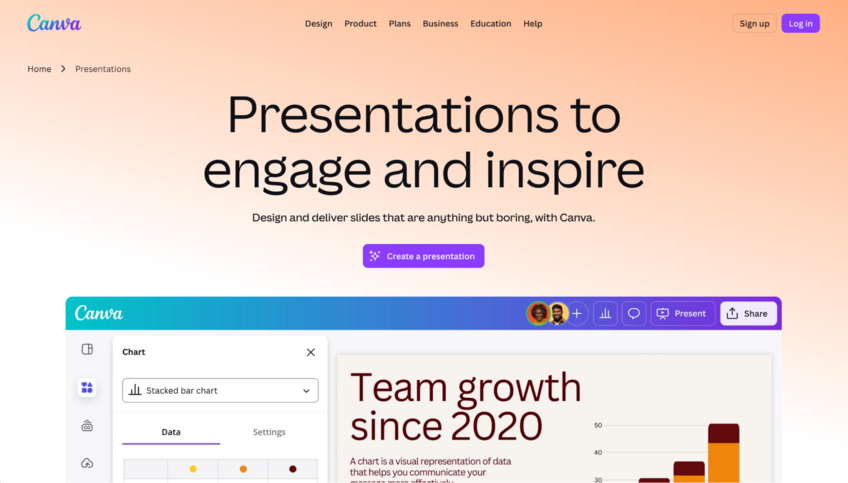
- Magic Design: Generate a draft presentation from a text prompt, with the option to add uploaded media and apply brand styles.
- Brand kit: Apply brand colors, fonts, and logos across slides and other content types in a shared workspace.
- Multi-format export: Export presentations to PDF, PPTX, PNG, and video formats.
Pros
✅ The template library covers thousands of presentation styles, giving you a wide range of starting points across different topics and formats
✅ Real-time collaboration lets multiple users edit, comment on, and share presentations without version conflicts
✅ The editor supports presentations alongside other content types like social graphics, documents, and videos in one workspace
Cons
❌ AI-generated slides tend to prioritize layout and visuals over content structure, so decks often need meaningful editing before they work for a business audience
❌ Some advanced AI and brand management features are limited by plan, so teams may need a paid tier for the full workflow
Best for
- Marketers who already use Canva for other content and want to keep presentations in the same workflow
- Teams that need branded slides alongside social graphics, reports, or other visual content
- Users who want a wide template selection and don't need deep AI content generation
Pricing
Canva starts at $144 per year.
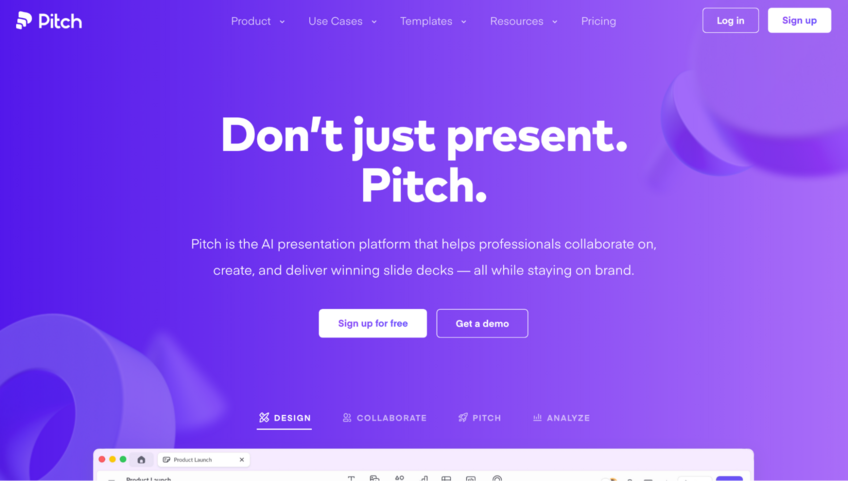
5. Pitch: Best for teams that need polished, design-forward decks with collaboration and analytics
Key features
- Real-time collaboration: Co-edit presentations with comments, slide assignments, and status tracking across a shared team workspace.
- Presentation analytics: Track viewer engagement at the slide level for presentations shared via link.
- Brand tools: Apply custom fonts, branded templates, and a shared asset library across a team workspace.
Pros
✅ Collaboration features include real-time co-editing, comments, slide assignments, and granular view and edit permissions
✅ Presentation analytics give slide-level engagement data for externally shared decks, which can be useful for sales and stakeholder follow-up
✅ Brand controls include custom fonts, reusable templates, and a shared library that helps teams keep decks visually consistent
Cons
❌ PowerPoint export is supported, but some elements like animations, uploaded videos, and certain font or chart formatting may not transfer perfectly
❌ The tool is built around team workflows, so solo users who mainly want a fast AI deck generator may find it more than they need
Best for
- Marketing and sales teams that regularly create, review, and share decks with external stakeholders
- Teams that need brand consistency across multiple contributors without rebuilding templates from scratch
- Organizations that want slide-level engagement data on shared presentations
Pricing
Pitch starts at $13 per month.
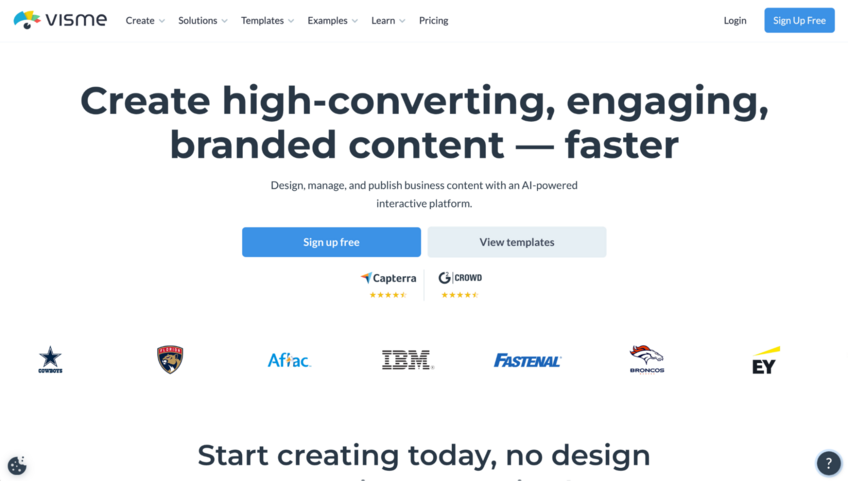
6. Visme: Best for teams that want visual content beyond slides, including infographics and reports
Key features
- Data visualization tools: Build charts, graphs, and interactive data visuals across a wide range of chart types directly inside the editor.
- AI presentation maker: Generate a draft presentation from a prompt or uploaded document and edit it inside Visme's drag-and-drop editor.
- Brand kit: Store and apply logos, fonts, and colors across presentations and other content types in a shared workspace.
Pros
✅ The platform covers presentations, infographics, reports, and data visuals in one workspace, which can reduce tool switching for teams that produce multiple content types
✅ The chart and data visualization library goes beyond standard bar and pie charts, with options like waterfall charts, Mekko charts, and Gantt charts
✅ Content analytics help teams track engagement on shared presentations and other published content
Cons
❌ PPTX exports don’t preserve Visme animations and some fonts or effects may not transfer perfectly, which can create extra cleanup for editable PowerPoint handoff
❌ Some users report performance slowdowns when working on larger or more complex projects
Best for
- Teams that need presentations alongside infographics, reports, and other visual content in one tool
- Marketing and operations teams that build data-heavy decks with charts and interactive visuals
- Teams that share presentations via link and want engagement analytics on how viewers interact with content
Pricing
Visme starts at $12.25 per person per month.
Special mentions
These 4 didn't quite crack the top 5, but depending on your situation, one of them could be what you need. Here are 4 more Plus AI alternatives worth considering:
- Presentations.AI: An AI deck builder that generates structured slides from a prompt or uploaded content. I liked the Brand Sync feature, which pulls your brand colors and fonts into every slide automatically. One limitation worth knowing is that once a deck is generated, the AI can't add new slides to it, so structural changes after that point require manual editing.
- Slidebean: A pitch deck builder built for startup founders, with templates structured around typical investor presentation formats. I noticed the AI handles layout and formatting as you add content, and deck analytics let you track how viewers engage with your slides. However, it's narrow by design and less suited for general business presentations outside the fundraising context.
- Prezi: A presentation tool built around a zoomable, non-linear canvas that maps how ideas connect spatially rather than slide by slide. Because everything lives on one large canvas that zooms in and out between points, it takes some time to build confidently. Audiences used to traditional linear decks may also need a moment to adjust to the format.
- Prezent: An enterprise presentation platform built around brand compliance, regulatory precision, and compliant content at scale. It's built for industries like life sciences, where brand standards and regulatory requirements are non-negotiable. Teams outside those environments may find it more specialized than they need.
How to evaluate Plus AI alternatives
Plus AI alternatives range from standalone AI presentation platforms and tools that fit more closely into existing slide workflows, with real differences in design control, collaboration, and export behavior.
Here are a few things to consider:
- Whether you want to stay inside your existing tools: Some tools on this list are standalone platforms with their own editors, while others let you export to PowerPoint or Google Slides when you're done. If your team lives in one of those tools, it's worth checking how well the export holds up before committing.
- How much design control you actually need: Most AI presentation tools trade speed for flexibility. Tools that automate layout decisions heavily can limit how much you can adjust individual slides. If you regularly need nonstandard layouts or precise design control, I'd test that before committing to a plan.
- Who you're presenting to: A weekly internal update has different requirements than a client-facing proposal or investor pitch. Some tools produce output that works well for internal sharing but may need more work before it's ready for an external audience. I'd build a real deck with your actual content before deciding, not just a sample from a template.
- How your team collaborates: Several tools on this list support real-time collaboration, and some offer brand management controls on higher plans. Others are built primarily for solo use. If multiple people touch the same decks, it's worth checking what collaboration actually looks like on the plan you're considering.
- Export requirements: If you regularly send .pptx files to clients or stakeholders, export quality matters. Formatting can shift during conversion depending on the tool, so it's worth testing an export with your actual content before committing.
Build the analysis before you build the slides
Finding the right Plus AI alternative is one part of the equation. If your presentations are data-heavy, getting your analysis done before you open a slide tool is often where the process slows down.
Julius is built for that part of the workflow, and it has a built-in presentation maker so you can get a finished deck without switching tools. You can search the web for public datasets, pull public-company financials for 17,000+ companies, or connect your own data sources. Then, you can ask questions in plain English and Julius builds the charts, insights, and slides for you.
Start your free Julius trial today.
Frequently asked questions
What is the best free alternative to Plus AI?
Gamma is one of the best free alternatives to Plus AI because its free plan includes 400 starter credits, which is enough to meaningfully test the product before paying. The free plan adds Gamma branding to exports.
Can AI presentation tools replace manual slide design?
No, AI presentation tools can handle layout, formatting, and a first draft of content, but most outputs need editing before they're ready for an external audience. They work best as a starting point that can cut down setup time, not as a finished product.
Does Plus AI work with PowerPoint?
Yes, Plus AI works as a native add-in inside PowerPoint, so you can generate and edit slides without leaving the application. It also works inside Google Slides, and everything you generate is saved directly in whichever tool you're working in.