

SlidesAI alternatives are presentation tools that offer more design flexibility, stronger AI features, or better export options than SlidesAI provides. Gamma leads for prompt-based decks, Canva for branded content, and Pitch for collaborative teams. I tested 20+ tools to find the 12 worth your time in 2026, covering strengths, limitations, and who each one is built for.
12 Best SlidesAI alternatives: At a glance
| 💻 Tool | 🎯 Best for | 🔥 Starting price (billed annually) |
|---|---|---|
| Gamma | Teams that want full decks generated from prompts | $9/seat/month (Individual) |
| Beautiful.ai | Business teams that need polished, auto-formatted slides | $12/month |
| Julius | Teams that want to turn data analysis into presentation-ready slides | $16/month |
| Canva Presentations | Marketers who want AI-generated slides inside a familiar drag-and-drop editor | $144/year |
| Plus AI | Teams that want AI slide generation without leaving Google Slides or PowerPoint | $20/user/month |
| Pitch | Teams that want real-time collaboration built into a design-forward slide editor | $13/month |
| Prezi | Presenters who want to navigate ideas spatially instead of slide by slide | $7/month |
| Presentations.AI | Teams that need brand-consistent decks with real-time collaboration | $198/year |
| Visme | Teams that want data-heavy presentations with built-in infographic tools | $12.25/person/month |
| Decktopus | Solo users and small teams that want fast, branded deck generation | $14.99/month |
| MagicSlides | Users who want a lightweight Google Slides add-on for quick drafts | $6.7/month |
| Slidebean | Startup founders building investor-ready pitch decks | $7/month |
*Pricing correct as of May 2026. Verify with vendor.
Why look for SlidesAI alternatives?
SlidesAI works well as a quick drafting tool for Google Slides users. You paste in text, pick a theme, and get a structured deck fast. For internal decks or early-stage drafts, that speed can be useful. But depending on your workflow, a few things can make it harder to recommend:
Google Slides dependency: SlidesAI started as a Google Slides tool, but it now also offers PowerPoint support. Google Slides still appears to be its main native workflow, so teams that need mature, highly editable .pptx workflows should test the PowerPoint experience carefully.
Output needs heavy cleanup: The slides SlidesAI generates can lean toward generic layouts and sparse content. Some reviewers say SlidesAI output can feel generic or need cleanup before sharing, especially for polished external presentations.
Several features are still "coming soon": SlidesAI advertises 5 ways to generate slides, but based on third-party review coverage, webpage conversion and YouTube link processing may still be limited. Document upload is included on Pro and Premium plans.
Character limits cap your input: Even on the Premium plan, input is capped at 12,000 characters. You also can't have an extended back-and-forth with the AI to refine your deck the way you can with standalone tools.
TL;DR: Which SlidesAI alternative should you choose?
The right SlidesAI alternative depends on your workflow, how much design control you need, and whether you want to stay inside your existing tools.
Choose:
Gamma if you want to generate a full deck from a prompt and present it as a web-native page, doc, or slide deck. It's built for fast creation and easy sharing, though PowerPoint export may need some cleanup before it's client-ready.
Beautiful.ai if you want design-consistent slides with auto-formatting that handles layout decisions for you. It's a strong choice for business decks, though some edge cases and PowerPoint exports can still need adjustment.
Julius if your presentations are built around data and you want to analyze, visualize, and build slides from the same platform. The template library is still growing compared to dedicated slide tools.
Canva Presentations if you need branded slides alongside other content types like social graphics or video. Magic Design handles AI generation well, but Canva's broader focus means it covers more than just presentations.
Plus AI if you want AI slide generation without leaving Google Slides or PowerPoint. It works natively inside your existing tools, though its strengths lean more toward writing and structure than advanced visual design.
Pitch if your team needs collaborative, design-forward decks with real-time editing. Engagement analytics and more advanced brand management are available on higher plans, so it's worth checking what your tier includes before committing.
Stick with SlidesAI if the Google Slides add-on format works for your workflow and you mainly need fast first drafts from pasted text.
1. Gamma: Best for teams that want full decks generated from prompts

Gamma is a browser-based AI tool that generates presentations, documents, and webpages from a prompt or imported content. Its card-based format supports embedded videos, charts, and interactive elements, but font controls are limited and PowerPoint exports may need some cleanup.
Key features
Prompt-to-deck generation: Generate a complete presentation draft from a text prompt, pasted content, uploaded files, or imported web content.
Import and transform: Import content from PowerPoint, Google Docs, Notion, or webpages and convert it into editable Gamma cards.
Analytics: Track views and slide-level engagement on presentations shared via link.
Pros
✅ The card-based format supports embedded videos, live charts, and interactive elements that standard slide tools don't handle natively
✅ Gamma lets teams quickly restyle imported content with new theme and layout options
✅ Gamma supports real-time collaboration through sharing, commenting, editing permissions, and workspace access controls
Cons
❌ PowerPoint exports can have formatting issues, particularly on slides with complex layouts or embedded elements
❌ Gamma is better suited for web sharing than for teams that regularly deliver polished, editable PowerPoint files to clients or stakeholders
Best for
Teams that share presentations as links rather than file attachments
Individuals and small teams that need a fast, well-structured first draft
Content creators and marketers who need presentations alongside documents and web pages
Pricing
Gamma starts at $9 per seat per month, billed annually.
2. Beautiful.ai: Best for business teams that need polished, auto-formatted slides
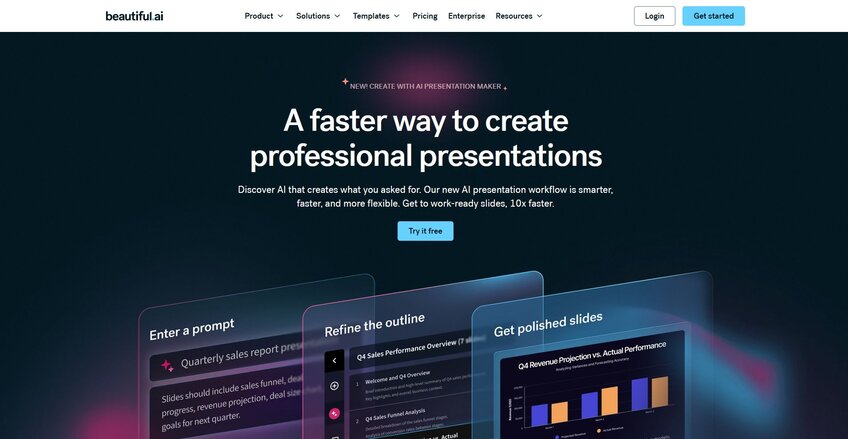
Beautiful.ai is a cloud-based presentation tool built around a Smart Slides engine that automatically adjusts layout, spacing, and font sizes as you add content. It works well for teams that need consistently formatted decks without manual design work. However, the AI leans more toward design assistance than content generation, so it works best when you already know what you want to say.
Key features
Smart Slides: Build slides that automatically reformat layout, spacing, and font sizes as content changes.
DesignerBot: Generate a first draft presentation from a text prompt or document upload.
Brand controls: Set fonts, colors, logos, and themes that apply consistently across slides and reusable presentation workflows.
Pros
✅ The Smart Slides engine handles layout decisions automatically, which can reduce time spent on formatting across repeated presentation types
✅ Brand controls let teams apply consistent fonts, colors, and logos without adjusting each slide manually
✅ Beautiful.ai integrates with tools like Slack and PowerPoint, which can help it fit into existing team workflows
Cons
❌ The Smart Slide template system limits freeform layout control, which can be restrictive for users who need nonstandard or pixel-precise slide designs
❌ Not the best fit if you need the tool to do heavy lifting on storytelling or content development, not just layout
Best for
Business teams that create repeatable presentation types and want consistent formatting without manual design work
Sales and marketing teams that need branded decks built quickly
Teams already using tools like Slack or PowerPoint who want presentation software that fits into their existing workflow
Pricing
Beautiful.ai starts at $12 per month, billed annually.
3. Julius: Best for teams that want to turn data analysis into presentation-ready slides
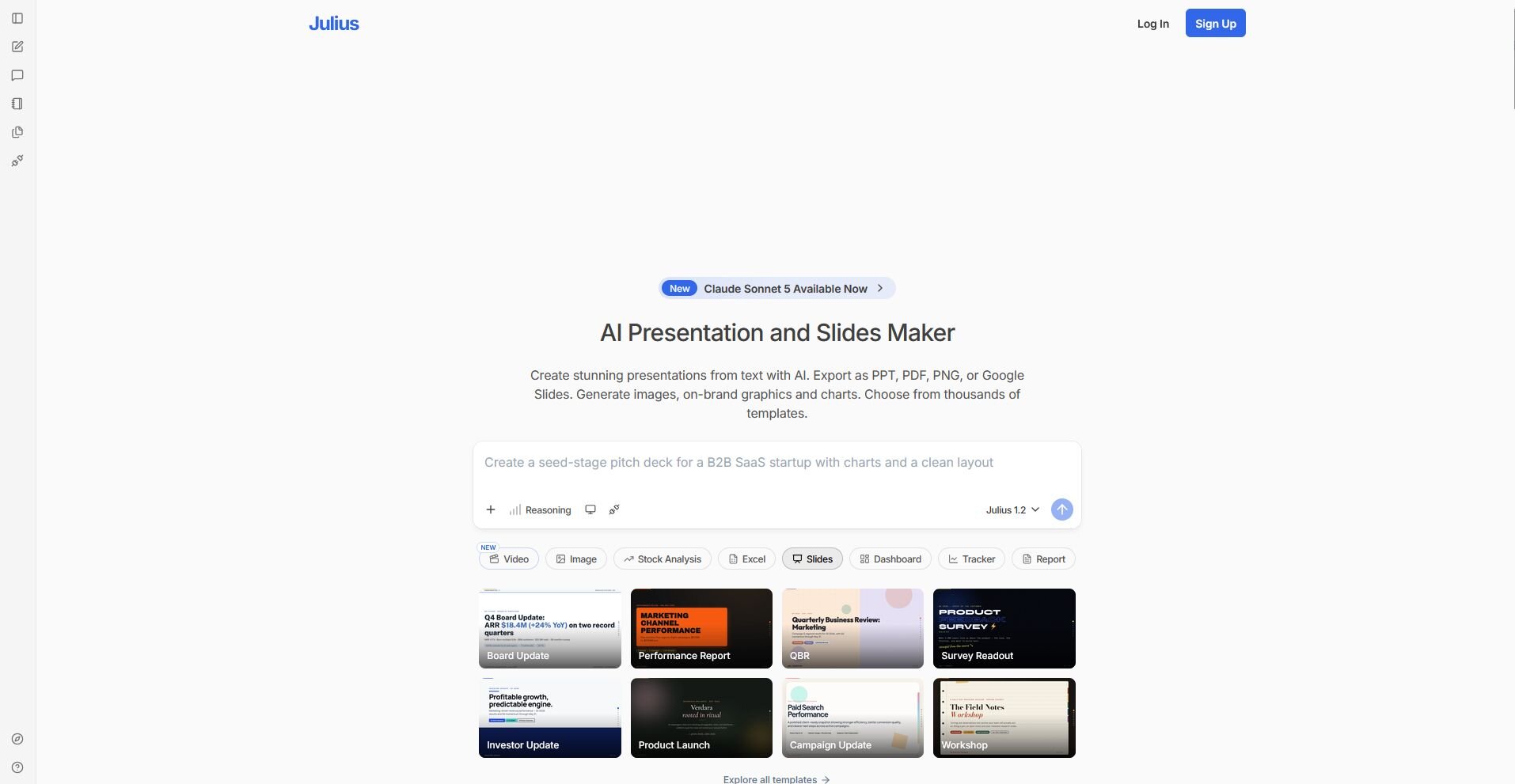
Julius is an AI data analysis platform with a built-in presentation maker that takes you from raw data to a finished deck without switching tools. You can generate slides and export them as PPTX, PDF, PNG, or Google Slides files. The template library is narrower than dedicated slide builders, so design variety may feel limited for teams with more varied presentation needs.
Key features
Data to slides: Connect your own data sources, search for public datasets, or pull live financial data directly in Julius, then turn the results into editable slides with charts and key takeaways.
Prompt-to-deck generation: Generate a complete, structured presentation from a text prompt, document, or PDF with branded layouts applied automatically.
Multi-format export: Export finished presentations as PPTX, PDF, PNG, or Google Slides and save directly to Google Drive or OneDrive.
Pros
✅ Julius handles data analysis and slide generation in one platform, so teams can move from analysis to presentation without switching tools
✅ Finished decks export as editable PPTX, PDF, PNG, or Google Slides files for easy handoff or continued editing
✅ Julius connects to data sources like Postgres, Snowflake, BigQuery, Google Ads, Stripe, and Intercom, so presentations can draw from live business data
Cons
❌ The template library is still growing compared to dedicated presentation tools
❌ The presentation maker is one part of a broader platform, so users who only need slide generation are paying for features they may not use
Best for
Business teams that build data-heavy presentations and want analysis and slide creation in the same workflow
Marketers, finance teams, and operations teams that regularly turn data exports or reports into stakeholder-ready decks
Teams already using Julius for data analysis who want to extend that workflow into presentations
Pricing
Julius starts at $16 per month.
4. Canva Presentations: Best for marketers who want AI-generated slides inside a familiar drag-and-drop editor
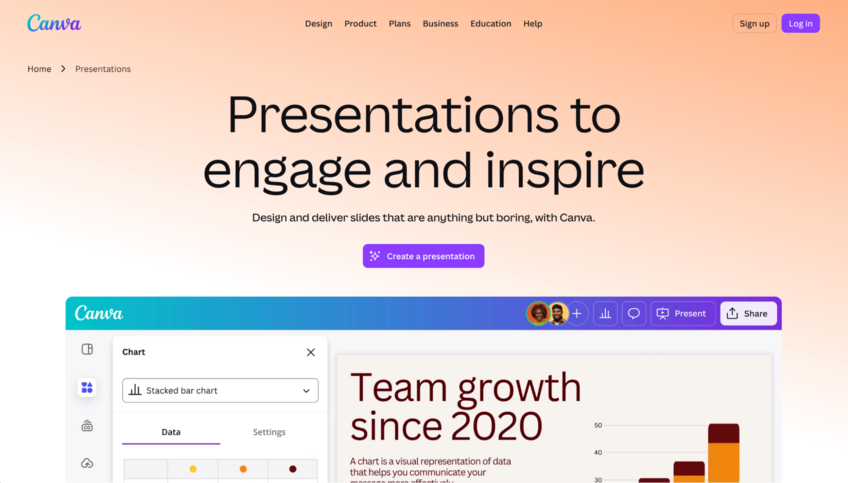
Canva Presentations is a cloud-based design platform where presentations sit alongside social graphics, videos, and documents in one workspace. Magic Design generates slides from a text prompt and can incorporate uploaded media, but results often need refinement to feel specific and presentation-ready.
Key features
Magic Design: Generate a presentation draft from a text prompt and optional uploaded media using Canva’s template system.
Brand Kit: Store logos, fonts, and color palettes and apply them consistently across presentations and other design formats.
Multi-format export: Present online, share by link, or export in common file formats depending on plan and design type.
Pros
✅ The template library covers a wide range of industries and use cases, giving users a strong starting point without building slides from scratch
✅ Real-time collaboration, comments, and shared folders let teams work on the same deck without switching tools
✅ Users already familiar with Canva can build presentations in the same workspace they use for social graphics, documents, and other content
Cons
❌ AI-generated slide content can be text-heavy and generic, and may need significant editing before a deck is ready to share
❌ Canva’s AI output can be broad or repetitive without a detailed prompt, so it often works better as a starting point than a finished deck
Best for
Marketers who already use Canva for other content and want to keep presentations in the same workflow
Teams that need branded slides alongside other design formats like social graphics or reports
Users who want a large template library and a familiar drag-and-drop editor
Pricing
Canva Presentations starts at $144 per year, billed annually.
5. Plus AI: Best for teams that want AI slide generation without leaving Google Slides or PowerPoint

Plus AI is an AI presentation add-on that works directly inside Google Slides and PowerPoint, so you can generate slides, convert documents, and reformat existing content without switching platforms. Plus AI works directly in both Google Slides and PowerPoint, though some workflows are better suited to smaller batches when editing larger decks.
Key features
Prompt-to-deck generation: Generate a slide deck from a text prompt, pasted text, or files like PDF, DOCX, PPTX, and TXT directly inside Google Slides or PowerPoint.
Remix: Reformat existing slide content into different layouts, including timelines, comparisons, and column structures.
Live Snapshots: Embed auto-updating images from websites and dashboards so recurring presentations can pull current data without manual updates.
Pros
✅ The add-on works natively inside Google Slides and PowerPoint, so you can generate and edit slides without switching to a separate platform
✅ Document-to-presentation conversion supports pasted text up to 100k+ characters, which is useful for longer source material
✅ Plus AI meets SOC 2 Type II security standards, which can matter for teams working with sensitive business content
Cons
❌ The PowerPoint integration is less refined than the Google Slides version, and some users report occasional performance issues with the PowerPoint add-on
❌ Larger presentations may need to be remixed in smaller batches, which adds extra steps for teams working on long decks
Best for
Teams already working in Google Slides or PowerPoint who want AI generation without learning a new platform
Users who regularly convert documents, reports, or PDFs into structured slide decks
Business teams that need recurring presentations with auto-updating data snapshots
Pricing
Plus AI starts at $20 per user per month, billed annually.
6. Pitch: Best for teams that want real-time collaboration built into a design-forward slide editor

Pitch is a browser-based presentation platform built around real-time collaboration, modern templates, and slide-level engagement analytics. Teams can edit, comment, and assign slides simultaneously, and analytics show how recipients engage with shared decks slide by slide. The AI tools can help start a draft, but the prompt character limit can make it harder to give detailed context upfront.
Key features
Real-time collaboration: Edit, comment, and assign slides with teammates simultaneously inside a shared workspace.
Engagement analytics: Track slide-level viewer behavior on shared decks, including which slides people viewed, how long they spent on them, and where they dropped off.
Pitch Rooms: Create shared spaces that bundle a presentation with supporting materials like videos, case studies, and links for a single deal or project.
Pros
✅ Real-time collaboration features are built into the core product, with comments, slide assignments, and teammate cursors visible during editing
✅ The template library covers a wide range of business use cases, and custom brand assets like fonts, logos, and colors can be stored in a shared team library
✅ Pitch supports PowerPoint import and export, which makes it easier to move content in and out without rebuilding decks from scratch
Cons
❌ The AI generation tools have a 450-character prompt limit, which can restrict how much context you can provide when generating a first draft
❌ Pitch is a standalone platform, so teams that rely heavily on Google Slides or PowerPoint workflows may find the switch adds friction
Best for
Sales and startup teams that share decks externally and want slide-level engagement data to inform follow-up
Teams that create presentations collaboratively and need commenting, assignments, and real-time editing in one place
Organizations that want a design-forward alternative to Google Slides with stronger sharing and analytics features
Pricing
Pitch starts at $13 per month, billed annually.
Special mentions
Not every tool I tested made it to a full section, but the 6 below are still worth a look depending on what you need from a presentation builder.
Here are 6 more SlidesAI alternatives worth looking at:
Prezi: A presentation tool built around a zoomable, non-linear canvas that shows how ideas connect spatially rather than slide by slide. It works well for storytelling-heavy presentations, but the format has a learning curve and may not suit audiences who expect a traditional linear deck.
Presentations.AI: An AI deck builder that generates structured, visually clean slide decks from a prompt or uploaded content. The output can lean text-heavy, and I found layout options stayed fairly close to preset templates, so it works best when speed matters more than design depth.
Visme: A visual content platform covering presentations, infographics, reports, and data visualizations in 1 workspace. It supports a wide range of chart and data visualization formats beyond basic bar or pie charts, which can be useful for data-heavy decks. The AI tools can speed up early drafting, but the output may still need editing before it's ready to share.
Decktopus: A fast AI deck generator that produces a complete presentation from a short topic description, including speaker notes. It also includes interactive features like embedded forms and Q&A tools that most tools on this list don't offer. The template range is relatively narrow, and AI content may need editing to reflect the specifics of your topic.
MagicSlides: A Google Slides add-on that turns text, PDFs, YouTube videos, and URLs into structured slide decks without leaving your existing workflow. The multi-source input options are genuinely useful for converting longer-form content into slides quickly. Designs can feel basic compared to standalone tools, so it works better as a drafting starting point than a finished product.
Slidebean: A pitch deck builder designed for startup founders, with templates built around typical investor presentation structures. It can generate an initial deck from your company website URL, which can speed up early drafting considerably. The tool is narrow by design and less suited for general business presentations outside the fundraising context.
How to evaluate SlidesAI alternatives
SlidesAI alternatives range from lightweight Google Slides add-ons to full standalone platforms with AI generation, brand controls, and team collaboration built in.
Here are a few things to consider:
Whether you want to stay inside your existing tools: Some tools on this list, like Plus AI, work directly inside Google Slides or PowerPoint instead of requiring a separate presentation editor. Others are standalone platforms with their own editors. If your team is committed to either ecosystem, that narrows the decision quickly.
How much design control you actually need: Most AI presentation tools trade speed for flexibility. Tools that automate layout decisions heavily tend to limit how much you can adjust individual slides. If you regularly need nonstandard layouts or precise design control, I’d say it's worth testing that before committing to a plan.
Who you're presenting to: A deck for a weekly internal update has different requirements than a client-facing proposal or investor pitch. Some tools produce output that works well for internal sharing but can look thin in a more formal context. I'd build a real deck before deciding, not just a sample from a template.
How your team collaborates: Several tools on this list support collaboration features, and some also offer brand-management controls on higher plans. Others are built primarily for solo use. If multiple people touch the same decks, it's worth checking what collaboration actually looks like on the plan you're considering.
Export requirements: If you regularly send .pptx files to clients or stakeholders, test export quality carefully, because formatting can change during conversion and export options vary by product and plan.
Build the analysis before you build the slides
Finding the right SlidesAI alternative is one part of the equation. If your presentations are data-heavy, the analysis behind them is often where the process slows down.
Julius handles both sides of that workflow. You can search the web for public datasets, pull public company financials for 17,000+ companies through the Financial Datasets integration, or connect your own data sources. Then, you can ask questions in plain English, get charts and analysis back, and turn the results into a finished deck without switching tools.
Start your free Julius trial today.
Frequently asked questions
What is SlidesAI?
SlidesAI is an AI-powered add-on for Google Slides and PowerPoint that generates slide decks from text, a topic, or a document upload. You paste in your content, choose a theme, and the tool structures it into a presentation automatically. It's designed for users who want a fast first draft without starting from scratch.
What is the best free SlidesAI alternative?
Canva Presentations is one of the best free SlidesAI alternatives, with a large template library and Magic Design for AI generation available on the free plan. Gamma is also worth considering on the free tier, though its AI generation runs on a one-time allocation of 400 credits, so generation is limited once those are used up.
Can AI make a presentation for me?
Yes, AI presentation tools can generate a full slide deck from a prompt, document, or URL, covering structure, content, and layout automatically. Tools like Gamma, Beautiful.ai, and Plus AI handle the first draft so you can focus on refining the message rather than building slides from scratch. Most AI-generated decks still benefit from a review pass before you share them.