

Tableau can build a gorgeous dashboard, but then the renewal quote lands and the per-seat math stops making sense.
I researched Tableau competitors by reading current pricing pages, product docs, and user reviews. I've also used a few of them on finance and marketing datasets, so some of the opinions here come from hands-on time.
Here are the 11 best Tableau replacements in 2026, who each one is for, and what they cost right now.
11 best Tableau competitors: TL;DR
- Julius: Best for business users and marketers who want to ask questions in plain English and get charts without writing SQL
- Power BI: Best for teams that work in Excel, Teams, and Azure and want dashboards that fit their Microsoft setup
- Looker: Best for data teams on Google Cloud that need one governed definition for your metrics
- Qlik Sense: Best for analysts who want to explore related data points across datasets without writing queries first
- ThoughtSpot: Best for teams that want business users to ask search-style questions and get answers from governed, well-modeled warehouse data
- Sigma Computing: Best for spreadsheet-fluent analysts who want to work on live warehouse data with Excel-style formulas
- Domo: Best for teams that want data integration, dashboards, and mobile access in one cloud platform
- Sisense: Best for product teams that embed white-label analytics inside their own app or client portal
- Metabase: Best for small teams that want an open-source dashboard tool non-technical users can query without SQL
- Apache Superset: Best for engineering-heavy teams that want an open-source, SQL-first BI layer they can host themselves
- Data Studio: Best for marketers who build shareable dashboards on Google Ads, Analytics, and BigQuery data
Why look for Tableau alternatives?
Tableau's drag-and-drop editor is one of the quickest ways I know to turn a dataset into an interactive dashboard, with deep control over charts and maps and no code required.
Once more teammates need access and the datasets grow, three limits tend to show up fast:
- Calculated fields and Level of Detail expressions can take time to learn: Building a first chart is quick, but table calculations need training, so a few analysts may end up owning every dashboard.
- Large datasets can slow dashboards down: Big extracts and live connections to large databases can lag once filters and calculations pile up, so you may tune workbooks for a while before you read any results.
- Per-seat pricing can climb with added users: Tableau Standard charges $75 per Creator, $42 per Explorer, and $15 per Viewer each month on annual billing, and each deployment needs at least one Creator license.
💡 Tip: If you’d like to learn more, check out our full Tableau review.
Which Tableau competitor should you choose?
The right Tableau competitor depends on which problem slows your team down first
Choose:
- Julius if you want to ask questions in plain English and build charts without writing SQL. Heavy enterprise forecasting and polished governed dashboards fall outside what it handles.
- Power BI if your team works in Excel, Teams, and Azure, but advanced visuals mean learning DAX.
- Looker if you need one governed definition for your metrics, with the catch that a data or analytics engineer usually has to build the LookML model first.
- Qlik Sense if you want to explore related data across datasets without writing queries first. Setup takes time and technical effort.
- ThoughtSpot if the wait between a question and an answer is your main bottleneck and your data is already well modeled and governed. Messy data can produce answers you can't trust.
- Sigma Computing if your analysts are fluent in Excel formulas and want to work on live warehouse data, although advanced modeling still needs technical support.
- Domo if you want data integration, dashboards, and mobile access in one cloud platform. Some of its AI features can be uneven.
- Sisense if you plan to embed white-label analytics inside your own app or client portal, and larger datasets often need performance tuning before dashboards run quickly.
- Metabase if a small team needs open-source dashboards that non-technical people can query without SQL. It can struggle with enterprise-scale workloads.
- Apache Superset if you have SQL-skilled engineers and want an open-source BI layer you host yourself. Non-technical users get little hand-holding.
- Data Studio if you build shareable marketing reports on Google Ads, Analytics, and BigQuery data. Non-Google sources can be clunky, and governance is limited.
Stick with Tableau if your analysts rely on its deep visualization customization and your team already has the skills to build in it.
11 best Tableau competitors: at a glance
| 💻 Tool | 🎯 Best for | 🔥 Starting price (billed annually) |
| Julius | Question-first analysis without SQL | $16/month |
| Power BI | Microsoft-centered reporting | $14/user/month |
| Looker | Metric definitions shared company-wide | Custom pricing |
| Qlik Sense | Free-form data exploration | $300/month for 10 users |
| ThoughtSpot | Natural-language search on governed data | $25/user/month |
| Sigma Computing | Spreadsheet-based warehouse analysis | Custom pricing |
| Domo | Cloud BI with a full mobile app | Usage-based pricing |
| Sisense | Analytics inside customer-facing products | Custom pricing |
| Metabase | Lightweight open-source dashboards | $1080/year, includes 5 users |
| Apache Superset | Self-hosted, SQL-based BI | Free |
| Data Studio | Quick reporting on Google data sources | Free; Pro plan $9/user/project/month |
*Pricing correct as of October 2026. Confirm with vendor.
1. Julius: Best for question-first analysis without SQL

Julius is an AI workspace where you can ask questions in plain English and build charts, reports, and presentations from the answers. You can begin with a question alone, search the web for public datasets, or bring your own files and connected databases. Heavy enterprise forecasting and polished, governed dashboards may fall outside what you can build with it.
Key features
- Plain-English questions: Convert plain-English questions into charts, tables, and written answers.
- Financial Datasets partnership: Pull financial statements, price history, insider trades, and metrics snapshots for 17,000+ companies.
- Report and presentation exports: Export results as reports, presentations, charts, and images.
Pros
- ✅ You can get a first result without uploading a file or connecting a database.
- ✅ Follow-up questions on a connected database can get faster and more precise over time, because Julius gets better at finding where the right data lives.
- ✅ Business users can work without SQL or Python, and a code view is available when an analyst wants to check how a result was built.
Cons
- ❌ As a newer platform, Julius has a smaller community than long-established BI tools.
- ❌ Complex multi-table joins can give you less direct control than hand-written SQL.
Best for
- Marketers who need campaign numbers without waiting on an analyst
- Finance professionals who research public companies using statements and price history
- Operations leads and managers who want quick charts from a plain-English question
Pricing
Julius starts at $16 per month.
2. Power BI: Best for Microsoft-centered reporting
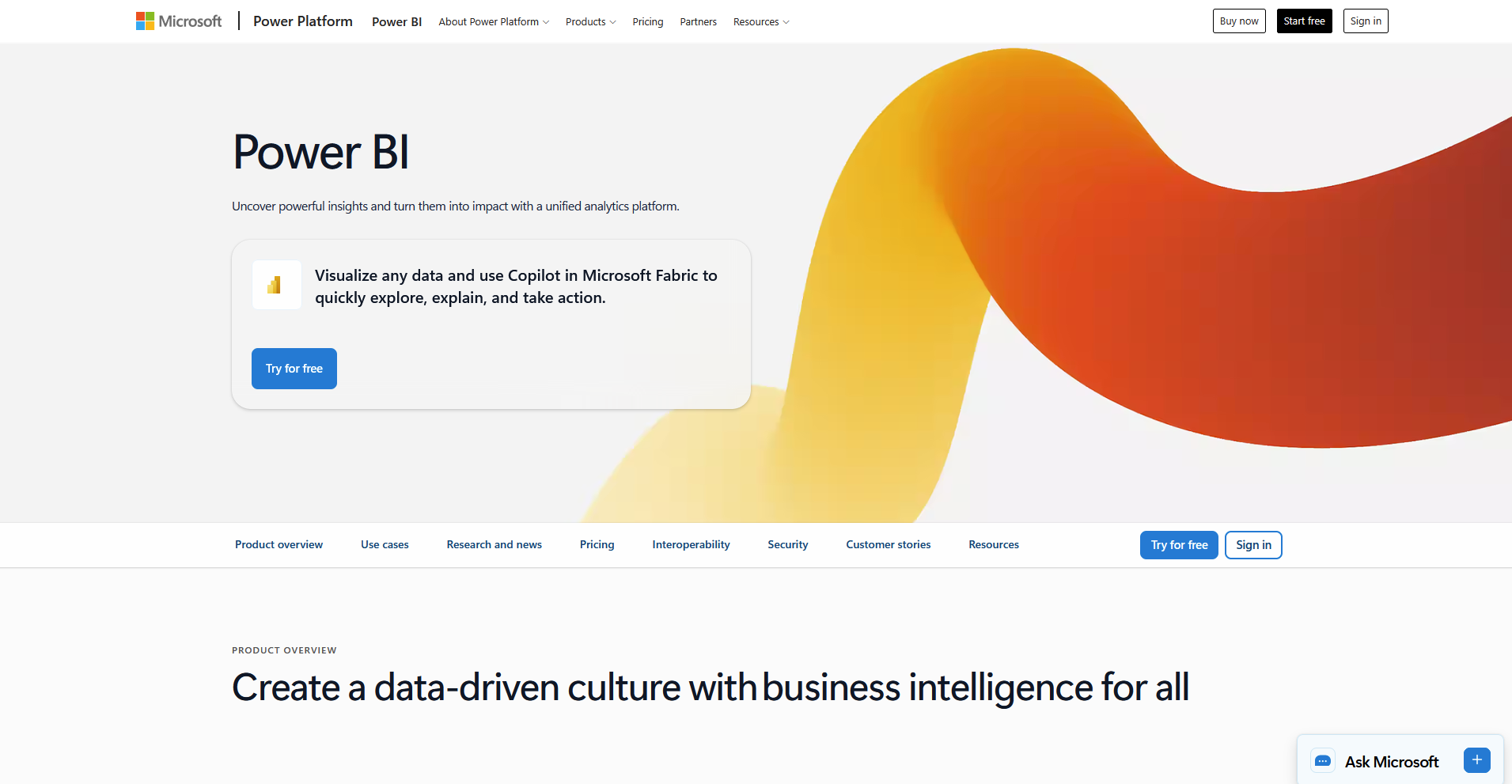
Power BI is Microsoft's business intelligence platform for building reports and dashboards from Excel files, cloud storage, and databases. Teams that work in Excel and Azure can connect data and build visuals in a drag-and-drop editor. The platform fits best when your data is already in Microsoft tools. Advanced visuals call for learning DAX, its formula language.
💡 Tip: If you’d like to see how Power BI compares to Tableau, check out our in-depth comparison.
Key features
- Microsoft connections: Connect to data in Excel, Azure, SharePoint, and SQL Server.
- Row-level security: Restrict report data by user with row-level security and Microsoft Entra ID.
- Copilot report generation: Generate draft reports and quick insights from AI prompts inside Power BI. Copilot needs a paid Fabric or Premium capacity, so it's not included in the entry-level plan.
Pros
- ✅ Excel users can pick up report building quickly because the editor follows pivot table logic they already know.
- ✅ A large community, extensive documentation, and a marketplace of custom visuals give you plenty of help and add-ons.
- ✅ Companies already on Microsoft 365 can handle sign-in and licensing through accounts they already manage.
Cons
- ❌ DAX formulas can get difficult to manage once dashboards grow and calculations stack up.
- ❌ Lower-tier plans limit how often data refreshes.
Best for
- Excel-heavy finance and operations teams
- Companies that manage sign-in through Microsoft 365 and Entra ID
- Managers who share reports inside Teams and SharePoint
Pricing
Power BI starts at $14 per user per month.
3. Looker: Best for metric definitions shared company-wide
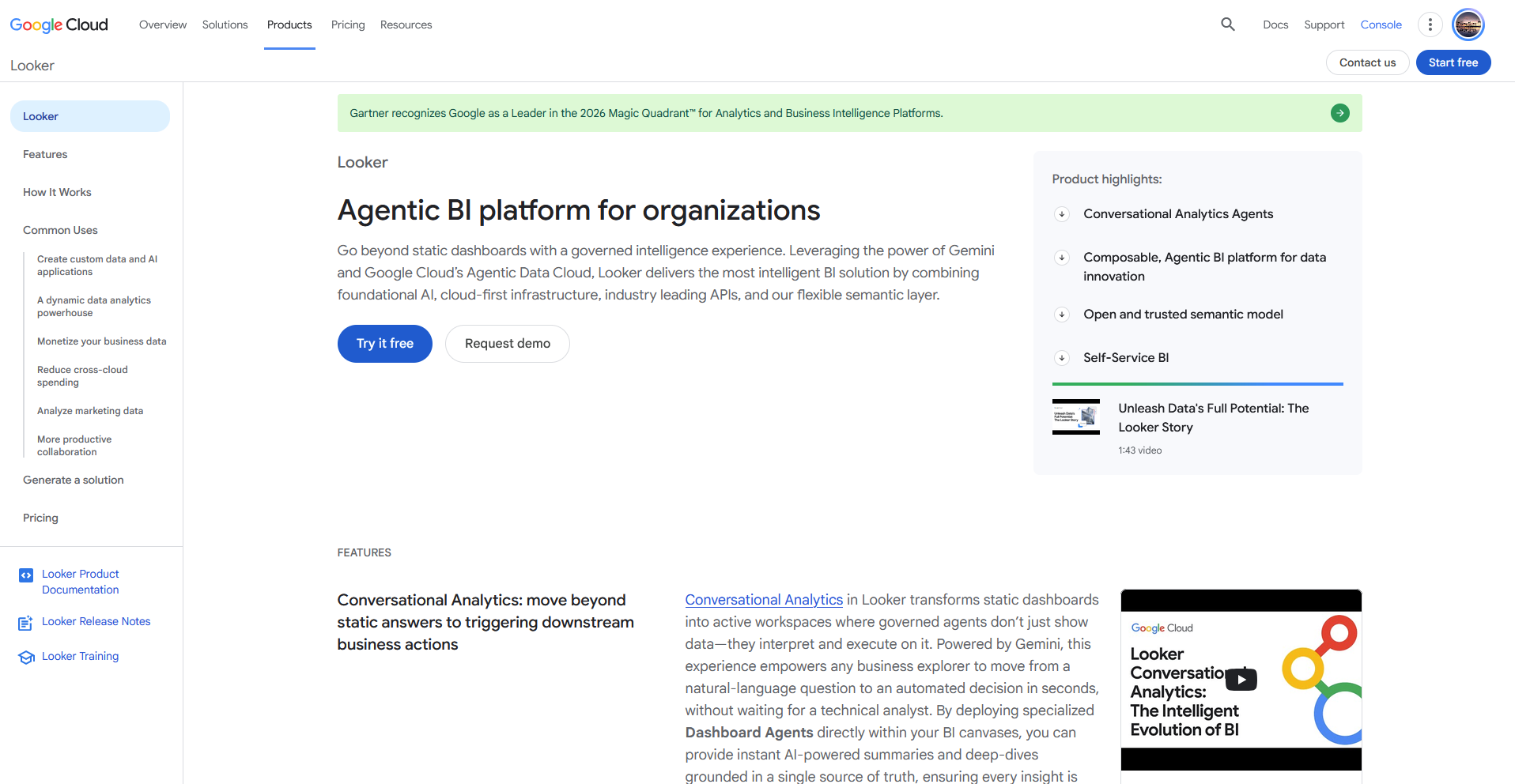
Google Cloud's business intelligence platform Looker uses LookML, a modeling language, to define each metric once so dashboards and reports share the same calculation. Business users can build reports by dragging predefined fields, and you can ask questions in natural language through Conversational Analytics.
LookML takes technical skill to learn, and a data or analytics engineer usually has to build the model before anyone else can start.
Key features
- LookML semantic layer: Define each metric once in code and reuse it across dashboards, reports, and embedded views.
- Conversational Analytics: Ask natural-language questions and view charts built from the LookML model.
- Embedded analytics: Embed dashboards and Conversational Analytics agents in internal tools and customer-facing applications.
Pros
- ✅ Finance and sales can work from the same revenue number, which cuts down on conflicting reports.
- ✅ One edit in the model updates the reports that use the metric.
- ✅ Native Google Cloud and BigQuery integration suits teams already working in Google's data tools.
Cons
- ❌ Initial setup takes time, since business users can't build reports until the model exists.
- ❌ Visual customization options are limited for design-heavy dashboards.
Best for
- Data teams with an analytics engineer who can maintain LookML
- Companies that run on Google Cloud and BigQuery
- Product teams that embed analytics in customer-facing apps
Pricing
Looker offers custom pricing.
4. Qlik Sense: Best for free-form data exploration
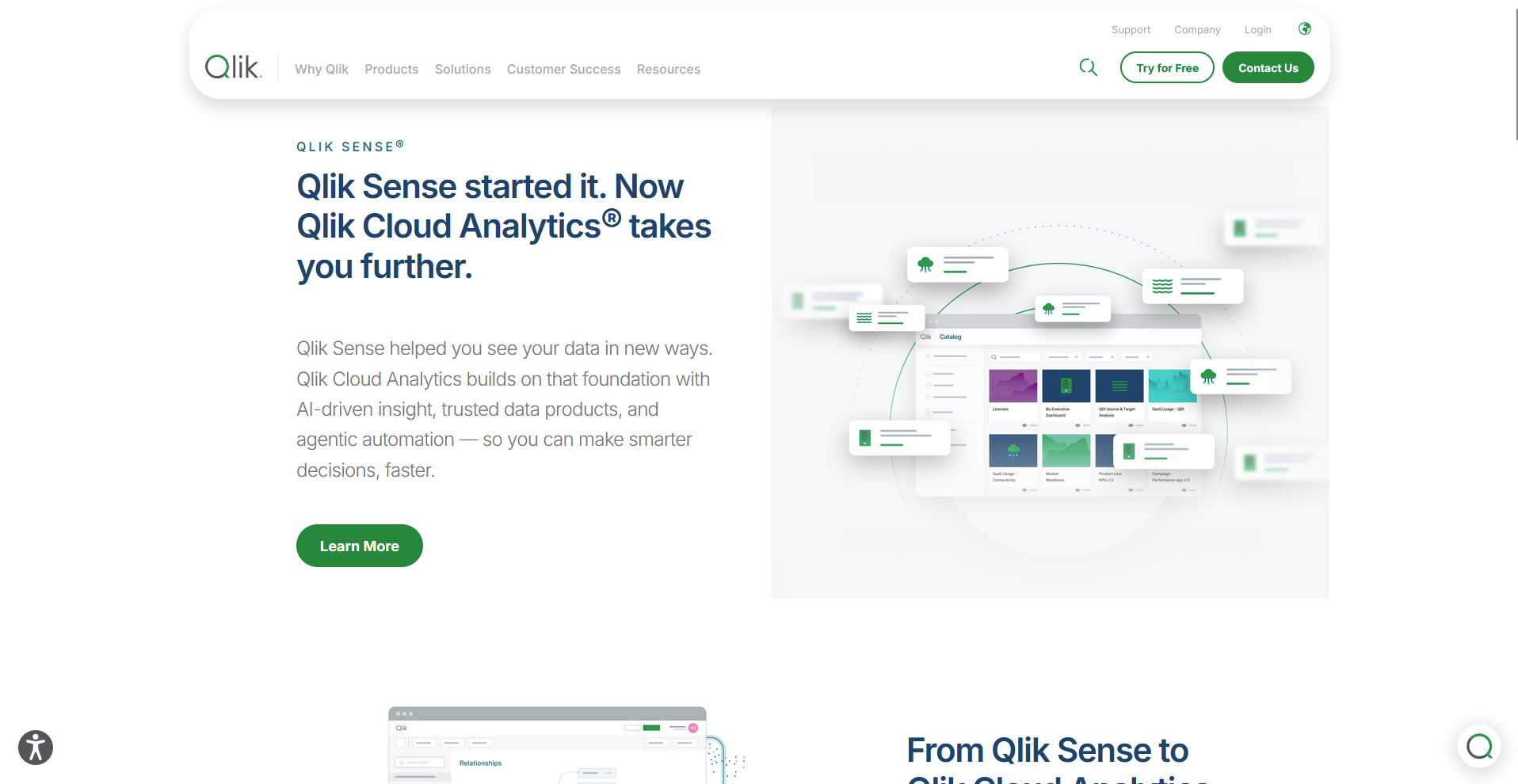
Qlik Sense is an analytics platform, part of Qlik Cloud Analytics, that uses an associative engine to show how data points relate across datasets.
When you click a value, the engine highlights related data across connected charts and grays out unrelated values, so you can pivot mid-analysis without rebuilding a view. Setup takes time and technical effort, and performance can lag on heavy loads.
Key features
- Associative engine: Select a value to highlight related data across connected charts and gray out unrelated values.
- Qlik Answers: Ask natural-language questions and follow-ups about structured and unstructured content.
- Qlik Predict: Build forecasting models and validate them inside Qlik Cloud Analytics.
Pros
- ✅ You can follow connections across datasets without a predefined query path, which shows relationships you hadn't planned to check.
- ✅ Deployment options cover cloud, on-premises, and hybrid environments.
- ✅ Row-level security and section access controls suit organizations with strict data access rules.
Cons
- ❌ Custom calculations require learning Qlik's expression language.
- ❌ Getting full value takes investment in data modeling and ongoing tuning.
Best for
- Analysts who chase unplanned questions across many datasets
- Enterprises that need on-premises or hybrid deployment
- Organizations with strict row-level data access rules
Pricing
Qlik Sense starts at $300 per month for 10 users.
5. ThoughtSpot: Best for natural-language search on governed data
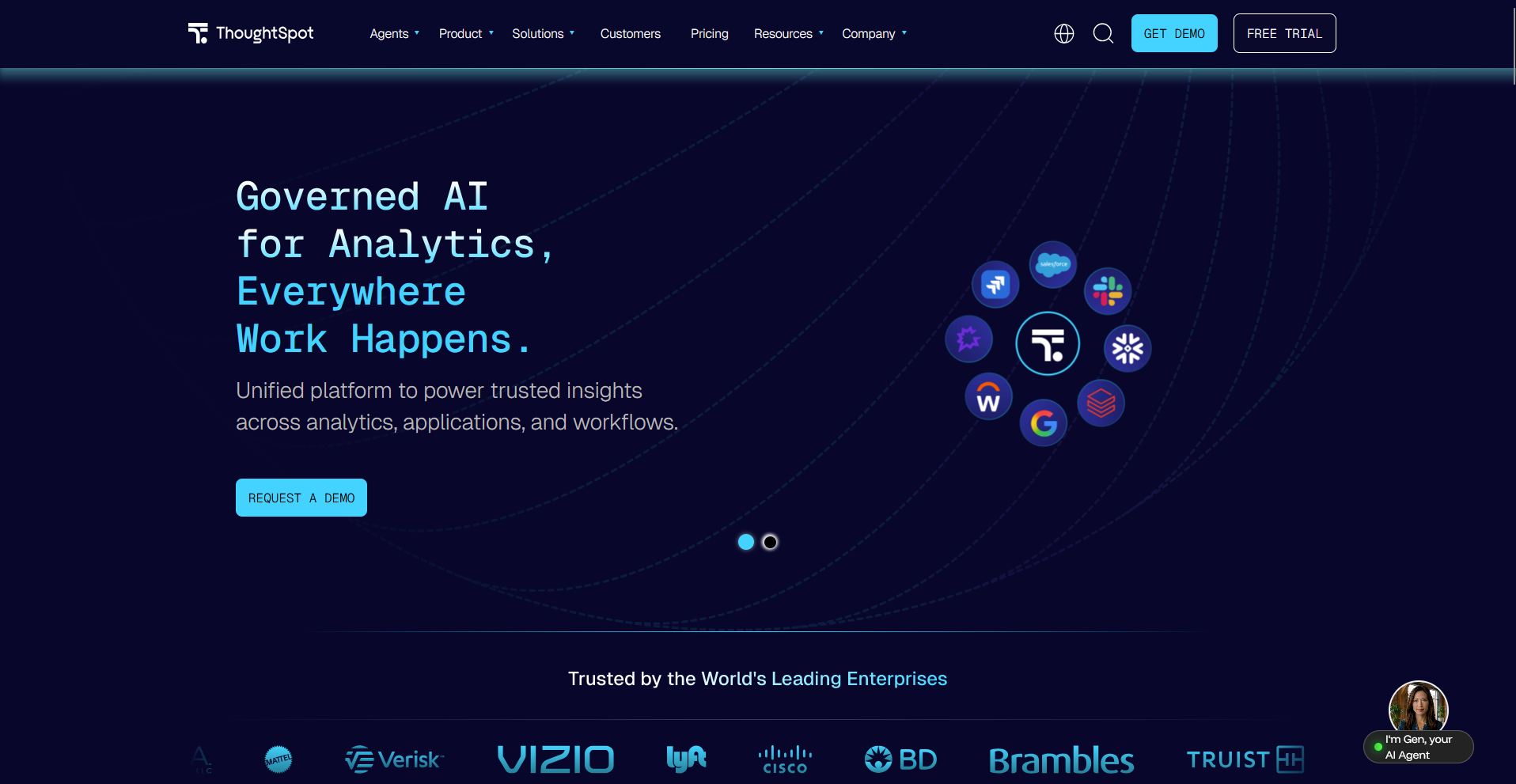
ThoughtSpot is a search-based analytics platform where you type a question in natural language and get charts and tables built from live data. You can use its Spotter AI agent to run multi-step analysis, such as tracing an anomaly to a likely cause.
Reliable answers depend on well-modeled data, and teams used to dashboards need time to adopt a search-first workflow.
Key features
- Natural-language search: Type questions in plain English and view charts and tables built from live data.
- Spotter AI agent: Run multi-step analysis that detects anomalies and traces likely causes.
- Embedded analytics: Embed analytics in customer-facing and internal applications.
Pros
- ✅ Business users can answer exploratory questions without waiting for an analyst to build a dashboard.
- ✅ Answers resolve against a shared semantic model, so two people asking the same question can get the same metric.
- ✅ Integrations with Slack, Salesforce, and Jira let findings reach the tools where work happens.
Cons
- ❌ Reliable answers need well-governed, well-modeled data underneath.
- ❌ Dashboard customization options are more limited for teams that want detailed control over layout.
Best for
- Business users who wait on analysts for quick answers
- Data teams that already run a governed semantic model
- Product teams that add analytics to customer-facing applications
Pricing
ThoughtSpot starts at $25 per user per month.
6. Sigma Computing: Best for spreadsheet-based warehouse analysis
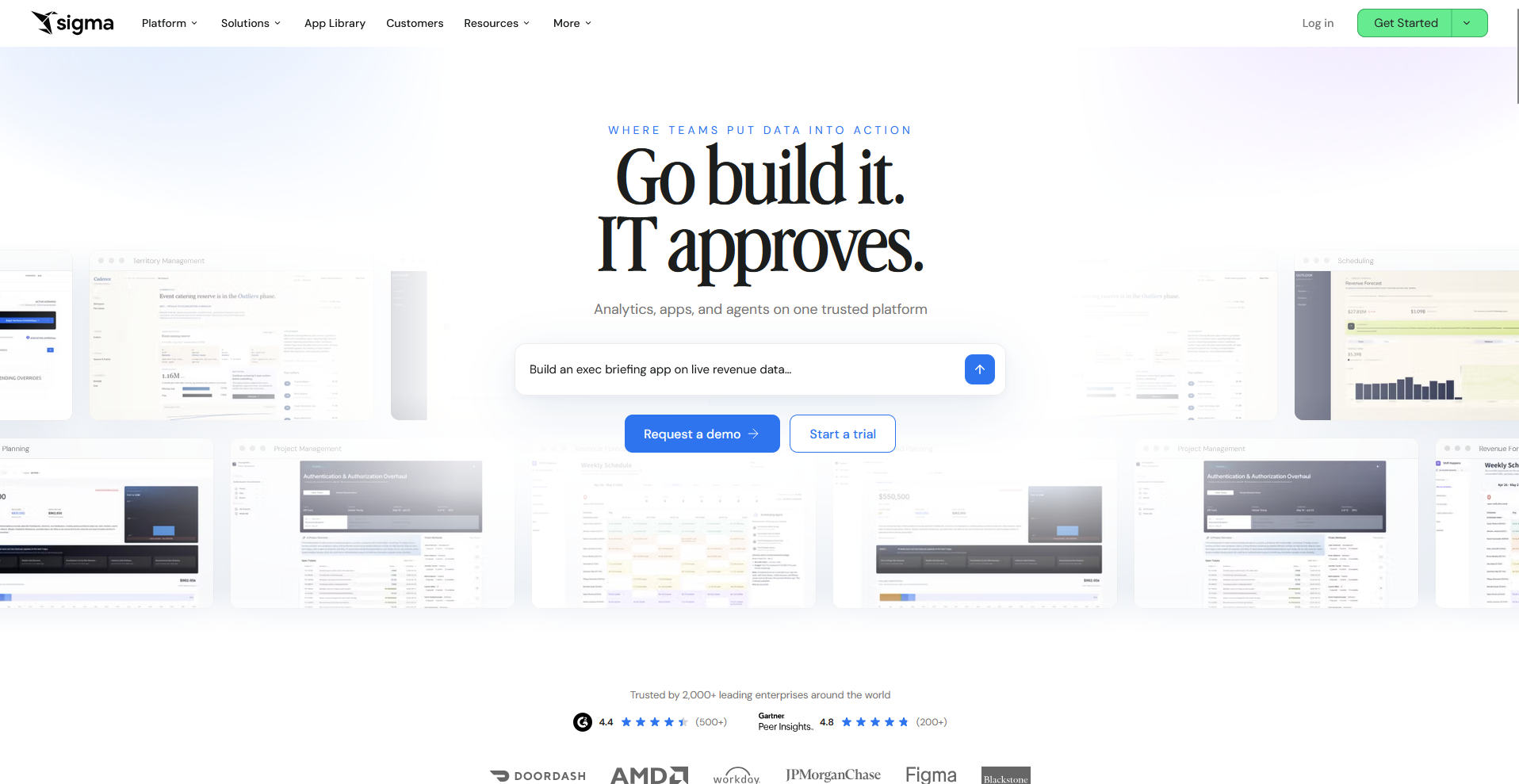
Sigma Computing is a cloud-based analytics platform with a spreadsheet interface that connects to your data warehouse, so formulas, pivots, and filters run on live data without SQL. Input Tables let you type budgets and scenarios that write back to the warehouse for planning work. Advanced modeling still needs technical support.
Key features
- Spreadsheet interface: Work with formulas, pivots, and filters on live warehouse data.
- Input Tables: Enter budgets, goals, and scenarios and write them back to a warehouse table.
- AI Query: Call warehouse AI functions from spreadsheet columns and return the results to the sheet.
Pros
- ✅ Analysts fluent in Excel can start on warehouse data without learning SQL.
- ✅ Computation runs in your own warehouse, so data stays live and governed without exports to disconnected spreadsheets.
- ✅ Writeback supports budgeting, forecasting, and what-if scenarios without leaving the platform.
Cons
- ❌ Teams without a cloud data warehouse can't use it, since Sigma runs its queries there.
- ❌ Building complex data apps takes technical skills beyond spreadsheet formulas.
Best for
- Finance analysts who build budgets and forecasts in spreadsheets
- Operations teams that plan scenarios on live data
- Companies that already run a cloud data warehouse
Pricing
Sigma Computing offers custom pricing.
7. Domo: Best for cloud BI with a full mobile app
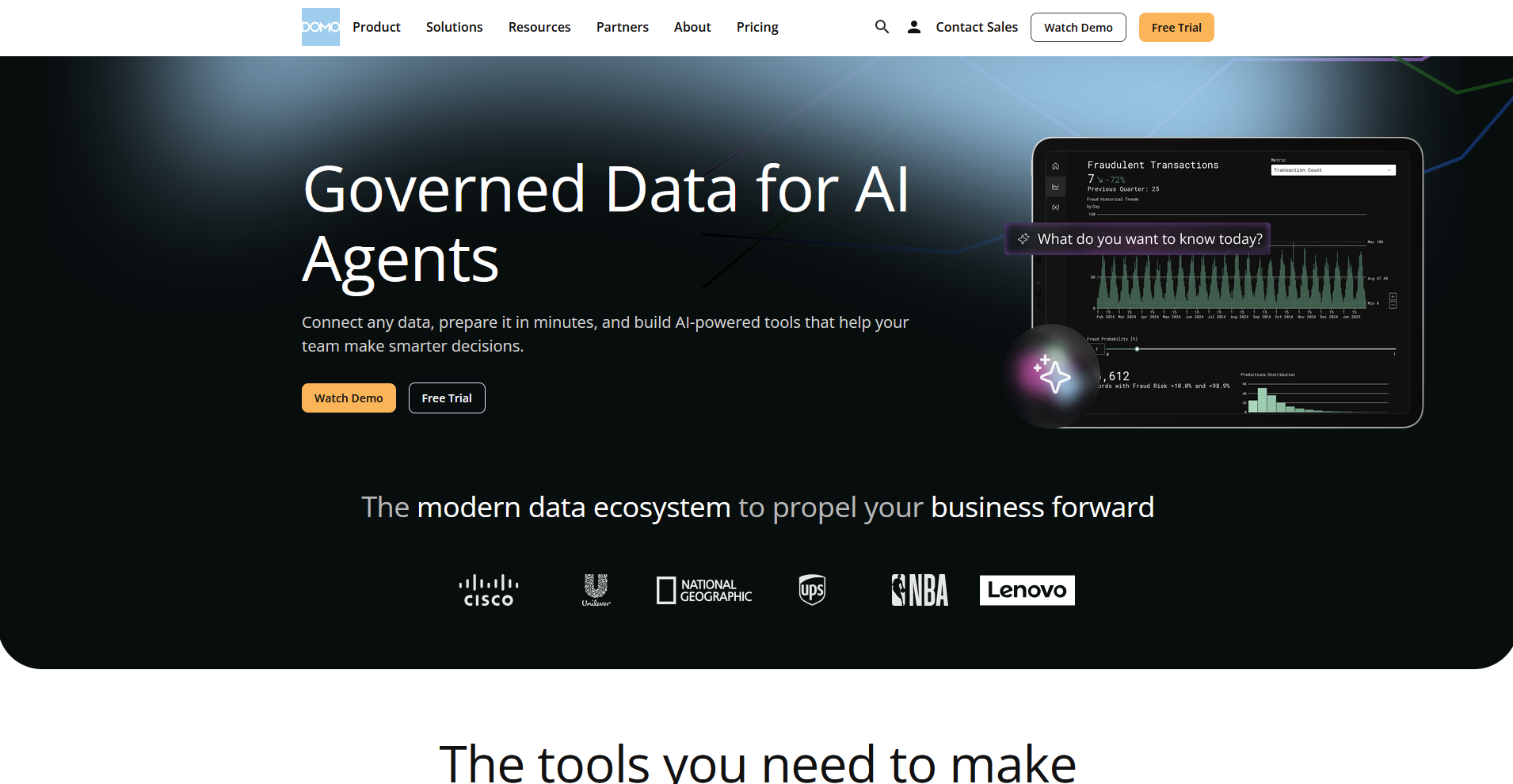
Domo is a cloud-based business intelligence platform that combines data integration, dashboards, and a mobile app. You can connect more than 1,000 data sources with pre-built connectors and prepare the data with built-in ETL tools before you build reports. Setup can get involved for smaller teams without technical help.
💡 Note: Progress Software completed its acquisition of Domo's AI and data platform business on September 22, 2026, so Domo now sits within the Progress portfolio.
Key features
- Mobile app: View dashboards, reports, and alerts on a phone or tablet.
- Built-in ETL: Prepare and transform data with Magic ETL and DataFlows before building dashboards.
- Low-code apps: Build custom data apps with low-code and no-code tools.
Pros
- ✅ More than 1,000 pre-built connectors cover many SaaS data sources without custom integrations.
- ✅ Business users can build dashboards with a drag-and-drop builder and starter templates.
- ✅ Built-in collaboration tools let teams discuss and share reports in the same place.
Cons
- ❌ Can feel like too much if you only need a few simple reports.
- ❌ The interface has many menus, so new users may need time to find specific settings.
Best for
- Executives who check dashboards and alerts on a phone
- SaaS-heavy companies with data spread across many cloud apps
- Teams that want data prep and reporting in one platform
Pricing
Domo offers usage-based pricing.
8. Sisense: Best for analytics inside customer-facing products
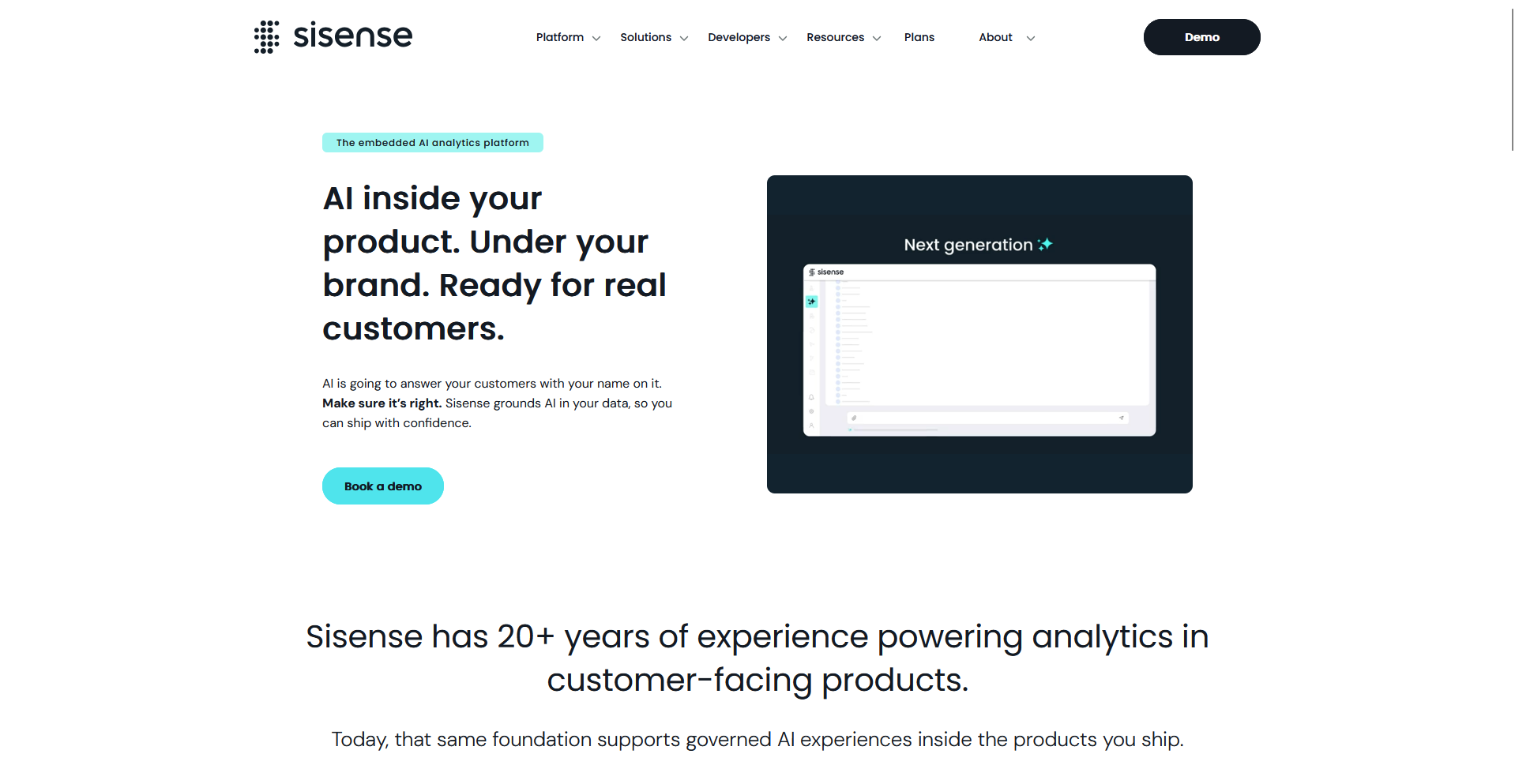
Software teams use Sisense, an embedded analytics platform, to place dashboards and charts inside their own applications and client portals. Developers can build white-label experiences with its SDK and APIs so the analytics match their product's branding. Setup calls for engineering time.
Key features
- Embedded analytics: Place dashboards and charts inside your own application or client portal.
- Compose SDK: Build custom, white-label analytics components in code with a developer SDK.
- Sisense Intelligence: Add AI-powered insights to embedded dashboards.
Pros
- ✅ White-label options let you match the analytics to your product's branding.
- ✅ Multi-tenant security controls can restrict each customer to the data they're allowed to see.
- ✅ More than 200 connectors and flexible deployment options fit varied data setups.
Cons
- ❌ Larger datasets often need performance tuning.
- ❌ Non-technical business users may find it less intuitive for building their own dashboards.
Best for
- Product teams adding analytics to a SaaS application
- Software vendors that deliver branded dashboards to clients
- Developers who want SDK and API control over their analytics
Pricing
Sisense offers custom pricing.
9. Metabase: Best for lightweight open-source dashboards
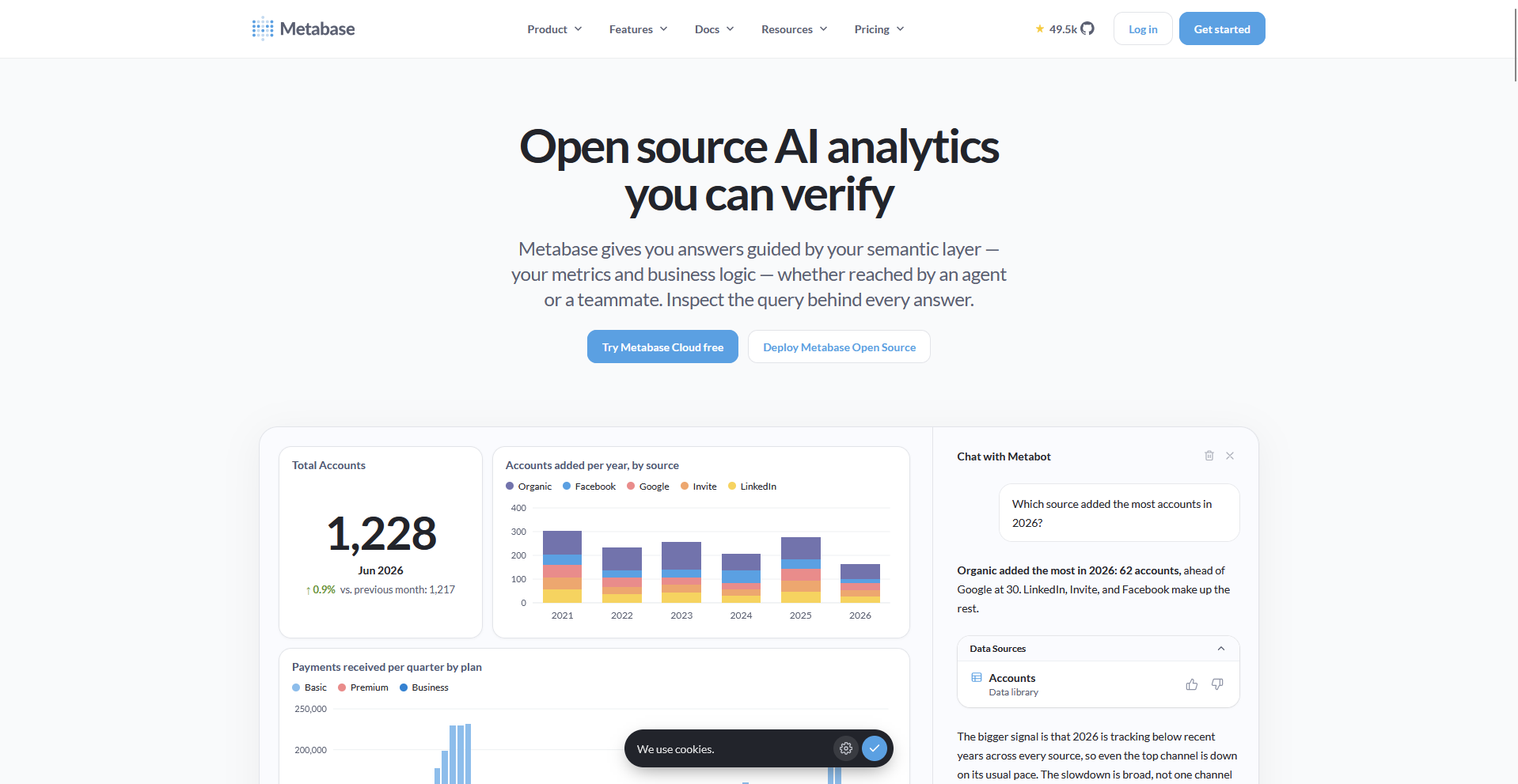
Metabase is an open-source business intelligence tool with a point-and-click query builder for non-technical users and a SQL editor for analysts. You can ask questions with AI, connect 20+ data sources, and either self-host the free open-source edition or use Metabase Cloud. Heavy modeling and enterprise-scale workloads can outgrow it.
Key features
- Query builder: Build questions by clicking through tables and filters without writing SQL.
- SQL editor: Write SQL queries and turn the results into dashboard charts.
- Metabase AI: Ask questions with AI and generate SQL from plain-English prompts.
Pros
- ✅ The open-source edition is free to self-host and includes unlimited questions and dashboards.
- ✅ Business users can answer their own questions, which cuts down on requests to analysts.
- ✅ Drill-through lets users click into a chart to see the rows behind it.
Cons
- ❌ Complex calculations need SQL because the query builder covers common questions.
- ❌ Governance features such as SAML single sign-on and row-level permissions require a paid plan.
Best for
- Small teams that want dashboards without heavy setup
- Startups that want reporting without hiring an analyst
- Engineering teams that prefer to host their own BI tool
Pricing
Metabase starts at $1,080 per year, which includes 5 users.
10. Apache Superset: Best for self-hosted, SQL-based BI
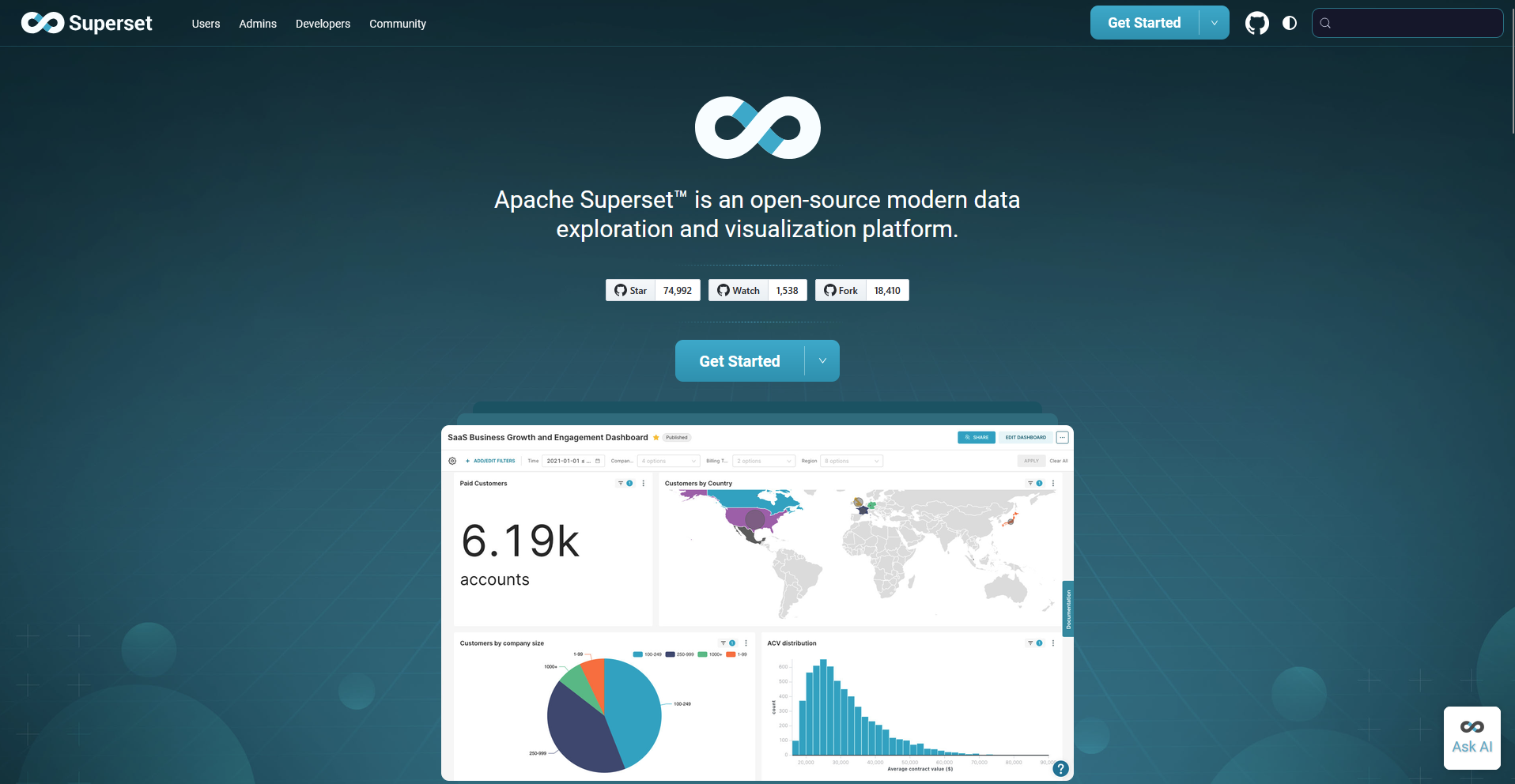
Engineering teams run Apache Superset, an open-source data exploration and visualization platform, on their own infrastructure to chart data from SQL-based databases. You can build charts with a no-code builder or write queries in SQL Lab, and it ships with 40+ visualization types. Setup and upkeep need technical skills.
Key features
- No-code chart builder: Build charts by selecting fields and visualization types without writing code.
- SQL Lab: Write and run SQL queries in a web-based editor with a metadata browser.
- Semantic layer: Define custom dimensions and metrics and reuse them across charts.
Pros
- ✅ The open-source license carries no software fees.
- ✅ Support for most SQL-speaking databases, including Postgres, MySQL, Snowflake, and BigQuery, covers many data setups.
- ✅ Cross-filters, drill-to-detail, and drill-by features support deeper analysis inside dashboards.
Cons
- ❌ Support comes mainly from documentation and the open-source community.
- ❌ Non-technical users get little hand-holding, so self-service takes extra work.
Best for
- Engineering-heavy teams with strong SQL skills
- Organizations that want full control over their BI infrastructure
- Startups that need dashboards without license fees
Pricing
Apache Superset is free.
11. Data Studio: Best for quick reporting on Google data sources
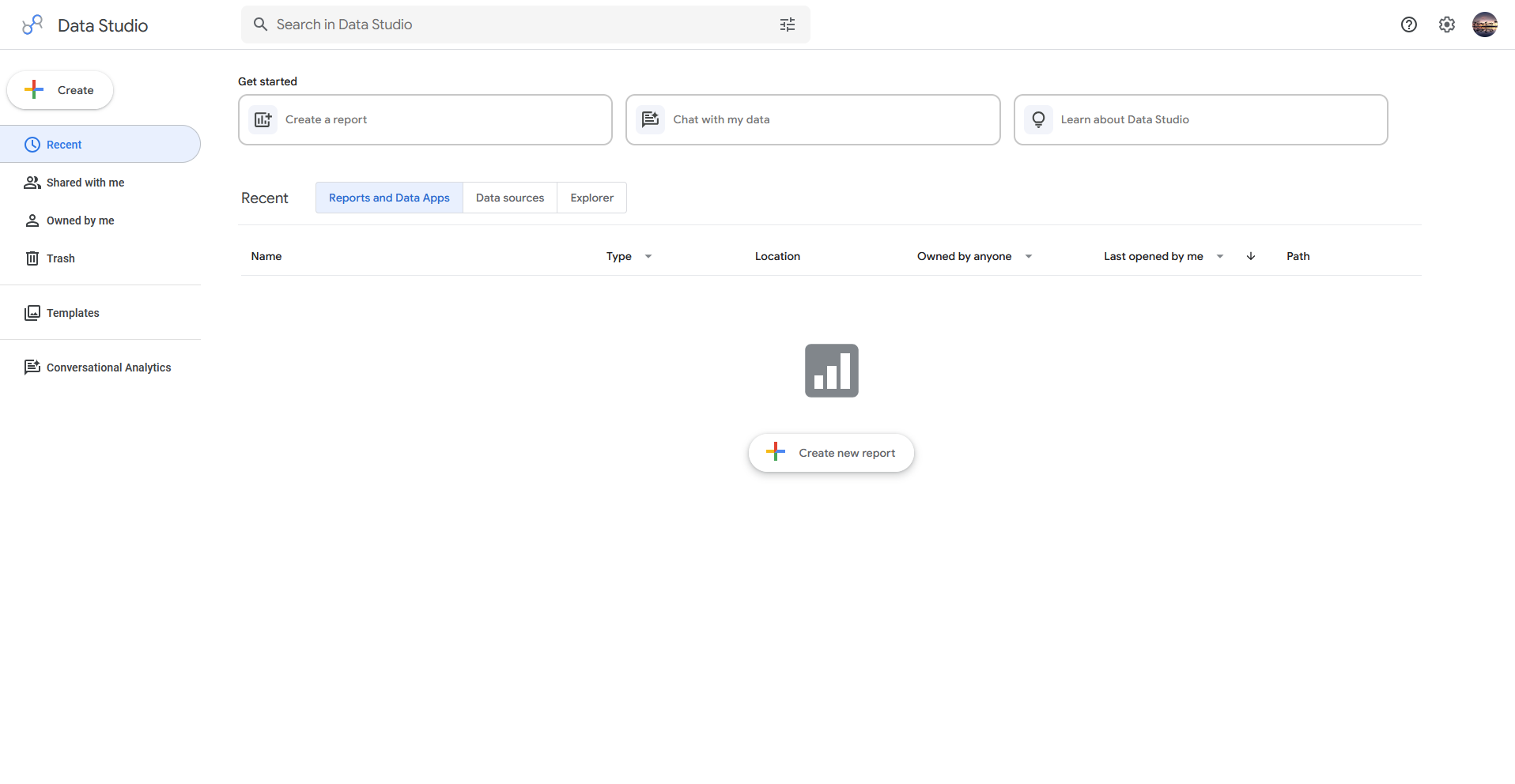
Google's Data Studio is a reporting tool that turns data from Google Sheets, Google Ads, BigQuery, and Google Analytics into shareable dashboards and reports. You can build reports in a drag-and-drop editor and embed them on any web page or intranet. It suits lightweight reporting, and complex data modeling sits outside its scope.
💡 Note: Google renamed Looker Studio back to Data Studio in April 2026, so older articles and reviews may use the Looker Studio name.
Key features
- Drag-and-drop report editor: Build reports with drag-and-drop objects and custom property panels.
- Data connectors: Connect to Google data sources and more than 1,300 community connectors for popular databases and applications.
- Report embedding: Embed reports in any web page or intranet.
Pros
- ✅ Creators and report viewers can use it at no charge, which suits teams without a reporting budget.
- ✅ Native connections to Google Ads, Analytics, BigQuery, and Sheets make campaign reporting quick to set up.
- ✅ Real-time collaboration lets teams work on the same report together.
Cons
- ❌ Non-Google data sources can be harder to connect.
- ❌ Governance options are limited for large organizations.
Best for
- Marketers who report on Google Ads and Analytics
- Small teams that want shareable dashboards without a reporting budget
- Teams already working in Google Workspace and BigQuery
Pricing
Data Studio is free, and Data Studio Pro starts at $9 per user per project per month.
How to evaluate Tableau competitors
Tableau competitors can look alike in a demo, so run the same task in each shortlisted tool and watch where it slows down. Consider:
- How much SQL or formula work daily tasks need: Ask a non-technical teammate to build a chart without help, because a steep formula or modeling curve can follow you into the new tool.
- What the bill looks like as your team grows: Price the full team, including report viewers, because seat types, usage fees, and plan tiers can change the total.
- Whether it stays fast on your largest dataset: Load your biggest data source during the trial and add filters and calculations, since slowdowns that appear there can carry into daily use.
- Which data sources connect without extra tools: List the databases, warehouses, and apps you rely on and confirm they connect directly, since extra prep tools add cost and setup time.
Start with a question, then build the dashboard
These Tableau competitors can handle the dashboard side, but the slow part of reporting often starts earlier, with finding the data and checking the numbers. If your team spends long stretches on that groundwork before a chart exists, a faster route to the answer can matter as much as the tool you pick. We built Julius to speed up that stage.
Julius is an AI workspace where you can search the web for public datasets, pull financials for 17,000+ public companies, or connect your own databases like Snowflake, Postgres, and BigQuery. Once the data is in, you can ask questions in plain English, get charts and reports, and turn the results into presentations without leaving the workspace.
Frequently asked questions
What are Tableau's hidden costs?
Tableau's hidden costs come from per-seat licensing, training, server infrastructure, and separate ETL tools. On Standard plans, view-only users typically need a $15 Viewer seat per month, and a deployment needs at least one $75 Creator seat.
Is there a free or open-source Tableau alternative?
Yes, Metabase and Apache Superset are open-source Tableau alternatives you can self-host for free, and Data Studio is free for creators and viewers. Superset suits engineers with SQL skills, Metabase suits small teams, and Data Studio suits reporting on Google data.
Tableau vs Power BI: which should you choose?
Choose Power BI if your team works in Excel, Teams, and Azure and wants seats at $14 per user per month, and choose Tableau if you need deeper visual customization and have trained analysts. For more than these two, a guide to choosing a BI tool covers the wider category.
Are Tableau competitors good for product analytics?
Yes, ThoughtSpot and Julius work well for product analytics because you can ask about retention, churn, or feature adoption in plain English. Looker and Qlik Sense give product teams dashboards for tracking KPIs, and Looker's embedded analytics can add reporting inside your own app.
Are there other reporting tools like Tableau?
Yes, Power BI, Sigma Computing, and Metabase are reporting tools like Tableau. Power BI fits Microsoft teams, Sigma Computing fits spreadsheet users, and Metabase is a lightweight open-source option. You can find more dashboard tools in our guide to Power BI and Tableau alternatives.