

Snowflake competitors can start to look appealing when your credit bill lands higher than you planned. I've run Snowflake in my own stack, and I've experienced the cost creep. The learning curve was steep for some non-technical users, too.
I compared 16 Snowflake alternatives, from lakehouse platforms to open-source engines. Here are the pros, cons, and pricing so you can pick the right fit for your team in 2026.
16 best Snowflake competitors: TL;DR
- Databricks: Best for data teams that run machine learning and SQL analytics together in one lakehouse workspace
- Google BigQuery: Best for Google Cloud teams that want serverless, pay-per-query analysis with no clusters to manage
- Amazon Redshift: Best for teams already built on AWS that want a warehouse tied into S3, Glue, and Lambda
- Microsoft Fabric: Best for Microsoft 365 and Power BI teams that want data engineering, warehousing, and reporting on one platform
- ClickHouse: Best for engineering teams running real-time analytics on event and log data, with an open-source option to self-host
- Teradata: Best for large enterprises running many heavy, mixed workloads at the same time
- IBM Db2 Warehouse: Best for regulated industries like healthcare and finance that need governance and access controls for compliance
- Firebolt: Best for teams that want sub-second queries on large analytics datasets, with a free self-hosted edition
- Apache Pinot: Best for teams powering user-facing dashboards with sub-second OLAP queries on streaming data
- Dremio: Best for teams that want to query data lakes in place and cut down on ETL work
- Trino: Best for teams with data spread across lakes, warehouses, and databases that want one SQL query to reach all of them
- MotherDuck: Best for small teams and analysts running lightweight DuckDB analytics in the cloud
- Cloudera: Best for organizations with on-prem data they can't retire that also run workloads in the cloud
- StarRocks: Best for teams serving high-concurrency, real-time analytics from an open-source engine
- Yellowbrick: Best for large enterprises that want one warehouse spanning cloud and on-prem infrastructure
- SingleStore: Best for teams that need transactional and analytical queries in a single real-time database
Why look for Snowflake alternatives?
Snowflake separates storage from compute, so I could size a warehouse for one team without slowing anyone else down. That setup stayed simple until more teammates joined, then a few limits showed up fast:
- Credit costs can climb quickly: Compute and cloud services draw from credits, and storage bills separately per TB each month. My bills ran higher than planned once more workloads started running.
- Business users often need SQL help: Self-serve exploration usually needs SQL skills or a BI tool on top. I spent time building views and connecting a dashboard tool so teammates could explore data on their own.
- Analysis and charts live in other tools: Snowflake stores and queries data well, but it has limited built-in analysis or visualization. I still needed separate tools for dashboards and insights.
How I researched these Snowflake competitors
I've used some of these platforms in my own stack and researched the rest through vendor docs and pricing pages. I compared each tool on the same points:
- Pricing model: Whether the vendor charges by usage, capacity, or contract, and whether prices are public.
- Cloud fit: Which clouds and deployment options each platform supports.
- Workload fit: Whether it suits BI reporting, AI and ML, or real-time analytics.
- Open-source options: Whether you can self-host it, and under which license.
💡Note: For this 2026 refresh, I also checked each vendor for acquisitions, rebrands, and license changes. Dremio is now part of SAP, and CelerData rebranded to PhoenixAI.
Which Snowflake alternative should you choose?
The right Snowflake alternative depends on your cloud provider and your main workload. AWS, Azure, and Google Cloud teams each have a native option, while AI, real-time, and open-source needs point to different platforms.
Choose:
- Databricks if you want machine learning and SQL analytics in one workspace. Your team may need time to learn Databricks’ tools and workflows.
- Google BigQuery if your data already lives in Google Cloud and you want serverless queries, but it ties your analysis to Google's services, so multi-cloud setups need extra planning.
- Amazon Redshift if your stack runs on AWS and you want tight links to S3 and Glue. Your team still needs to size and manage provisioned clusters.
- Microsoft Fabric if your team already works in Power BI and Microsoft 365. Moving existing Azure Synapse workloads to Fabric takes planning and compatibility checks.
- ClickHouse if you analyze real-time event or log data at high volume. Frequent row updates and complex joins take more design work than in a general-purpose warehouse.
- Teradata if you run large, mixed enterprise workloads side by side, but smaller teams can find it more than they need.
- IBM Db2 Warehouse if you work in a regulated industry and need governance and access controls. Self-managed deployments put upgrades and maintenance on your team.
- Firebolt if you want sub-second queries on large analytics datasets. Its AWS-hosted managed service adds cross-cloud data movement for teams whose data is in Google Cloud or Azure.
- Apache Pinot if you power user-facing dashboards from streaming data. Running it well calls for distributed systems experience.
- Dremio if you want to query data lakes in place and cut ETL work. Query speed depends on how well your lake tables are organized.
- Trino if your data sits across lakes, warehouses, and databases and you want one SQL query to reach all of them. It has no storage layer of its own, so you pick and manage storage separately.
- MotherDuck if you want DuckDB analytics in the cloud with little infrastructure to manage, but larger workloads need more compute sizing and scaling decisions.
- Cloudera if you have on-prem data you can't retire and also run workloads in the cloud. Its Hadoop roots add components to learn and configure.
- StarRocks if you serve high-concurrency, real-time dashboards from an open-source engine. Running the open-source version means your team handles cluster setup, scaling, and maintenance.
- Yellowbrick if you want one warehouse that spans cloud and on-prem sites. You take on more infrastructure choices than a fully managed service asks of you.
- SingleStore if you need transactional and analytical queries in one real-time database. Heavy analytics can compete with transactions for resources, so mixed workloads need careful resource limits.
Stick with Snowflake if you run steady SQL workloads, want separate storage and compute, and your team already has the SQL skills to use it.
16 best Snowflake competitors: at a glance
| 💻 Tool | 🎯 Best for | 🔥 Starting price |
| Databricks | AI and data science next to SQL reporting | DBU-based pricing |
| Google BigQuery | Cluster-free analysis on Google Cloud | Usage-based pricing |
| Amazon Redshift | Warehousing inside an AWS-first stack | Hybrid pricing (capacity + usage) |
| Microsoft Fabric | Power BI and Microsoft 365 workflows | Capacity-based pricing |
| ClickHouse | High-volume log and clickstream queries | Usage-based pricing |
| Teradata | Enterprise-scale mixed query loads | Hybrid pricing (commitment + usage-based) |
| IBM Db2 Warehouse | Compliance-focused analytics for healthcare and finance | Usage-based pricing |
| Firebolt | Low-latency queries with a free self-hosted option | Usage-based pricing |
| Apache Pinot | Live metrics inside customer-facing apps | Free |
| Dremio | Lake queries with less data copying | Usage-based pricing |
| Trino | One SQL layer across many data sources | Free |
| MotherDuck | Analyst-friendly DuckDB in the cloud | $250/org/month (billed monthly) + usage |
| Cloudera | On-prem data estates adding cloud workloads | Usage-based pricing |
| StarRocks | Open-source dashboards for many concurrent users | Free |
| Yellowbrick | Warehousing that spans data centers and clouds | $613/vCPU/year or usage-based |
| SingleStore | Operational and analytical queries in one database | Usage-based pricing |
*Pricing correct as of October 2026. Confirm with vendor.
1. Databricks: Best for AI and data science next to SQL reporting
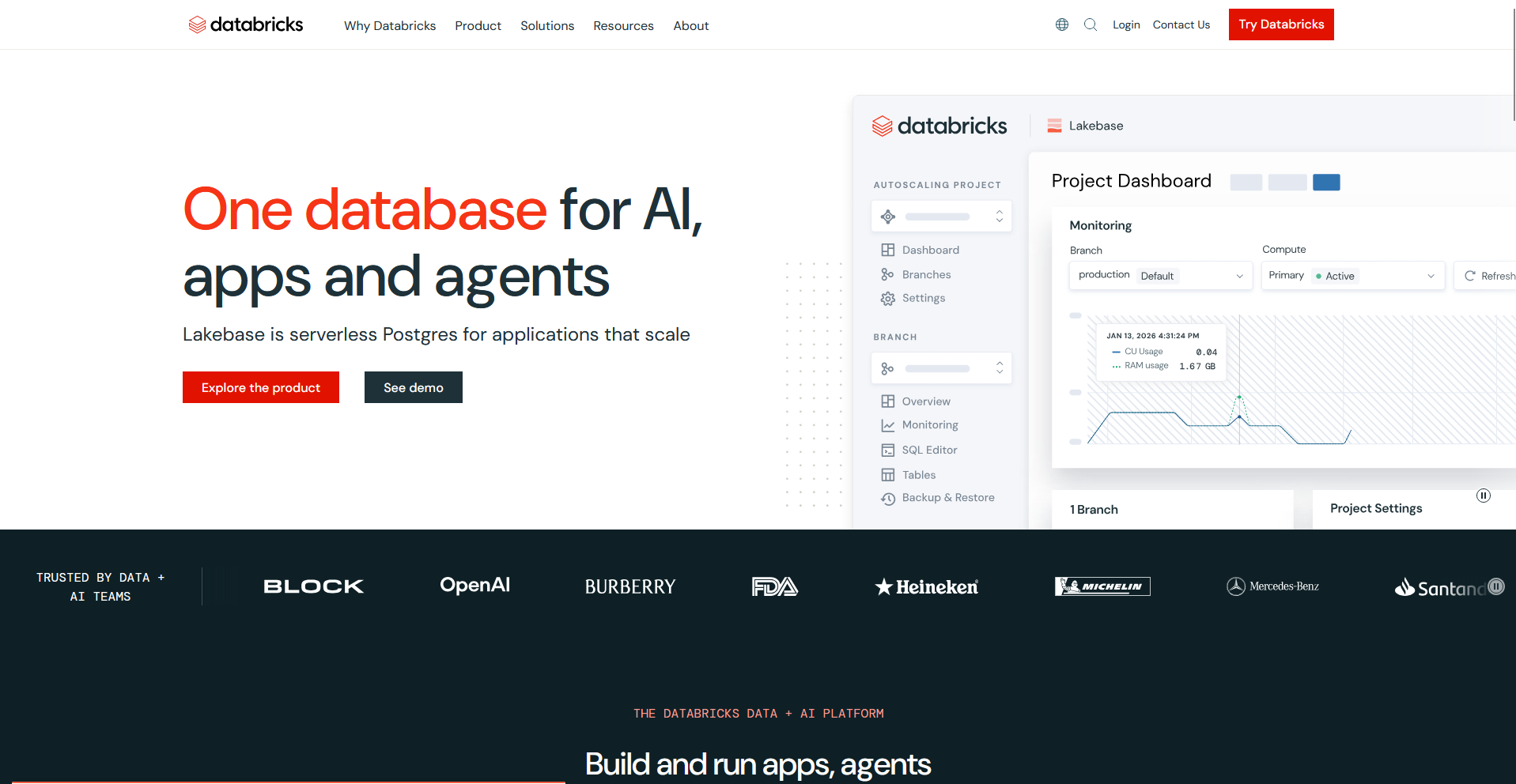
Databricks is a lakehouse platform that runs on AWS, Azure, and Google Cloud and combines SQL analytics, data engineering, and machine learning in one workspace. Teams can run notebooks, pipelines, and SQL queries against the same governed data.
Setup takes more time than a managed SQL warehouse like Snowflake, and your team may need time to learn Databricks' tools and workflows.
Key features
- Databricks SQL: Run SQL queries and BI workloads on classic, pro, or serverless SQL warehouses.
- Lakeflow: Build managed data ingestion, declarative pipelines, and scheduled jobs.
- Machine learning: Train models in notebooks and register them through the MLflow Model Registry in Unity Catalog.
Pros
- ✅ You can manage permissions for tables, models, and files from one catalog in Unity Catalog.
- ✅ Business users can ask questions in plain English through Genie spaces on top of governed tables.
- ✅ Open table formats such as Delta Lake and Apache Iceberg can let other engines read the same tables.
Cons
- ❌ Setup and tuning take more time than a managed SQL warehouse, and teams often need engineering skills for clusters, jobs, and notebooks.
- ❌ Choosing between classic, pro, and serverless SQL warehouses takes planning, since each option runs on different infrastructure and bills at a different rate.
Best for
- Data science teams that train models on the same data they report on
- Data engineering teams that build and schedule pipelines
- Companies with data on more than one cloud
Pricing
Databricks uses DBU-based pricing.
2. Google BigQuery: Best for cluster-free analysis on Google Cloud
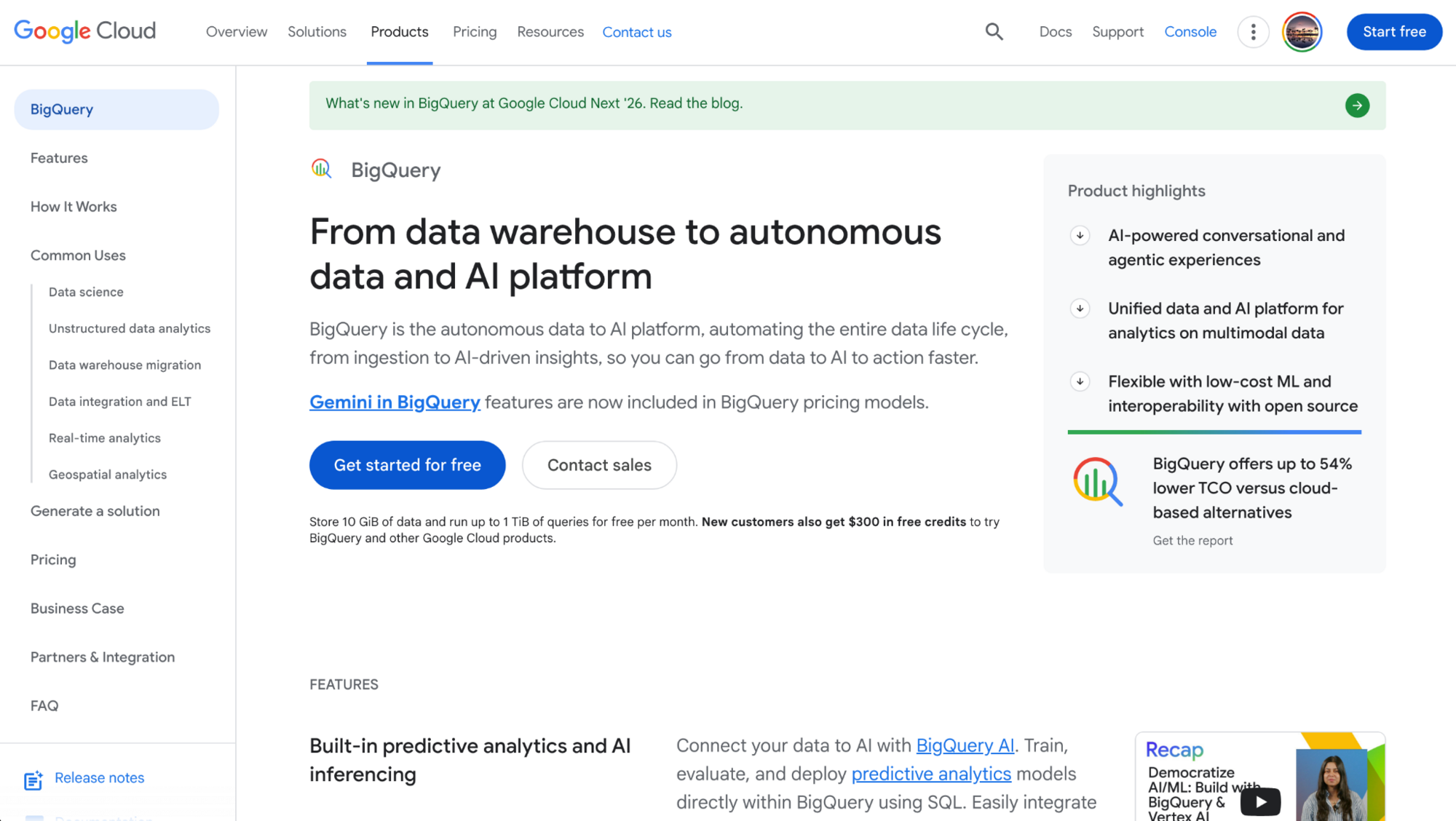
Google BigQuery is a serverless data warehouse on Google Cloud that supports SQL analytics, machine learning, and queries on open table formats. Teams can load and query large datasets without creating or sizing clusters. On-demand pricing bills by the data each query scans, so poorly filtered queries can raise costs.
Key features
- Serverless queries: Run GoogleSQL queries on a managed engine.
- BigQuery ML: Create and run machine learning models with SQL statements.
- BigLake: Query open table formats such as Apache Iceberg in Cloud Storage.
Pros
- ✅ Looker, Looker Studio, and Connected Sheets link directly to BigQuery data.
- ✅ Storage and compute bill separately, so large datasets can sit in storage without compute charges.
- ✅ Analysts who know SQL can build machine learning models without moving data to another tool.
Cons
- ❌ The service runs on Google Cloud, so multi-cloud setups can need extra planning.
- ❌ Large tables take partitioning and clustering design to keep scan sizes down.
Best for
- Google Cloud teams that want to skip cluster management
- Analysts who work in SQL and Google Sheets
- Teams with irregular query volumes
Pricing
Google BigQuery uses usage-based pricing.
3. Amazon Redshift: Best for warehousing inside an AWS-first stack
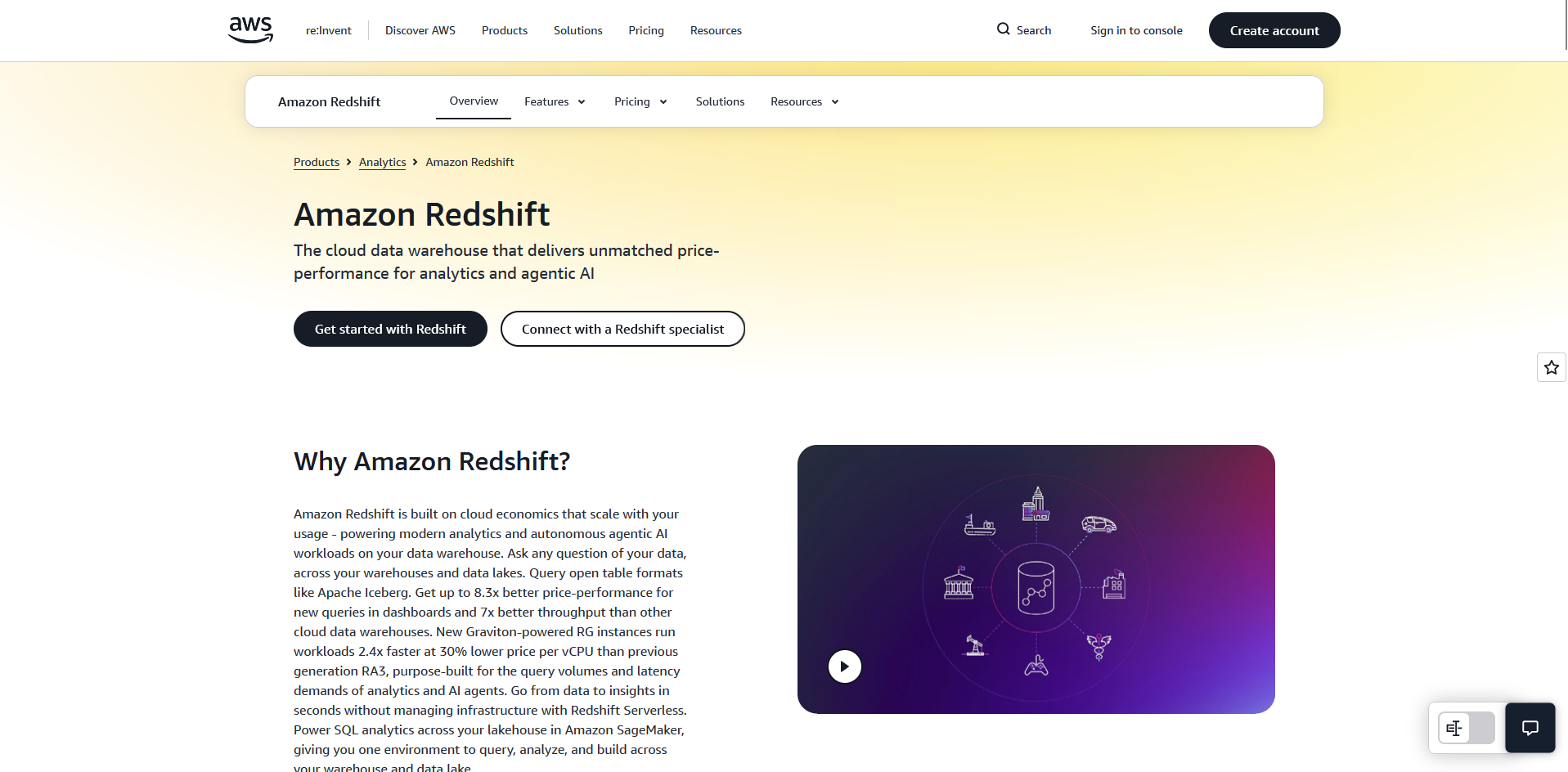
Amazon Redshift is a cloud data warehouse from AWS that runs on provisioned clusters or on Redshift Serverless. It connects to S3, Glue, and other AWS services, so teams with AWS-based pipelines can keep their data in one environment.
Your team still needs to size and manage the provisioned clusters, and the service runs only on AWS.
Key features
- Cluster options: Run queries on Redshift Serverless or on provisioned RA3 clusters.
- Redshift Spectrum: Query data in Amazon S3 without loading it into the warehouse.
- Zero-ETL integrations: Replicate data from sources such as Amazon Aurora into the warehouse.
Pros
- ✅ Native links to S3, Glue, IAM, and Lambda fit teams that already build on AWS.
- ✅ Data sharing lets separate Redshift warehouses read live data without copies.
- ✅ Redshift ML creates models with SQL commands through Amazon SageMaker.
Cons
- ❌ Your team is still responsible for sizing and managing provisioned clusters.
- ❌ The service runs only on AWS, so multi-cloud teams add data movement.
Best for
- Teams with pipelines and storage already on AWS
- Analysts who query S3 data alongside warehouse tables
- Organizations that want one billing relationship with AWS
Pricing
Amazon Redshift uses hybrid pricing that combines capacity and usage.
4. Microsoft Fabric: Best for Power BI and Microsoft 365 workflows
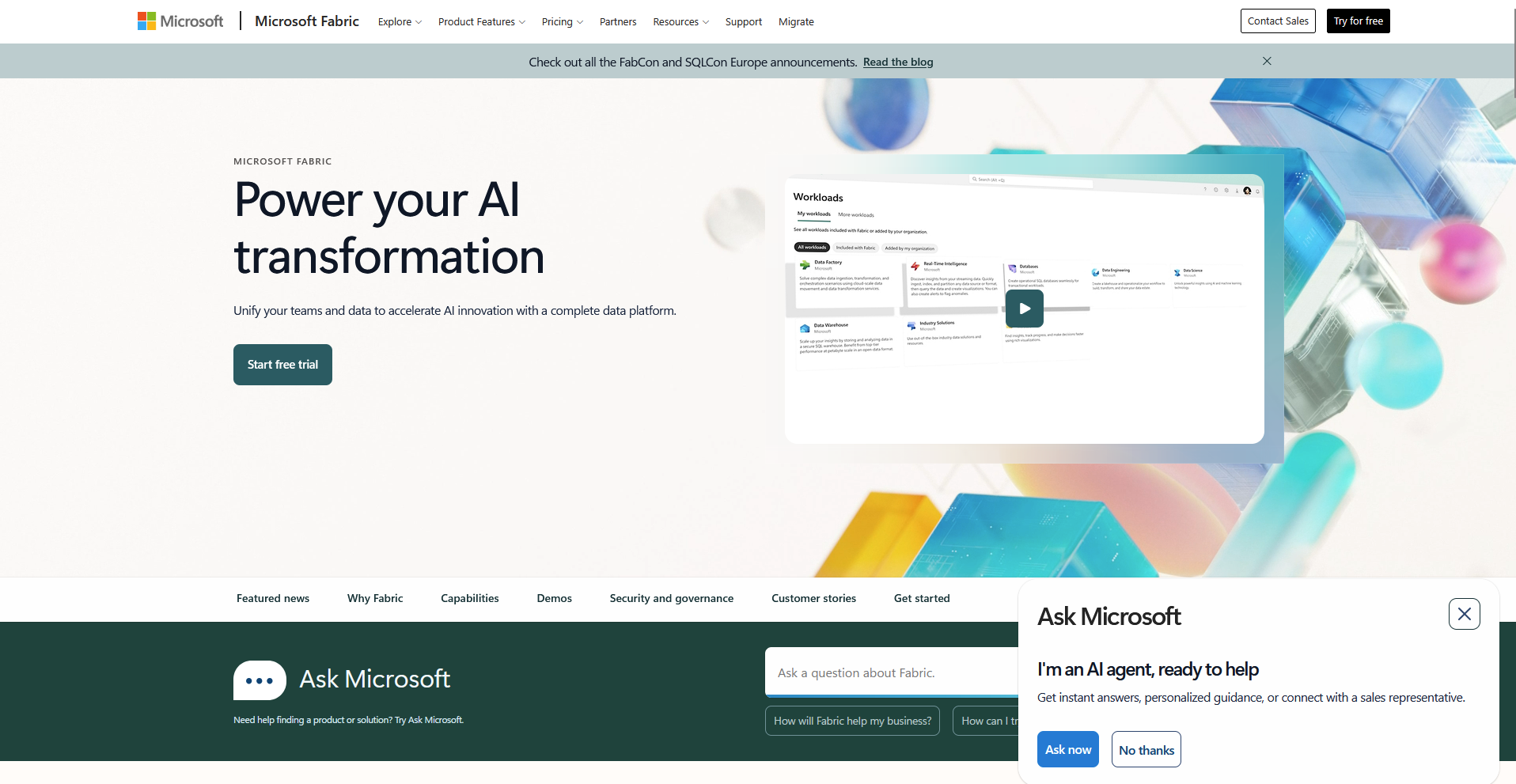
Microsoft Fabric is a software-as-a-service (SaaS) analytics platform that brings data engineering, warehousing, real-time analytics, and Power BI into one workspace. It builds on capabilities from Azure Synapse and Azure Data Factory. Teams still running Synapse should plan a move, since Microsoft is putting new investment into Fabric.
Key features
- OneLake: Store data from every Fabric workload in one logical data lake.
- Fabric Data Warehouse: Run T-SQL analytics on data stored in Delta Parquet format.
- Direct Lake: Connect Power BI reports directly to Delta tables in OneLake.
Pros
- ✅ Power BI, Microsoft 365, and Microsoft Entra ID connect with little extra setup.
- ✅ Mirroring can replicate data from sources such as Azure SQL Database and Snowflake into OneLake.
- ✅ Capacity-based plans give teams a fixed capacity size to plan around.
Cons
- ❌ Azure Synapse teams need to plan the move of existing pipelines and SQL pools.
- ❌ Workloads share one capacity, so heavy jobs can compete with other work until you resize.
Best for
- Teams that build reports in Power BI
- Organizations standardized on Microsoft 365 and Azure
- Azure Synapse users planning a migration
Pricing
Microsoft Fabric uses capacity-based pricing.
5. ClickHouse: Best for high-volume log and clickstream queries
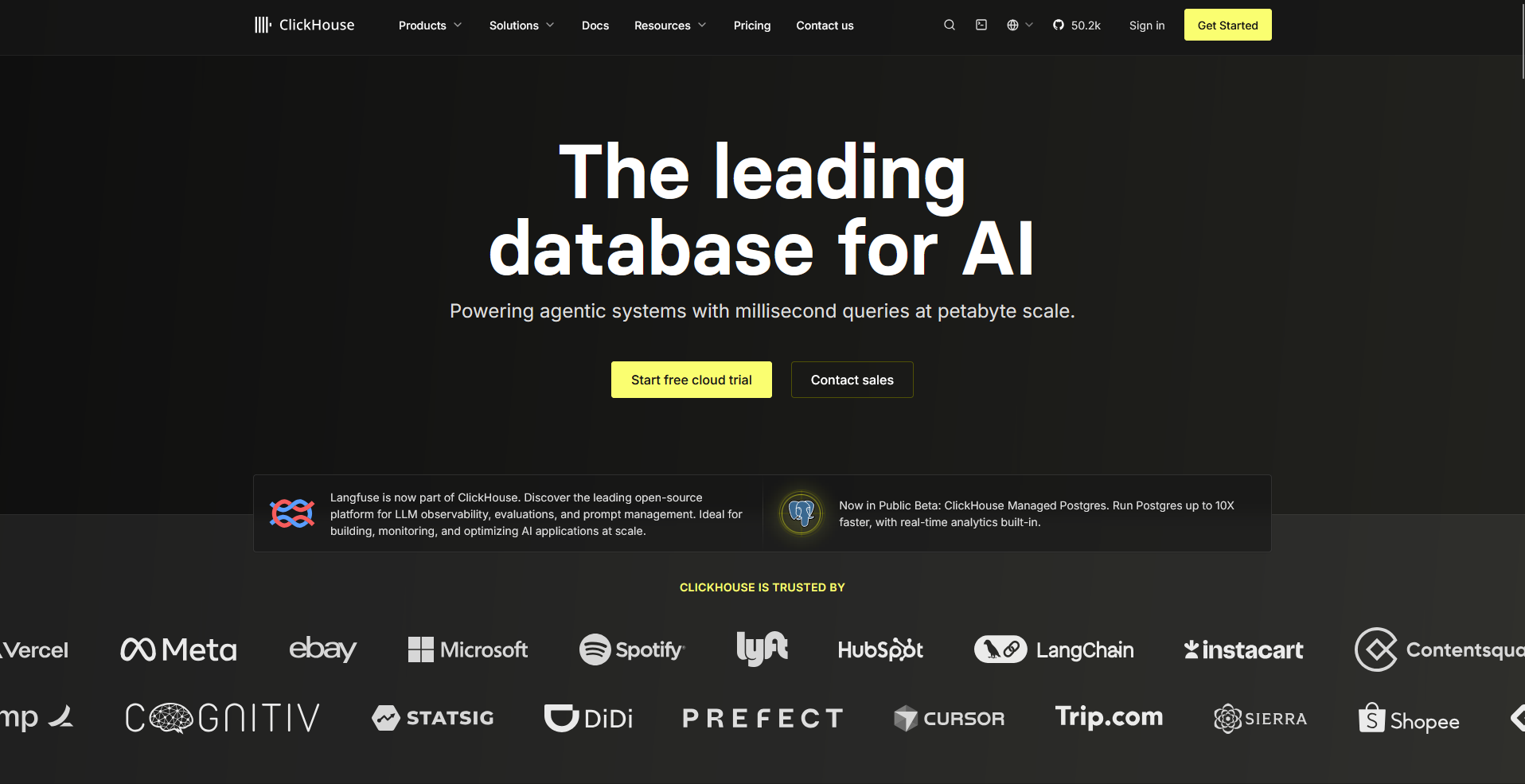
ClickHouse is an open-source columnar database built for fast analytical queries on large volumes of event and log data. Teams can self-host it under the Apache 2.0 license or use ClickHouse Cloud. Frequent row updates and complex joins take more design work than they do in a general-purpose warehouse.
Key features
- MergeTree tables: Store data in compressed columns with sparse primary indexes.
- Materialized views: Aggregate incoming data at insert time.
- ClickHouse Cloud: Run the engine as a managed service with separate storage and compute.
Pros
- ✅ Queries on large event and log tables run fast.
- ✅ The Apache 2.0 license allows self-hosting.
- ✅ Integrations with sources such as Apache Kafka and Amazon S3 support streaming and batch loads.
Cons
- ❌ ClickHouse extends standard SQL with its own functions, and table design concepts such as sorting keys take time to learn.
- ❌ Frequent updates and complex joins need more planning than in a general-purpose warehouse.
Best for
- Engineering teams that analyze logs and clickstream data
- Product teams that build real-time dashboards
- Teams that want an open-source engine with a managed option
Pricing
ClickHouse uses usage-based pricing.
6. Teradata: Best for enterprise-scale mixed query loads
Teradata is an enterprise analytics platform that runs on AWS, Azure, Google Cloud, and on premises. Large organizations use it to run many types of queries at the same time under workload management rules. The platform targets large enterprises, so smaller teams can find it more than they need.
Key features
- Flexible deployment: Run Teradata in the public cloud with VantageCloud or on premises.
- Workload management: Set rules that prioritize concurrent queries across user groups.
- ClearScape Analytics: Run in-database analytic and machine learning functions on stored data.
Pros
- ✅ Workload management handles many users and query types at once.
- ✅ Teams moving from on-premises Teradata can keep SQL compatibility in the cloud.
- ✅ Support for open table formats such as Apache Iceberg widens access to data in other systems.
Cons
- ❌ Learning workload management and data model design takes specialist experience.
- ❌ The platform fits large enterprise programs more than small, self-serve projects.
Best for
- Large enterprises with mixed workloads
- Teams migrating on-premises Teradata systems to the cloud
- Organizations that need strict workload prioritization
Pricing
Teradata uses hybrid pricing that combines commitment and usage.
7. IBM Db2 Warehouse: Best for compliance-focused analytics for healthcare and finance
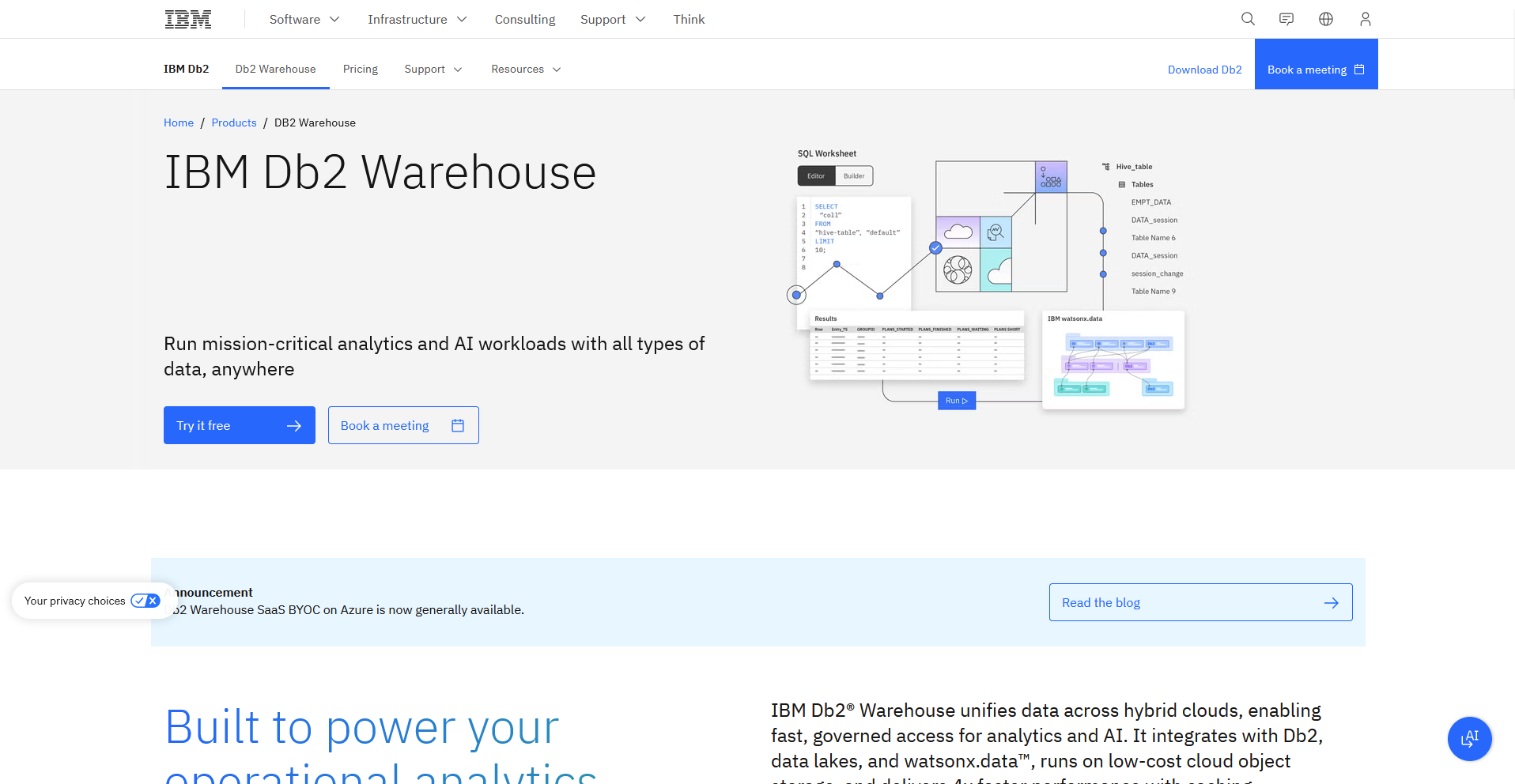
IBM Db2 Warehouse is a massively parallel data warehouse available as software-as-a-service on IBM Cloud, AWS, and Azure. It pairs in-memory columnar processing with built-in machine learning and open data format support. Self-managed deployments put upgrades and maintenance on your team.
Key features
- Massively parallel processing: Distribute queries across dedicated compute nodes.
- Open data formats: Query data in object storage through open formats.
- Built-in machine learning: Run machine learning workloads inside the database.
Pros
- ✅ Storage and compute can scale independently.
- ✅ Encryption and access controls support regulated workloads.
- ✅ Reserved instances and bring-your-own-license options can discount compute.
Cons
- ❌ On Azure, the managed service is offered only through a bring-your-own-cloud model, so it runs inside your own Azure account.
- ❌ Self-managed deployments put upgrades and maintenance on your team.
Best for
- Healthcare and finance teams with audit requirements
- Organizations already invested in IBM tools
- Teams that want an MPP warehouse on AWS
Pricing
IBM Db2 Warehouse uses usage-based pricing.
8. Firebolt: Best for low-latency queries with a free self-hosted option
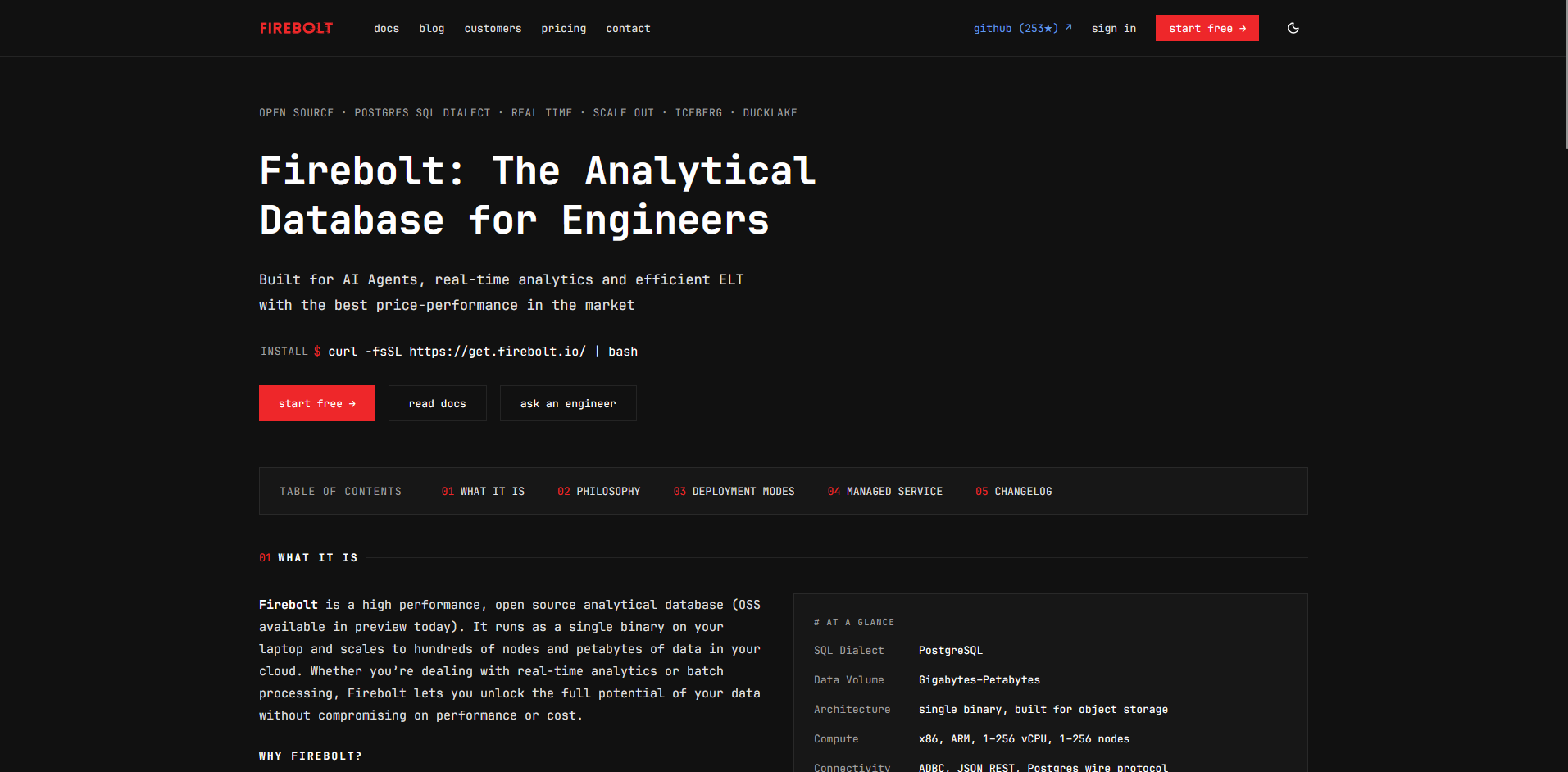
Firebolt is a cloud data warehouse built for low-latency analytics, with a managed service and a free self-hosted edition called Firebolt Core. Teams can run Core on a laptop, on premises, or in the cloud with Docker or Kubernetes. Azure support for the managed service is still in preview, so Azure-first teams have fewer production options.
Key features
- Firebolt Core: Run the query engine with Docker or Kubernetes in any environment.
- Iceberg reads: Query Apache Iceberg tables stored in object storage.
- Elastic engines: Start, stop, and resize compute engines on the managed service.
Pros
- ✅ Core is free for production use with no usage limits or feature caps.
- ✅ The Kubernetes operator and Helm chart for self-managed deployments are open source.
- ✅ Teams can start on Core and move to the managed service later.
Cons
- ❌ Core runs in Docker and needs Linux kernel 6.1 or later, so older hosts need an upgrade first.
- ❌ Core's license bars using it to build a hosted service that competes with Firebolt's managed offering.
Best for
- Engineering teams that build fast analytics into applications
- Teams that want to test a warehouse engine at no cost
- Teams that run Iceberg lakehouses
Pricing
Firebolt uses usage-based pricing.
9. Apache Pinot: Best for live metrics inside customer-facing apps
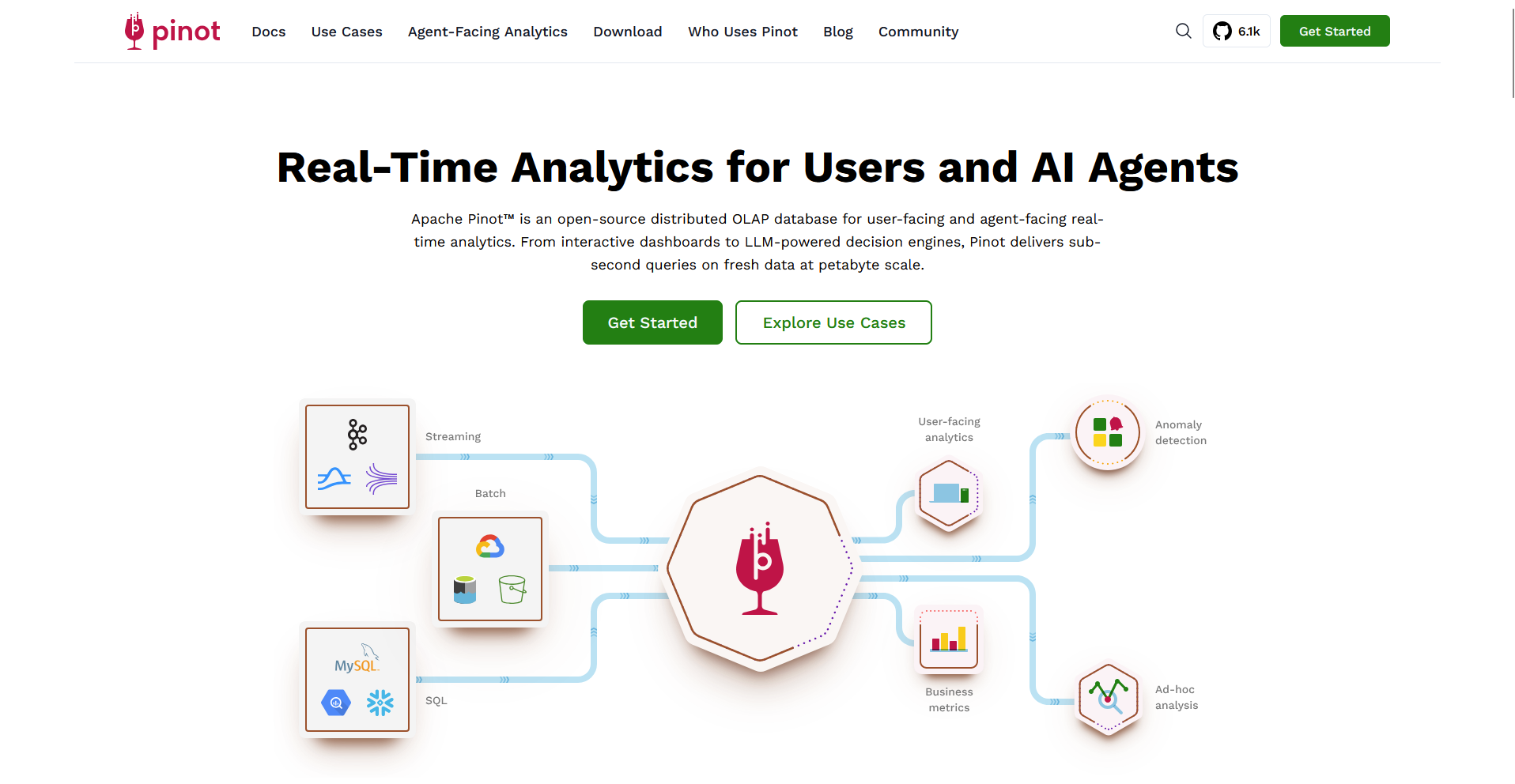
Apache Pinot is an open-source, distributed OLAP datastore built for low-latency queries on streaming and batch data. Teams use it to power dashboards and metrics that customers see inside an application. Running Pinot well calls for distributed systems experience.
Key features
- Real-time ingestion: Ingest data from streaming sources such as Apache Kafka.
- Star-tree index: Build an index that pre-aggregates data for common queries.
- Multi-stage query engine: Run SQL joins across tables.
Pros
- ✅ The design handles many concurrent queries with low latency.
- ✅ Apache 2.0 licensing allows self-hosting.
- ✅ Upsert support lets real-time tables update records as new events arrive.
Cons
- ❌ Running Pinot well calls for distributed systems experience.
- ❌ Join-heavy workloads fit less naturally than in a general-purpose warehouse.
Best for
- Product teams that show live metrics to customers
- Engineering teams that already run Apache Kafka
- Organizations that prefer open-source infrastructure
Pricing
Apache Pinot is free under the Apache 2.0 license.
10. Dremio: Best for lake queries with less data copying
Dremio is an Apache Iceberg-based lakehouse platform that queries data where it already sits, such as cloud object storage. SAP completed its acquisition of Dremio in July 2026, and the platform now fits into SAP Business Data Cloud. Query speed depends on how well your lake tables are organized, and packaging may shift under SAP.
Key features
- Reflections: Store precomputed copies of datasets that queries can use.
- Open Catalog: Manage Apache Iceberg tables through a catalog built on Apache Polaris.
- Semantic layer: Define shared business views and metrics over lake data.
Pros
- ✅ Analysts can query lake data in place with SQL.
- ✅ Tableau, Power BI, and other familiar tools connect to Dremio.
- ✅ Open formats let other engines read the same Iceberg tables.
Cons
- ❌ Query speed depends on how well your lake tables are organized.
- ❌ SAP's July 2026 acquisition means roadmap and packaging may shift.
Best for
- Data teams that want to cut ETL work
- Organizations with data in Apache Iceberg on object storage
- SAP customers that want a lakehouse layer
Pricing
Dremio uses usage-based pricing.
11. Trino: Best for one SQL layer across many data sources
Trino is an open-source distributed SQL query engine that reads data from many systems without loading it into one place. Analysts can join data from lakes, warehouses, and databases in a single query through its connectors. Trino has no storage layer of its own, so teams pick and manage storage separately.
Key features
- Connectors: Connect to sources such as Hive, Iceberg, MySQL, and PostgreSQL.
- Federated queries: Join data from multiple sources in one SQL statement.
- Distributed engine: Run queries in parallel across coordinator and worker nodes.
Pros
- ✅ Apache 2.0 licensing allows self-hosting.
- ✅ One SQL layer can reach data in several systems without moving it first.
- ✅ Starburst sells a commercial, managed version for teams that skip cluster work.
Cons
- ❌ Trino has no storage layer of its own, so teams pick and manage storage separately.
- ❌ Running clusters and tuning memory and concurrency takes engineering time.
Best for
- Data teams with information spread across several systems
- Engineering teams that run their own query infrastructure
- Organizations that want to avoid vendor lock-in
Pricing
Trino is free under the Apache 2.0 license.
12. MotherDuck: Best for analyst-friendly DuckDB in the cloud
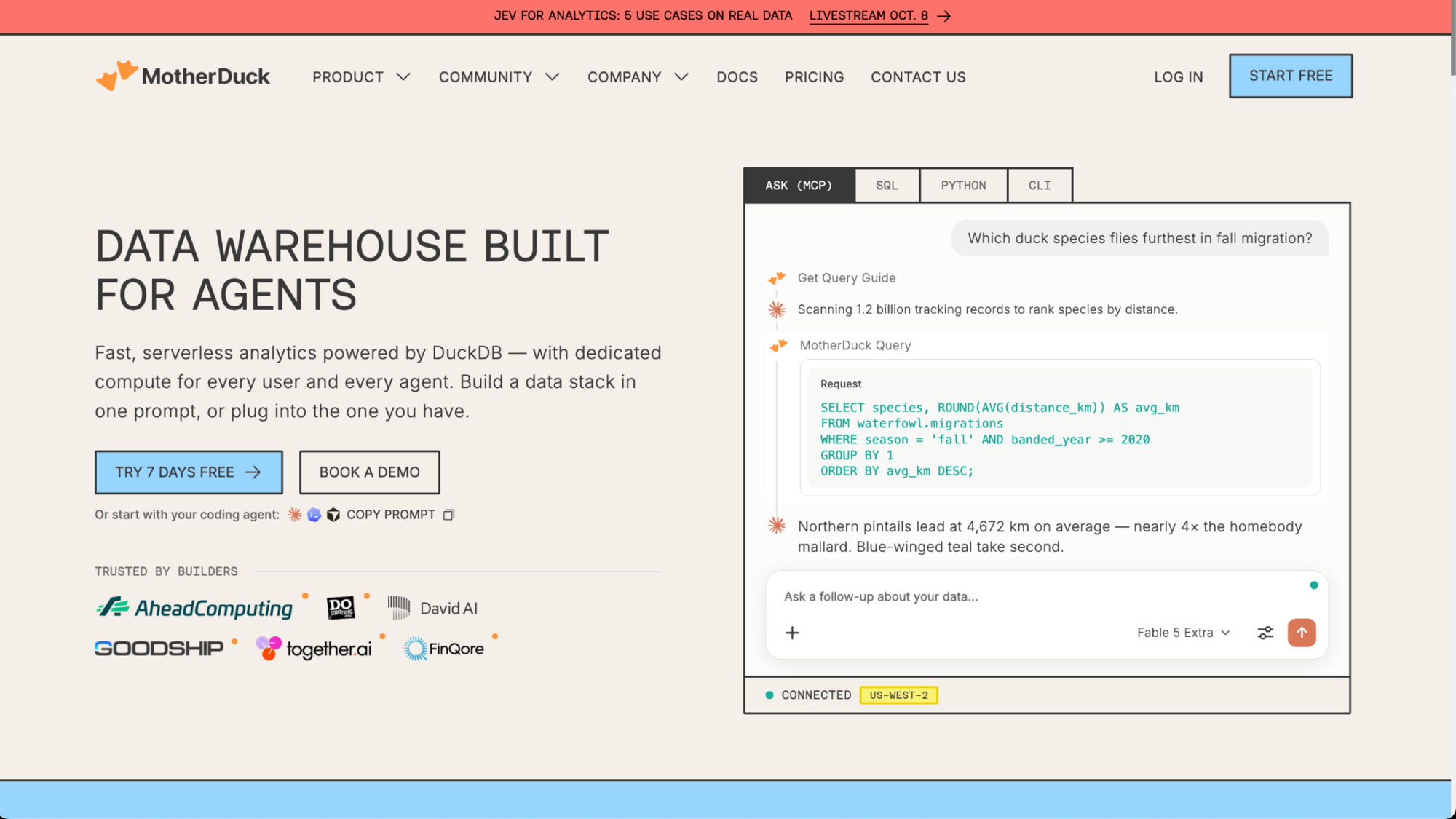
MotherDuck is a managed cloud service built on DuckDB, an open-source analytical database. Analysts can run SQL on local files and cloud tables from the same workflow. Larger workloads need more compute sizing and scaling decisions.
Key features
- Cloud DuckDB: Run DuckDB queries on MotherDuck's managed service.
- Hybrid execution: Join local files with cloud tables in one query.
- Per-user compute: Give each organization member an isolated compute instance.
Pros
- ✅ The free Lite plan includes 10 GB of storage and 10 hours of compute each month.
- ✅ Analysts who already use DuckDB can keep their local workflows.
- ✅ SQL assistant features come with both Lite and Business plans.
Cons
- ❌ Larger workloads need more compute sizing and scaling decisions.
- ❌ The Lite plan limits teams to 3 internal users.
Best for
- Small analytics teams
- Analysts who work with local files and cloud tables
- Teams that want a low-cost way to start with a cloud warehouse
Pricing
MotherDuck starts at $250 per org per month (billed monthly) plus usage.
13. Cloudera: Best for on-prem data estates adding cloud workloads
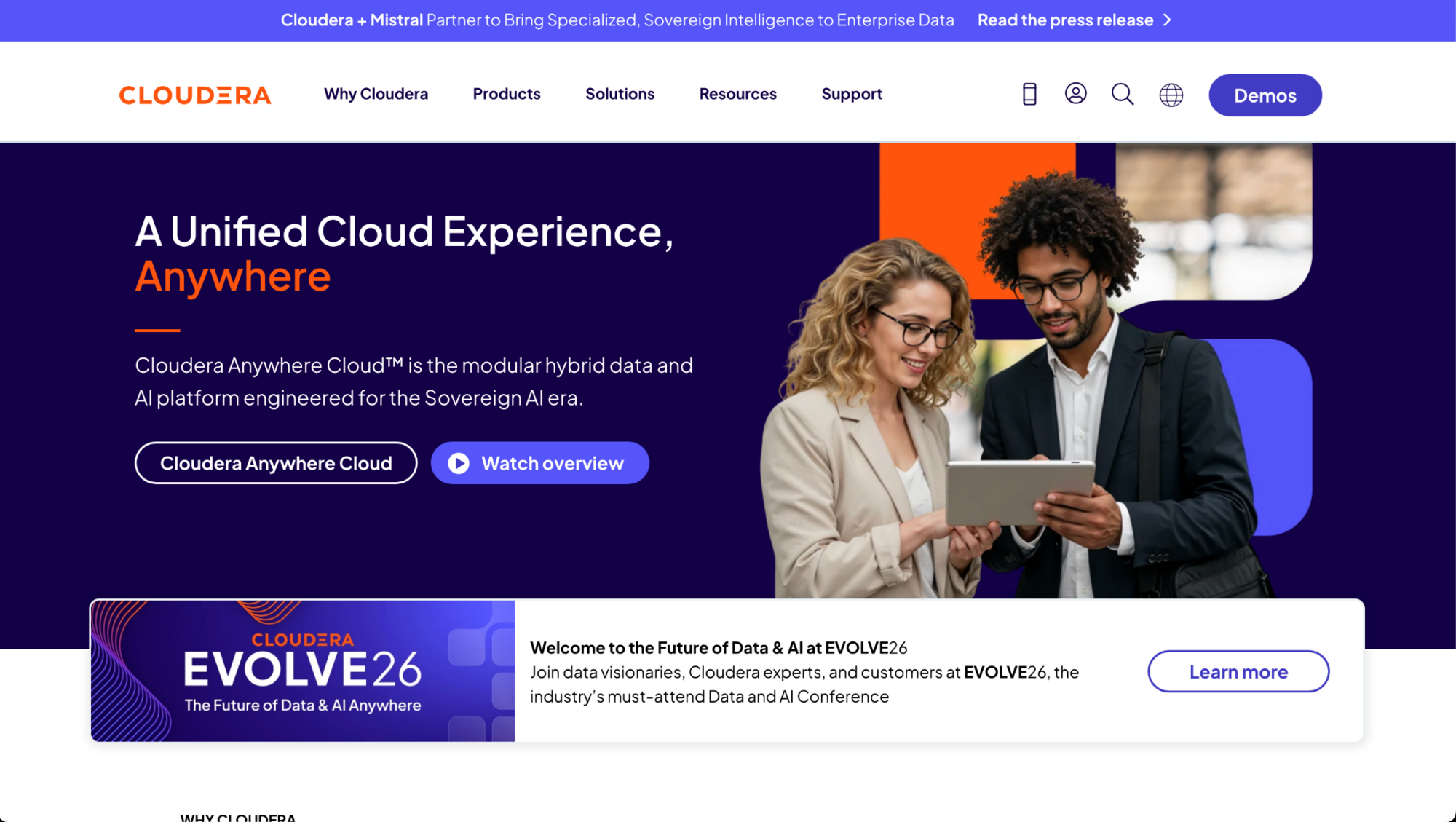
Cloudera is a hybrid data platform that runs on premises, in private clouds, and on AWS, Azure, and Google Cloud. It covers data warehousing, data engineering, and machine learning around an Apache Iceberg-based open lakehouse. Its Hadoop roots add components to learn and configure.
Key features
- Cloudera Data Warehouse: Run SQL analytics through Impala and Hive virtual warehouses.
- Apache Iceberg support: Query and update Iceberg tables across Cloudera data services.
- SDX: Apply shared security and governance policies across on-premises and cloud environments.
Pros
- ✅ Teams can run the same platform in a data center and in public clouds.
- ✅ An open lakehouse built on Apache Iceberg supports multiple engines.
- ✅ Shared governance covers data in both on-premises and cloud deployments.
Cons
- ❌ Its Hadoop roots add components to learn and configure.
- ❌ Cloudera Data Warehouse is a containerized service, so on-premises teams also need to run and manage the container platform underneath it.
Best for
- Organizations with on-premises data they can't retire
- Regulated teams that keep some data inside their own data centers
- Companies adding cloud workloads in stages
Pricing
Cloudera uses usage-based pricing.
14. StarRocks: Best for open-source dashboards for many concurrent users
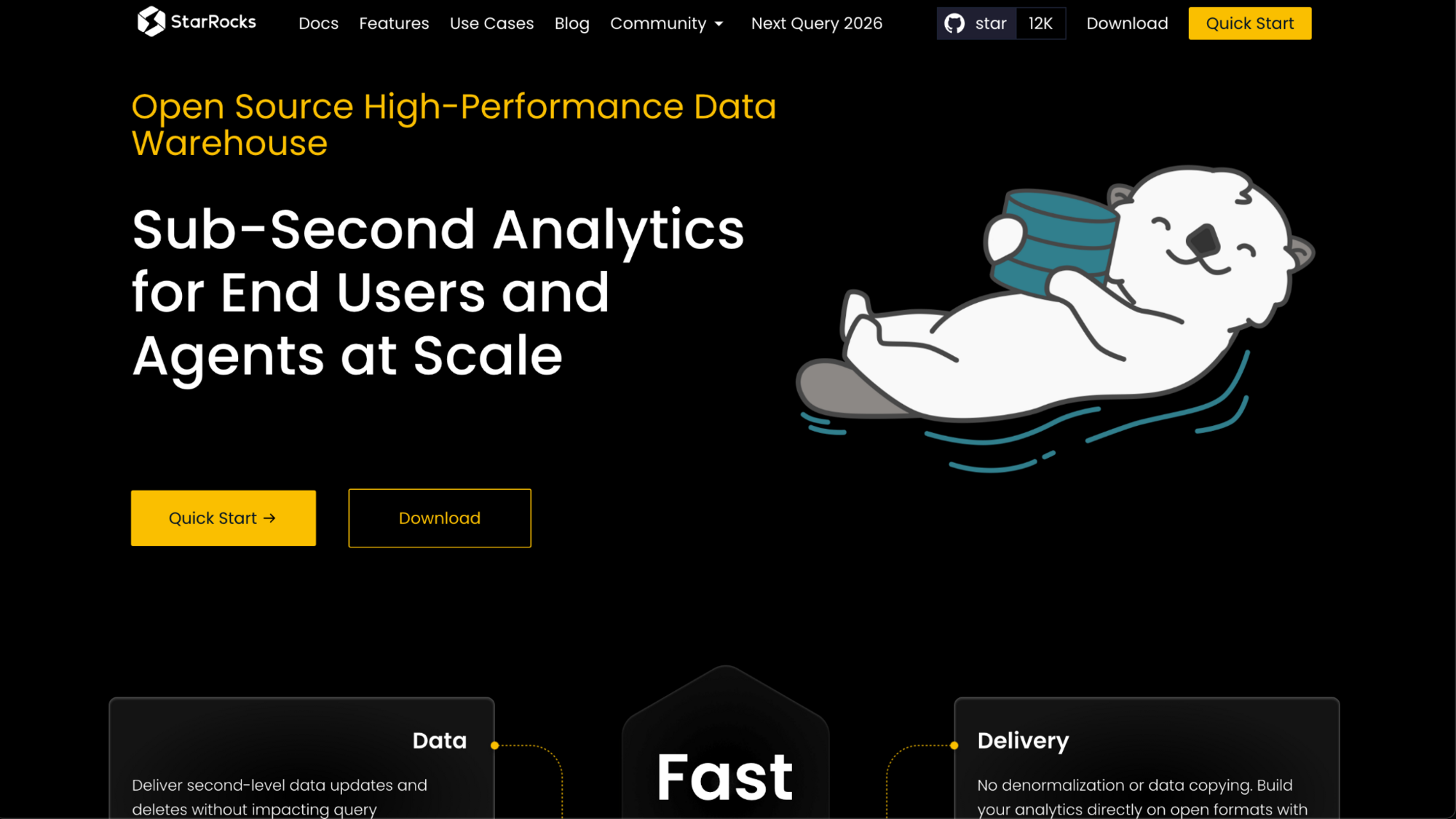
StarRocks is an open-source analytical database under the Linux Foundation, built for fast queries on real-time and lakehouse data. Teams use it to serve dashboards to many users at once. Self-hosting puts cluster setup on your team, and managed operations come from PhoenixAI, the company formerly known as CelerData.
Key features
- Lakehouse queries: Query Apache Iceberg, Delta Lake, Apache Hudi, and Apache Hive tables without importing them.
- Cost-based optimizer: Plan complex queries with a cost-based optimizer.
- MySQL protocol: Connect clients and BI tools through MySQL-compatible access.
Pros
- ✅ Apache 2.0 licensing allows self-hosting.
- ✅ Real-time updates work on historical records.
- ✅ The same engine can serve its own tables and query an existing data lake.
Cons
- ❌ Running the open-source version means your team handles cluster setup, scaling, and maintenance.
- ❌ Some enterprise features, such as workload isolation, multi-AZ high availability, and 24/7 support with an SLA, come through the commercial PhoenixAI offering.
Best for
- Teams that serve dashboards to many users at once
- Engineering teams that run open-source analytics infrastructure
- Organizations that want fast queries over an existing data lake
Pricing
StarRocks is free under the Apache 2.0 license.
15. Yellowbrick: Best for warehousing that spans data centers and clouds
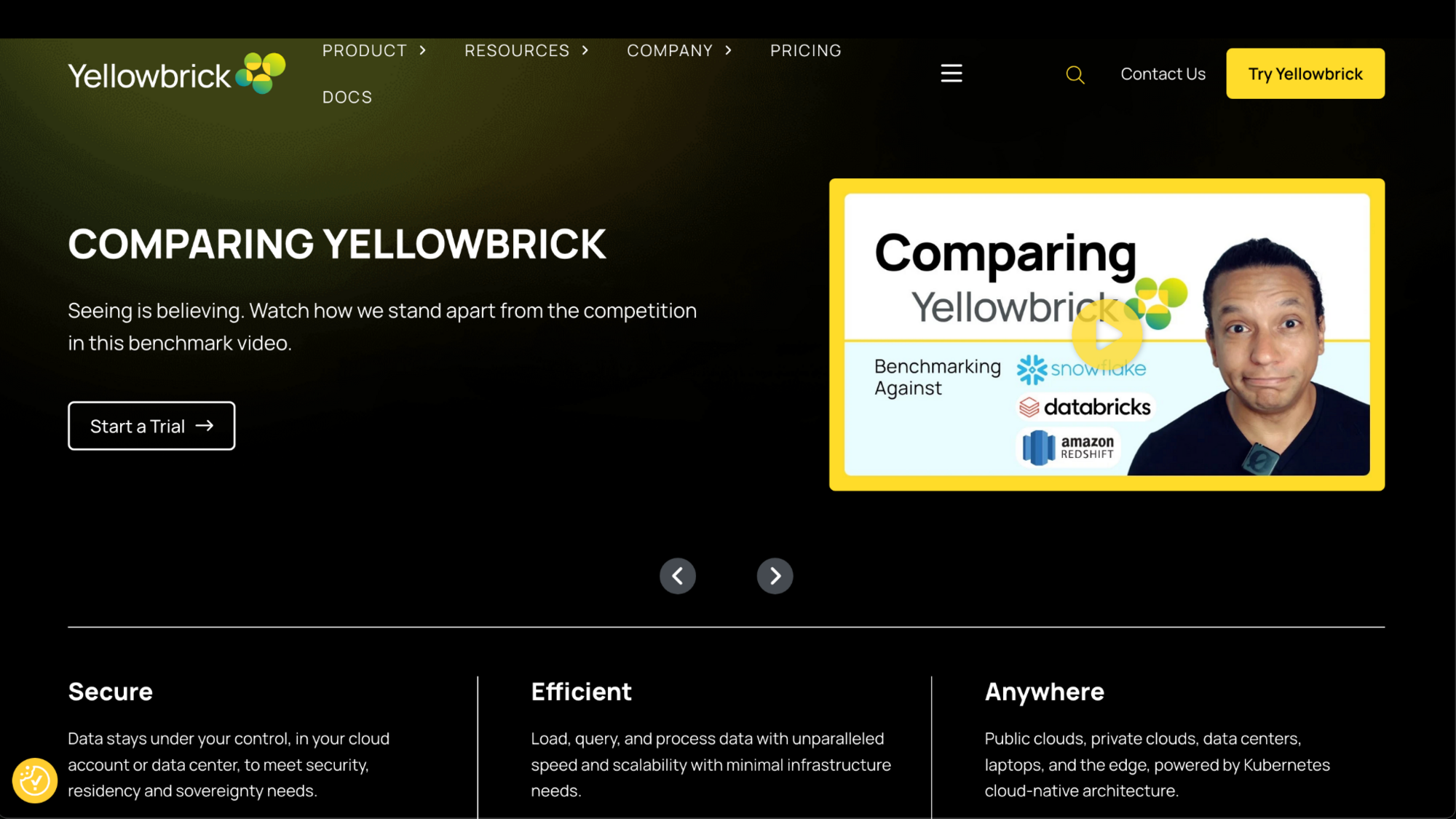
Yellowbrick is an enterprise data warehouse that runs on turnkey appliances, on premises with cloud-native software, and in public clouds. Enterprises use it for analytics and BI workloads that need performance, governance, and operational control. Teams take on more infrastructure choices than a fully managed service asks of them.
Key features
- Hybrid deployment: Run the warehouse on appliances, on premises, or in public clouds.
- PostgreSQL compatibility: Connect existing PostgreSQL-compatible tools and drivers.
- Enterprise workloads: Run analytics and BI queries with governance and operational controls.
Pros
- ✅ The same warehouse can run in data centers and in public clouds.
- ✅ Turnkey appliances fit teams that prefer to keep data on site.
- ✅ Annual per-vCPU pricing gives teams a fixed cost to plan around.
Cons
- ❌ Teams take on more infrastructure choices than a fully managed service asks of them.
- ❌ The user community and third-party resources are smaller than those around the major cloud warehouses.
Best for
- Enterprises with data centers and cloud footprints
- Teams that need on-premises analytics for governance reasons
- Organizations that want a fixed per-vCPU cost
Pricing
Yellowbrick starts at $613 per vCPU per year, and usage-based pricing is also available.
16. SingleStore: Best for operational and analytical queries in one database
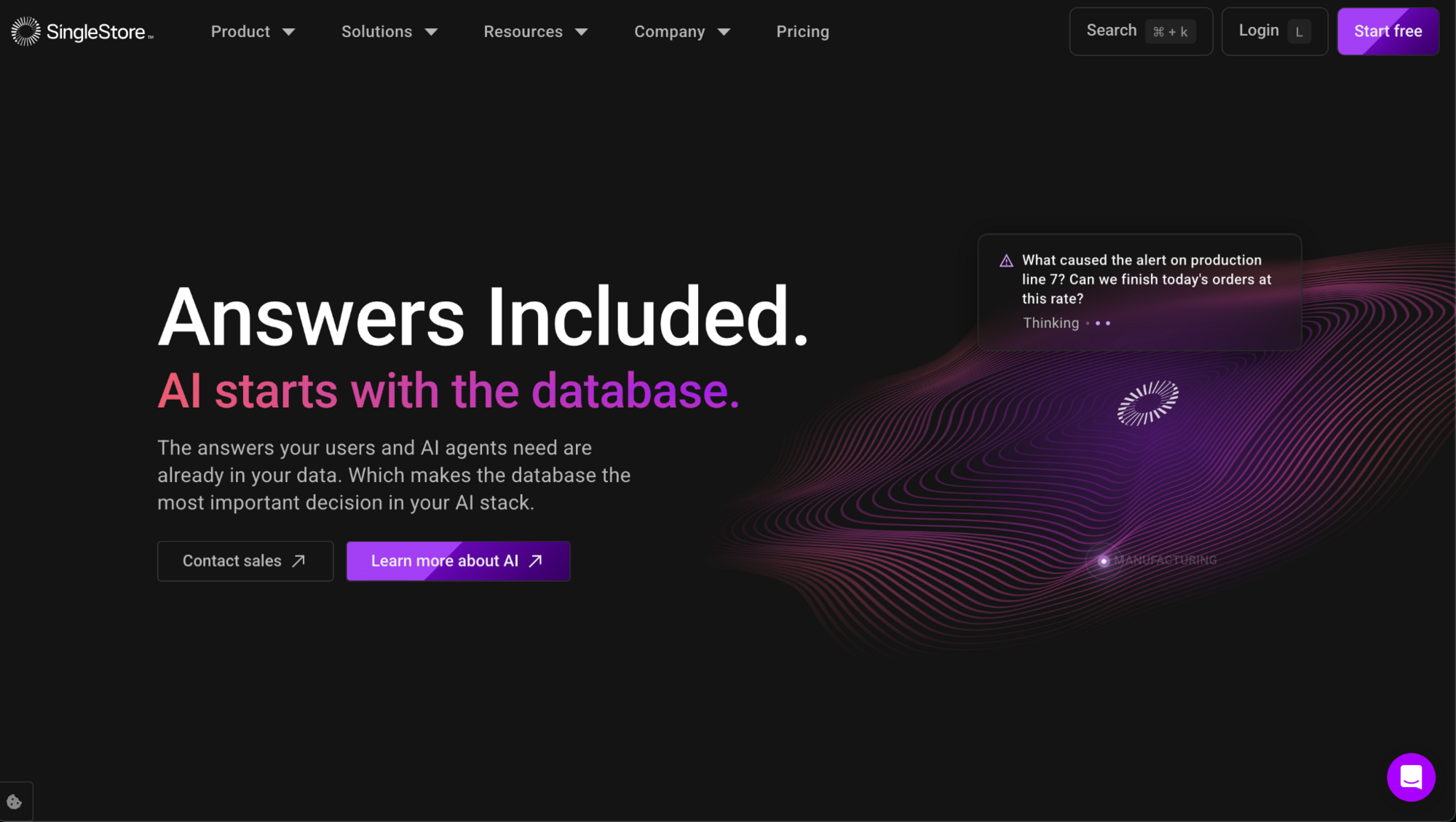
SingleStore is a distributed SQL database that combines transactional, analytical, and vector workloads, with MySQL and MongoDB wire protocol compatibility. Its managed service, Helios, runs on major clouds, and a free Shared tier supports evaluation. Heavy analytics can compete with transactions for resources, so mixed workloads need careful resource limits.
Key features
- Unified SQL database: Run transactional and analytical queries in one distributed engine.
- Vector search: Run indexed vector and full-text search alongside SQL.
- Helios deployment options: Run it as a managed service on AWS, Azure, or Google Cloud, or bring your own cloud in your own VPC.
Pros
- ✅ One engine can serve application queries and real-time analytics.
- ✅ MySQL and MongoDB wire compatibility lets existing drivers connect.
- ✅ The free Shared tier gives teams a way to test the platform.
Cons
- ❌ Heavy analytics can compete with transactions for resources, so mixed workloads need careful resource limits.
- ❌ Some enterprise features, such as audit logging, may need a higher plan tier.
Best for
- Application teams that add real-time analytics
- Teams that want vector search next to SQL
- Developers who already use MySQL-compatible tools
Pricing
SingleStore uses usage-based pricing.
Open-source Snowflake alternatives
The main open-source Snowflake alternatives are ClickHouse, Trino, Apache Pinot, and StarRocks. All 4 use the Apache 2.0 license, which lets you self-host them and change the code.
Open source can give you more control over cost and performance, and it avoids some vendor lock-in. The trade is that your team runs and tunes the engine, or you pay for a managed version.
Here are the four Apache 2.0 options:
- ClickHouse: Columnar database for real-time and log analytics. Apache 2.0.
- Trino: Federated SQL engine that queries many sources without moving the data. Apache 2.0.
- Apache Pinot: Real-time OLAP engine for streaming data and user-facing dashboards. Apache 2.0.
- StarRocks: High-concurrency analytics engine and a Linux Foundation project. Apache 2.0.
Although it’s not on this list, Apache Druid also uses Apache 2.0 and targets streaming analytics, so it's worth a look if you work with event data.
2 more tools sit in a gray area, so the license details matter:
- Dremio: The core engine sits on GitHub under Apache 2.0. The free Community Edition adds some modules that are free but closed-source, and SAP completed its acquisition of Dremio in July 2026.
- MotherDuck: A managed cloud service built on DuckDB, which is open source. MotherDuck itself is a commercial product.
If you want to skip cluster management, most of these engines have a commercial managed option. Examples include ClickHouse Cloud, Starburst for Trino, StarTree for Pinot, and PhoenixAI (formerly CelerData) for StarRocks.
💡Tip: Read our roundup of cloud-based big data analytics solutions if you want to weigh these engines against managed platforms.
How to choose your Snowflake alternative
Alternatives vary most on cloud fit and workload focus, so start with where your data lives and what you run on it most.
Choose by cloud provider:
- AWS: Amazon Redshift ties into AWS tools like S3 and Glue, so it suits teams already built there.
- Azure: Microsoft Fabric connects to Power BI and Microsoft 365, which suits teams whose reports already live there.
- Google Cloud: Google BigQuery runs serverless, so you don't size clusters, and on-demand pricing bills by the data your queries scan.
- Multi-cloud or no strong preference: Databricks, ClickHouse, and Trino can all run on more than one cloud. Check each vendor's region and deployment options first.
Choose by workload:
- SQL BI and reporting: BigQuery, Redshift, and Microsoft Fabric fit dashboards and scheduled reports, so choose among them by the cloud you already use.
- AI and machine learning: Databricks combines SQL analytics with machine learning workflows, which suits data science teams.
- Real-time analytics: ClickHouse, Apache Pinot, and StarRocks target fast queries on streaming and event data.
- Open source and self-hosting: ClickHouse, Trino, Apache Pinot, and StarRocks use Apache 2.0, and your team runs and tunes them.
- Regulated and compliance-heavy work: IBM Db2 Warehouse includes governance and access controls, so review them against your audit needs.
- Small teams and lightweight jobs: MotherDuck runs DuckDB in the cloud with little infrastructure to manage.
💡Tip: Read our guides to cloud analytics platforms and data warehousing and business intelligence for a longer look at how these categories fit together.
Get answers from your warehouse in plain English
After you choose among these Snowflake competitors, your team still needs a way to get answers out of it. For some business users, that means waiting on an analyst or learning SQL.
Julius is an AI data analysis tool that connects to your database and lets you ask questions in plain English. It returns charts, reports, and analysis you can share with your team. You can connect sources such as Snowflake, BigQuery, or Postgres through its data connectors.
As you run queries, Julius can get better at finding the right tables and relationships in your database. That can make answers faster and more precise over time.
Ready to get answers from your data without waiting on an analyst? Try Julius for free today.
Frequently asked questions
Is Databricks or Snowflake better?
Databricks is better if you run machine learning next to SQL, and Snowflake is better if you mainly run managed SQL analytics. Databricks builds around a lakehouse for data and AI work. Snowflake builds around a managed warehouse that often needs less setup.
What are the top 5 data warehouses?
The top 5 data warehouses to shortlist are Databricks, Google BigQuery, Amazon Redshift, Microsoft Fabric, and ClickHouse. Databricks suits data and AI work, BigQuery suits serverless queries, Redshift suits AWS stacks, Fabric suits Microsoft teams, and ClickHouse suits real-time analytics.
What is the cheapest Snowflake competitor?
The cheapest Snowflake competitor depends on your workload and your team. The lowest-cost starting points are free, self-hosted tools like ClickHouse, Trino, Apache Pinot, and StarRocks. They have no license fees, but you pay for the servers and the work to keep them running.
Which Snowflake alternative suits real-time analytics?
ClickHouse suits real-time analytics because it queries large volumes of event and log data quickly. Apache Pinot and StarRocks also target sub-second queries on streaming and event data, so they fit user-facing dashboards and high-concurrency workloads.
What are the main open-source Snowflake alternatives?
The main open-source Snowflake alternatives are ClickHouse, Trino, Apache Pinot, and StarRocks. All 4 use the Apache 2.0 license, so you can self-host them. ClickHouse handles fast analytics, Trino runs federated queries across sources, and Pinot and StarRocks focus on real-time OLAP.