Why data pros choose Julius over Jupyter
Julius vs Jupyter: How do they compare?
Customers choose Julius as the most powerful data analysis and visualization platform. Try it to see how you can transform the way you analyze and visualize data.
Leading companies choose Julius


No more code — Julius does the work for you.
Jupyter requires manual inputs and programming knowledge to use. But Julius can do everything Jupyter does and more.
More data work gets done with Julius
90%
of users report increased productivity in the first month
80%
of teams say Julius makes data analysis more accessible
50%
faster in pulling data insights
3 reasons why teams choose Julius over jupyter
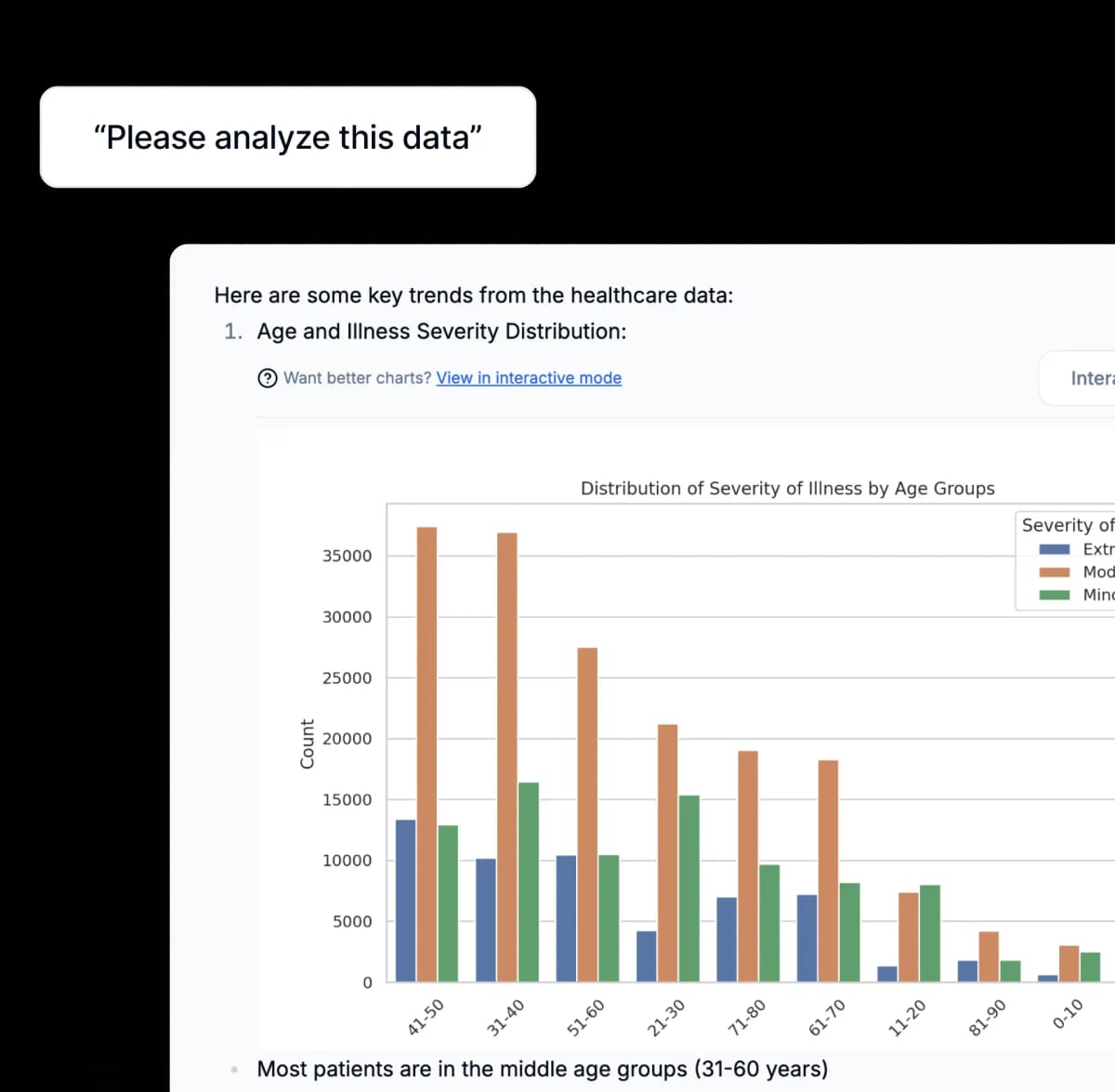
Turn raw data into actionable insights
Instantly transform raw data into interactive dashboards—no coding required. With Julius, you can visualize trends, uncover patterns, and make confident decisions in record time.
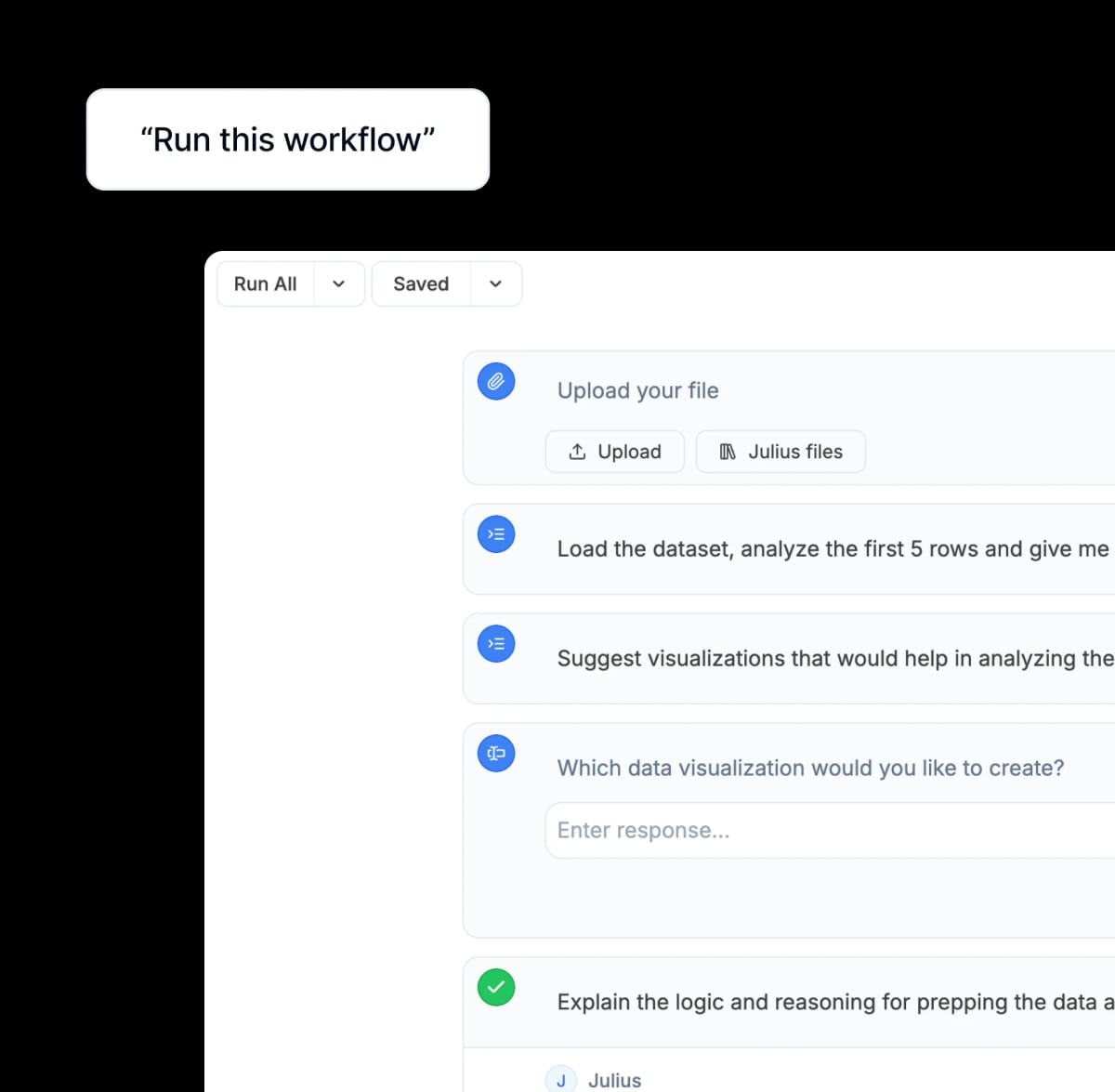
Collaborate for greater team impact
Save time by automating repetitive tasks and streamlining workflows. Share them with your team to boost efficiency, reduce errors, and ensure everyone has access to the same up-to-date information.
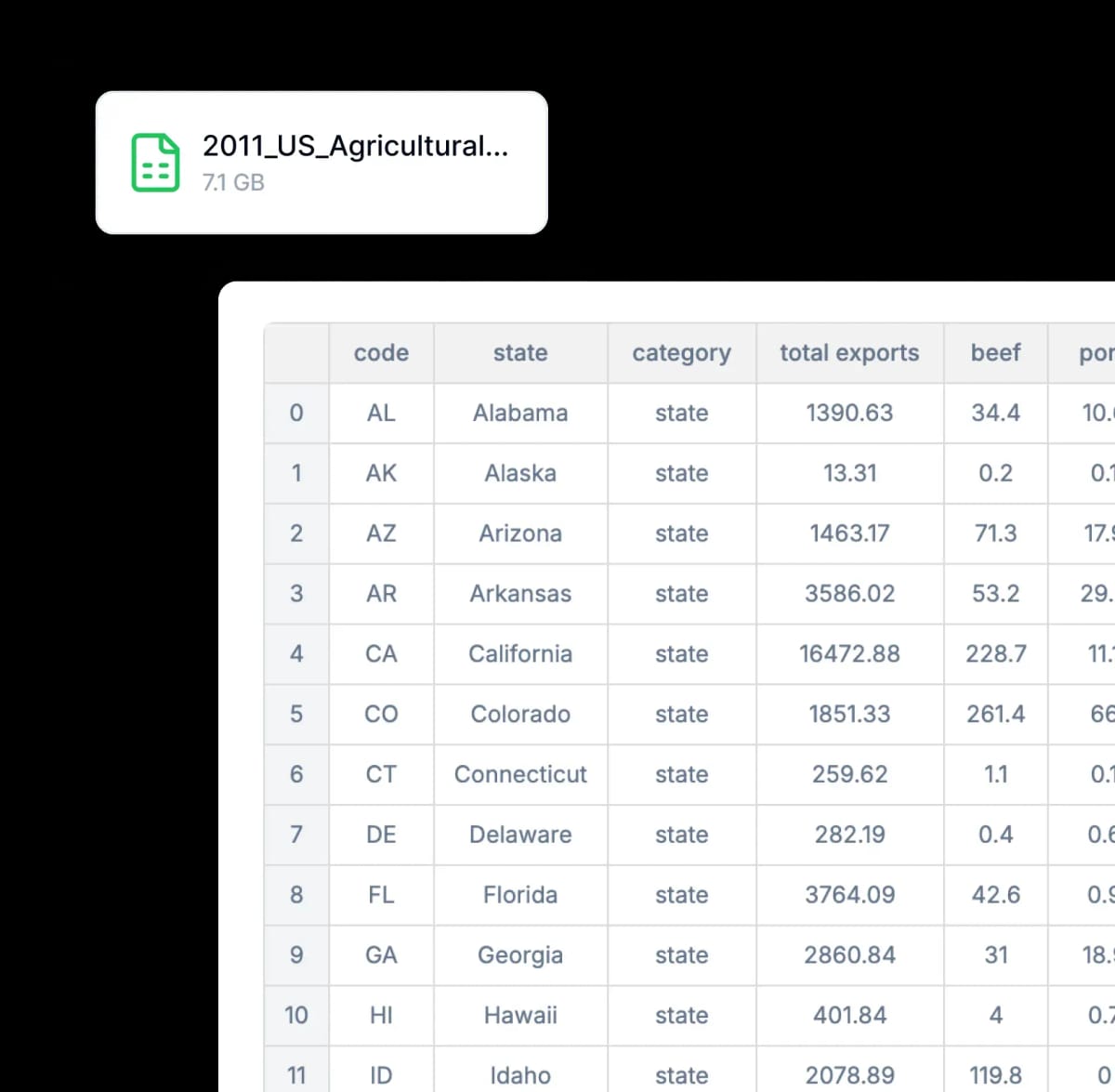
Handle any file size directly in Julius
Eliminate the worry of file limits or sluggish performance. Julius supports files up to 32GB and optimizes CPU and RAM usage, so your data stays in one place without compromising speed or reliability.
"You can use Julius for virtually any type of business or scientific data, or simply to categorize survey responses or interpret spreadsheets. It's remarkably versatile."

Frequently asked questions
What are the key differences between Julius AI and Jupyter Notebook?
Julius is an AI-powered platform requiring no coding skills and offering automated workflows, while Jupyter Notebook is a code-based environment requiring programming knowledge. Both are great tools for advanced data analysis, but Julius removes any barriers to get started for users looking for quick insights or without a data science background.
Is Julius AI free?
Yes! By default all users can send up to 15 messages a month with our most advanced AI model. Once you hit the monthly limit, you can upgrade your plan in your Account page.
How do collaboration features compare between Julius AI and Jupyter Notebooks?
Julius provides built-in real-time collaboration through Julius Teams with simultaneous editing and sharing capabilities, whereas Jupyter Notebooks requires additional tools for effective team collaboration. You can learn more about Julius' real-time collaboration capabilities on our blog.
How does the setup process compare between Julius AI and Jupyter Notebook?
Julius requires no installation as a cloud-based solution that works on any browser, whereas Jupyter Notebooks needs local installation with potential dependency issues.
Do I need programming knowledge to use Julius AI compared to Jupyter Notebook?
No programming knowledge is required for Julius as it uses natural language processing and AI to interpret your requests and write code for you, whereas Jupyter Notebooks requires proficiency in programming languages like Python, R, or Julia to perform data analysis.
Is Julius AI or Jupyter Notebook better for business analytics?
Julius is generally better for business analytics as it offers no-code solutions with AI-assisted insights, interactive visualizations, and team collaboration features specifically designed for business users who need quick data-driven decisions without technical expertise.
Can Julius AI read and analyze spreadsheets?
Yes, Julius AI specializes in spreadsheet analysis. It handles both single and multi-tab spreadsheets seamlessly, allowing you to reference specific tab names in your prompts for targeted analysis.
Julius can perform statistical operations, create visualizations, identify patterns, and generate insights from your tabular data. This capability makes it particularly valuable for business intelligence, financial analysis, and data-driven decision making across various industries and use cases.
Can I generate data visualizations?
Yes, it's very easy to generate clean-looking data visualizations using Julius. Once you have uploaded your data, simply prompt the AI to create a chart or graph.
How do I link a data source?
You can link a data source on the My Files page or directly in our Chat interface . For more detailed instructions on linking a data source, check out our Julius Start Guide .
What is Julius’ data privacy policy?
We utilize strict access-control, as each user only has access to their own data in the secure notebook file storage — even our python code execution environments are sandboxed by user. In addition, your data is completely erased from the servers whenever you delete it within the app. You can read further into our data policies here.
Don't just take our word for it...
"There's so much data in Athena—which websites AI models pull from, for which verticals, which geographies—you can drill down as deep as you want. But with so much data, it's like sitting in a boat on a lake. Julius is the fishing rod that helps us actually catch what we need."


"Julius completely changed how I approach growth. I can analyze multiple datasets at once and turn them into insights for customer acquisition, retention, and marketing campaigns, all without waiting on engineering or hiring data analysts. I've used it at two companies now, and it's saved us hours while helping us make smarter decisions every day."


"20 minutes using Julius AI daily gives me business insights typically reserved for large companies with dedicated data science teams. It's pretty unreal how this informs our decision-making."


"I'm big on data analysis (spreadsheets DAU!), but often find myself frustrated by errors and slowness in trying to even analyze a basic spreadsheet in ChatGPT. Julius is good at this, and has only gotten better over time. It's both very reliable and can generate helpful ideas for extra analysis as well as visualizations."


"Julius helped us get a clear view of the long-term trends in our NRR cohorts. The insights gave us a much better understanding of where we're headed—it's been super valuable for our finance planning."


"Since discovering Julius, I've been incredibly impressed with its reliability and ease of use. It feels like having a personal data analyst on demand. I use it multiple times a week and genuinely enjoy the experience."