
An AI tool that helps you study for an exam may struggle with your statistics assignment. The best AI tools for students depend on the task. Julius AI can analyze class data and turn the findings into slides, while Otter.ai transcribes lectures and RemNote helps you review flashcards.
We checked the features, free-plan limits, and student-friendliness of 10 tools, then matched each one to the study task it handles best. Here's what to use for research, writing, STEM homework, note-taking, and presentations in 2026.
10 best AI tools for students in 2026: TL;DR
- Julius AI: Best for analyzing class datasets, running statistics, and presenting findings
- Gemini Notebook (formerly NotebookLM): Best for studying lecture notes, textbooks, and course materials
- ChatGPT: Best for understanding difficult concepts through guided explanations
- Perplexity: Best for researching academic topics and finding sources
- Gemini: Best for learning with images, diagrams, and guided explanations
- RemNote: Best for creating flashcards and preparing for exams
- Otter.ai: Best for recording lectures and reviewing class discussions
- Grammarly: Best for proofreading essays and improving writing clarity
- Wolfram Alpha: Best for solving math and STEM homework problems
- Gamma: Best for creating class presentations from notes and outlines
How we selected these AI study tools
We reviewed the features, pricing, and free-plan limits of popular AI tools for students, using information from their official websites. We also looked at student feedback and considered how each tool could help with common coursework.
We prioritized tools that:
- Help with specific study tasks: Research, writing, note-taking, exam preparation, and assignments.
- Offer useful free features: Students can try the tool before paying.
- Are easy to use: Students can get started without technical experience.
- Support learning: Features help students understand concepts and check their work.
Best AI tools for students: Quick comparison
| Tool | Best for | Free plan | Paid from (monthly) |
| Julius AI | Data and statistics | Daily credits | $20/month |
| Gemini Notebook | Course materials | Limited usage | $4.99/month |
| ChatGPT | Concept explanations | Usage limits | $8/month |
| Perplexity | Academic research | Limited searches | $20/month |
| Gemini | Visual learning | Usage limits | $4.99/month |
| RemNote | Flashcards and revision | 250 AI credits/mo | $10/month |
| Otter.ai | Lecture recording | 300 min/mo | $16.99/month |
| Grammarly | Essay proofreading | Basic features | $30/month |
| Wolfram Alpha | STEM homework | Basic calculations | $9.99/month |
| Gamma | Presentations | 400 starter credits | $10/month |
1. Julius AI: Best for data and statistics assignments
Julius AI helps students analyze datasets, run statistical tests, and create charts using plain English.
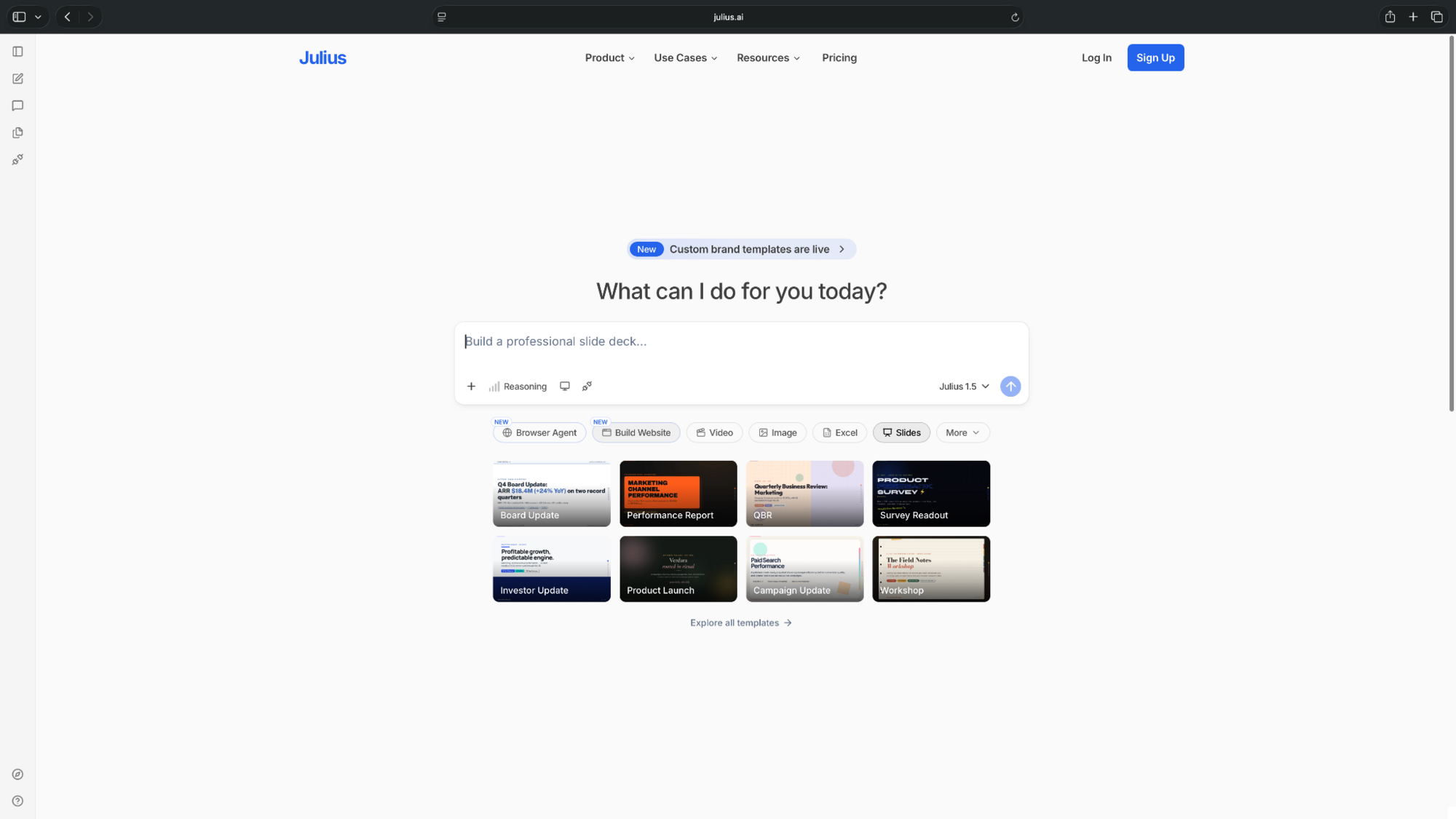
For example, upload survey responses from a psychology assignment, ask Julius to calculate averages and visualize the results, then use its AI Presentation Maker to turn your findings into slides for class.
Pros
- Analyzes Excel and CSV files using plain-English instructions
- Creates charts and explains statistical results
- Turns data findings into editable presentations
Cons
- AI-generated calculations and interpretations still need verification
- Free credits can limit longer assignments
Pricing
- Free to use with limited daily credits
- Paid plans start from $20/month, billed monthly
What users say
Overall sentiment: Mixed across review platforms.
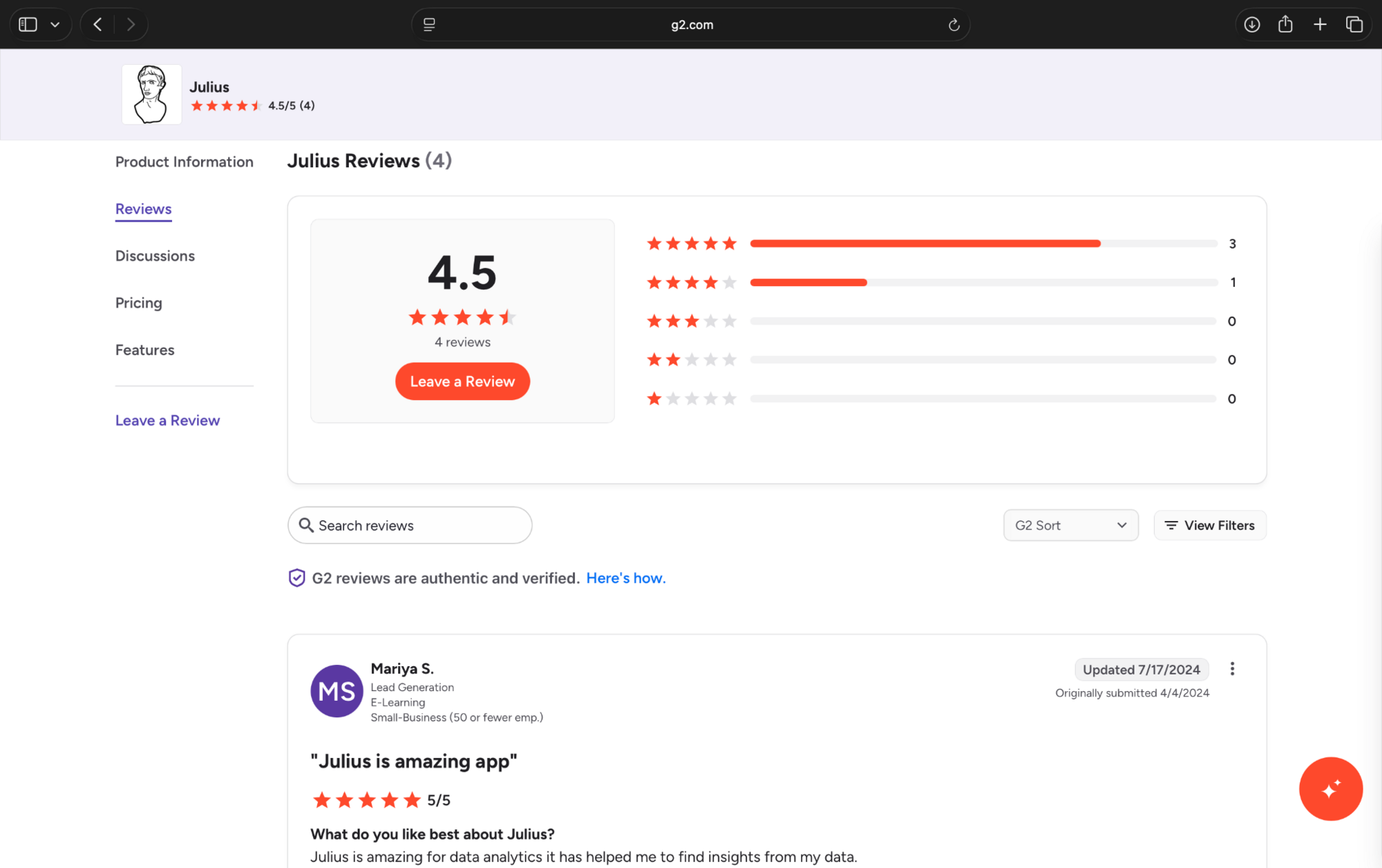
4.5/5 on G2 (4 reviews) and 1.7/5 on Trustpilot (22 reviews). G2 users praise its data analysis capabilities and ease of use, while Trustpilot reviewers raise concerns about credit consumption, billing, and customer support.
2. Gemini Notebook (formerly NotebookLM): Best for studying course materials
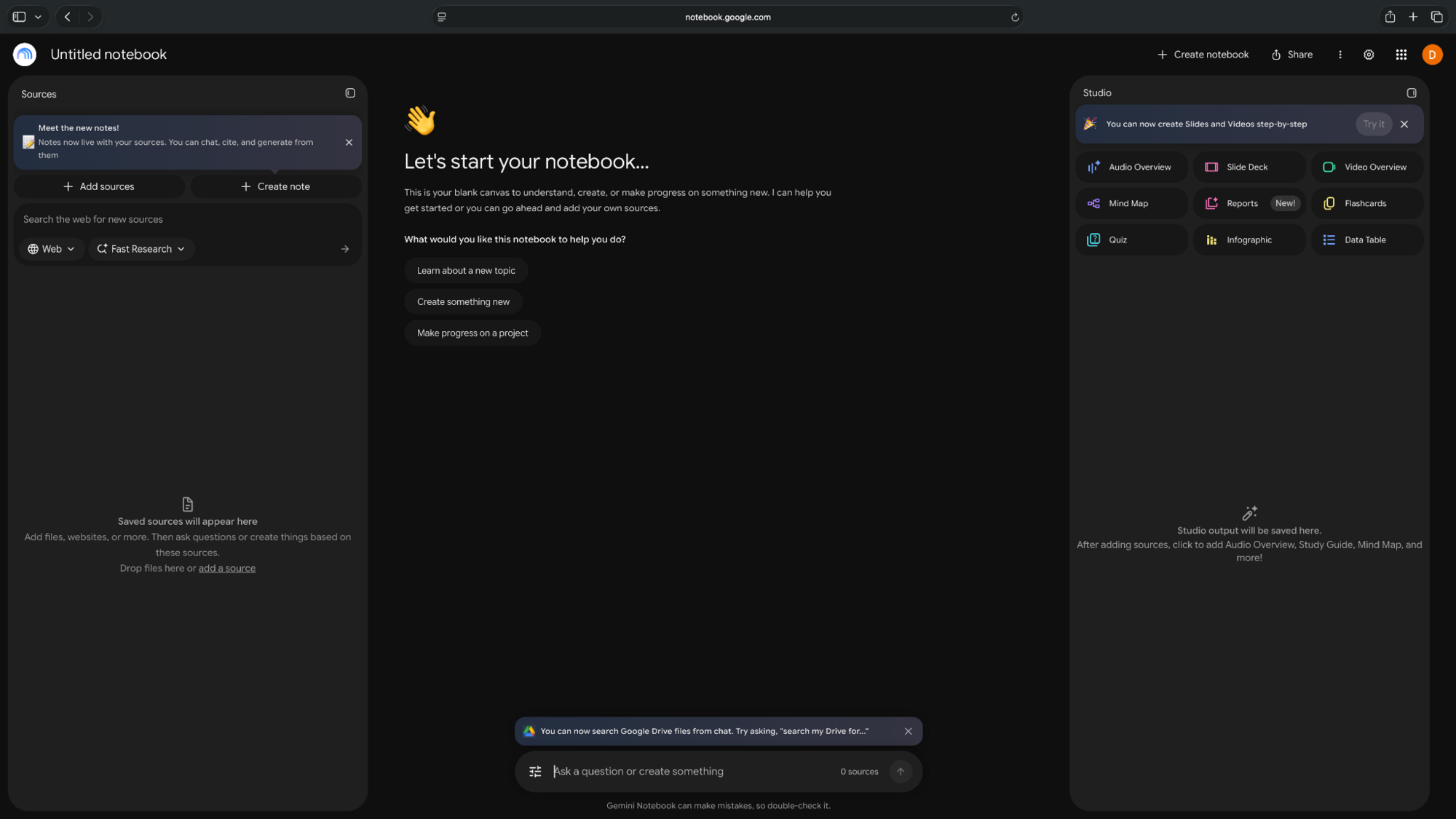
Gemini Notebook helps students study textbooks, lecture notes, PDFs, and research papers. Upload your course materials, ask questions about specific topics, and generate summaries, quizzes, or audio overviews for revision.
Pros
- Answers questions using uploaded sources, with citations
- Creates study guides, flashcards, and quizzes from course materials
- Turns lengthy readings into audio overviews
Cons
- Limited sources and usage on the free plan
- Can miss details in poorly formatted PDFs and complex tables
Pricing
- Free to use with limited sources and AI-generated outputs, with usage limits refreshing every five hours
- Google AI Plus starts at $4.99/month, billed monthly, with higher usage limits
User reviews
Overall sentiment: Positive, although the review sample is small.
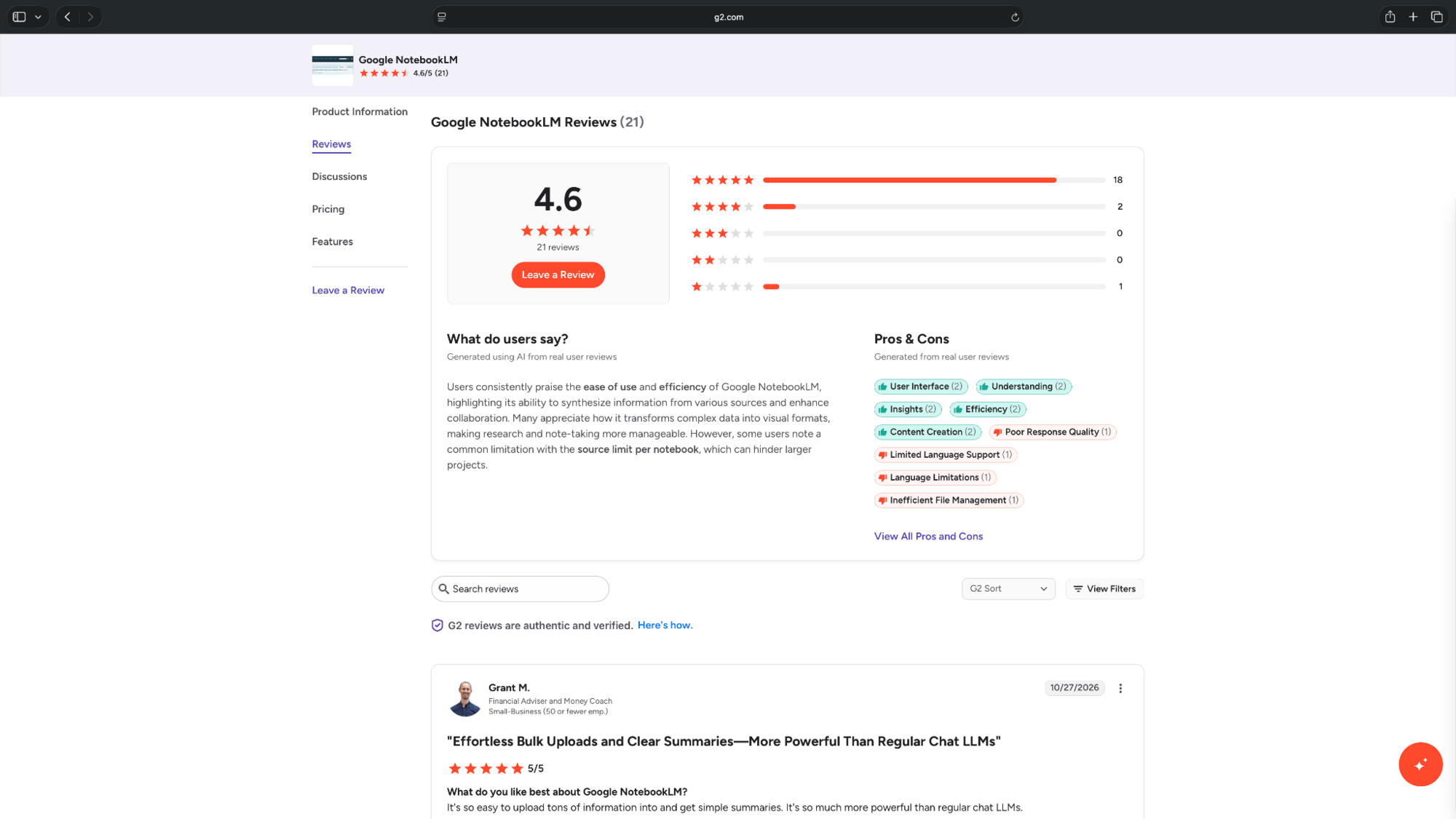
4.6/5 on G2 (21 reviews). Users praise its source-based summaries and study aids but report limitations with document handling and usage caps.
3. ChatGPT: Best for understanding difficult concepts
ChatGPT helps students understand difficult topics through explanations, examples, and practice questions. Its Study Mode asks guiding questions and works through problems step by step.
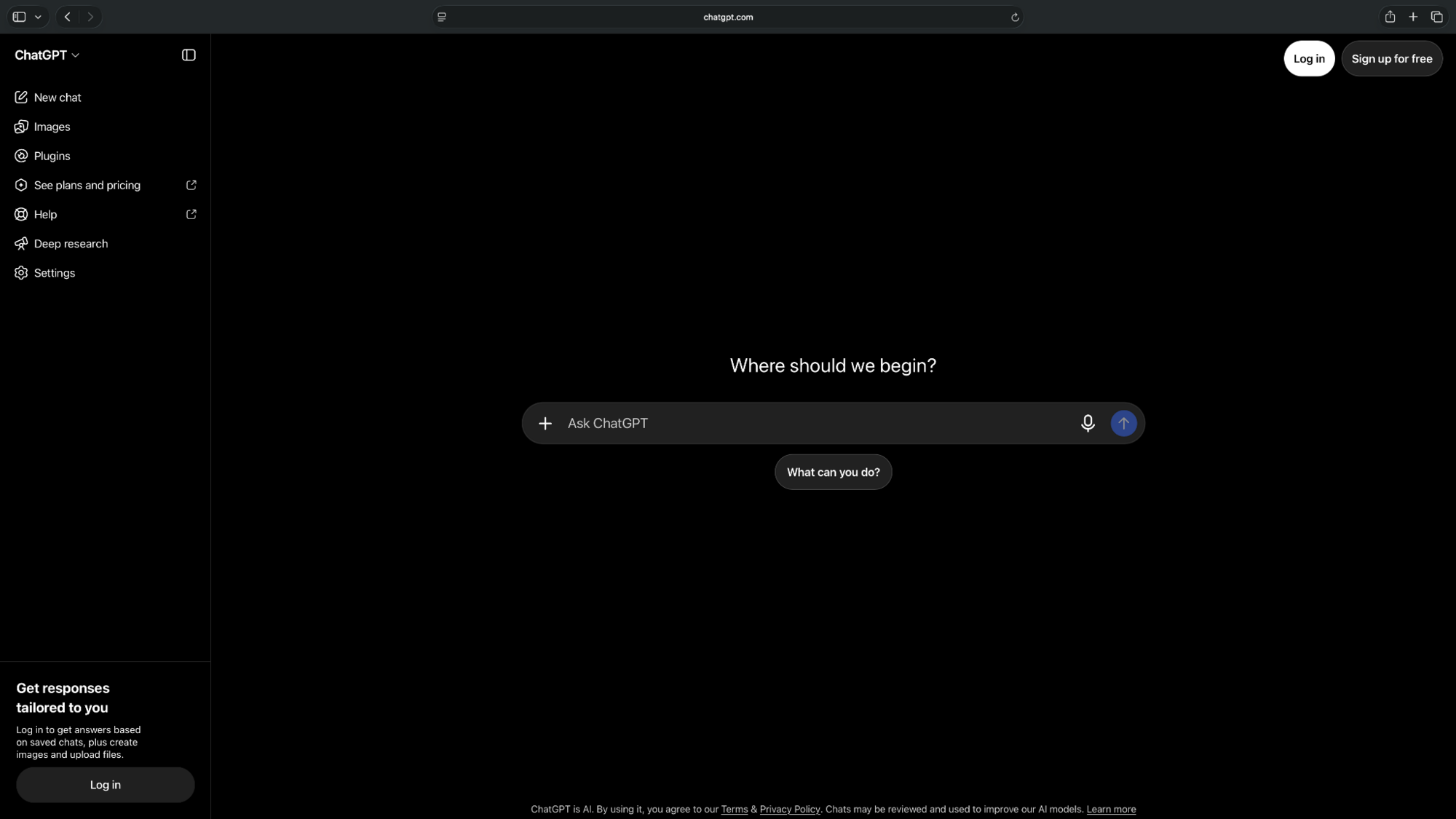
For example, you can upload your biology notes and ask ChatGPT to quiz you on cell division before an exam.
Pros
- Study Mode encourages learning through guided questions
- Explains concepts at different difficulty levels
- Creates practice questions from uploaded notes
Cons
- Can provide incorrect explanations or answers
- Free users face message and file-upload limits
Pricing
- Free plan includes Study Mode, with limits on messages, models, and file uploads
- Paid plans start from $8/month, billed monthly
User reviews
Overall sentiment: Positive
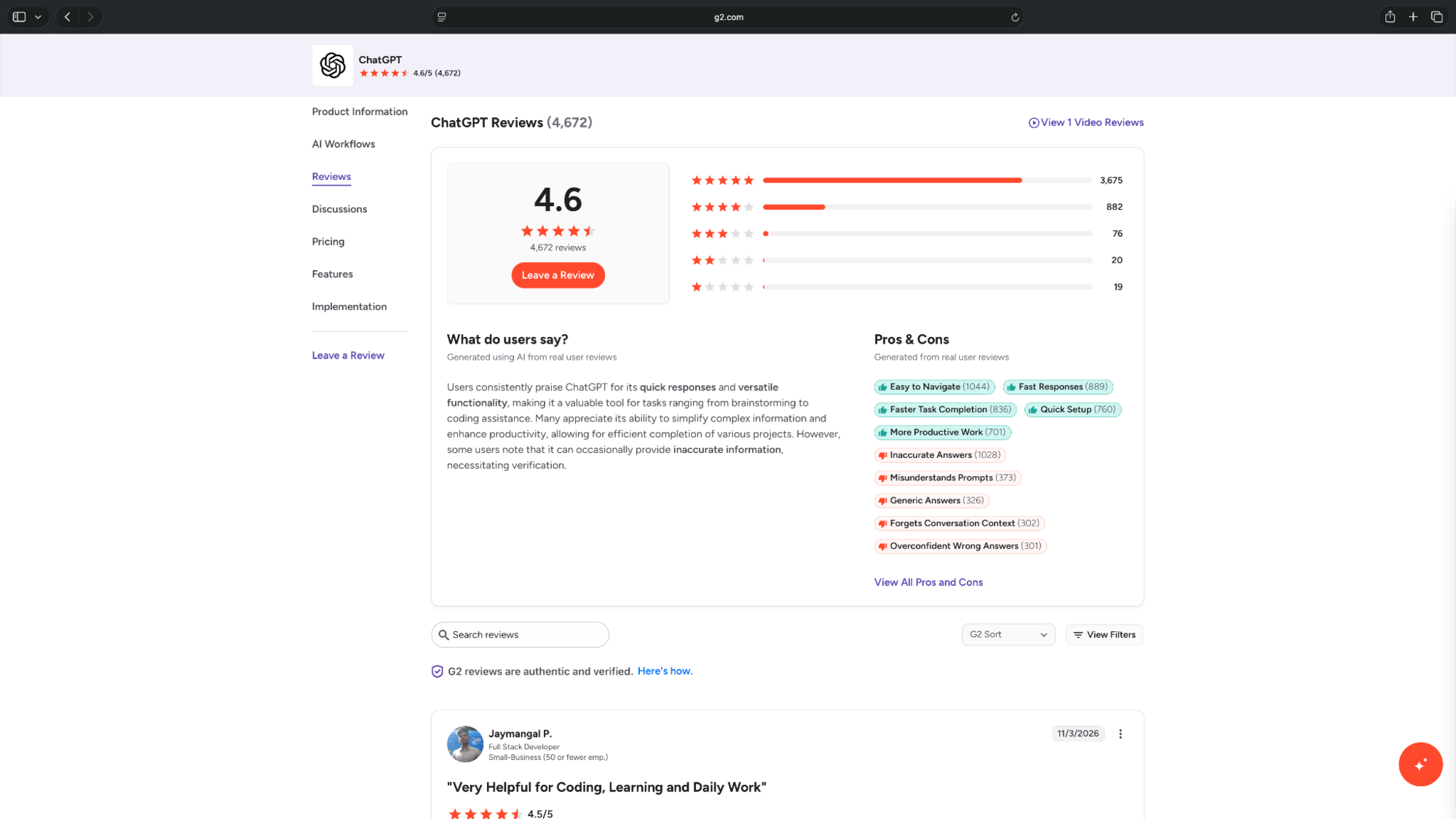
4.6/5 on G2 (4,672 reviews). Users appreciate its quick explanations and versatility, although incorrect responses and usage limits are recurring complaints.
4. Perplexity: Best for researching academic topics
Perplexity helps students research topics by searching the web and generating answers with linked sources.
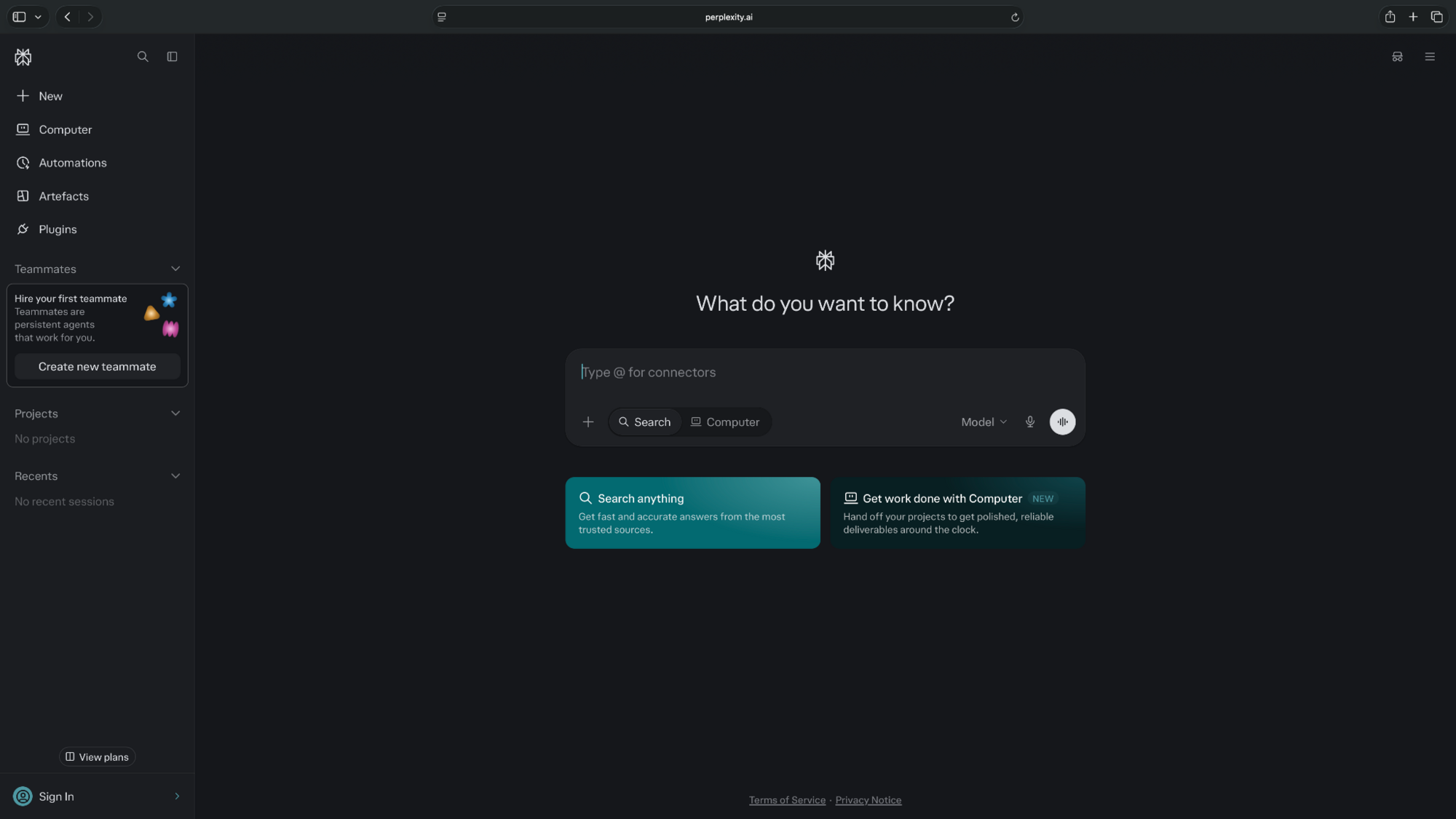
For example, ask it to find research on the effects of social media on sleep. You can then open the cited studies, compare their findings, and identify sources worth reading.
Pros
- Provides citations and links to supporting sources
- Summarizes information from multiple websites
- Supports follow-up questions for deeper research
Cons
- Some citations may be inaccurate or poorly matched
- Advanced research features have free-plan limits
Pricing
- Free to use with basic searches with citations
- Paid plans start from $20/month, billed monthly, or $10/month for verified students
User reviews
Overall sentiment: Positive, with accuracy concerns.
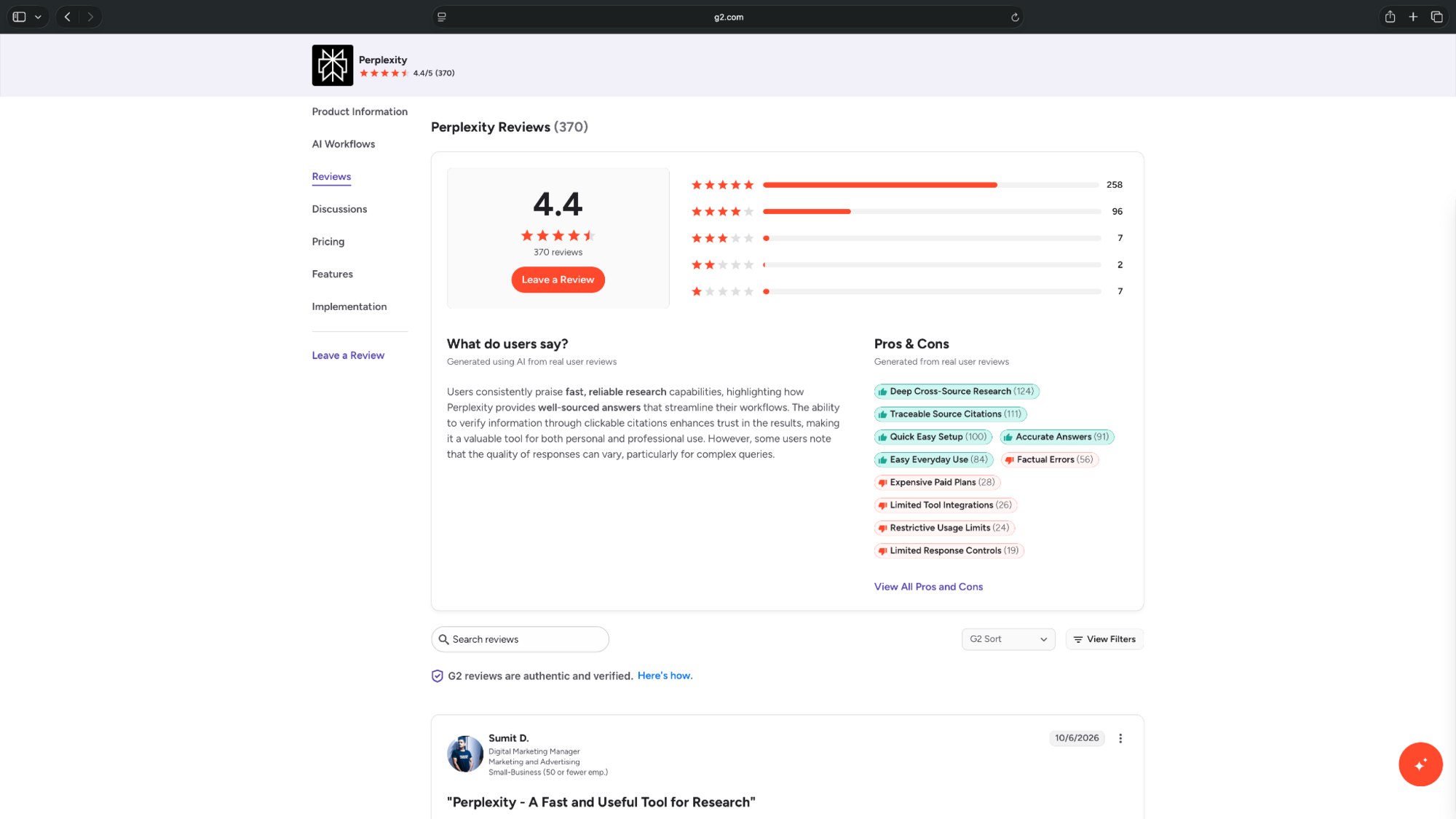
4.4/5 on G2 (370 reviews). Users appreciate its quick, cited answers, but some report unreliable citations and source quality.
5. Gemini: Best for learning with images and diagrams
Gemini helps students understand visual topics through images, diagrams, and step-by-step explanations.

Its Guided Learning mode can explain concepts such as cell structures or chemical reactions using visuals and follow-up questions. Students can also upload class materials and request explanations of difficult sections.
Pros
- Explains concepts using images, diagrams, and videos
- Guided Learning asks questions to check understanding
- Supports uploaded notes, PDFs, and images
Cons
- Responses can be inconsistent on complex topics
- Free usage limits restrict access to advanced features
Pricing
- Free plan that includes Guided Learning and visual explanations, with usage limits
- Paid plans start from $4.99/month, billed monthly
User reviews
Overall sentiment: Positive, with mixed feedback on accuracy.
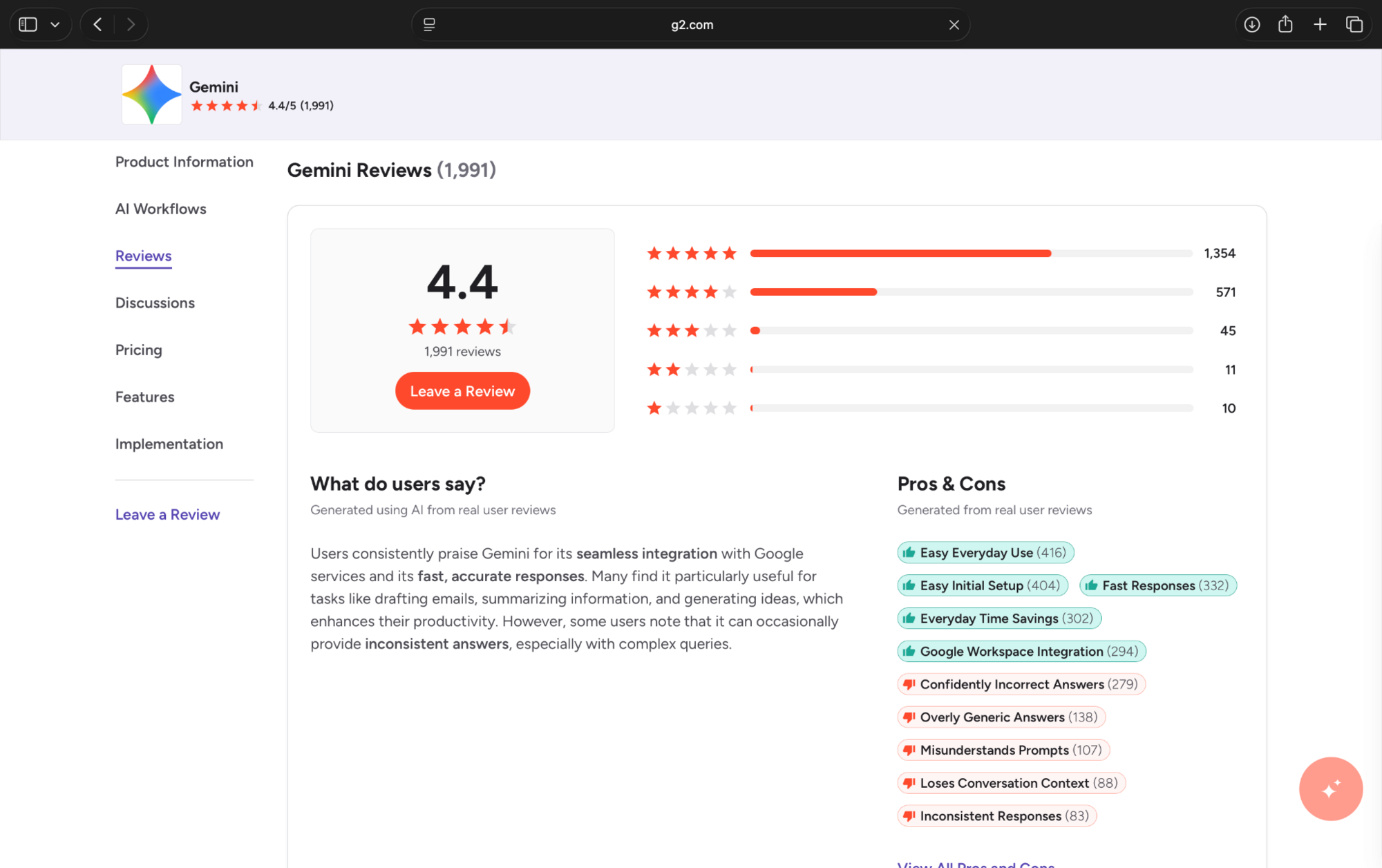
4.4/5 on G2 (1991 reviews). Users praise its Google integrations, speed, and versatility, while some report shallow or inconsistent answers.
6. RemNote: Best for flashcards and exam revision
RemNote combines note-taking, AI-generated flashcards, and spaced repetition to help students remember what they study.
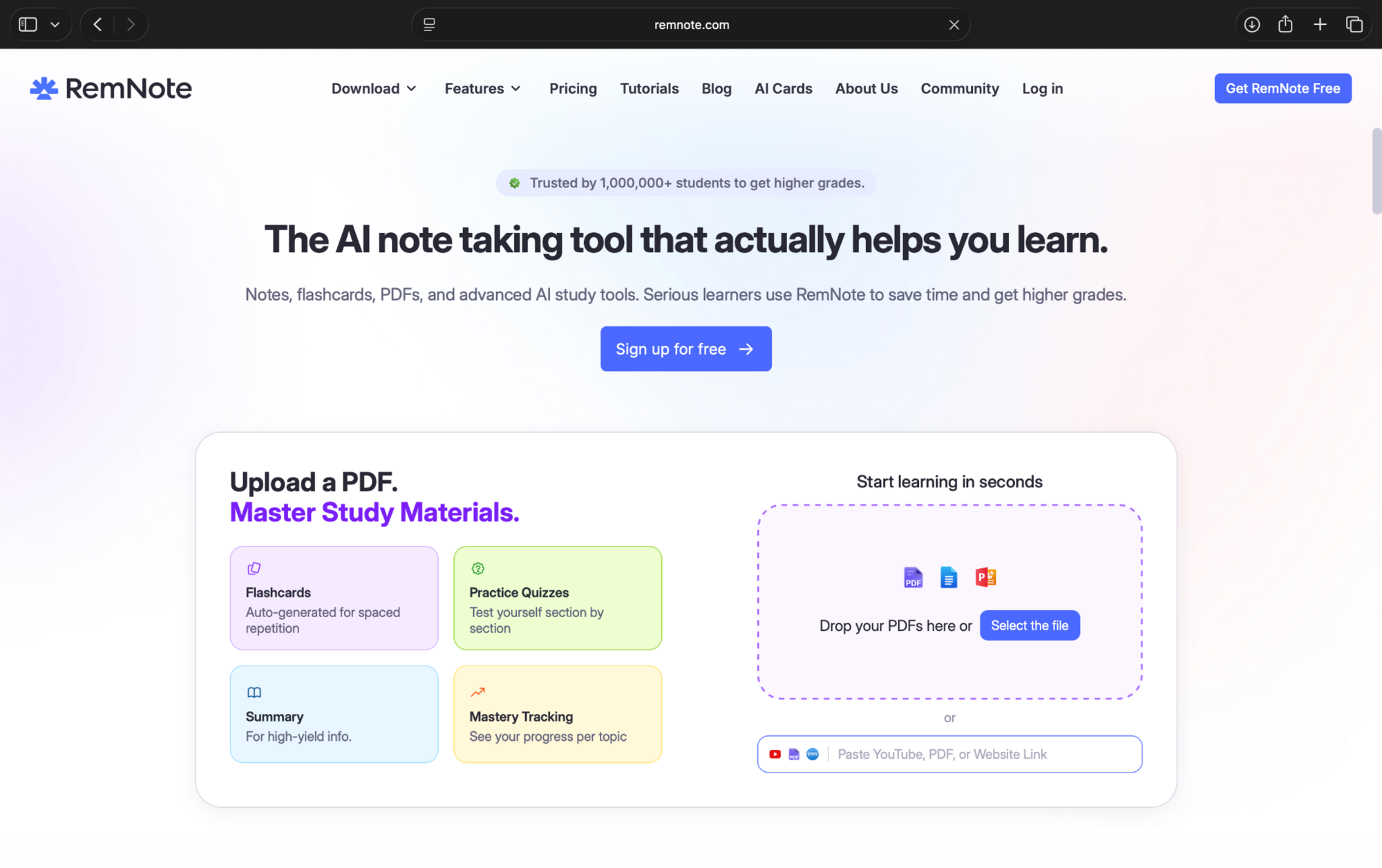
For example, upload your biology lecture notes, generate flashcards on key concepts, and review them on a schedule before your exam.
Pros
- Generates flashcards and quizzes from notes and PDFs
- Uses spaced repetition to schedule reviews
- Combines notes, flashcards, and revision tracking
Cons
- The interface has a learning curve
- AI-generated flashcards use monthly credits
Pricing
- Free plan with unlimited notes and flashcards, with 250 AI credits per month
- Paid plans start from $10/month, billed monthly
User reviews
Overall sentiment: Positive, based on a small review sample.
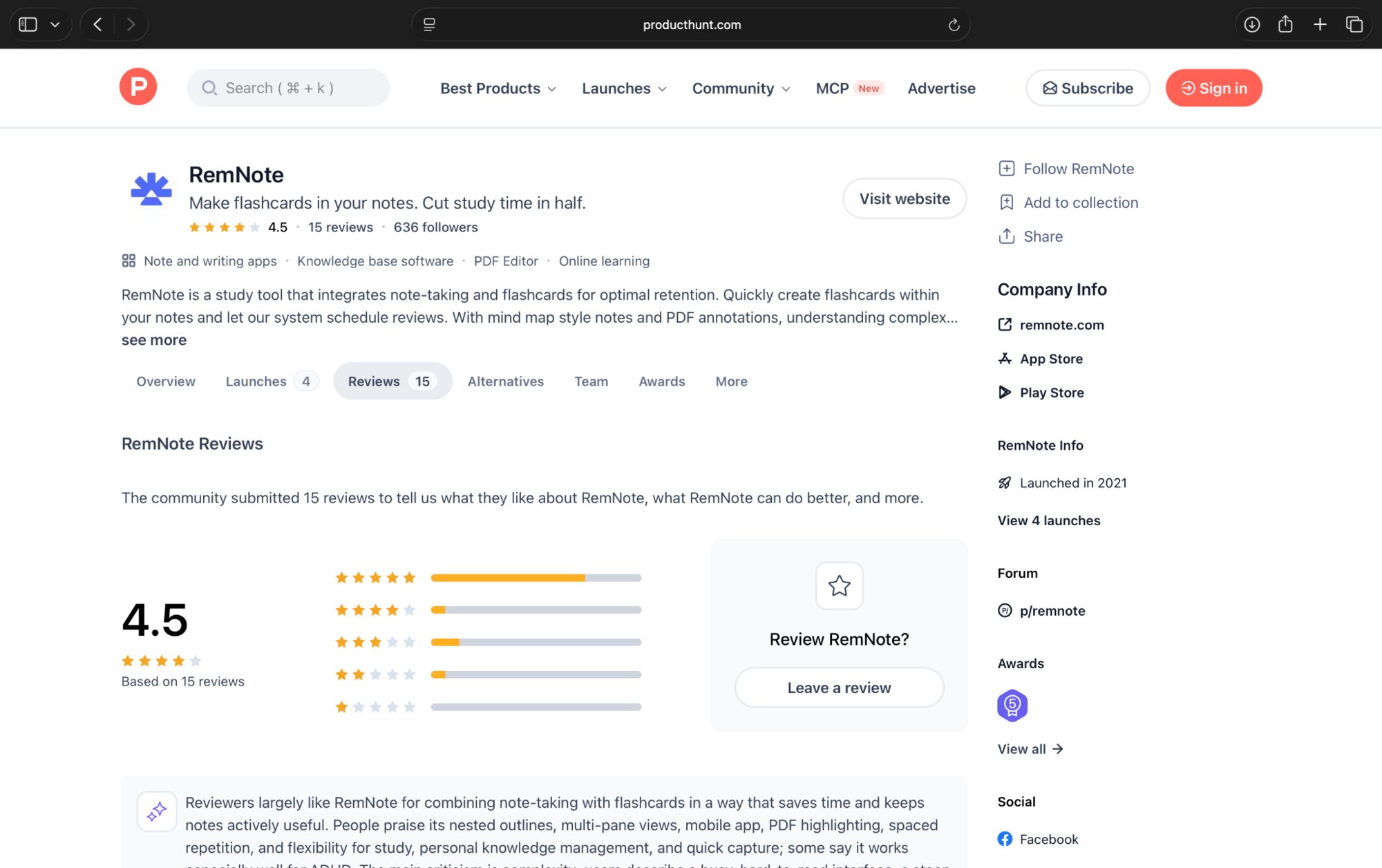
4.5/5 on Product Hunt (15 reviews). Users appreciate the combination of notes and spaced repetition, although some find the interface complicated.
7. Otter.ai: Best for recording and reviewing lectures
Otter.ai records and transcribes lectures, creating searchable notes that students can revisit while studying
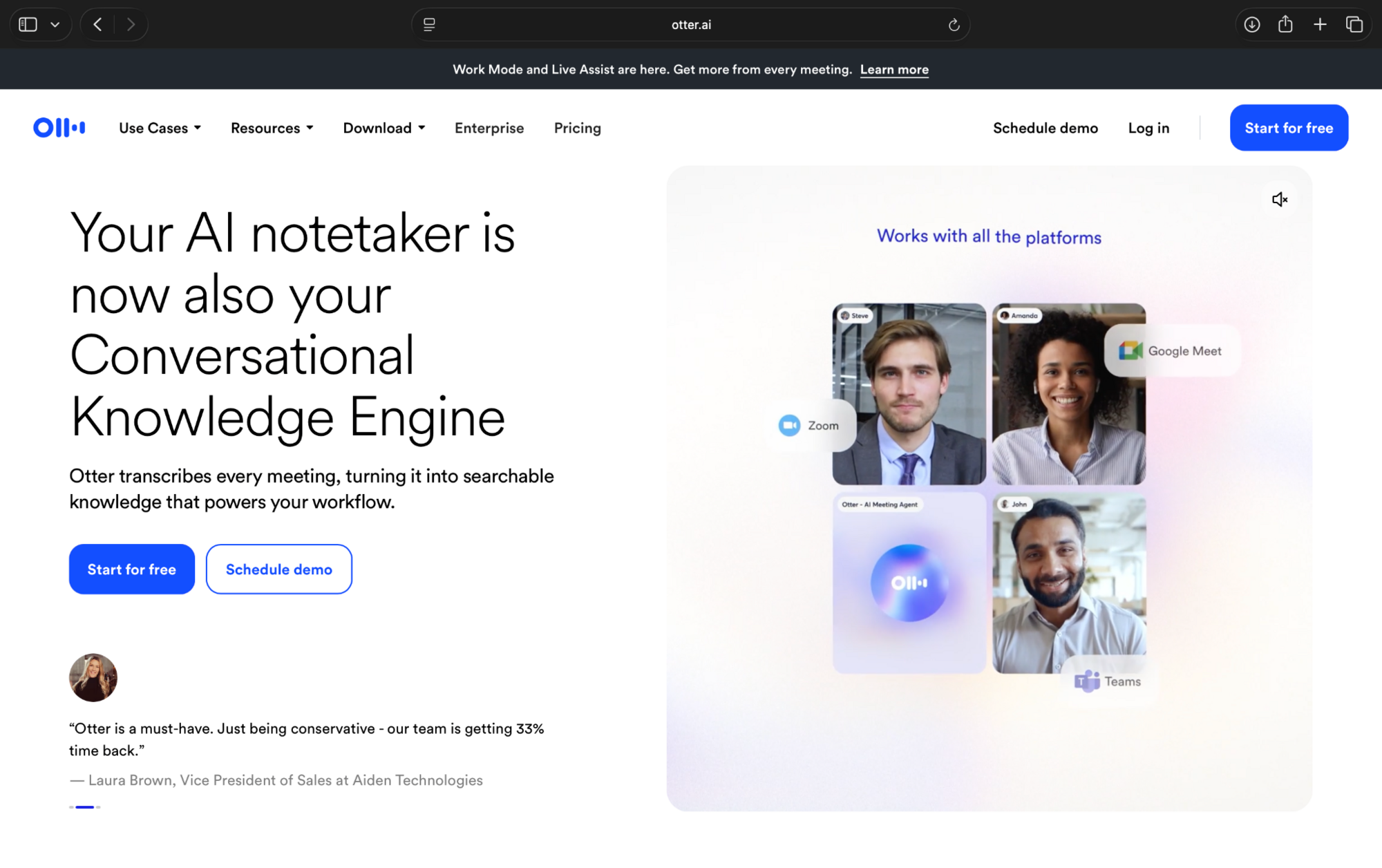
It also works with Zoom, Google Meet, and Microsoft Teams, making it useful for online classes and group discussions. Check your instructor's recording policy before using it.
Pros
- Transcribes lectures and discussions in real time
- Creates searchable transcripts and AI summaries
- Integrates with popular video meeting platforms
Cons
- Transcriptions can struggle with accents and technical terms
- Free recordings are limited to 30 minutes each
Pricing
- Free plan with 300 transcription minutes/month, capped at 30 minutes/recording
- Paid plans start from $16.99/month, billed monthly
User reviews
Overall sentiment: Positive, with accuracy concerns.
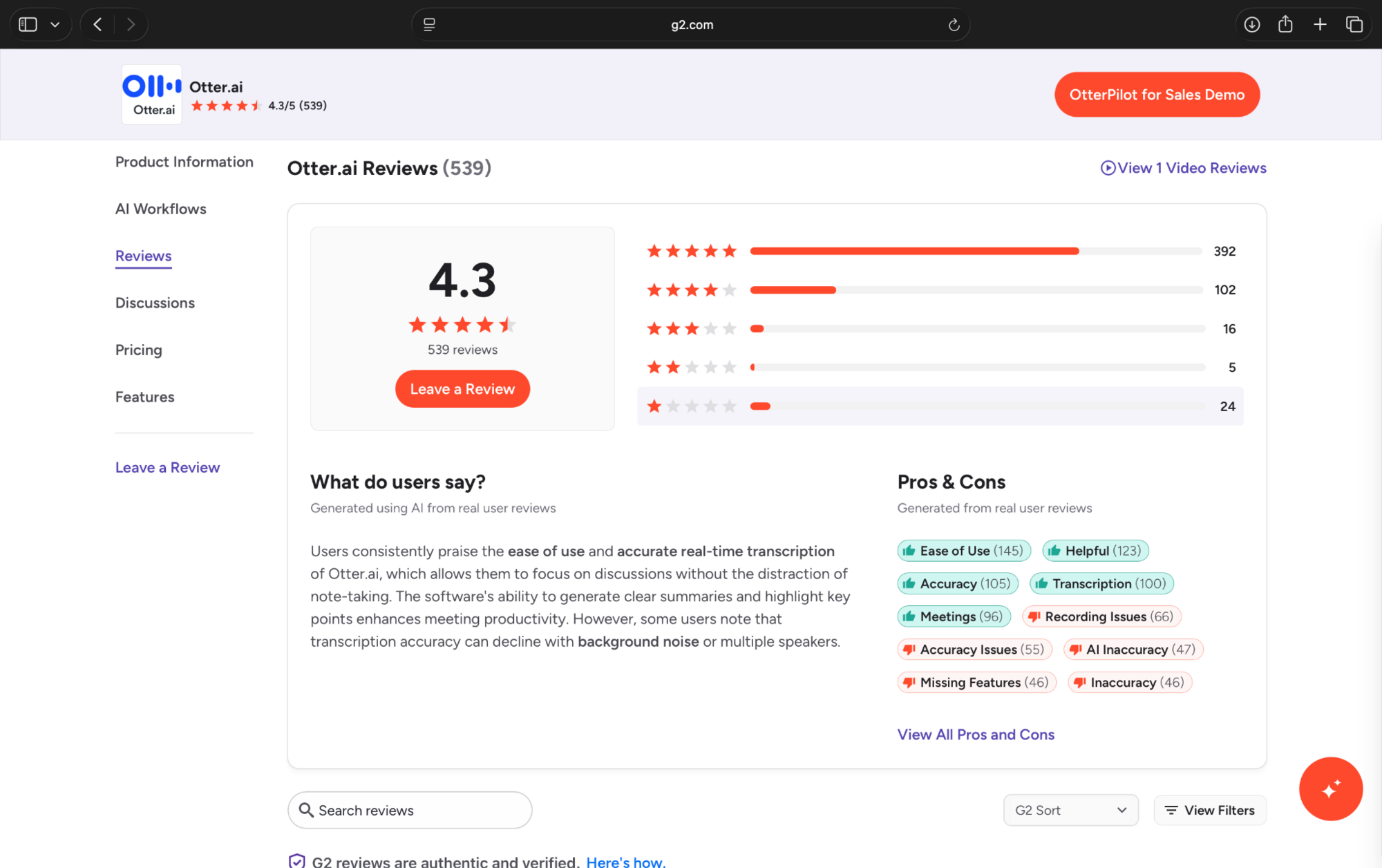
4.3/5 on G2 (539 reviews). Users appreciate automated notes and searchable transcripts but report occasional transcription and speaker-identification errors.
8. Grammarly: Best for proofreading essays
Grammarly helps students correct grammar, improve sentence clarity, and check the tone of essays and assignments.
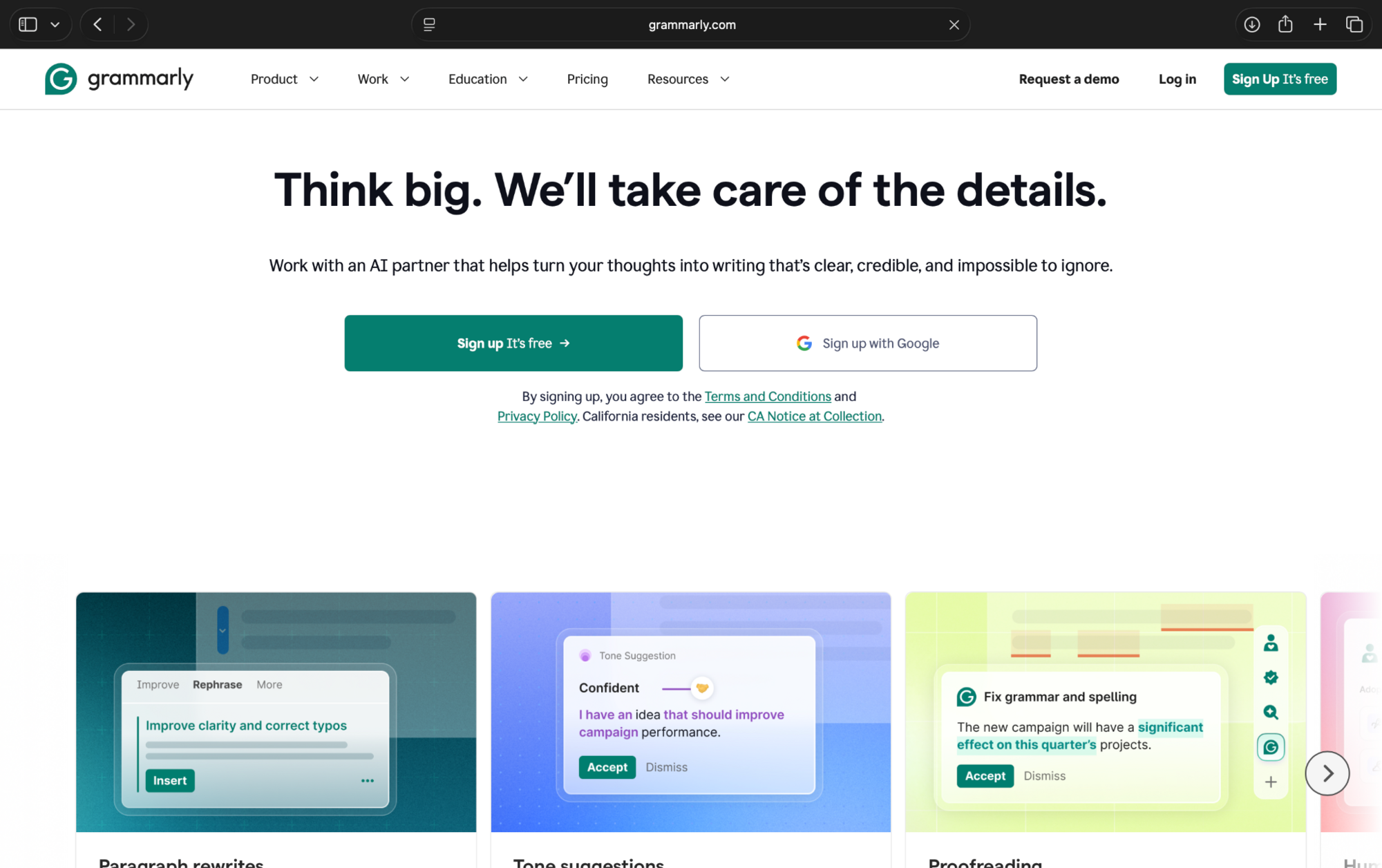
For example, paste your essay draft into Grammarly to identify awkward sentences, punctuation mistakes, and wording that needs improvement before submission.
Pros
- Detects spelling, grammar, and punctuation errors
- Suggests improvements to clarity and sentence structure
- Works across browsers and writing applications
Cons
- Some suggestions can change the intended meaning
- Advanced rewrites and plagiarism detection require Pro
Pricing
- Free to use with basic writing corrections, tone detection, and 100 AI prompts
- Paid plans start from $30/month, billed monthly, with advanced suggestions and plagiarism detection
User reviews
Overall sentiment: Strongly positive.
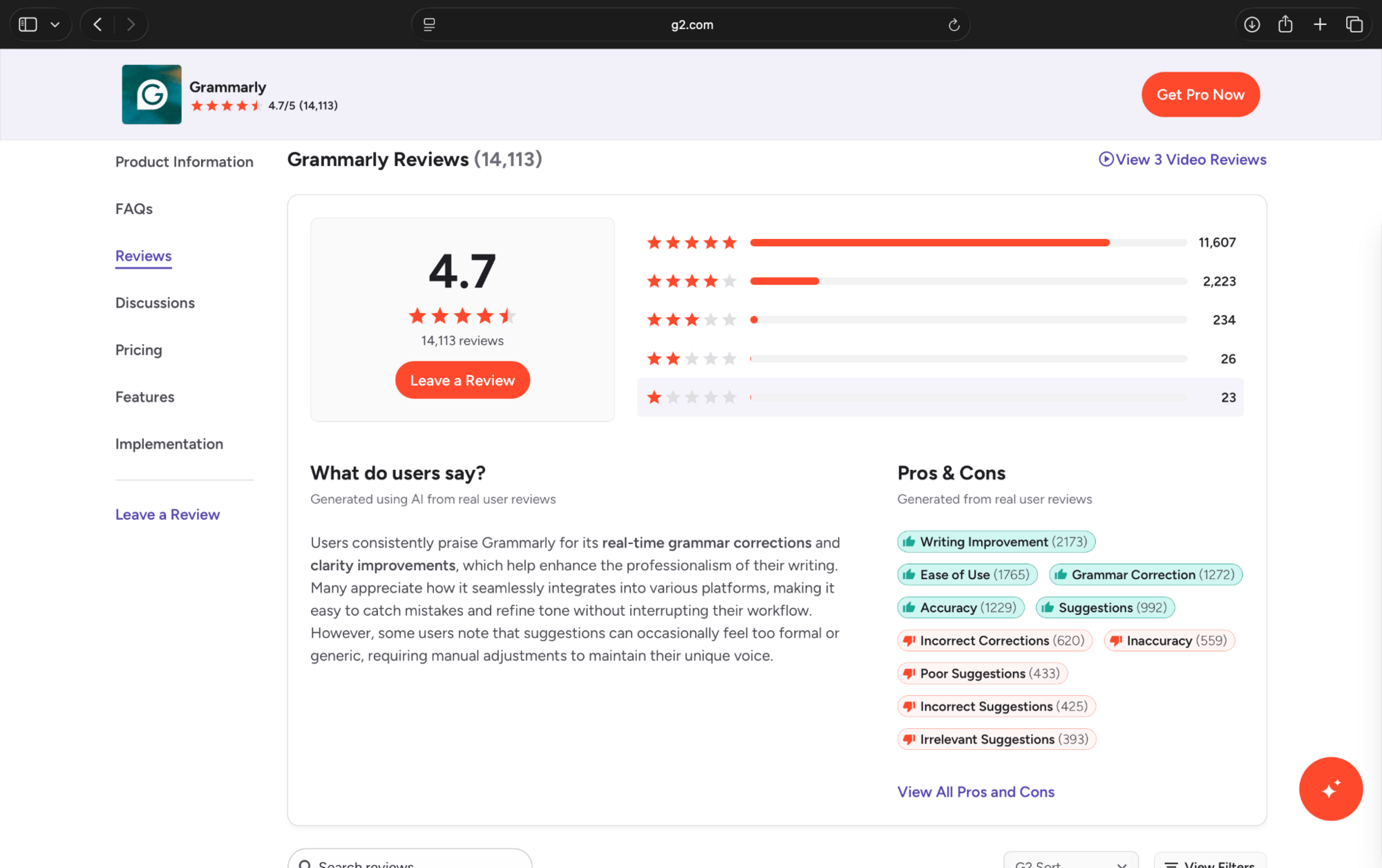
4.7/5 on G2 (14,113 reviews). Users praise its proofreading features and ease of use, though some find its suggestions unnecessary or inaccurate.
9. Wolfram Alpha: Best for solving STEM homework problems
Wolfram Alpha helps students solve equations, perform calculations, and explore topics across mathematics, physics, and chemistry.
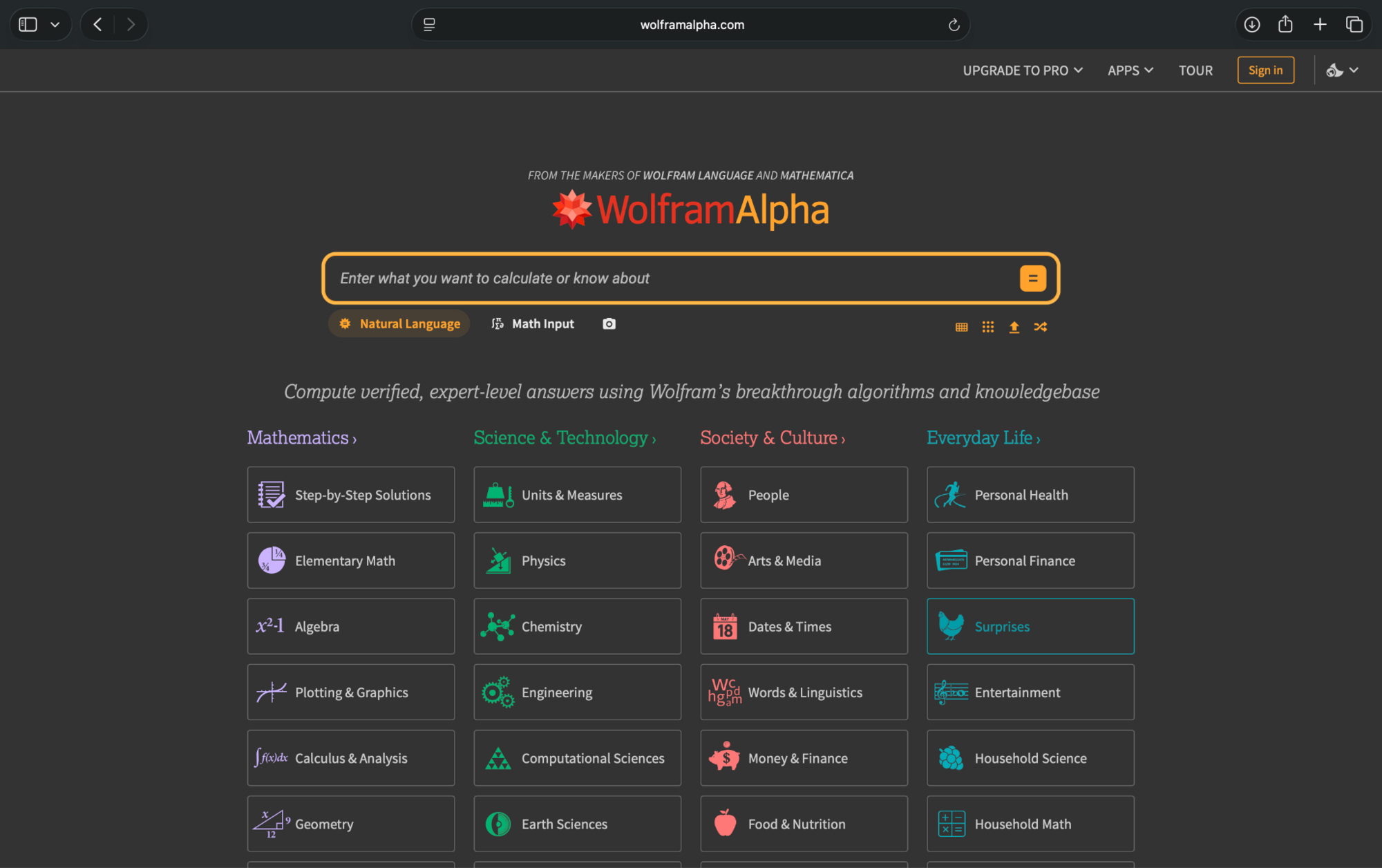
For example, enter a calculus equation to check your answer or use its paid step-by-step explanations to understand how a problem is solved.
Pros
- Solves algebra, calculus, and other STEM calculations
- Provides step-by-step solutions with Pro
- Generates graphs and mathematical visualizations
Cons
- Step-by-step explanations require a paid subscription
- Complex questions may require precise mathematical input
Pricing
- Free plan with basic calculations and answers, excluding step-by-step solutions
- Pro plan starts at $9.99/month, billed monthly, with guided calculations and practice problems
User reviews
Overall sentiment: Mixed for the mobile app. This rating doesn't represent the web version.
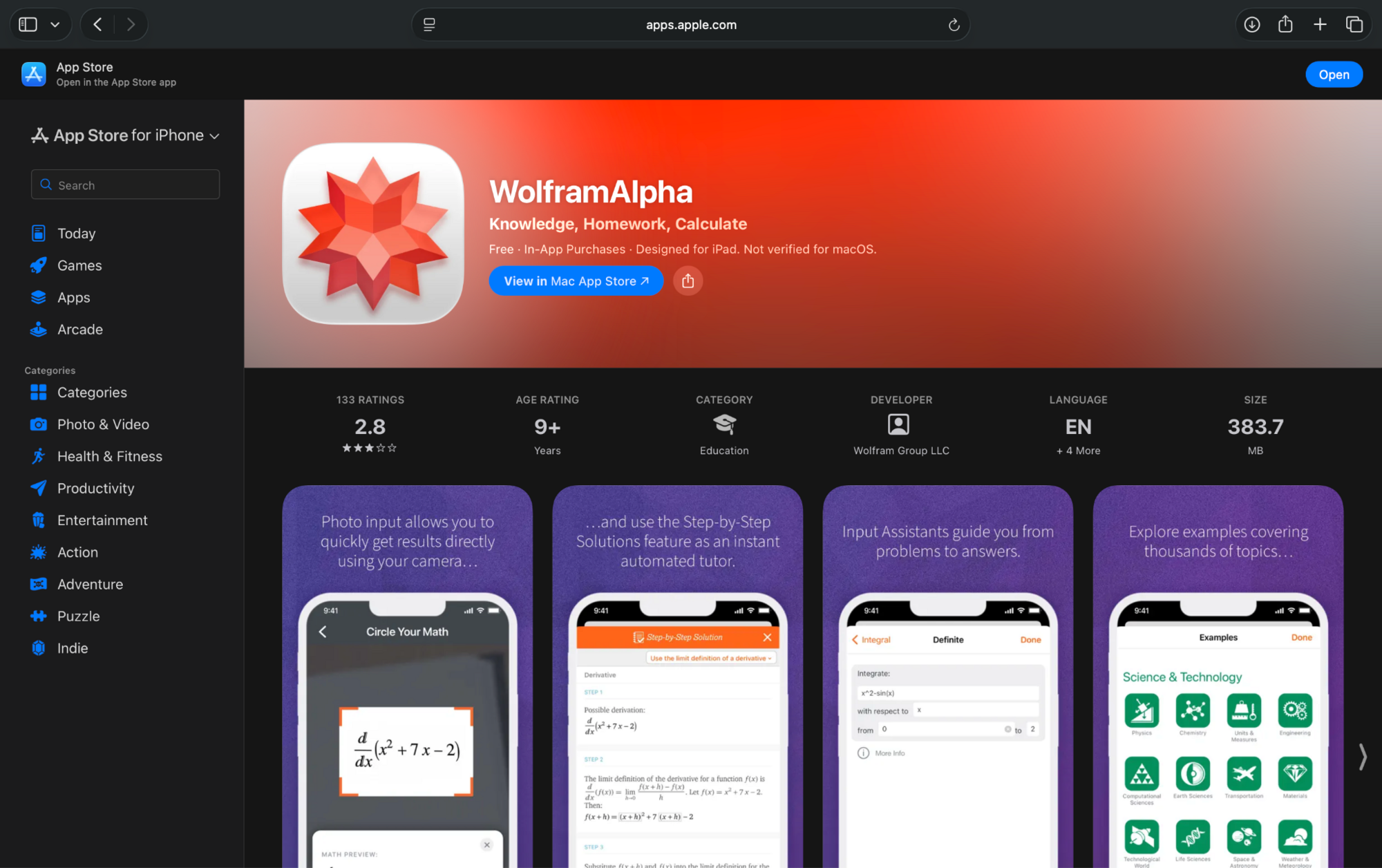
2.8/5 on the Apple App Store (133 ratings). iOS users have reported missing features and concerns about paid access.
10. Gamma: Best for creating class presentations
Gamma helps students create presentations from prompts, notes, and outlines.
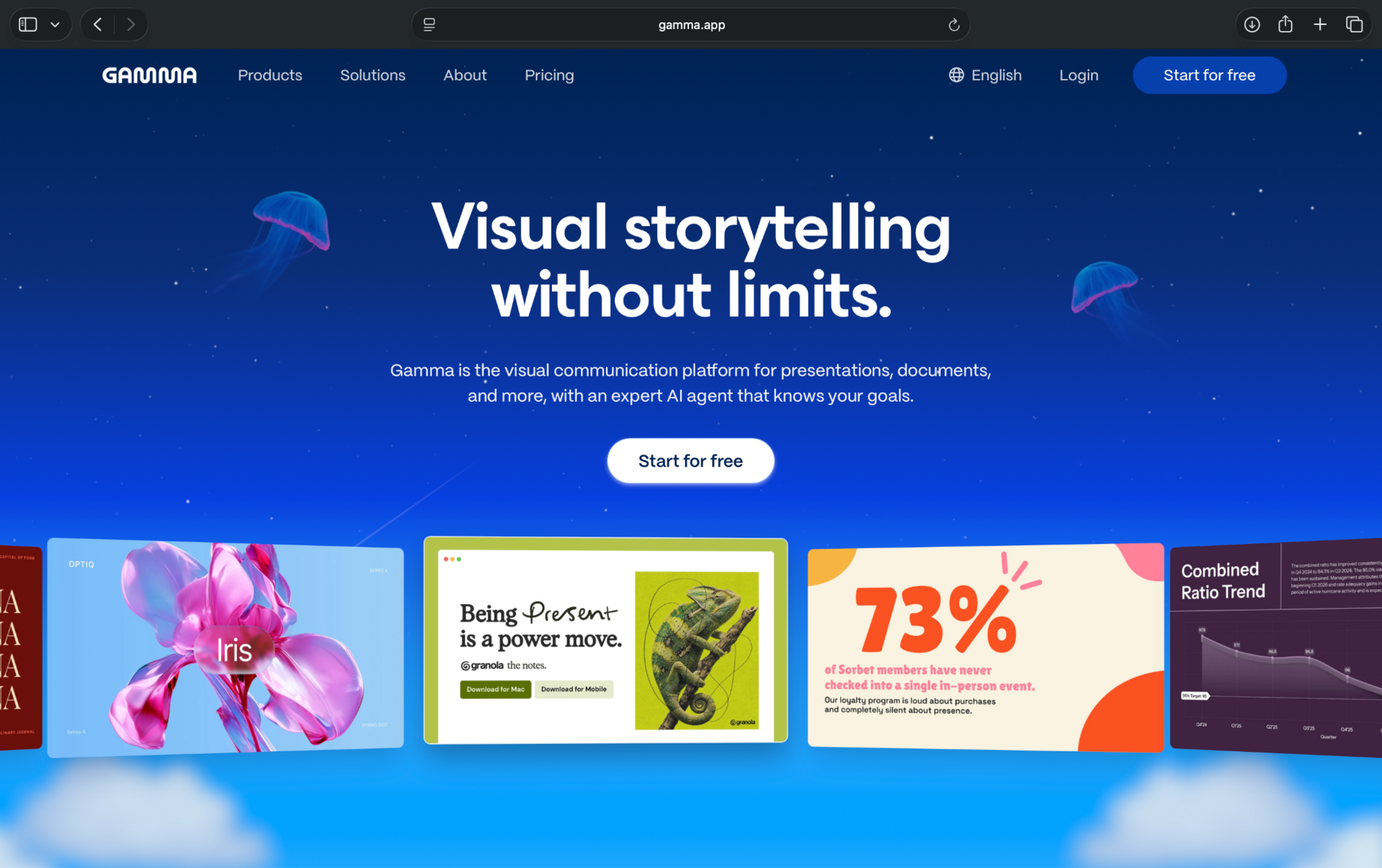
For example, paste your history assignment outline into Gamma to generate slides with headings, visuals, and supporting text that you can edit before presenting.
Pros
- Generates presentations from prompts and outlines
- Imports existing PDFs and PowerPoint files
- Exports slides to PowerPoint and Google Slides
Cons
- AI-generated content and layouts may need editing
- Design customization can feel restrictive
Pricing
- Free to use 400 one-time AI credits, up to 10 slides/prompt
- Paid plans start from $10/seat/month, billed monthly (or $8/seat/month billed annually)
User reviews
Overall sentiment: Positive.
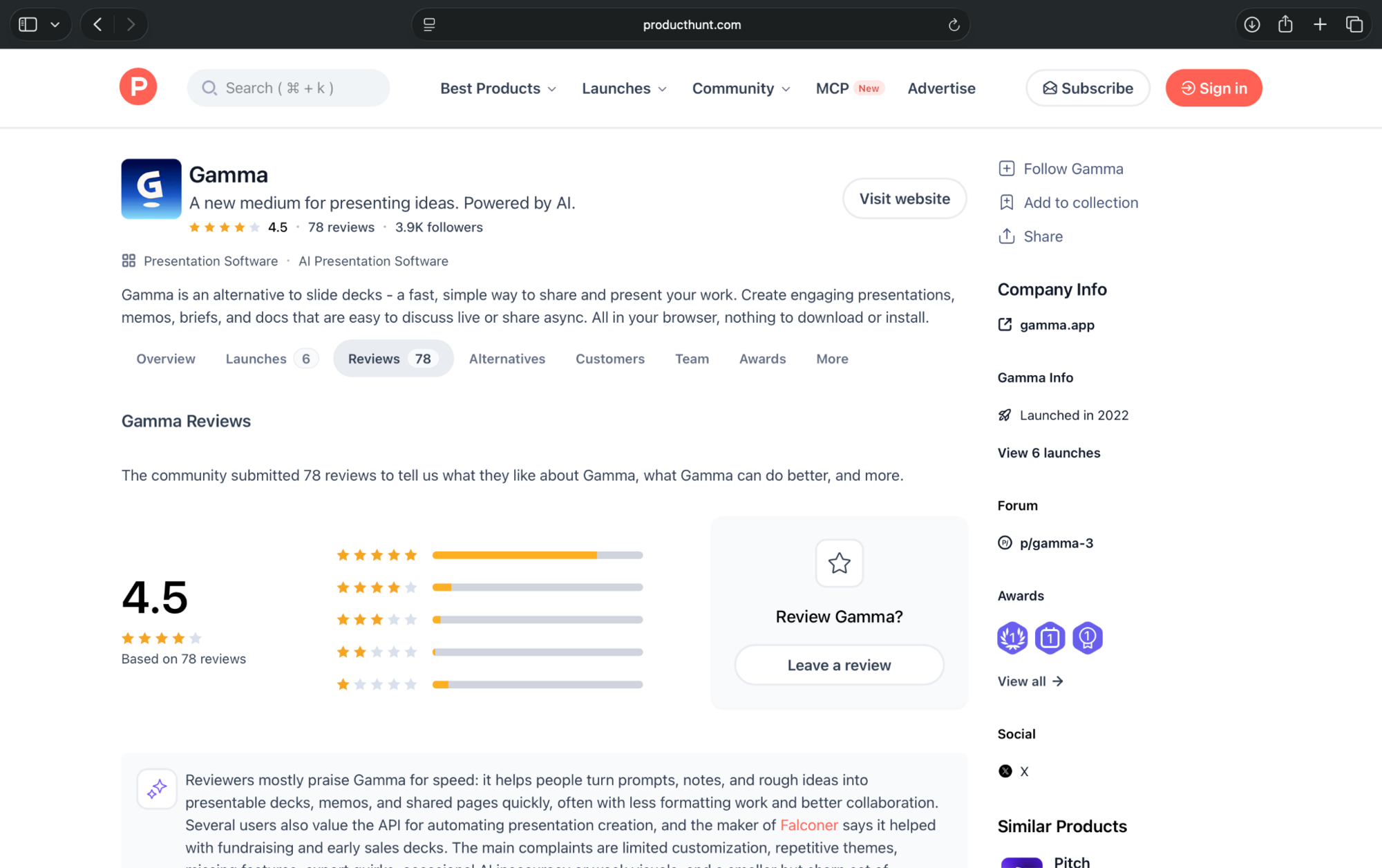
4.5/5 on Product Hunt (78 reviews). Users praise its speed and presentation designs, while some report limited customization and export issues.
Which AI tool should you choose for studying?
The best tool depends on your coursework and how you prefer to study. Start with the free plans and check whether their limits fit your workload before upgrading. Use the scenarios below to find the right AI tool:
- For assignments: Choose Julius AI for data and statistics, Wolfram Alpha for math, Grammarly for essays, and Gamma for presentations.
- For research and learning: Use Perplexity to find sources, Gemini Notebook to study course materials, and ChatGPT or Gemini to understand difficult concepts.
- For exam preparation: RemNote helps you review flashcards, while Otter.ai makes recorded lectures easier to revisit.
How to use AI tools without breaking academic integrity rules
AI tools can help you study, but using them incorrectly can violate your school's academic integrity rules. Harvard's AI policy, for example, emphasizes using AI to support learning while keeping students responsible for their work.
Before using AI for assignments:
- Check your course policy: Some instructors allow AI for brainstorming but prohibit generated answers.
- Disclose AI use: Mention the tools you used when your instructor requires attribution.
- Verify your work: Check AI-generated calculations, citations, and explanations.
- Protect sensitive information: Avoid uploading confidential research or classmates' personal data.
Use AI to understand the material and develop your own answers.
Final verdict
The best AI tools for students in 2026 depend on what you're studying. For data-heavy assignments, Julius AI is our top pick. It helps students analyze datasets, visualize results, and create presentations from their findings.
For other tasks, ChatGPT works well for concept explanations, RemNote for exam revision, and Perplexity for research.
Try the free plans first and choose the tools that help you learn and complete your coursework.
Frequently asked questions
Is there any AI better than ChatGPT?
Yes, some AI tools perform better than ChatGPT for specific tasks. Julius AI specializes in data analysis, Wolfram Alpha handles mathematical calculations, and Gemini Notebook helps students study uploaded course materials.
What are the 5 most popular AI tools?
Five well-known AI tools students use are ChatGPT, Gemini, Perplexity, Grammarly, and Gemini Notebook. They cover learning, research, writing, and studying course materials. Their exact popularity rankings vary by usage data and audience.
What are some effective AI learning tools for students?
ChatGPT Study Mode and Gemini Guided Learning help explain difficult concepts. RemNote supports revision through flashcards and spaced repetition, while Gemini Notebook helps students study notes, textbooks, and PDFs.
What are some good free AI tools for college students?
ChatGPT, Gemini, Gemini Notebook, RemNote, and Julius AI offer free plans for students. Gamma also provides 400 starter credits for presentations. Free plans have usage limits, so check what each includes before relying on it for larger assignments.