

Prezi reviews show a tool built for zoomable, motion-based presentations that move well beyond static slides. Some praise its visual impact and AI features, while others point to a learning curve and export limits.
I built a deck from scratch and tried the AI presentation generator, then compared notes against recent G2 reviews to see where my experience lined up with everyone else's.
Here's what stood out, its pros and cons, and whether it's worth your time in 2026.
Quick verdict
Prezi brings zoomable, motion-based design to presentations, built for people who want their slides to feel like one connected story. Reviews show that users appreciate the visual impact and how engaged it keeps an audience, but many say it takes a few full decks before the zoom-based format starts to click.
The AI features go further than I expected for pulling together a first draft, but the export limits are worth planning around. Prezi does let you download a PPTX file, but it flattens every zoom and motion effect into static slides, so a client or teammate opening it in PowerPoint won't see the version you built.
What is Prezi?
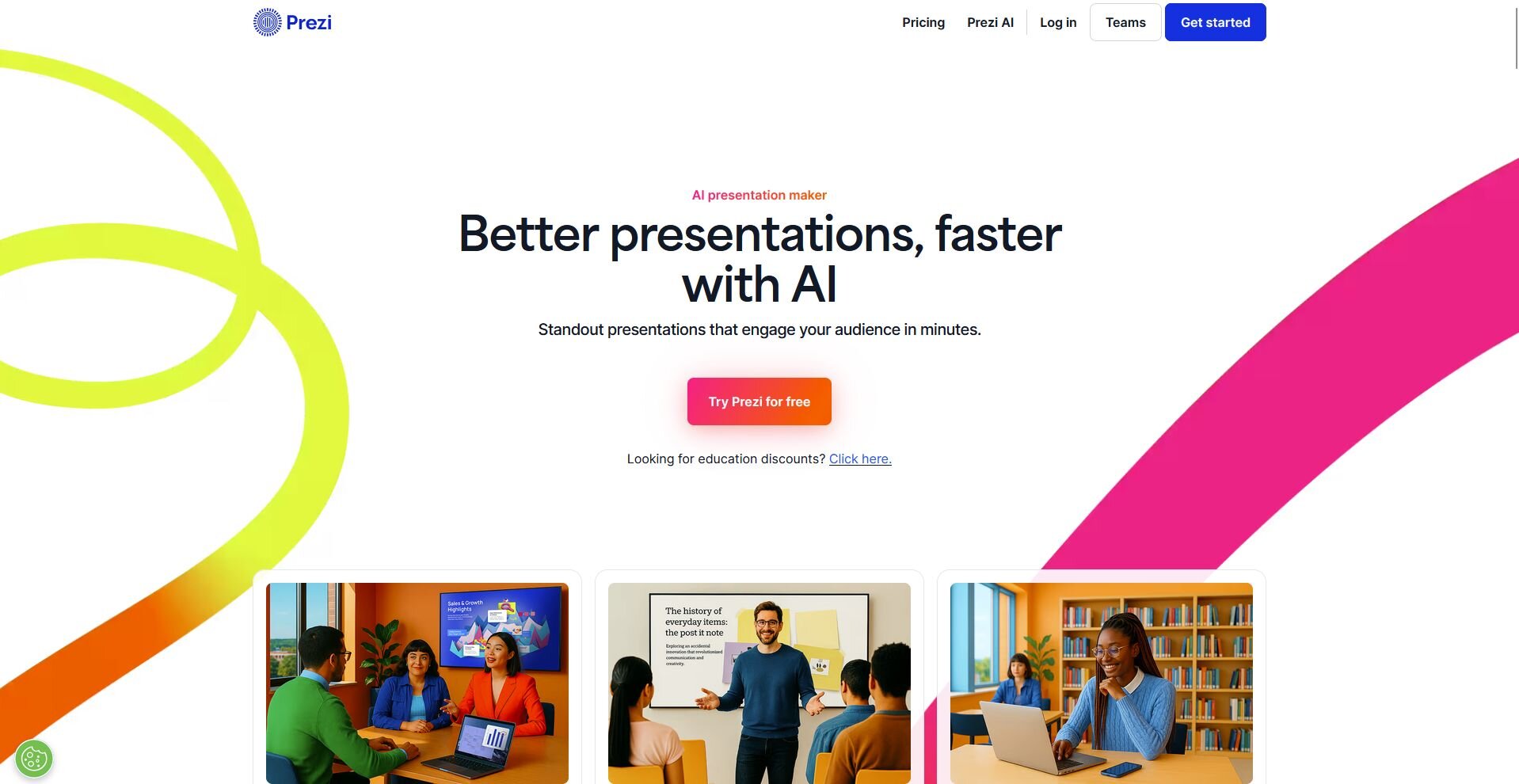
Prezi is a presentation tool that replaces static slides with a single zoomable canvas, letting you pan and zoom between topics without clicking through separate pages. It uses motion and spatial layout to show how ideas connect, which is different from the slide-by-slide format in PowerPoint or Google Slides.
The platform includes an AI presentation generator that builds a first draft from a prompt or document, along with templates, a video overlay feature for calls, and a stock image and icon library. Prezi runs in the browser and offers a free plan with limited features, plus paid tiers that unlock more storage, premium templates, and advanced customization.
Key Prezi features
Prezi covers the core needs for anyone who wants a presentation that feels less like a slideshow and more like a guided tour through an idea.
Here's what the platform offers:
Zoomable canvas: Build your whole presentation on one connected canvas, then zoom and pan between sections as you present. This is the feature that makes Prezi feel different the second you open it.
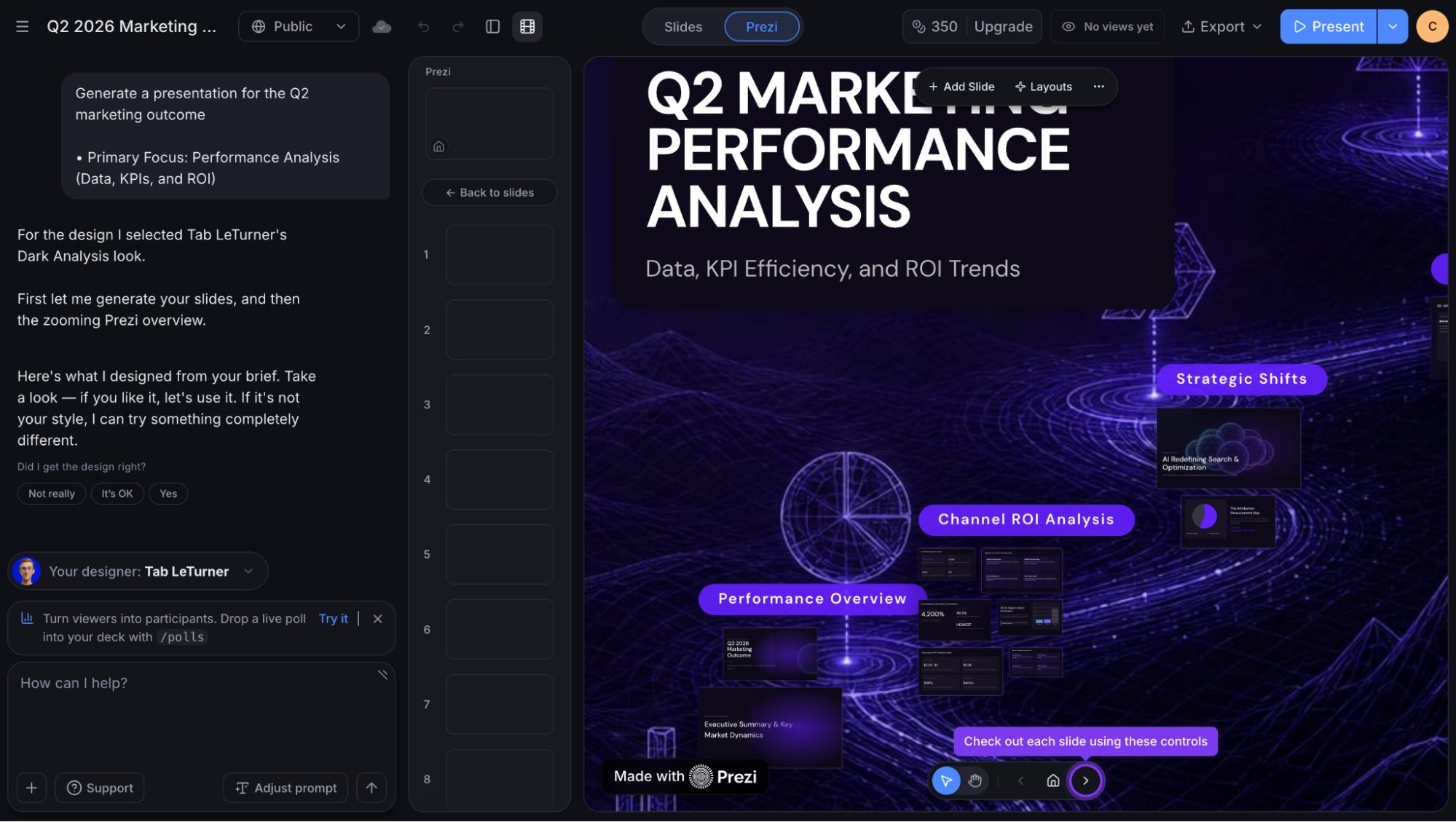
AI presentation generator: Type a prompt or upload a document (PowerPoint, PDF, or Word) and Prezi AI builds a full draft with a theme, layout, and content already in place. I gave it a rough outline and had something usable in under a minute.
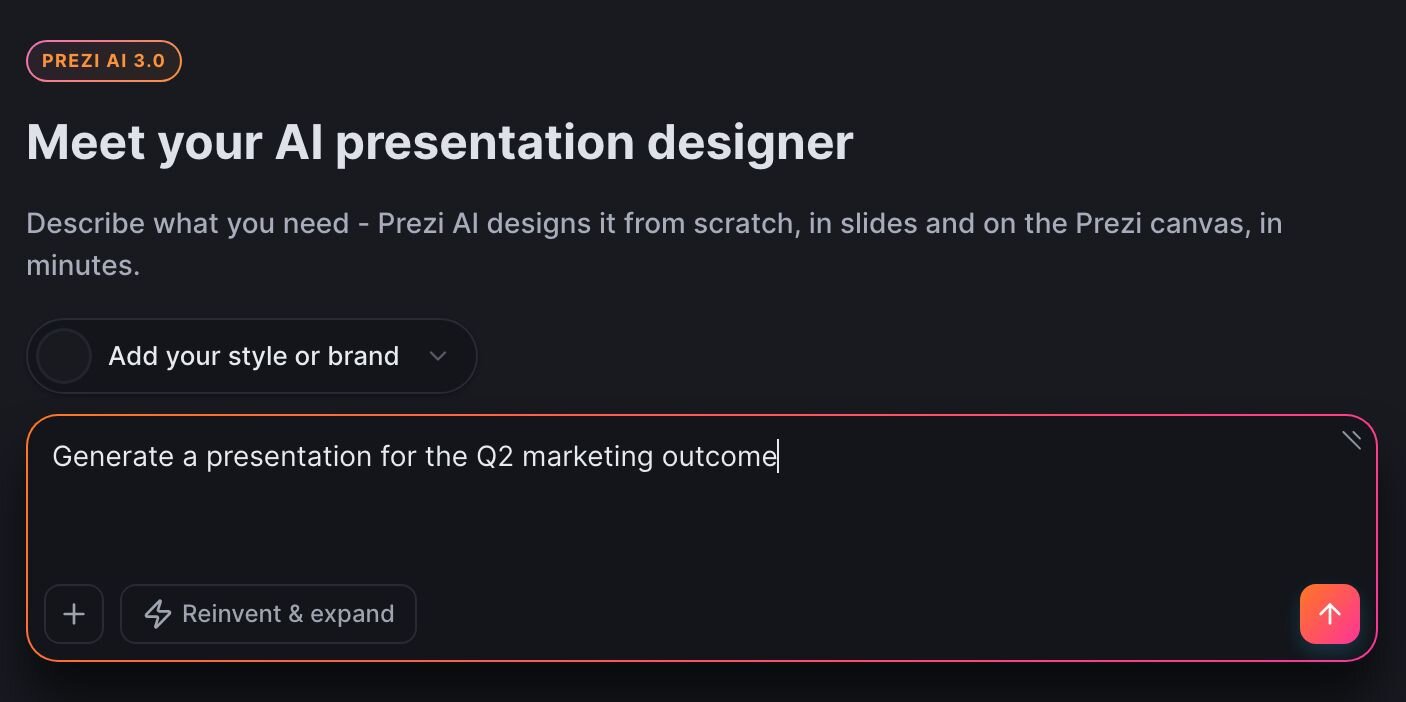
Video overlay: Record yourself presenting directly over your slides without a green screen, so your face stays visible next to your content during calls or async recordings.
Template library: Choose from a wide library of prebuilt templates, each with its own animation style you can preview by hovering over it before you commit. You can build your research presentation or sales report easily.
Smart branding: Pull your brand colors and fonts automatically from your website or uploaded files, so a deck keeps a consistent look with your other materials without you setting each color by hand.
Collaboration tools: Edit a presentation with teammates at the same time, leave comments, and manage who can view or edit each file.
AI image generation and stock library: Generate custom visuals in a chosen style (photo, sketch, illustration) or pull from a stock library with over 150 million images, so you're not stuck hunting for the right graphic on your own.
Viewer analytics: See who opened a shared presentation, which sections they spent time on, and for how long, available on Premium and Business plans. Handy if you're using Prezi for sales decks and want to know what actually lands.
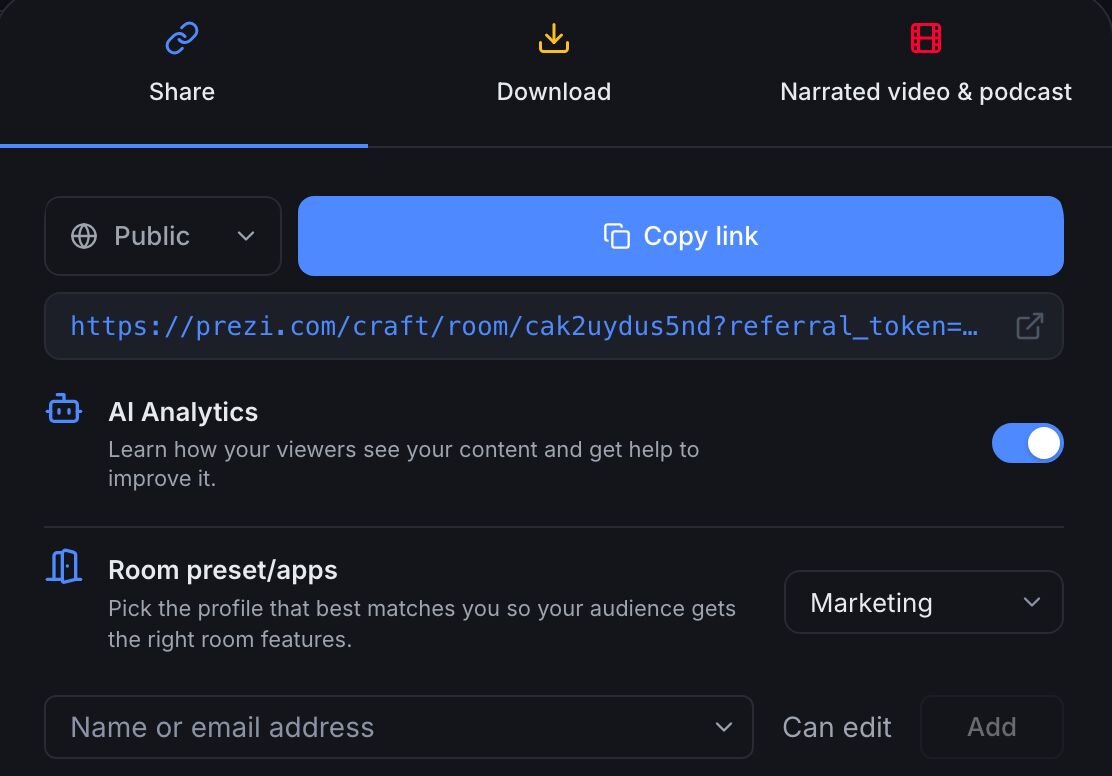
App integrations: Connect Prezi to tools like Zoom and Microsoft Teams to bring a presentation directly into a live call setup.
Offline and portable presentations: Export a portable version through the desktop app so you can present without an internet connection.
What real Prezi users are saying
I read through recent Prezi reviews on G2 and Capterra to see what users think about the tool.
Overall, people seem to genuinely like the zoom-based design and how fast it helps put a deck together. But reviews also flag a steep learning curve, limited export options, and a few features that stay locked behind a paid plan. Nothing shocking, but worth knowing before you commit.
Here's what users are saying:
Pros
Dynamic, zoomable canvas: Prezi's zoom-based layout can make a presentation feel like one connected story. One enterprise reviewer said the transitions helped an audience understand how each slide connects to the bigger picture.
Video overlay for calls: Prezi Video lets you show your slides right next to you during a call or recording. Reviewers say this can help hold attention on webinars and virtual demos, where it's easy for an audience to tune out.
AI-assisted content generation: The built-in AI can suggest angles you may not have thought of on your own. One product manager said it gave them an expanded view of their original target, which is a nice bonus when you're staring at a blank canvas.
Works from any computer: One founder said they can pull up their entire Prezi library from any computer, even without Wi-Fi, which makes it easier to present on the fly if your usual setup falls through.
Faster, polished-looking decks: Several reviewers say Prezi cuts down time spent on formatting, which tracks with what I'd expect from a template-driven tool. One physician who builds training sessions said it let them create visually appealing decks in a fraction of the usual time.
Cons
Learning curve: New users may need real time to get comfortable with a zoom-based design, especially coming from PowerPoint or Keynote.
Stock images tied to paid plans: Some images need an upgrade or extra credits to unlock. One reviewer on the free plan said certain images become hard to access without paying more.
AI prompts can miss specialized topics: The AI may not fully understand niche or technical subject matter on the first try, so some reviewers say they end up doing extra edits to get the content right.
Limited export options: Prezi does let you download a PPTX file, but the export flattens every zoom and motion effect into static slides. One reviewer said the PDF export strips the zoom and animation that make the tool worth using in the first place.
Occasional autosave issues: A few reviewers mention their designs didn't always save the way they expected, which can mean redoing recent work. Always a gut punch when it happens.
My personal take on Prezi
Prezi turns a plain topic into a presentation people stay engaged with. The zoomable canvas makes a presentation feel like it's moving somewhere, and it beats clicking through the same 12 slides everyone's seen a version of.
The AI generator got me from a blank canvas to a workable draft faster than I expected, and the templates carry their own personality, a step up from the same PowerPoint themes everyone recognizes on sight.
That said, I found the format takes longer to master than the marketing suggests. Building a product presentation that zooms and pans in a way that helps your story without making your audience seasick takes a few tries to get right.
The export situation is its own separate headache. You can get a PPTX file out of Prezi, but it flattens all the motion that made the deck worth building, so anyone expecting a clean handoff to a colleague on PowerPoint is in for a surprise.
Prezi works well if you're presenting live, in the room or on a call, where the zoom and motion can actually land with an audience. If you need a deck that travels well between tools and teams, where half your coworkers are opening it in PowerPoint and the other half in Google Slides, the format starts working against you.
Is Prezi right for you?
After testing Prezi, I found it fits certain presentation styles far better than others. It's worth checking your own situation against a few specifics before committing.
Here's how to tell if it fits your situation:
Who will love it
Anyone pitching the same story to different audiences: Prezi's Smart Branding and template system make it easy to reuse a core deck while swapping visuals and framing for each new audience, without rebuilding the whole thing from scratch.
Teams that want to know if a presentation is landing: Viewer analytics on the Premium and Business plans show who opened a shared deck and how long they spent on each section, which is useful if you're sending decks out and want a signal beyond silence.
People who present over video calls: The video overlay feature keeps you visible next to your content during a call, which is a small detail that makes remote presentations feel less like a static screen share.
Anyone who wants outside inspiration during the design process: The AI image generator and large stock library take the pressure off finding the right visual on your own.
Who should avoid it
Anyone working from a locked internal reporting format: If your organization requires decks in a specific PowerPoint template with strict formatting rules, Prezi's canvas approach doesn't fit that structure.
Teams without dedicated time to design: The templates and AI generator help, but getting a deck to feel intentional and avoid clutter still takes some hands-on attention. A team that just needs to throw bullet points on a slide may find that extra step a poor use of time.
Anyone who needs to edit a shared file across many collaborators offline: Prezi's real-time co-editing is online-only. The desktop app's offline mode covers one person working without internet, with changes syncing back later.
💡Tip: Not sold on Prezi? Check out our guide on the top Prezi competitors.
The best Prezi alternative: Julius
Prezi reviews highlight a distinctive, motion-based presentation style, but users consistently point to a learning curve, an export process that flattens the format, and AI features that stay limited to the presentation step itself. That last point matters if your presentations start with a spreadsheet, since Prezi can help you build the deck, but it won't touch the data behind it.
Julius is a data analysis tool with a built-in presentation maker. We built it for people who need to go from raw numbers to a finished deck without switching between three separate tools to get there.
Here's what you can do with Julius:
Start from a question: Connect your own data, let Julius search the web for public datasets, or pull institutional-grade financials for over 17,000 companies through the Financial Datasets partnership, then ask Julius to turn any of it into a finished analysis.
Turn an analysis into a presentation: Once Julius builds out your charts and insights, you can take that work straight into the AI presentation maker and skip rebuilding the same numbers from scratch in a separate deck.
Get sharper answers the more you use it: With each query, Julius gets better at finding the right data within connected sources, so answers tend to get faster and more precise the more you ask.
Schedule reports on a routine: A Notebook can run on a schedule and deliver updates straight to email or Slack, so you don’t need to rebuild reports by hand every week.
If you want a tool that handles the data and the deck in one place, Julius is worth trying. Start analyzing your data with Julius today.
Final verdict
If you need a presentation style built around movement and live audience engagement, Prezi delivers. But if the export limits, learning curve, or standalone AI tools are working against your workflow, Julius is worth considering.
Frequently asked questions
Is Prezi free to use?
Yes, Prezi offers a free plan called Basic, which gives you limited AI credits and access to core tools. Paid plans start with Standard, and Plus is where you unlock offline access through the desktop app, presenter features, and personal branding, with Premium adding viewer analytics and phone support.
Does Prezi still get updated in 2026?
Yes, Prezi continues to release updates in 2026, with recent additions including AI-generated charts, cinematic illustrated backdrops, and viewer analytics you can review directly through the AI. New designer themes and quiz generation from existing decks have also rolled out this year. The platform is actively maintained rather than left on a legacy feature set.
Can you export Prezi to PowerPoint?
Yes, you can export a Prezi presentation as a PPTX file directly from the Share menu in the editor. The export flattens each frame into a static PowerPoint slide, so the zoom and motion effects don't carry over. A PDF export is also available if you only need the presentation viewable, not editable.