

Slidesgo alternatives fall into three camps: free template libraries that work like Slidesgo, AI tools that generate the whole deck for you, and full design suites you build inside.
The strongest picks are Canva for all-around design, Gamma for AI-generated decks, and SlidesCarnival if you just want more free templates.
I looked at pricing pages, feature lists, and user reviews across 9 tools to build this list. You'll get the strengths, trade-offs, and best fit for every tool below.
9 best Slidesgo alternatives: TL;DR
Canva: Best for marketers who need a polished, on-brand deck without a design background
Gamma: Best for anyone who wants to turn a rough outline into a full deck in minutes
Beautiful.ai: Best for teams that want every slide to look consistent without manual formatting
Julius: Best for turning data directly into a presentation
Prezi: Best for presenters who want a moving, story-driven format instead of static slides
Pitch: Best for teams building and reviewing decks together in real time
Plus AI: Best for people who work in PowerPoint or Google Slides and don't want another app
SlidesCarnival: Best for anyone who wants a free Slidesgo-style template library
SlidesMania: Best for educators who want free, interactive Google Slides and PowerPoint themes
Why look for Slidesgo alternatives?
Slidesgo earns its spot as a first stop for a reason. The template library is huge, free to browse, and polished enough to make a rushed deck look like it took time to build. I've grabbed a template from it myself when a meeting got moved up with no warning, and it did the job.
The trouble starts once presentations turn into a weekly habit. A few patterns show up fast once you're building decks regularly:
Download limits cap your options: The free tier only gives you so many templates a month, and the strongest designs sit behind a Slidesgo Premium or Freepik subscription.
Templates need real cleanup: They look great empty, then you're manually fixing spacing, structure, and brand colors once your actual content goes in.
There's no editor or AI built in: You get a file, not a workflow. No content generation, no built-in editing, and no way to collaborate with a team.
Your decks start to blend in: Pull from the same library long enough and your presentations start looking like everyone else's.
💡 Tip: Explore more AI-first options in our roundup of the best AI presentation makers.
Which Slidesgo alternative should you choose?
The right pick depends on how much design control you want, whether you're building alone or with a team, and how much AI help you're looking for.
Choose:
Canva if you want an all-round design suite you can also use for other visual content. Its presentation templates are strong but not built specifically for slide decks, so branding and structure take manual work.
Gamma if you want AI to write and build the deck from a prompt. The output usually needs editing before it's ready to present.
Beautiful.ai if you build recurring business decks and want them auto-formatted and consistent. That consistency comes from templates, so design freedom is more limited than a full suite.
Julius if your deck depends on live data and you want the analysis and the slides to come from the same workflow. It can build from a template and apply your branding automatically, so it's not limited to plain, data-only slides.
Prezi if you want non-linear, story-driven presentations. That format takes some getting used to and doesn't suit a standard business deck.
Pitch if your team co-builds decks together. Solo users won't get much value from the collaboration features.
Plus AI if you want deck generation inside PowerPoint or Google Slides. You're locked into those two ecosystems, since there's no standalone editor.
Stick with Slidesgo if you want a free template fast and don't need an editor, AI help, or collaboration, and you're comfortable with the download limits and manual cleanup that come with it.
9 best Slidesgo alternatives: at a glance
| 💻 Tool | 🏷️ Type | 🎯 Best for | 🔥 Starting price (billed annually) |
|---|---|---|---|
| Canva | Design suite | All-round design and quick branded decks | $144/year |
| Gamma | AI generator | Full decks from a text prompt | $9/seat/month |
| Beautiful.ai | AI generator | Auto-formatted, consistent business decks | $12/month |
| Julius | AI data analysis and presentation tool | Turning data directly into a presentation | $16/month |
| Prezi | Design suite | Non-linear, story-driven presentations | $7/month |
| Pitch | Design suite | Collaborative team decks | $13/month |
| Plus AI | AI generator | Deck generation inside PowerPoint and Google Slides | $10/user/month |
| SlidesCarnival | Free template library | The closest free swap for Slidesgo | Free |
| SlidesMania | Free template library | Free, interactive templates for educators | Free |
*Pricing correct as of July 2026. Verify with vendor.
9 best Slidesgo alternatives
1. Canva: Best for marketers and non-designers who want fast, branded decks
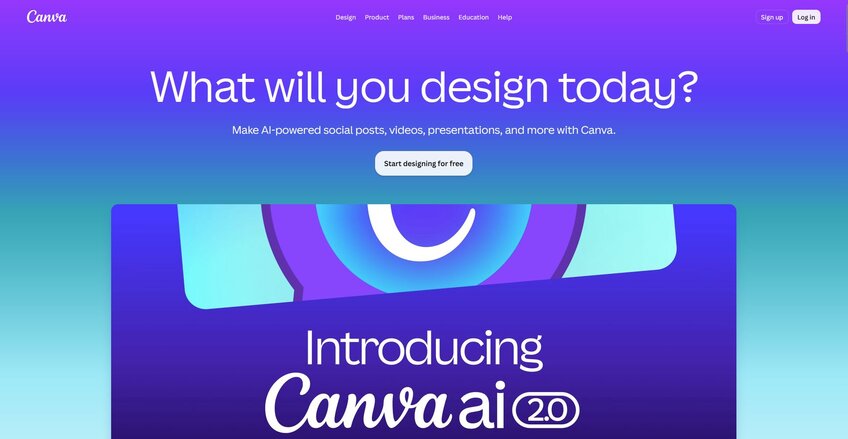
Canva is a design suite that lets you create presentations, social graphics, documents, and video in one editor. It gives users a large template library and a drag-and-drop interface that makes branded decks quick to build. PowerPoint exports may need extra cleanup once you pull them out of the platform.
Key features
Magic Design: Generate a presentation draft from a text prompt or an uploaded image.
Brand kit: Store logos, fonts, and colors for use across presentations and other content types.
Real-time collaboration: Allow multiple users to edit, comment, and share a deck at the same time.
Pros
✅ The template library covers presentations, social graphics, print, and video in one place
✅ The free plan includes presentation creation and basic AI tools
✅ Files export to PowerPoint and Google Slides for use outside Canva
Cons
❌ PowerPoint exports aren't always pixel-perfect and can need cleanup
❌ The strongest stock assets and AI features sit behind the paid Pro plan
Best for
Marketers who need branded decks without a design background
Teams that want presentations, social graphics, and video handled in one place
Freelancers who want an easy drag-and-drop editor
Pricing
Canva starts at $144 per year.
2. Gamma: Best for AI-generated decks from a prompt
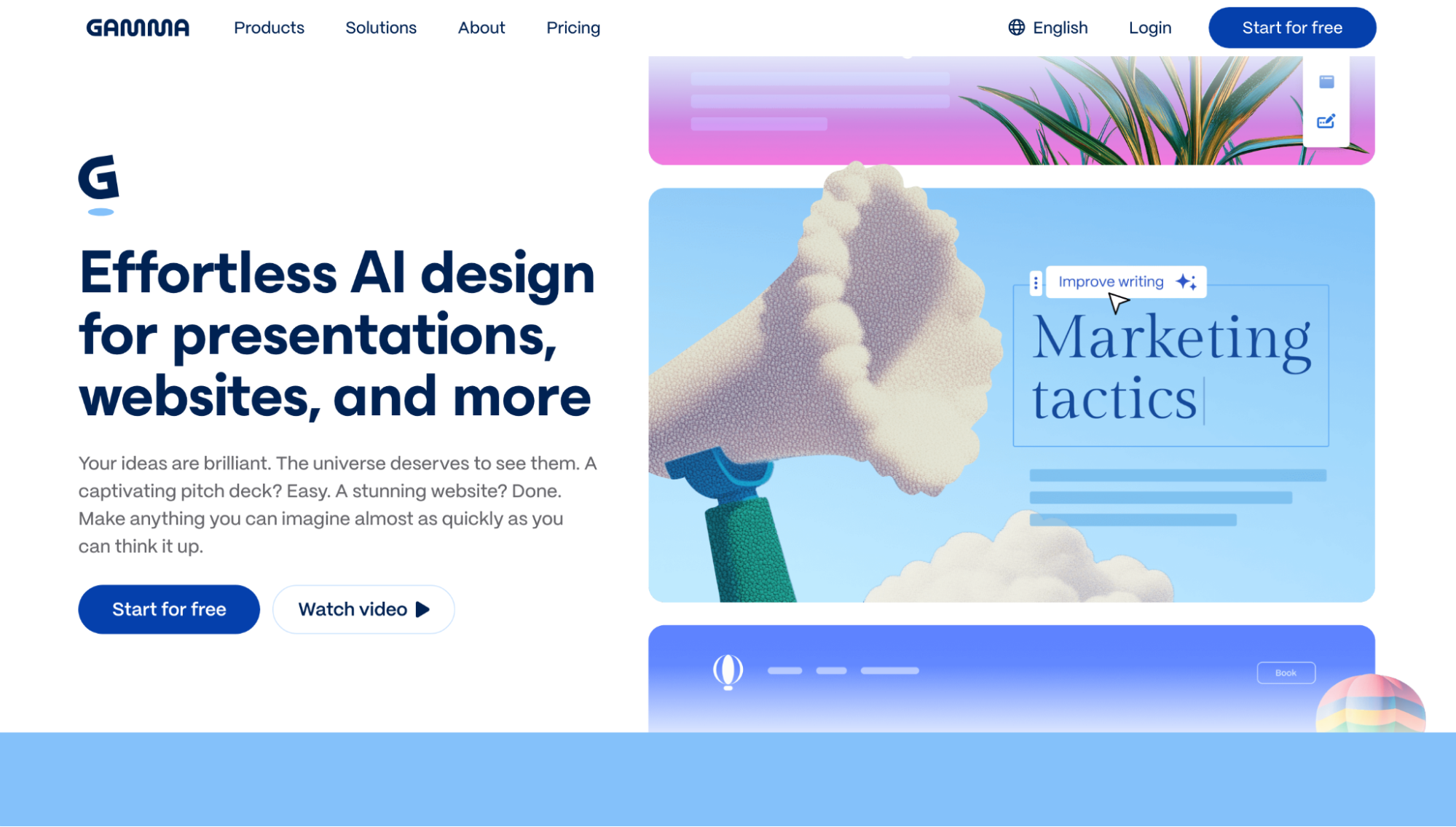
Gamma is an AI presentation tool that generates both content and design from a single prompt. It handles interactive elements such as embedded video, GIFs, and responsive charts, which gives presentations more depth than a static template allows. The AI output still needs a review pass for accuracy and tone before it's ready to present.
💡 Tip: Not sold on Gamma? Check out our guide on the top 10 Gamma alternatives.
Key features
Prompt-to-deck: Generate slide content and design from a text prompt or an uploaded document.
Interactive elements: Embed video, GIFs, and responsive charts within a deck.
One-click restyling: Reformat an entire deck's visual style without rebuilding individual slides.
Pros
✅ Generates a real content draft, giving you something to edit from the start
✅ Interactive output works well for links, webinars, and sales follow-ups
✅ Free tier is enough to try the core workflow before paying
Cons
❌ Free-plan AI credits are a one-time allotment that can run out quickly with regular use
❌ PowerPoint export loses interactive elements and converts them to static images, and it's only available on paid plans
Best for
Marketers who want a full draft generated from a single prompt
Teams that want interactive elements like video and charts built into a deck
Users trying out an AI-first workflow before committing to a paid plan
Pricing
Gamma starts at $9 per seat per month.
3. Beautiful.ai: Best for auto-formatted, consistent business decks
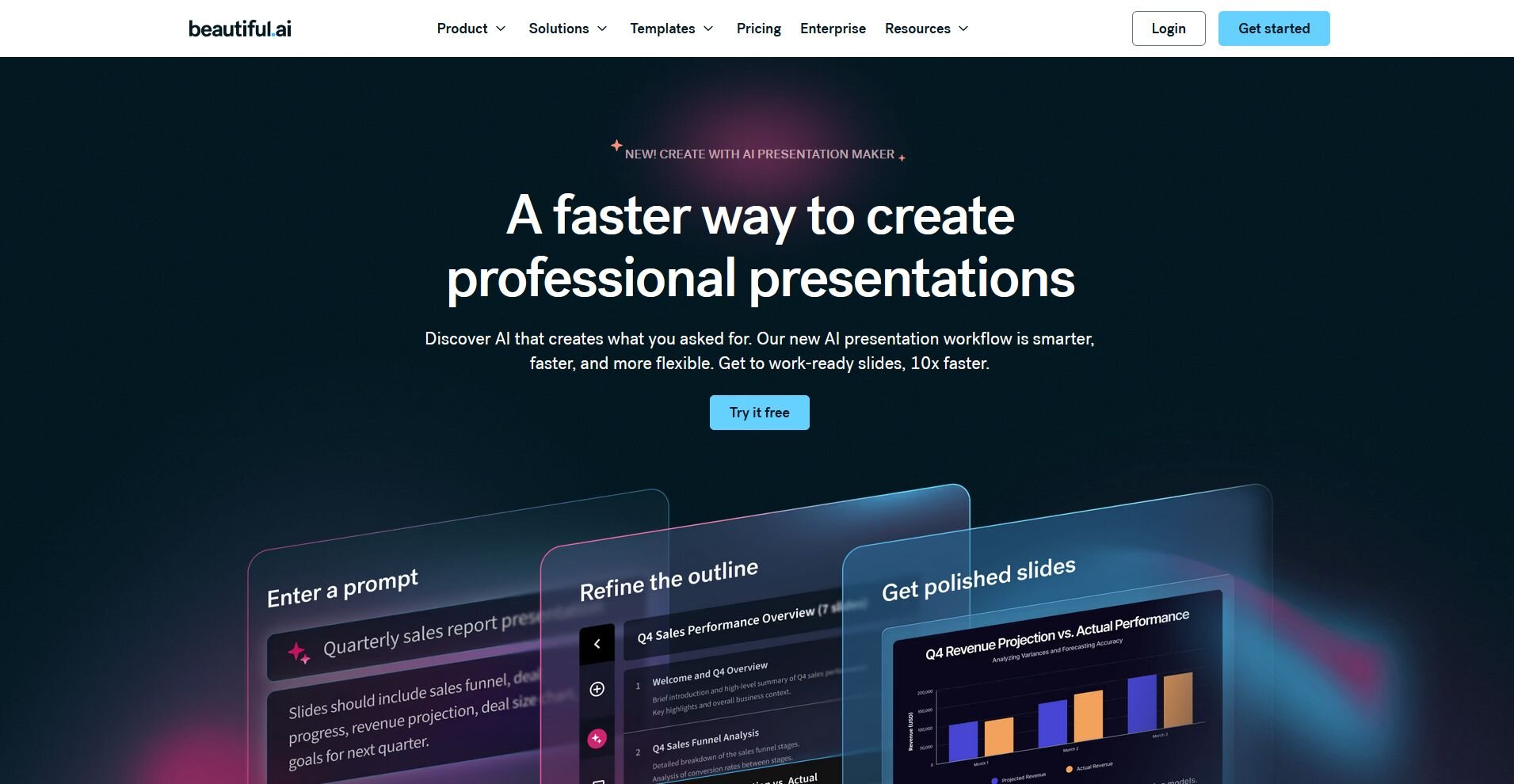
Beautiful.ai is a presentation tool built around Smart Slides that adjust spacing, alignment, and layout automatically as you add content. It keeps recurring decks like proposals, pitches, and weekly reports consistent without manual formatting work. Precise, custom placement is harder to achieve, since the system will override manual adjustments.
💡 Tip: Learn more in our in-depth Beautiful.ai review.
Key features
Smart Slides: Rebalance layouts automatically as slide content changes.
AI content generation: Draft slide text and outlines from a prompt.
Brand kit and shared libraries: Store visual assets for consistent team decks.
Pros
✅ Layouts stay clean across a full deck with almost no manual formatting
✅ PowerPoint exports are predictable and hold their formatting
✅ Well-suited for teams that value consistency over creative freedom
Cons
❌ Layout flexibility is limited, and precise placement or custom frameworks are hard to build
❌ Template selection is smaller than Slidesgo's library
Best for
Sales and marketing teams producing repeatable, on-brand decks
Teams that want consistent formatting without manual design work
Users who prefer structure over full creative control
Pricing
Beautiful.ai starts at $12 per month.
4. Julius: Best for turning data directly into a presentation
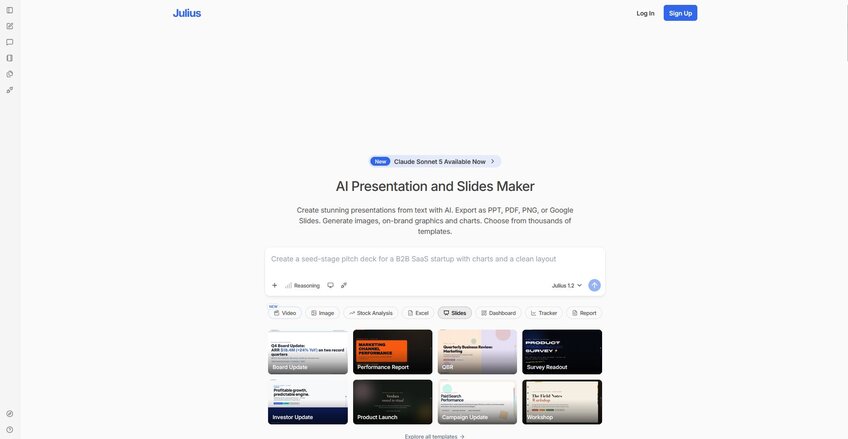
Julius is an AI data analysis tool that turns your questions into charts, insights, and a finished presentation. You can ask a question in plain English, and Julius builds the analysis, then carries it straight into slides. Manual, slide-by-slide design work isn't the strength here, since the workflow starts from a data question and a prompt.
Key features
Zero-upload data search: Search the web for public datasets or pull financial data through the Financial Datasets partnership without a file to start.
Natural language analysis: Ask a question in plain English and get back a chart or a written breakdown.
AI presentation maker: Turn a prompt or a finished analysis into a full deck, with hundreds of templates and brand colors and fonts applied automatically.
Pros
✅ Users can start from a question instead of needing a file ready to upload
✅ Charts and analysis carry directly into a presentation without a separate design step
✅ Connected data gets faster and more precise to query with each use, since Julius learns the structure and relationships of connected sources over time
Cons
❌ Best suited for decks built from a prompt or existing data, rather than heavy manual design work slide by slide
❌ Non-technical users may need a short learning curve to get comfortable phrasing data questions well
Best for
Finance and operations teams building decks around live data
Marketers who want campaign dashboards turned into a shareable presentation
Teams that want one workflow instead of switching between an analysis tool and a design tool
Pricing
Julius starts at $16 per month.
5. Prezi: Best for non-linear, story-driven presentations
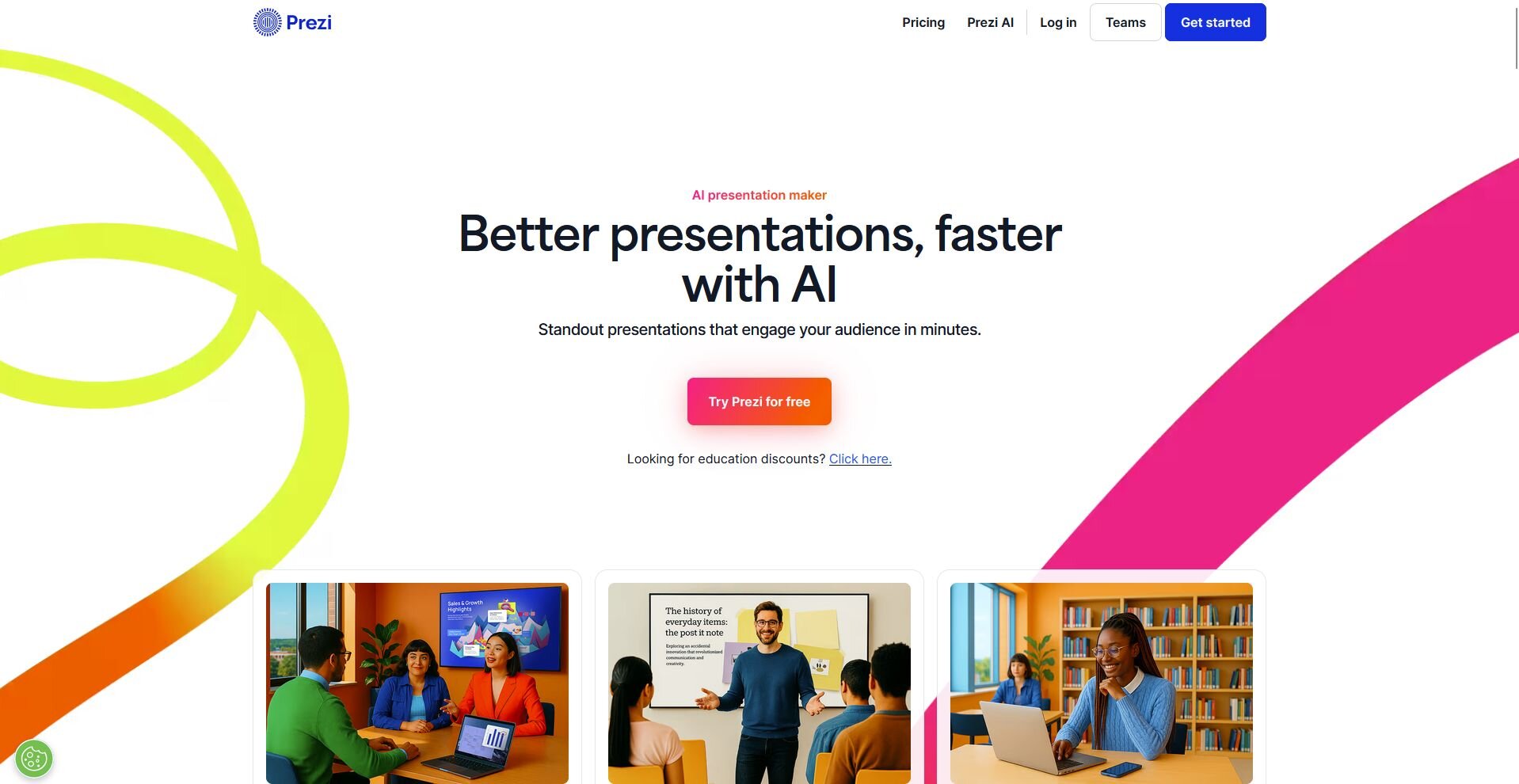
Prezi replaces the slide-after-slide format with a zoomable canvas that lets you move between ideas by zooming in and out, turning a presentation into a guided story. Sales pitches and teaching sessions benefit most, since the format shows how ideas connect. A poorly built Prezi can make an audience feel a little dizzy, and the canvas takes practice to use well.
💡 Tip: Not sure about Prezi? Check out our guide on the 9 best Prezi alternatives.
Key features
Zoomable canvas: Build a presentation as a connected map of ideas instead of separate slides.
Video overlay: Place yourself on camera alongside your content during remote presentations.
AI content generation: Draft slide content and layout from a prompt.
Pros
✅ The non-linear canvas creates memorable, story-driven presentations
✅ Video overlay works well for remote and webinar delivery
✅ AI generation and auto-branding have sped up the design process
Cons
❌ The canvas format takes real practice for anyone used to traditional slides
❌ Not well suited for formal, data-heavy, or clean PowerPoint handoffs
Best for
Educators who want to show how ideas connect visually
Sales presenters building a memorable, story-driven pitch
Remote presenters who want video overlay during a talk
Pricing
Prezi starts at $7 per month.
6. Pitch: Best for collaborative team decks
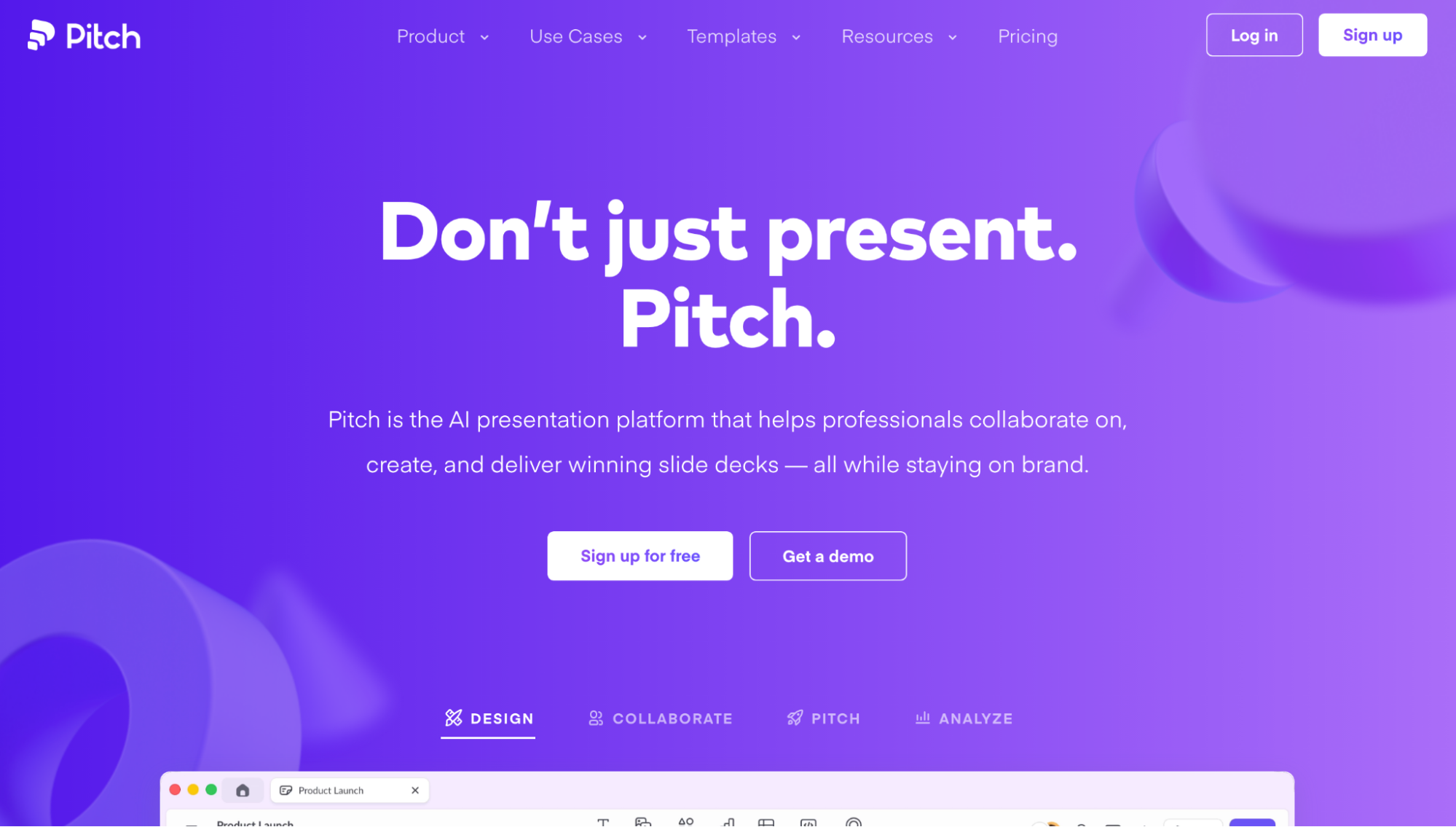
Pitch is a presentation tool built around teams working on decks together. It combines AI slide generation with real-time co-editing, slide assignments, comments, and engagement analytics that show which slides recipients spend time on. PowerPoint export isn't available until the Team plan, and even then it can need cleanup for animations and embedded elements.
Key features
Real-time co-editing: Assign slides, add comments, and edit a deck together at the same time.
Engagement analytics: Track which slides recipients open and spend time on.
AI slide generation: Draft slide content and layout from a prompt.
Pros
✅ Real-time collaboration includes slide assignments and comments
✅ Engagement analytics show how recipients interact with shared decks
✅ Free plan includes unlimited presentations
Cons
❌ Design customization is limited for precise or complex layouts
❌ PowerPoint export can need cleanup for animations and embedded elements
Best for
Sales teams that co-build and share decks regularly
Startups that want engagement data on shared presentations
Teams that need slide assignments and comments in one workflow
Pricing
Pitch starts at $13 per month.
7. Plus AI: Best for deck generation inside PowerPoint and Google Slides
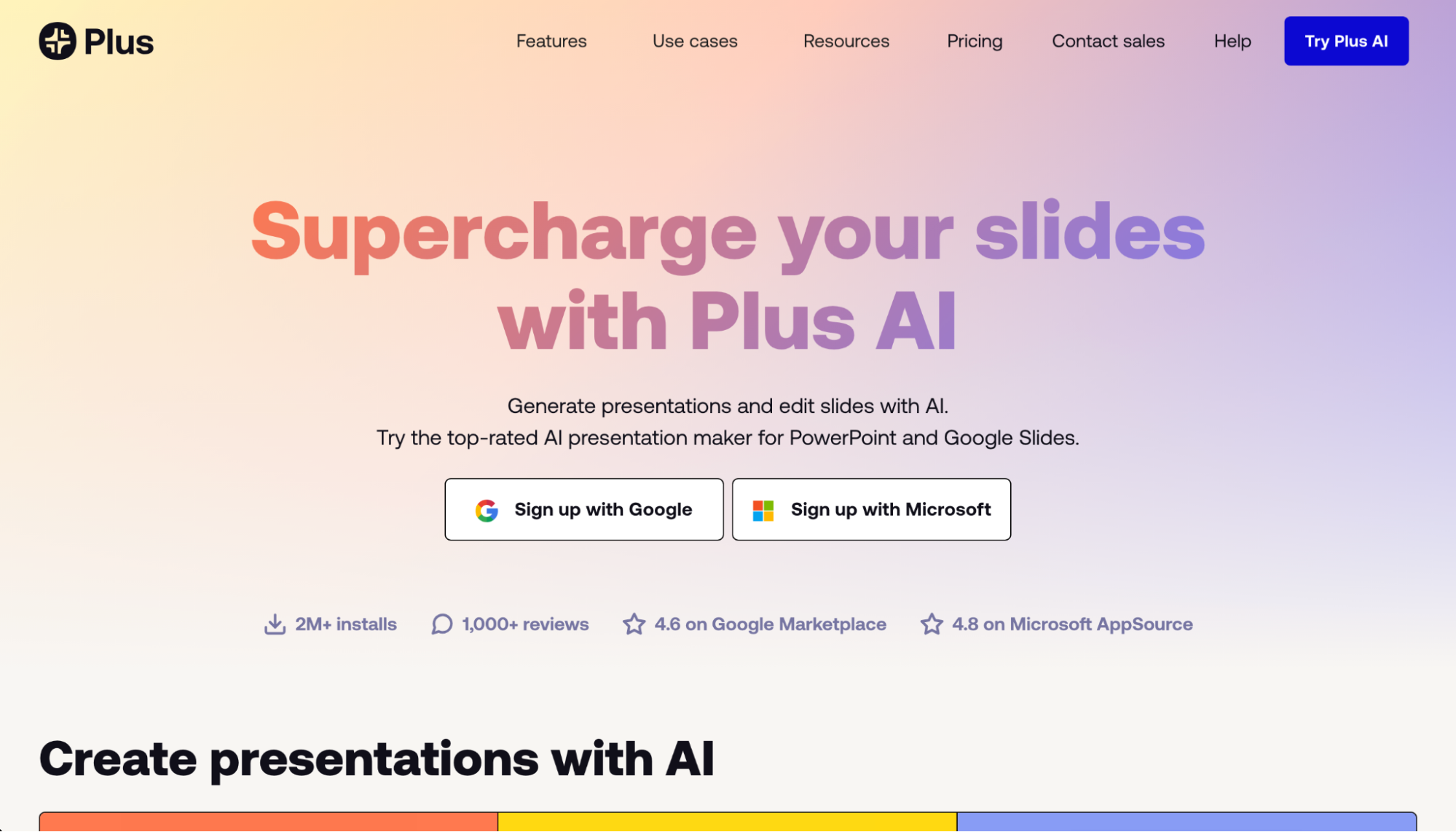
Plus AI works as an add-on inside Google Slides and PowerPoint, generating full presentations from a prompt or an uploaded document. Teams keep their files in Google Drive or OneDrive, so nobody has to learn a new editor. The PowerPoint version trails Google Slides in polish, and technical content sometimes needs a design pass afterward.
Key features
Prompt-to-deck: Generate a structured slide deck from a text prompt, a PDF, or a Word document.
Remix: Convert existing slides into a new layout or format with one click.
Brand themes: Store logos, colors, and custom instructions for consistent team output on higher plans.
Pros
✅ Presentations build and edit directly inside Google Slides or PowerPoint
✅ Hundreds of layouts give the AI output more design variety than most add-ons
✅ Collaboration and file storage stay tied to Google Drive or OneDrive
What users say
❌ The PowerPoint add-on experience lags behind the Google Slides version
❌ There's no free plan, so trying the tool requires payment upfront
Best for
Teams that want AI generation without leaving PowerPoint or Google Slides
Users who prefer editing inside a familiar tool over a separate platform
Teams already working in Google Drive or Microsoft 365 that want AI added on
Pricing
Plus AI starts at $10 per user per month.
Special mentions
These two tools cover the same ground as Slidesgo itself: free templates without an editor or AI layer. Here are 2 more worth a look if that's exactly what you need:
SlidesCarnival: A free template library for Google Slides and PowerPoint, with a design style close enough to Slidesgo that switching over feels familiar. There's no editor or AI features, so you're still building the deck yourself after downloading a template.
SlidesMania: A free library of Google Slides and PowerPoint themes with a strong focus on interactive elements like clickable buttons and embedded video. Educators use it often for lesson templates, though the library covers general presentations too. Downloads work the same way as Slidesgo, a template first, and you build the rest.
How to evaluate Slidesgo alternatives
My advice after going through all 9 tools: check how each one handles PowerPoint export during evaluation. Interactive elements like embedded video or animations don't always survive the trip out of the platform, and that's a detail worth catching early, before you've built a workflow around a tool your client can't open the way you expect.
Consider:
How much design control you want: Some tools hand you a template and step out of the way. Others, like Beautiful.ai, auto-format the layout for you and push back if you try to move things too far off-script. I'd think about which one annoys you the least before committing.
Whether AI-generated content needs a review pass: Tools like Gamma can draft a full deck from a prompt, but the copy usually needs editing for accuracy and tone. If you're on a tight deadline, budget time for that pass and don’t assume the first draft is presentation-ready.
How your team works together: A handful of these tools build in comments, slide assignments, and shared brand kits, and a handful don't. If you're the only one touching the deck, that feature barely matters. If 3 people are editing it before a client call, it matters a lot.
Whether you need a clean PowerPoint file at the end: Some tools export cleanly, and others hand you a link or a PDF that loses interactivity the moment it leaves the platform. I'd check this before you build a habit around a tool your client can't open.
Turn your data into a finished deck
Design is one part of building a deck. If your presentation depends on numbers, most Slidesgo alternatives still leave you with a blank template and the data work still ahead of you.
Julius starts from the data instead. You can search the web for public datasets, pull company financials through the Financial Datasets partnership, or connect your own sources, then ask questions in plain English. The AI presentation maker turns that analysis into a full deck using templates, ready to export as PPT, PDF, or Google Slides.
Start your free Julius trial today.
Frequently asked questions
What is the best free Slidesgo alternative?
SlidesMania is the best fully free alternative, with creative, interactive templates and no download limits or premium tier. SlidesCarnival works well as a like-for-like swap for general use, and Canva's free plan adds a broader design toolkit if you need one.
Is Slidesgo actually free?
No, Slidesgo isn't fully free. The free tier includes thousands of templates, but it caps monthly downloads and keeps its best designs behind a Slidesgo Premium or Freepik subscription. SlidesMania and Canva's free plan offer more generous unlimited access.
Can AI presentation tools really replace templates?
Yes, AI tools like Gamma can replace a template for a first draft, since they generate a full deck from a prompt faster than browsing a library. The output still needs a review pass for accuracy and tone before it's ready to present.
Which Slidesgo alternative is best for business presentations?
Beautiful.ai suits teams producing consistent recurring decks, Canva covers all-round business design, and Julius fits data-heavy reports where the numbers need to hold up. All three offer stronger brand control and collaboration than Slidesgo.
Which Slidesgo alternative is best for teachers?
SlidesMania is the top choice for teachers, with free gamified templates, interactive quizzes, and digital notebooks built for classroom engagement. Canva for Education is another option if your school provides access.