Black History Month Slides Template for Lessons
Build a 10-slide Black History Month presentation covering origins, historical context, leaders, movements, culture, science, sources, and action.
Preview the 10-slide Black History Month Slides Template
Review the complete educational sequence from the history of commemoration through movements, pioneers, culture, source analysis, reflection, and next steps.
What you're getting
A Black History Month deck grounded in history and primary evidence
This 10-slide template supports a focused lesson, workplace program, museum talk, or community presentation. It creates room for the history of commemoration, major movements, individual contributions, culture, science, primary sources, reflection, and continued learning.
Use the example as a structural guide, not a complete history. Choose a defined question or period, center Black scholarship and primary voices, verify names and dates, and avoid reducing the subject to a list of exceptional individuals.
- Included
- 10 educational slides
- Best for
- History and public learning
- Export
- PowerPoint or Google Slides
Built for
Teachers planning a focused history lesson
Educators connecting context, people, systems, sources, and historical interpretation.
Workplace teams organizing a program
Facilitators moving beyond celebration-only content toward accurate learning and relevant institutional reflection.
Students and community presenters
Researchers sharing a local history, movement, cultural contribution, source, or unanswered question.
Getting started
Choose a historical question before choosing the examples
Depth, context, and trustworthy sourcing will serve the audience better than trying to represent all Black history in one deck.
- 1
Define the scope
Choose the period, geography, theme, learning objective, and terms the audience needs.
- 2
Use authoritative sources
Prioritize Black historians, archives, museums, primary documents, oral histories, and correctly licensed images.
- 3
Connect people to systems
Explain the institutions, movements, communities, conflicts, and collective work surrounding individual achievement.
- 4
Invite source-based reflection
Use a quotation, image, artifact, map, or question that audiences can analyze rather than passively admire.
- 5
Extend the learning
Close with specific books, archives, local organizations, research questions, or commitments beyond the month.
Explore more
Related templates worth comparing
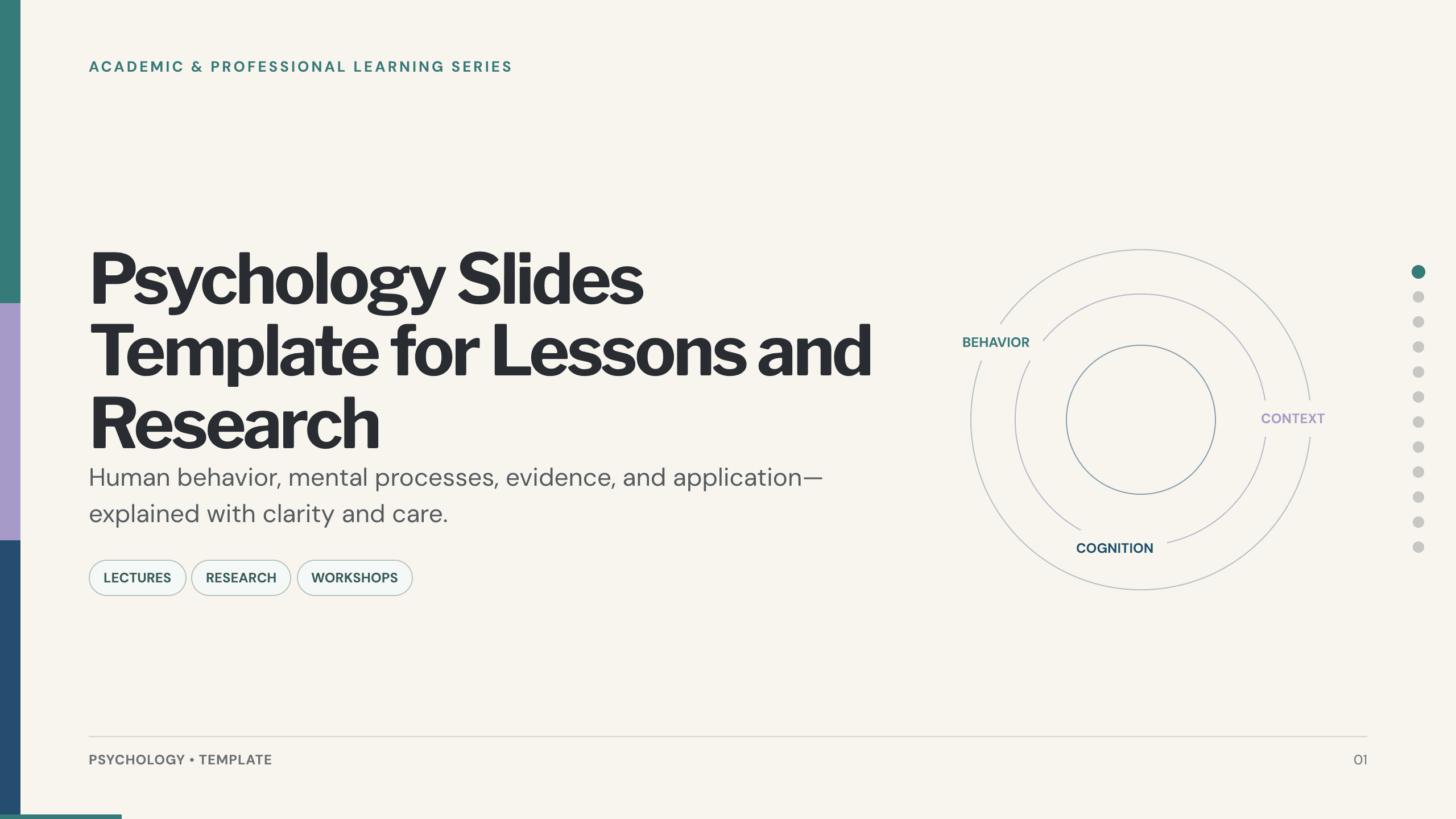
Psychology Slides Template
Explain human behavior with 12 psychology slides covering perspectives, cognition, emotion, motivation, development, evidence, ethics, and application.
View template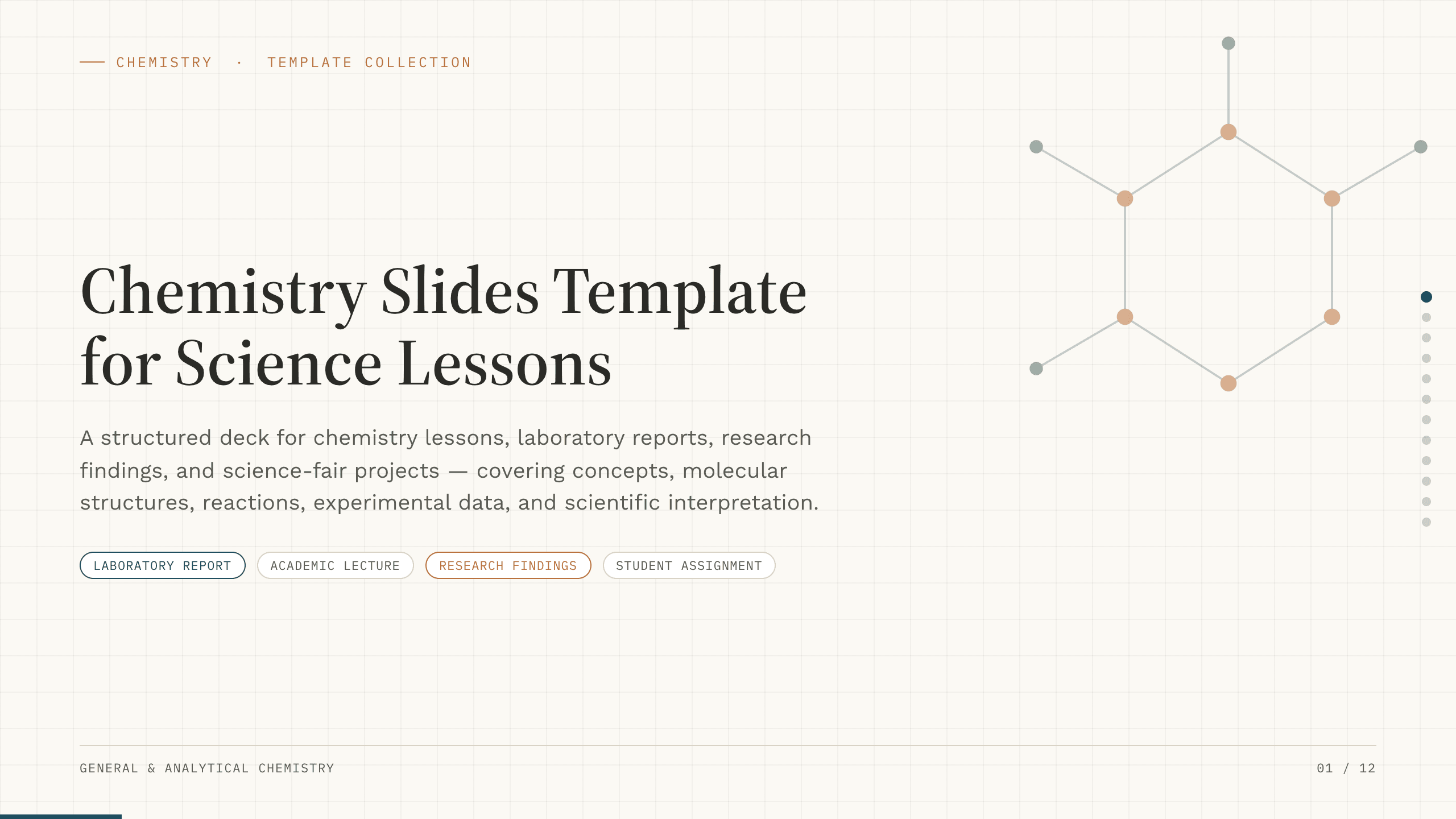
Chemistry Slides Template
Teach or report chemistry with 12 slides for objectives, molecular concepts, equations, reactions, methods, safety, data, findings, and sources.
View template
Space Slides Template
Explain astronomy with 12 space slides covering scale, planetary systems, stars, observation, mission technology, human factors, and future questions.
View template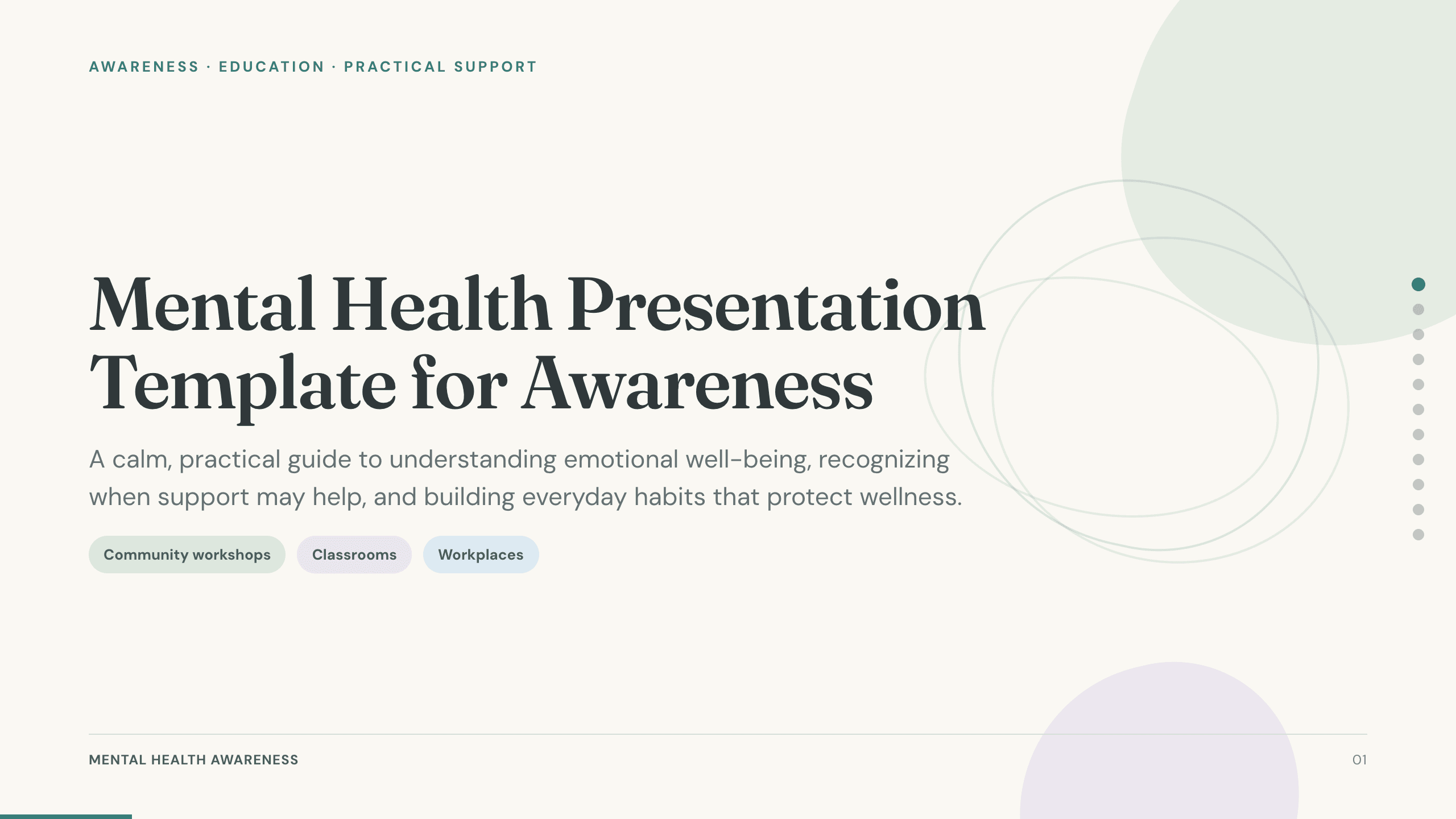
Mental Health Presentation Template
Create a 10-slide mental health presentation covering well-being, common signs, protective habits, support, crisis guidance, and a realistic personal plan.
View template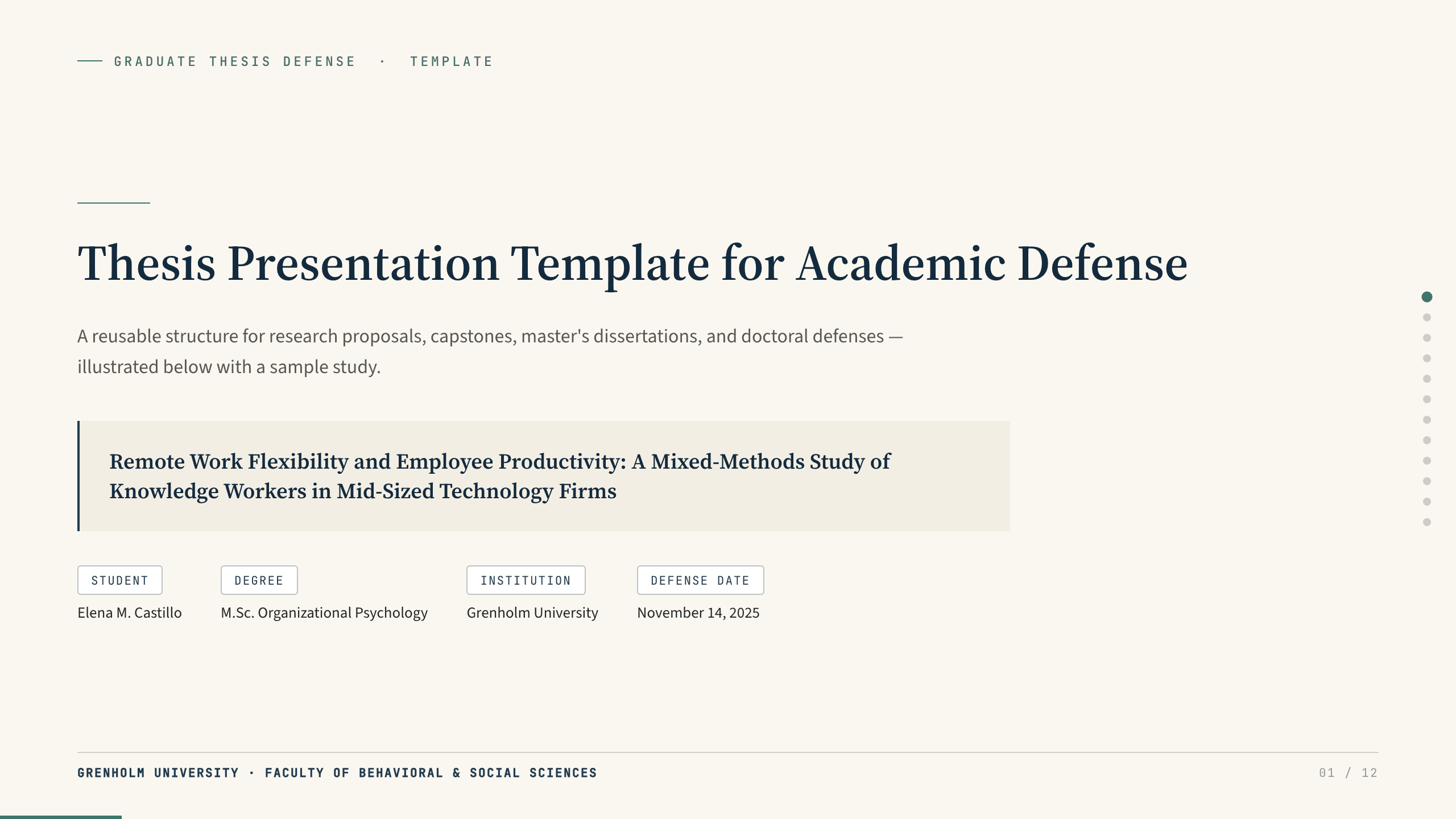
Thesis Presentation Template
Prepare a 12-slide thesis defense covering research context, gap, question, framework, method, findings, contribution, limitations, and discussion.
View template
Nursing PowerPoint Templates
Inspect a 12-slide featured example and find a starting point for healthcare lessons.
Browse collectionExplore other template hubs
Customize the Black History Month Slides Template with Julius AI
1
Preview the complete example
Inspect all 10 slides to understand the narrative, layouts, and level of detail before replacing the example content.
2
Add your content and direction
Give Julius AI your source material, evidence, audience, constraints, and desired outcome.
3
Review and export
Check the narrative, facts, and design, then export an editable version to PowerPoint or Google Slides for final delivery.