Space Slides Template for Science Presentations
Explain astronomy with 12 space slides covering scale, planetary systems, stars, observation, mission technology, human factors, and future questions.
Preview the 12-slide Space Slides Template
Follow the science story from why exploration matters through planetary systems, observation tools, mission engineering, life beyond Earth, and future inquiry.
What you're getting
A space deck built around questions science can test
This 12-slide template combines the visual scale of space with a structured science narrative. It supports astronomy lessons, mission profiles, planetary comparisons, exploration technology, observation methods, human constraints, findings, and open questions.
Use current authoritative sources for distances, mission status, imagery, and scientific claims. Clearly distinguish observation, model, hypothesis, and speculation, especially when discussing habitability or future missions.
- Included
- 12 science slides
- Best for
- Astronomy and exploration
- Export
- PowerPoint or Google Slides
Built for
Science teachers building an astronomy lesson
Educators connecting scale, systems, evidence, technology, and scientific revision.
Students presenting a mission or planet
Learners organizing objectives, instruments, observations, constraints, findings, and unanswered questions.
STEM teams explaining exploration technology
Presenters translating engineering trade-offs and mission evidence for a wider audience.
Getting started
Organize the presentation around one research question
The space theme can become broad quickly; a clear question gives every image, fact, and comparison a purpose.
- 1
Choose the scientific scope
Define the object, system, mission, technology, timeframe, and learning objective.
- 2
Establish scale and context
Use consistent units, labeled diagrams, and meaningful comparisons without distorting the evidence.
- 3
Explain how we know
Connect claims to instruments, observations, experiments, models, missions, or cited datasets.
- 4
Separate evidence from speculation
Label uncertainty, inference, future concepts, and artistic renderings clearly.
- 5
Close with the next question
End on the measurement, mission, design challenge, or observation that could change understanding.
Explore more
Related templates worth comparing
Psychology Slides Template
Explain human behavior with 12 psychology slides covering perspectives, cognition, emotion, motivation, development, evidence, ethics, and application.
View template
Chemistry Slides Template
Teach or report chemistry with 12 slides for objectives, molecular concepts, equations, reactions, methods, safety, data, findings, and sources.
View template
Mental Health Presentation Template
Create a 10-slide mental health presentation covering well-being, common signs, protective habits, support, crisis guidance, and a realistic personal plan.
View template
Black History Month Slides Template
Build a 10-slide Black History Month presentation covering origins, historical context, leaders, movements, culture, science, sources, and action.
View template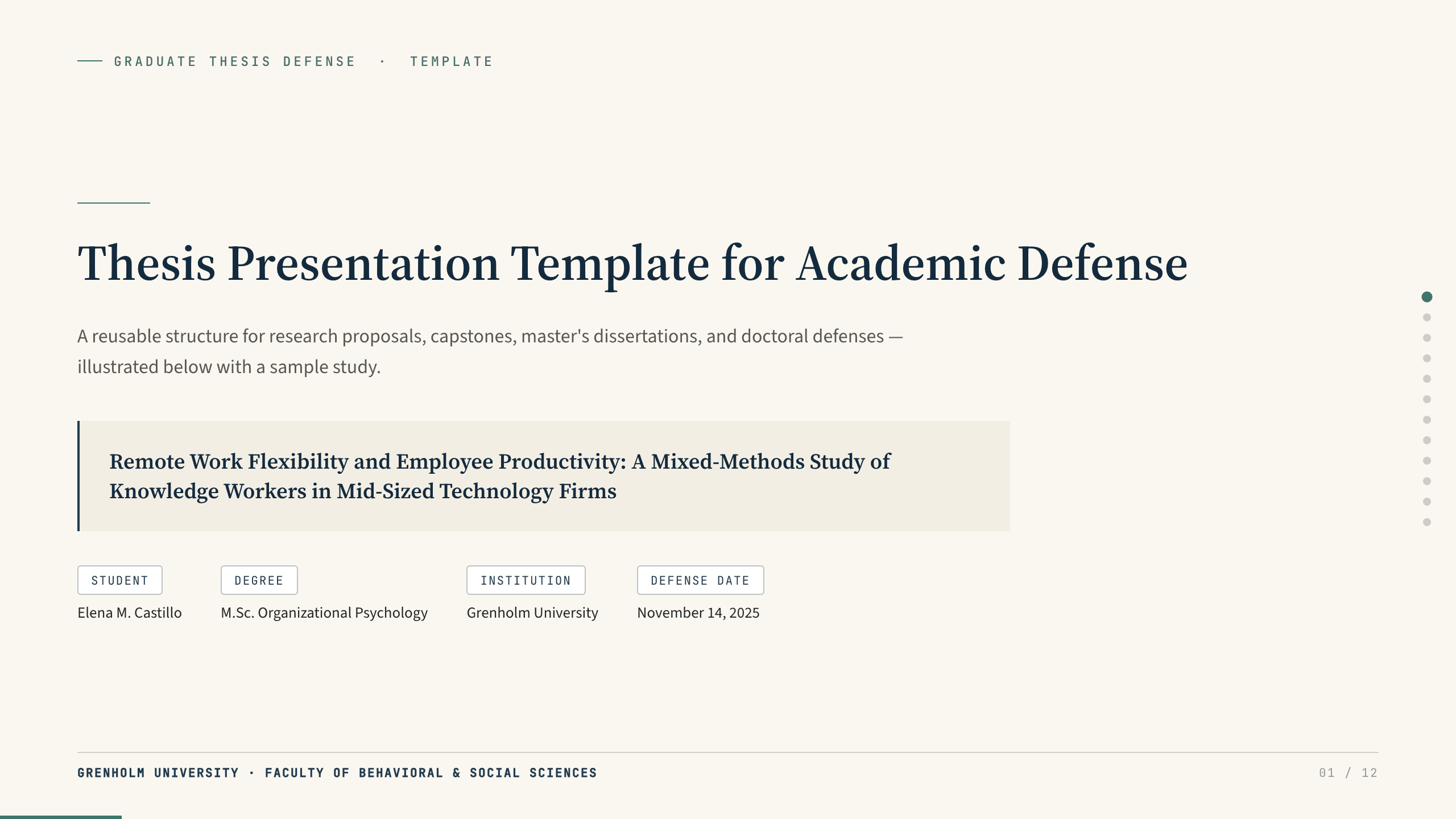
Thesis Presentation Template
Prepare a 12-slide thesis defense covering research context, gap, question, framework, method, findings, contribution, limitations, and discussion.
View template
Nursing PowerPoint Templates
Inspect a 12-slide featured example and find a starting point for healthcare lessons.
Browse collectionExplore other template hubs
Customize the Space Slides Template with Julius AI
1
Preview the complete example
Inspect all 12 slides to understand the narrative, layouts, and level of detail before replacing the example content.
2
Add your content and direction
Give Julius AI your source material, evidence, audience, constraints, and desired outcome.
3
Review and export
Check the narrative, facts, and design, then export an editable version to PowerPoint or Google Slides for final delivery.