Sports PowerPoint Templates for Teams and Events
A coach, club manager, analyst, and sponsor do not need the same sports deck. Compare team, tactical, performance, reporting, and recap formats side by side.
Browse the collection
Explore Sports PowerPoint Templates
Explore six complete approaches for introducing a team, planning a season, explaining tactics, reporting results, or preserving its best moments.
Choose by audience
Build the sports presentation around the decision in the room
The right sports template depends on who is watching and what should happen next. Players need clarity about roles and tactics. Leadership needs targets and trends. Sponsors need a credible story about audience, performance, and opportunity.
This collection combines team storytelling with more focused tactical, reporting, and recap formats. Choose the deck that puts your audience’s question near the beginning instead of forcing it into an unrelated design.
- Options
- 6 team and performance formats
- Best for
- Clubs, coaches, athletes, and partners
- Format
- Editable widescreen slides
Compare the options
From team identity to the performance review
Use the full sports collection for a season-level story. Choose a specialist format when the meeting centers on one game, one set of measures, or one memorable recap.
Best for
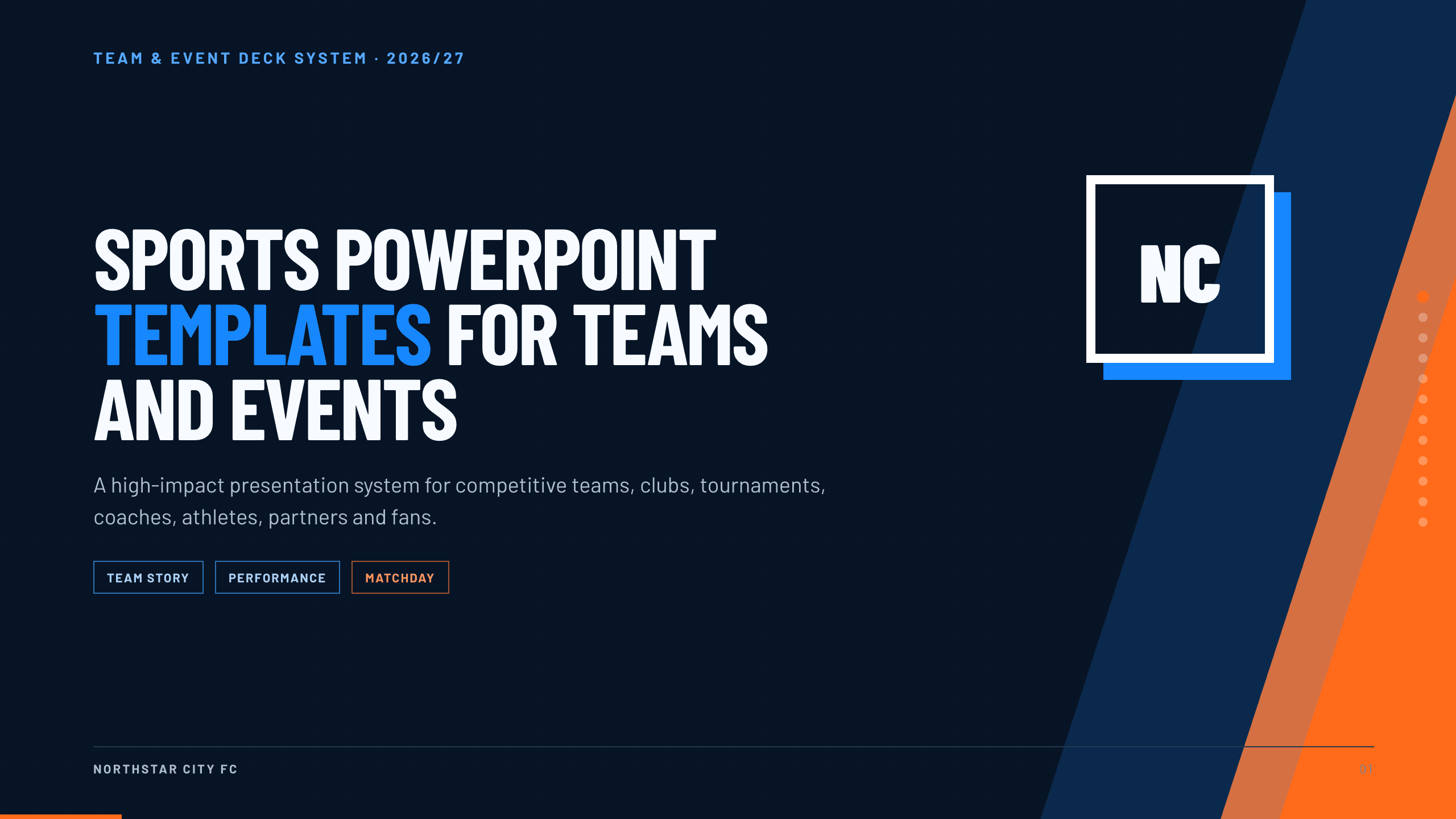
Club launches and season planning
Team season collection
Cover identity, objectives, staff, squad, fixtures, tactics, performance, training, opponents, brand, and a practical 30-day plan.
Preview this collection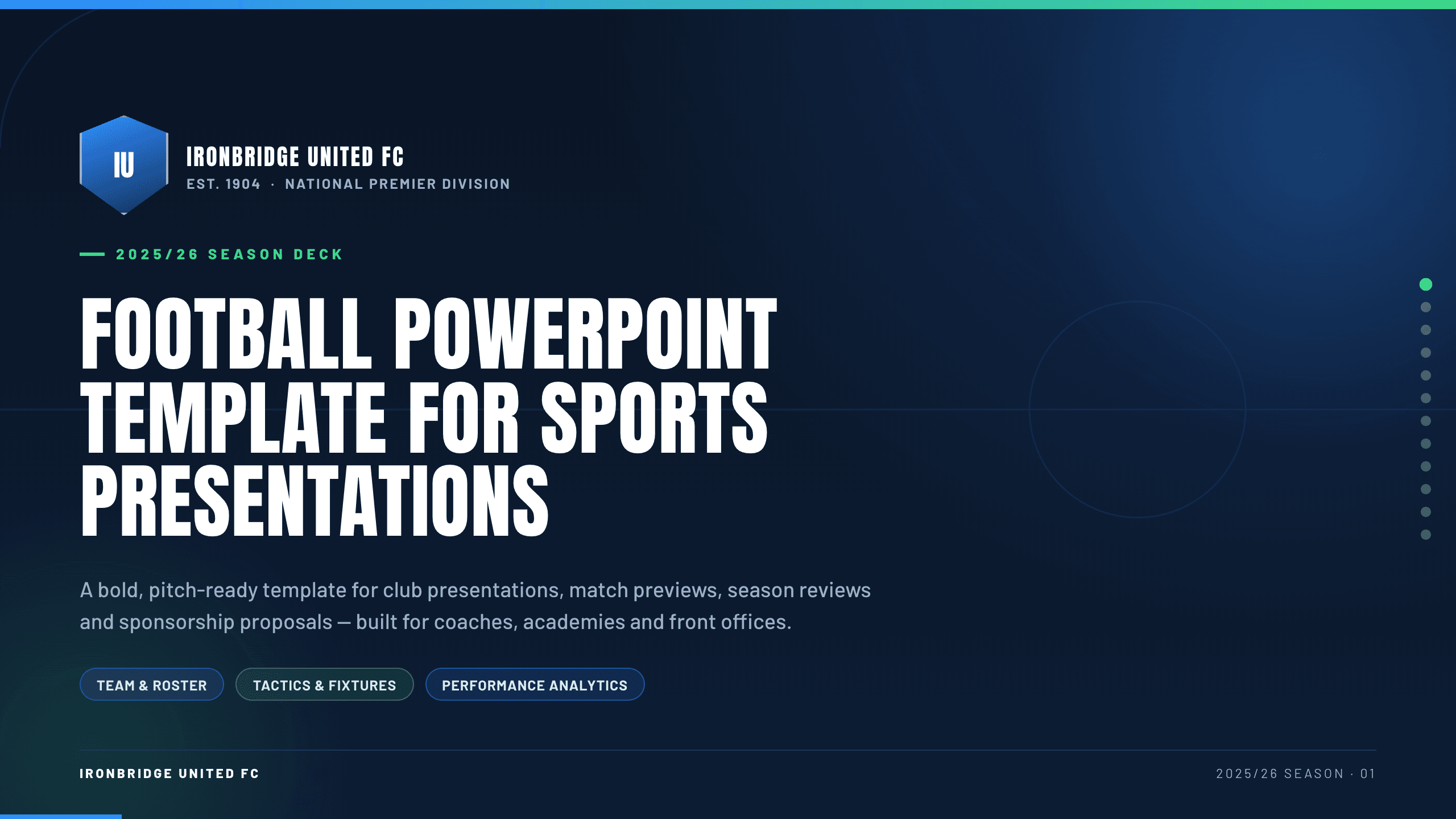
Best for
Coaching sessions and match plans
Football PowerPoint Template
Use football-specific language and layouts to explain formations, match preparation, player roles, opposition, and the plan on the pitch.
View template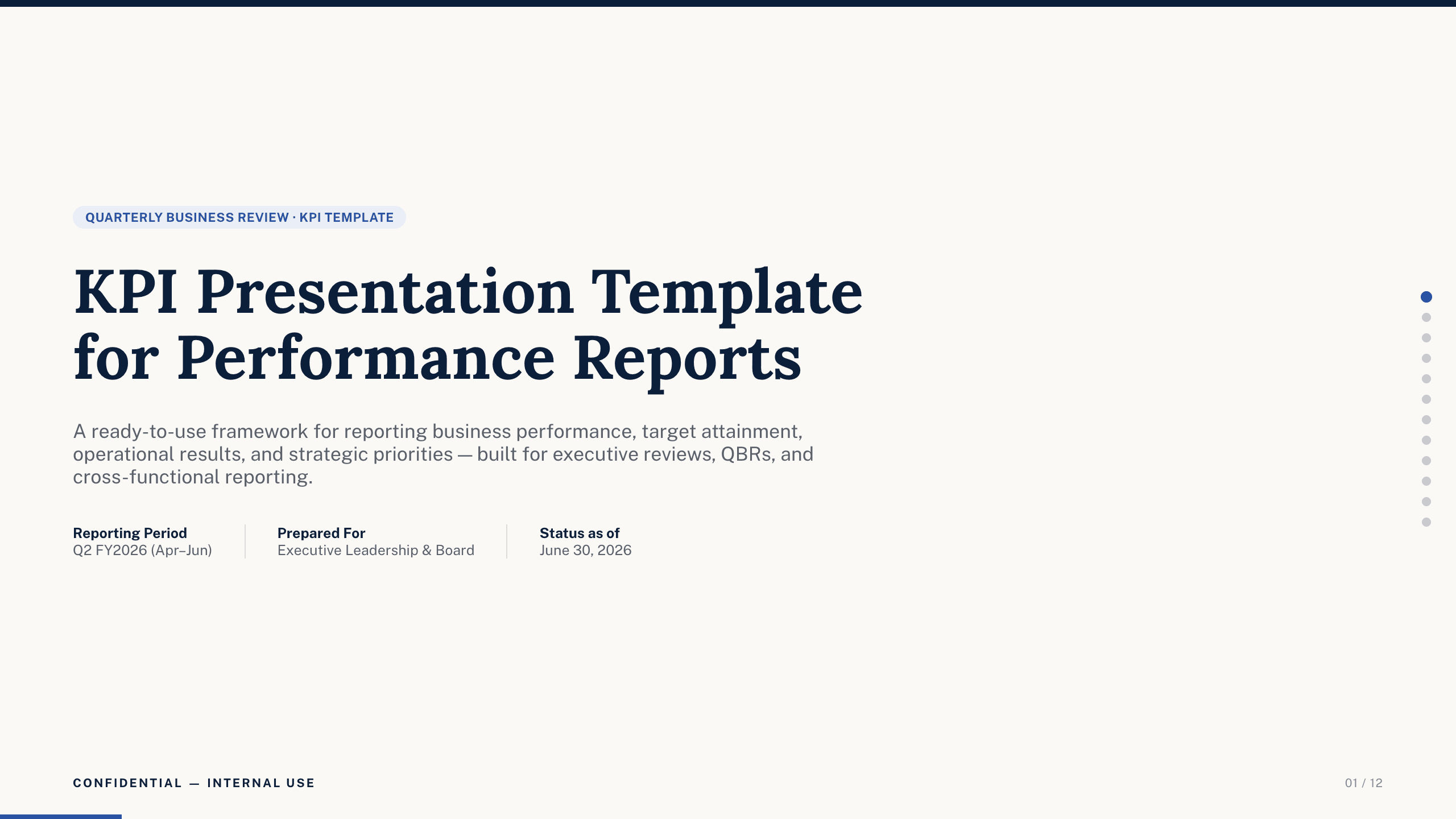
Best for
Performance reviews and leadership meetings
KPI Presentation Template
Connect team objectives to a small set of targets, current performance, trend drivers, owners, and corrective actions.
View template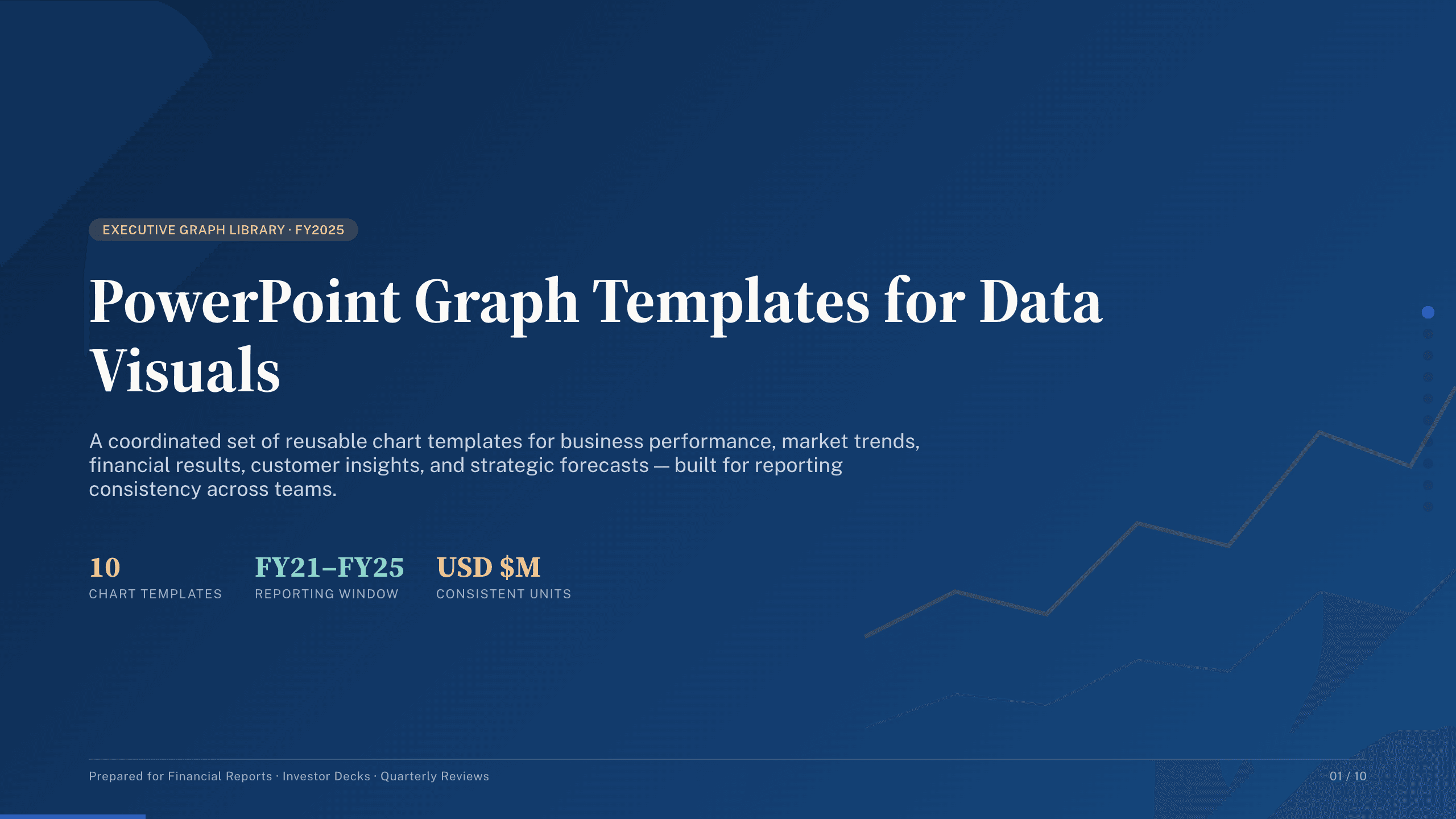
Best for
Analyst reports and sponsor updates
PowerPoint Graph Templates
Give attendance, scoring, fitness, possession, revenue, or fan-growth data a visual sequence built around trends and comparisons.
Browse collection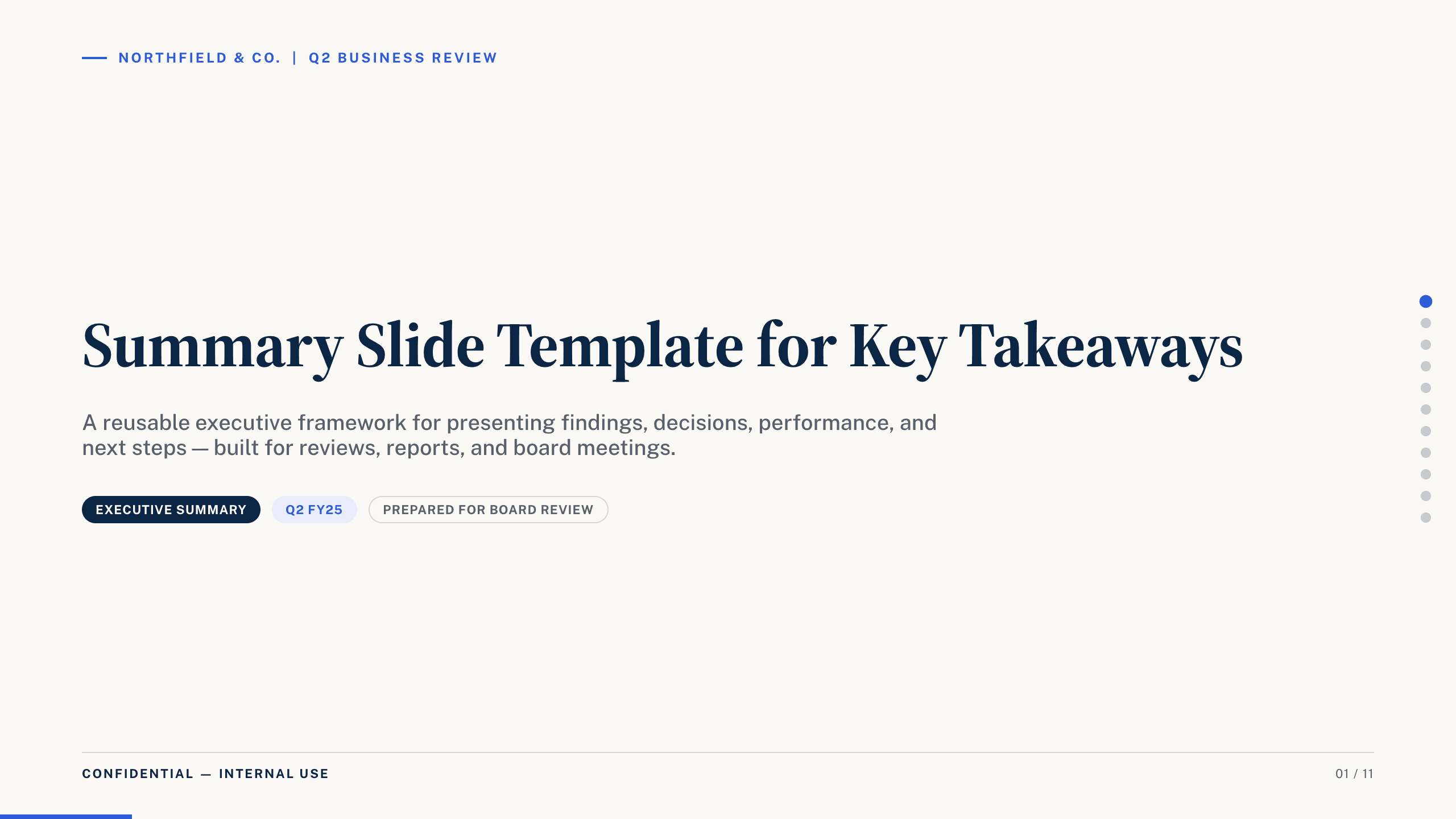
Best for
Post-game briefs and executive updates
Summary Slide Template
Condense the result, decisive moments, evidence, and immediate next steps when the audience needs the conclusion more than a full season story.
View template
Best for
Season recaps and awards nights
Photo Slideshow Template
Sequence action shots, team moments, captions, and milestones into a visual story that works for banquets, families, or fan communities.
View templateMake the choice
Choose for the next conversation, not the last game
Name the decision or response you need from the audience. That answer should determine whether the deck emphasizes tactics, performance, or story.
- 1
For players, favor clarity and sequence
The football and season formats make roles, fixtures, formations, opponents, and training actions easy to follow.
- 2
For leadership, favor measures and implications
The KPI, graph, and summary formats keep the headline, evidence, owners, and next actions close together.
- 3
For supporters, favor people and moments
The photo format gives achievements and personalities more room than a dense operational or analytical deck.
Customize a design from Sports PowerPoint Templates with Julius AI
1
Compare the complete previews
Open the live 16:9 decks and choose the structure that best fits your audience and presentation goal.
2
Add your content and direction
Give Julius AI your source material, evidence, audience, constraints, and desired outcome.
3
Review and export
Check the narrative, facts, and design, then export an editable version to PowerPoint for final delivery.