Law Presentation Template for Legal Topics
Prepare a 12-slide legal presentation for case briefings, arguments, policy analysis, or regulatory updates with issues, authority, evidence, risk, and action.
Preview the 12-slide Law Presentation Template
Inspect the complete courtroom-ready structure from matter overview and legal question through facts, authority, arguments, counterarguments, recommendation, and source log.
What you're getting
A legal deck that keeps issue, authority, and argument distinct
This 12-slide template provides a restrained structure for matter briefings, legal arguments, policy memos, regulatory updates, and classroom exercises. It separates question, facts, procedural posture, governing authority, analysis, counterargument, risk, recommendation, and sources.
The template is not legal advice and the sample content is illustrative. Use authorized matter information, protect privilege and confidentiality, verify every citation, and follow the format and disclosure requirements that apply to the audience.
- Included
- 12 legal slides
- Best for
- Briefings and legal education
- Export
- PowerPoint or Google Slides
Built for
Legal teams briefing a client or executive
Counsel translating a matter, rule, evidence, exposure, options, and recommendation for decision-makers.
Policy teams explaining a regulatory change
Practitioners connecting authority, effective dates, obligations, operational impact, risk, and implementation.
Law students presenting a case
Learners organizing facts, issue, holding, reasoning, precedent, critique, and discussion questions.
Getting started
Build the presentation around the precise legal question
Confirm privilege, confidentiality, audience, jurisdiction, and citation requirements before adding matter-specific content.
- 1
Define the question and posture
State jurisdiction, authority, procedural status, relevant date, issue, and decision requested.
- 2
Separate fact from allegation
Identify the source and status of each material fact, assumption, dispute, and evidentiary gap.
- 3
Present controlling authority
Verify statutes, regulations, cases, guidance, quotations, citations, and current validity.
- 4
Analyze both sides
Connect rules to facts, address counterarguments, quantify exposure where appropriate, and label uncertainty.
- 5
Protect and document
Review confidentiality, privilege, redactions, distribution, source log, and the approved recommendation.
Explore more
Related templates worth comparing

Crime Slides Template
Present a criminology lesson, public-safety report, or fictional case with 12 slides for context, evidence, causes, response, outcomes, and action.
View template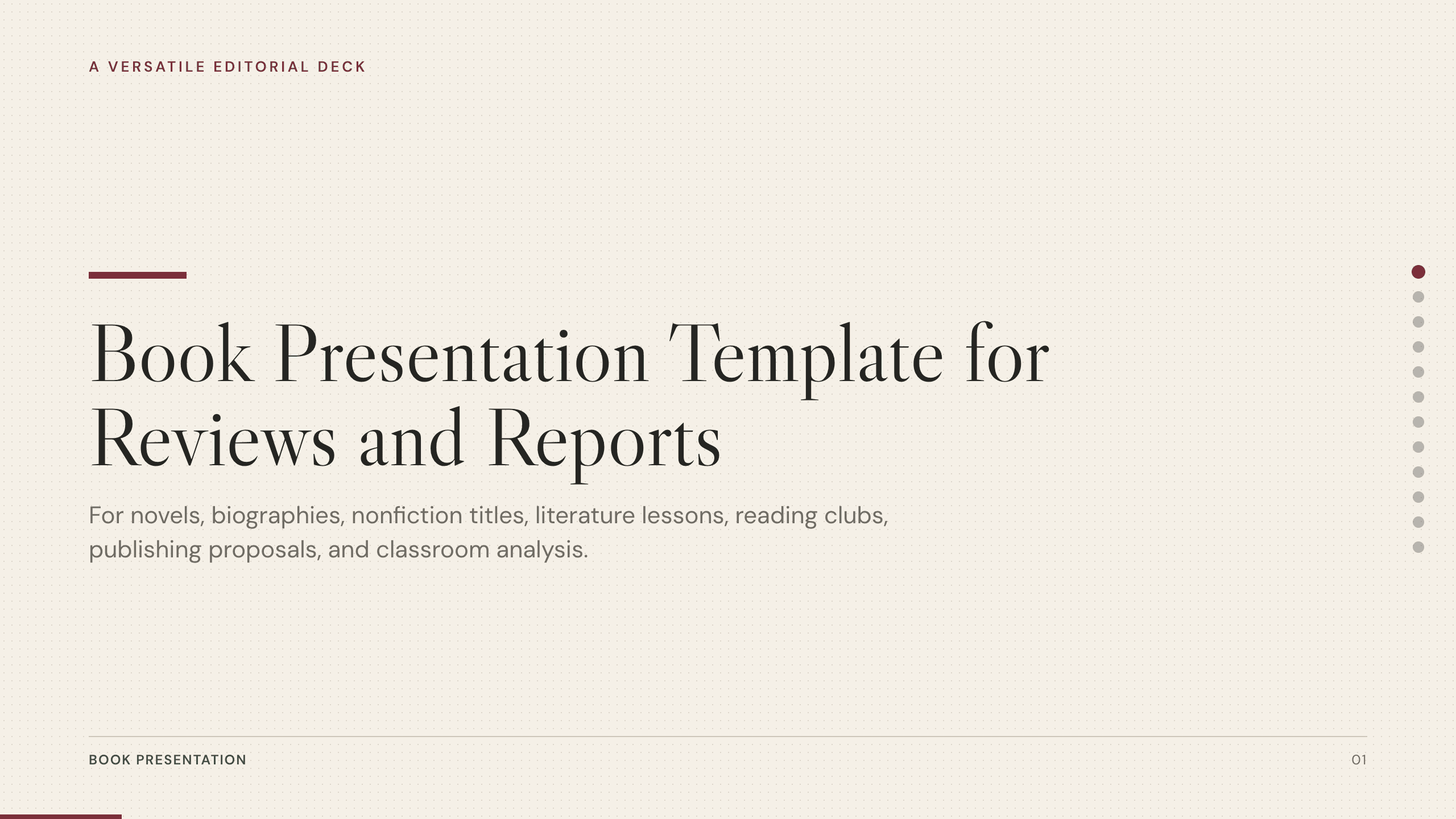
Book Presentation Template
Present a book review or report with 10 slides covering context, plot or argument, characters, themes, craft, evidence, interpretation, and recommendation.
View template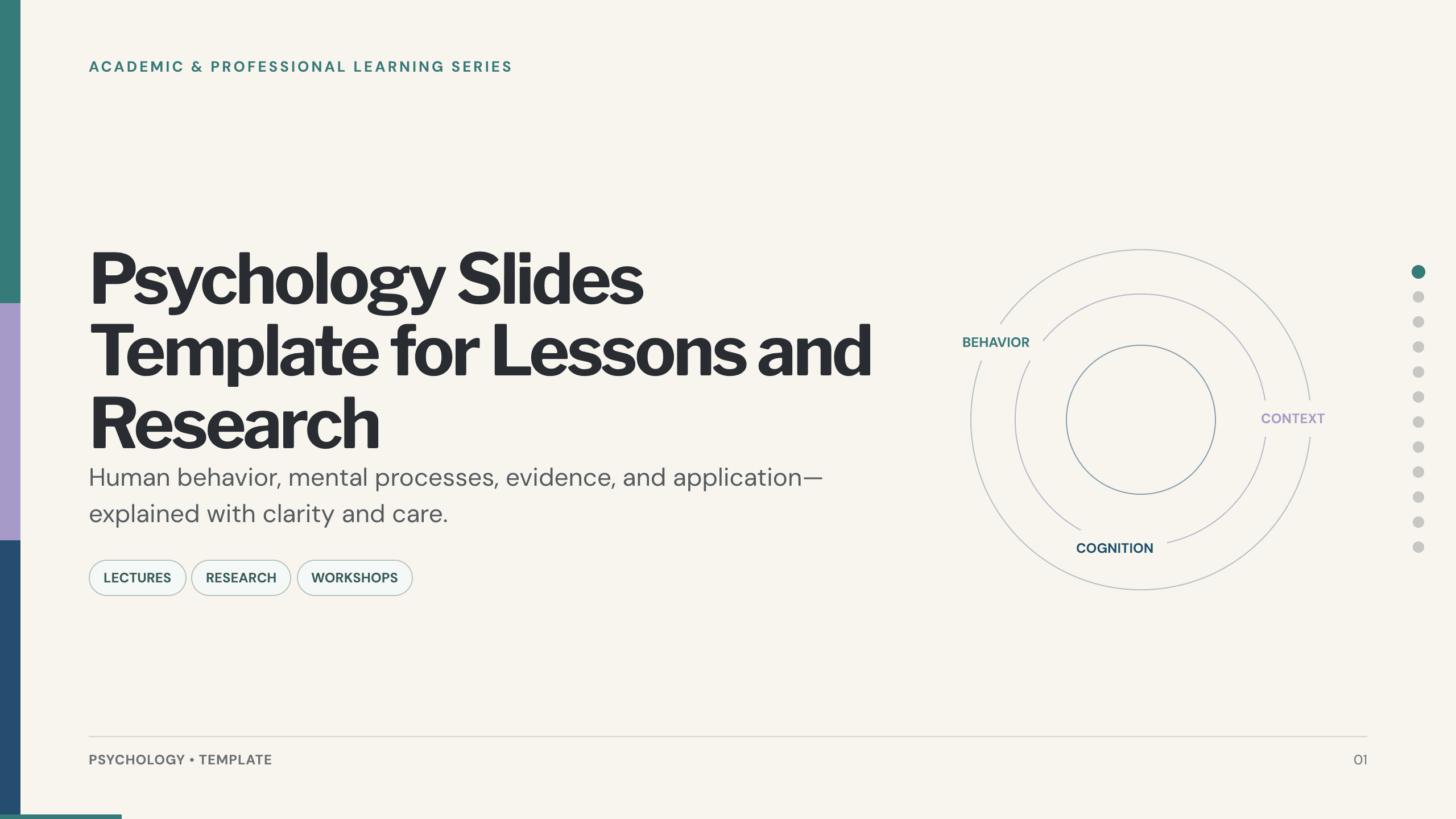
Psychology Slides Template
Explain human behavior with 12 psychology slides covering perspectives, cognition, emotion, motivation, development, evidence, ethics, and application.
View template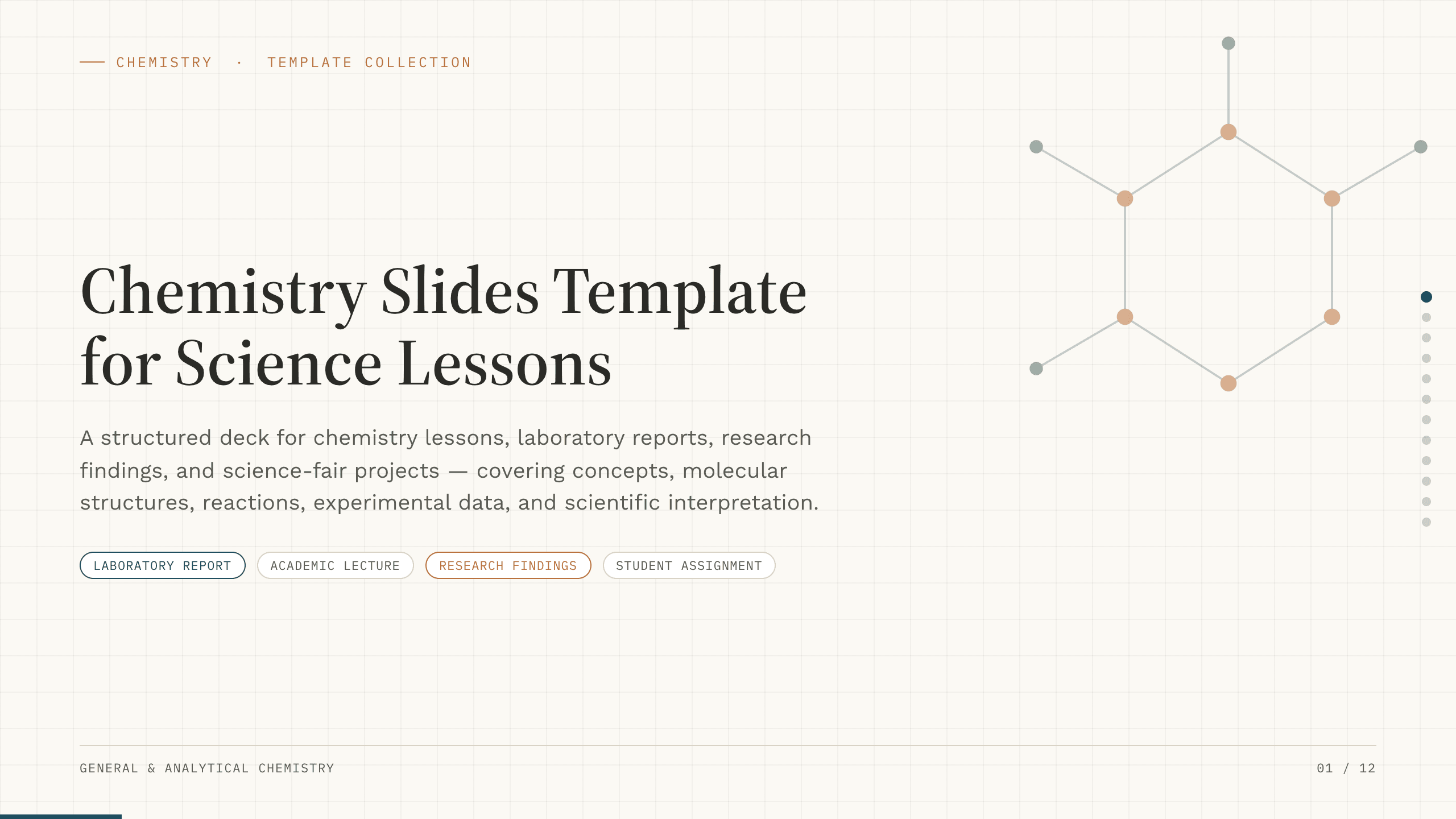
Chemistry Slides Template
Teach or report chemistry with 12 slides for objectives, molecular concepts, equations, reactions, methods, safety, data, findings, and sources.
View template
Space Slides Template
Explain astronomy with 12 space slides covering scale, planetary systems, stars, observation, mission technology, human factors, and future questions.
View template
Mental Health Presentation Template
Create a 10-slide mental health presentation covering well-being, common signs, protective habits, support, crisis guidance, and a realistic personal plan.
View templateExplore other template hubs
Customize the Law Presentation Template with Julius AI
1
Preview the complete example
Inspect all 12 slides to understand the narrative, layouts, and level of detail before replacing the example content.
2
Add your content and direction
Give Julius AI your source material, evidence, audience, constraints, and desired outcome.
3
Review and export
Check the narrative, facts, and design, then export an editable version to PowerPoint or Google Slides for final delivery.