Ocean PowerPoint Template for Coastal Presentations
Explain ocean systems with nine slides covering scale, ecosystems, biodiversity, threats, research, coastal protection, and community action.
Preview the 9-slide Ocean PowerPoint Template
See the complete marine story, from the ocean’s planetary role through ecosystem pressures, conservation responses, and practical community action.
What you're getting
An ocean deck that connects wonder with evidence
This nine-slide PowerPoint template pairs large marine imagery with a clear science and conservation storyline. It moves from planetary scale and ecosystem function to biodiversity, pollution, climate pressure, research, protection, and community response.
Use the visuals to create attention, then replace the sample claims with cited, location-appropriate evidence. The structure works for lessons, research summaries, conservation campaigns, and coastal-program updates.
- Included
- 9 marine slides
- Best for
- Science and conservation
- Export
- Editable PowerPoint
Built for
Teachers explaining ocean systems
Educators building a visual lesson around ecosystems, biodiversity, human impact, and stewardship.
Researchers sharing coastal findings
Teams translating methods, observations, and implications for a non-specialist audience.
Conservation groups mobilizing support
Organizations connecting a specific local threat to credible interventions and ways to participate.
Getting started
Anchor the ocean story in one place or question
A focused ecosystem, species, coast, or policy question will make the broad visual theme more meaningful.
- 1
Define the learning or campaign goal
State what the audience should understand, decide, or do after the presentation.
- 2
Choose trustworthy evidence
Replace sample facts with current sources and note geography, timeframe, and measurement limits.
- 3
Build from system to pressure
Explain how the ecosystem works before introducing pollution, extraction, warming, or habitat loss.
- 4
Connect solutions to causes
Show how research, policy, restoration, behavior, or enforcement addresses the stated mechanism.
- 5
Offer a credible action
End with a specific local step, research question, program need, or decision rather than general awareness.
Explore more
Related templates worth comparing
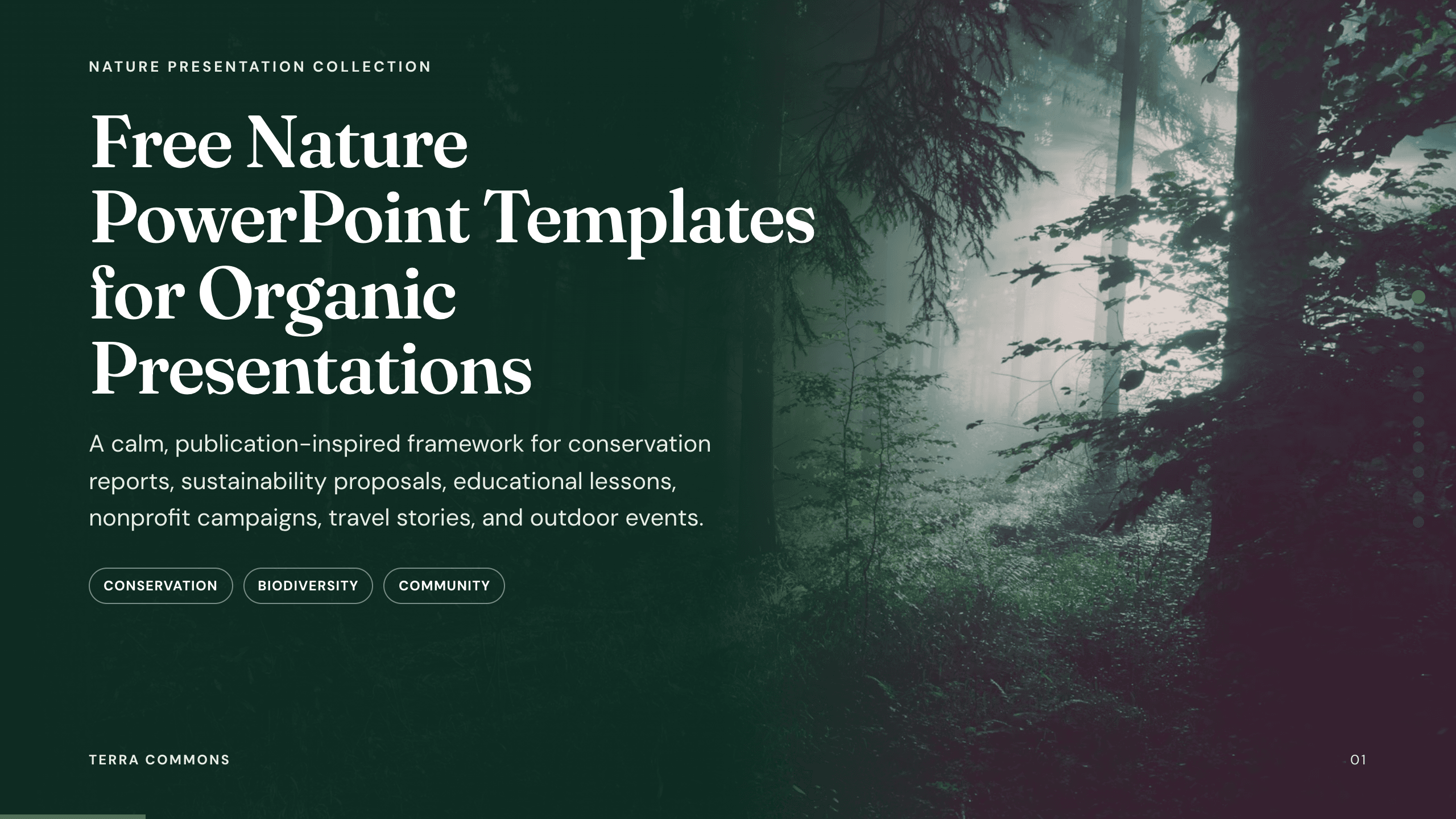
Free Nature PowerPoint Templates
Inspect a 10-slide featured example and find a starting point for organic presentations.
Browse collection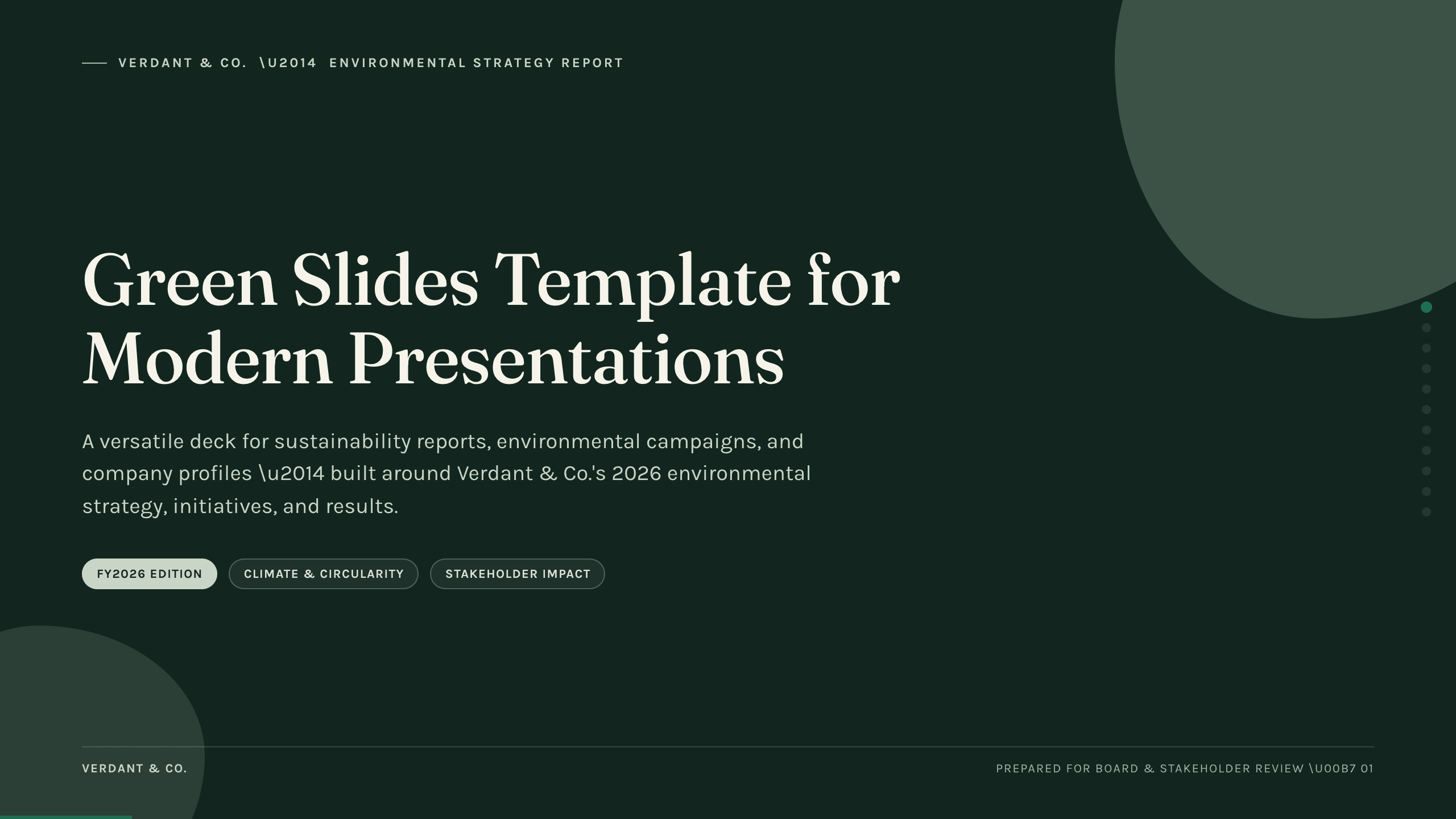
Green Slides Template
Use an 11-slide green presentation system for sustainability reports, environmental campaigns, initiatives, metrics, progress, and next actions.
View template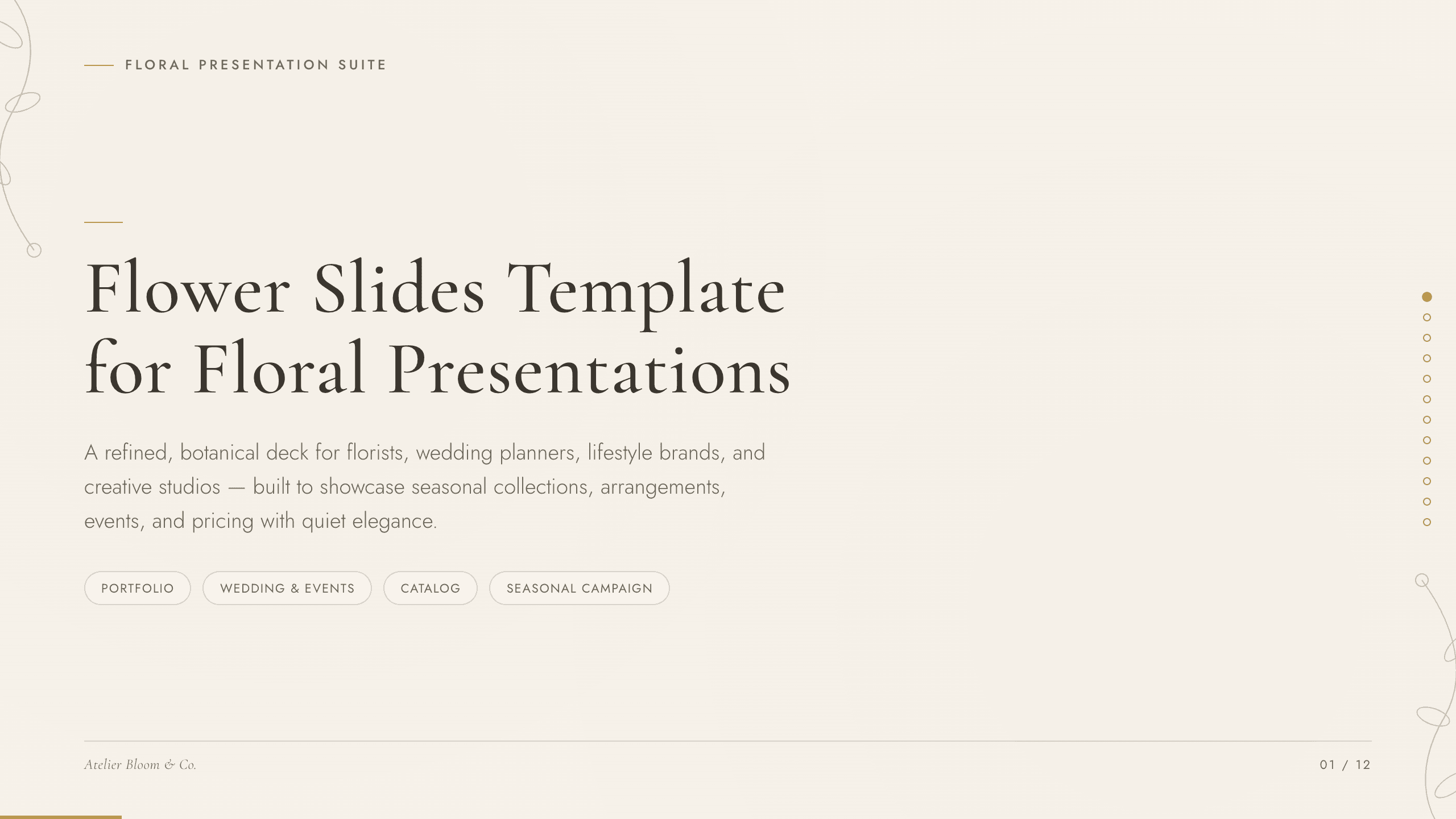
Flower Slides Template
Present a floral studio or event concept with 12 botanical slides for seasonal materials, arrangements, palettes, events, process, pricing, and inquiry.
View template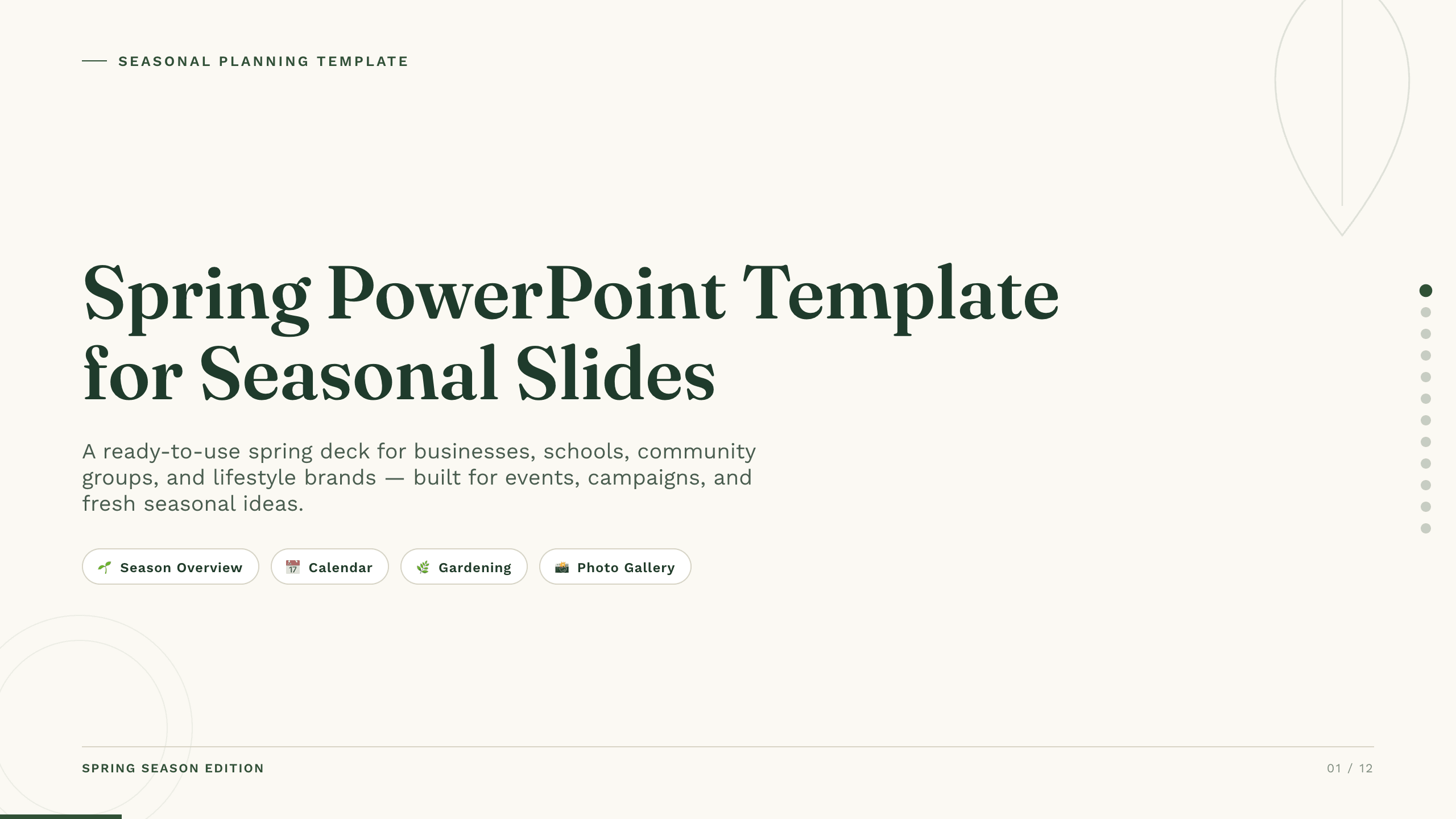
Spring PowerPoint Template
Plan a spring event, campaign, lesson, or community initiative with 11 PowerPoint slides for seasonal context, audience, ideas, schedule, promotion, and action.
View template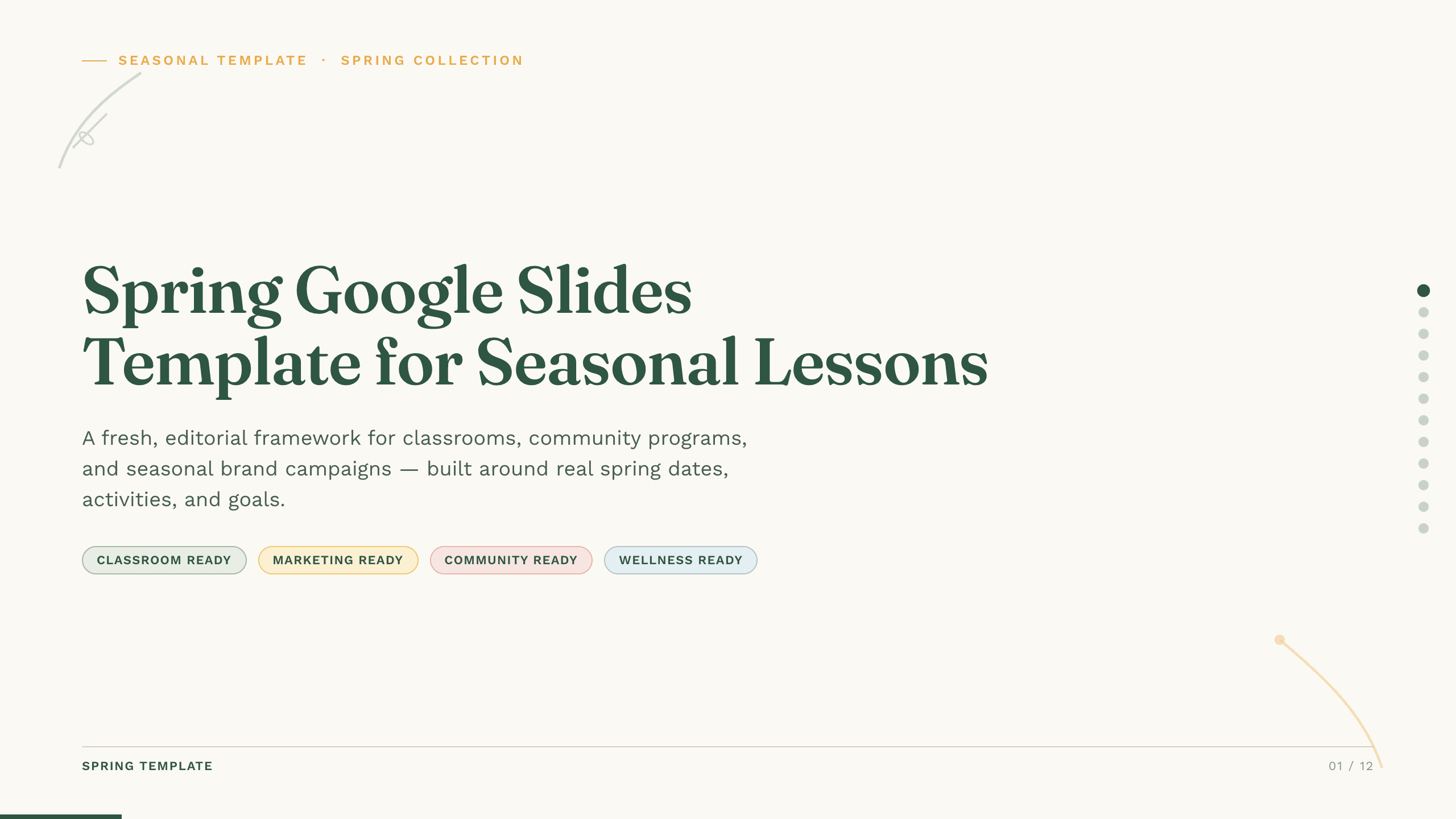
Spring Google Slides Template
Create an 11-slide spring Google Slides lesson or community plan covering season changes, key dates, nature, activities, sustainability, goals, and next steps.
View template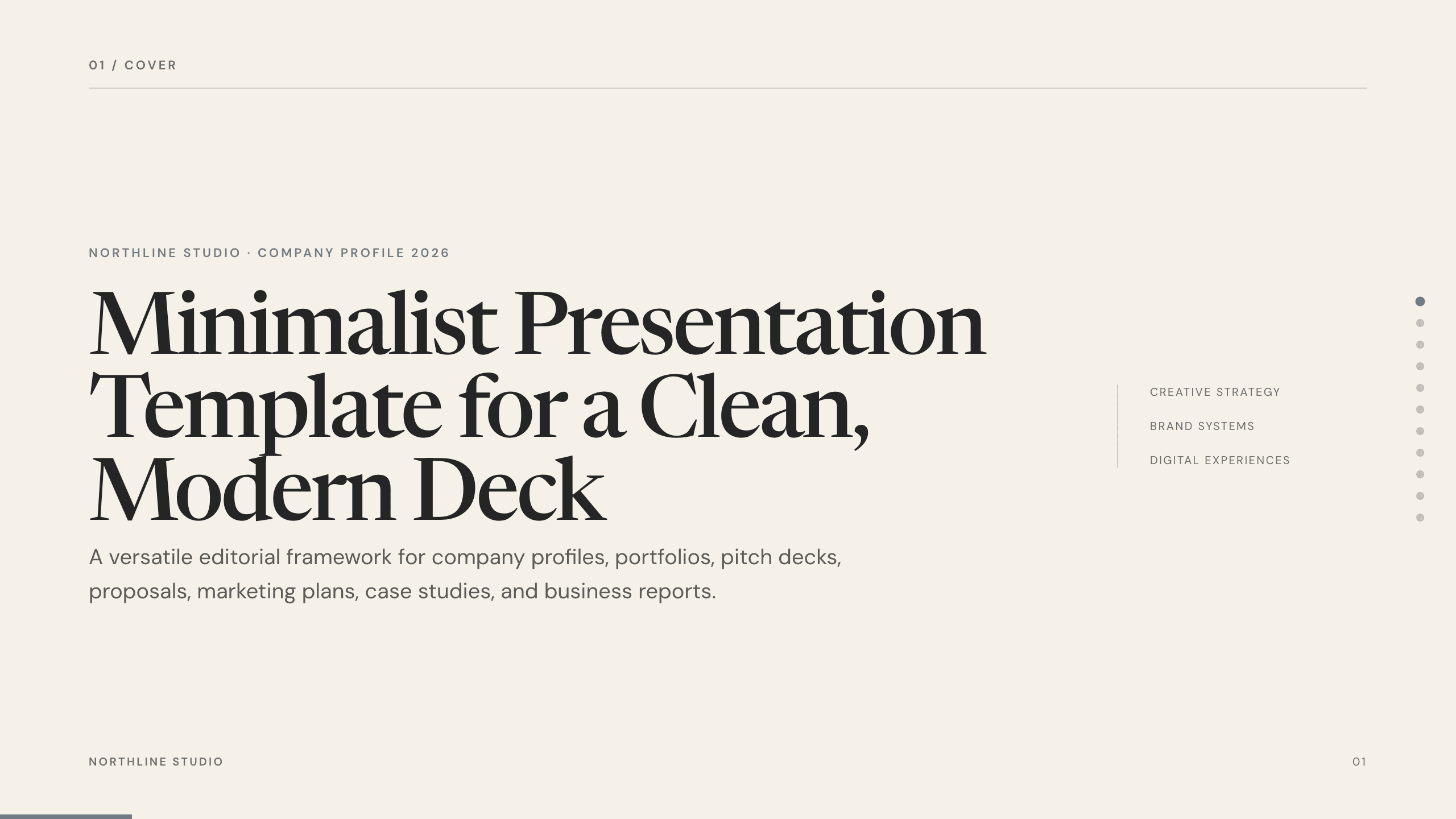
Minimalist Presentation Template
Build a clean 11-slide presentation with an editorial system for company stories, portfolios, proposals, case studies, reports, and focused recommendations.
View templateExplore other template hubs
Customize the Ocean PowerPoint Template with Julius AI
1
Preview the complete example
Inspect all 9 slides to understand the narrative, layouts, and level of detail before replacing the example content.
2
Add your content and direction
Give Julius AI your source material, evidence, audience, constraints, and desired outcome.
3
Review and export
Check the narrative, facts, and design, then export an editable version to PowerPoint for final delivery.