Green Slides Template for Modern Presentations
Use an 11-slide green presentation system for sustainability reports, environmental campaigns, initiatives, metrics, progress, and next actions.
Preview the 11-slide Green Slides Template
Review the complete Verdant & Co. sustainability story from company purpose and material priorities through initiatives, waste results, targets, and action.
What you're getting
A green deck that gives sustainability claims measurable substance
This 11-slide template combines a modern green visual system with layouts for company context, material issues, commitments, initiatives, metrics, case examples, progress, targets, governance, and next actions.
The Verdant & Co. example demonstrates how environmental claims should connect to defined measures and timelines. Replace all sample data, state scopes and baselines, cite methodologies, and avoid vague claims that could mislead the audience.
- Included
- 11 sustainability slides
- Best for
- Environmental reporting
- Export
- PowerPoint or Google Slides
Built for
Sustainability teams reporting progress
Practitioners presenting material priorities, baselines, initiatives, outcomes, gaps, governance, and future targets.
Companies explaining a transition plan
Leaders connecting strategy, operations, capital, suppliers, risk, and accountability.
Environmental campaigns mobilizing action
Groups grounding a problem in evidence and connecting it to a credible program, decision, or behavior.
Getting started
Make every environmental claim specific and traceable
Define boundary, baseline, period, method, and owner before turning a measure into a headline.
- 1
Set the reporting scope
Define entities, locations, value-chain boundary, period, standards, material topics, and intended audience.
- 2
Verify metrics and claims
Reconcile energy, emissions, waste, water, nature, sourcing, and social data with documented methodologies.
- 3
Connect initiatives to outcomes
Show the mechanism, investment, owner, timeline, and measured effect rather than listing activities alone.
- 4
Explain gaps and trade-offs
Report missed targets, uncertainty, dependencies, rebound effects, and competing impacts honestly.
- 5
Close with accountable action
Name future targets, governance, near-term decisions, resources, and the next reporting date.
Explore more
Related templates worth comparing

Flower Slides Template
Present a floral studio or event concept with 12 botanical slides for seasonal materials, arrangements, palettes, events, process, pricing, and inquiry.
View template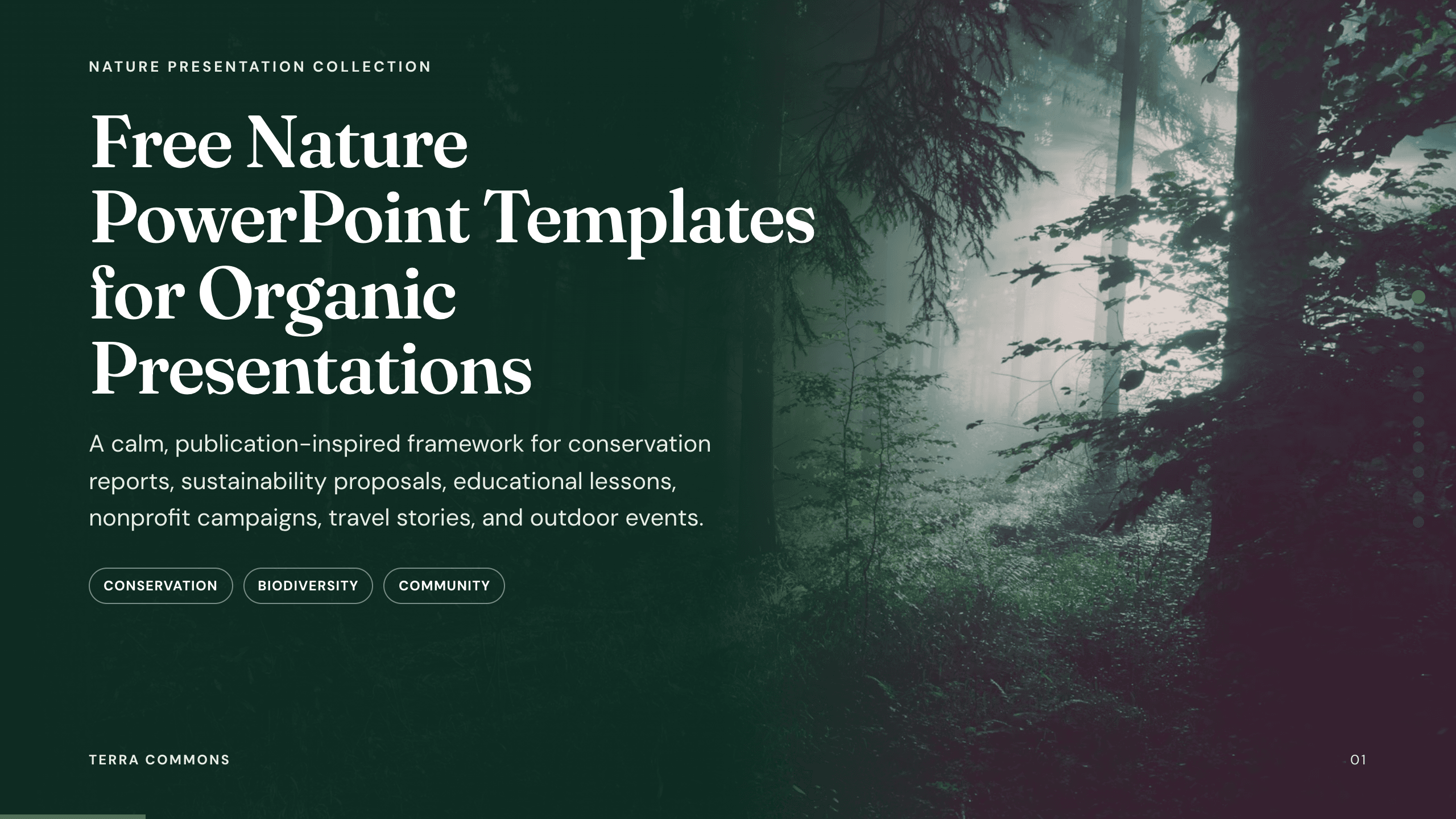
Free Nature PowerPoint Templates
Inspect a 10-slide featured example and find a starting point for organic presentations.
Browse collection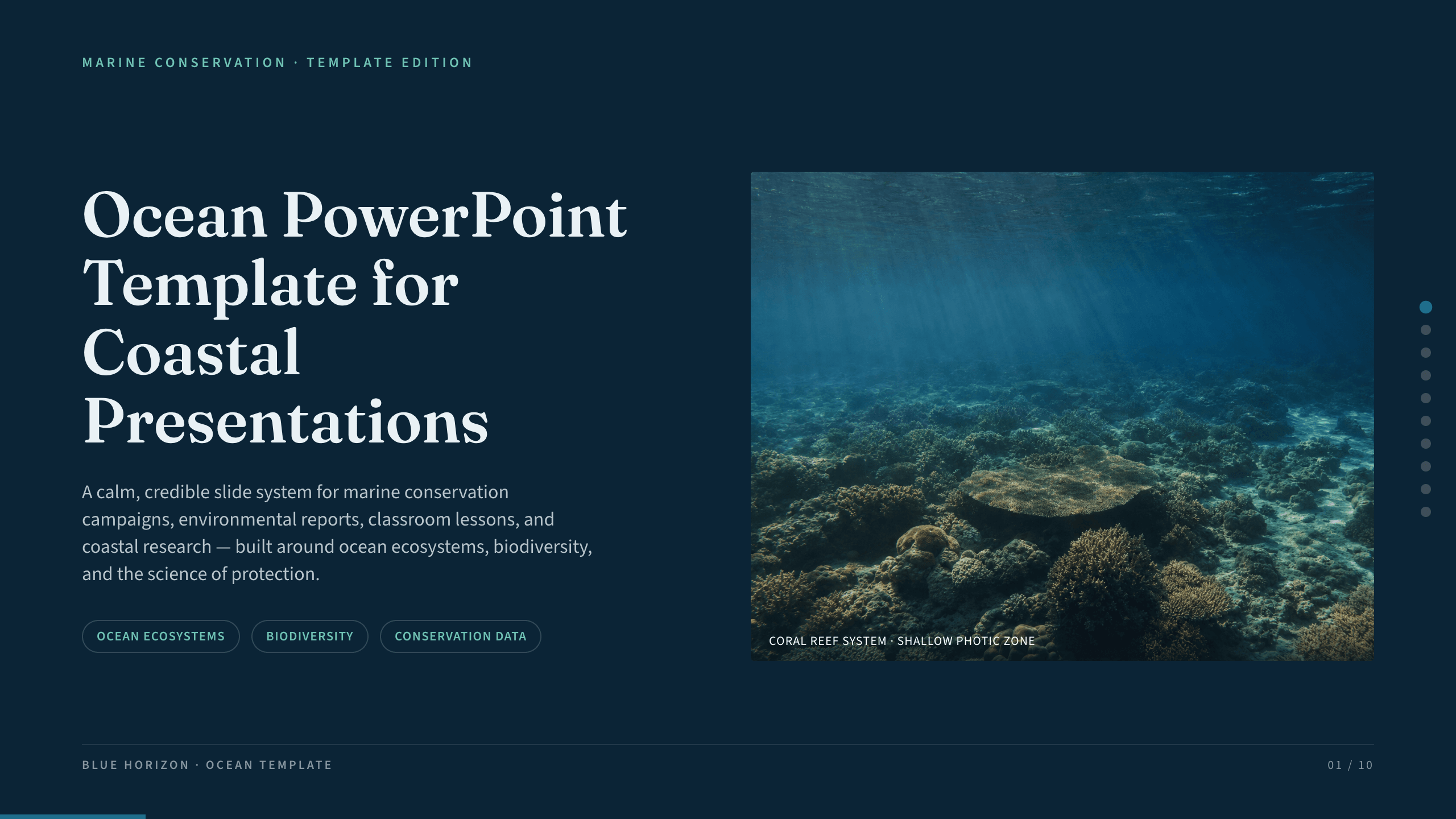
Ocean PowerPoint Template
Explain ocean systems with nine slides covering scale, ecosystems, biodiversity, threats, research, coastal protection, and community action.
View template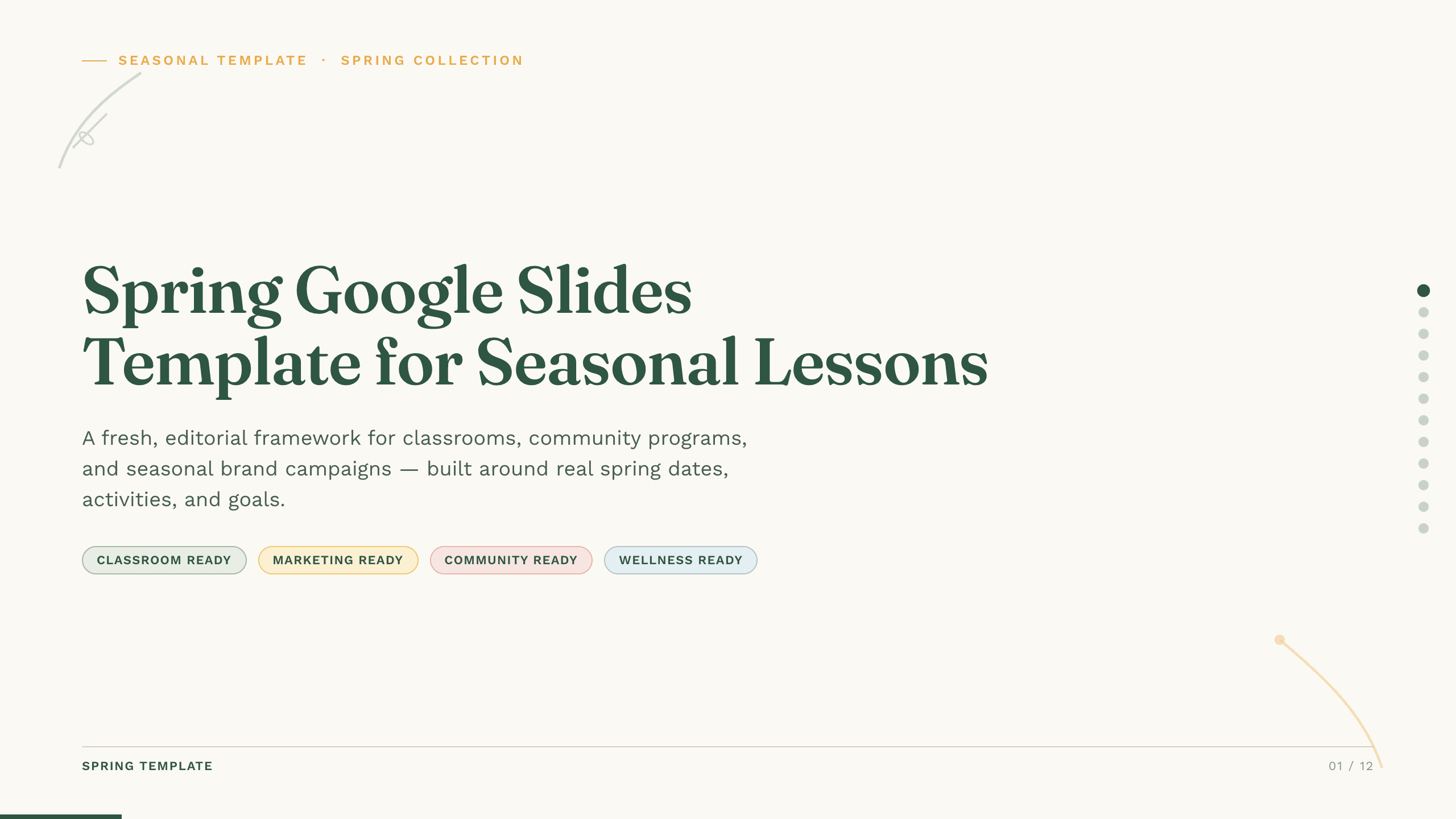
Spring Google Slides Template
Create an 11-slide spring Google Slides lesson or community plan covering season changes, key dates, nature, activities, sustainability, goals, and next steps.
View template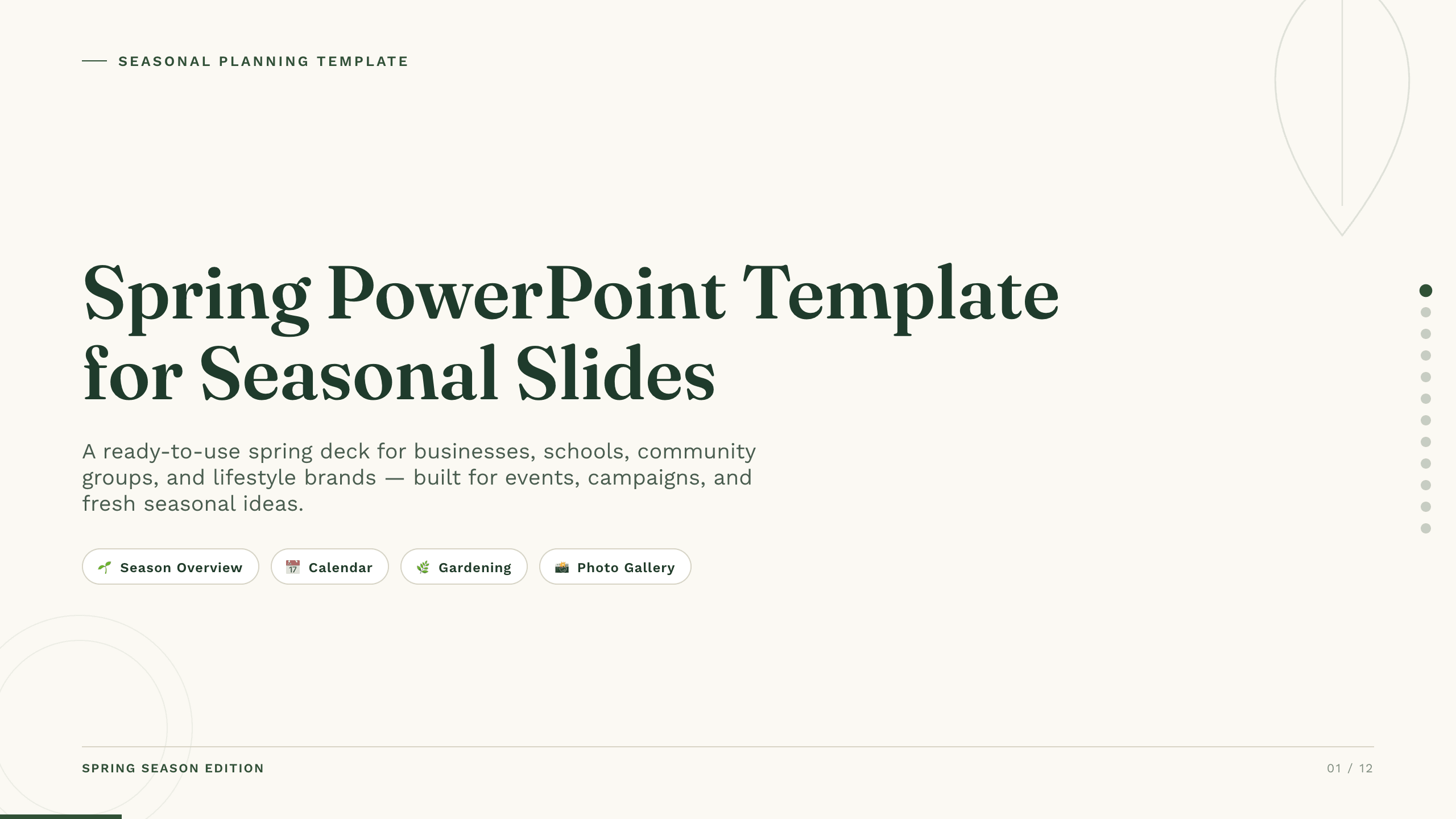
Spring PowerPoint Template
Plan a spring event, campaign, lesson, or community initiative with 11 PowerPoint slides for seasonal context, audience, ideas, schedule, promotion, and action.
View template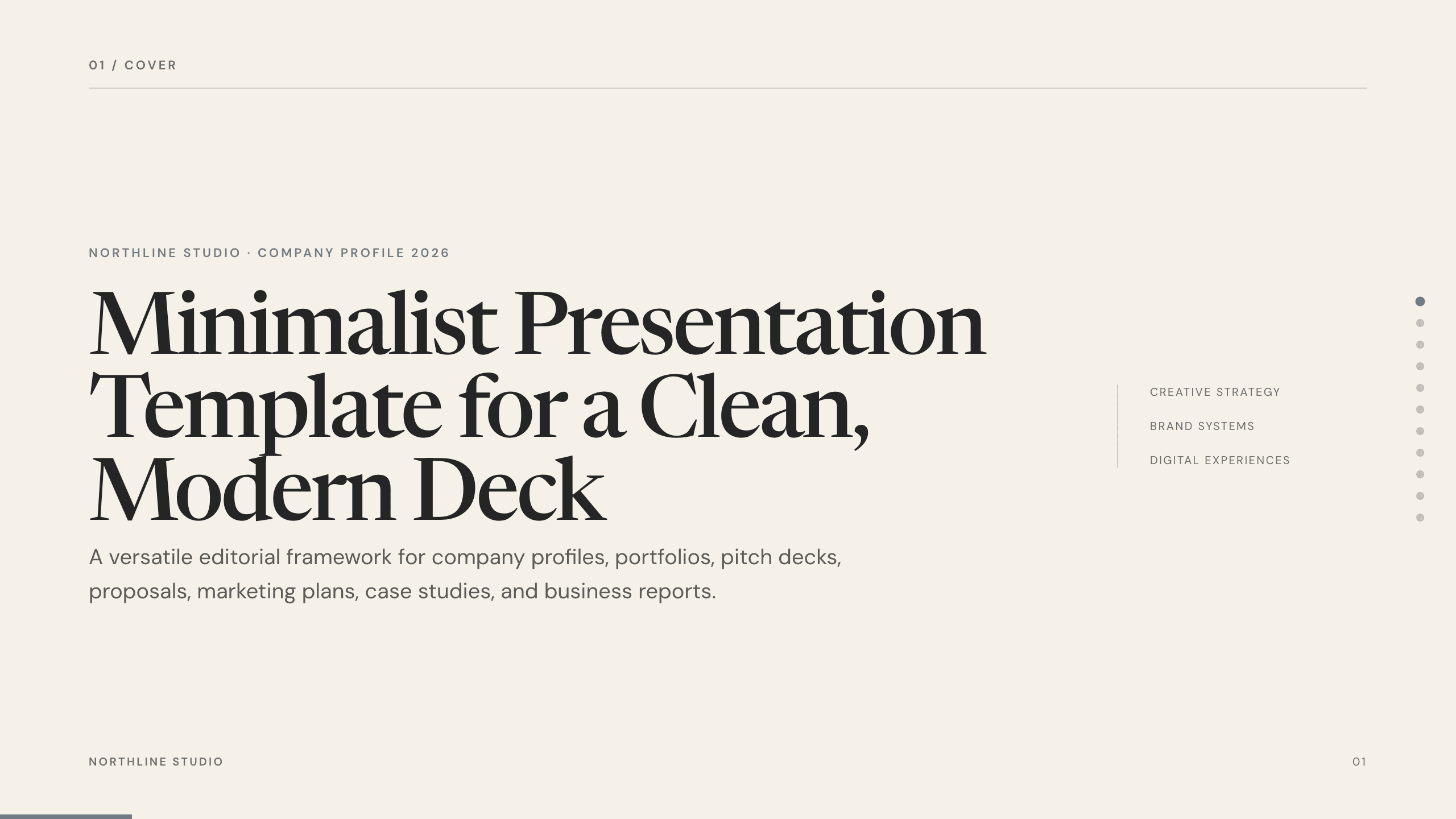
Minimalist Presentation Template
Build a clean 11-slide presentation with an editorial system for company stories, portfolios, proposals, case studies, reports, and focused recommendations.
View templateExplore other template hubs
Customize the Green Slides Template with Julius AI
1
Preview the complete example
Inspect all 11 slides to understand the narrative, layouts, and level of detail before replacing the example content.
2
Add your content and direction
Give Julius AI your source material, evidence, audience, constraints, and desired outcome.
3
Review and export
Check the narrative, facts, and design, then export an editable version to PowerPoint or Google Slides for final delivery.