Flower Slides Template for Floral Presentations
Present a floral studio or event concept with 12 botanical slides for seasonal materials, arrangements, palettes, events, process, pricing, and inquiry.
Preview the 12-slide Flower Slides Template
Explore the complete Atelier Bloom story from seasonal craft and materials through arrangements, event palettes, studio process, pricing, and consultation.
What you're getting
A botanical deck that lets seasonal work feel considered
This 12-slide template gives florists, wedding planners, lifestyle brands, and creative studios an editorial system for story, season, materials, collections, arrangements, palettes, events, process, service, pricing, and inquiry.
The sample studio is fictional and product availability is illustrative. Replace flower varieties, seasonality, sourcing, photographs, service area, pricing, and lead times with current approved information.
- Included
- 12 botanical slides
- Best for
- Floral portfolios and proposals
- Export
- PowerPoint or Google Slides
Built for
Florists presenting a seasonal collection
Studios showing point of view, stems, palettes, arrangement types, sourcing, pricing, and ordering.
Wedding planners proposing an event
Teams connecting venue, season, ceremony, reception, personal flowers, installations, logistics, and budget.
Creative brands building a portfolio
Practitioners using botanical imagery to present selected work, process, collaboration, and inquiry.
Getting started
Build the floral direction from season, place, and occasion
Use the imagery to communicate material and mood while keeping quantities, substitutions, services, and decisions precise.
- 1
Confirm the brief
Set occasion, venue, date, season, audience, palette, priorities, budget, service area, and approvals.
- 2
Select realistic materials
Verify local availability, durability, sourcing, substitutions, allergies, handling, and disposal.
- 3
Create the visual system
Connect stem, palette, texture, shape, vessel, scale, and room applications consistently.
- 4
Define scope and logistics
List pieces, quantities, delivery, installation, strike, rentals, dependencies, and contingency.
- 5
Close with the decision path
Name selections, allowances, revisions, deposit, contract, and the next consultation or approval date.
Explore more
Related templates worth comparing
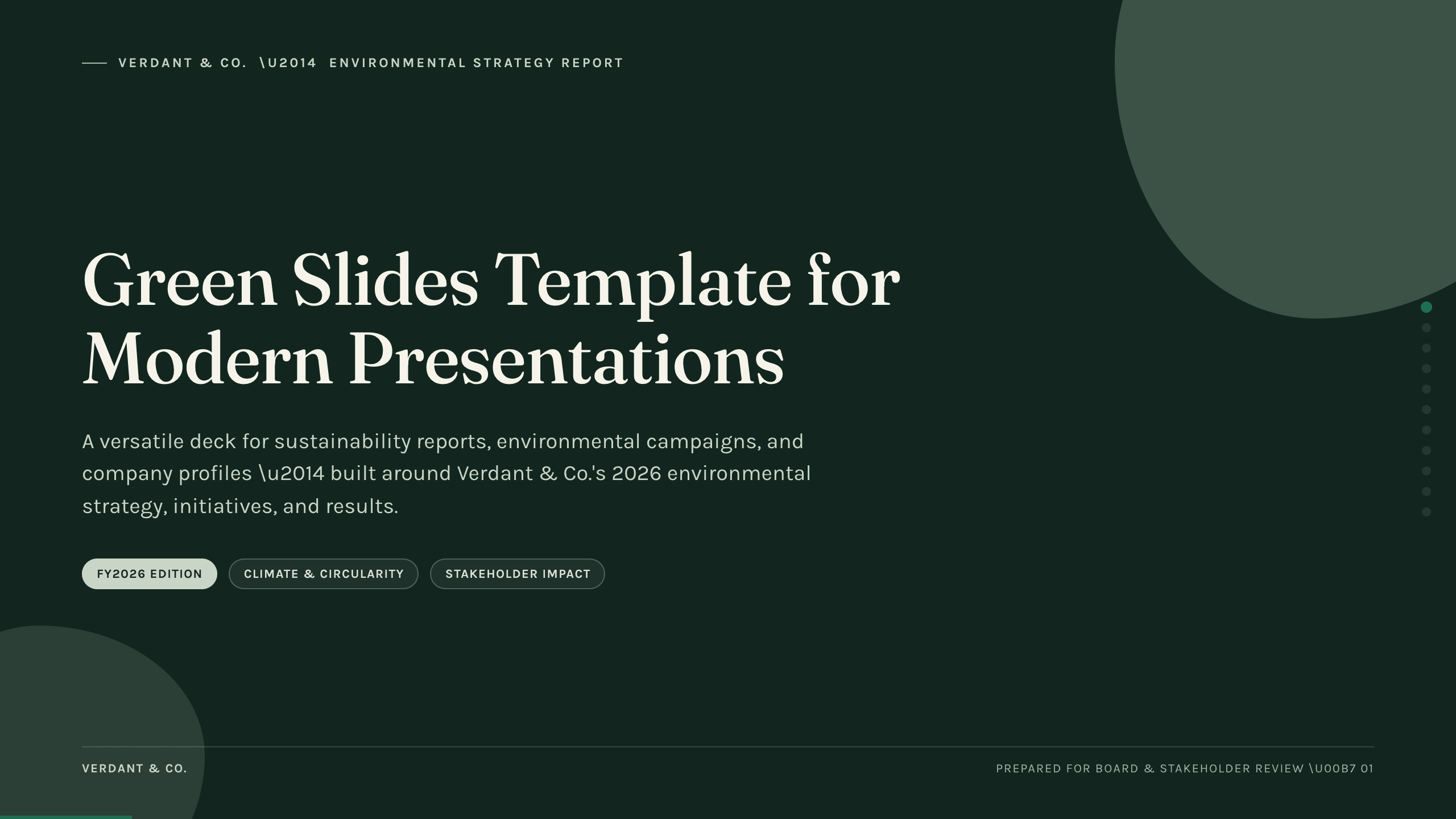
Green Slides Template
Use an 11-slide green presentation system for sustainability reports, environmental campaigns, initiatives, metrics, progress, and next actions.
View template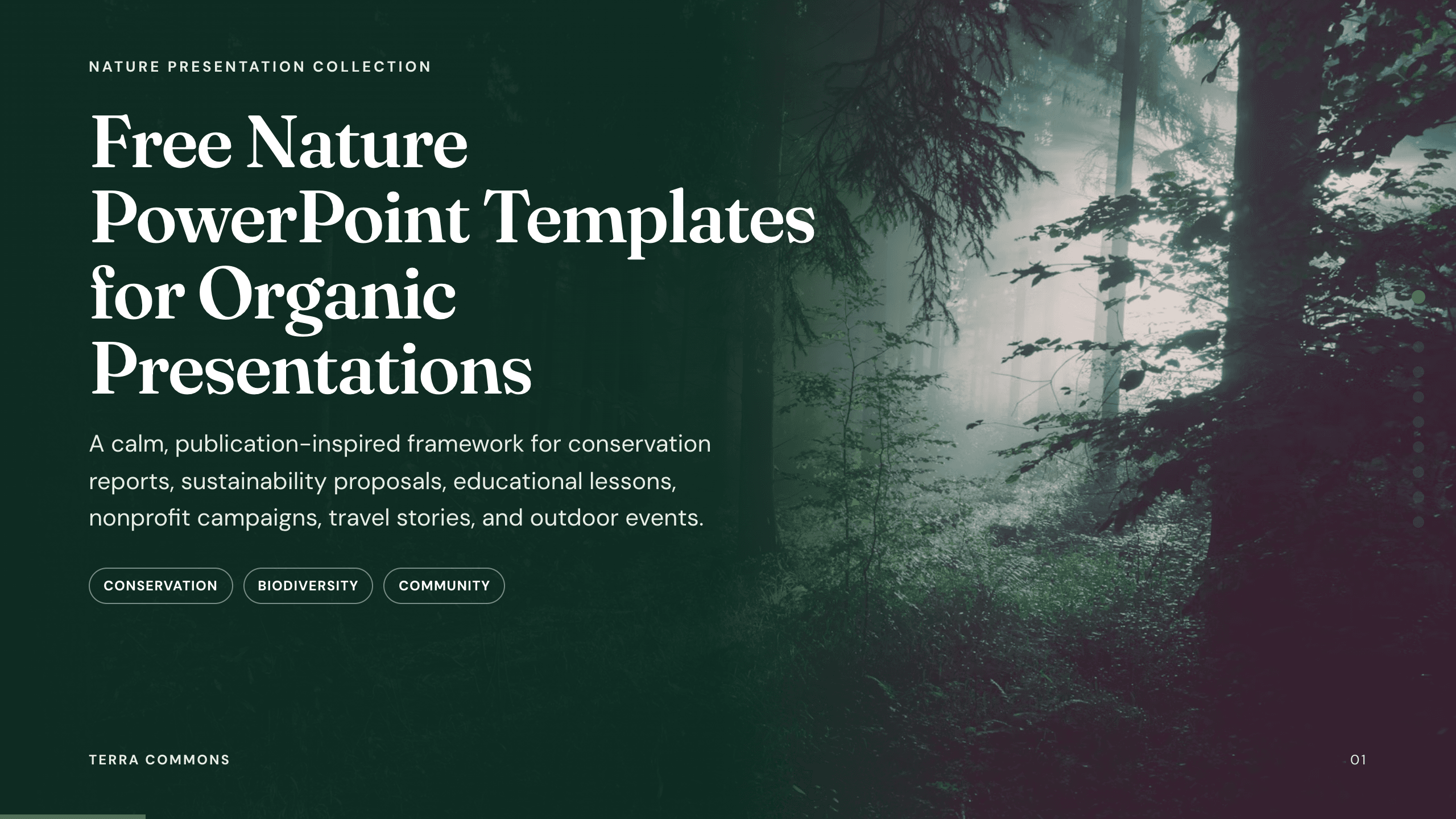
Free Nature PowerPoint Templates
Inspect a 10-slide featured example and find a starting point for organic presentations.
Browse collection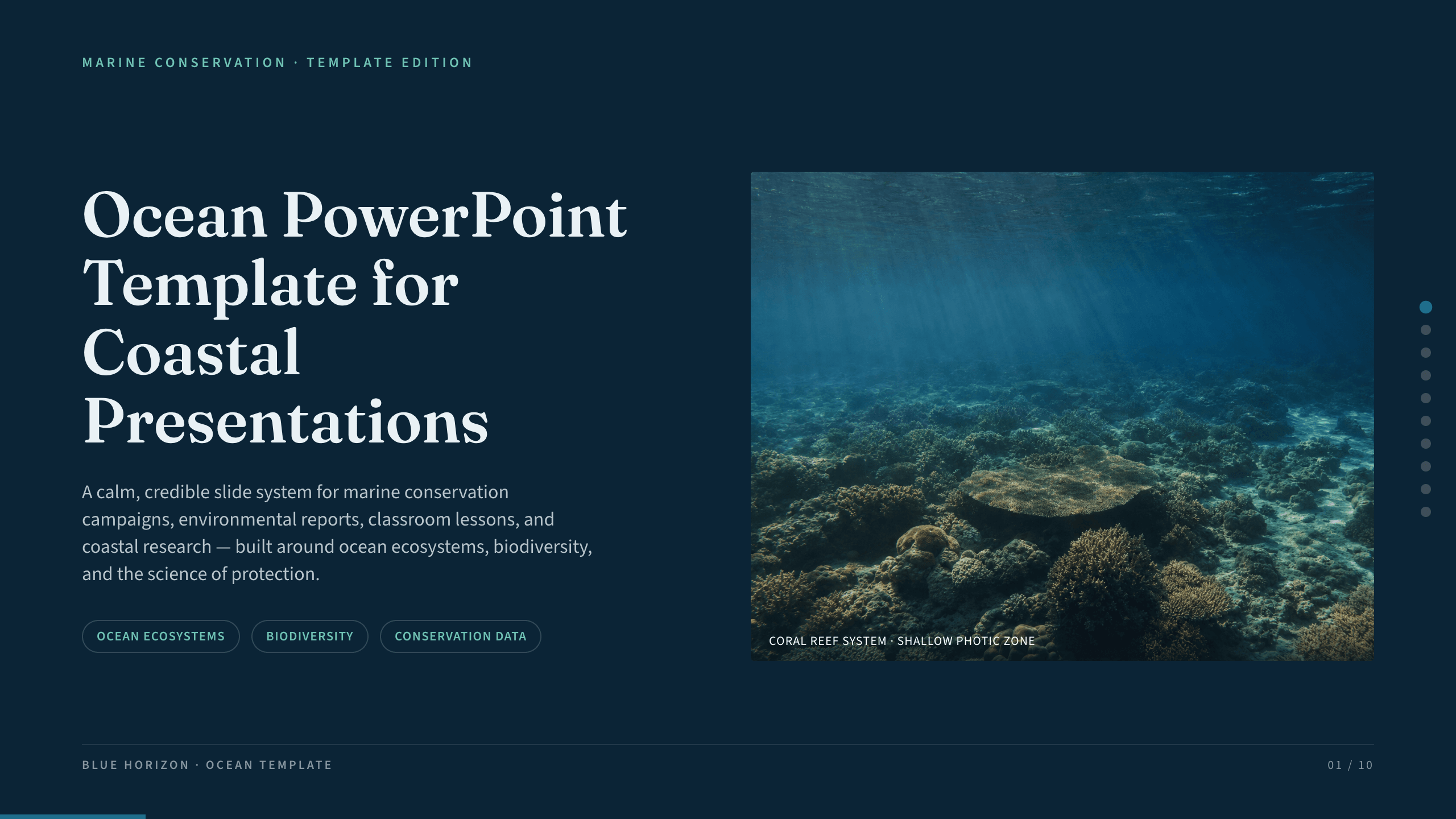
Ocean PowerPoint Template
Explain ocean systems with nine slides covering scale, ecosystems, biodiversity, threats, research, coastal protection, and community action.
View template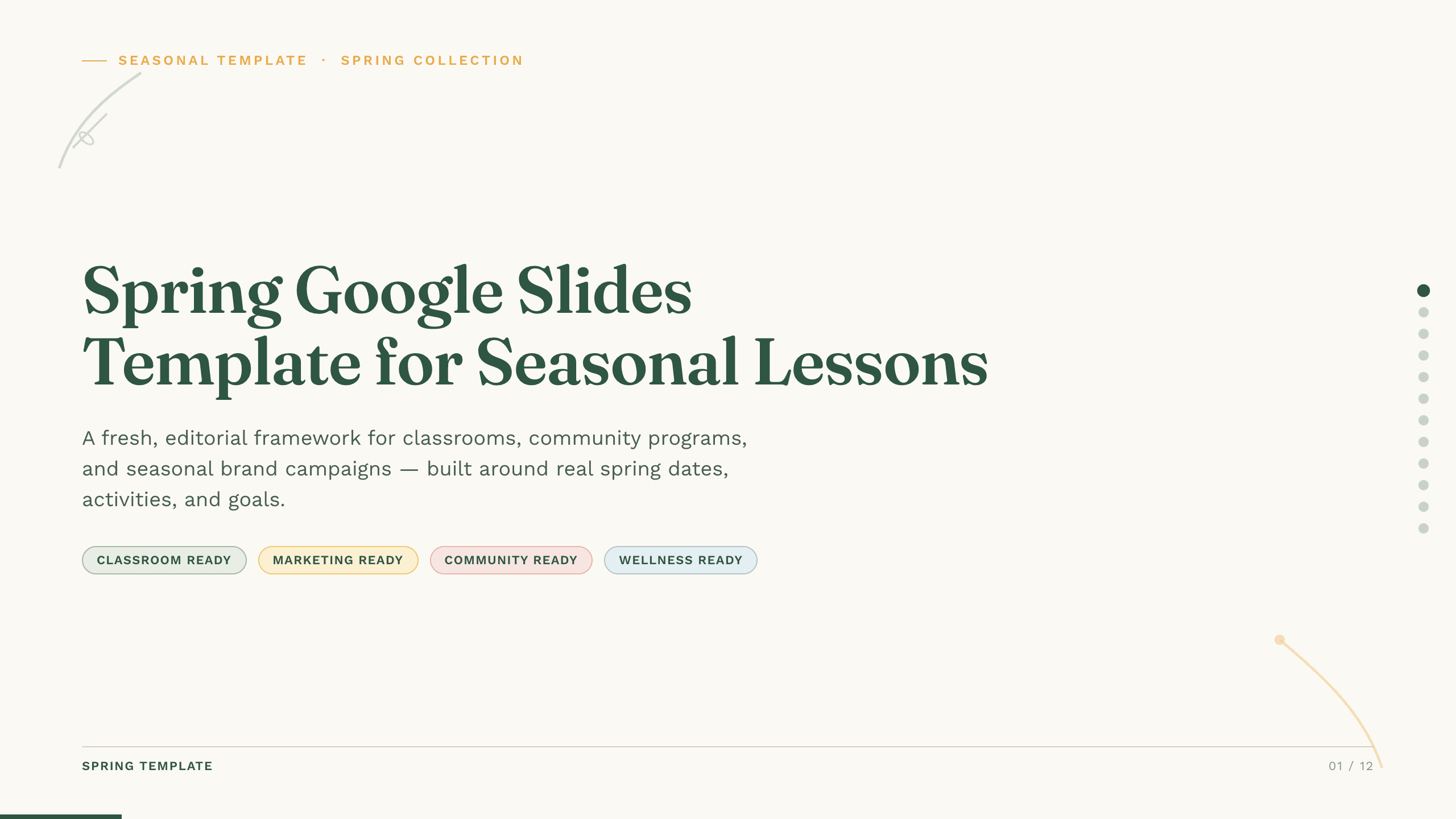
Spring Google Slides Template
Create an 11-slide spring Google Slides lesson or community plan covering season changes, key dates, nature, activities, sustainability, goals, and next steps.
View template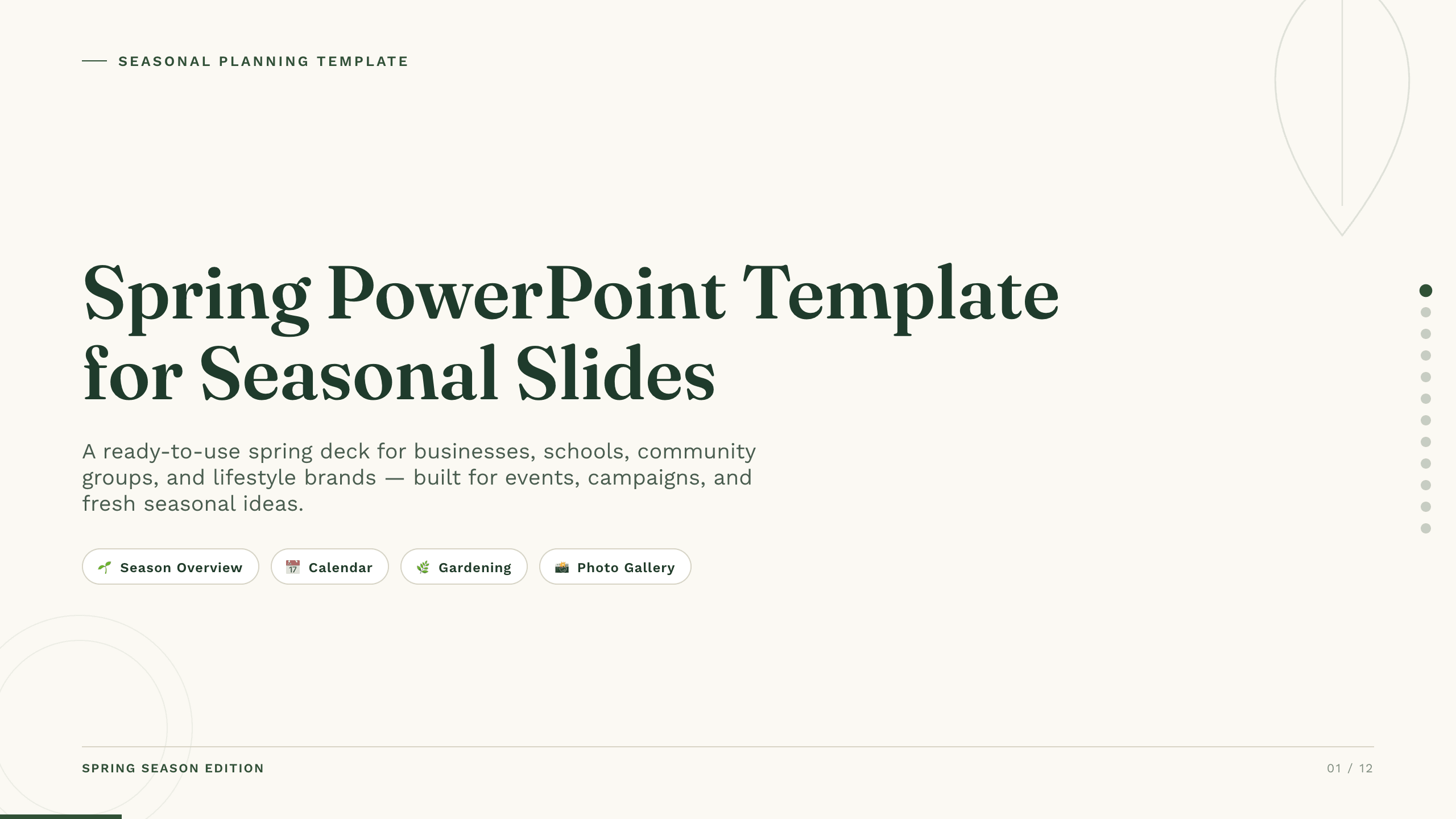
Spring PowerPoint Template
Plan a spring event, campaign, lesson, or community initiative with 11 PowerPoint slides for seasonal context, audience, ideas, schedule, promotion, and action.
View template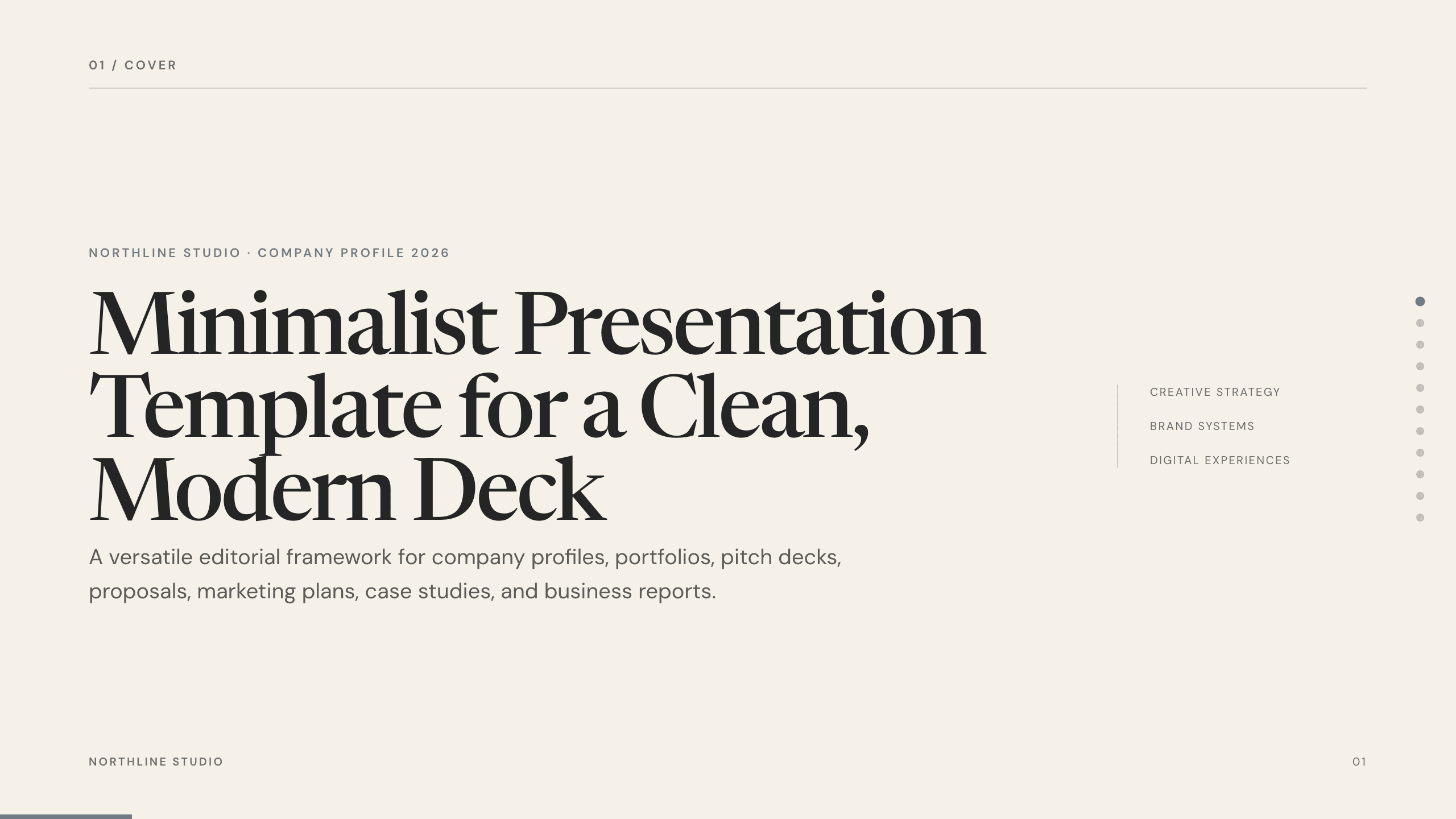
Minimalist Presentation Template
Build a clean 11-slide presentation with an editorial system for company stories, portfolios, proposals, case studies, reports, and focused recommendations.
View templateExplore other template hubs
Customize the Flower Slides Template with Julius AI
1
Preview the complete example
Inspect all 12 slides to understand the narrative, layouts, and level of detail before replacing the example content.
2
Add your content and direction
Give Julius AI your source material, evidence, audience, constraints, and desired outcome.
3
Review and export
Check the narrative, facts, and design, then export an editable version to PowerPoint or Google Slides for final delivery.