Spotify Wrapped PowerPoint Template for Yearly Recaps
Turn a year of listening into a colorful 10-slide recap with layouts for totals, top artists, tracks, genres, moods, peak moments, surprises, and sharing.
Preview the 10-slide Spotify Wrapped PowerPoint Template
Explore the complete year-in-music story, from listening totals and favorites through mood shifts, peak month, surprising finds, and a shareable close.
What you're getting
A year-in-music recap with data and personality
This 10-slide PowerPoint template uses bold color, large type, and simple charts to turn listening behavior into a paced reveal. It covers totals, favorites, genres, moods, timelines, peaks, surprises, and a final shareable summary.
The design is independently inspired by annual music recaps and is not an official Spotify product. Use your own data and permitted artwork, avoid implying platform endorsement, and remove protected brand assets in commercial work.
- Included
- 10 recap slides
- Best for
- Personal year-in-review
- Export
- Editable PowerPoint
Built for
Music fans sharing their year
Listeners turning exported or manually recorded activity into an entertaining personal recap.
Creators recapping an audience
Artists, podcasters, and communities presenting growth, favorites, moments, and listener behavior.
Teams adapting a recap format
Groups using the reveal structure for culture, content, event, learning, or campaign highlights.
Getting started
Build the reveal from broad behavior to memorable detail
Verify every total and ranking before styling; confident graphics make inaccurate data look more certain, not more correct.
- 1
Collect the source data
Export or record the period, plays, minutes, artists, tracks, genres, and other measures using one consistent source.
- 2
Choose the story metrics
Select a small number of totals, rankings, changes, surprises, and moments that say something distinctive.
- 3
Sequence the reveal
Open with scale, build through favorites and patterns, then save the most personal insight for late in the deck.
- 4
Personalize the visual energy
Adjust color, type, captions, and imagery while keeping contrast, labels, and data legible.
- 5
Review rights and privacy
Check artwork permission, attribution, personal data, and trademark treatment before publishing or sharing.
Explore more
Related templates worth comparing
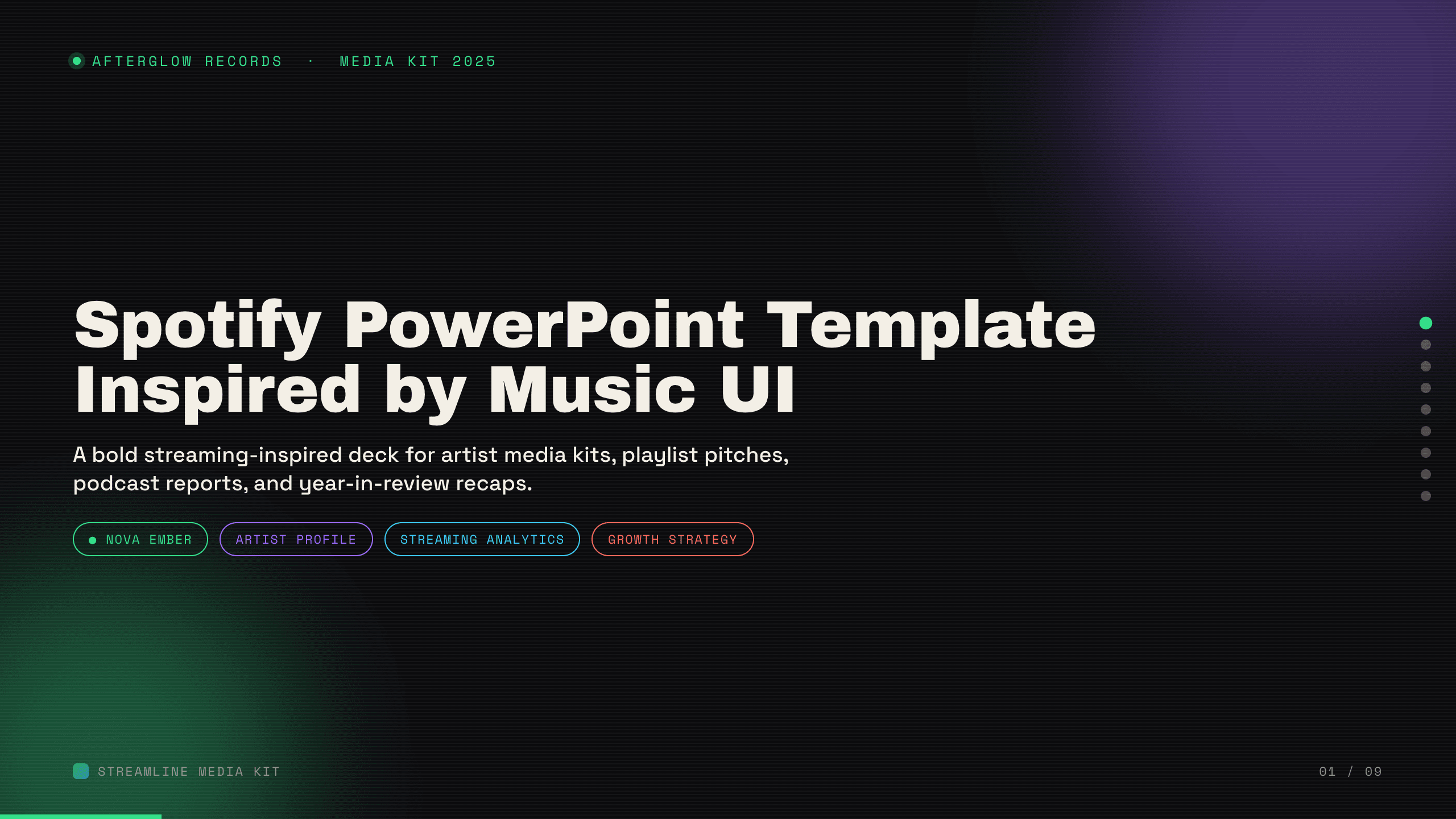
Spotify PowerPoint Template
Create a nine-slide music presentation for artist profiles, playlist pitches, podcast reports, audience trends, campaign performance, and growth plans.
View template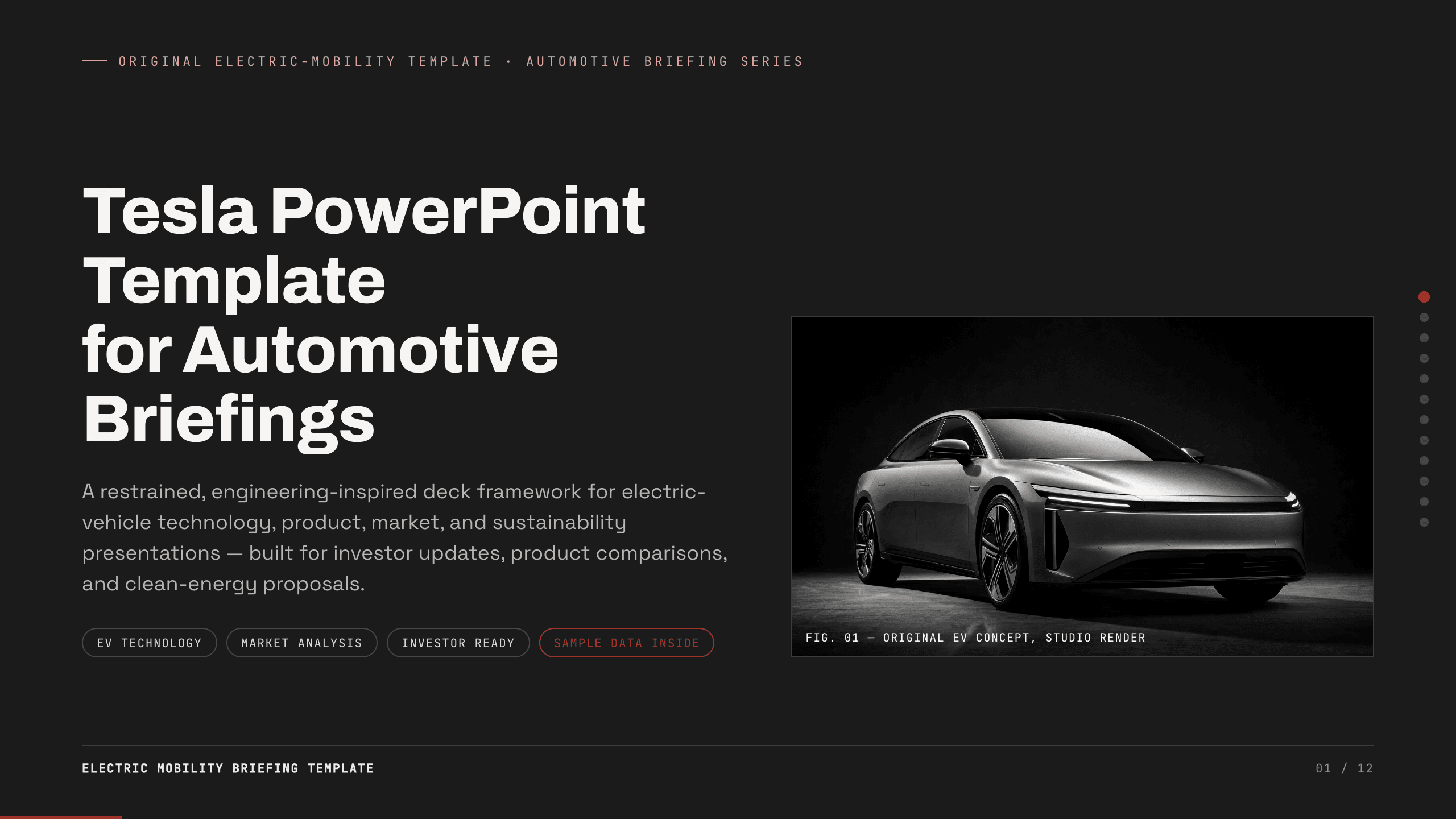
Tesla PowerPoint Template
Create a restrained 12-slide automotive briefing for electric-vehicle technology, product, manufacturing, market, charging, energy, sustainability, and outlook.
View template
Graduation Slideshow Template
Celebrate graduation with 12 slides for early years, school milestones, favorite classes, activities, friendships, achievements, and future plans.
View template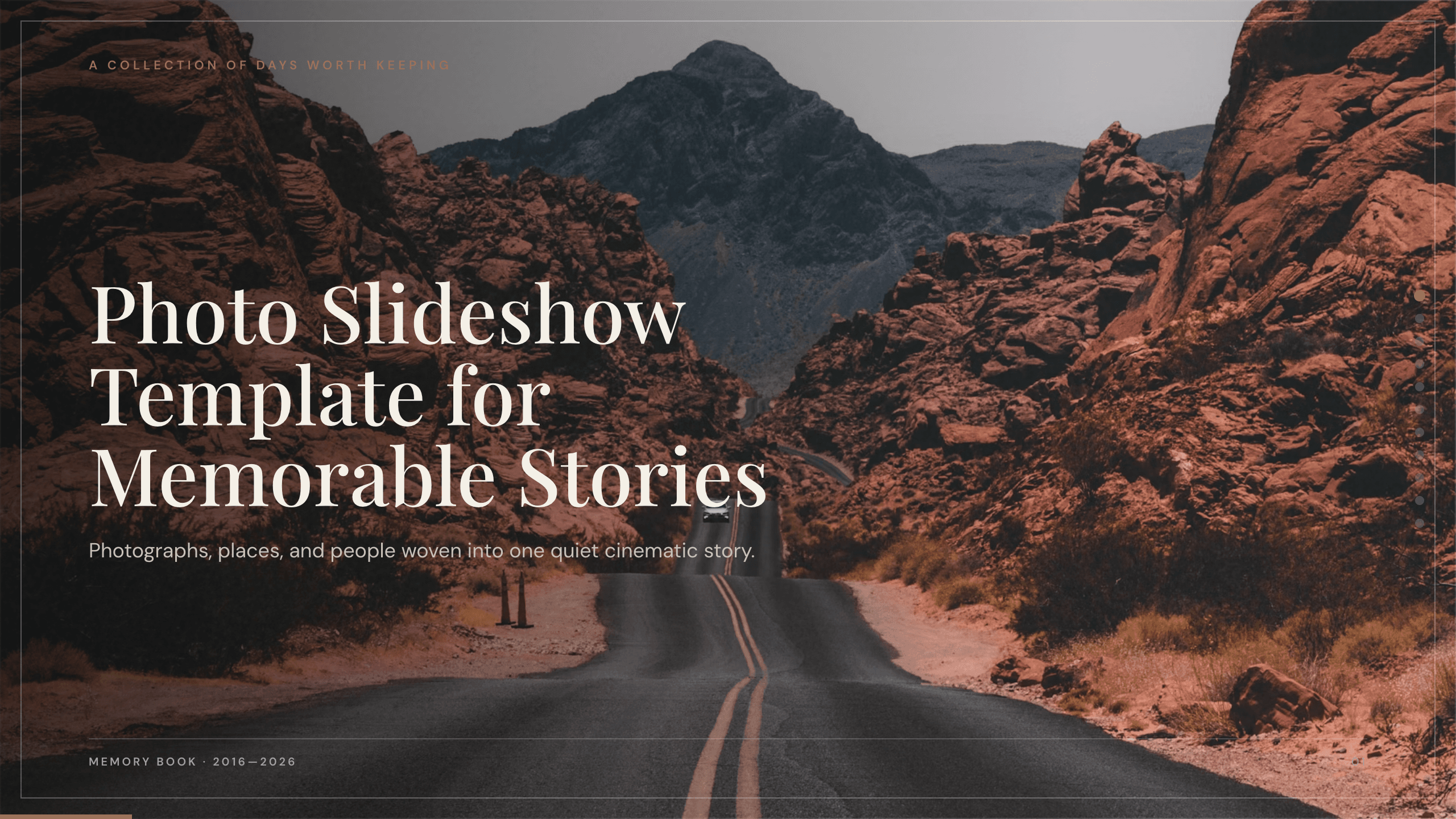
Photo Slideshow Template
Turn photographs into a coherent 10-slide story with layouts for places, people, details, milestones, reflection, and a memorable closing image.
View template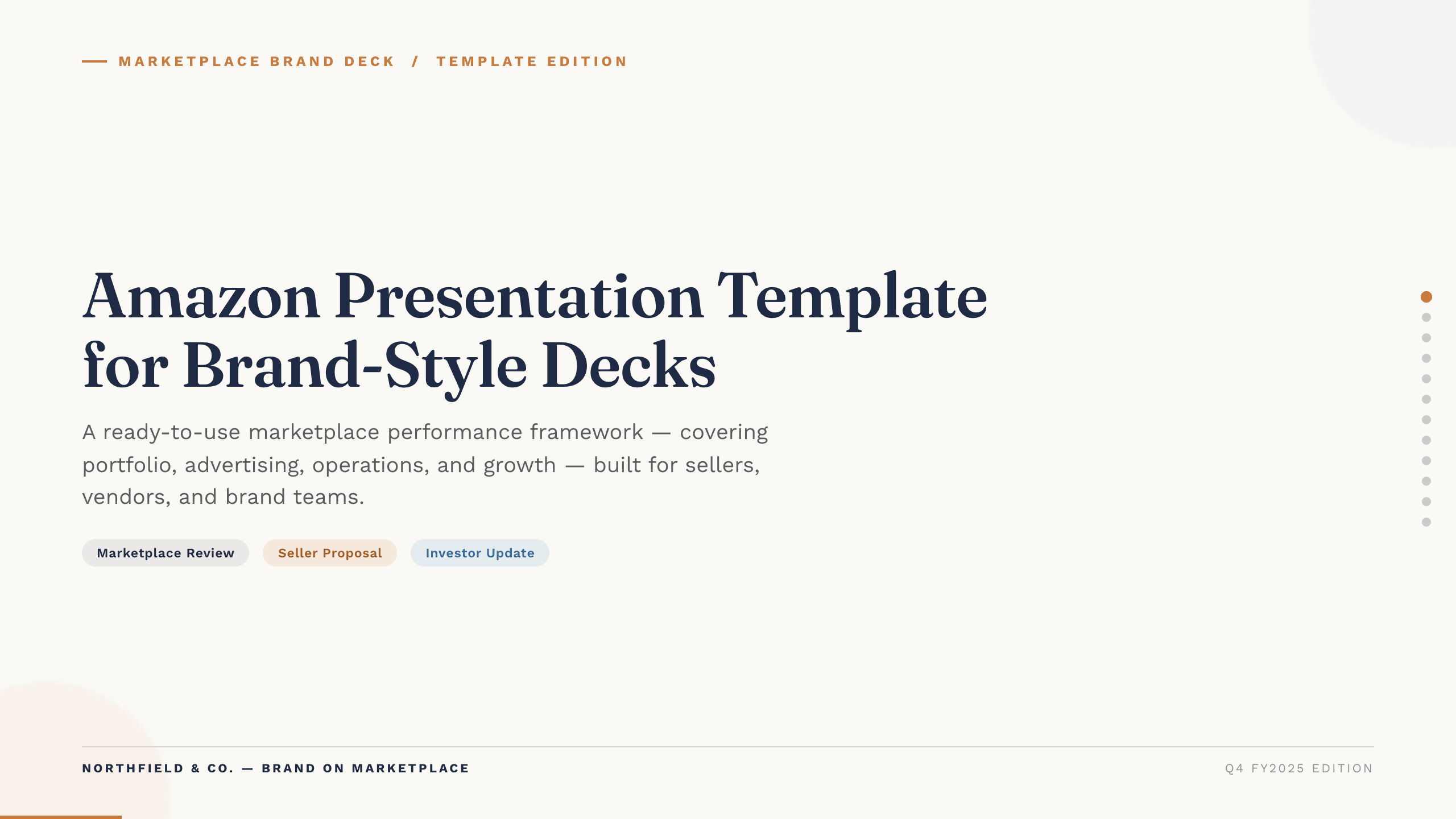
Amazon Presentation Template
Present marketplace performance with 12 slides covering traffic, conversion, advertising, operations, profitability, forecast, and growth actions.
View template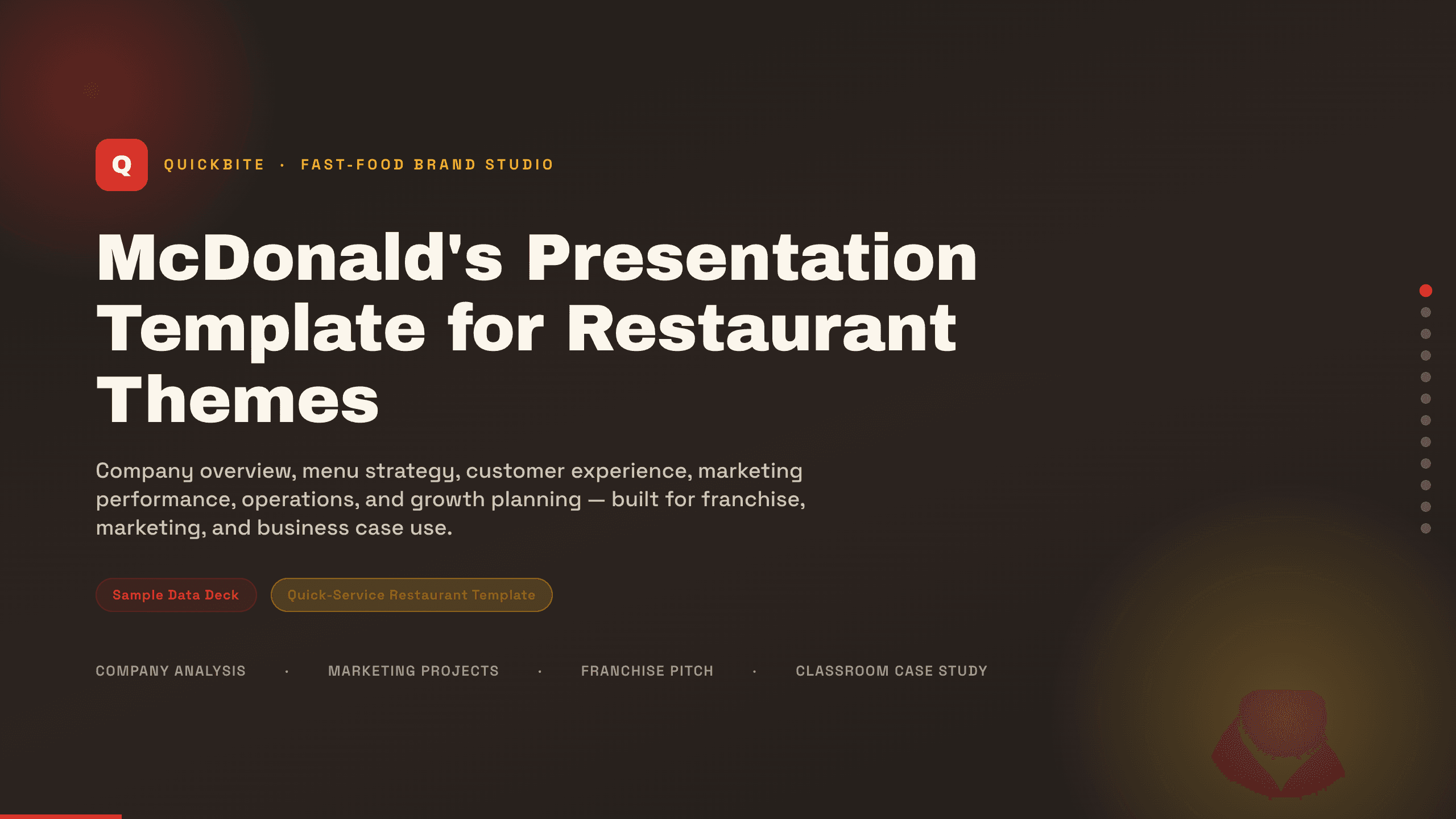
McDonald's Presentation Template
Present a restaurant business with 12 slides for brand, menu, customers, experience, marketing, operations, performance, growth, and priorities.
View templateExplore other template hubs
Customize the Spotify Wrapped PowerPoint Template with Julius AI
1
Preview the complete example
Inspect all 10 slides to understand the narrative, layouts, and level of detail before replacing the example content.
2
Add your content and direction
Give Julius AI your source material, evidence, audience, constraints, and desired outcome.
3
Review and export
Check the narrative, facts, and design, then export an editable version to PowerPoint for final delivery.