Amazon Presentation Template for Brand-Style Decks
Present marketplace performance with 12 slides covering traffic, conversion, advertising, operations, profitability, forecast, and growth actions.
Preview the 12-slide Amazon Presentation Template
Follow the worked Northfield Gear marketplace review from category position and portfolio through content, advertising, operations, margin, forecast, and FY26 actions.
What you're getting
A marketplace performance deck that connects growth to margin
This 12-slide template creates an operating review for marketplace sellers, vendors, and brand teams. It connects portfolio, search visibility, content quality, traffic, conversion, advertising, reviews, inventory, operations, profitability, forecast, and actions.
The Northfield Gear example is fictional and the design is not an official Amazon template. Replace metrics with reconciled account data, use marketplace marks only as permitted, and distinguish attributed results from broader business performance.
- Included
- 12 marketplace slides
- Best for
- Seller and brand reviews
- Export
- PowerPoint or Google Slides
Built for
Marketplace leaders reviewing a business
Teams connecting category position, assortment, traffic, conversion, media, operations, and profit.
Brands presenting to retail partners
Vendors explaining portfolio, content, demand, availability, customer experience, and joint growth priorities.
Agencies managing marketplace performance
Partners reporting outcomes, explaining drivers, and recommending coordinated commercial and operational actions.
Getting started
Build one view from customer discovery to contribution margin
Use consistent periods and definitions so advertising, sales, inventory, and financial metrics can be interpreted together.
- 1
Define the account and period
Set marketplaces, brands, products, currencies, attribution windows, reporting dates, and source systems.
- 2
Reconcile the performance funnel
Connect impressions, traffic, conversion, sales, returns, fees, media, inventory, and contribution.
- 3
Diagnose by portfolio and channel
Separate product, content, price, promotion, availability, review, and advertising drivers.
- 4
Update the forecast
Model demand, inventory, media, price, margin, seasonality, and operational constraints with explicit assumptions.
- 5
Prioritize four actions
Assign the content, commercial, media, and operations moves that protect growth and profitability.
Explore more
Related templates worth comparing
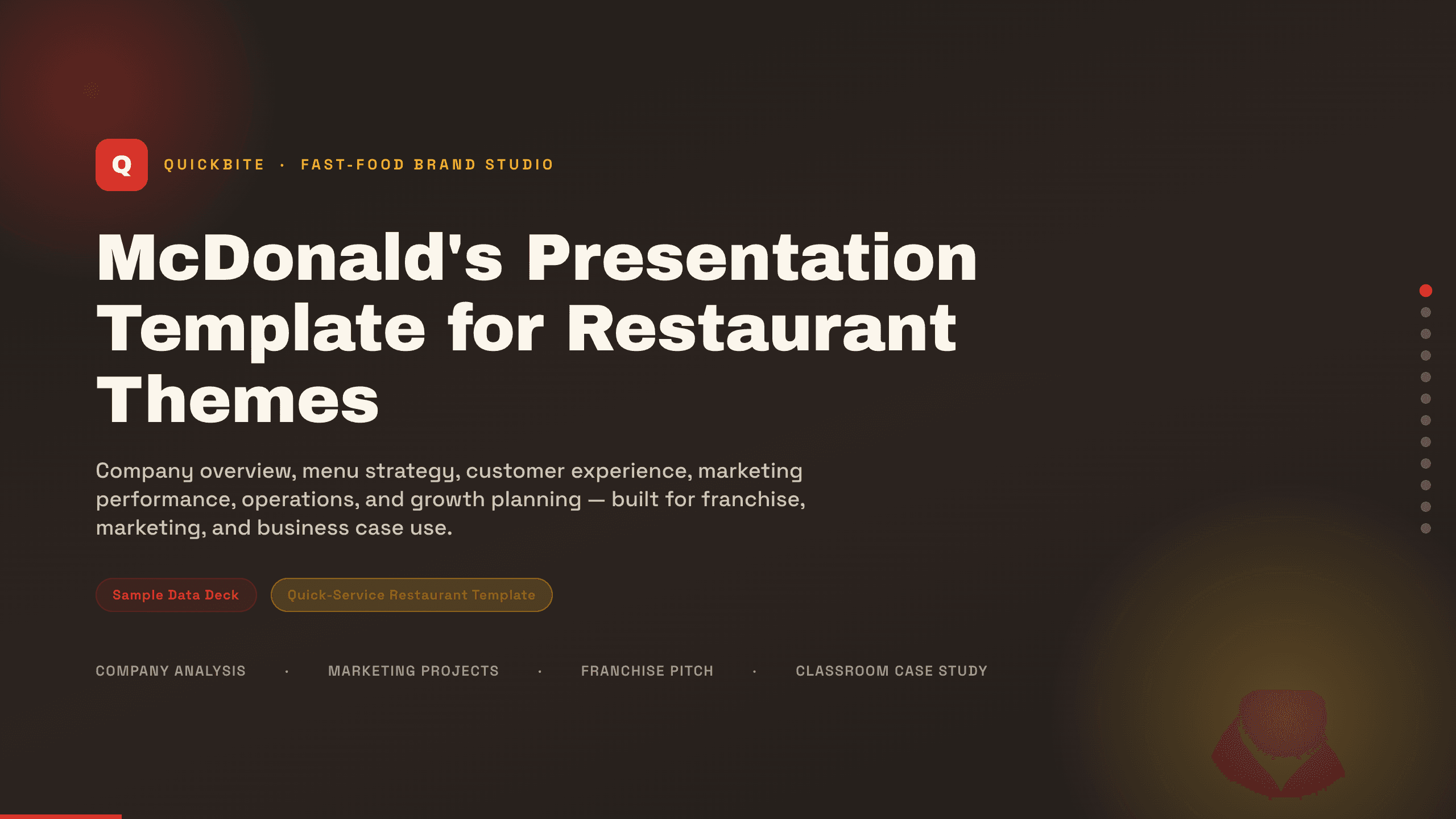
McDonald's Presentation Template
Present a restaurant business with 12 slides for brand, menu, customers, experience, marketing, operations, performance, growth, and priorities.
View template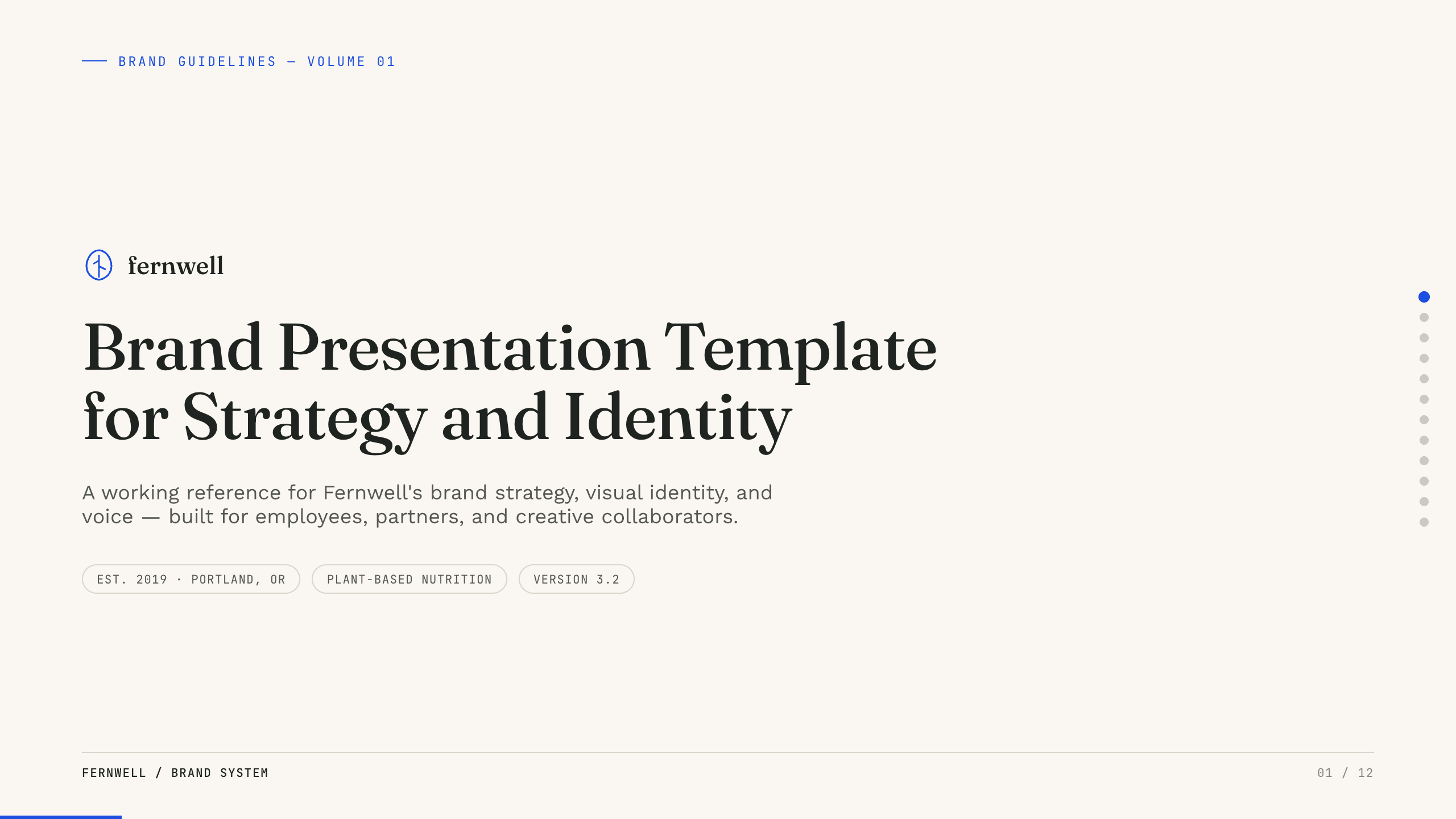
Brand Presentation Template
Create an 11-slide brand guide covering purpose, audience, positioning, personality, voice, identity, messaging, applications, and governance.
View template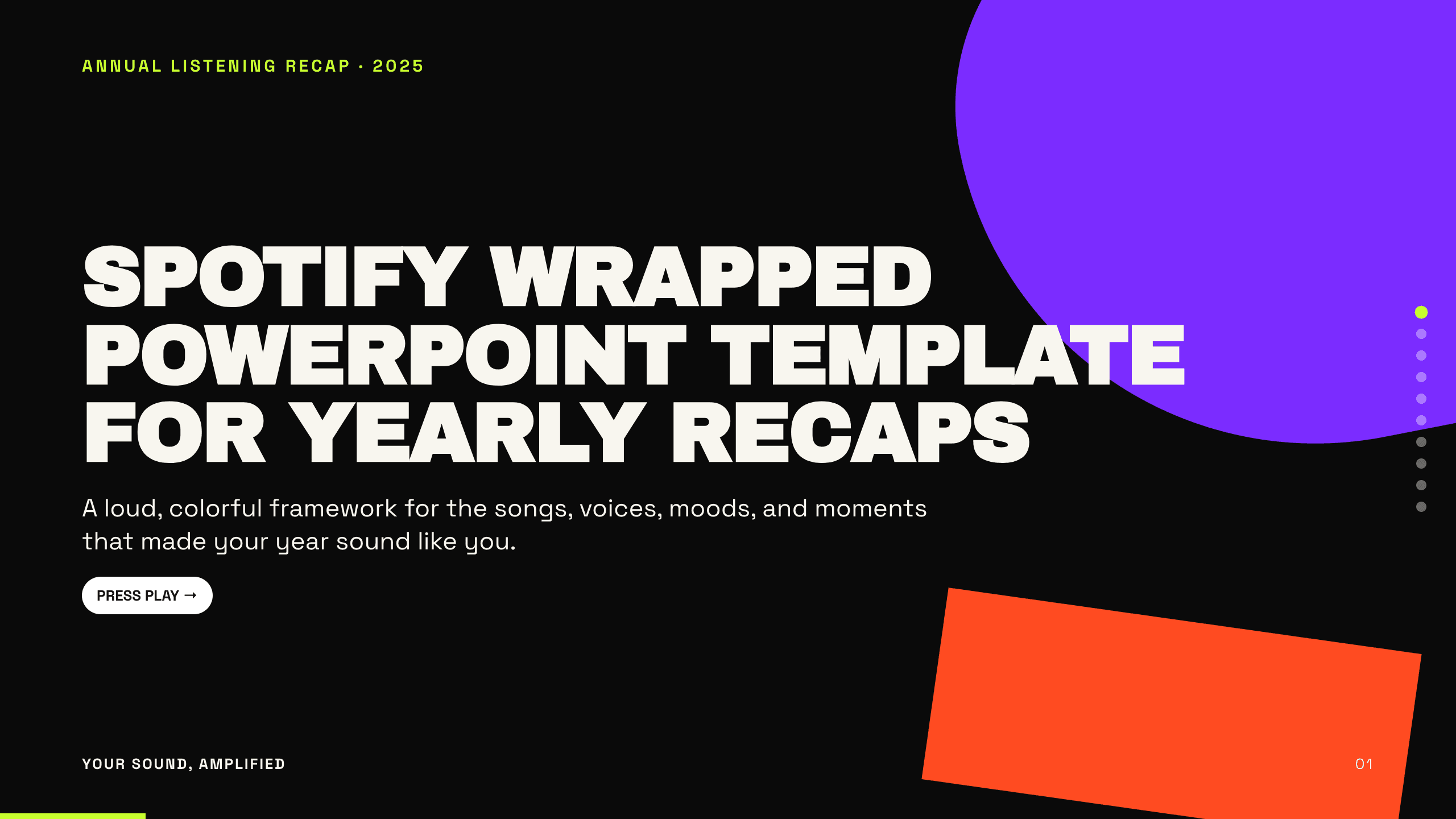
Spotify Wrapped PowerPoint Template
Turn a year of listening into a colorful 10-slide recap with layouts for totals, top artists, tracks, genres, moods, peak moments, surprises, and sharing.
View template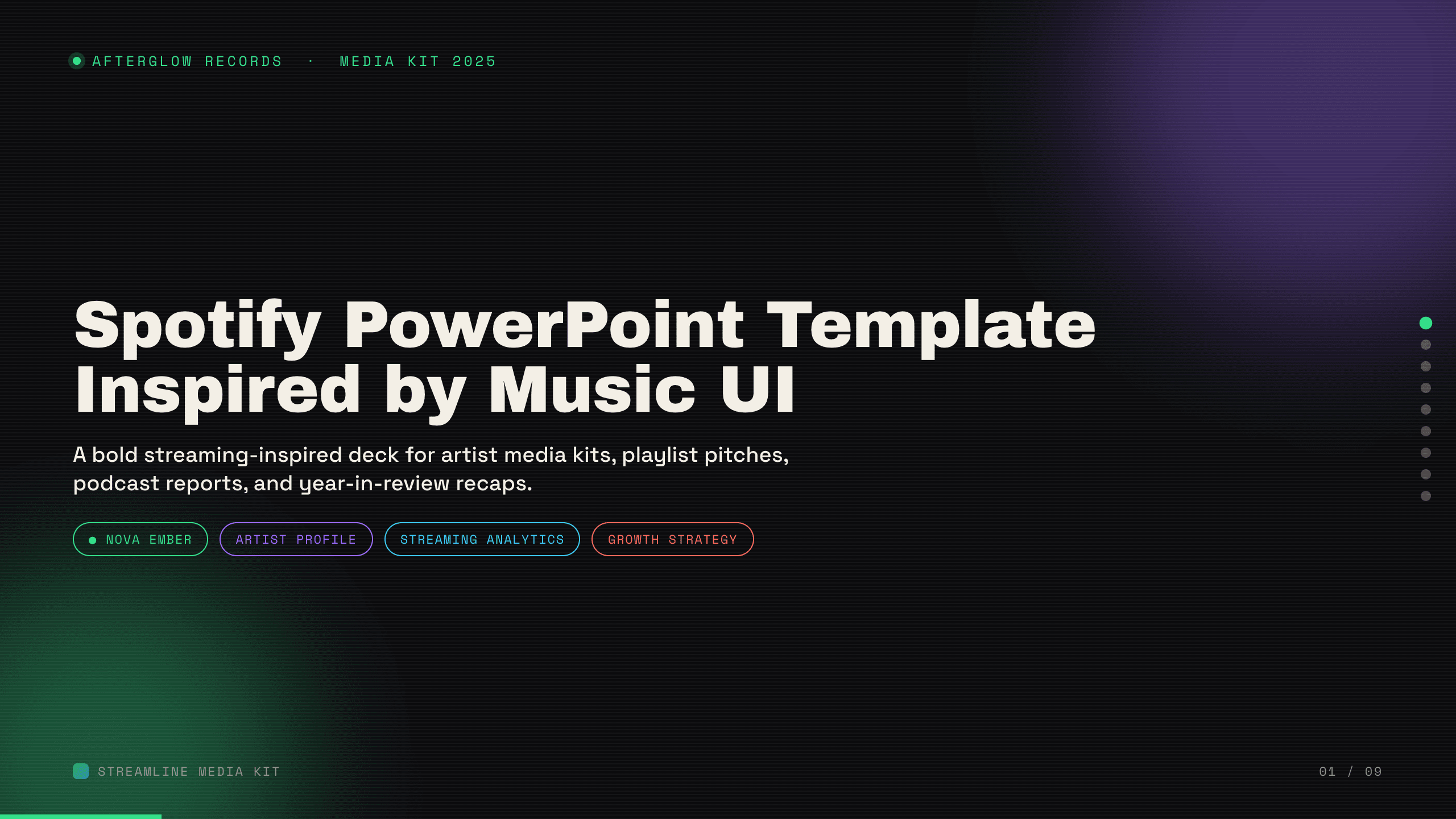
Spotify PowerPoint Template
Create a nine-slide music presentation for artist profiles, playlist pitches, podcast reports, audience trends, campaign performance, and growth plans.
View template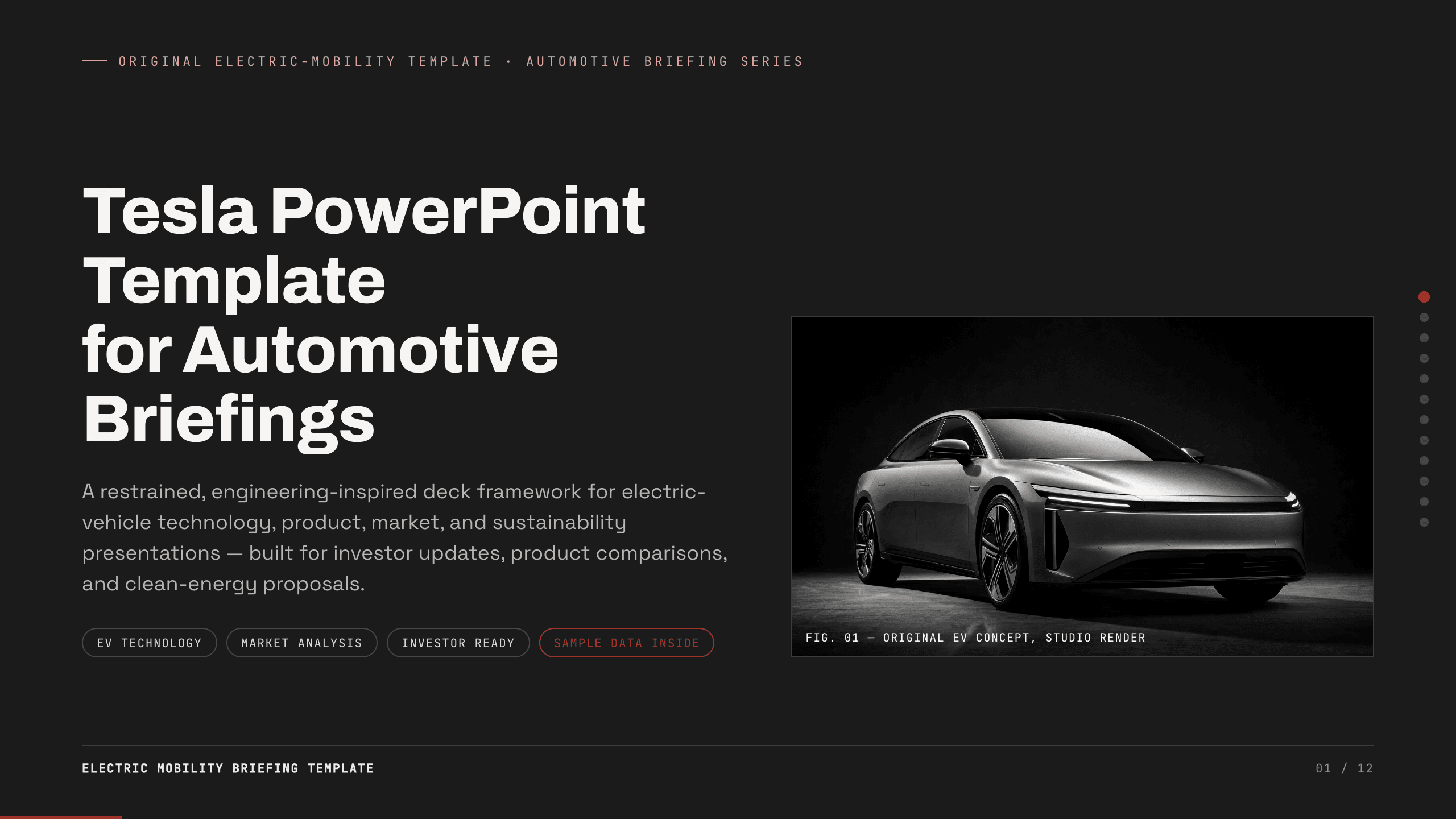
Tesla PowerPoint Template
Create a restrained 12-slide automotive briefing for electric-vehicle technology, product, manufacturing, market, charging, energy, sustainability, and outlook.
View template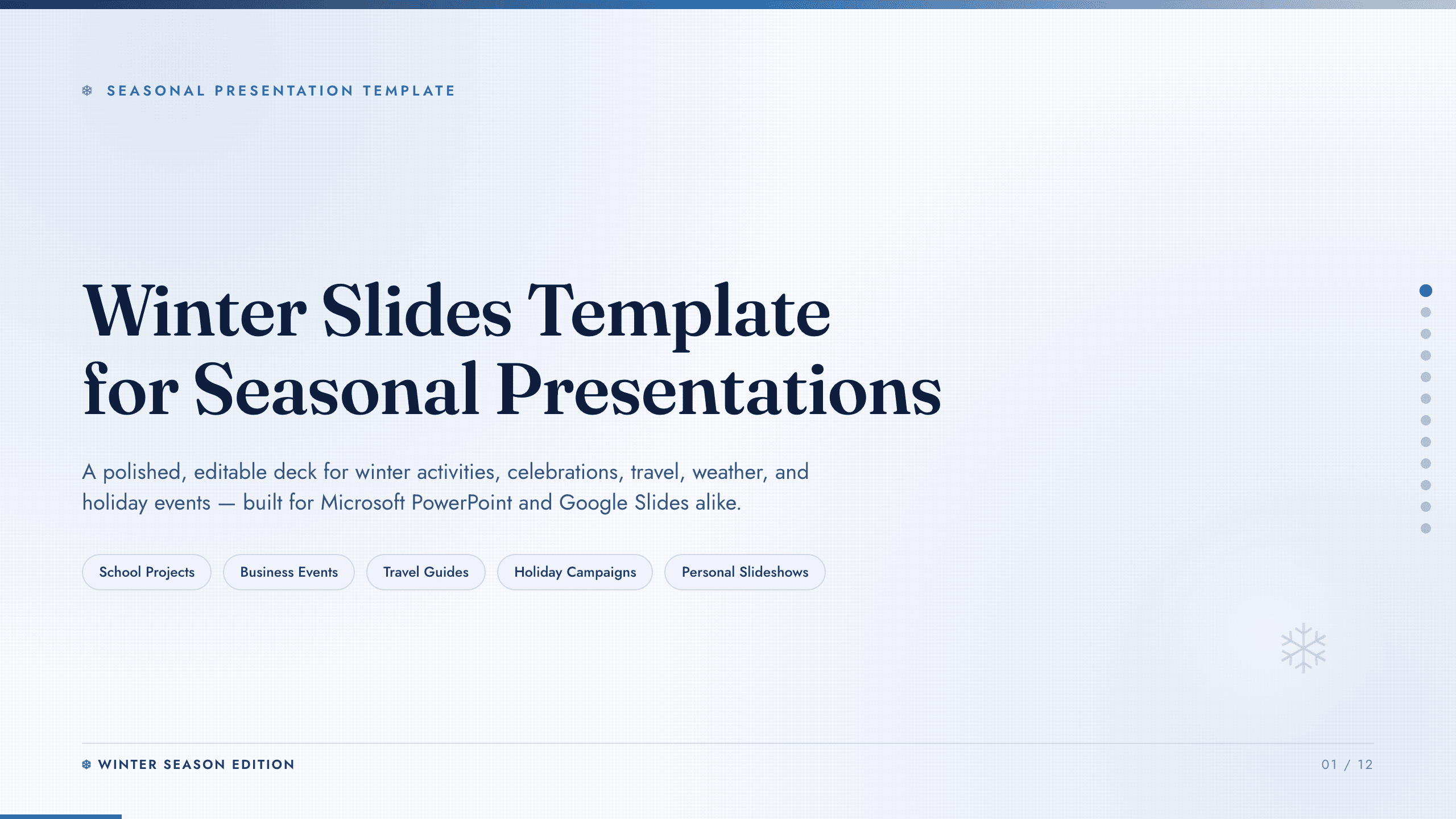
Winter Slides Template
Create a focused winter lesson, event, travel guide, or seasonal campaign from 12 coordinated layouts for activities, safety, food, photography, and planning.
View templateExplore other template hubs
Customize the Amazon Presentation Template with Julius AI
1
Preview the complete example
Inspect all 12 slides to understand the narrative, layouts, and level of detail before replacing the example content.
2
Add your content and direction
Give Julius AI your source material, evidence, audience, constraints, and desired outcome.
3
Review and export
Check the narrative, facts, and design, then export an editable version to PowerPoint or Google Slides for final delivery.