Spotify PowerPoint Template Inspired by Music UI
Create a nine-slide music presentation for artist profiles, playlist pitches, podcast reports, audience trends, campaign performance, and growth plans.
Preview the 9-slide Spotify PowerPoint Template
Inspect the complete streaming-inspired artist story, including profile, audience, catalog, listening trend, market reach, campaign plan, and growth priorities.
What you're getting
A streaming-inspired deck for music stories and performance
This nine-slide PowerPoint template pairs bold imagery and familiar music-interface patterns with a useful artist or audio-business narrative. It supports profiles, catalog highlights, listening trends, audience geography, campaign performance, releases, and next steps.
The design is independently inspired and is not an official Spotify product. Replace fictional metrics and artwork, use assets you are permitted to share, and avoid protected logos or claims of platform partnership unless authorized.
- Included
- 9 music slides
- Best for
- Artist and audio reporting
- Export
- Editable PowerPoint
Built for
Artists preparing a media kit
Creators combining identity, releases, audience evidence, milestones, press, and a specific opportunity.
Labels and managers planning growth
Teams reviewing listener behavior, markets, content, campaign performance, and next priorities.
Podcasters reporting to partners
Producers presenting audience, episodes, engagement, reach, sponsorship value, and upcoming programming.
Getting started
Turn listening data into a focused growth story
Decide whether the audience needs discovery, proof, or a plan, then choose only the metrics that support that objective.
- 1
Define the opportunity
Set the audience, period, release, market, partnership, or decision the presentation addresses.
- 2
Verify the source data
Reconcile platform exports, dates, units, territories, catalog definitions, and campaign attribution.
- 3
Build the artist or show narrative
Connect identity, audience, content, performance, and momentum without letting interface styling replace substance.
- 4
Explain the growth levers
Show how releases, editorial, creators, touring, paid media, community, or partnerships support the target.
- 5
Review brand and media rights
Use permitted artwork, photography, logos, and platform marks with correct attribution and no implied endorsement.
Explore more
Related templates worth comparing
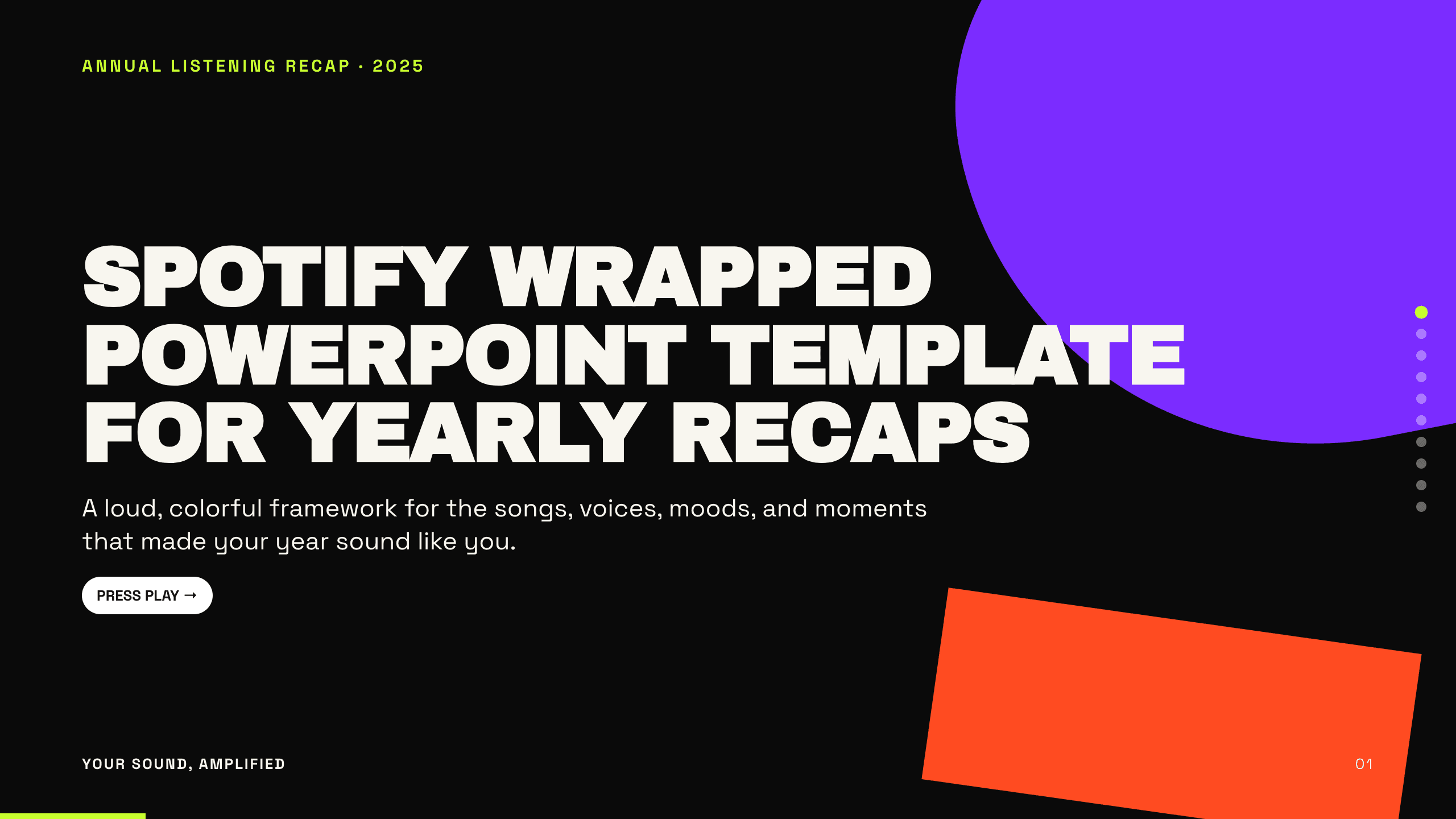
Spotify Wrapped PowerPoint Template
Turn a year of listening into a colorful 10-slide recap with layouts for totals, top artists, tracks, genres, moods, peak moments, surprises, and sharing.
View template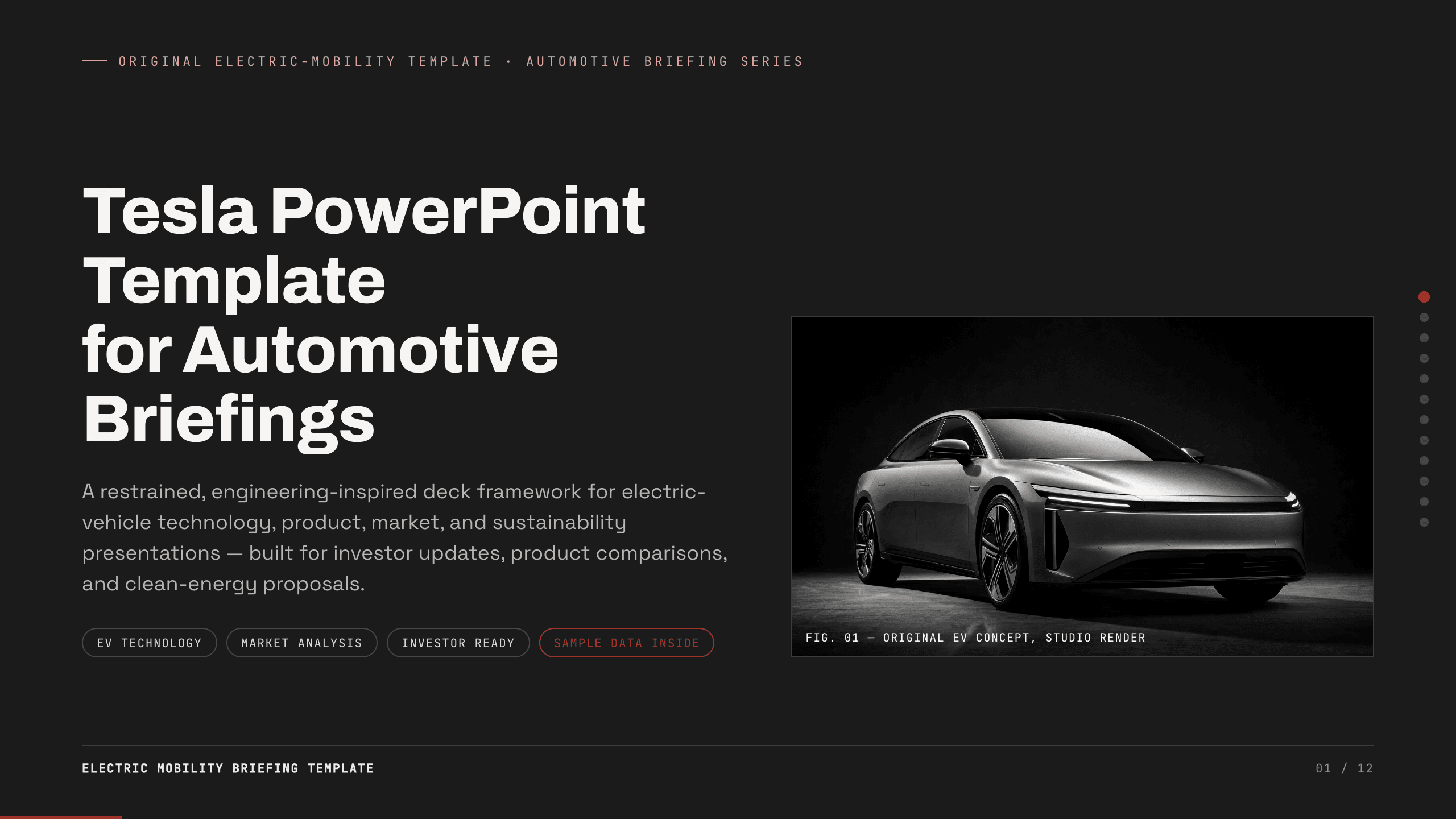
Tesla PowerPoint Template
Create a restrained 12-slide automotive briefing for electric-vehicle technology, product, manufacturing, market, charging, energy, sustainability, and outlook.
View template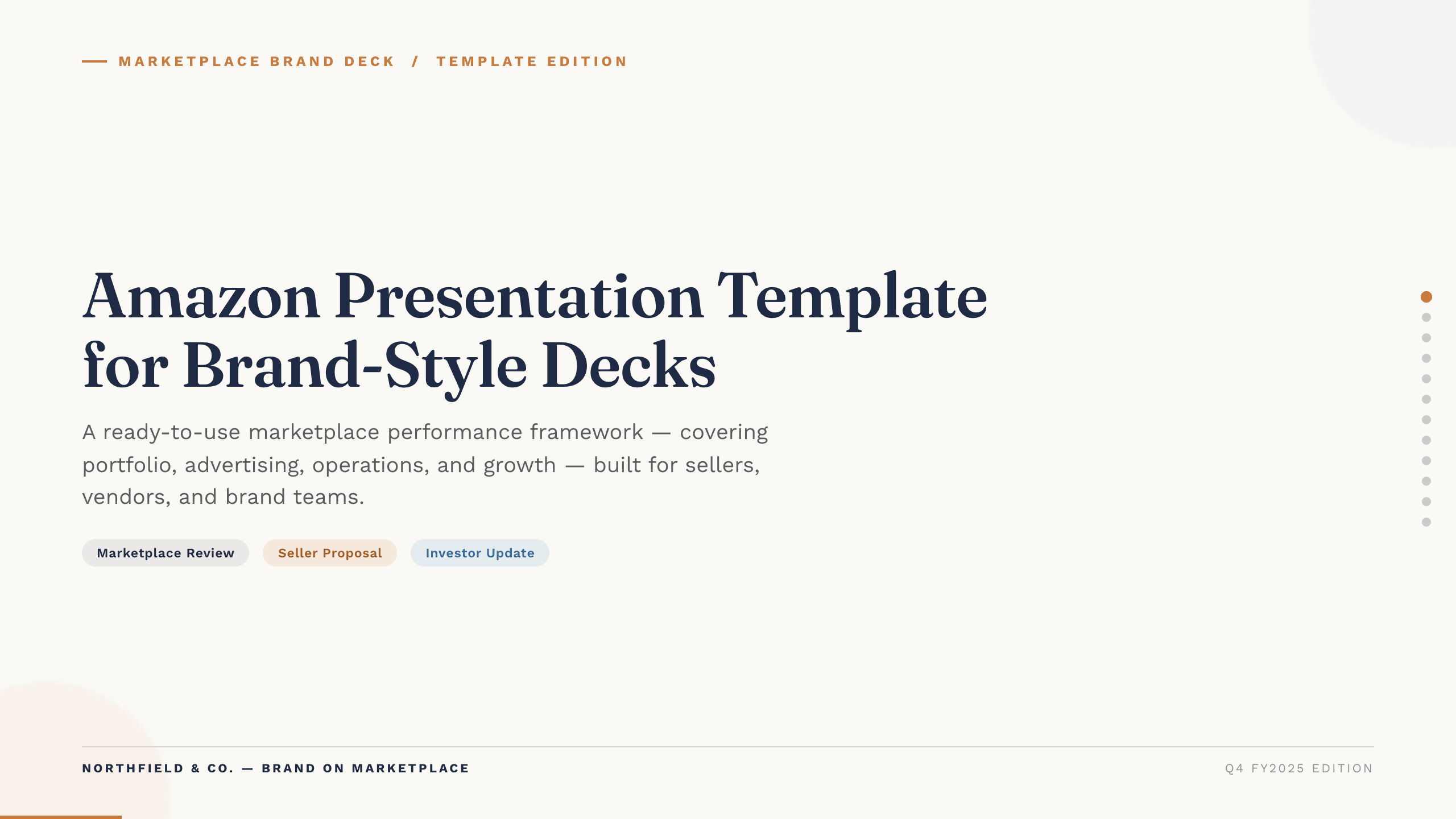
Amazon Presentation Template
Present marketplace performance with 12 slides covering traffic, conversion, advertising, operations, profitability, forecast, and growth actions.
View template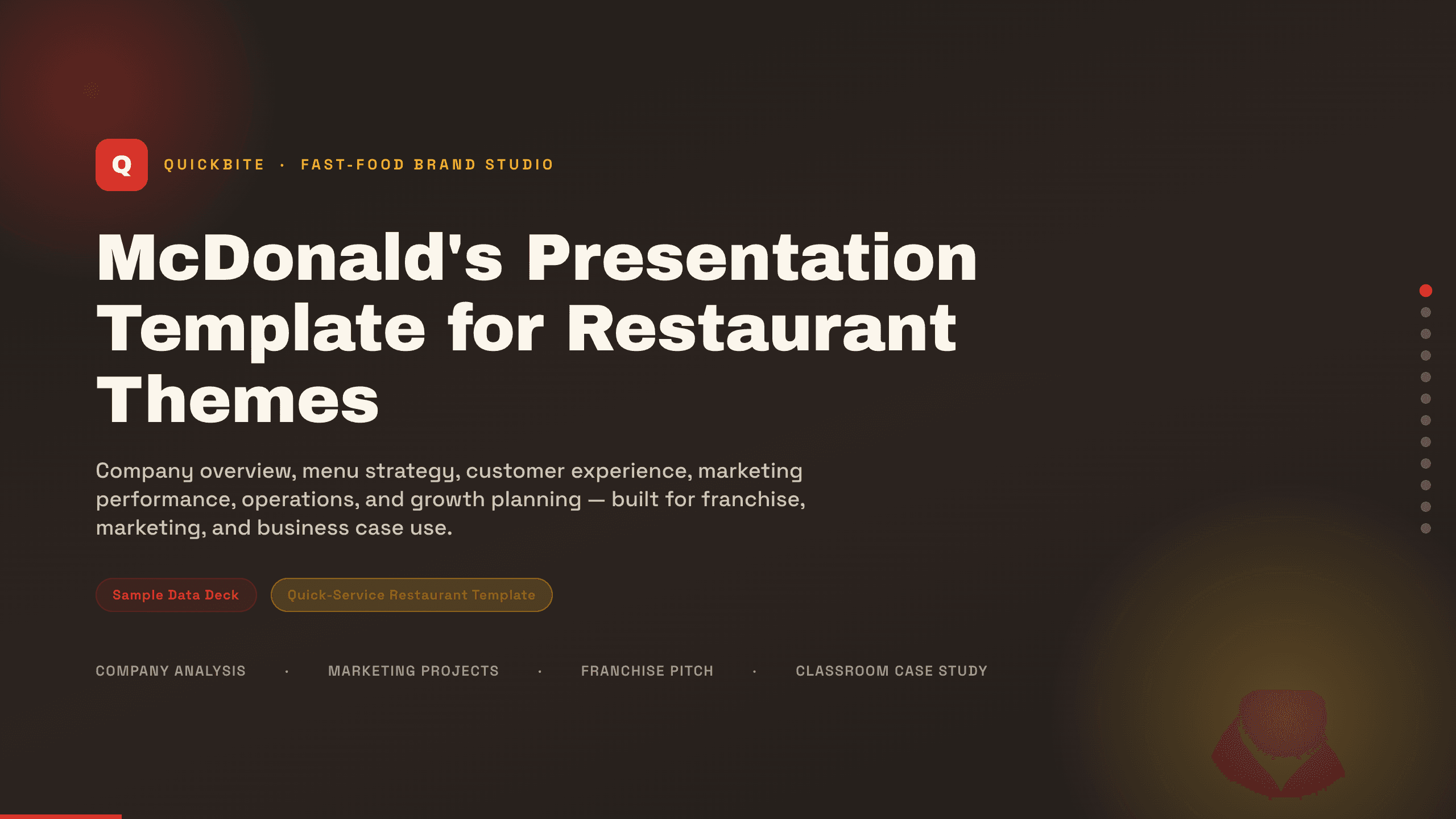
McDonald's Presentation Template
Present a restaurant business with 12 slides for brand, menu, customers, experience, marketing, operations, performance, growth, and priorities.
View template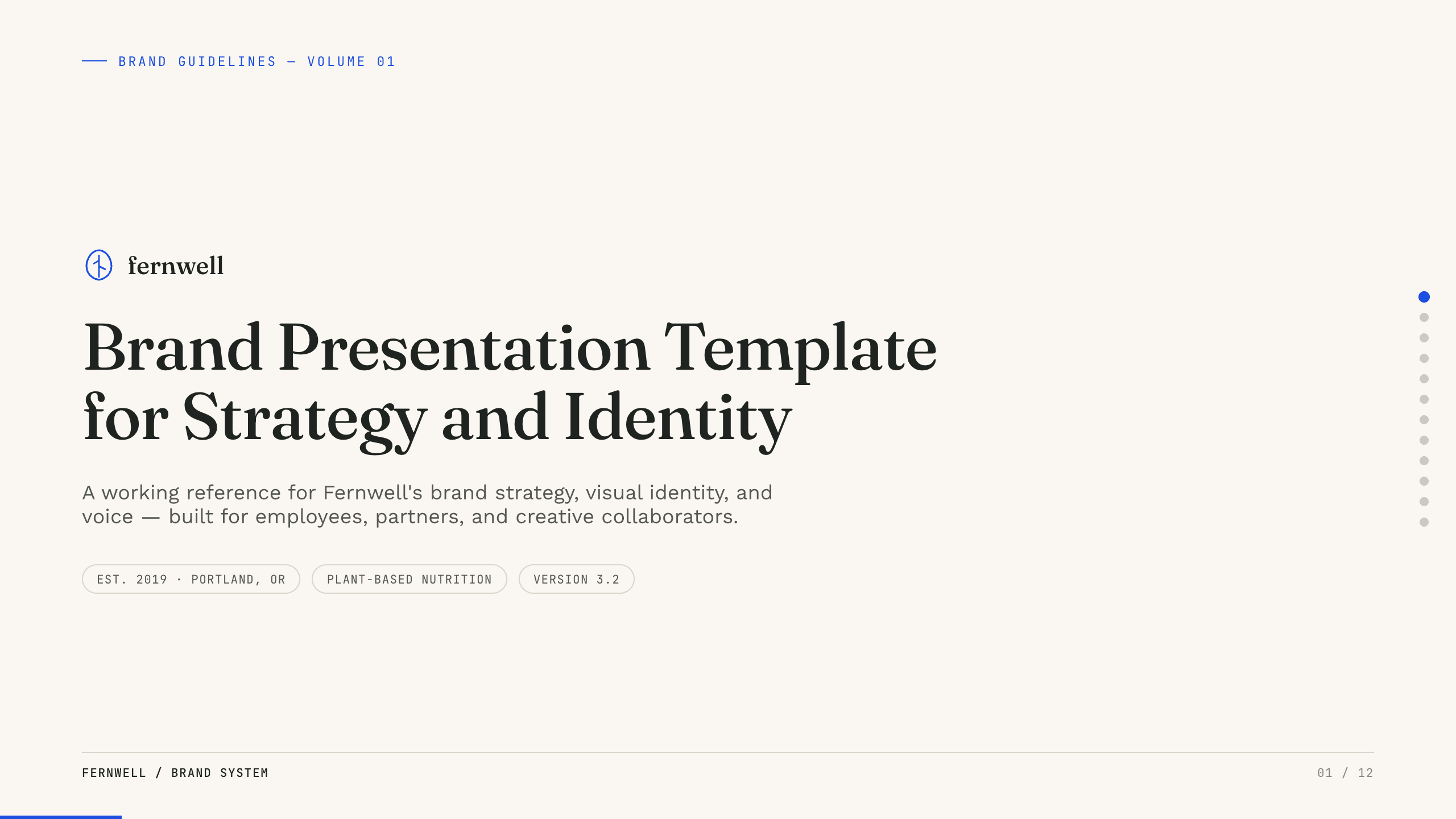
Brand Presentation Template
Create an 11-slide brand guide covering purpose, audience, positioning, personality, voice, identity, messaging, applications, and governance.
View template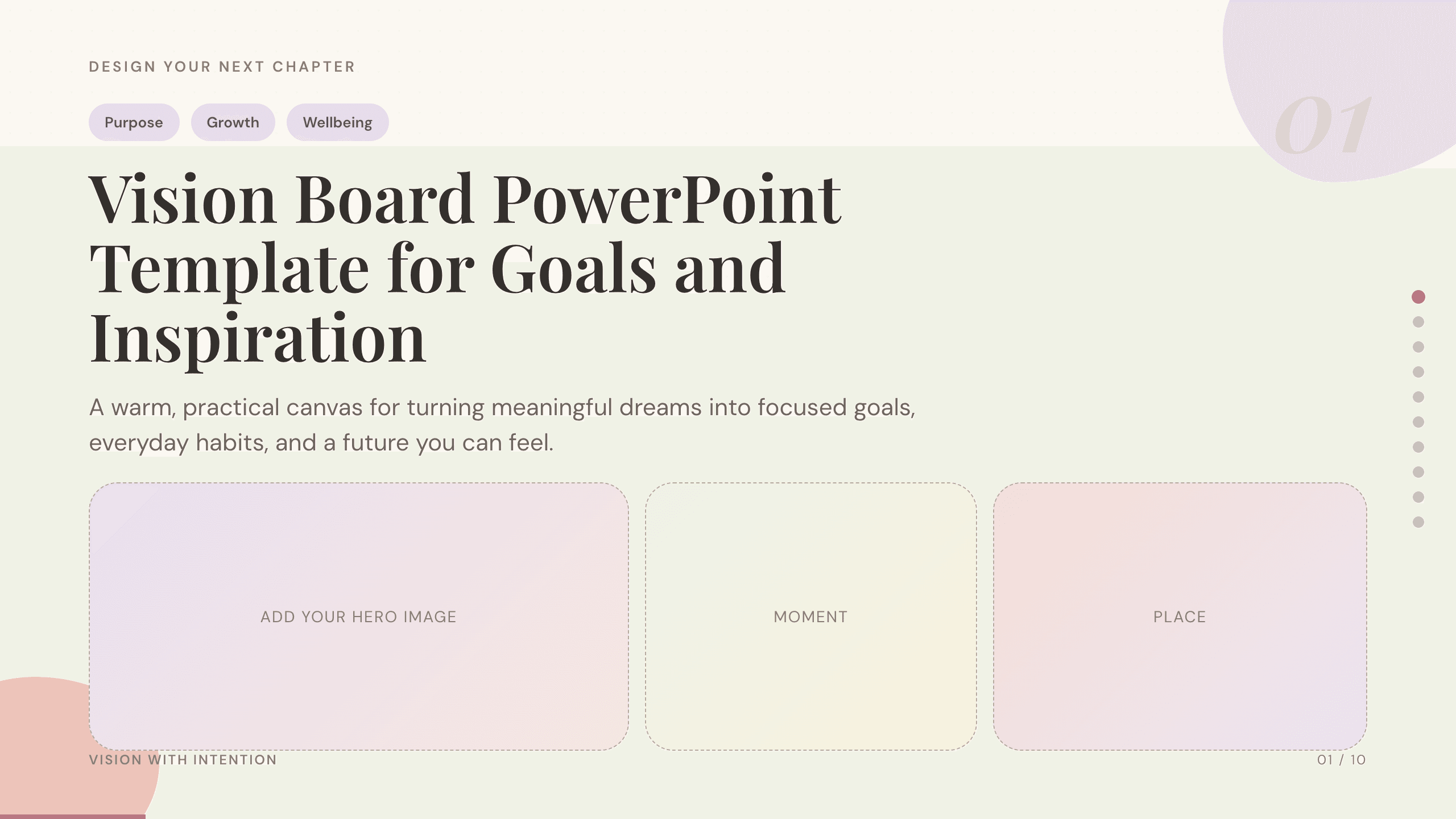
Vision Board PowerPoint Template
Turn long-term aspirations into a visual plan with dedicated slides for purpose, time horizons, life priorities, monthly actions, habits, and progress.
View templateExplore other template hubs
Customize the Spotify PowerPoint Template with Julius AI
1
Preview the complete example
Inspect all 9 slides to understand the narrative, layouts, and level of detail before replacing the example content.
2
Add your content and direction
Give Julius AI your source material, evidence, audience, constraints, and desired outcome.
3
Review and export
Check the narrative, facts, and design, then export an editable version to PowerPoint for final delivery.