Tesla PowerPoint Template for Automotive Briefings
Create a restrained 12-slide automotive briefing for electric-vehicle technology, product, manufacturing, market, charging, energy, sustainability, and outlook.
Preview the 12-slide Tesla PowerPoint Template
Inspect the complete engineering-inspired briefing from transport transition and product system through battery, software, factories, market, charging, and key takeaways.
What you're getting
An engineering-led automotive deck for evidence and comparison
This 12-slide PowerPoint template uses a restrained visual system for electric-vehicle product, battery, software, manufacturing, market, charging, energy, sustainability, and strategic outlook topics. Large numbers and diagrams support concise technical conclusions.
The design is independently inspired and is not an official Tesla template. Replace company references and sample figures with current sourced data, use trademarks only as permitted, and avoid implying endorsement or access to non-public information.
- Included
- 12 automotive slides
- Best for
- EV and clean-energy briefings
- Export
- Editable PowerPoint
Built for
Automotive teams preparing a market brief
Analysts comparing products, technology, capacity, economics, infrastructure, and strategic position.
Engineering teams explaining an EV system
Presenters connecting battery, software, vehicle, charging, manufacturing, safety, and performance.
Students presenting a clean-energy topic
Learners organizing current evidence, trade-offs, lifecycle impacts, and future questions.
Getting started
Keep the design restrained and the evidence current
Choose a specific product, technology, market, or policy question rather than presenting the entire mobility transition at once.
- 1
Define the briefing scope
Set the company or category, geography, products, period, audience, and decision or learning objective.
- 2
Source comparable data
Verify range, efficiency, price, capacity, deliveries, charging, safety, emissions, and financial measures.
- 3
Explain the system
Connect vehicle, battery, software, manufacturing, infrastructure, energy, and customer outcomes.
- 4
Show trade-offs honestly
Include methodology, uncertainty, lifecycle boundary, regional variation, and competing technologies.
- 5
Review brand use
Use permitted images and marks, cite sources, and avoid official-looking claims or confidential inference.
Explore more
Related templates worth comparing

Spotify Wrapped PowerPoint Template
Turn a year of listening into a colorful 10-slide recap with layouts for totals, top artists, tracks, genres, moods, peak moments, surprises, and sharing.
View template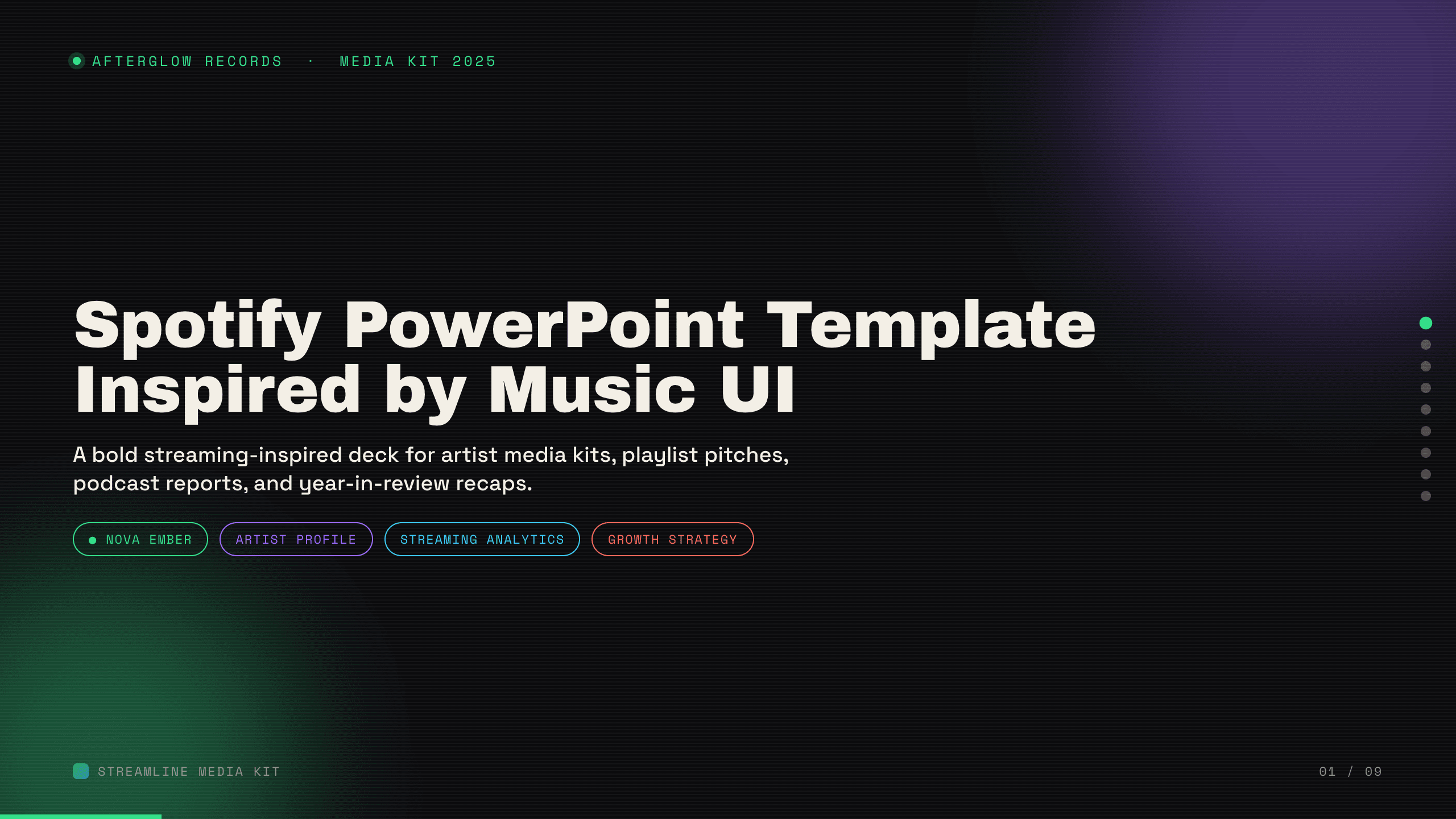
Spotify PowerPoint Template
Create a nine-slide music presentation for artist profiles, playlist pitches, podcast reports, audience trends, campaign performance, and growth plans.
View template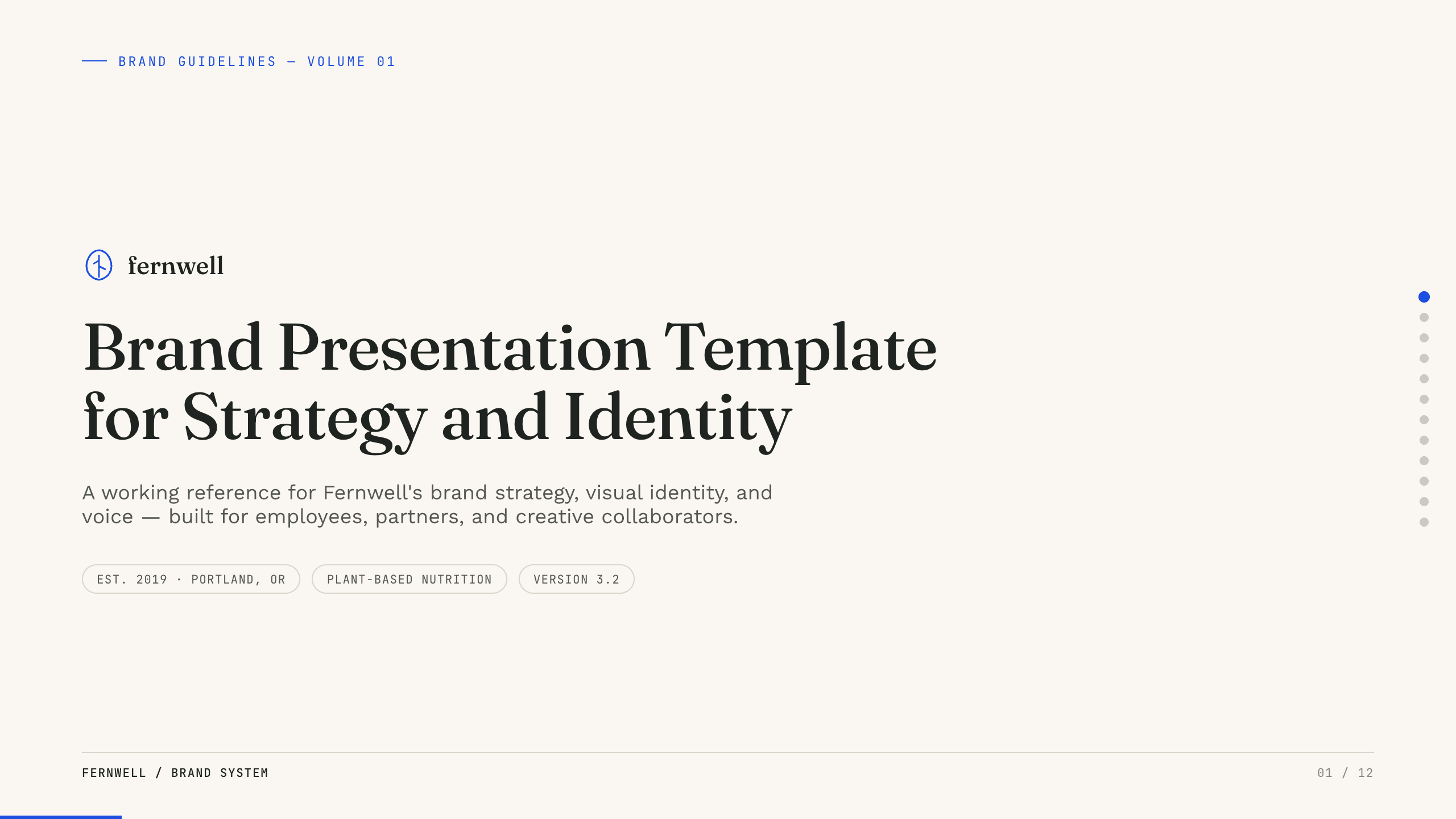
Brand Presentation Template
Create an 11-slide brand guide covering purpose, audience, positioning, personality, voice, identity, messaging, applications, and governance.
View template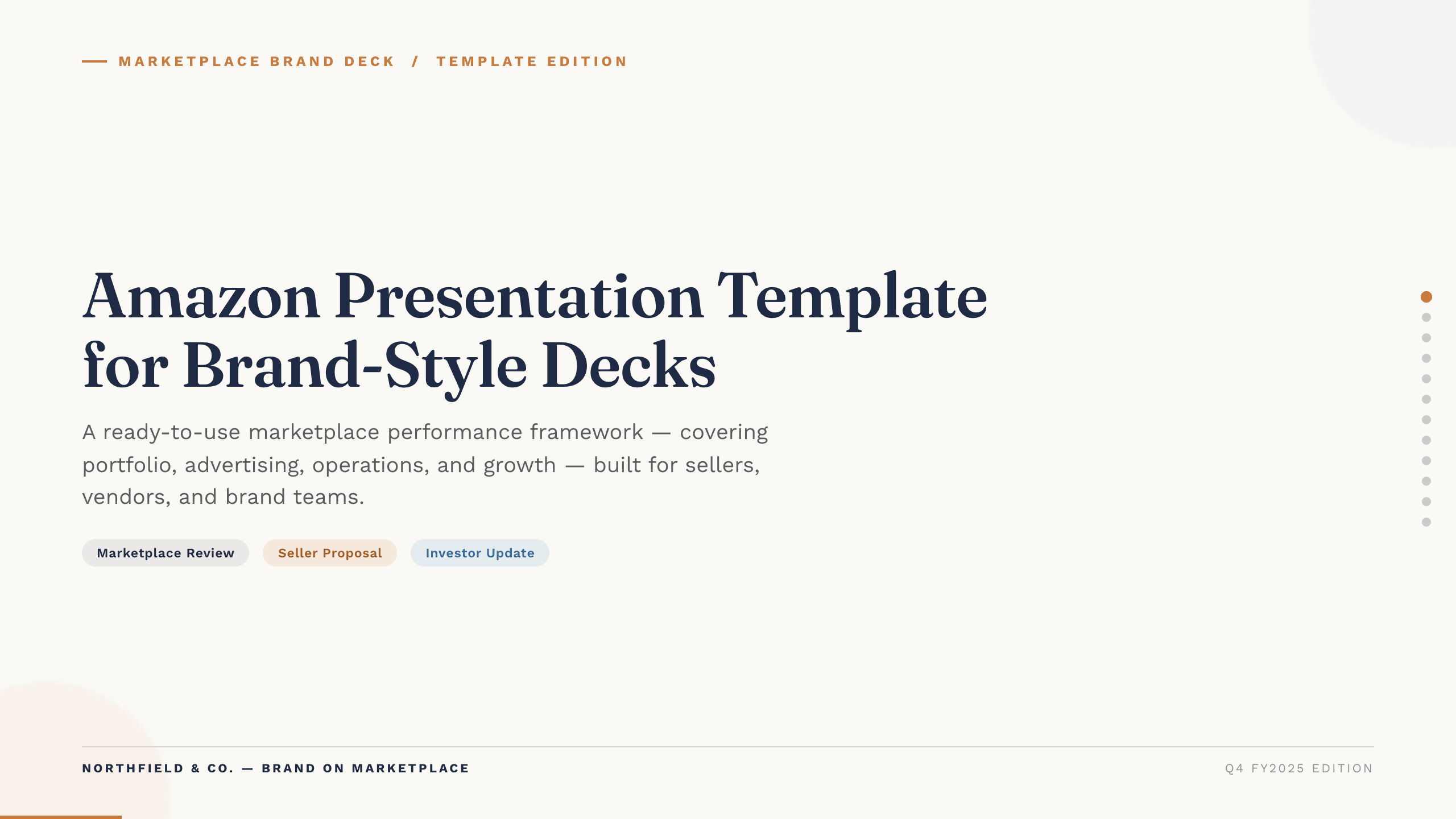
Amazon Presentation Template
Present marketplace performance with 12 slides covering traffic, conversion, advertising, operations, profitability, forecast, and growth actions.
View template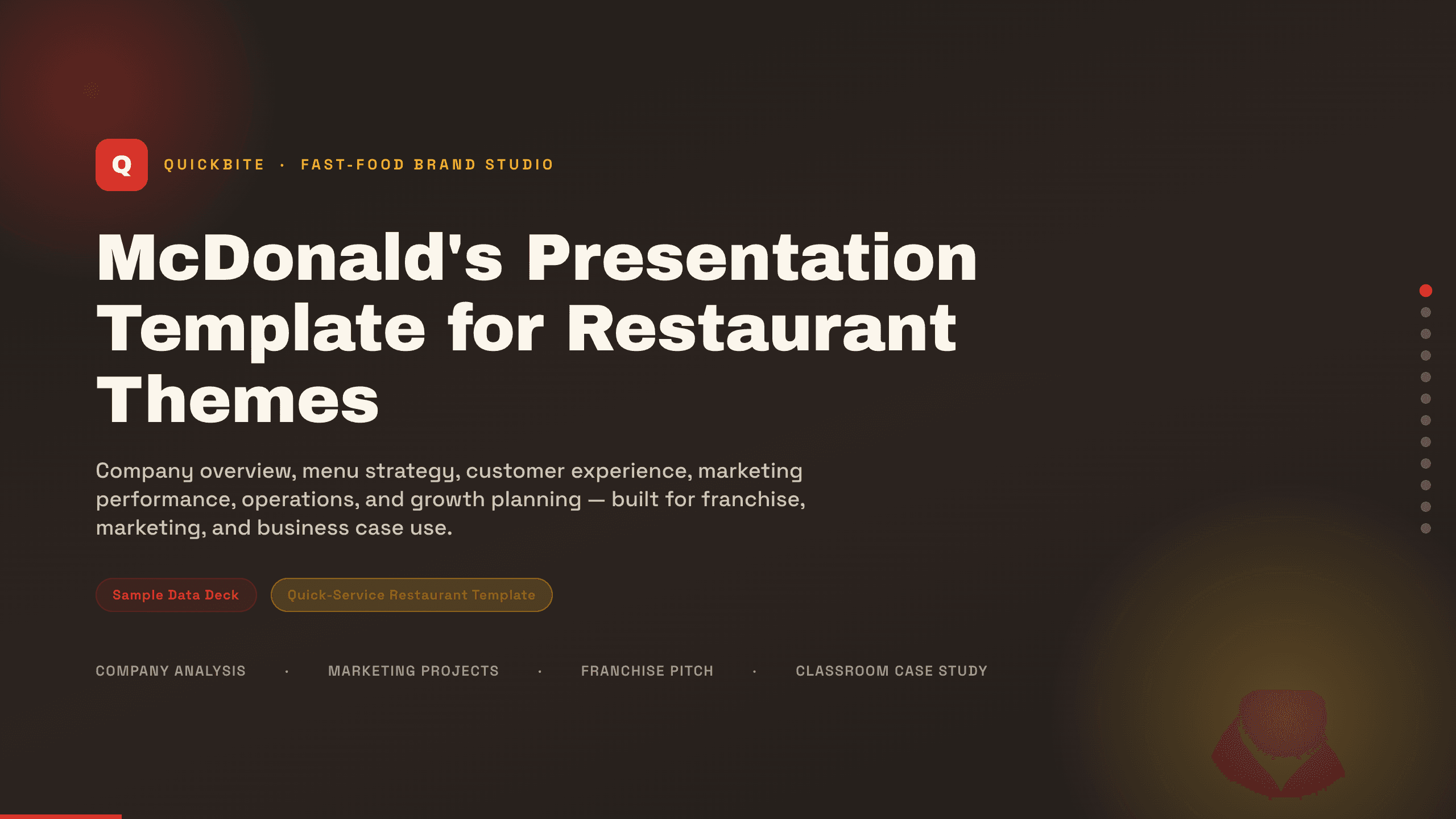
McDonald's Presentation Template
Present a restaurant business with 12 slides for brand, menu, customers, experience, marketing, operations, performance, growth, and priorities.
View template
SWOT PowerPoint Template
Use a complete 12-slide SWOT deck to separate internal and external factors, prioritize what matters, and turn the analysis into concrete strategic actions.
View templateExplore other template hubs
Customize the Tesla PowerPoint Template with Julius AI
1
Preview the complete example
Inspect all 12 slides to understand the narrative, layouts, and level of detail before replacing the example content.
2
Add your content and direction
Give Julius AI your source material, evidence, audience, constraints, and desired outcome.
3
Review and export
Check the narrative, facts, and design, then export an editable version to PowerPoint for final delivery.