Purple Slides Template for Stylish Presentations
Use a versatile 12-slide purple presentation system for agency stories, brand strategy, campaigns, proposals, portfolios, case studies, and recommendations.
Preview the 12-slide Purple Slides Template
Inspect the complete agency example from point of view and capabilities through brand challenge, strategy, campaign work, outcomes, and future direction.
What you're getting
A confident purple deck with a disciplined agency storyline
This 12-slide template combines a distinctive purple palette with practical layouts for company introduction, capabilities, challenge, insight, strategy, work, results, process, team, and next steps. Strong color provides continuity while the grid keeps content readable.
The sample agency case demonstrates how the visual system supports a real argument. Replace the work and claims with relevant evidence, preserve sufficient contrast, and use accent color to guide attention rather than tint every element.
- Included
- 12 versatile slides
- Best for
- Agency and brand stories
- Export
- PowerPoint or Google Slides
Built for
Agencies presenting a capabilities story
Teams combining point of view, services, representative work, outcomes, process, and invitation.
Brand teams sharing a campaign
Marketers explaining the challenge, audience insight, idea, execution, results, and next opportunity.
Creators building a distinctive portfolio
Individuals who want an energetic identity without sacrificing hierarchy or project detail.
Getting started
Use the color system to create hierarchy, not noise
Start with the audience and storyline, then assign the strongest purple moments to the claims that deserve emphasis.
- 1
Choose the presentation purpose
Define whether the deck sells capability, explains strategy, shows work, or requests a decision.
- 2
Replace the sample narrative
Use specific client, audience, challenge, insight, solution, and outcome evidence.
- 3
Control the palette
Maintain contrast and assign background, accent, chart, and highlight roles consistently.
- 4
Edit for visual rhythm
Alternate dense and open slides, vary image scale, and keep alignment and typography stable.
- 5
Finish with a relevant invitation
Ask for the next briefing, review, decision, or collaboration connected to the story just shown.
Explore more
Related templates worth comparing
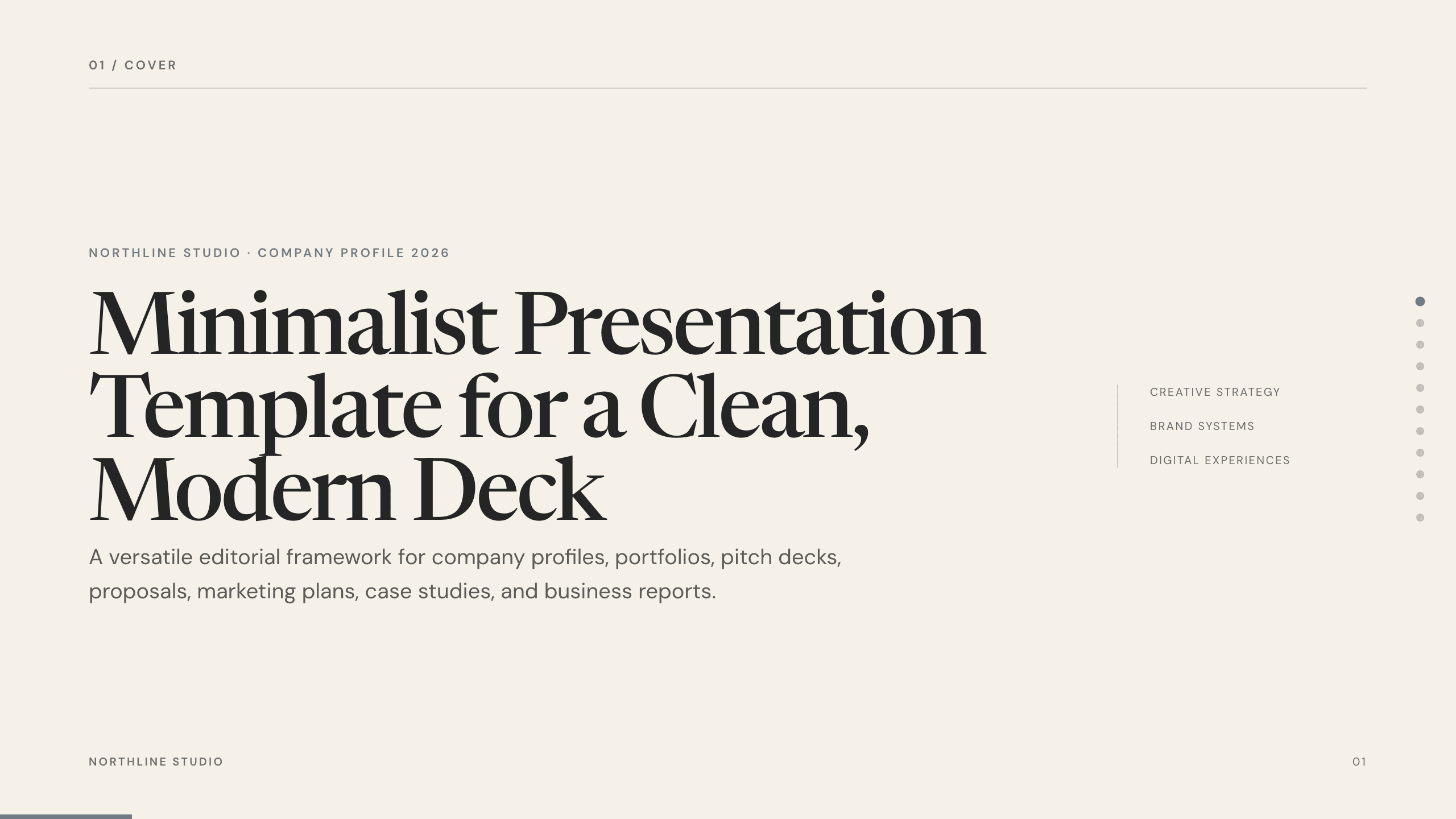
Minimalist Presentation Template
Build a clean 11-slide presentation with an editorial system for company stories, portfolios, proposals, case studies, reports, and focused recommendations.
View template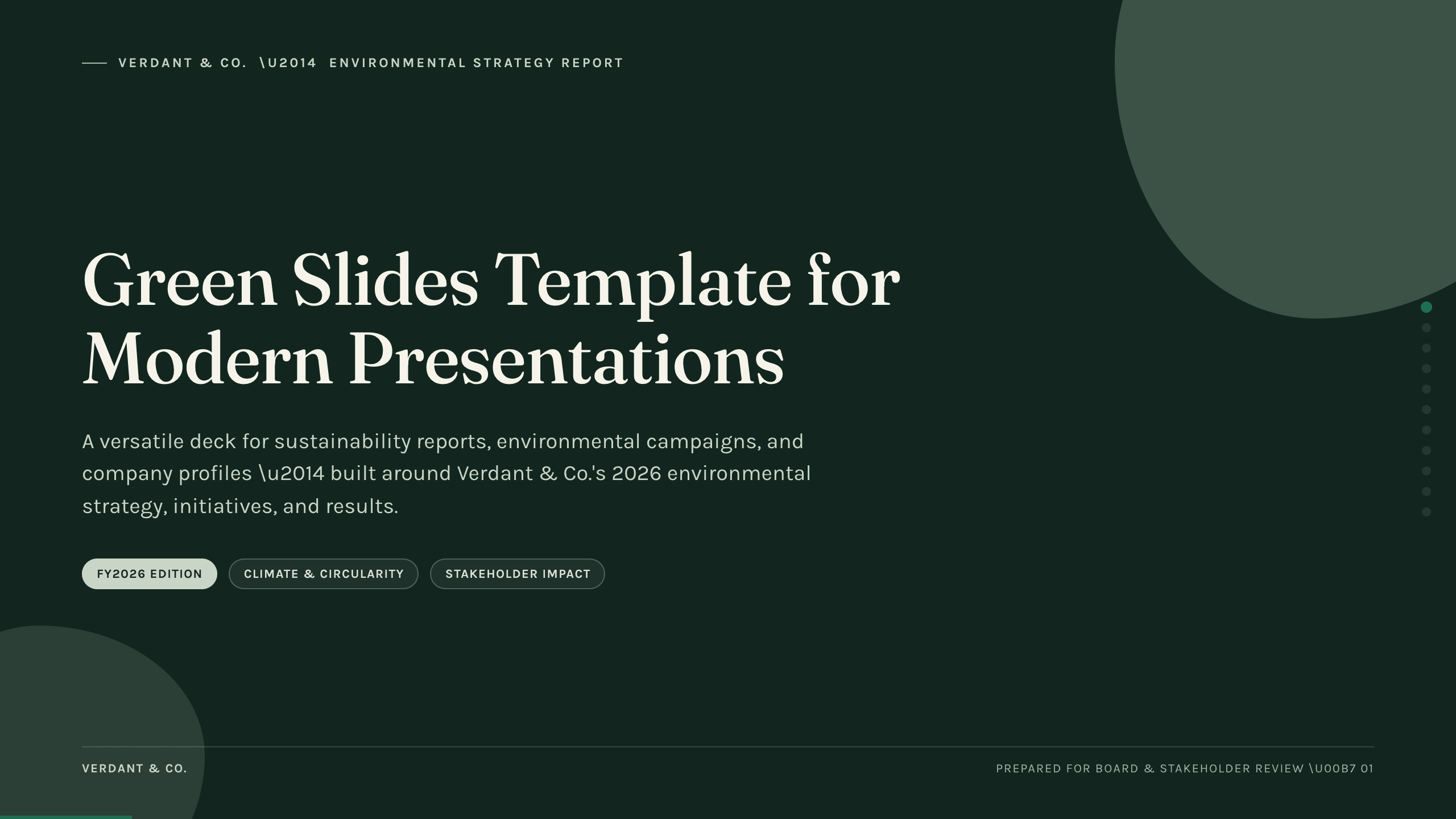
Green Slides Template
Use an 11-slide green presentation system for sustainability reports, environmental campaigns, initiatives, metrics, progress, and next actions.
View template
Flower Slides Template
Present a floral studio or event concept with 12 botanical slides for seasonal materials, arrangements, palettes, events, process, pricing, and inquiry.
View template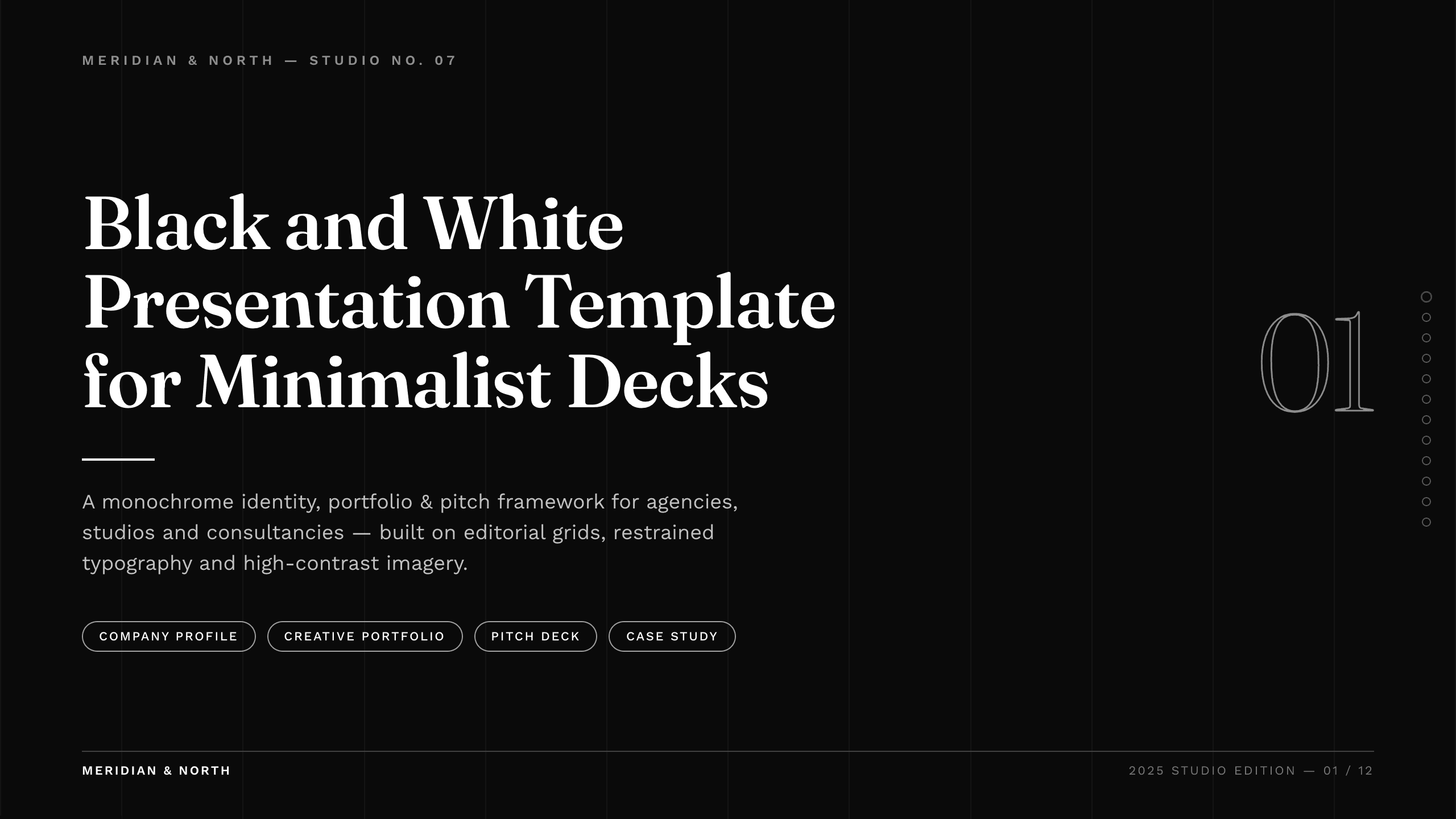
Black and White Presentation Template
Use a 10-slide black-and-white editorial system for agency profiles, portfolios, proposals, case studies, pitches, results, and future direction.
View template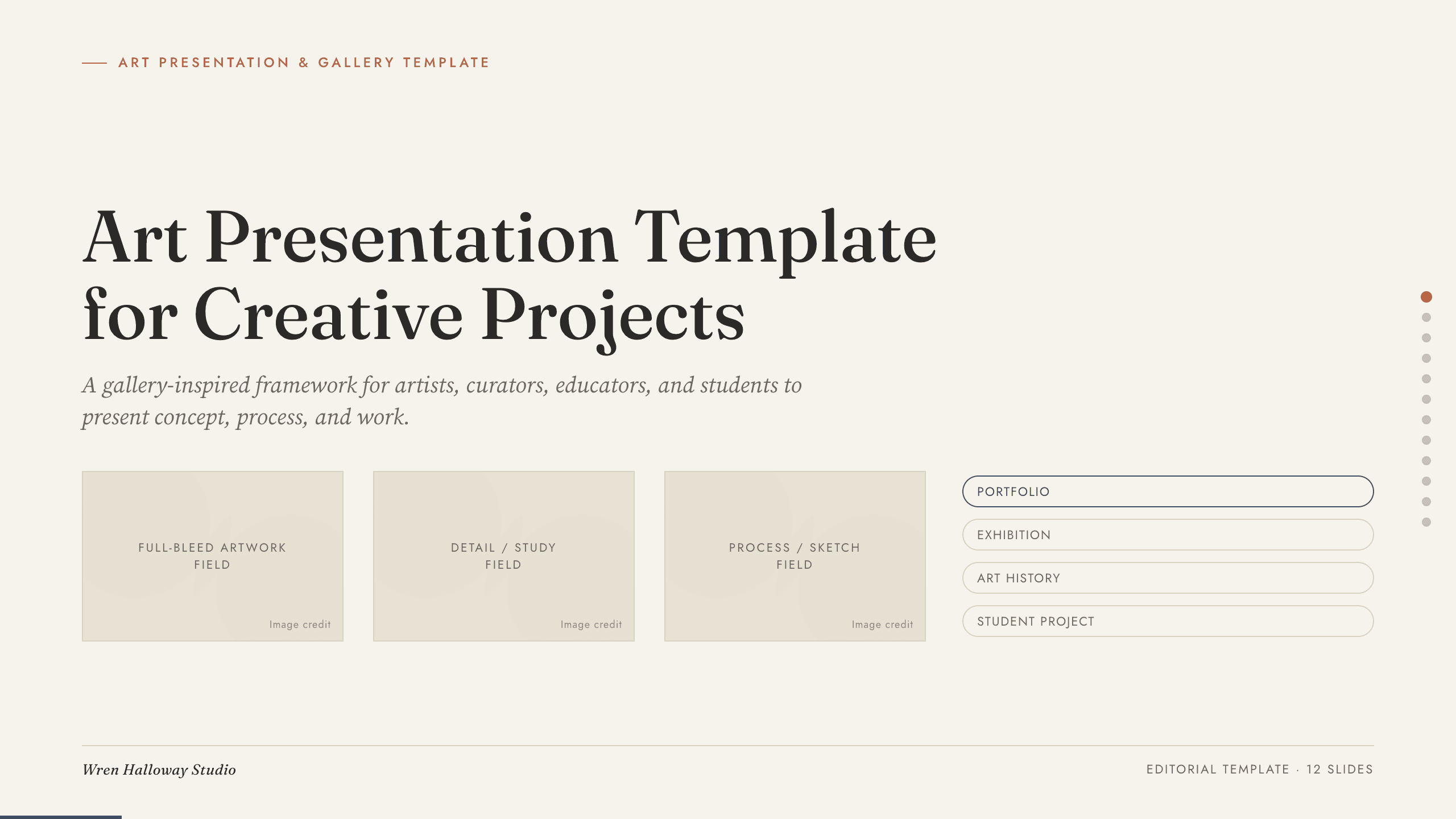
Art Presentation Template
Present an art practice in five gallery-style slides covering artist perspective, concept, process, selected work, material detail, and central question.
View template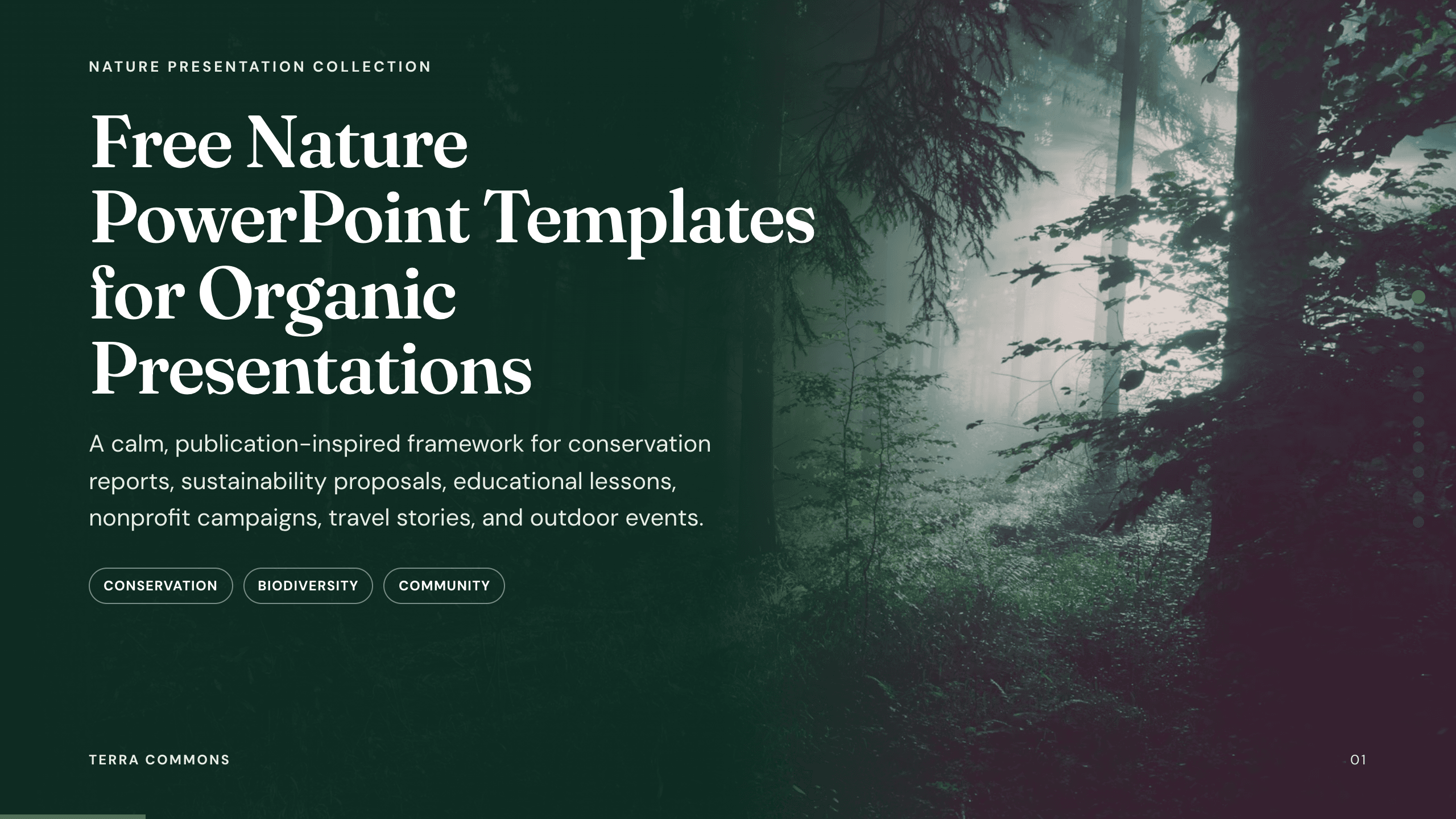
Free Nature PowerPoint Templates
Inspect a 10-slide featured example and find a starting point for organic presentations.
Browse collectionExplore other template hubs
Customize the Purple Slides Template with Julius AI
1
Preview the complete example
Inspect all 12 slides to understand the narrative, layouts, and level of detail before replacing the example content.
2
Add your content and direction
Give Julius AI your source material, evidence, audience, constraints, and desired outcome.
3
Review and export
Check the narrative, facts, and design, then export an editable version to PowerPoint or Google Slides for final delivery.