Black and White Presentation Template for Minimalist Decks
Use a 10-slide black-and-white editorial system for agency profiles, portfolios, proposals, case studies, pitches, results, and future direction.
Preview the 10-slide Black and White Presentation Template
Review the complete monochrome studio story from point of view and selected work through two case outcomes, capabilities, process, and investment priorities.
What you're getting
A monochrome deck where composition carries the identity
This 10-slide template uses high-contrast type, editorial grids, and black-and-white imagery for company stories, portfolios, proposals, case studies, and pitches. The limited palette makes hierarchy, crop, scale, and pacing especially important.
The worked studio example demonstrates how restraint can still feel distinctive. Replace the projects and outcomes with relevant evidence, check image reproduction, and preserve contrast for text, charts, and accessibility.
- Included
- 10 editorial slides
- Best for
- Portfolios and pitches
- Export
- PowerPoint or Google Slides
Built for
Studios presenting selected work
Creative teams combining point of view, capabilities, projects, outcomes, process, and next direction.
Consultancies building an understated proposal
Advisers using strong hierarchy for the client problem, recommendation, proof, delivery, and ask.
Individuals creating a minimalist portfolio
Designers, photographers, and writers who want the work and ideas to lead.
Getting started
Use contrast, scale, and sequence as the visual language
Decide the hierarchy before applying monochrome styling; removing color does not automatically create clarity.
- 1
Choose the governing story
Define the audience, purpose, argument, and small set of projects or evidence that belong.
- 2
Prepare imagery consistently
Use permitted high-resolution images with deliberate crop, tonal range, and reproduction quality.
- 3
Control typography and grid
Keep type scale, measure, alignment, spacing, captions, and section rhythm consistent.
- 4
Preserve functional contrast
Check text, charts, links, focus, and printed output rather than relying on subtle gray differences.
- 5
End with a direct invitation
Close on the decision, project, conversation, or contact relevant to the work presented.
Explore more
Related templates worth comparing

Black History Month Slides Template
Build a 10-slide Black History Month presentation covering origins, historical context, leaders, movements, culture, science, sources, and action.
View template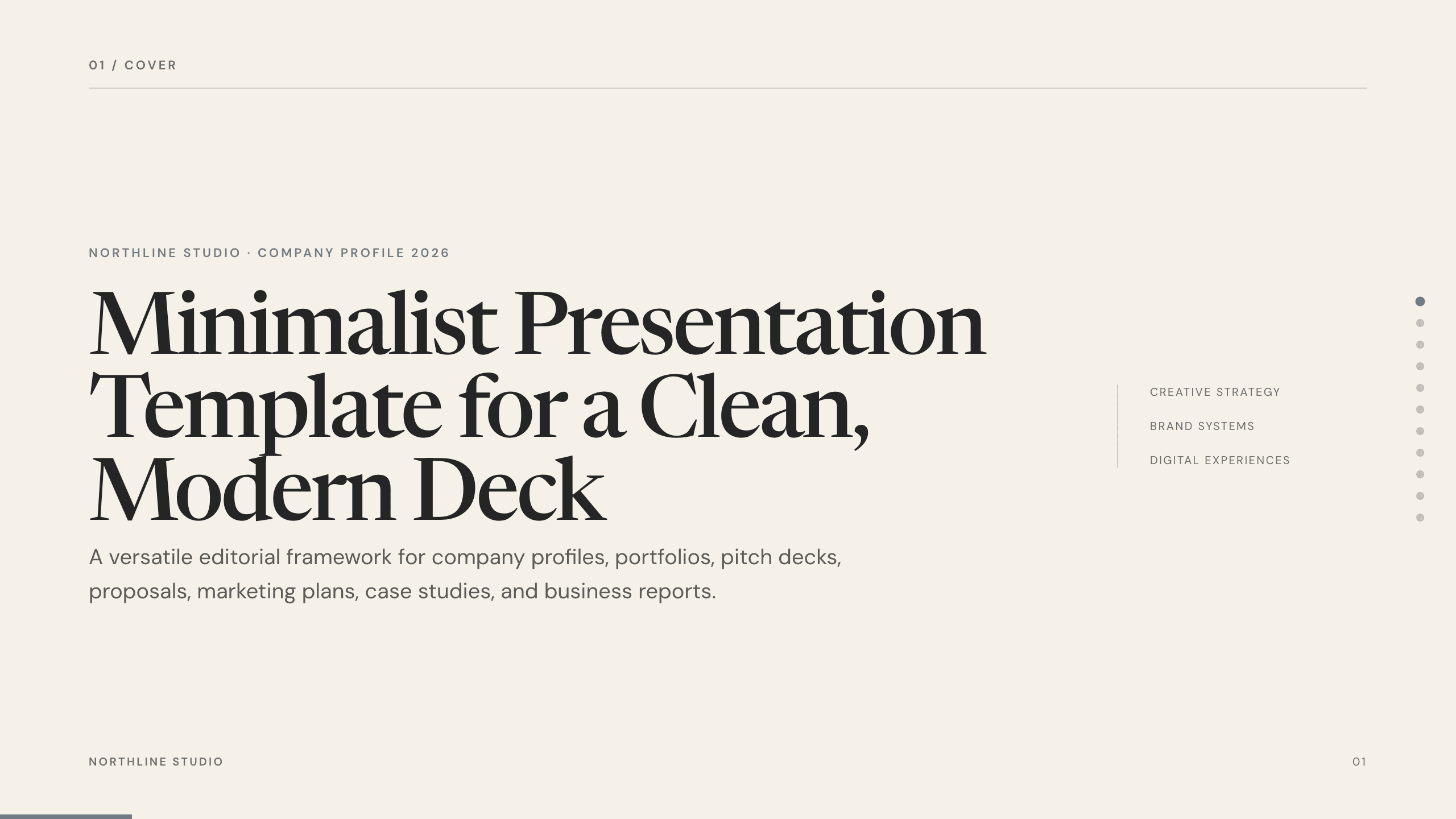
Minimalist Presentation Template
Build a clean 11-slide presentation with an editorial system for company stories, portfolios, proposals, case studies, reports, and focused recommendations.
View template
Purple Slides Template
Use a versatile 12-slide purple presentation system for agency stories, brand strategy, campaigns, proposals, portfolios, case studies, and recommendations.
View template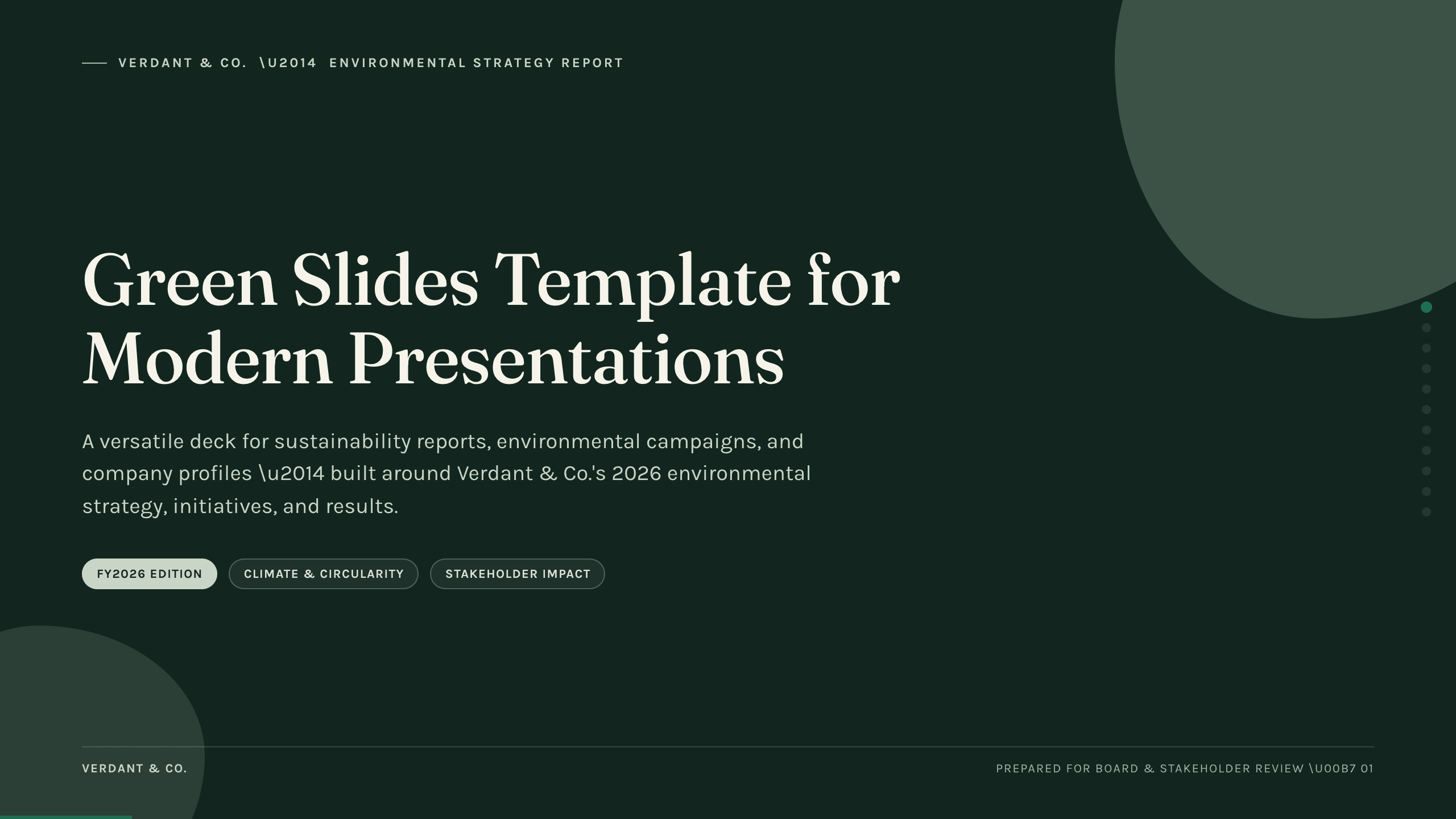
Green Slides Template
Use an 11-slide green presentation system for sustainability reports, environmental campaigns, initiatives, metrics, progress, and next actions.
View template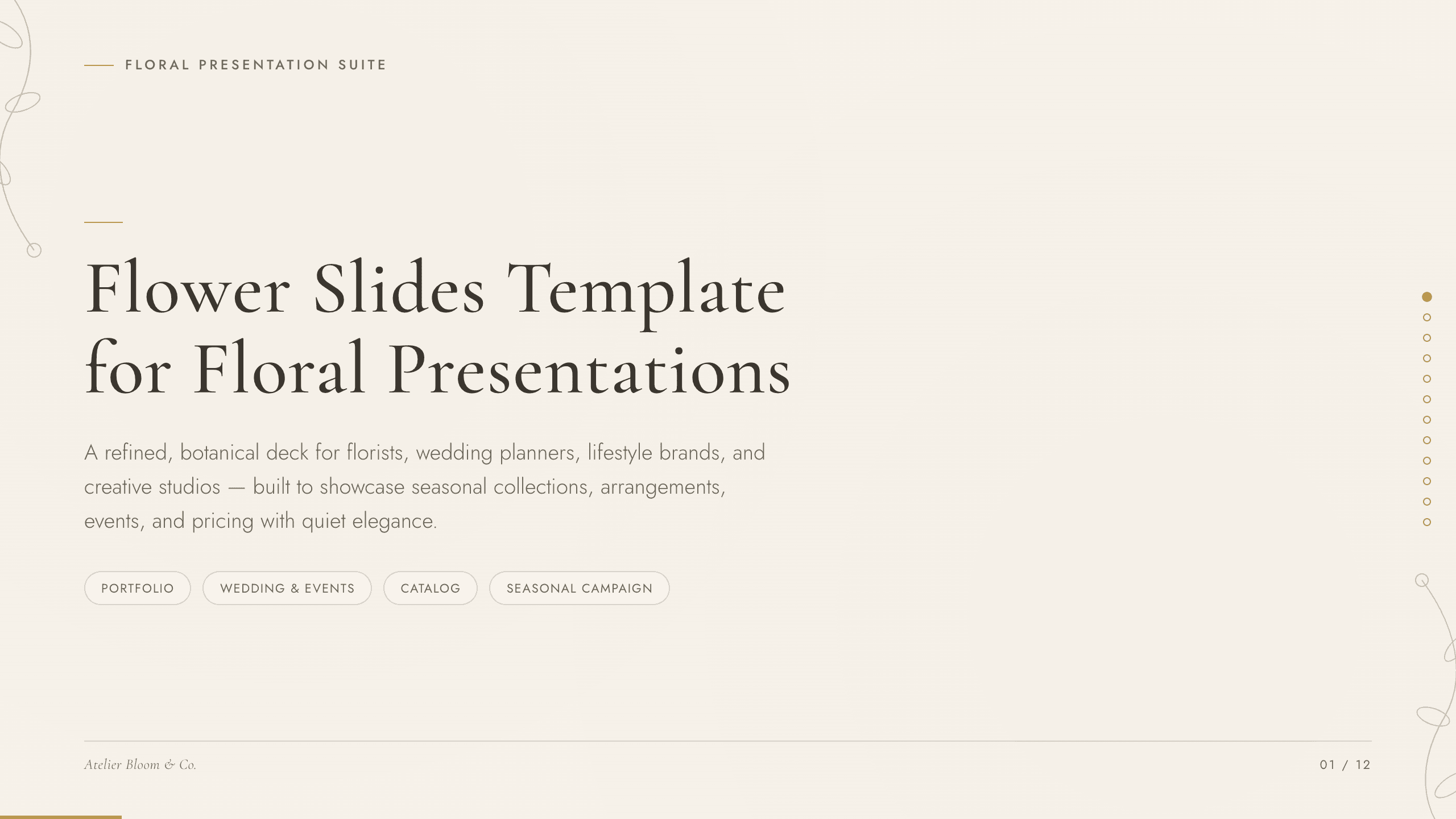
Flower Slides Template
Present a floral studio or event concept with 12 botanical slides for seasonal materials, arrangements, palettes, events, process, pricing, and inquiry.
View template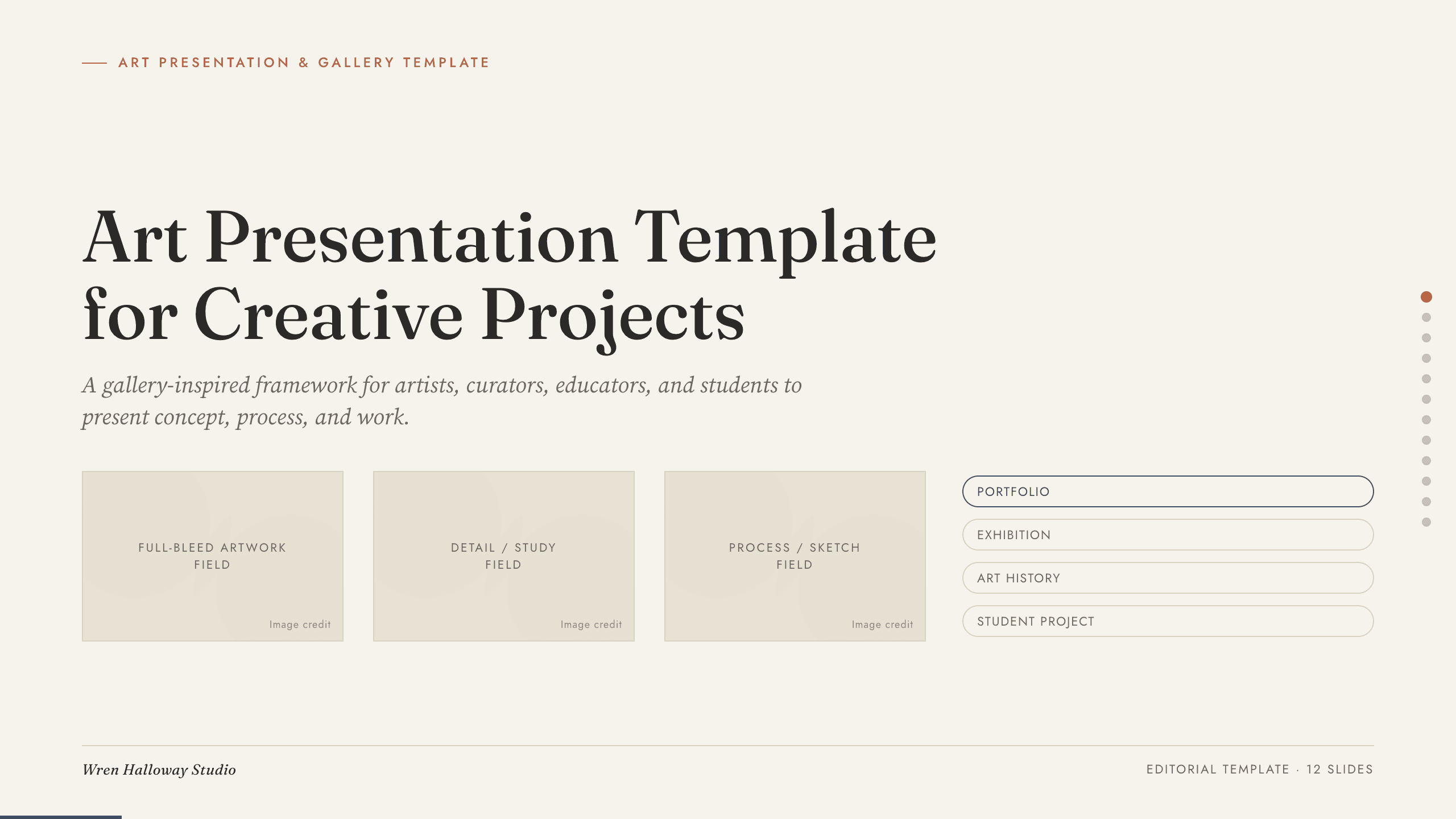
Art Presentation Template
Present an art practice in five gallery-style slides covering artist perspective, concept, process, selected work, material detail, and central question.
View templateExplore other template hubs
Customize the Black and White Presentation Template with Julius AI
1
Preview the complete example
Inspect all 10 slides to understand the narrative, layouts, and level of detail before replacing the example content.
2
Add your content and direction
Give Julius AI your source material, evidence, audience, constraints, and desired outcome.
3
Review and export
Check the narrative, facts, and design, then export an editable version to PowerPoint or Google Slides for final delivery.